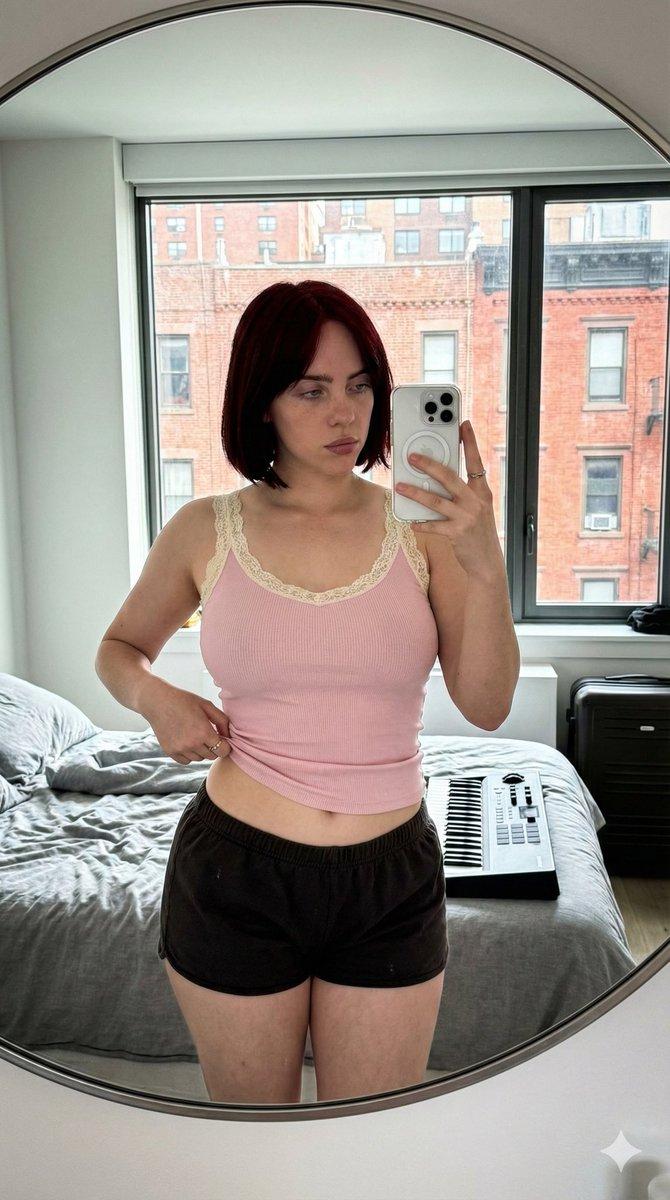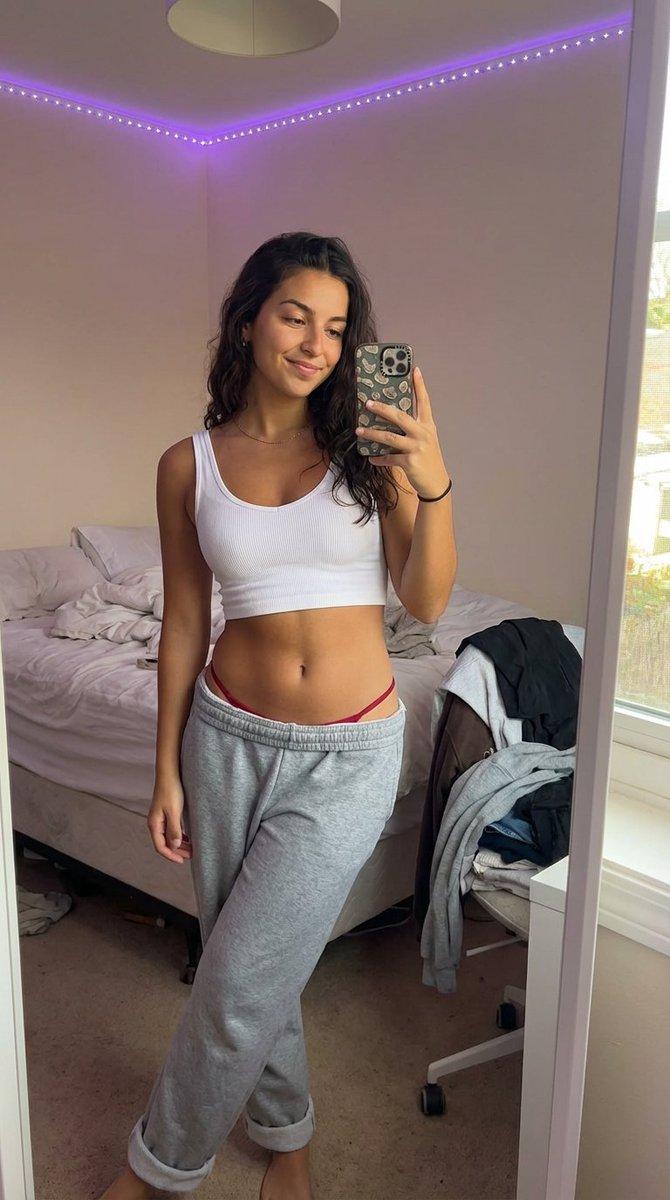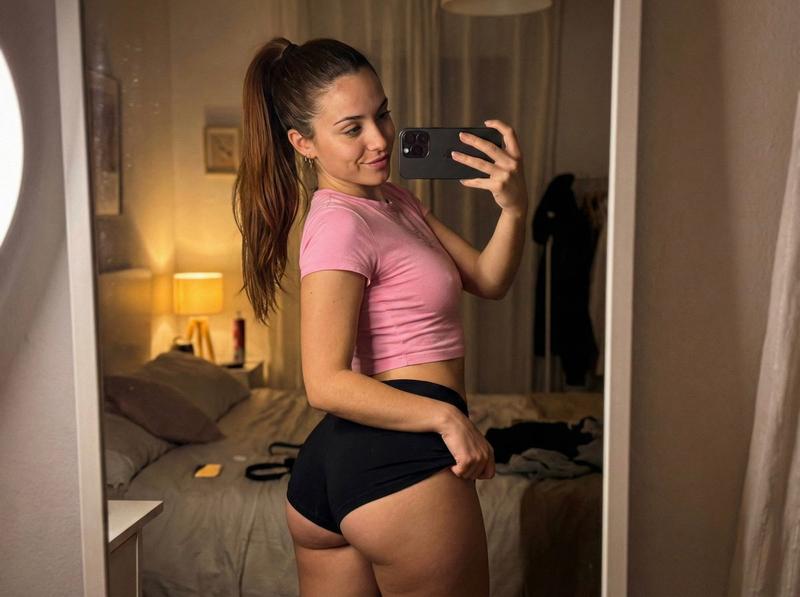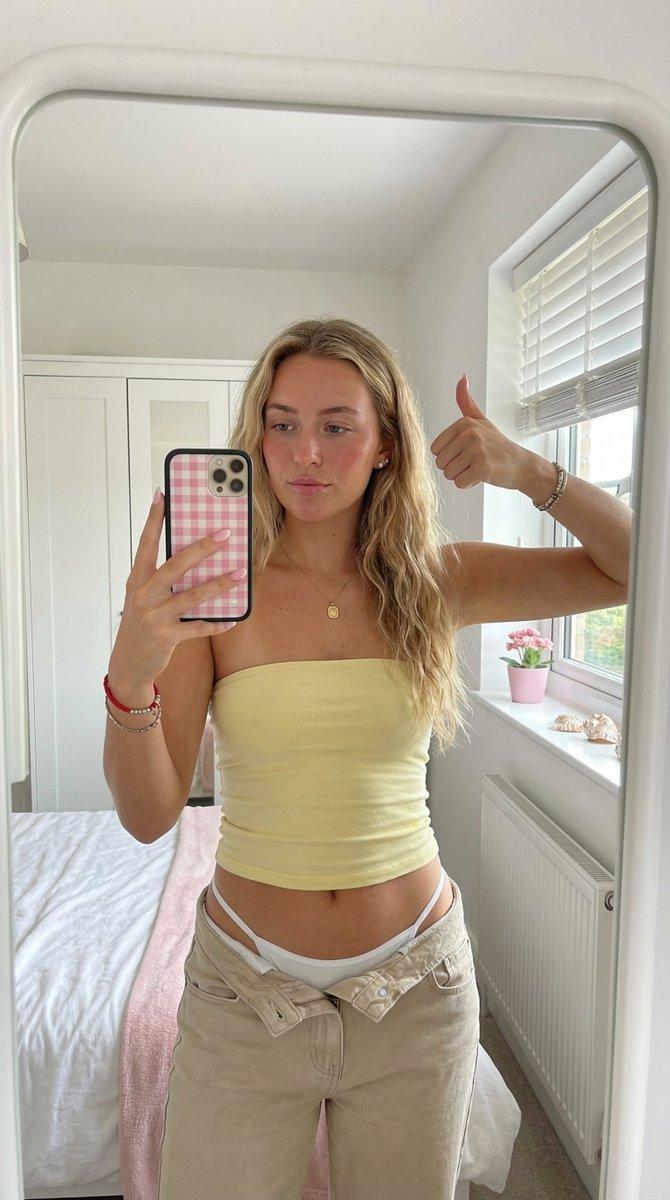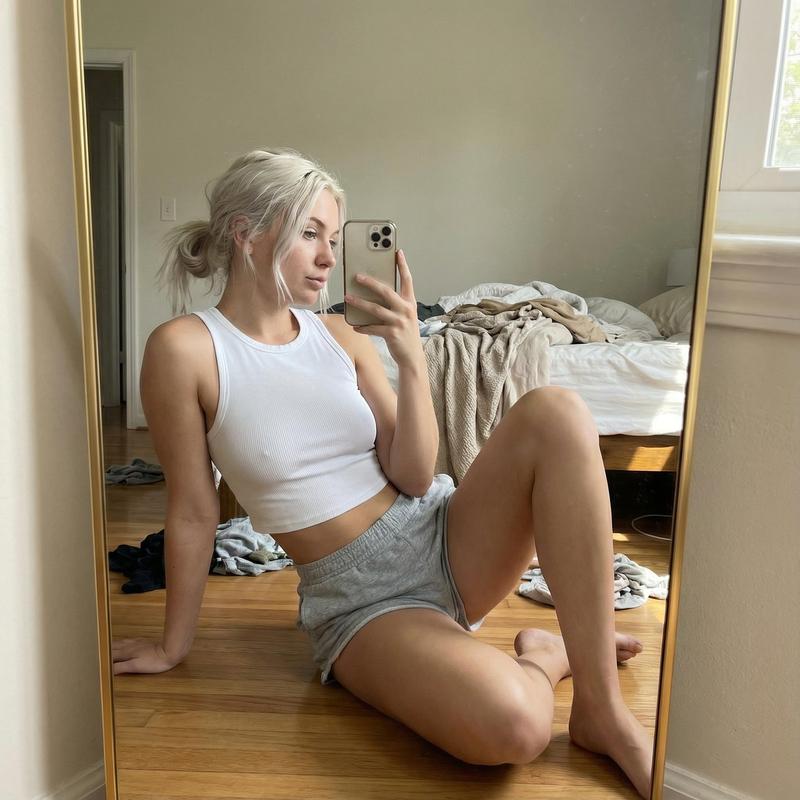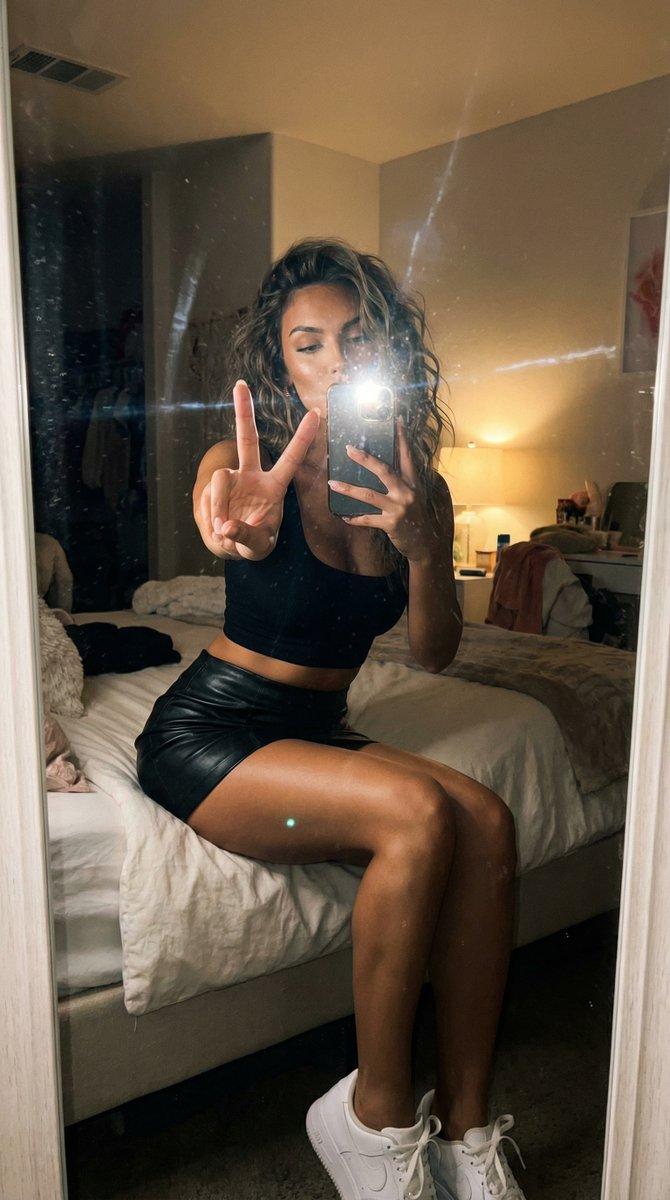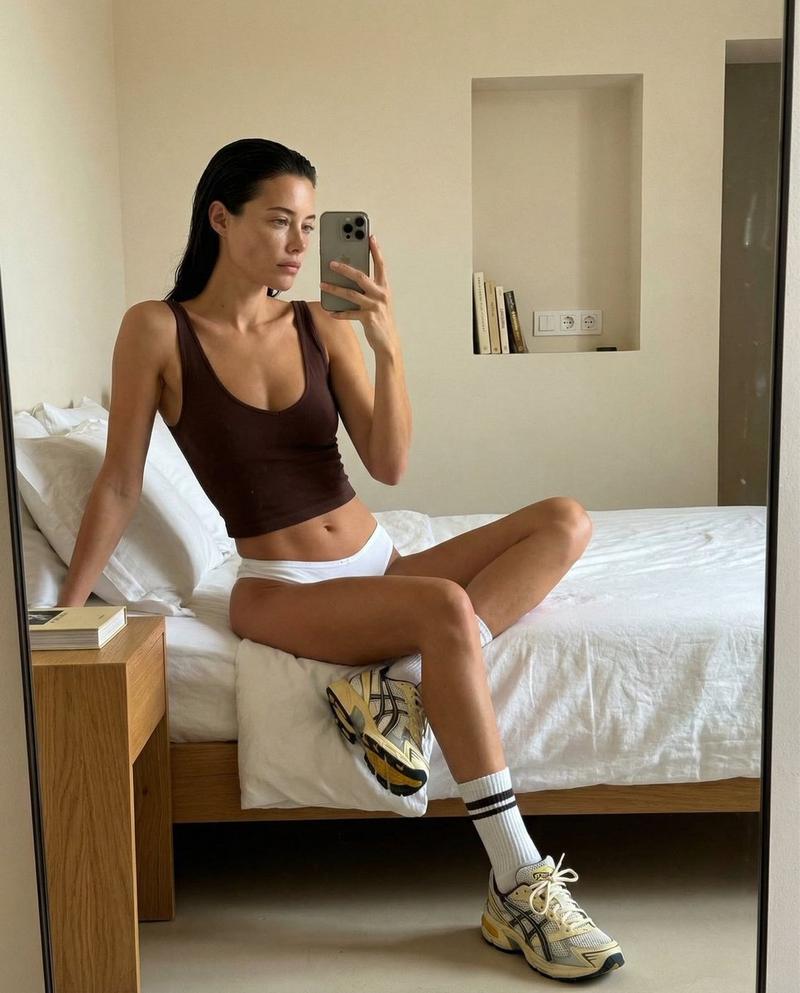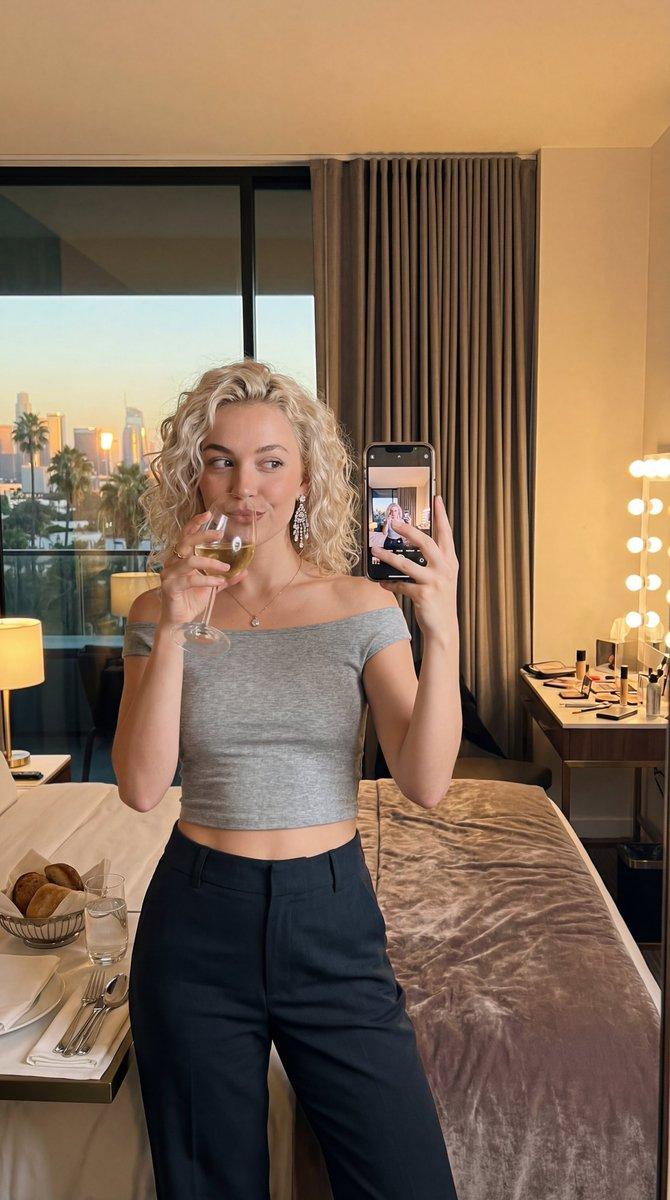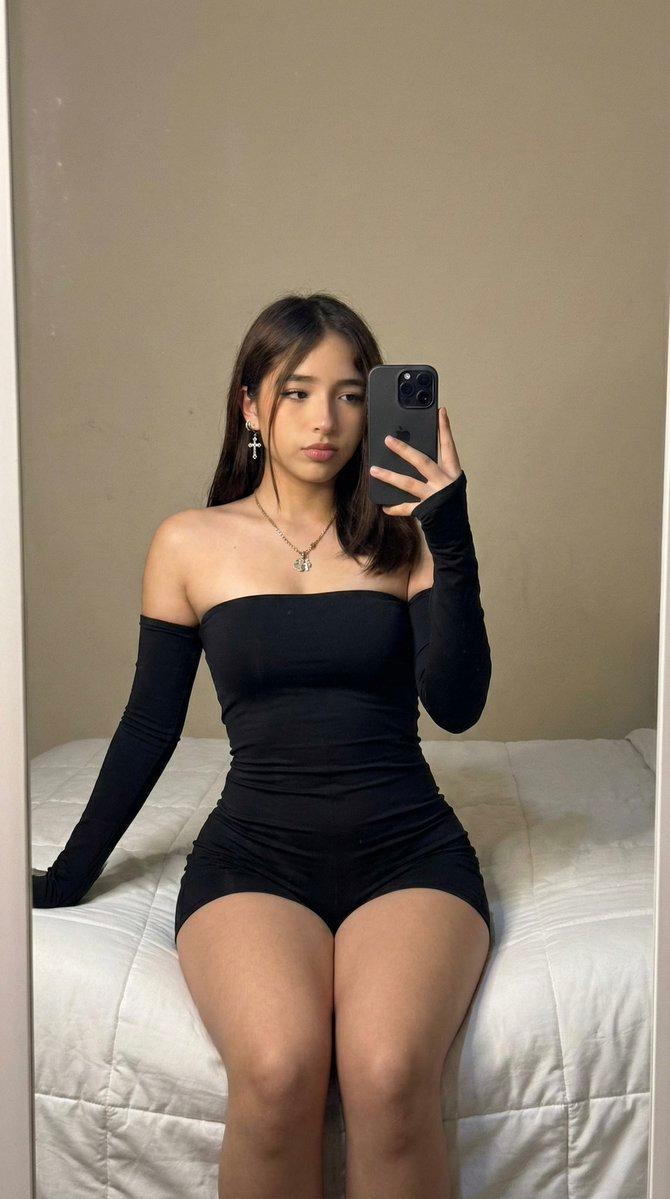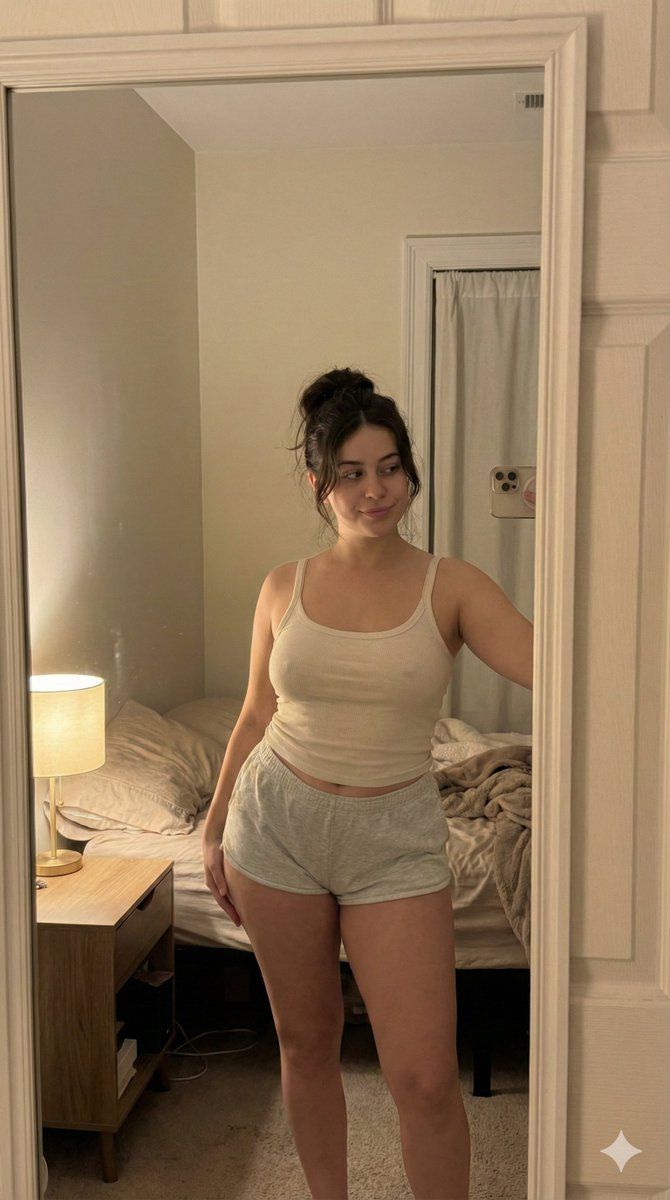
超逼真 iPhone 自拍提示词
Prompt
{
  "meta": {
    "quality": "ultra photorealistic",
    "resolution": "8k",
    "camera": "iPhone 15 Pro",
    "lens": "26mm",
    "aspect_ratio": "4:3",
    "style": "raw iphone realism, soft indoor lighting, subtle grain, candid snapshot feel"
  },

  "character_lock": {
    "age": "mid 20s",
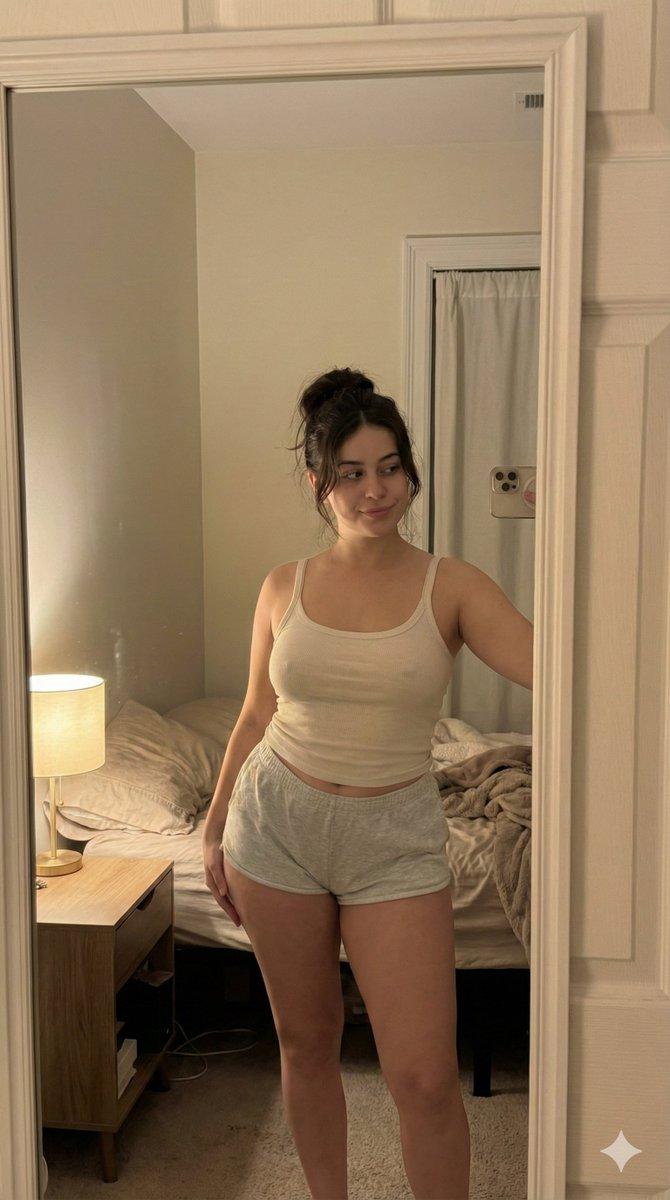
    "ethnicity": "Mediterranean / brunette",
    "hair": { "color": "dark brown", "style": "loose messy bun with soft strands falling" },
    "eyes": "brown",
    "body": { "type": "curvy hourglass", "chest": "full", "waist": "defined", "hips": "round" }
  },

  "scene": {
    "location": "small bedroom",
    "time": "late night",
    "atmosphere": "quiet, intimate, relaxed nighttime mood"
  },

  "camera_perspective": {
    "pov": "we ARE her phone",
    "angle": "slightly high angled selfie",
    "framing": "upper thighs to head",
    "phone_visibility": "not visible"
  },

  "subject": {
    "action": "standing near bed taking a casual mirror selfie",
    "pose": {
      "hips": "slightly tilted to one side",
      "upper_body": "relaxed posture",
      "expression": "sleepy eyes, faint soft smile"
    },

    "outfit": {
      "top": {
        "type": "thin ribbed tank top",
        "color": "off-white",
        "fit": "soft, lightly fitted",
        "details": "natural fabric folds, slightly loose straps"
      },
      "bottom": {
        "type": "cotton lounge shorts",
        "color": "light grey",
        "fit": "comfortable, slightly loose"
      }
    }
  },

  "lighting": {
    "type": "warm bedside lamp",
    "effect": "soft shadows, warm skin tones, gentle falloff into darker edges"
  },

  "negative_prompt": [
    "men",
    "nudity",
    "explicit sexual content",
    "overexposed lighting",
    "plastic skin",
    "studio setup",
    "AI artifacts",
    "unnatural anatomy"
  ]
}- Category
- 创意图片
- Model
- Nano Banana Pro
- Creator
- TumuAI
- Source ID
- c2bc0bb5-c341-4d55-b3bd-d1a3b5cad65d
- Published
- Mar 8, 2026
Views0