19

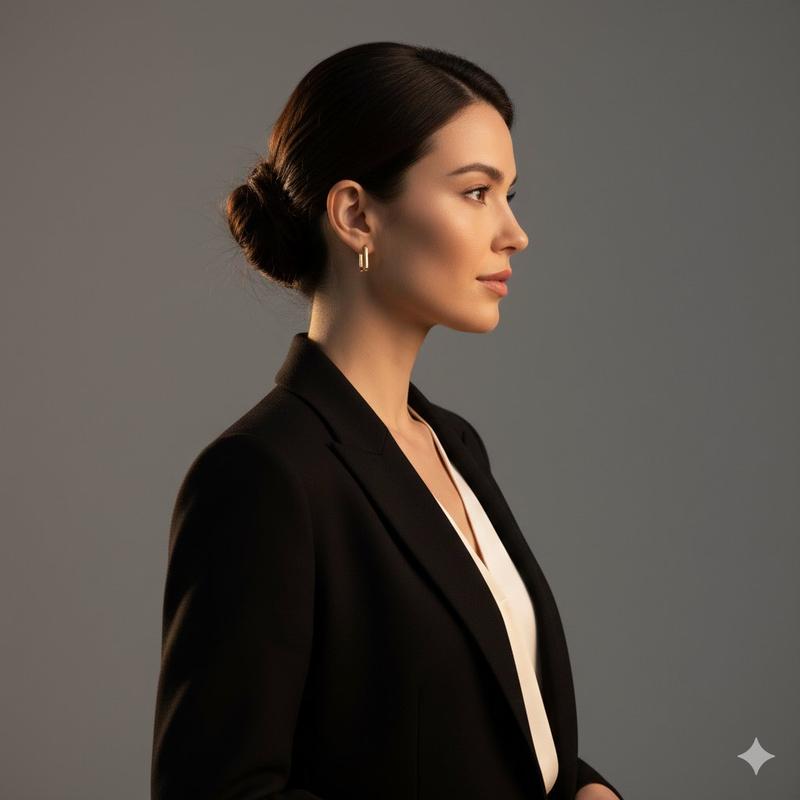
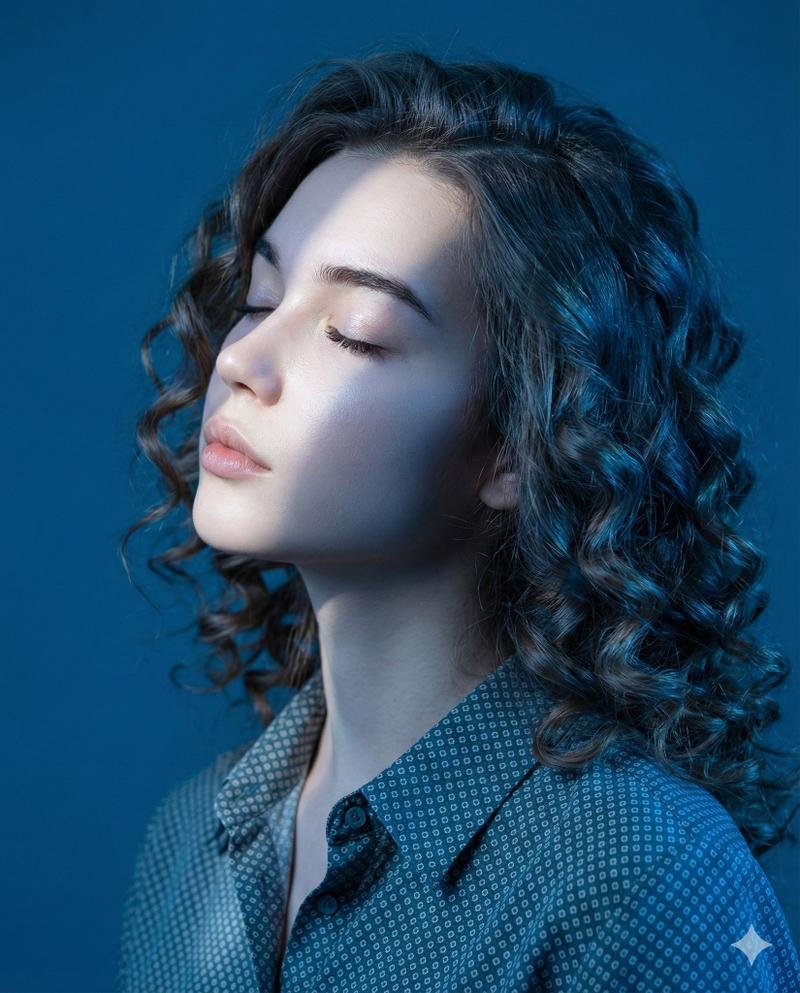
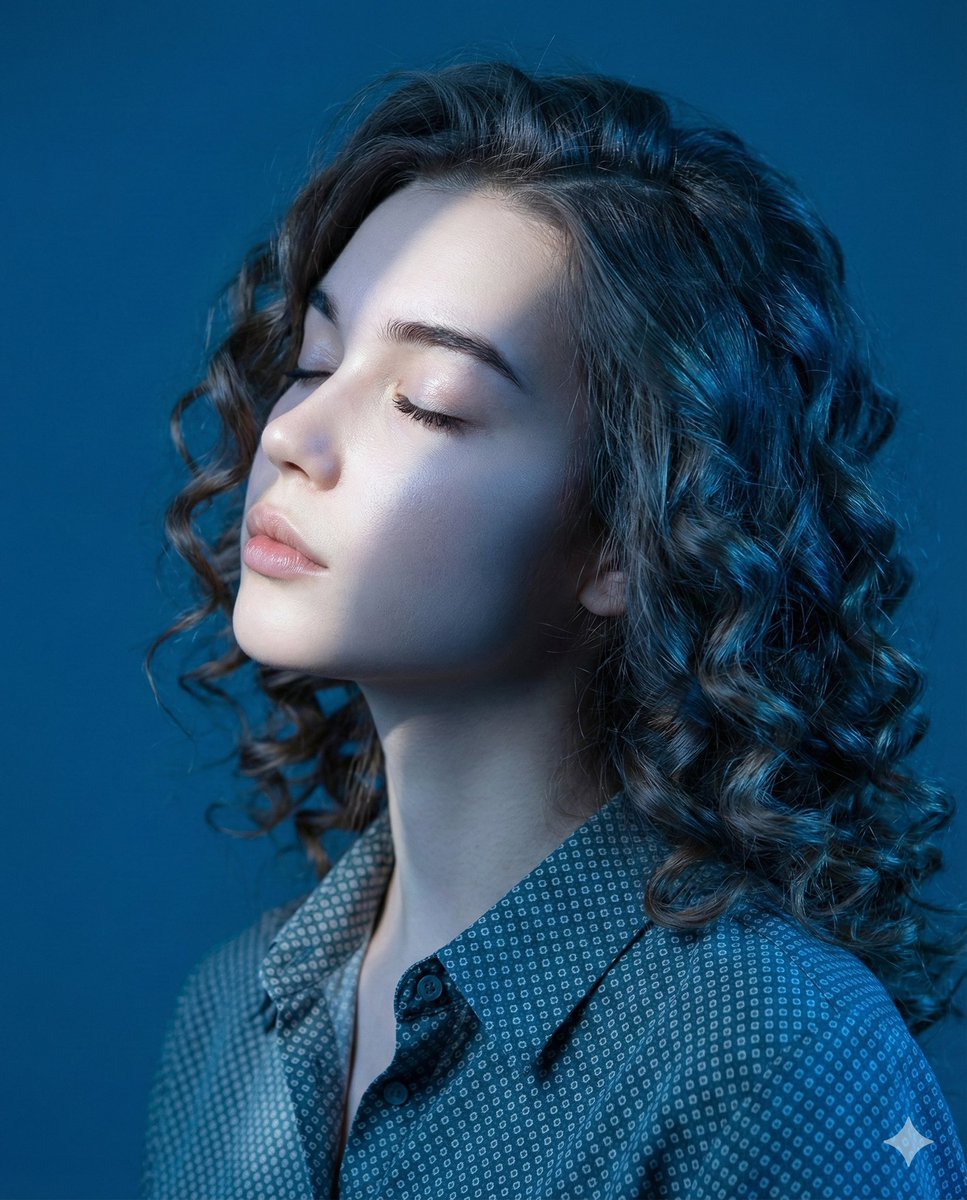
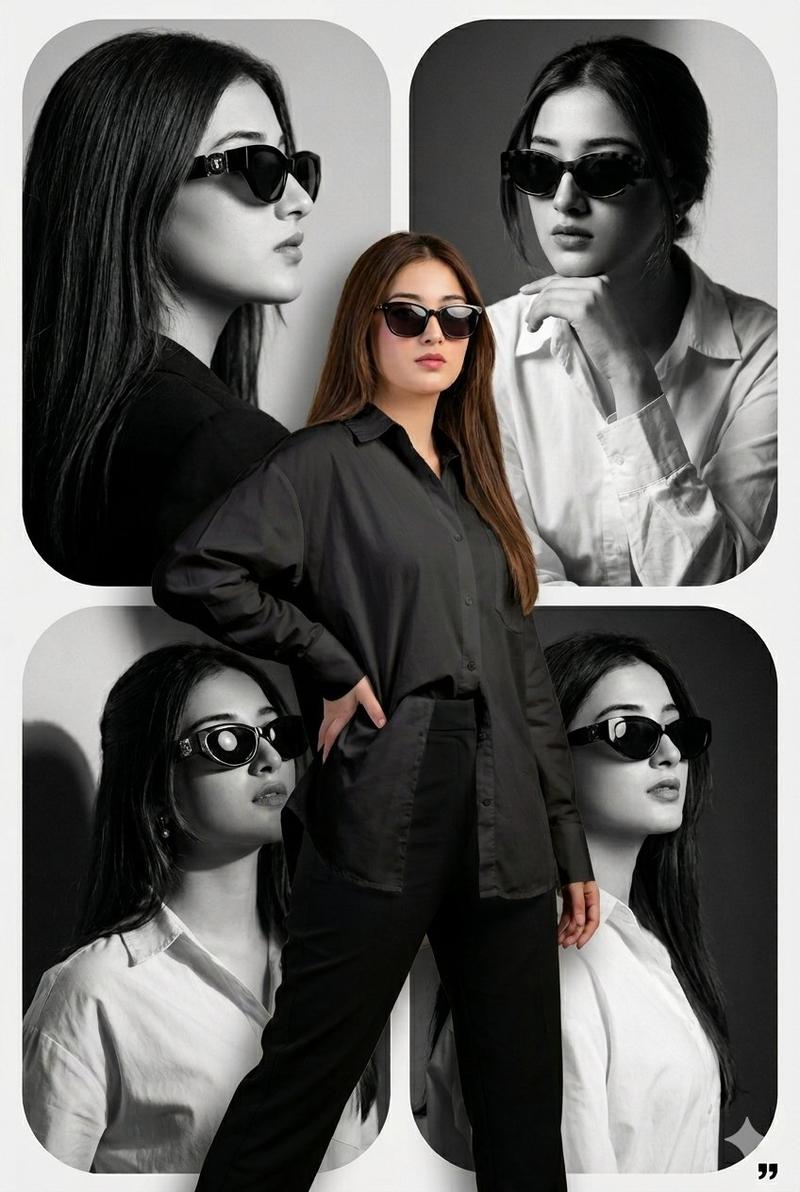
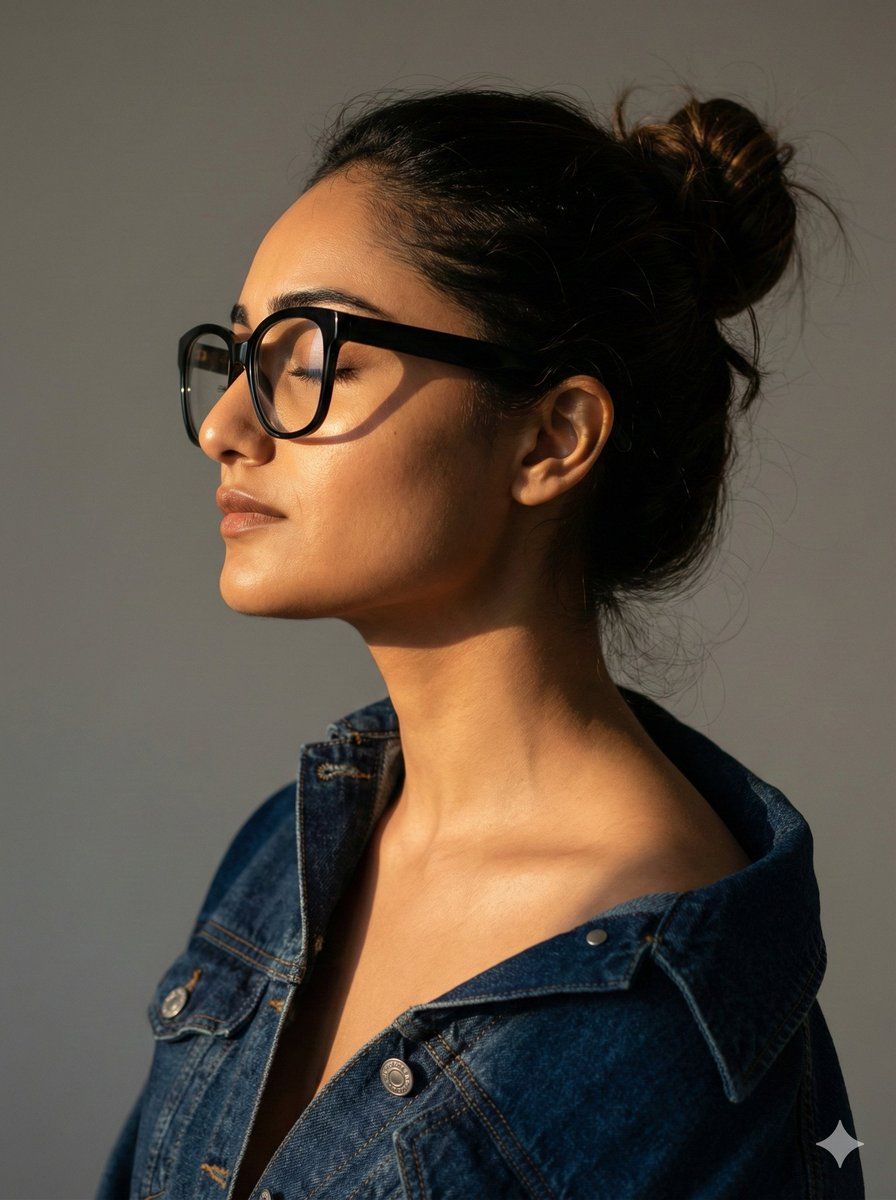
电影级人像模式,保留身份特征
Enlarge

电影级人像模式,保留身份特征

Prompt
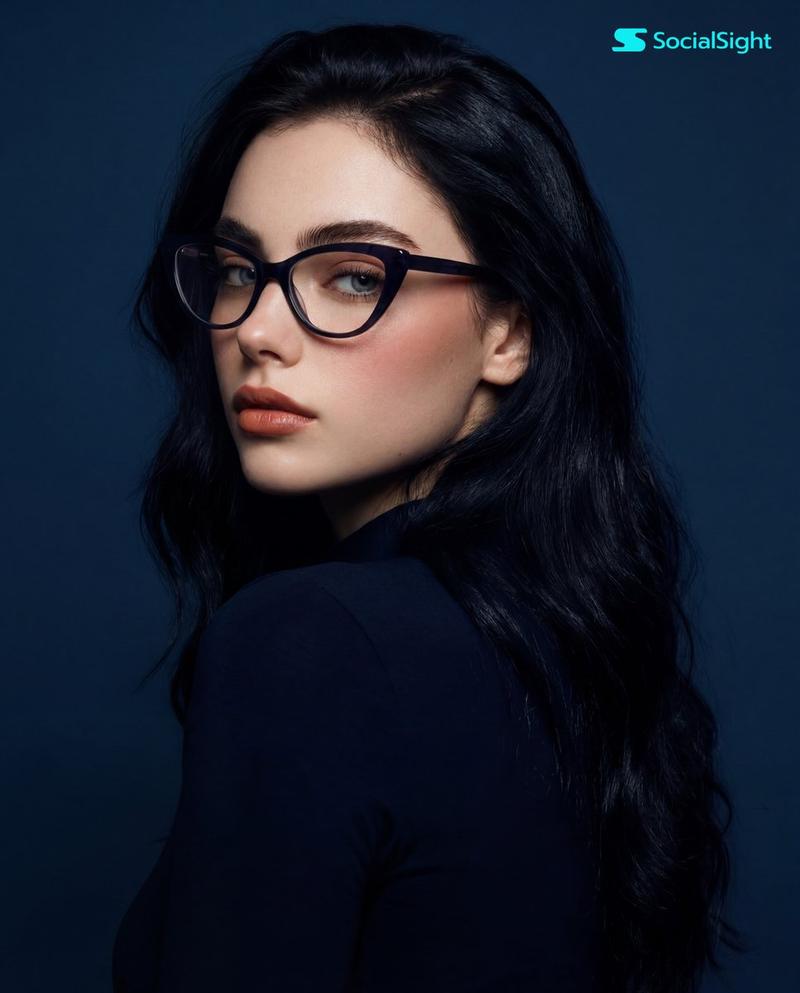
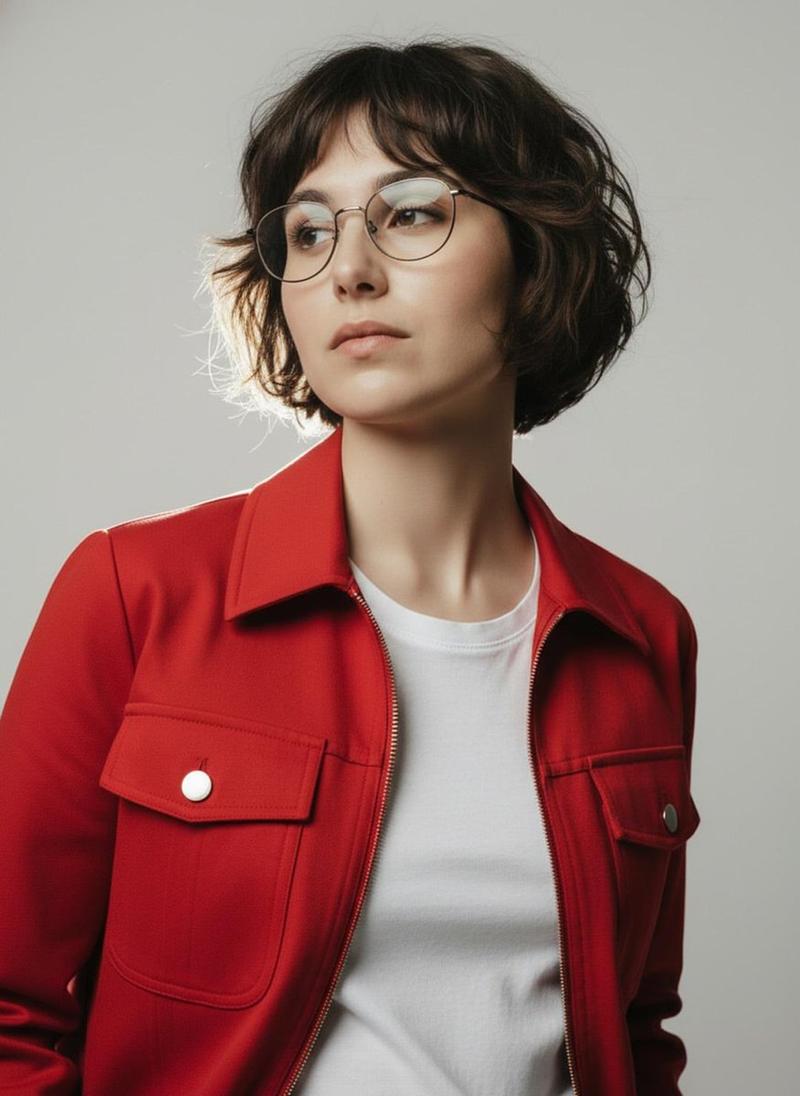
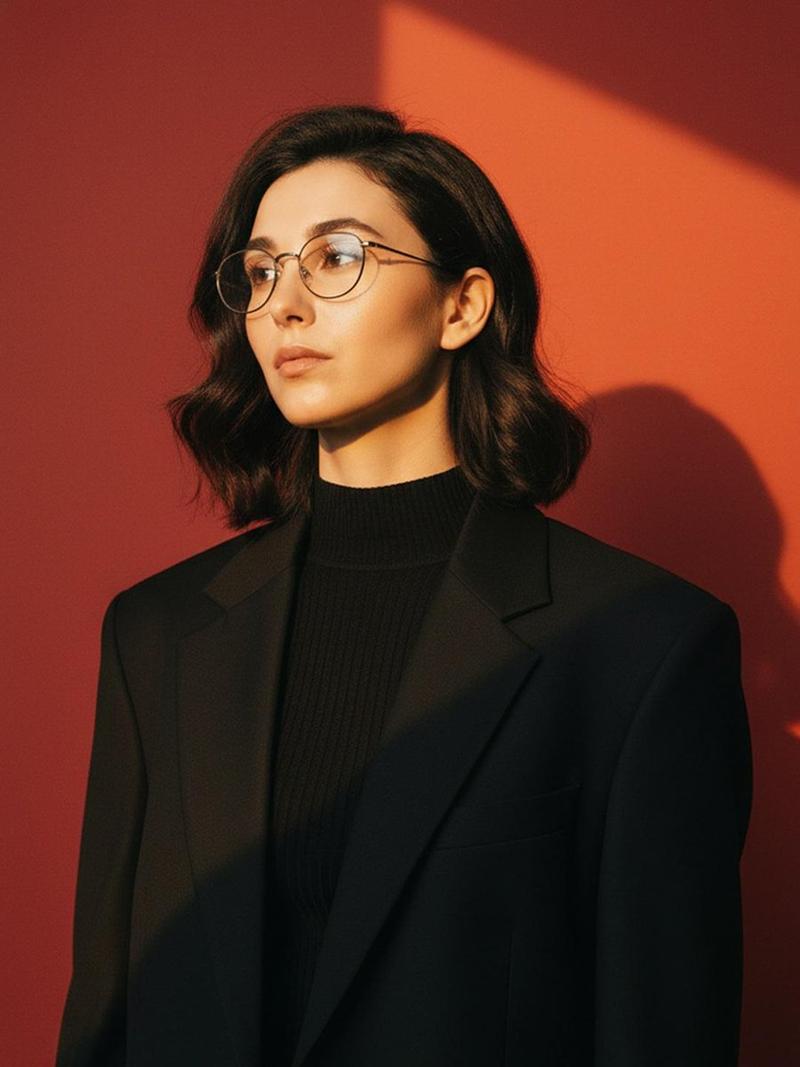
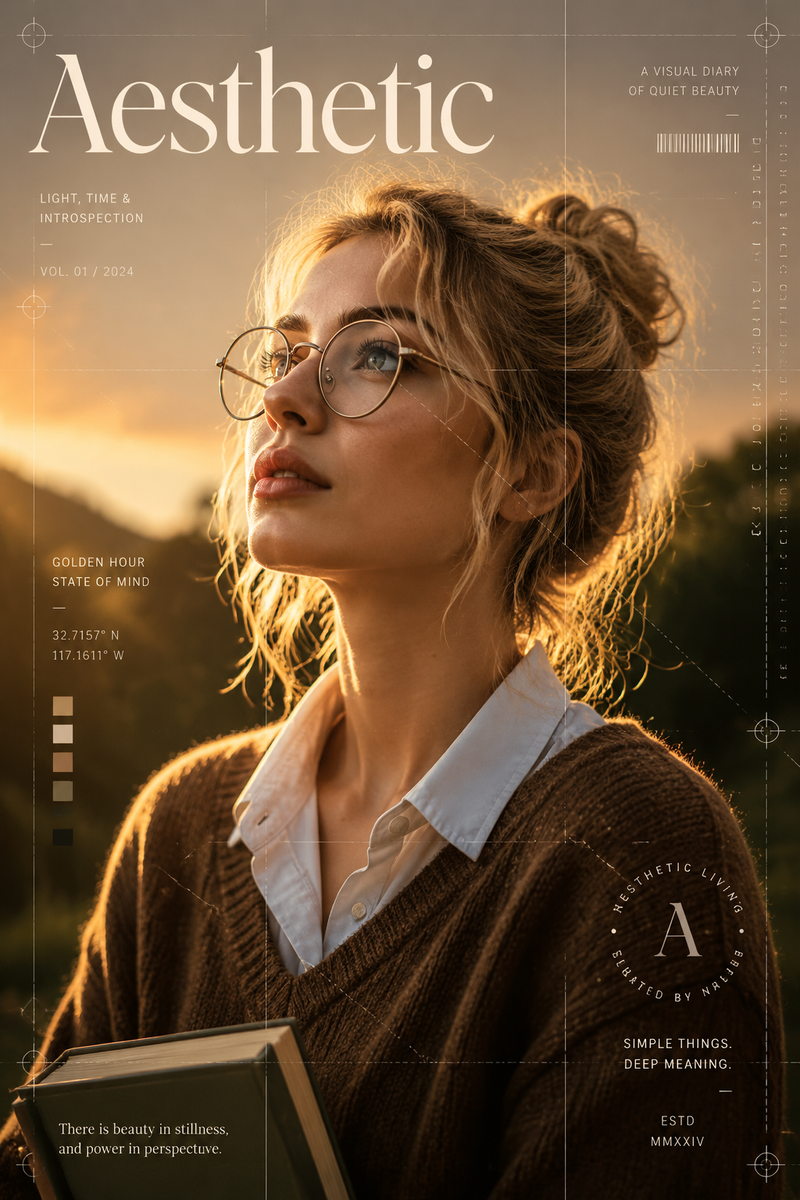
Create a 3:4 high-quality, cinematic profile portrait using the uploaded image as the only identity reference. Preserve her face with 100% accuracy with no changes to facial structure, proportions, or features. The subject is a beautiful young woman with dark hair styled in a loose, messy bun, wearing oversized black eyeglasses. She is dressed in a dark blue denim jacket worn off one shoulder, revealing the collarbone naturally. Pose is a clean side profile with eyes closed, serene and calm expression. Strong warm golden-hour side lighting hits from one direction, creating dramatic contrast, luminous highlights on the skin, and deep soft shadows for sculptural depth. Plain neutral gray studio background, minimal and distraction-free. Shot on an 85mm lens look, shallow depth of field, sharp focus on facial contours, visible skin texture, fashion editorial photography style, cinematic realism, high detail, professional studio quality.
Category
创意图片
Model
Nano Banana Pro
Views0
Source ID
3b743ea9-07aa-43d0-bd38-20e3335346e2
Published
Mar 8, 2026

Guide

About "电影级人像模式,保留身份特征"

What is this prompt for?

"电影级人像模式,保留身份特征" AI image prompt for Nano Banana Pro (创意图片). 一个高度具体的图像到图像生成提示,旨在 100% 准确地保留主体的面部特征,同时呈现出电影般的侧面肖像,具有强烈的黄金时段光线和浅景深。 --- 创建一个 3:4 的高质量电影级侧面肖像,仅使用上…

The full copyable prompt and example visuals above are ready for AI image generation or one-click recreate in Picva.

How to use this prompt

  1. Step 1

    Open the prompt detail

    Review the example visuals, category, and full prompt text for "电影级人像模式,保留身份特征".

  2. Step 2

    Copy the prompt

    Copy the prompt body from this page, or load it directly in Studio.

  3. Step 3

    Pick a model (Nano Banana Pro)

    Prefer Nano Banana Pro. If you switch models, keep subject and composition and tweak style terms.

  4. Step 4

    Generate and export

    Recreate the look in Picva, or export into your workflow for editing and publishing.

FAQ

What is the "电影级人像模式,保留身份特征" prompt?
It is an AI image-generation prompt for Nano Banana Pro in the 创意图片 category. This page includes the full prompt text, example visuals, and a one-click recreate path in Picva.
How do I use this prompt to generate an image?
Copy the prompt from this page, or use Generate / Studio. Paste it into a compatible image model, or recreate the look in Picva with optional reference images.
Which model is this prompt for?
This page lists Nano Banana Pro. Most descriptive prompts also transfer to nearby image models such as GPT Image, Flux, or Midjourney with light style tweaks.
Can I use the result commercially?
You can usually copy the prompt for creation, but commercial use of the final image depends on the model terms, reference-image rights, and the generated content. Follow the source author and platform rules.