16

高级时装哈萨克模特画报提示
Enlarge

高级时装哈萨克模特画报提示

Prompt
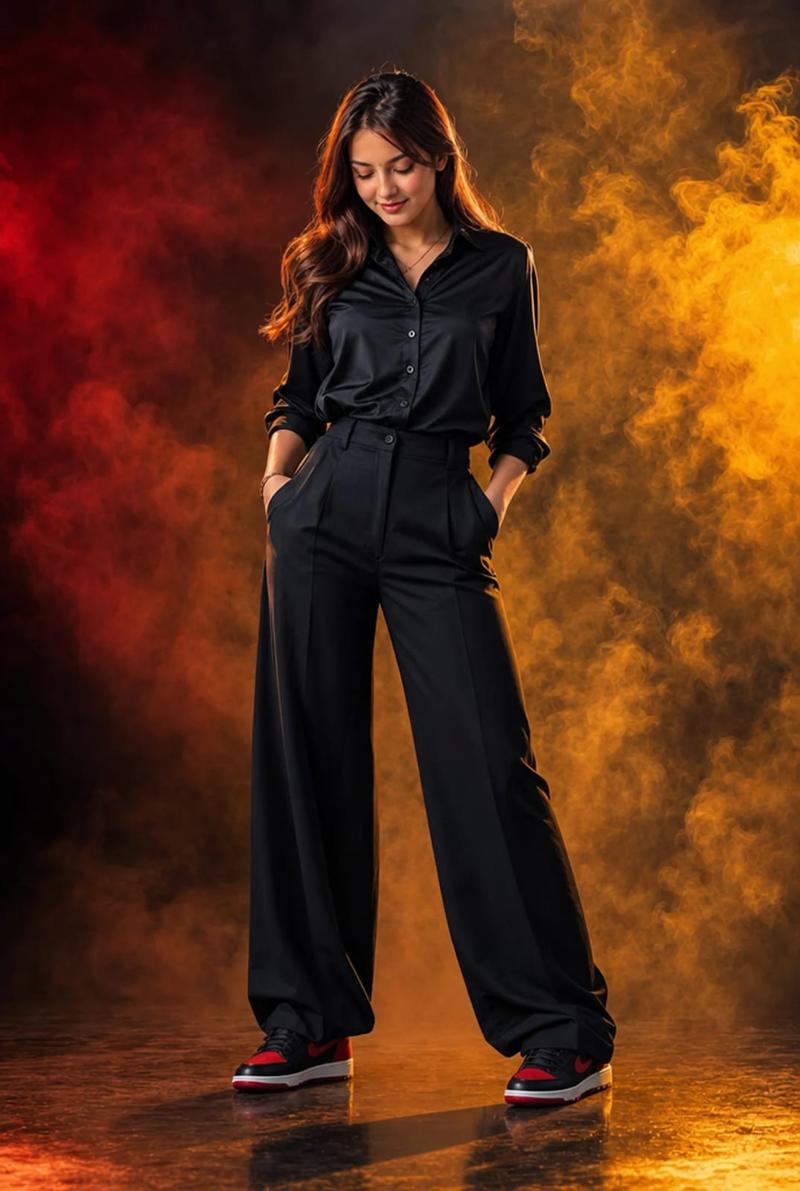
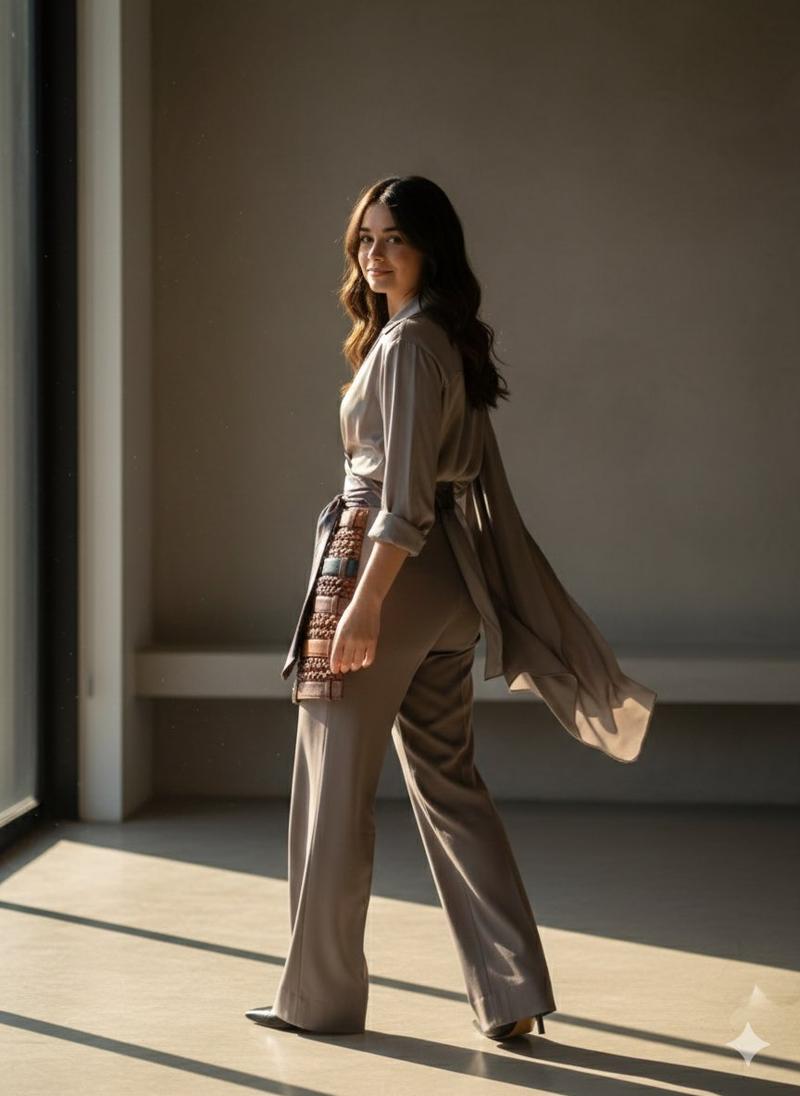
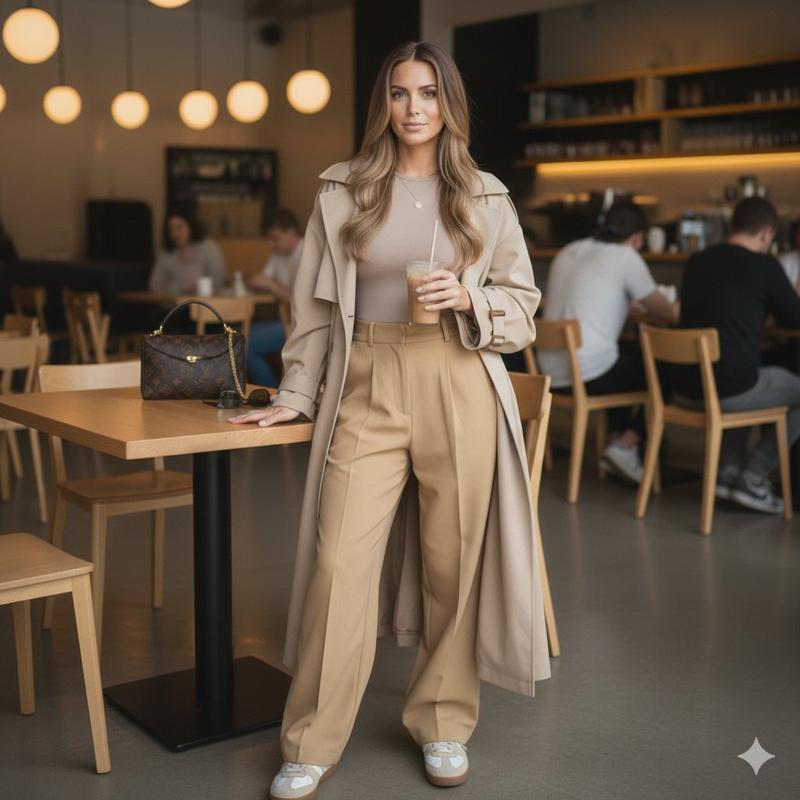
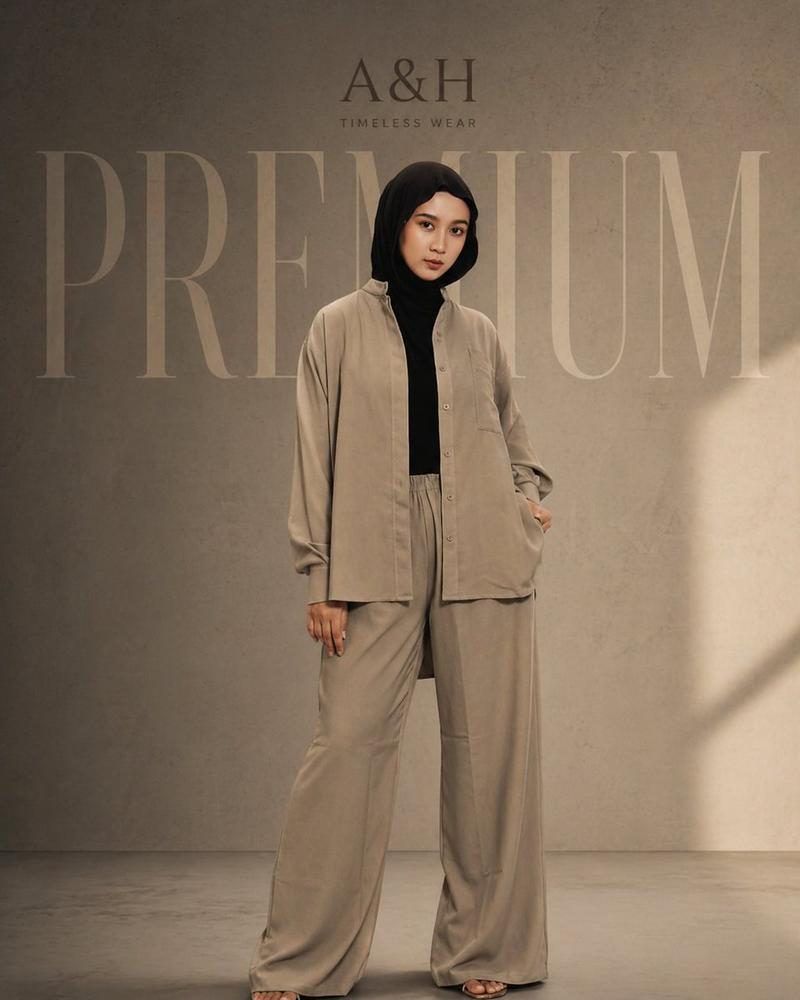
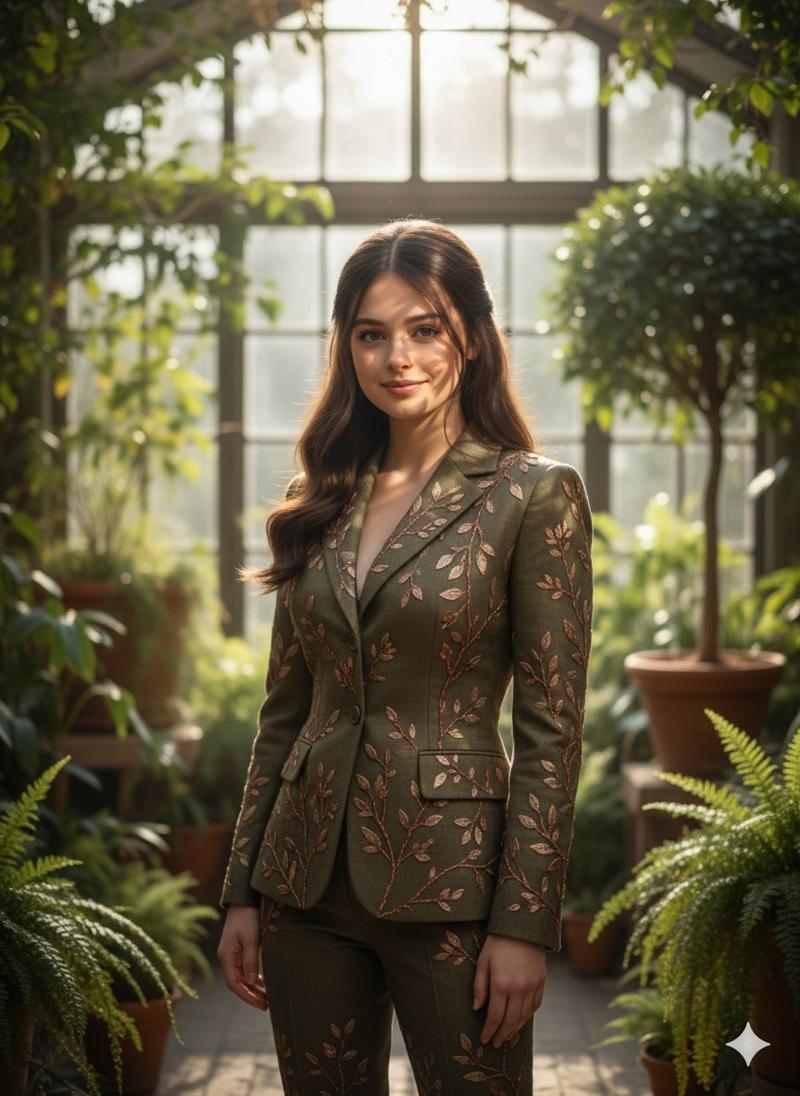
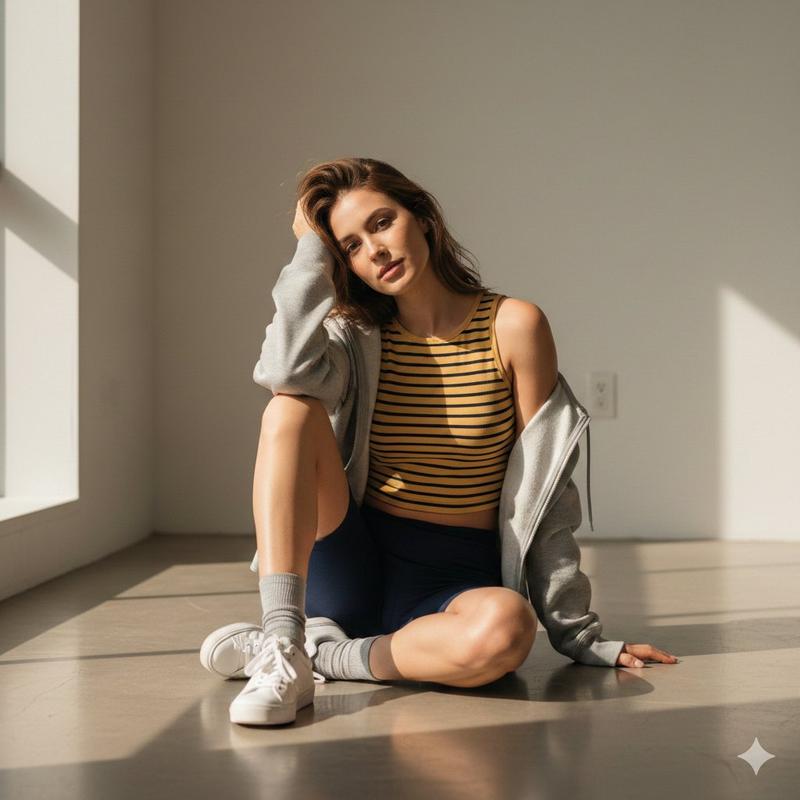
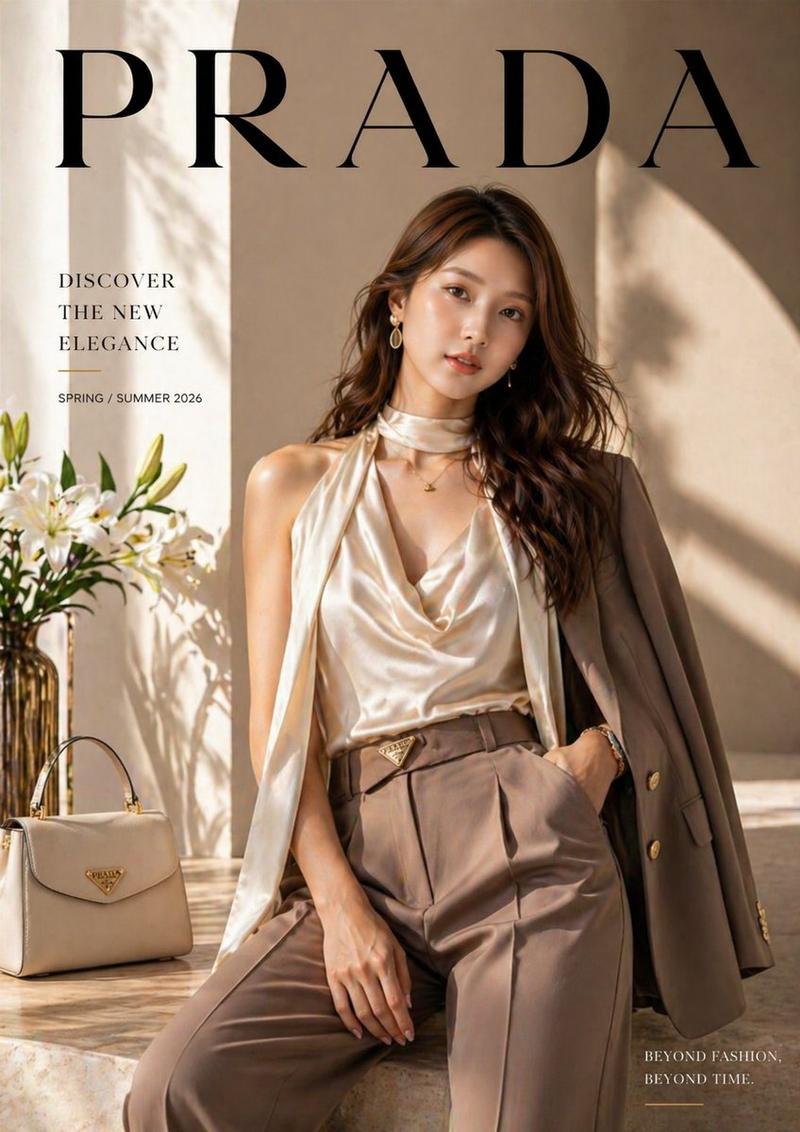
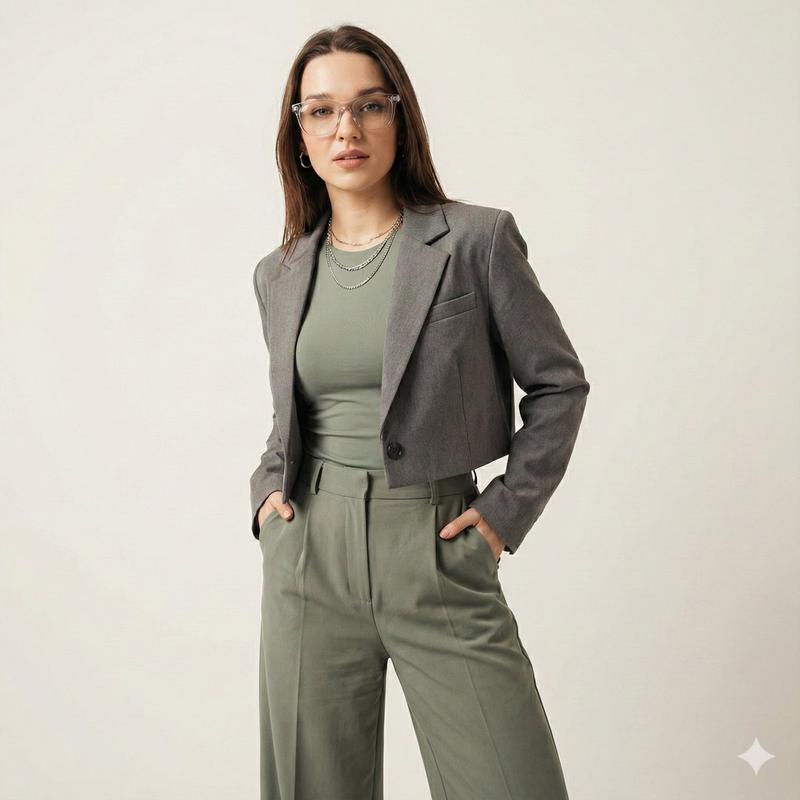
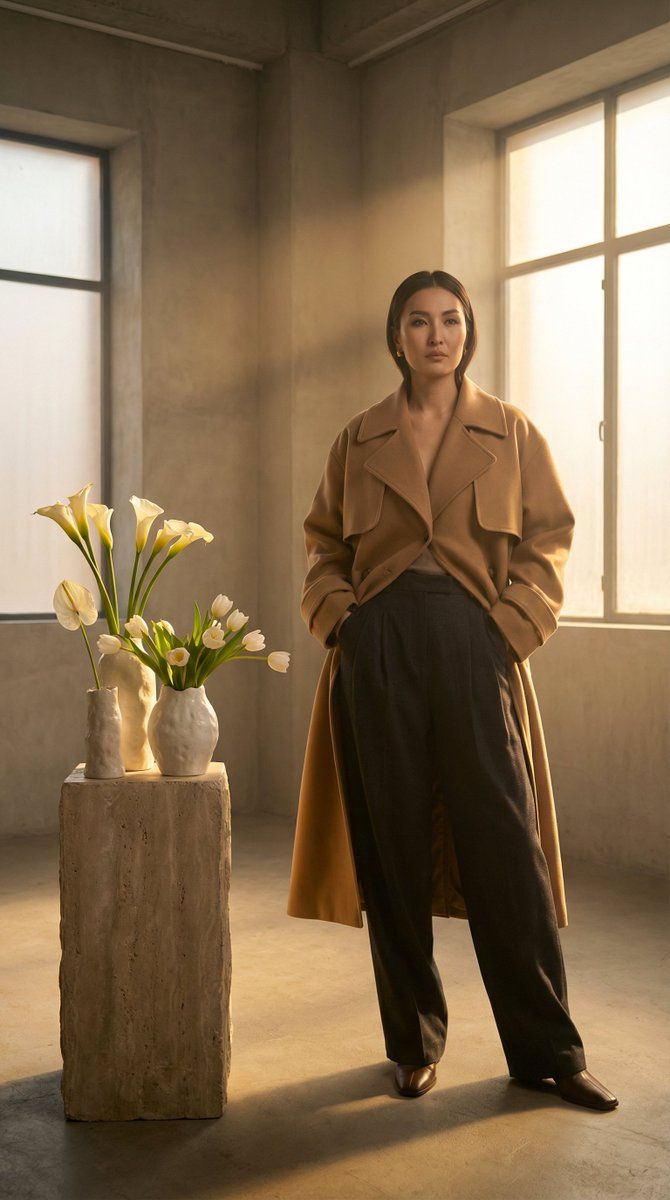
{   "image_generation": {     "prompt": "High-fashion editorial photography of a stunning Kazakh model with striking features. She is draped in a sculptural, oversized camel-toned gabardine trench coat paired with sharp-pleated wool trousers. Pose: Sophisticated and statuesque. Setting: A minimalist high-end studio with architectural depth. Decor: Avant-garde arrangements of waxy white tulips and calla lilies in textured ceramic designer vases. Lighting: 'Golden Hour' studio simulation, soft-focus chiaroscuro, volumetric warmth highlighting silk-smooth skin textures and fabric grain. Camera: Phase One XF, 80mm lens, f/2.8, crisp detail with subtle film grain. Aesthetic: Vogue Global-inspired, muted luxury palette, 8k resolution, impeccable hyper-realism.",     "aspect_ratio": "9:16",     "quality_score": "professional_editorial"   } }
Category
创意图片
Model
Nano Banana Pro
Views0
Source ID
088fc379-78cb-4a23-a07a-44f9dbaf72b8
Published
Mar 8, 2026

Guide

About "高级时装哈萨克模特画报提示"

What is this prompt for?

"高级时装哈萨克模特画报提示" AI image prompt for Nano Banana Pro (创意图片). 一个结构化的 JSON 提示,用于生成哈萨克族模特的高级时装编辑摄影作品,其中指定了服装(风衣、羊毛长裤)、场景(极简主义工作室)、装饰(前卫郁金香/百合),以及专业的相机/灯光细节(黄金时段模拟、…

The full copyable prompt and example visuals above are ready for AI image generation or one-click recreate in Picva.

How to use this prompt

  1. Step 1

    Open the prompt detail

    Review the example visuals, category, and full prompt text for "高级时装哈萨克模特画报提示".

  2. Step 2

    Copy the prompt

    Copy the prompt body from this page, or load it directly in Studio.

  3. Step 3

    Pick a model (Nano Banana Pro)

    Prefer Nano Banana Pro. If you switch models, keep subject and composition and tweak style terms.

  4. Step 4

    Generate and export

    Recreate the look in Picva, or export into your workflow for editing and publishing.

FAQ

What is the "高级时装哈萨克模特画报提示" prompt?
It is an AI image-generation prompt for Nano Banana Pro in the 创意图片 category. This page includes the full prompt text, example visuals, and a one-click recreate path in Picva.
How do I use this prompt to generate an image?
Copy the prompt from this page, or use Generate / Studio. Paste it into a compatible image model, or recreate the look in Picva with optional reference images.
Which model is this prompt for?
This page lists Nano Banana Pro. Most descriptive prompts also transfer to nearby image models such as GPT Image, Flux, or Midjourney with light style tweaks.
Can I use the result commercially?
You can usually copy the prompt for creation, but commercial use of the final image depends on the model terms, reference-image rights, and the generated content. Follow the source author and platform rules.