16

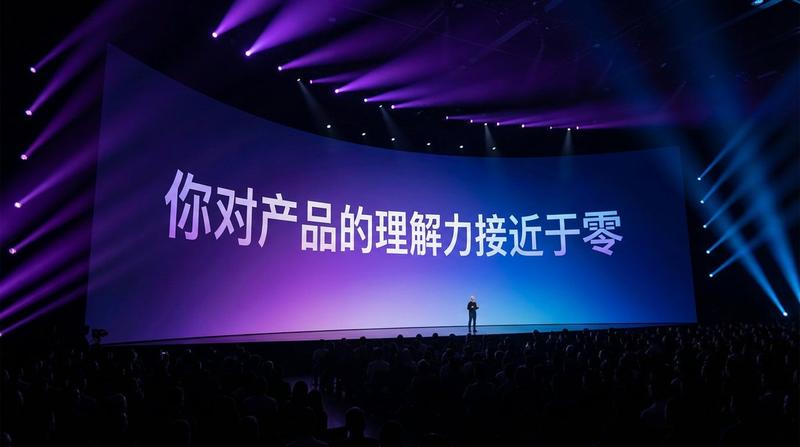
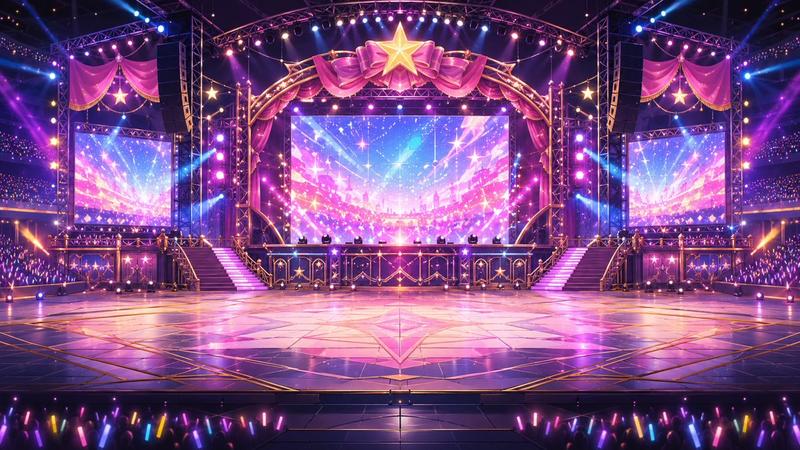
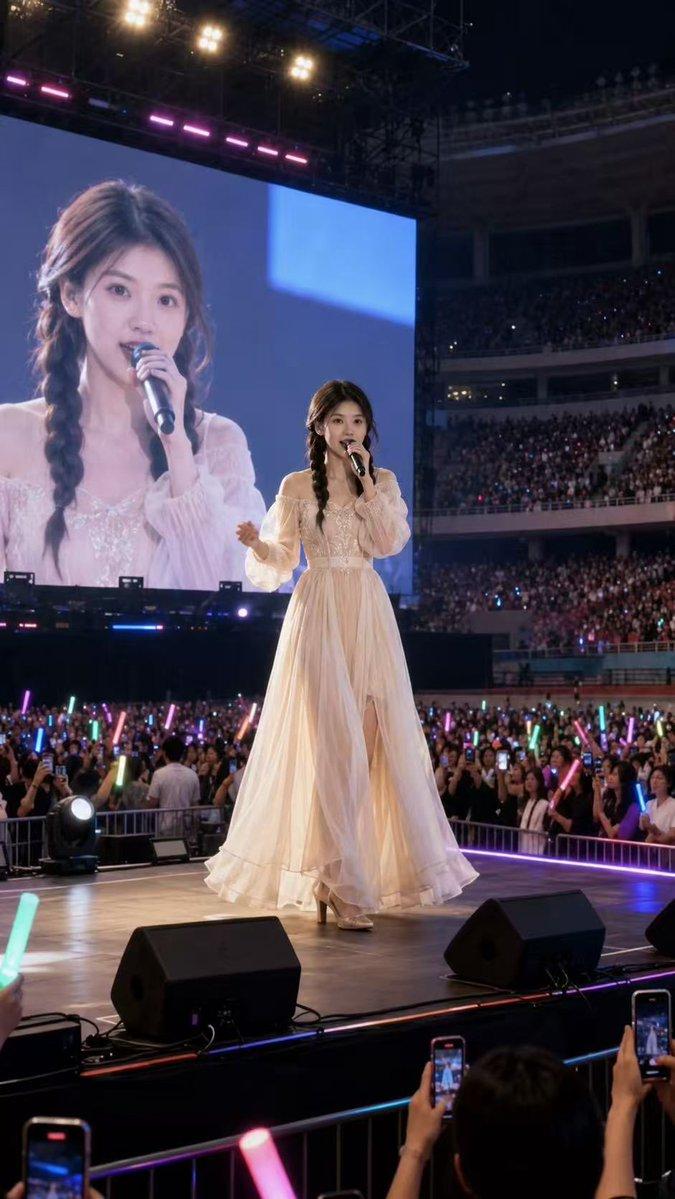
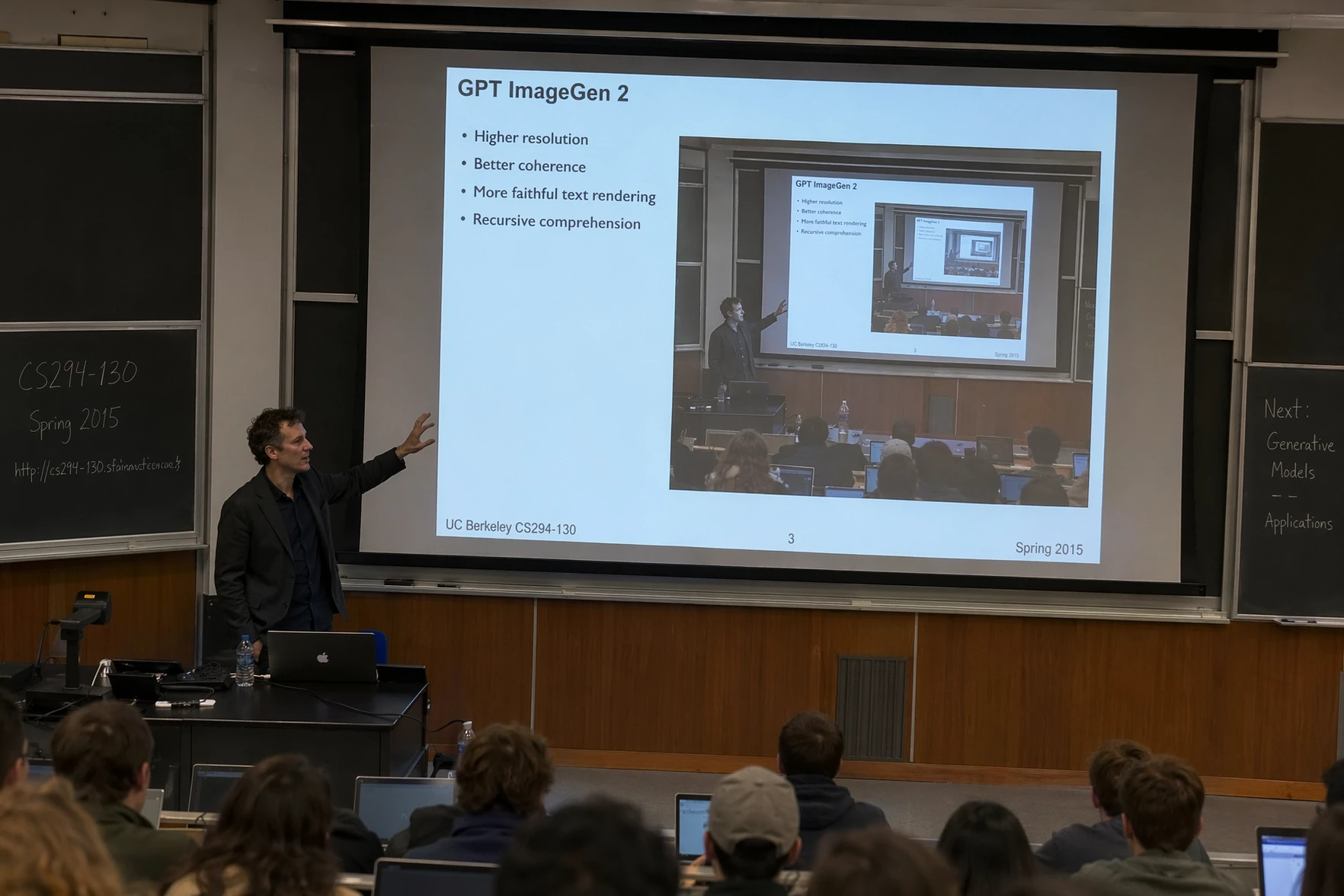
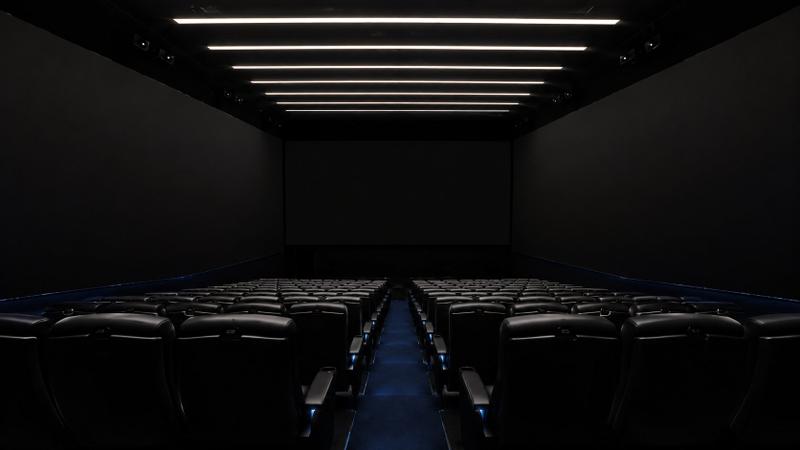
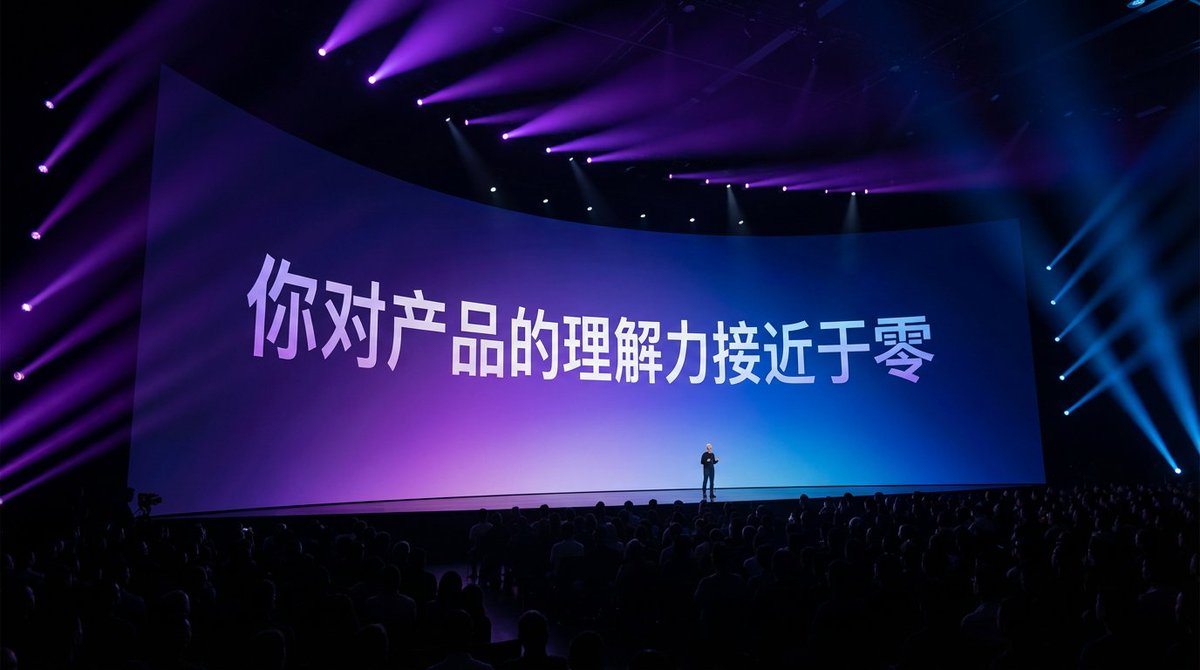
根据文字生成发布会现场图片
Enlarge

Example images

根据文字生成发布会现场图片

Prompt
根据文字生成一张照片:一个宏大的苹果发布会现场,现场很多观众,场景很暗,有绚丽的灯光,镜头聚焦在很宽的大屏幕,弧形屏幕,文字和屏幕一样有一定的透视感,很小的人物剪影站在舞台上,紫色到蓝色弥散背景上,白色文字有一些渐变,像是现场实拍,高级感 16:9
Category
创意图片
Model
Nano Banana Pro
Views3
Source ID
5d904613-a0d6-4730-9a7f-911f04b31f0c
Published
Dec 27, 2025

Guide

About "根据文字生成发布会现场图片"

What is this prompt for?

"根据文字生成发布会现场图片" AI image prompt for Nano Banana Pro (创意图片). 创意图片 Copy it on Picva and recreate the look in one click.

The full copyable prompt and example visuals above are ready for AI image generation or one-click recreate in Picva.

How to use this prompt

  1. Step 1

    Open the prompt detail

    Review the example visuals, category, and full prompt text for "根据文字生成发布会现场图片".

  2. Step 2

    Copy the prompt

    Copy the prompt body from this page, or load it directly in Studio.

  3. Step 3

    Pick a model (Nano Banana Pro)

    Prefer Nano Banana Pro. If you switch models, keep subject and composition and tweak style terms.

  4. Step 4

    Generate and export

    Recreate the look in Picva, or export into your workflow for editing and publishing.

FAQ

What is the "根据文字生成发布会现场图片" prompt?
It is an AI image-generation prompt for Nano Banana Pro in the 创意图片 category. This page includes the full prompt text, example visuals, and a one-click recreate path in Picva.
How do I use this prompt to generate an image?
Copy the prompt from this page, or use Generate / Studio. Paste it into a compatible image model, or recreate the look in Picva with optional reference images.
Which model is this prompt for?
This page lists Nano Banana Pro. Most descriptive prompts also transfer to nearby image models such as GPT Image, Flux, or Midjourney with light style tweaks.
Can I use the result commercially?
You can usually copy the prompt for creation, but commercial use of the final image depends on the model terms, reference-image rights, and the generated content. Follow the source author and platform rules.