18

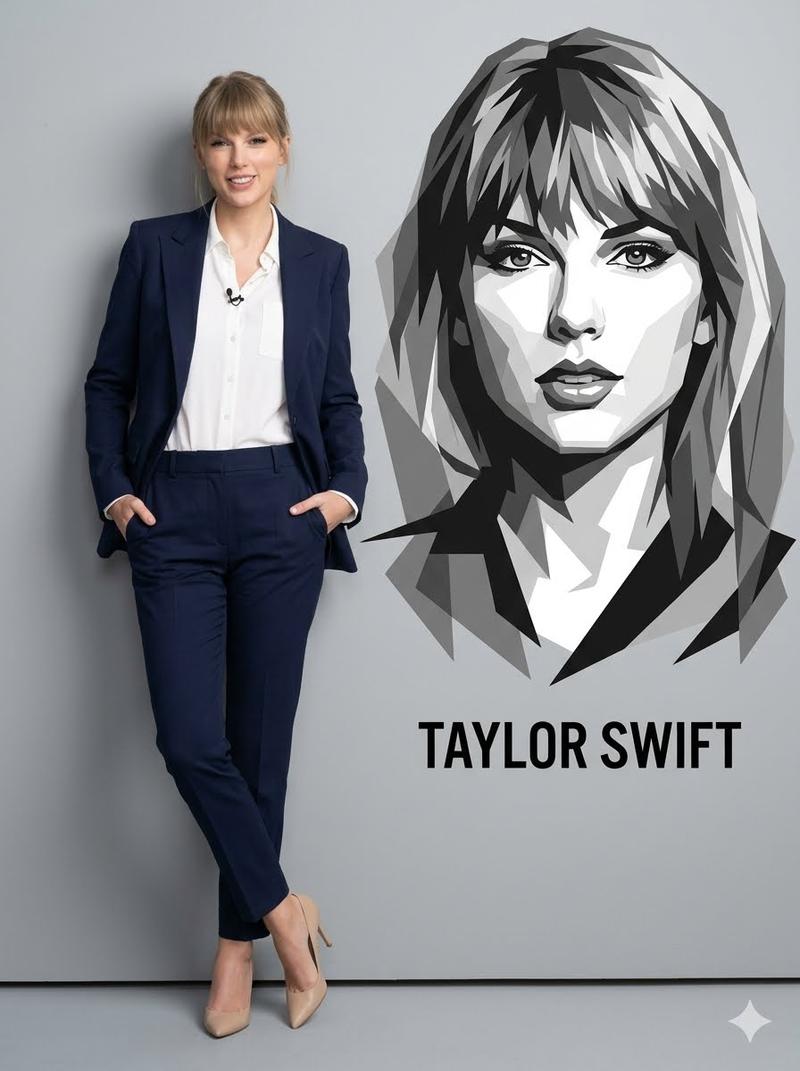
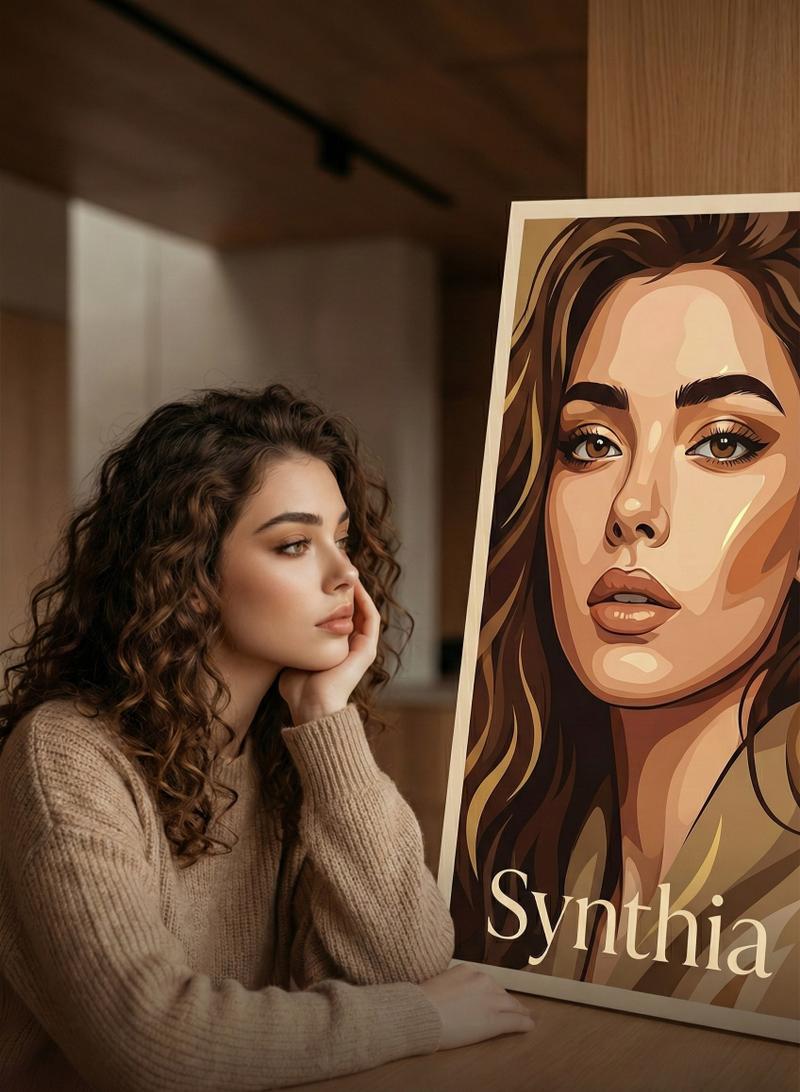
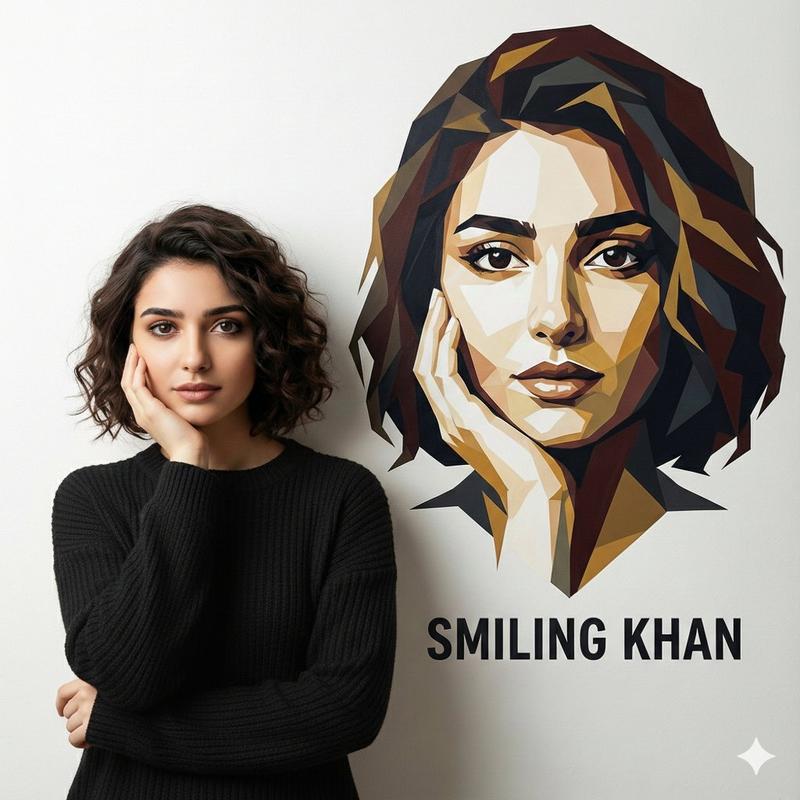
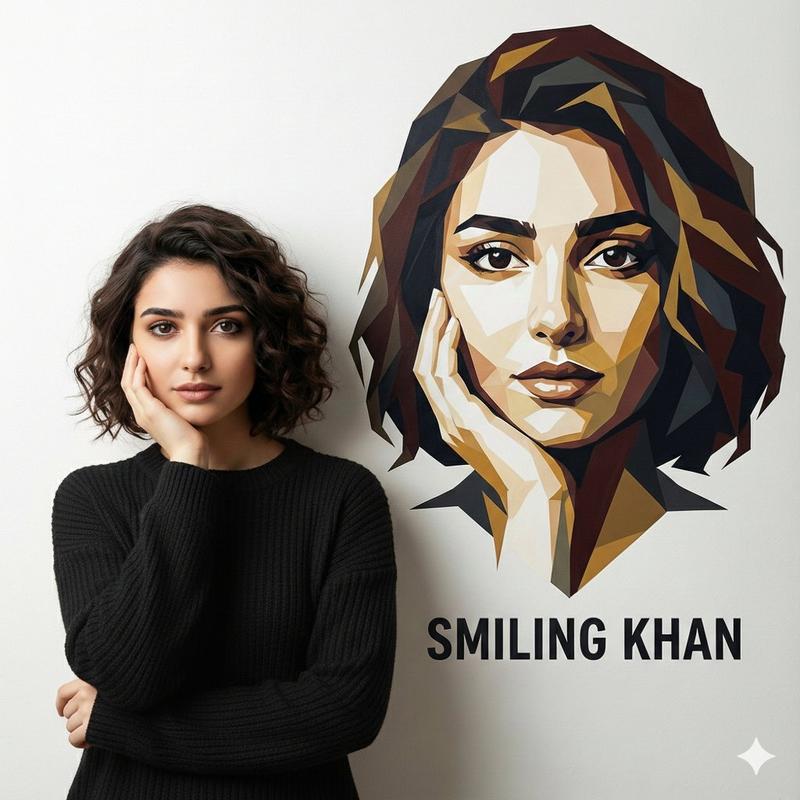
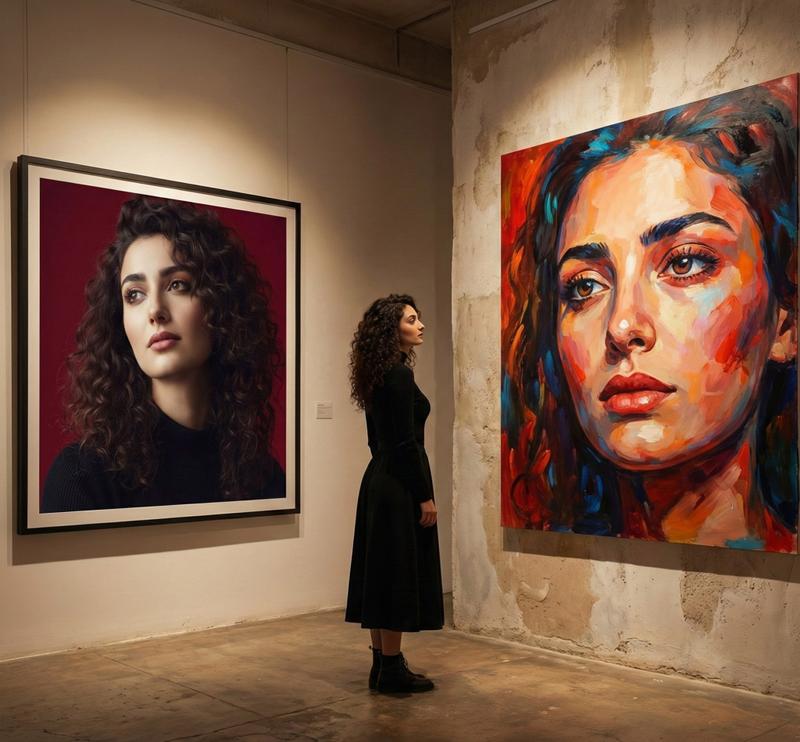
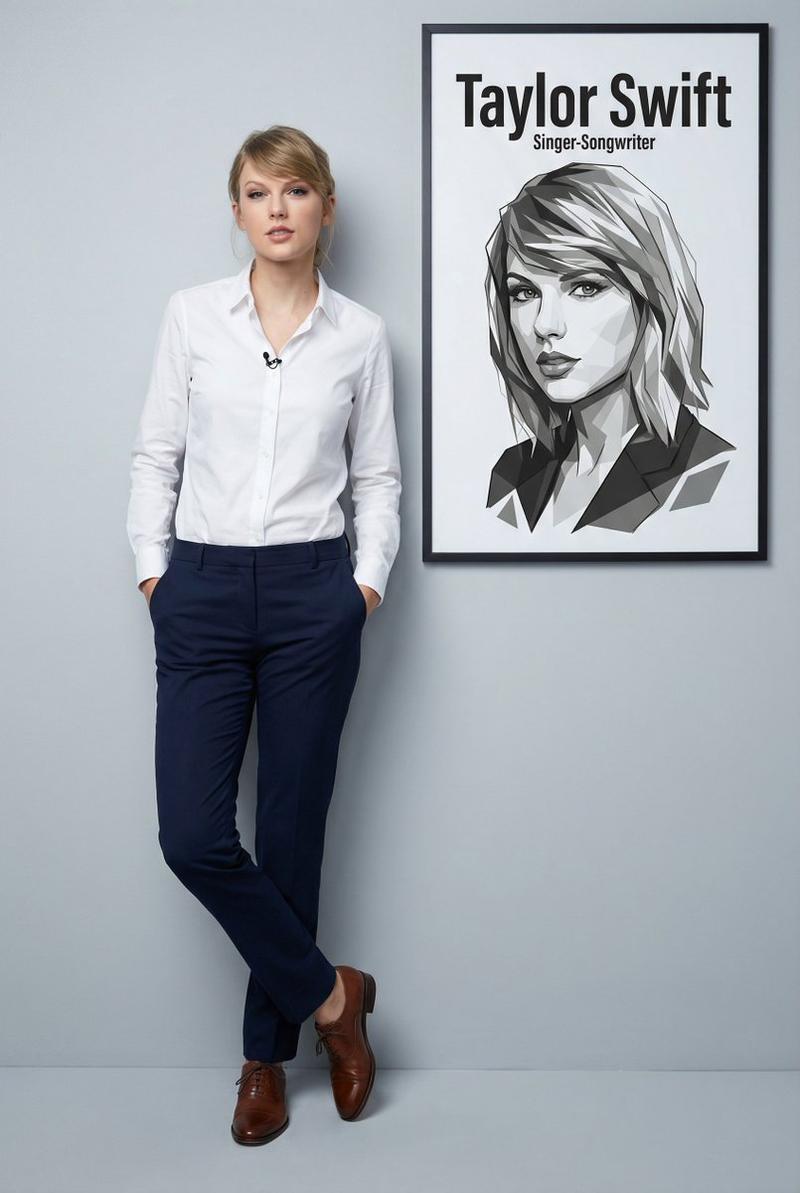
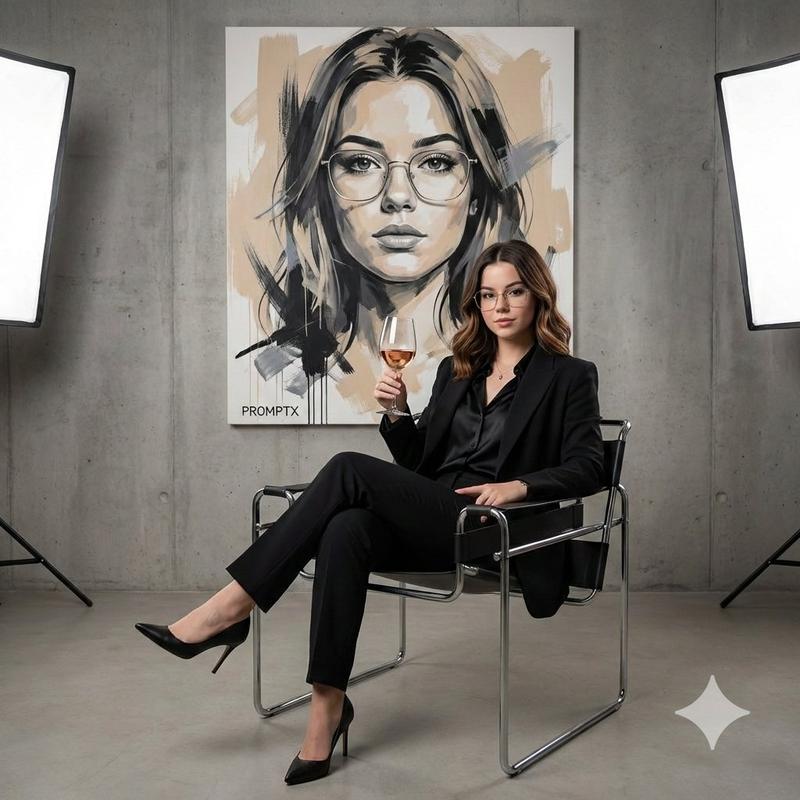
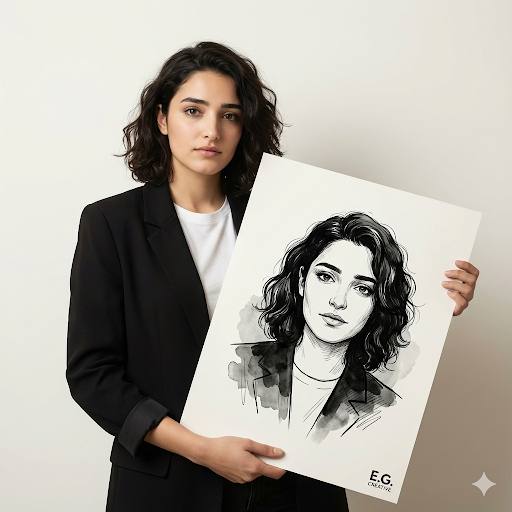
高端影棚肖像照
Enlarge

Example images

高端影棚肖像照

Prompt
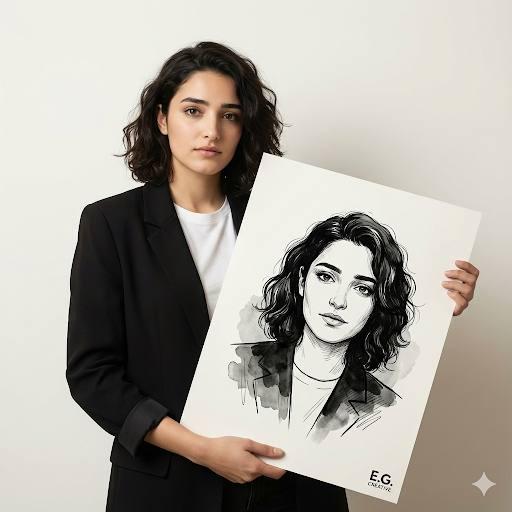
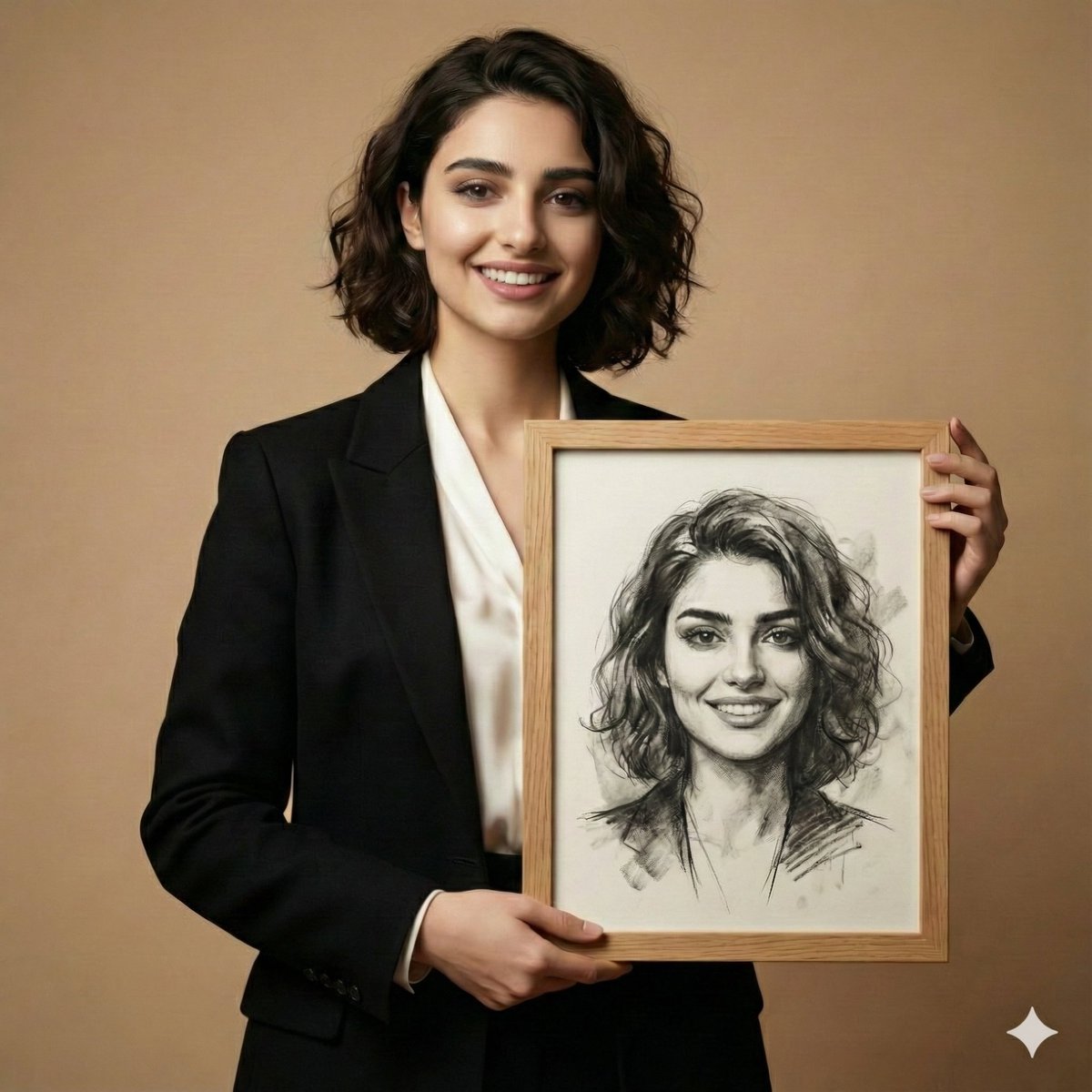
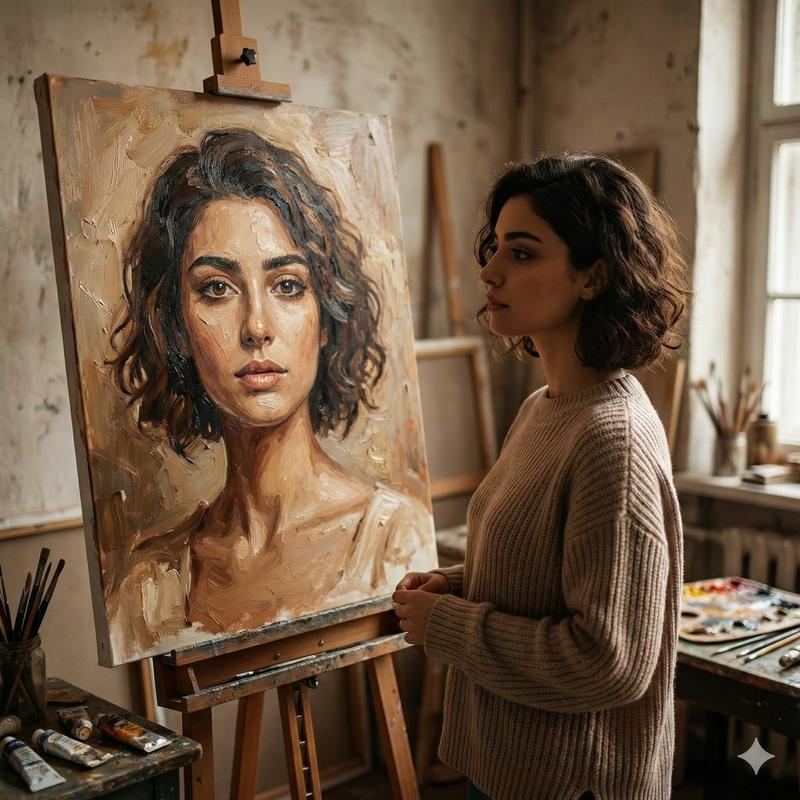
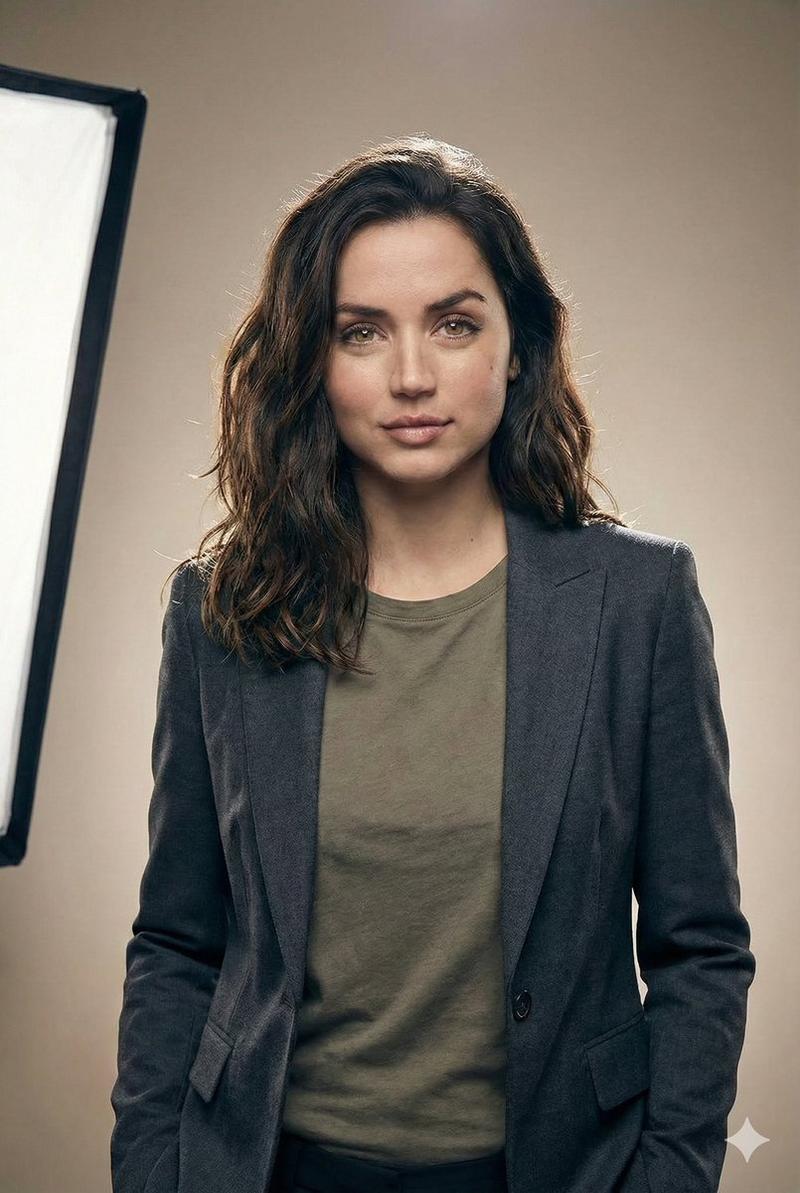
A high-end studio portrait using the uploaded photo as the main subject. The person stands confidently against a clean, minimal background in soft neutral tones, holding a large vertical poster in front of them. The poster features an artistic reinterpretation of the same uploaded photo — stylized as a digital illustration, sketch, or painterly artwork — clearly recognizable as the same face. Professional studio lighting with a soft key light and subtle rim light creates gentle shadows and depth. The subject’s expression is calm and confident, body posture relaxed yet strong, evoking a modern personal brand identity. Clean composition, balanced framing, premium editorial aesthetic, shallow depth of field, ultra-realistic skin texture, crisp details, contemporary creator branding vibe, cinematic realism, 1:1 aspect ratio, high resolution.
Category
creative_scene
Model
Nano Banana Pro
Views3
Source ID
f0407794-6933-45f2-96cb-138c003c1e18
Published
Dec 27, 2025

Guide

About "高端影棚肖像照"

What is this prompt for?

"高端影棚肖像照" AI image prompt for Nano Banana Pro (creative_scene). creative_scene Copy it on Picva and recreate the look in one click.

The full copyable prompt and example visuals above are ready for AI image generation or one-click recreate in Picva.

How to use this prompt

  1. Step 1

    Open the prompt detail

    Review the example visuals, category, and full prompt text for "高端影棚肖像照".

  2. Step 2

    Copy the prompt

    Copy the prompt body from this page, or load it directly in Studio.

  3. Step 3

    Pick a model (Nano Banana Pro)

    Prefer Nano Banana Pro. If you switch models, keep subject and composition and tweak style terms.

  4. Step 4

    Generate and export

    Recreate the look in Picva, or export into your workflow for editing and publishing.

FAQ

What is the "高端影棚肖像照" prompt?
It is an AI image-generation prompt for Nano Banana Pro in the creative_scene category. This page includes the full prompt text, example visuals, and a one-click recreate path in Picva.
How do I use this prompt to generate an image?
Copy the prompt from this page, or use Generate / Studio. Paste it into a compatible image model, or recreate the look in Picva with optional reference images.
Which model is this prompt for?
This page lists Nano Banana Pro. Most descriptive prompts also transfer to nearby image models such as GPT Image, Flux, or Midjourney with light style tweaks.
Can I use the result commercially?
You can usually copy the prompt for creation, but commercial use of the final image depends on the model terms, reference-image rights, and the generated content. Follow the source author and platform rules.