18

吴宇森风格枪战场景提示

Prompt
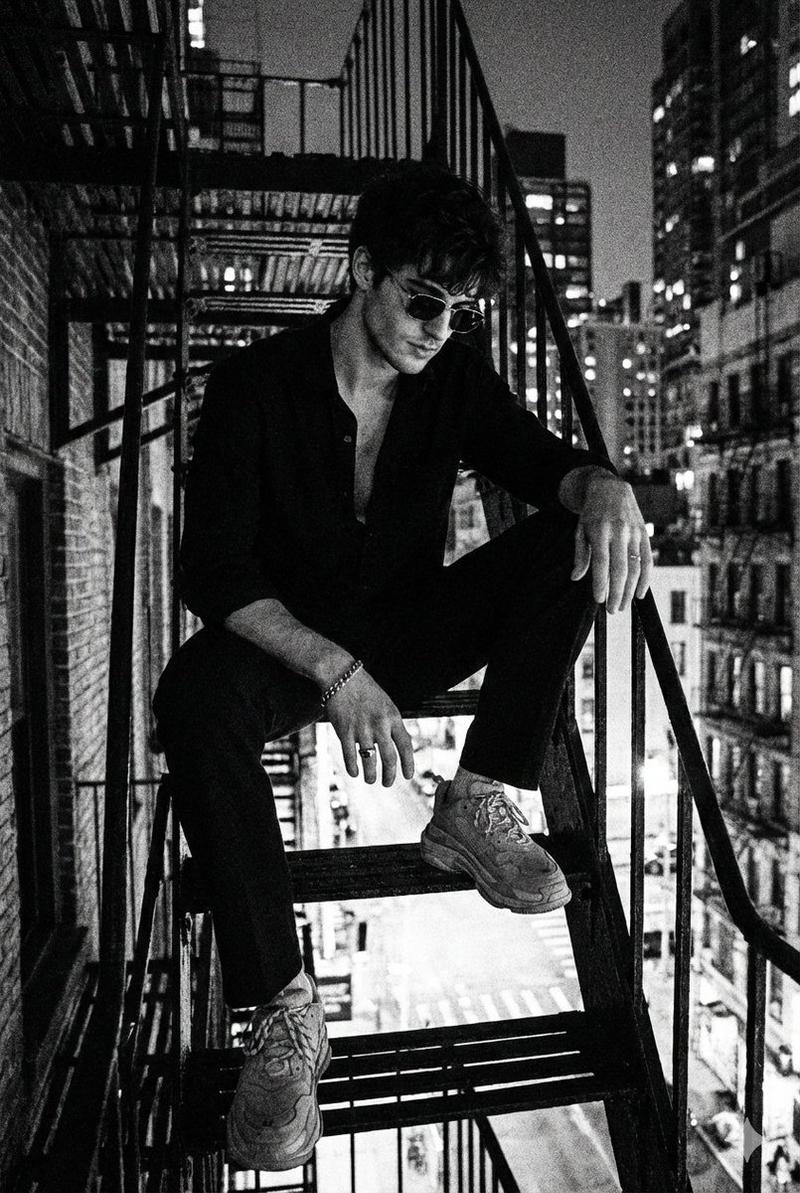
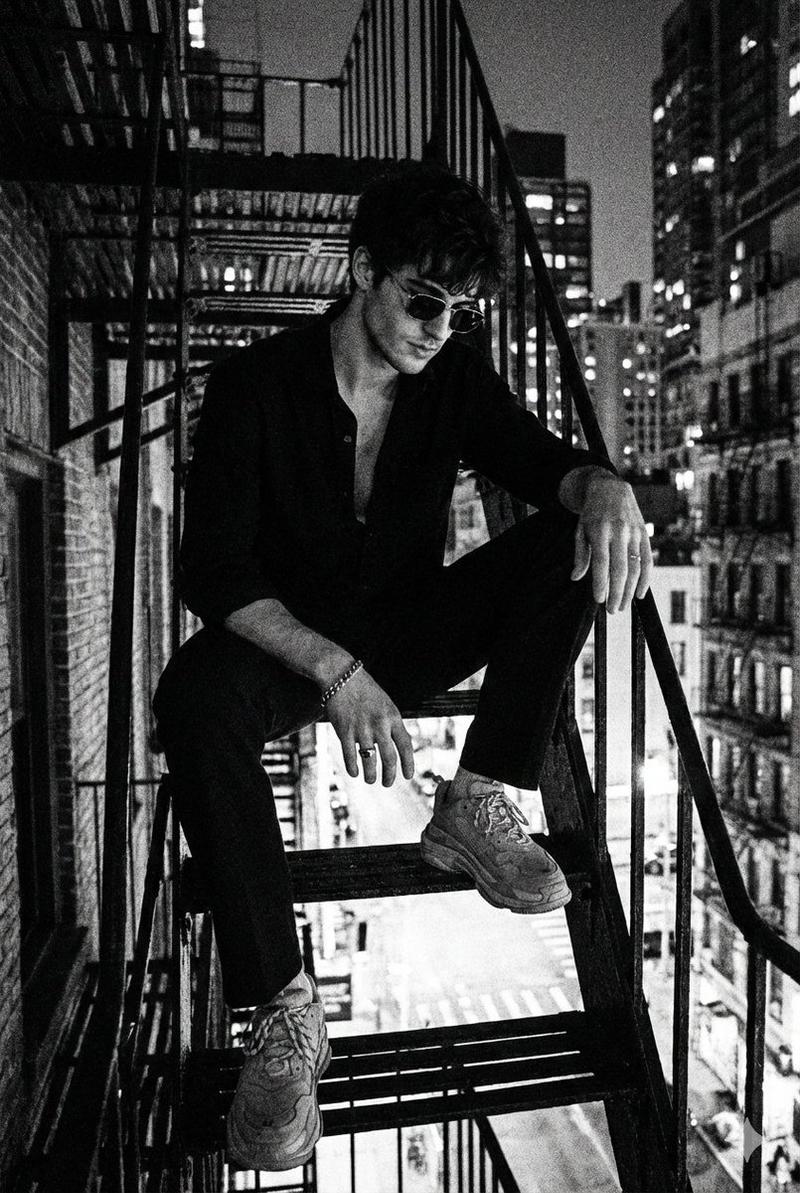
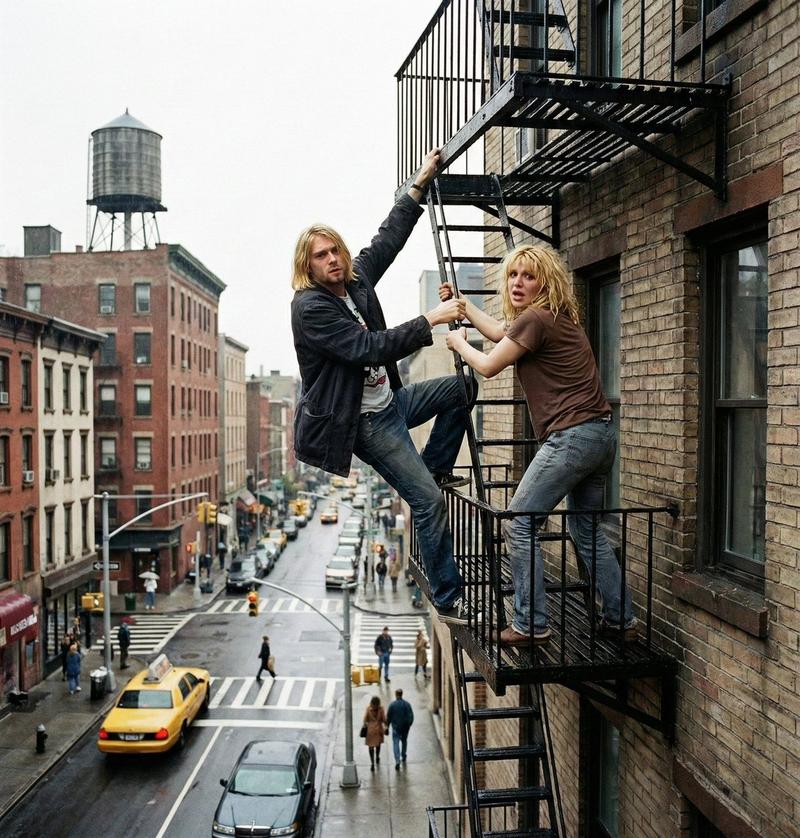
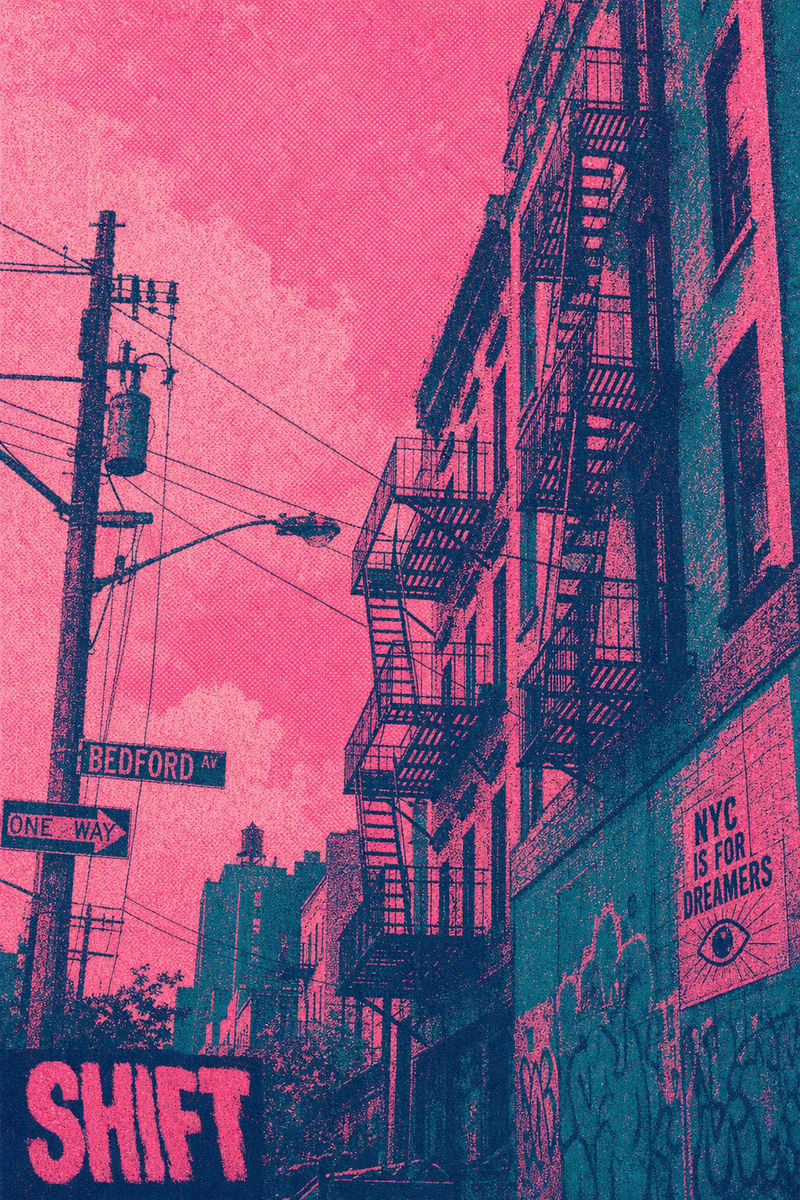
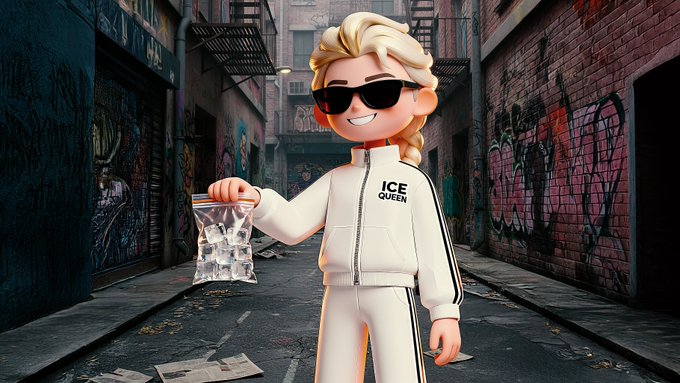
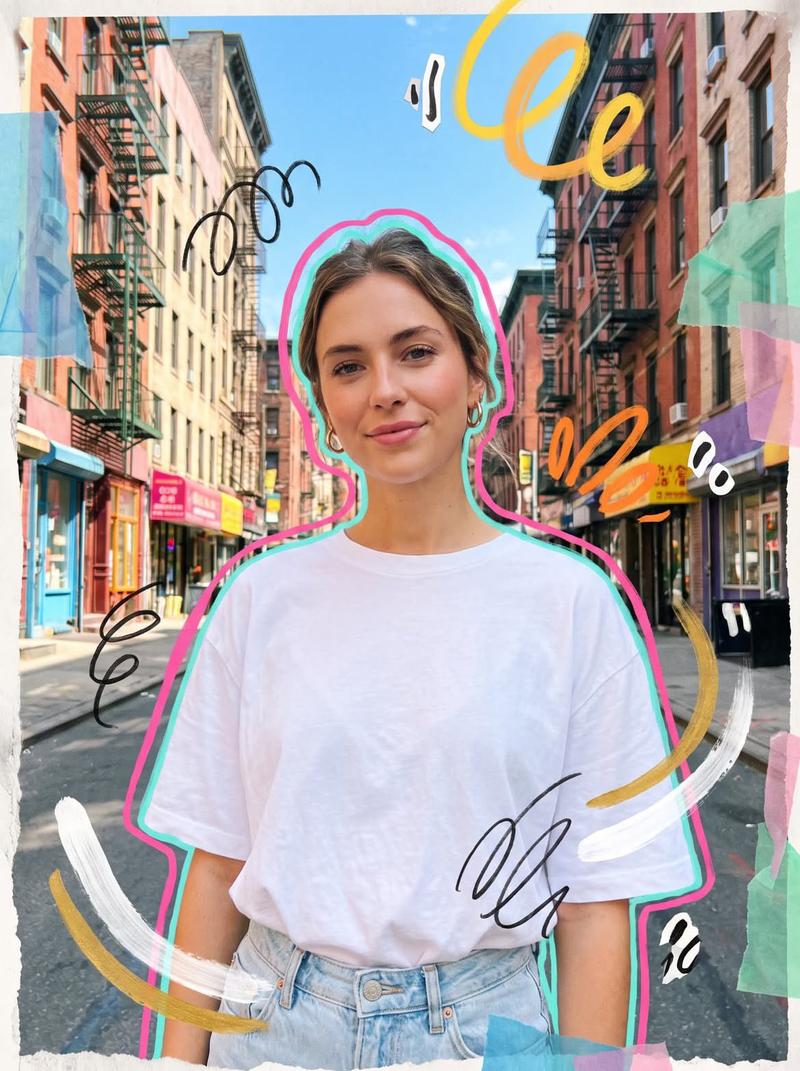
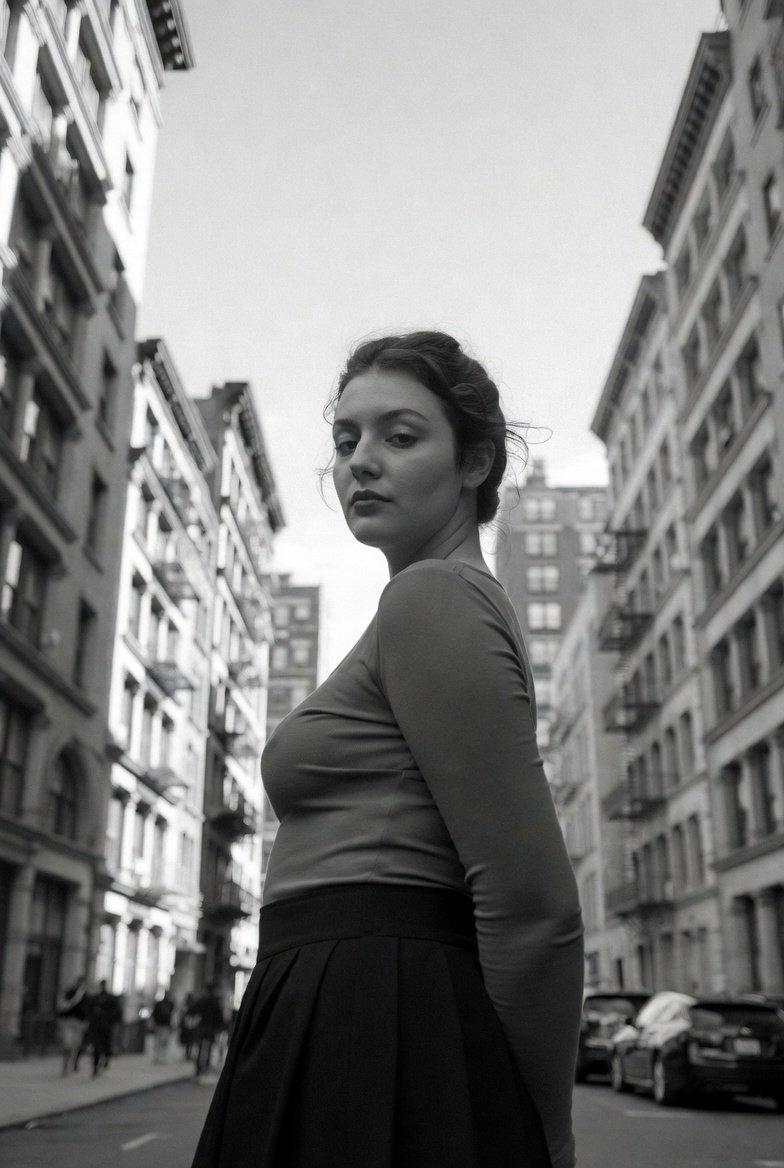
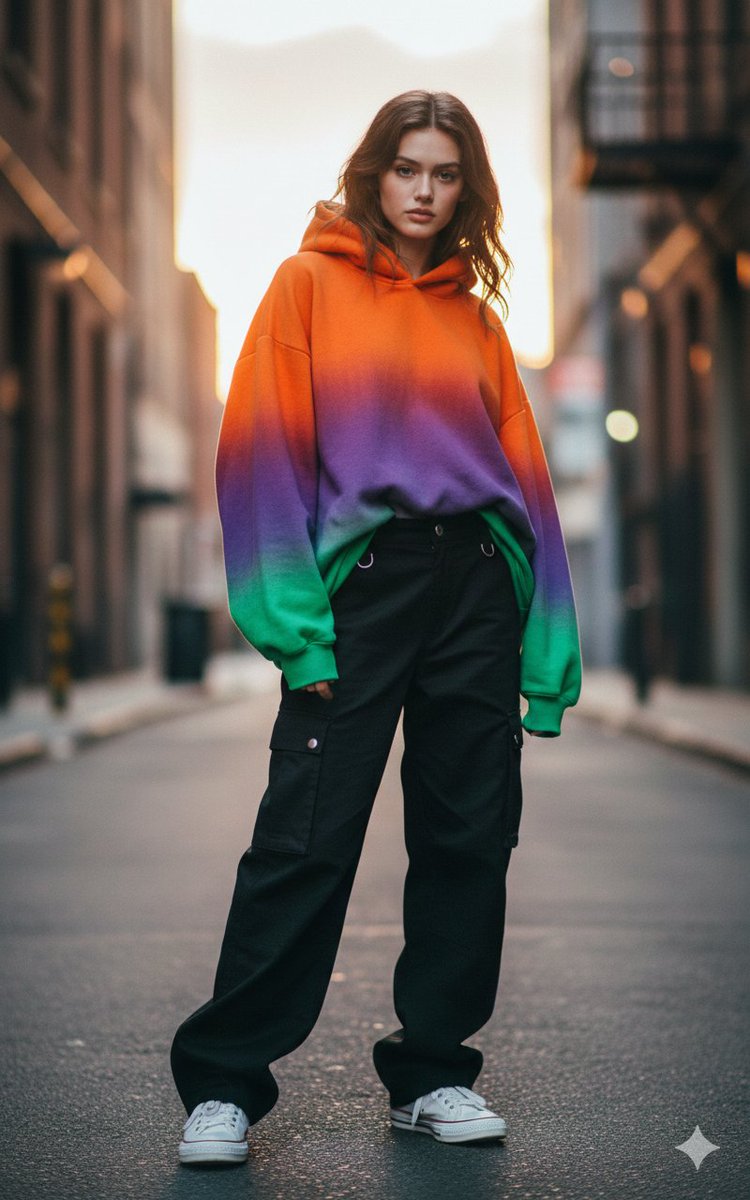
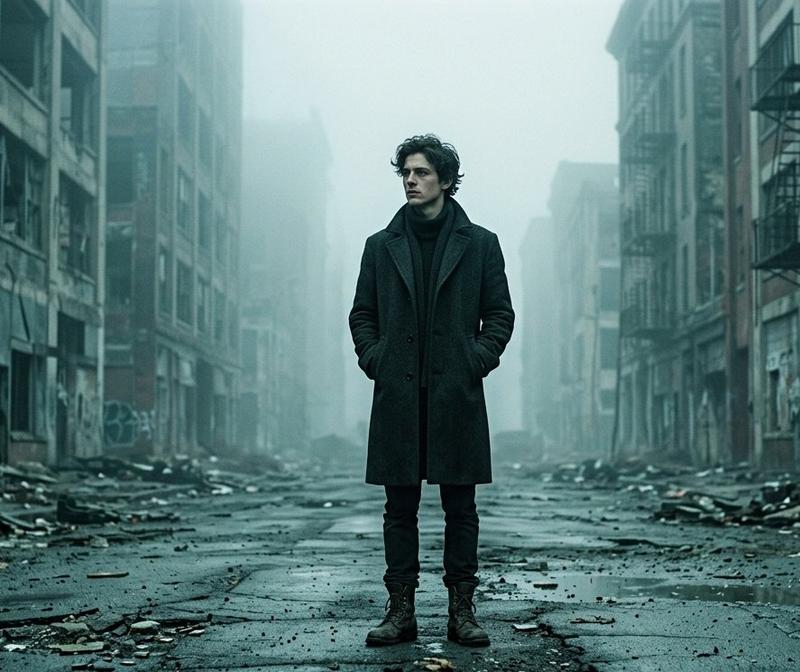
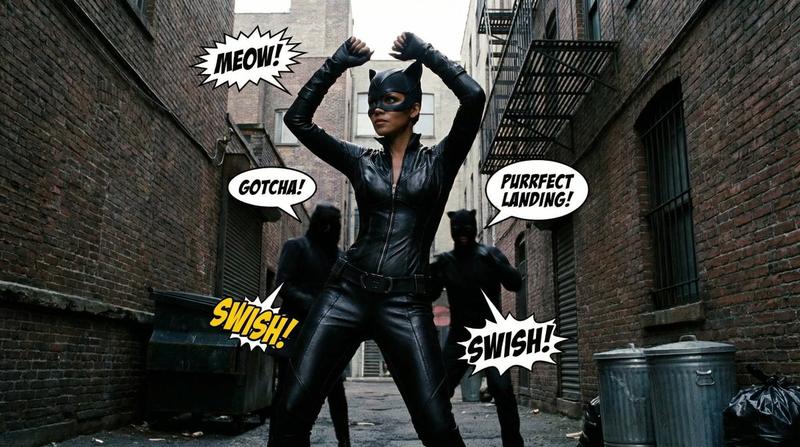
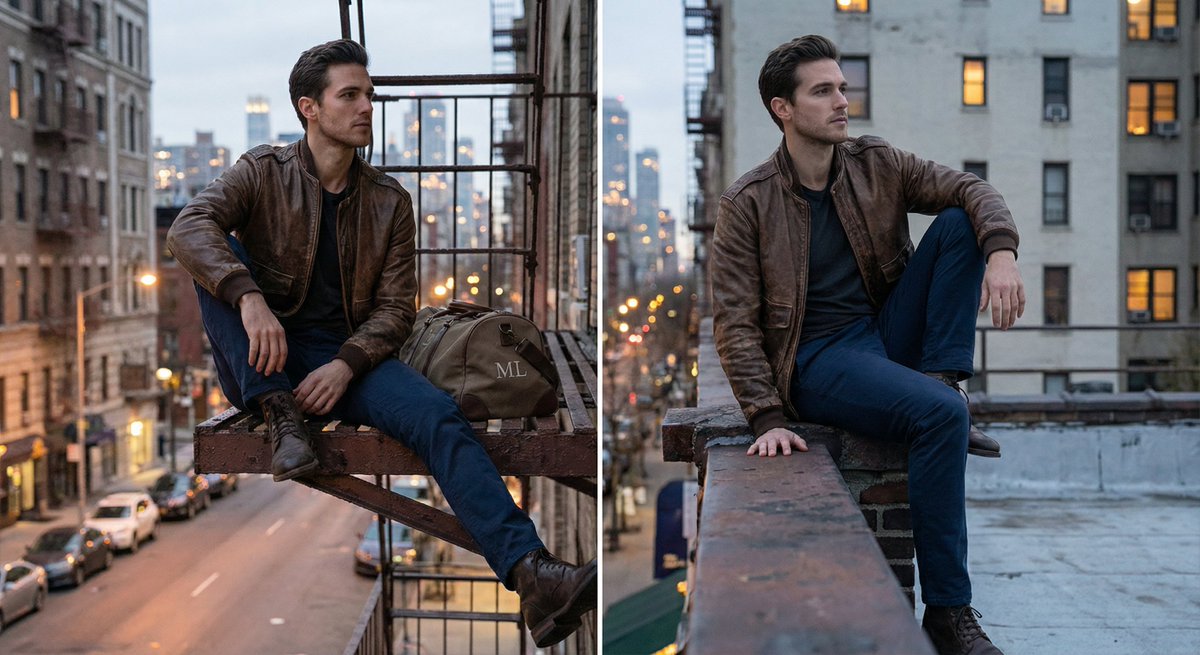
{这是一段街头场景吴宇森式枪斗打戏的画面,请基于场景图片3,生成一段流畅的白色西服男子"图片1"的真实效果下和花衬衫男子"图片2真实效果"下在狭隘空间里的枪战画面,需要运用到分镜和不同视角切换,让整个画面更有节奏感和电影感。 }
Category
创意图片
Model
seedance-2.0
Creator
John
Views3
Source ID
3f387a65-583e-46c2-a163-53ca6f2ff48f
Published
Mar 8, 2026

Guide

About "吴宇森风格枪战场景提示"

What is this prompt for?

"吴宇森风格枪战场景提示" AI image prompt for seedance-2.0 (创意图片). 一个使用 Seedance 2.0 生成吴宇森风格的狭窄空间枪战场景的提示,强调电影节奏、不同摄像机角度以及特定角色参考图像的使用。 --- {这是一个吴宇森风格的街头枪战动作场景。根据场景图片 3,生成一个…

The full copyable prompt and example visuals above are ready for AI image generation or one-click recreate in Picva.

How to use this prompt

  1. Step 1

    Open the prompt detail

    Review the example visuals, category, and full prompt text for "吴宇森风格枪战场景提示".

  2. Step 2

    Copy the prompt

    Copy the prompt body from this page, or load it directly in Studio.

  3. Step 3

    Pick a model (seedance-2.0)

    Prefer seedance-2.0. If you switch models, keep subject and composition and tweak style terms.

  4. Step 4

    Generate and export

    Recreate the look in Picva, or export into your workflow for editing and publishing.

FAQ

What is the "吴宇森风格枪战场景提示" prompt?
It is an AI image-generation prompt for seedance-2.0 in the 创意图片 category. This page includes the full prompt text, example visuals, and a one-click recreate path in Picva.
How do I use this prompt to generate an image?
Copy the prompt from this page, or use Generate / Studio. Paste it into a compatible image model, or recreate the look in Picva with optional reference images.
Which model is this prompt for?
This page lists seedance-2.0. Most descriptive prompts also transfer to nearby image models such as GPT Image, Flux, or Midjourney with light style tweaks.
Can I use the result commercially?
You can usually copy the prompt for creation, but commercial use of the final image depends on the model terms, reference-image rights, and the generated content. Follow the source author and platform rules.