17

Seedance 2.0 视频生成文本特效提示词

Prompt
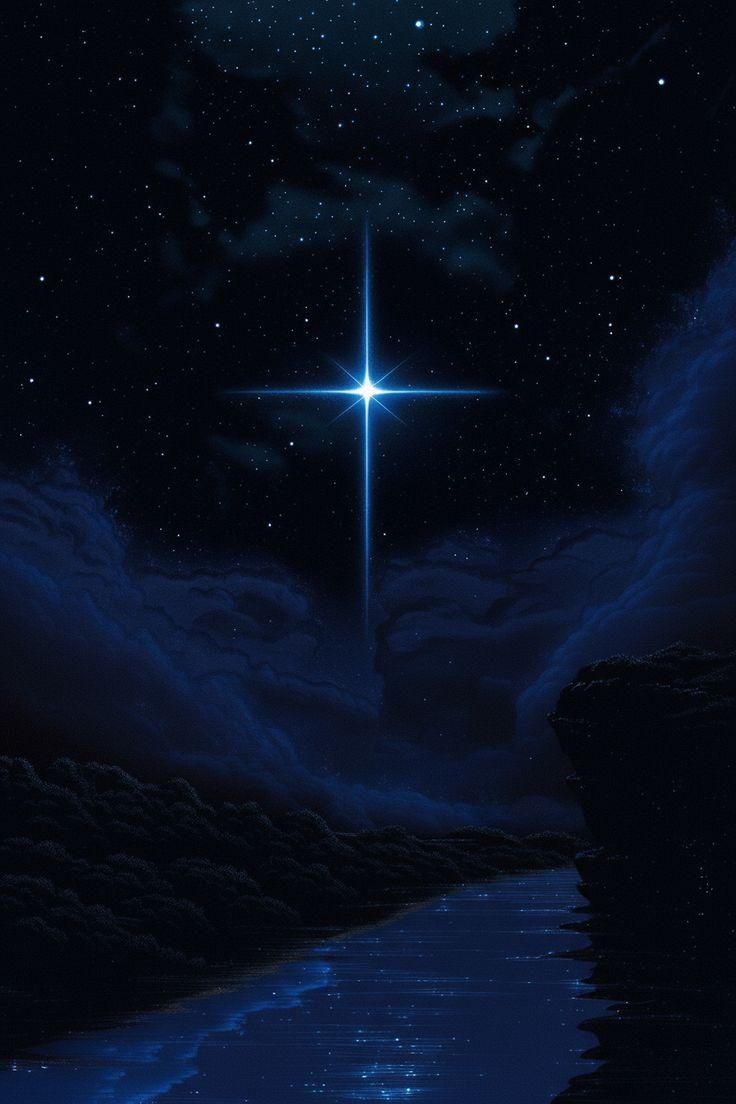
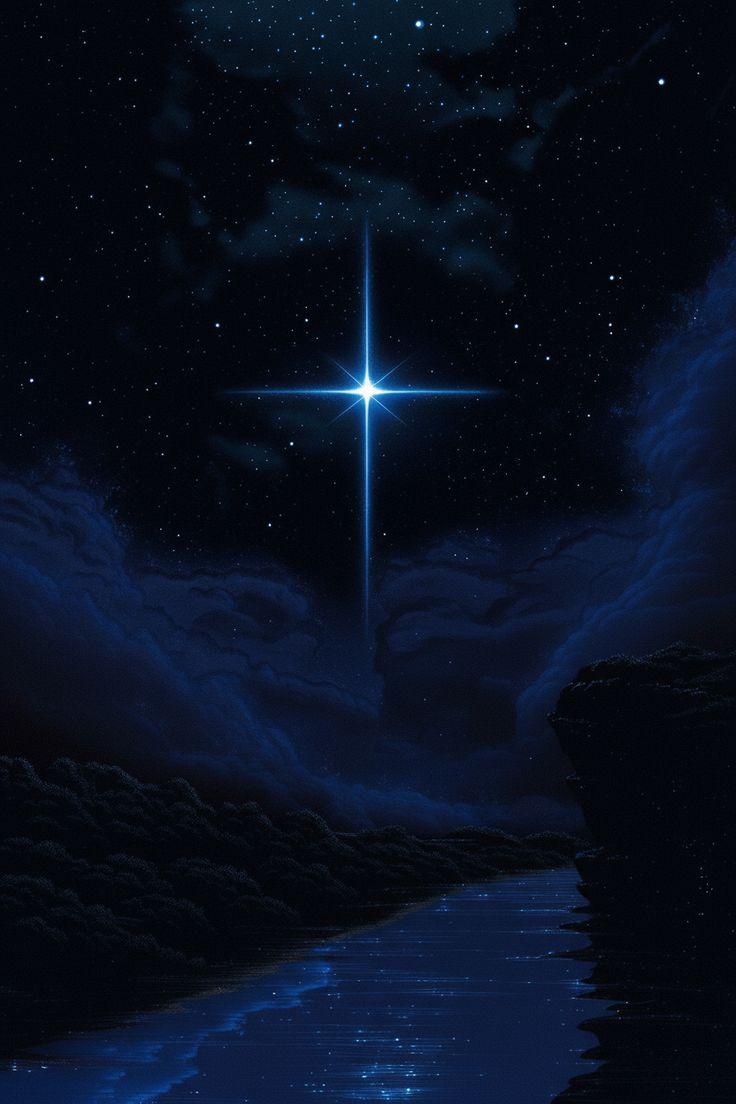
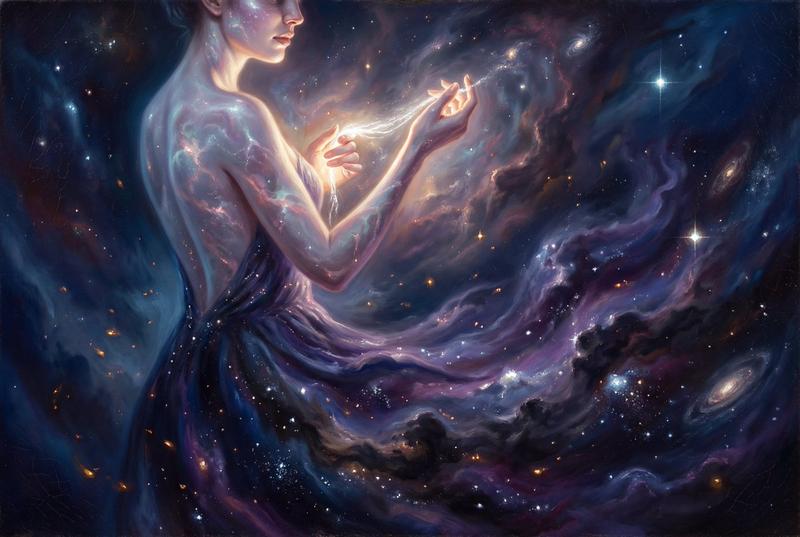
混沌初开
 * 画面: 纯黑背景,无任何元素,只有极淡的墨色雾气在画面中心缓慢涌动,仿佛宇宙鸿蒙未判。
 * 运镜: 固定机位,镜头微微呼吸,营造压抑的张力。
 * 音效: 低沉的鼓点与丝弦颤音,频率逐渐加快。
 * 特效: 墨雾粒子从中心向外扩散,边缘呈现水墨晕染的半透明质感,粒子密度随时间递增。

笔落惊鸿
 * 画面: 一道如闪电般的白色墨痕从画面顶部破空而下,笔锋锐利如刀,带着撕裂空气的动态模糊,在画面中央骤然停顿,形成“李”字的起笔。
 * 运镜: 镜头跟随墨痕快速俯冲,在笔锋停顿瞬间轻微震颤,强化冲击力。
 * 特效: 墨痕边缘迸发出金色粒子碎屑,如星屑般向四周溅射,墨色内部蕴含流动的金色光纹,笔锋处有短暂的辉光爆发。
 * 音效: 金属撕裂声 + 重鼓点,伴随墨痕划过的尖锐风声。

逆笔成势
 * 画面: “李”字的收笔处延伸出一道蜿蜒的墨带,如灵蛇般向下盘绕,笔势由刚转柔,在画面下方骤然反转,以逆锋起笔,勾勒出“岳”字的轮廓。墨带在转折处迸发出水墨粒子,形成破碎的涟漪。
 * 运镜: 镜头环绕墨带缓慢旋转,从侧上方捕捉墨带的流动轨迹,在“岳”字起笔时快速推进,聚焦笔锋的力量感。
 * 特效: 墨带内部有金色光流涌动,转折处粒子密度倍增,形成水墨与金属质感的融合,边缘呈现半透明的辉光。
 * 音效: 丝弦急转 + 鼓点重音,墨带反转时伴随低沉的龙吟声。

 * 粒子系统: 水墨粒子(密度:0.8,大小:2-8px,寿命:1.2s,扩散速度:15px/s),金色光纹(流动速度:0.5s/圈,辉光强度:0.6)
 * 光影: 主光源为顶部金色光束(强度:0.9,色温:3200K,光束宽度:15%),辅助光为侧方冷色补光(强度:0.3,色温:6500K)
 * 材质: 墨字为哑光白 + 金属边缘(粗糙度:0.3,金属度:0.7),印章为哑光红 + 火焰边缘(粗糙度:0.5,金属度:0.4)
 * 后处理: 对比度 +20%,锐化 +15%,暗角强度:0.2,色彩分级:暗部偏冷蓝,亮部偏暖金。
Category
创意图片
Model
seedance-2.0
Creator
李岳
Views0
Source ID
0924b9f8-c07a-404d-ab57-36fd8537a785
Published
Mar 8, 2026

Guide

About "Seedance 2.0 视频生成文本特效提示词"

What is this prompt for?

"Seedance 2.0 视频生成文本特效提示词" AI image prompt for seedance-2.0 (创意图片). 一个为 Seedance 2.0 设计的详细多场景提示,旨在生成一段以动态文本效果为特色的视频,重点关注角色“李岳”,并包含视觉效果、摄像机运动、音效、粒子系统、灯光、材质属性和后期…

The full copyable prompt and example visuals above are ready for AI image generation or one-click recreate in Picva.

How to use this prompt

  1. Step 1

    Open the prompt detail

    Review the example visuals, category, and full prompt text for "Seedance 2.0 视频生成文本特效提示词".

  2. Step 2

    Copy the prompt

    Copy the prompt body from this page, or load it directly in Studio.

  3. Step 3

    Pick a model (seedance-2.0)

    Prefer seedance-2.0. If you switch models, keep subject and composition and tweak style terms.

  4. Step 4

    Generate and export

    Recreate the look in Picva, or export into your workflow for editing and publishing.

FAQ

What is the "Seedance 2.0 视频生成文本特效提示词" prompt?
It is an AI image-generation prompt for seedance-2.0 in the 创意图片 category. This page includes the full prompt text, example visuals, and a one-click recreate path in Picva.
How do I use this prompt to generate an image?
Copy the prompt from this page, or use Generate / Studio. Paste it into a compatible image model, or recreate the look in Picva with optional reference images.
Which model is this prompt for?
This page lists seedance-2.0. Most descriptive prompts also transfer to nearby image models such as GPT Image, Flux, or Midjourney with light style tweaks.
Can I use the result commercially?
You can usually copy the prompt for creation, but commercial use of the final image depends on the model terms, reference-image rights, and the generated content. Follow the source author and platform rules.