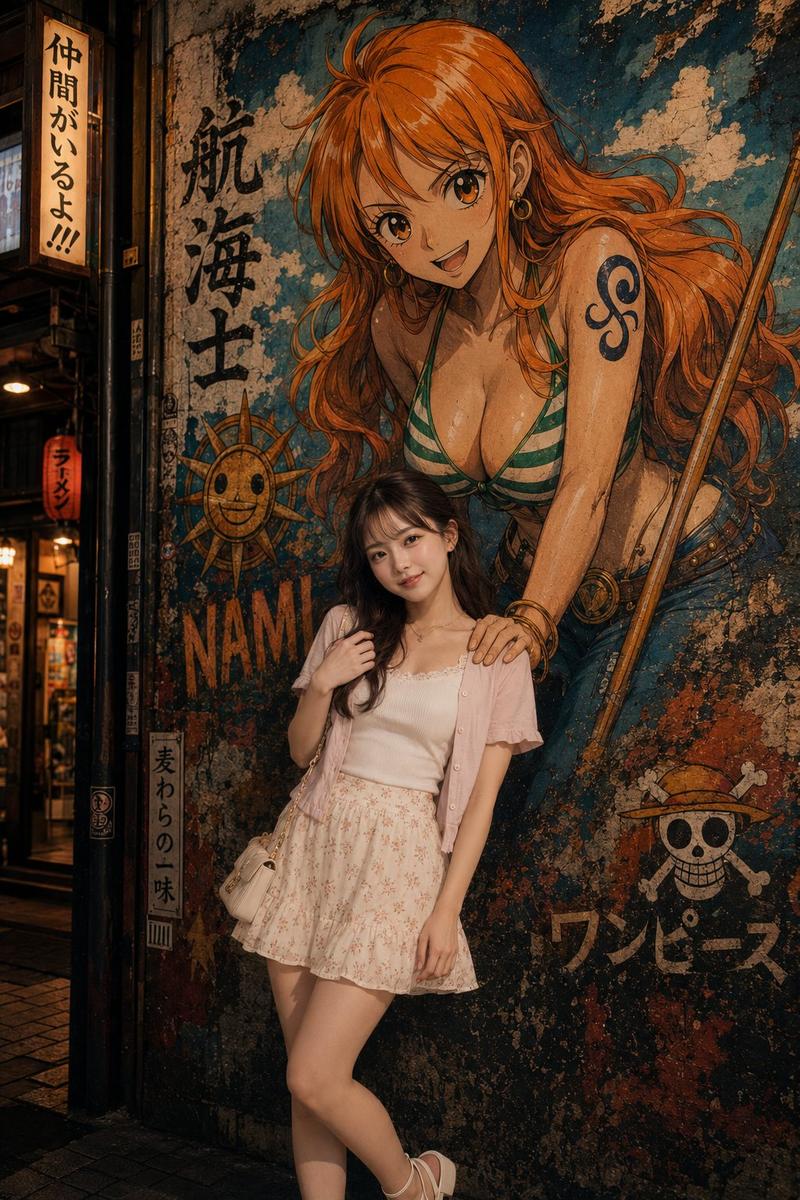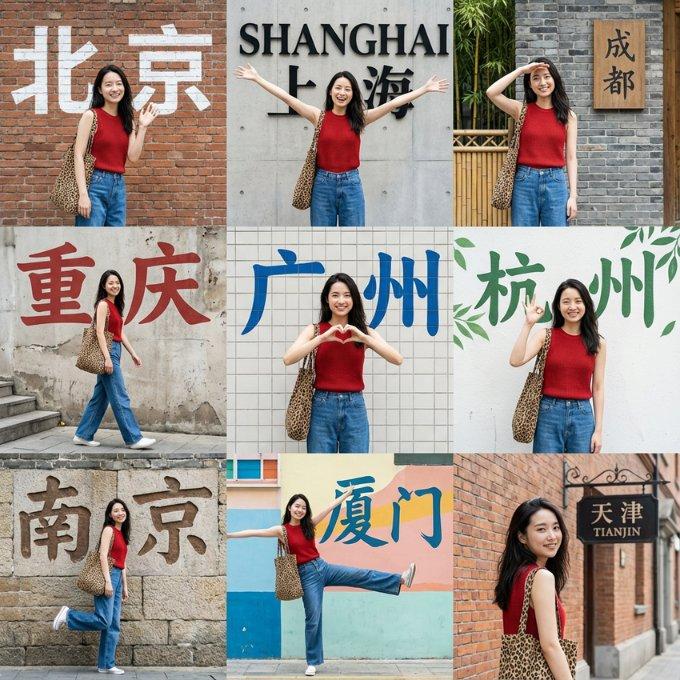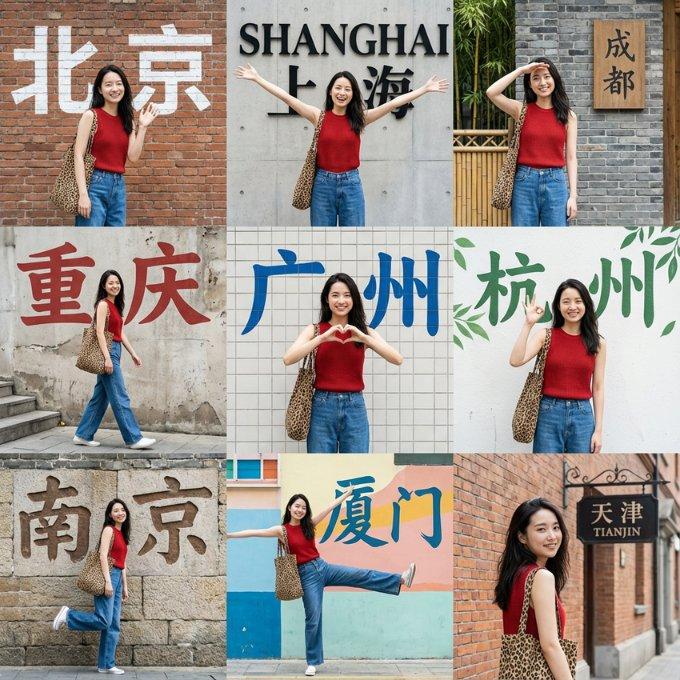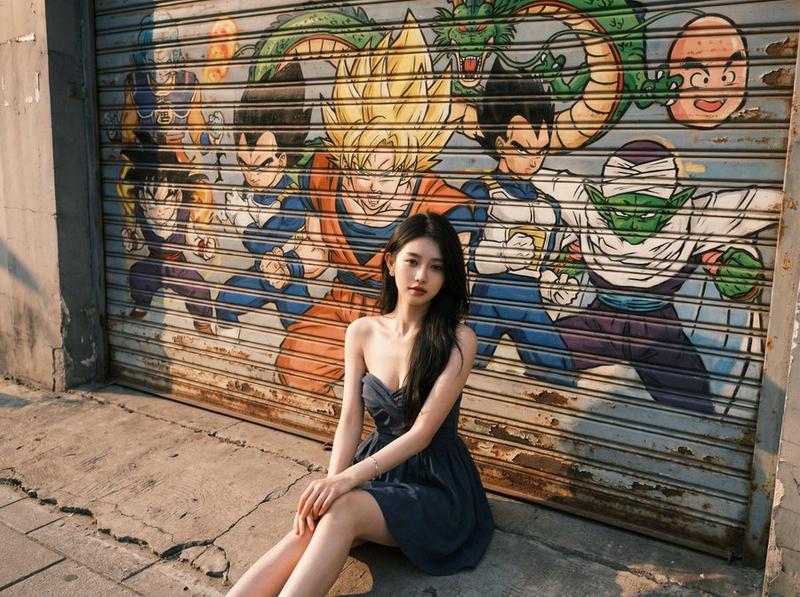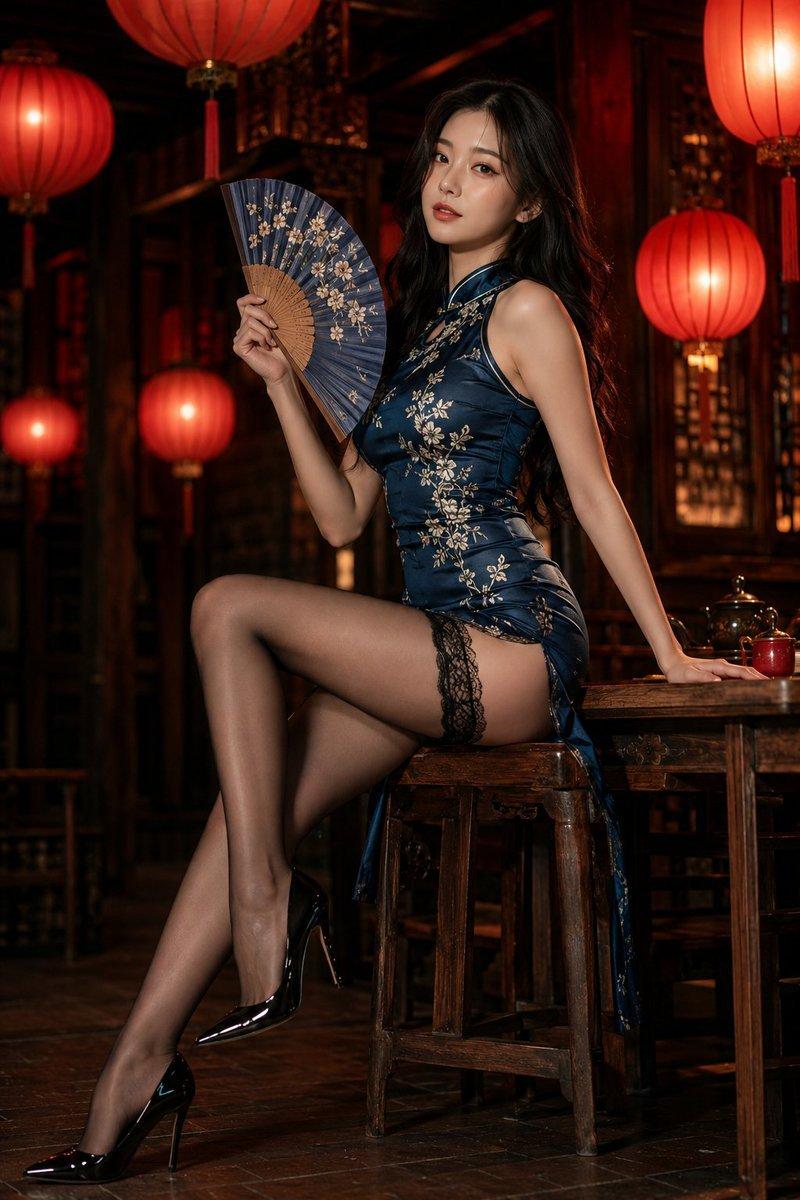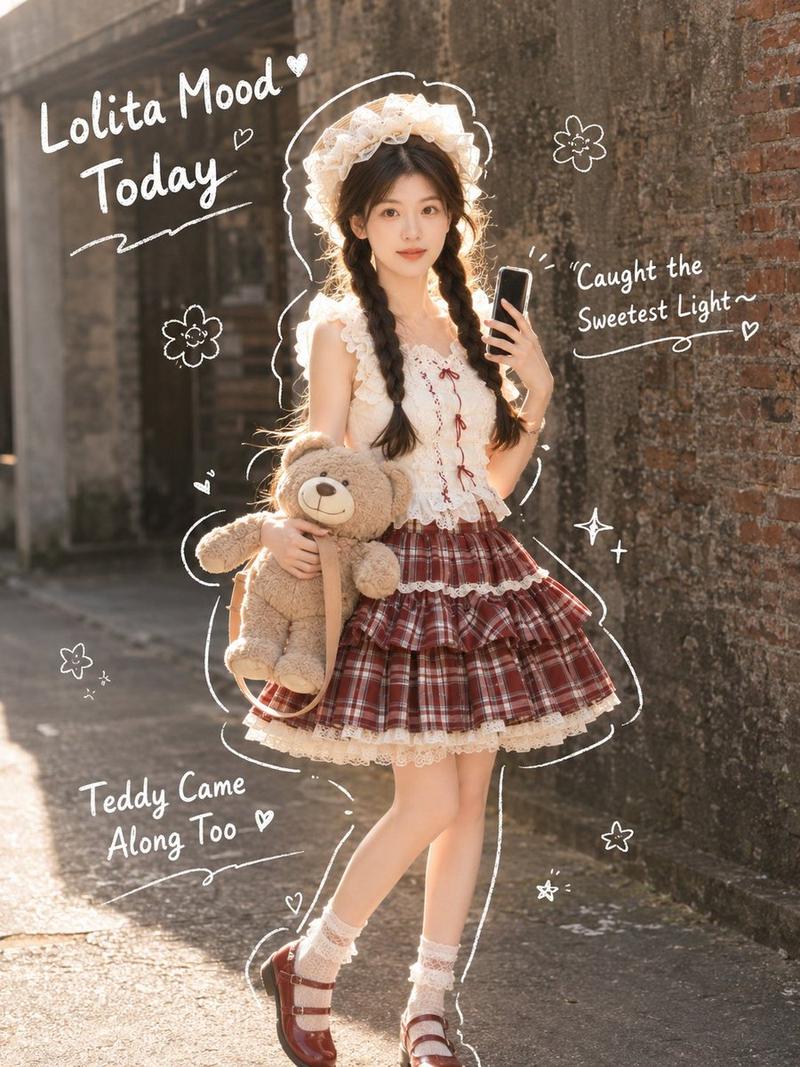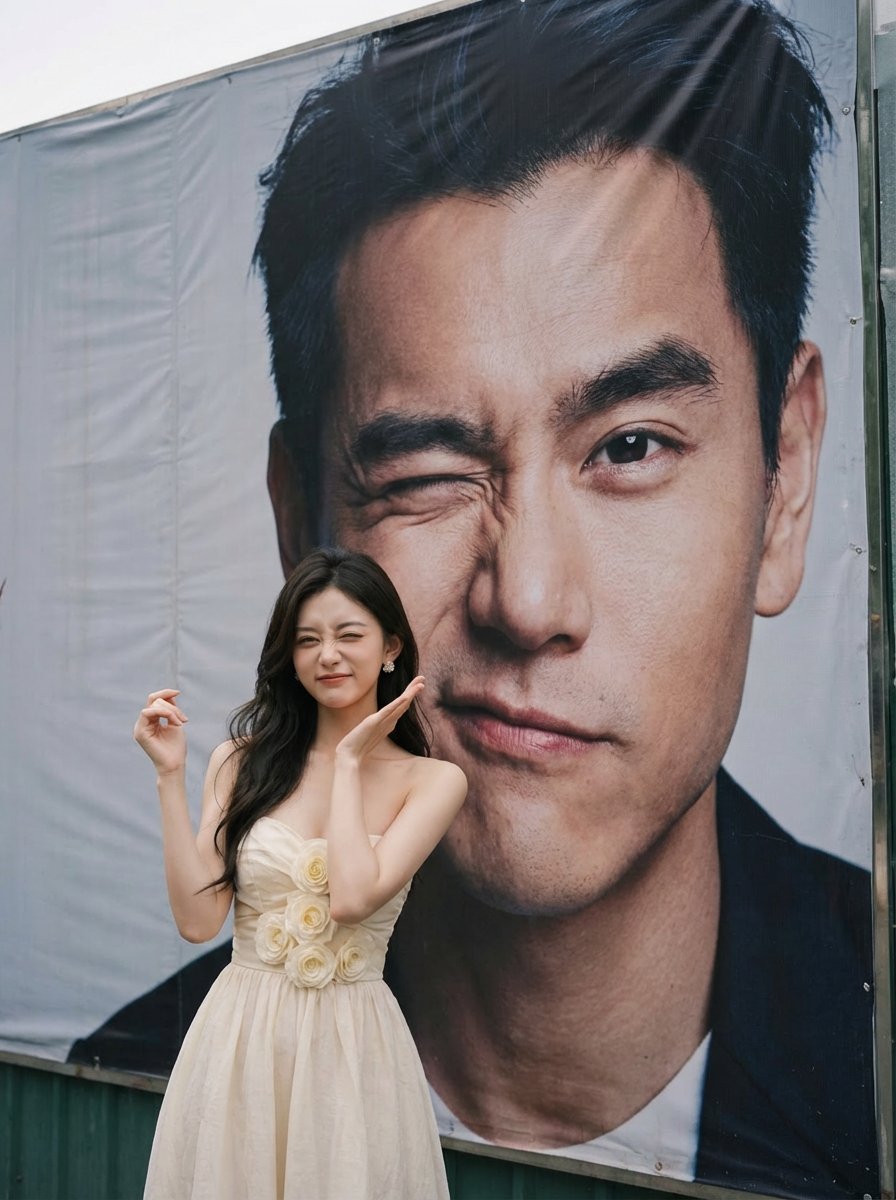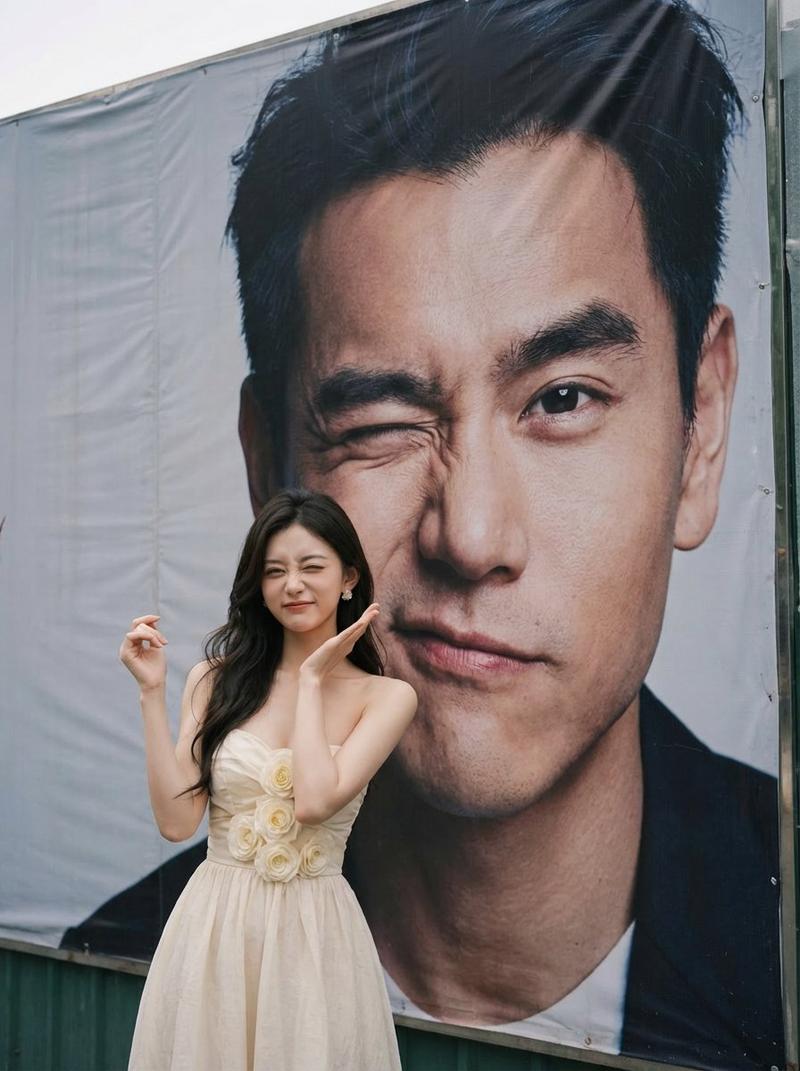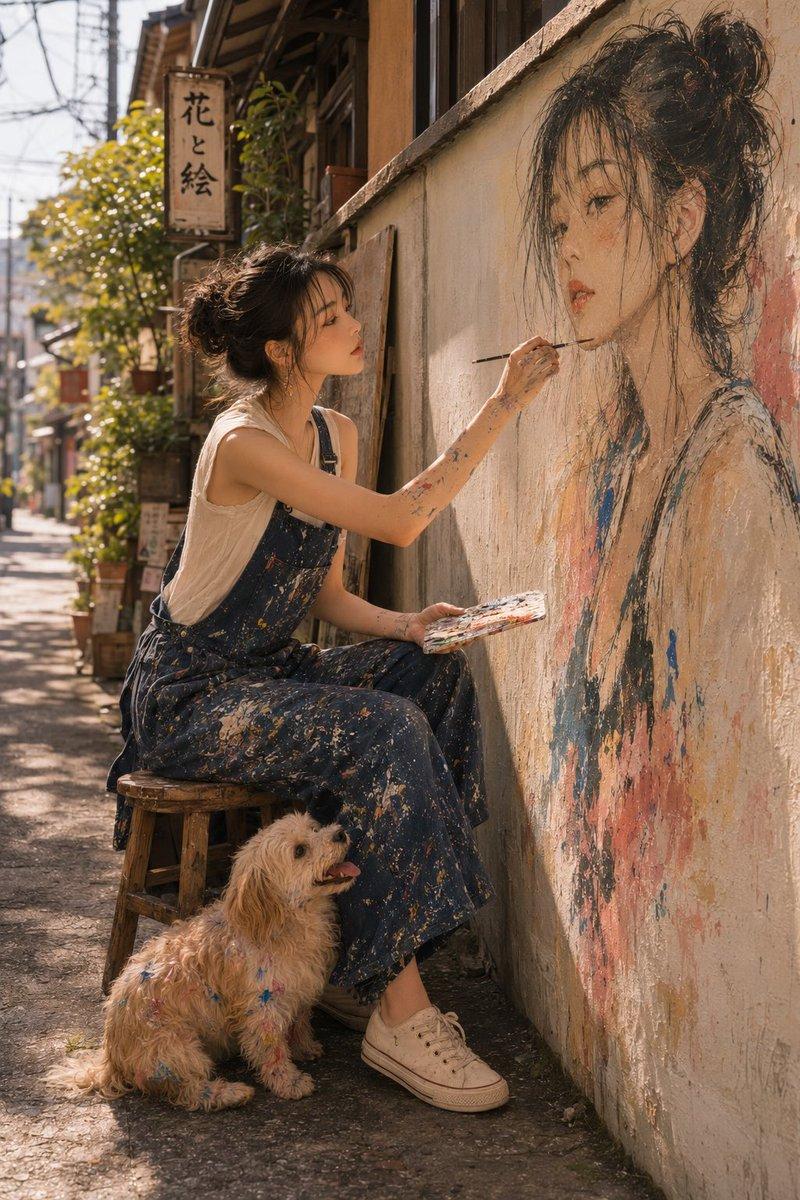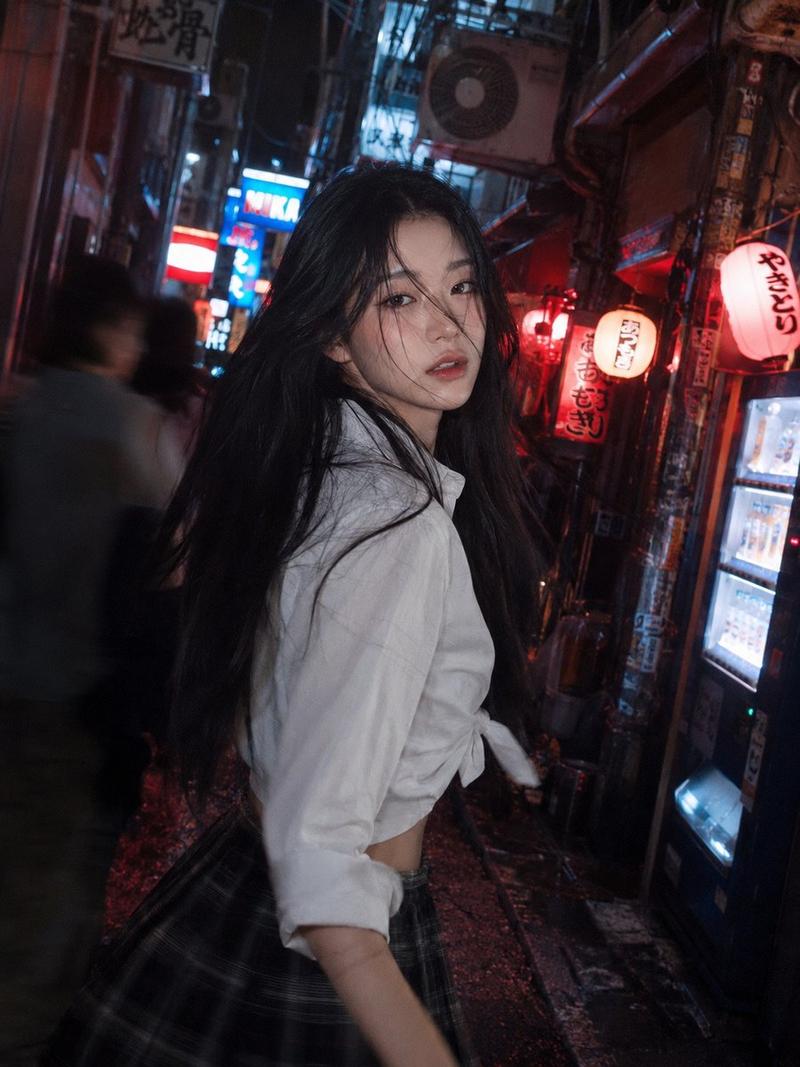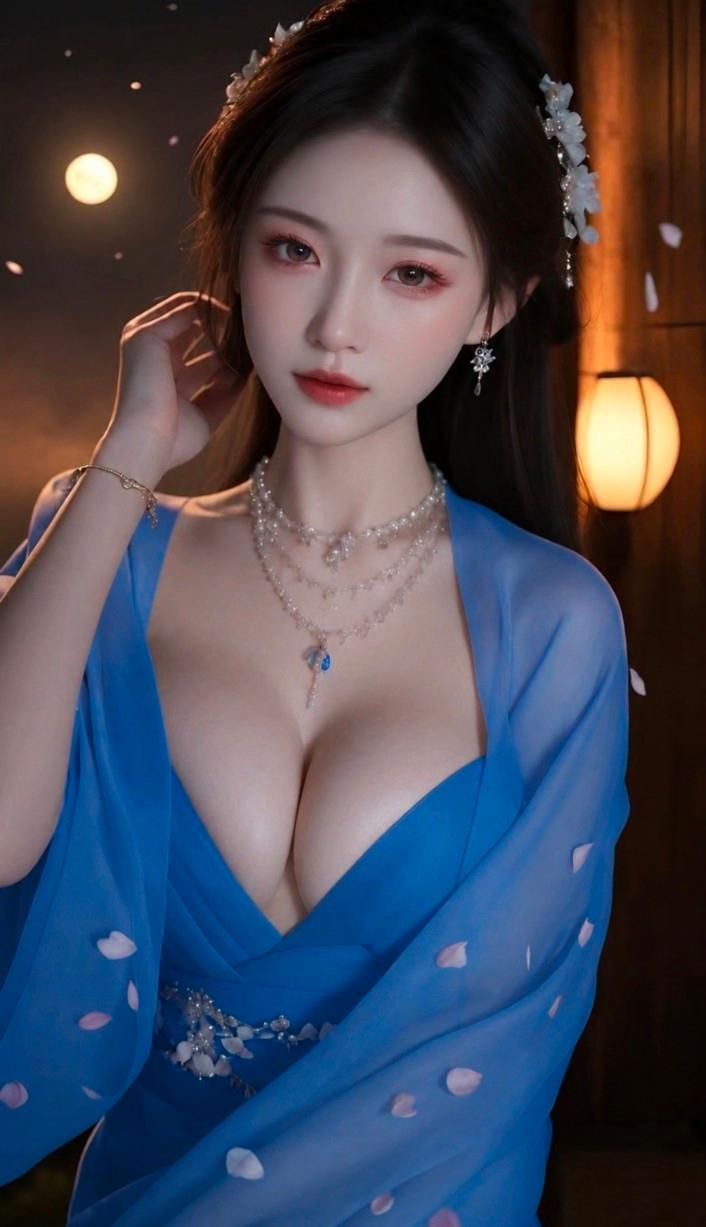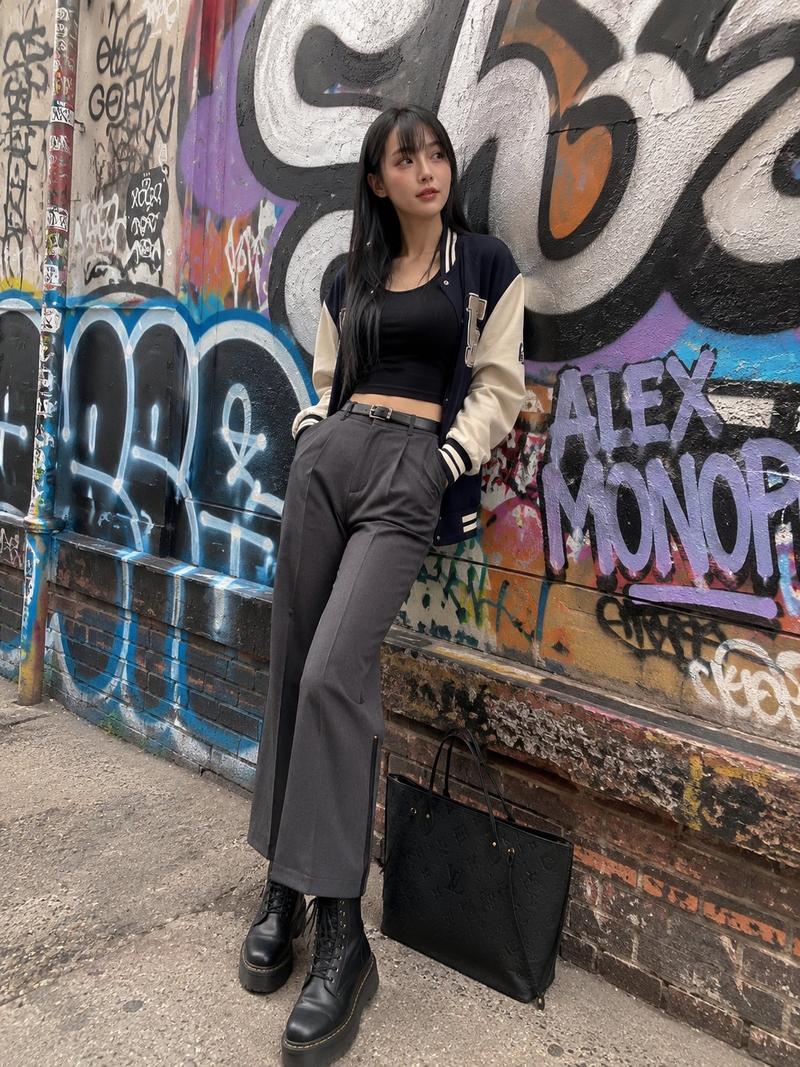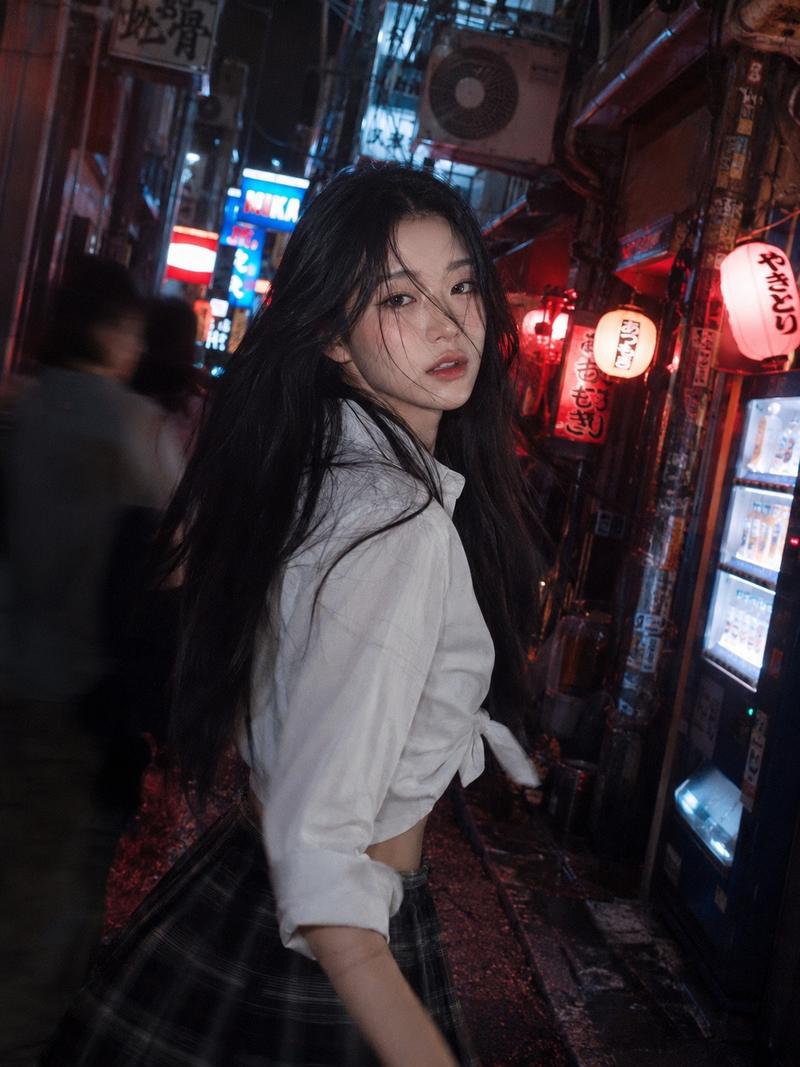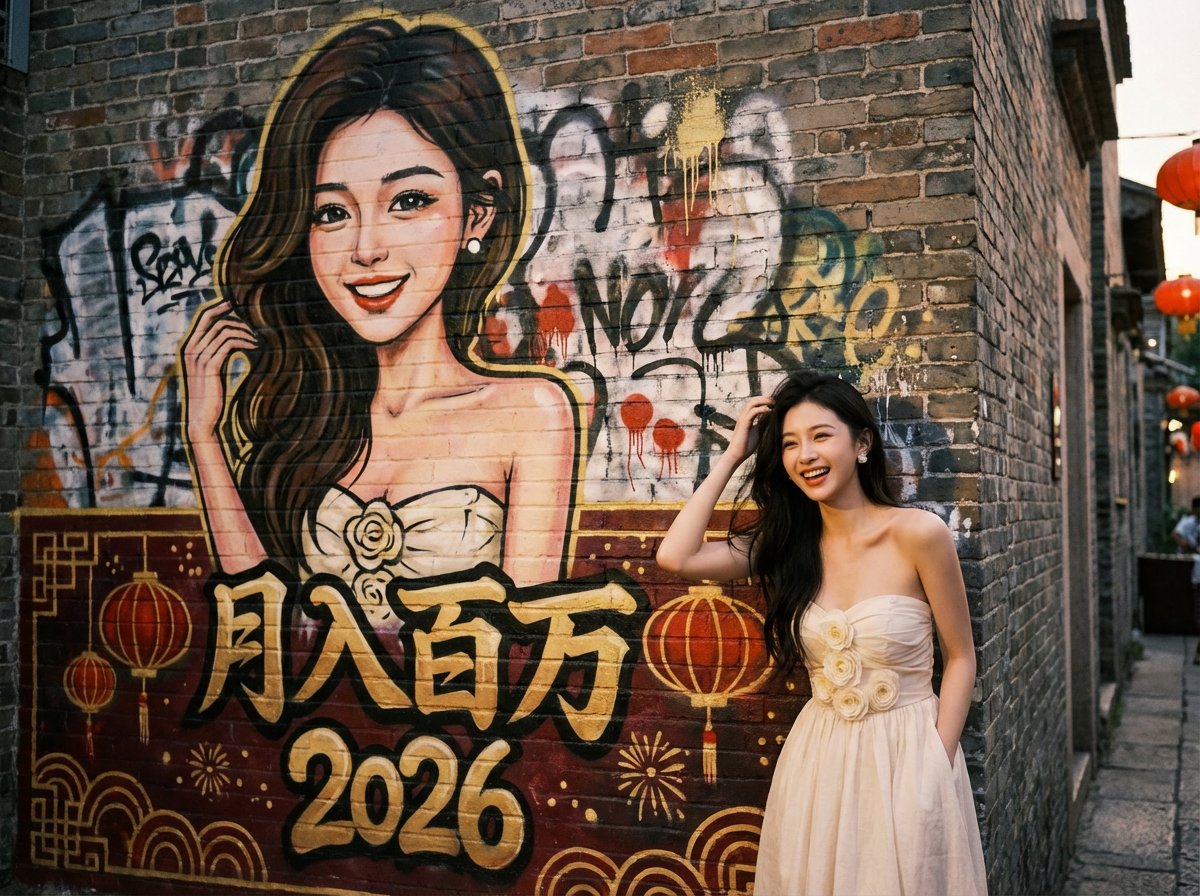
🔥朋友们这套提示词绝了!上传你的靓照就可以生成你跟自己的街头涂鸦合照,社媒疯传预定! 内置了四个主题场景(新年,赛博,民国,国潮),提示词里面这部分可以自定义
Prompt
🔥朋友们这套提示词绝了!上传你的靓照就可以生成你跟自己的街头涂鸦合照,社媒疯传预定!

内置了四个主题场景(新年,赛博,民国,国潮),提示词里面这部分可以自定义👇

"mural_main_text": "月入百万",
"mural_secondary_text": "2026",
"theme": "New Year Festive",(从 style_pool 里面挑一个)

快来赛出你的靓作!😍

{
  "task_description": "Create a natural street portrait of a real person standing in front of a layered, messy graffiti wall. The wall features a spontaneous, hand-painted caricature of the person.",
  "global_settings": {
    "aspect_ratio": "4:3",
    "camera_view": "Front-on or slight 15-degree angle; avoid extreme perspective distortion; eye-level shot",
    "overall_vibe": "Authentic urban street culture, raw, energetic, and candid"
  },
  "variables": {
    "mural_main_text": "月入百万",
    "mural_secondary_text": "2026",
    "theme": "New Year Festive",
    "style_pool": ["New Year Festive", "Cyberpunk Underground", "Vintage Republican", "Traditional Zen"]
  },
  "mural_aesthetics": {
    "rendering_style": "Hand-painted aerosol art, not a digital print",
    "messiness_factors": [
      "Visible paint splatters and spontaneous drips",
      "Soft, blurred spray edges (no sharp digital outlines)",
      "Layered effect: the main portrait is painted over faint, messy background tags and scribbles",
      "Imperfect symmetry to enhance the 'freehand' look"
    ],
    "content": "A vibrant caricature based on the reference person's facial features and joyful expression, integrated into the chaotic beauty of the street wall."
  },
  "style_scenarios": {
    "New_Year_Festive": {
      "setting": "An old city street during dusk",
      "palette": "Dominant deep reds and gold, contrasted with the reference image's colors",
      "details": "Faint lanterns in the distance, festive graffiti tags"
    },
    "Cyberpunk_Underground": {
      "setting": "A dimly lit pedestrian tunnel with wet floors",
      "palette": "Neon blue and violet, mixed with the reference image's color tones",
      "details": "Exposed wires on the wall, industrial textures"
    },
    "Vintage_Republican": {
      "setting": "A historic brick alleyway (Lilong)",
      "palette": "Muted earth tones, sepia, and charcoal",
      "details": "Old wooden window frames, textured grey bricks"
    },
    "Traditional_Zen": {
      "setting": "A quiet courtyard with a stone wall",
      "palette": "Ink black, sage green, and white-wash",
      "details": "Subtle bamboo shadows, weathered limestone texture"
    }
  },
  "foreground_subject": {
    "logic": "Mirror the gender and facial features of the reference image.",
    "attire_strategy": "Inherit the dominant color palette from the reference photo's clothing. For example, if the reference is wearing a black T-shirt, generate a stylish, theme-appropriate outfit in black or dark tones (e.g., a black techwear jacket for Cyberpunk theme).",
    "position": "Grounded in the bottom right corner, waist-up or three-quarter view.",
    "pose_randomization": [
      "Casually leaning back against the wall",
      "One hand adjusting hair or a hat",
      "A relaxed, mid-laugh stance with hands in pockets",
      "Slightly looking away from the camera for a candid feel"
    ]
  },
  "technical_finish": {
    "wall_texture": "Naturally weathered concrete or brick; subtle cracks and water stains that feel organic, not forced.",
    "lighting": "Dynamic natural lighting (soft sunlight or ambient street glow) that casts a soft shadow from the person onto the wall, ensuring a deep blend."
  }
}- Category
- 创意图片
- Model
- Nano Banana Pro
- Creator
- @msjiaozhu
- Source ID
- db519b6f-acfa-4e28-acae-386658dc42ce
- Published
- Jan 17, 2026
Views13