20

{ "image_generation_prompt": { "subject": { "description": "high-fashion editori
Enlarge

{ "image_generation_prompt": { "subject": { "description": "high-fashion editori

Prompt
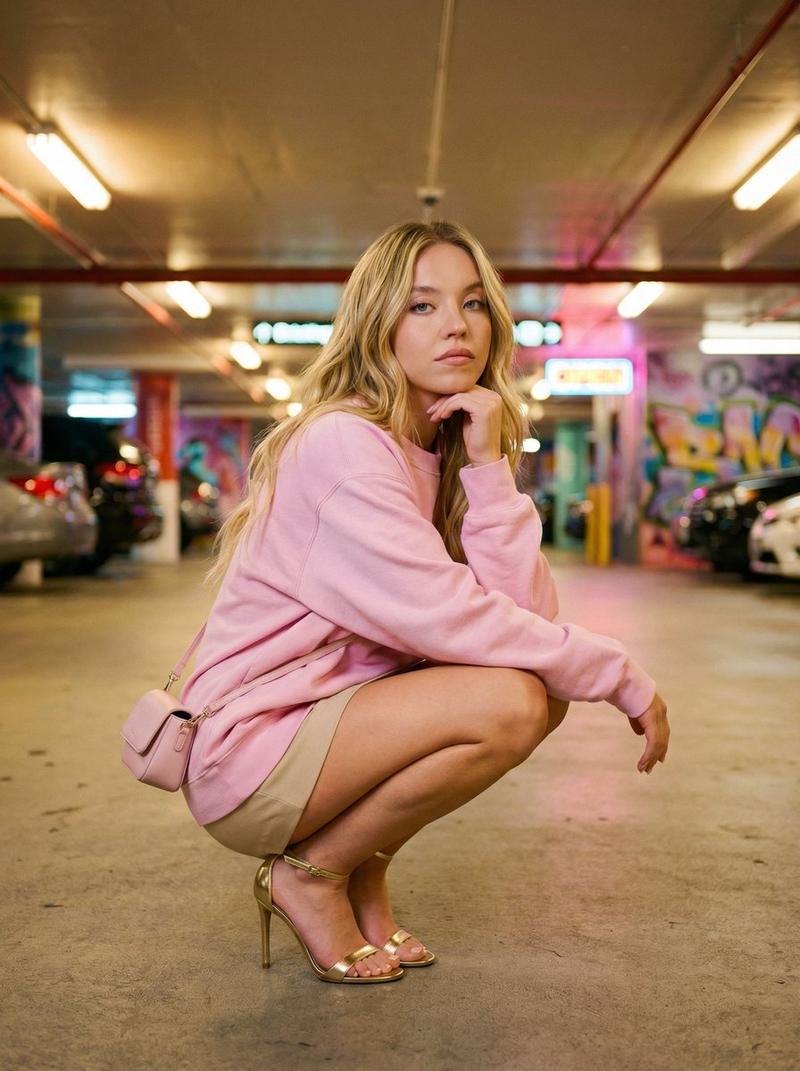
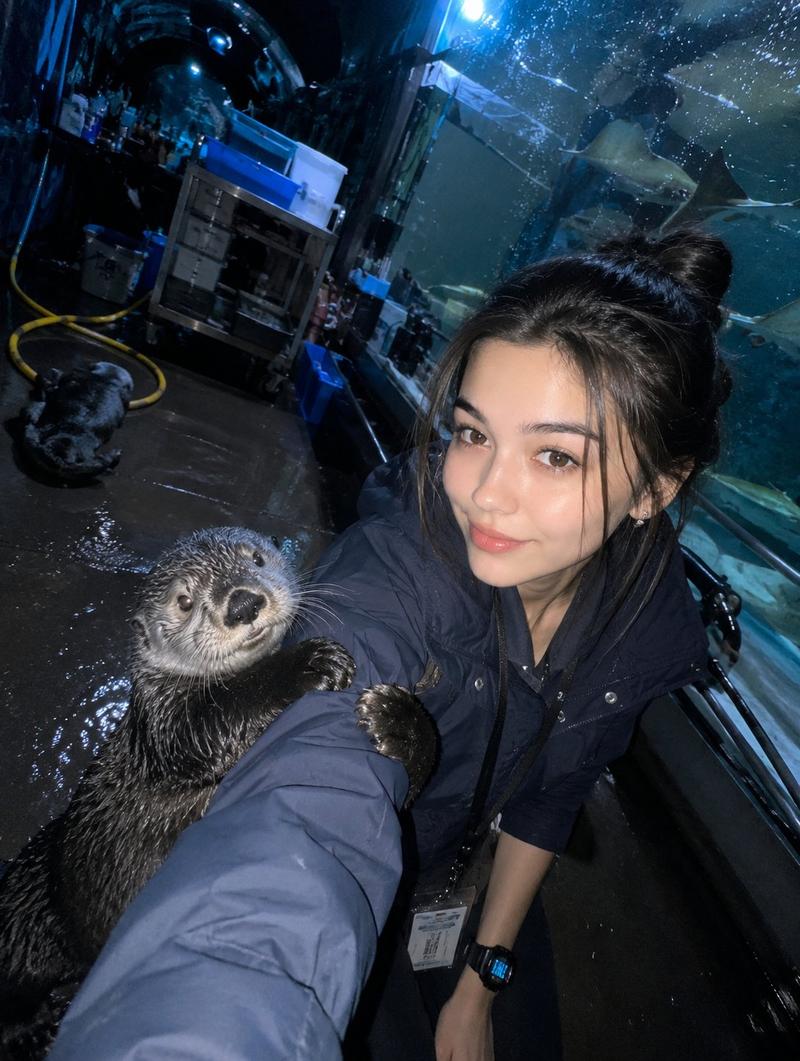
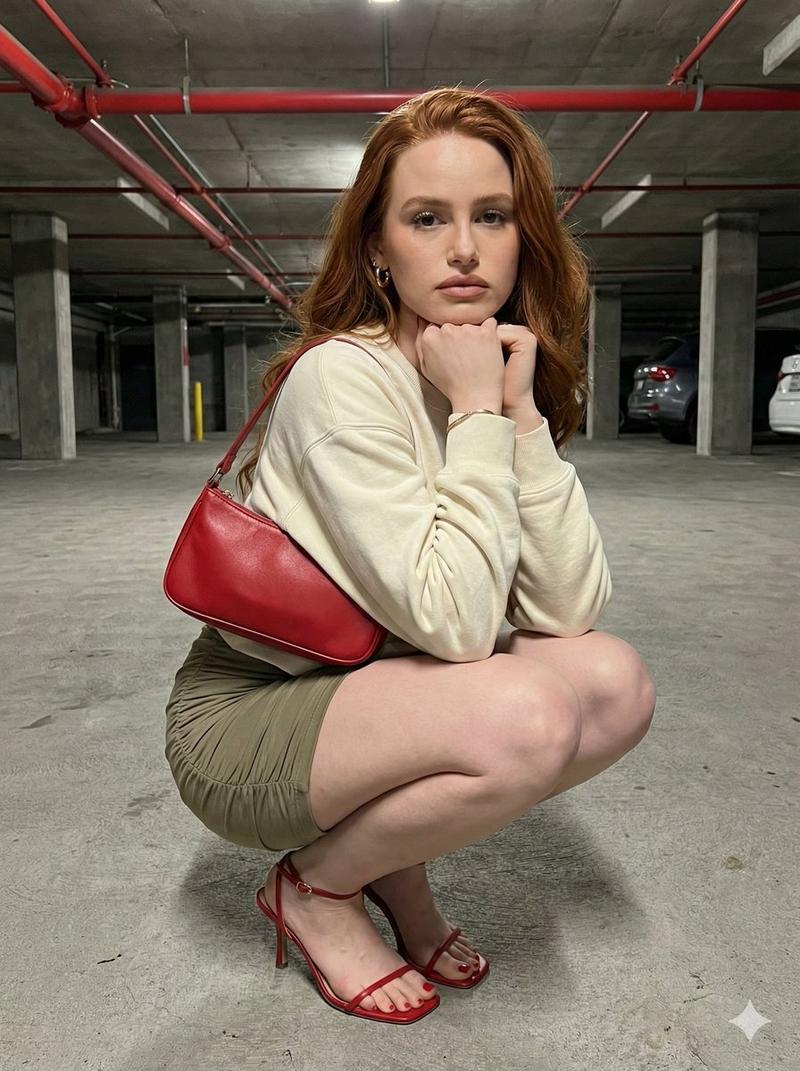
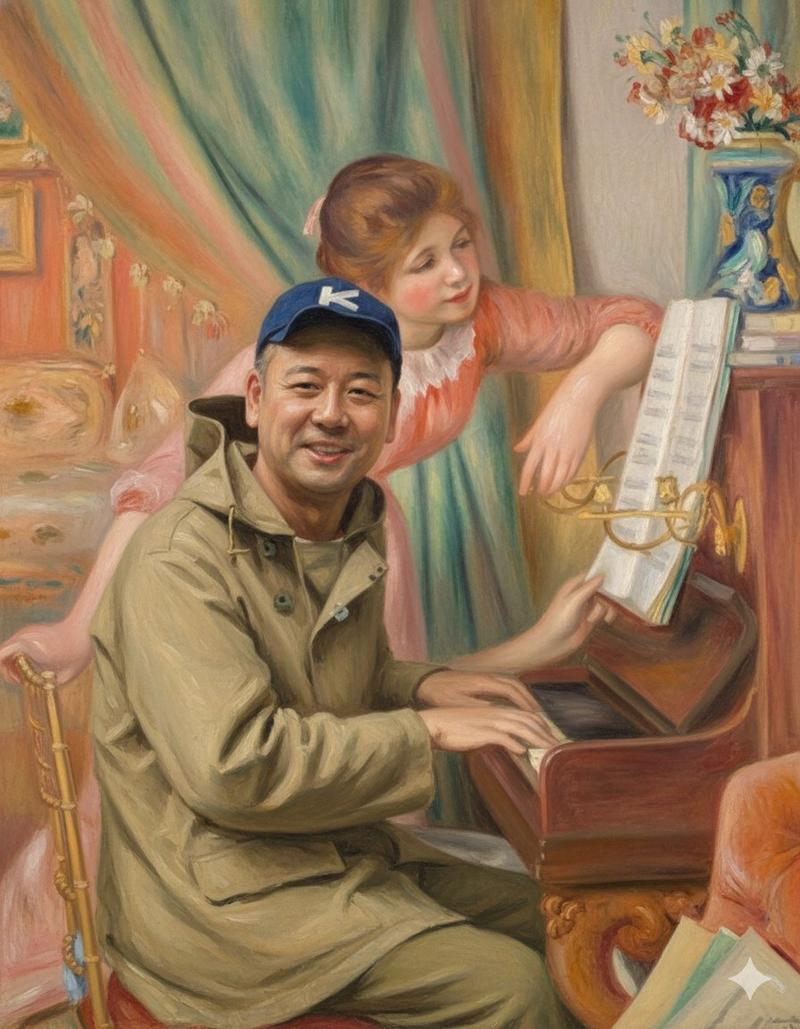
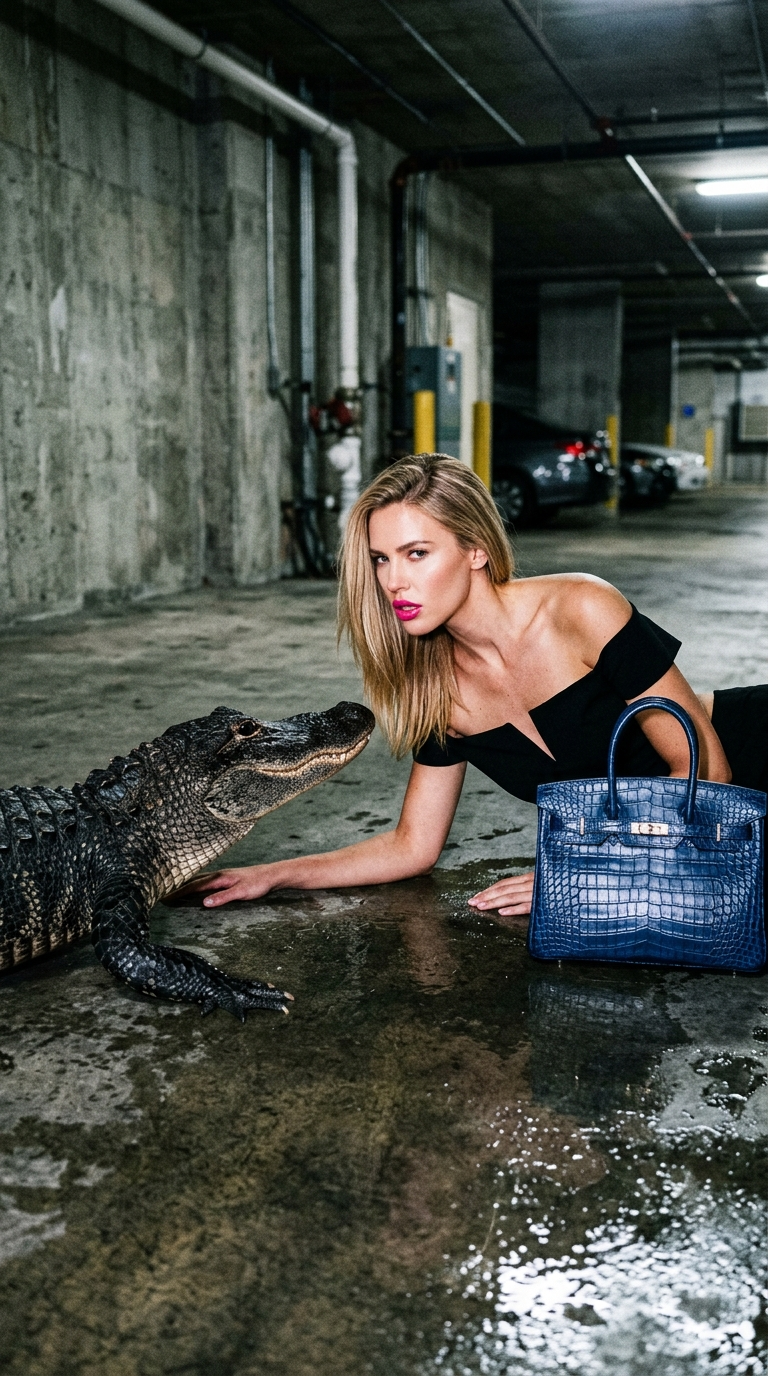
{ "image_generation_prompt": { "subject": { "description": "high-fashion editorial scene of a woman interacting closely with a reptile in a dramatic and edgy composition", "pose": { "type": "ground-level fashion pose", "body_position": "woman leaning forward on one arm on a concrete surface", "head": "tilted toward reptile with mouth slightly open in a bold editorial gesture" } }, "face_details": { "expression": "bold, provocative editorial expression with parted lips", "skin": "glossy, high-fashion skin with visible pores" }, "hair": { "style": "straight blonde hair", "details": "smooth with natural shine" }, "makeup": { "style": "editorial glam", "lips": "bold glossy hot pink lipstick" }, "clothing": { "outfit": "minimal high-fashion styling (bare shoulders look)", "accessories": "luxury structured handbag with crocodile leather texture in deep blue" }, "props": { "animal": "large realistic alligator positioned facing the subject", "interaction": "close proximity, stylized fashion interaction" }, "environment": { "setting": "industrial indoor garage or concrete space", "ground": "wet concrete floor with reflections" }, "lighting": { "type": "direct harsh flash", "effect": "high contrast, editorial paparazzi look" }, "camera": { "lens": "50mm", "angle": "slightly above eye-level angled down" } } }
Category
Photography & Realism
Model
Nano Banana 2
Views81
Source ID
1390
Published
Mar 30, 2026

Guide

About "{ "image_generation_prompt": { "subject": { "description": "high-fashion editori"

What is this prompt for?

"{ "image_generation_prompt": { "subject": { "description": "high-fashion editori" AI image prompt for Nano Banana 2 (Photography & Realism). { "image_generati…

The full copyable prompt and example visuals above are ready for AI image generation or one-click recreate in Picva.

How to use this prompt

  1. Step 1

    Open the prompt detail

    Review the example visuals, category, and full prompt text for "{ "image_generation_prompt": { "subject": { "description": "high-fashion editori".

  2. Step 2

    Copy the prompt

    Copy the prompt body from this page, or load it directly in Studio.

  3. Step 3

    Pick a model (Nano Banana 2)

    Prefer Nano Banana 2. If you switch models, keep subject and composition and tweak style terms.

  4. Step 4

    Generate and export

    Recreate the look in Picva, or export into your workflow for editing and publishing.

FAQ

What is the "{ "image_generation_prompt": { "subject": { "description": "high-fashion editori" prompt?
It is an AI image-generation prompt for Nano Banana 2 in the Photography & Realism category. This page includes the full prompt text, example visuals, and a one-click recreate path in Picva.
How do I use this prompt to generate an image?
Copy the prompt from this page, or use Generate / Studio. Paste it into a compatible image model, or recreate the look in Picva with optional reference images.
Which model is this prompt for?
This page lists Nano Banana 2. Most descriptive prompts also transfer to nearby image models such as GPT Image, Flux, or Midjourney with light style tweaks.
Can I use the result commercially?
You can usually copy the prompt for creation, but commercial use of the final image depends on the model terms, reference-image rights, and the generated content. Follow the source author and platform rules.