13

Create a clean 16:9 animation model-sheet character card for foto Grata (see ref
Enlarge

Example images

Create a clean 16:9 animation model-sheet character card for foto Grata (see ref

Prompt
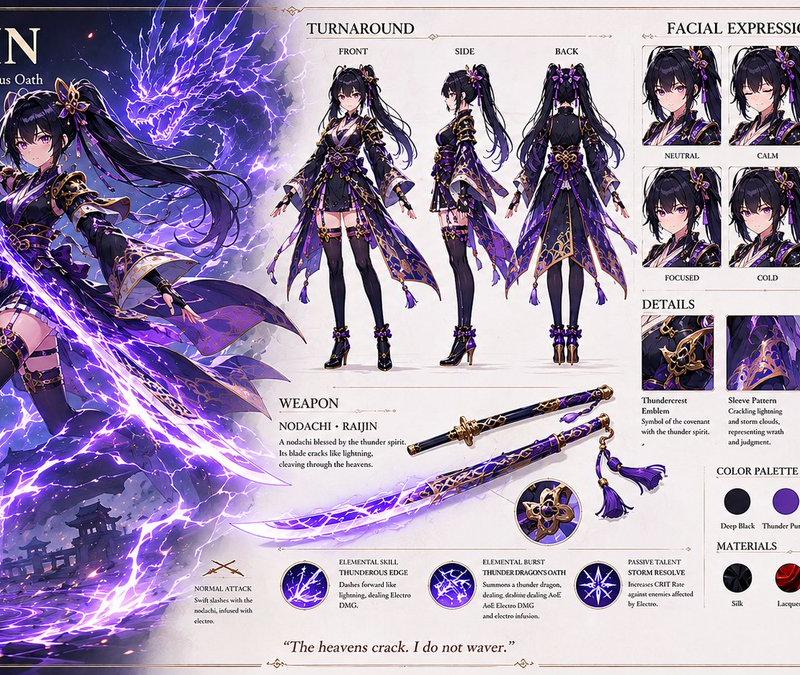
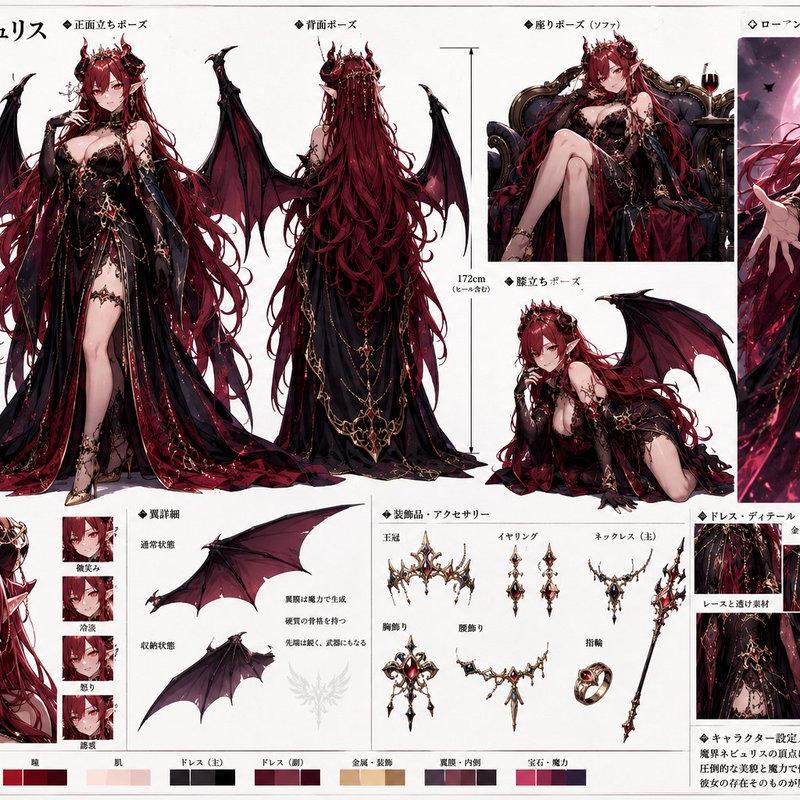
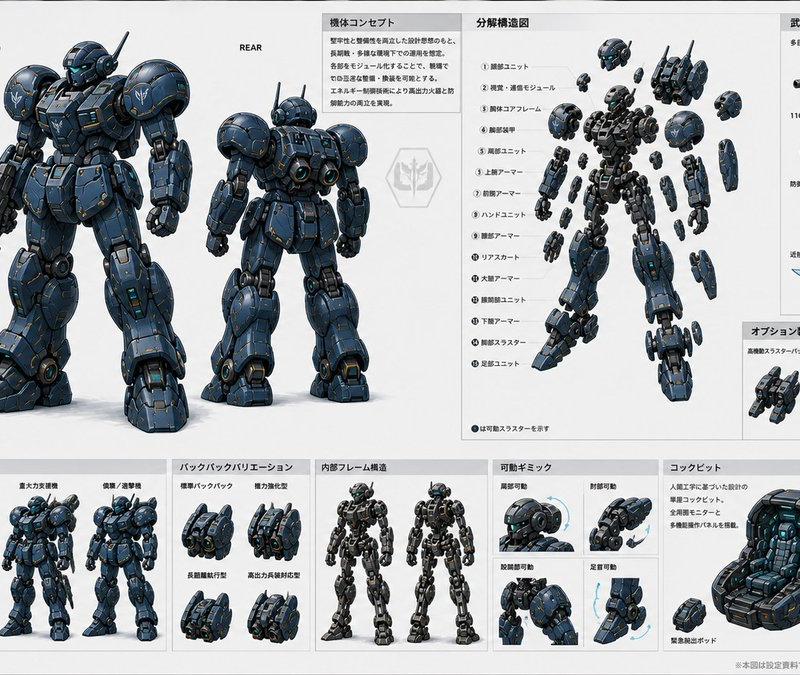
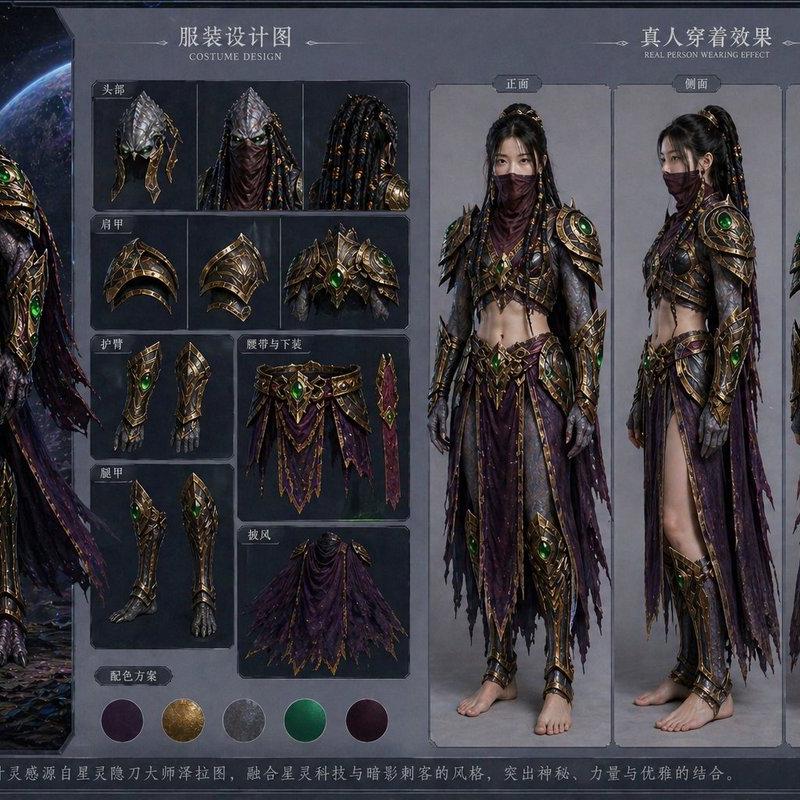
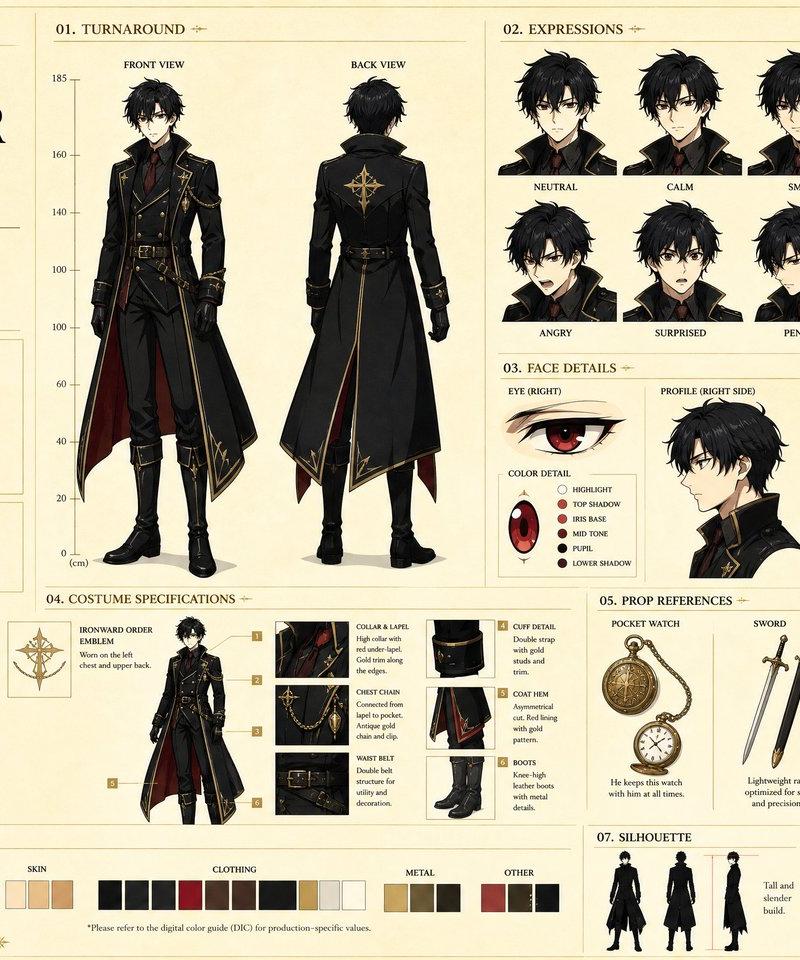
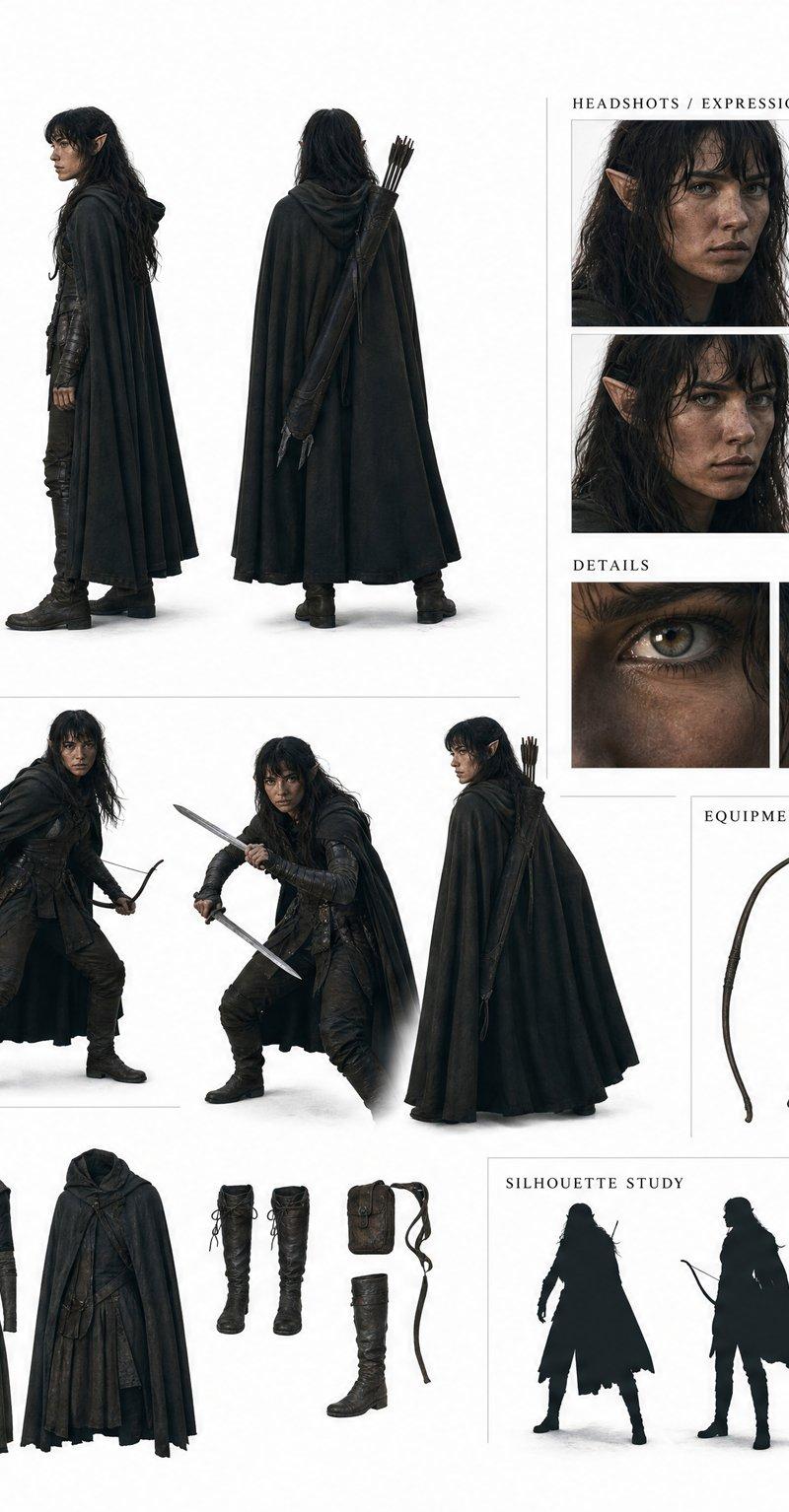
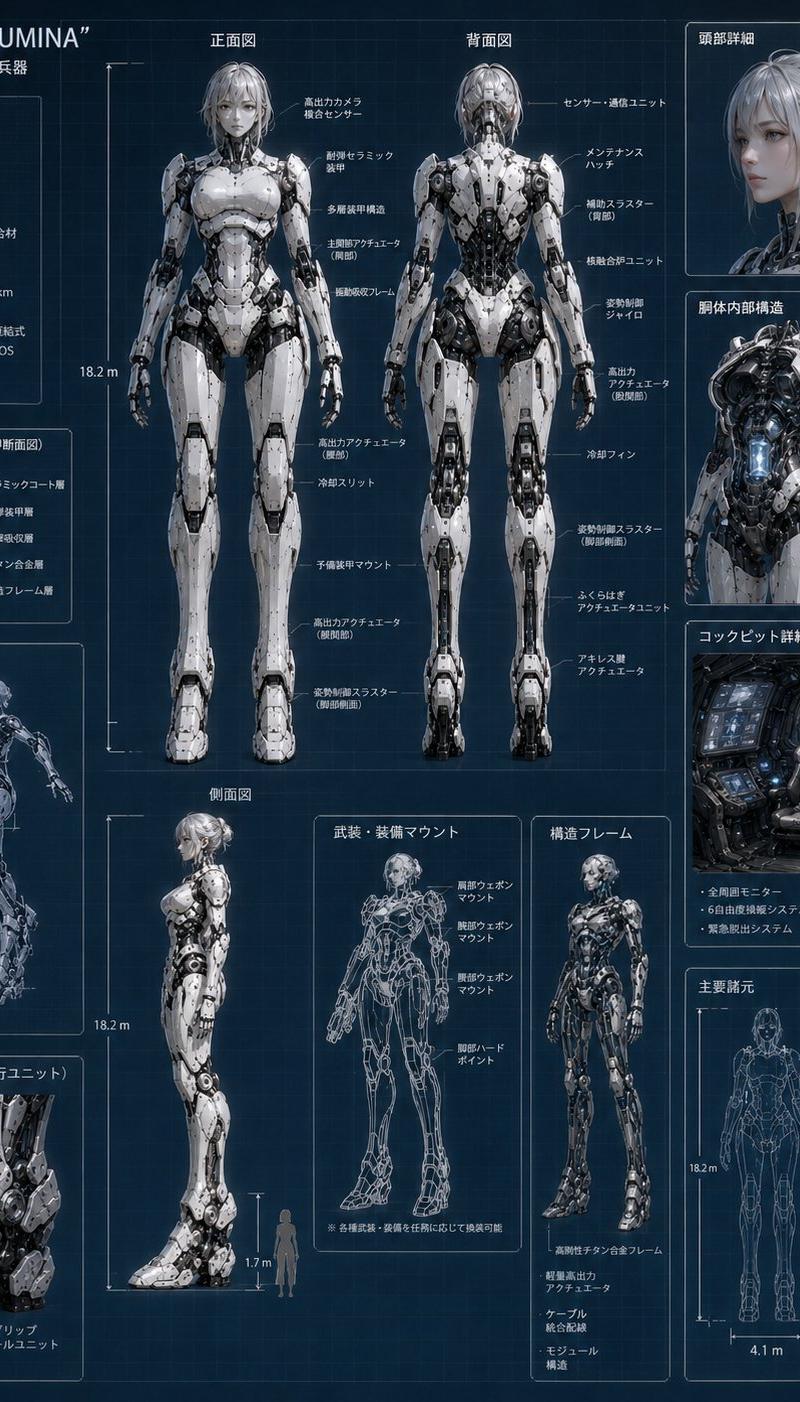
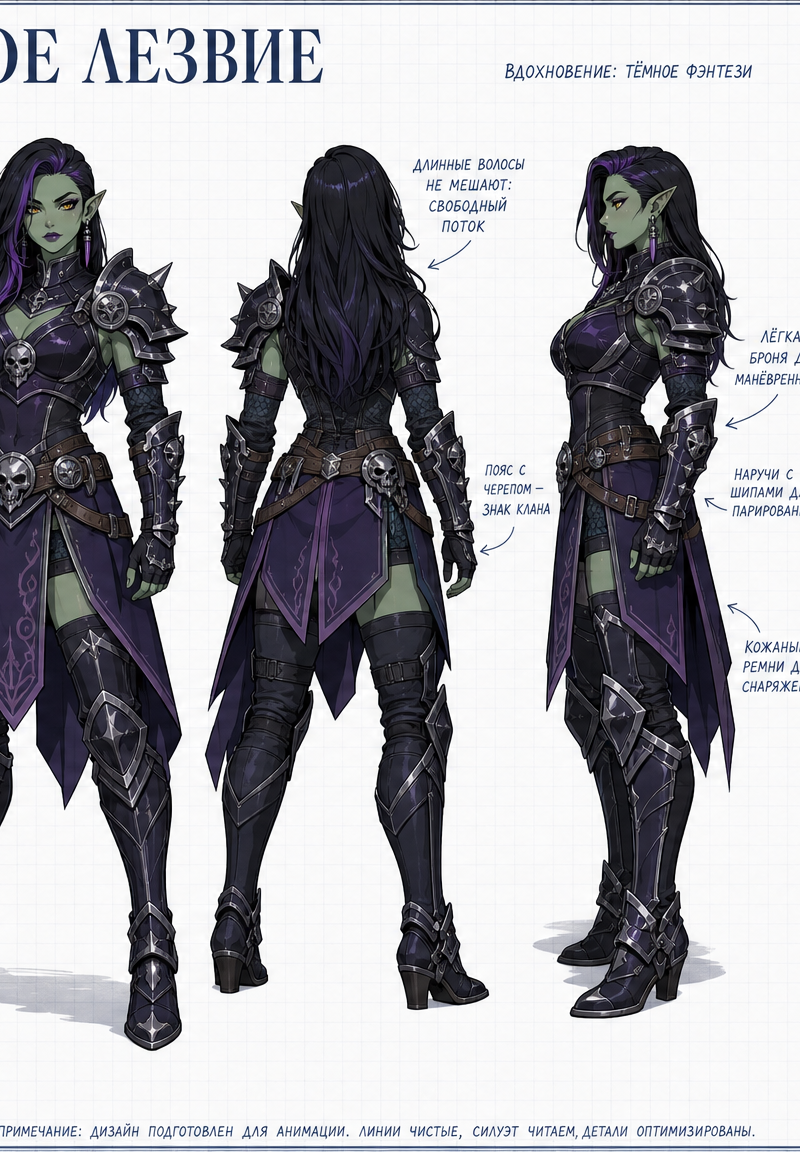
Create a clean 16:9 animation model-sheet character card for foto Grata (see reference), redesigned as a clearly adult or age-neutral character profile sheet depending on the source.

AUTO-ADAPT FROM CHARACTER: infer source work, iconic hairstyle, face shape, expression, costume colors, emblem, accessories, props, and personality keywords. Preserve recognizability while simplifying details into a clean production-ready design.

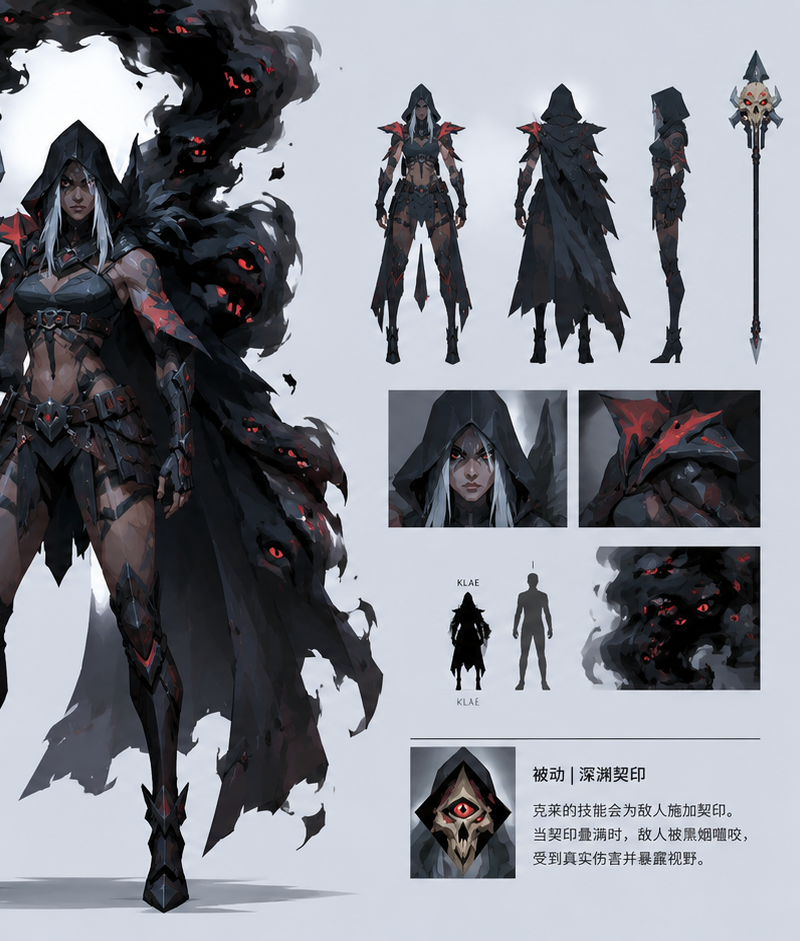
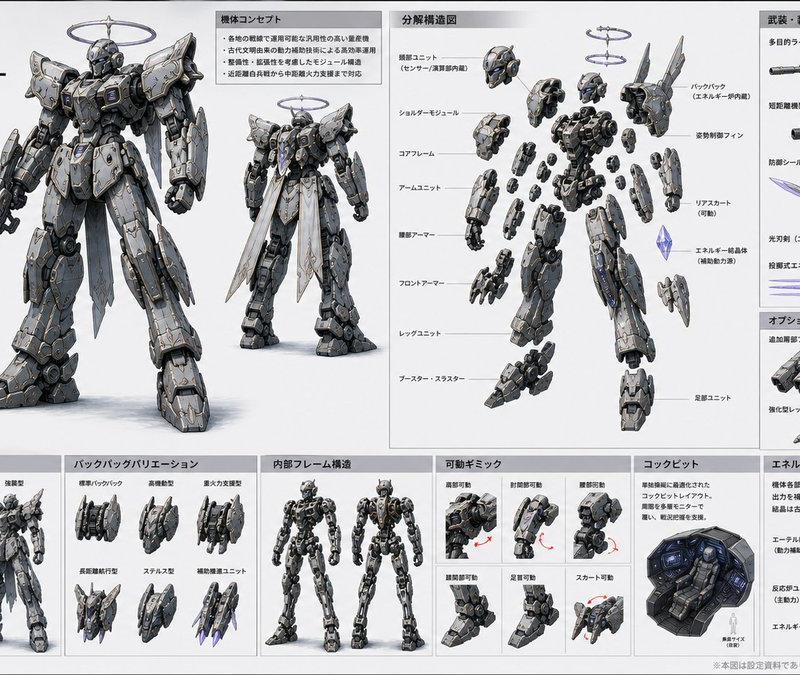
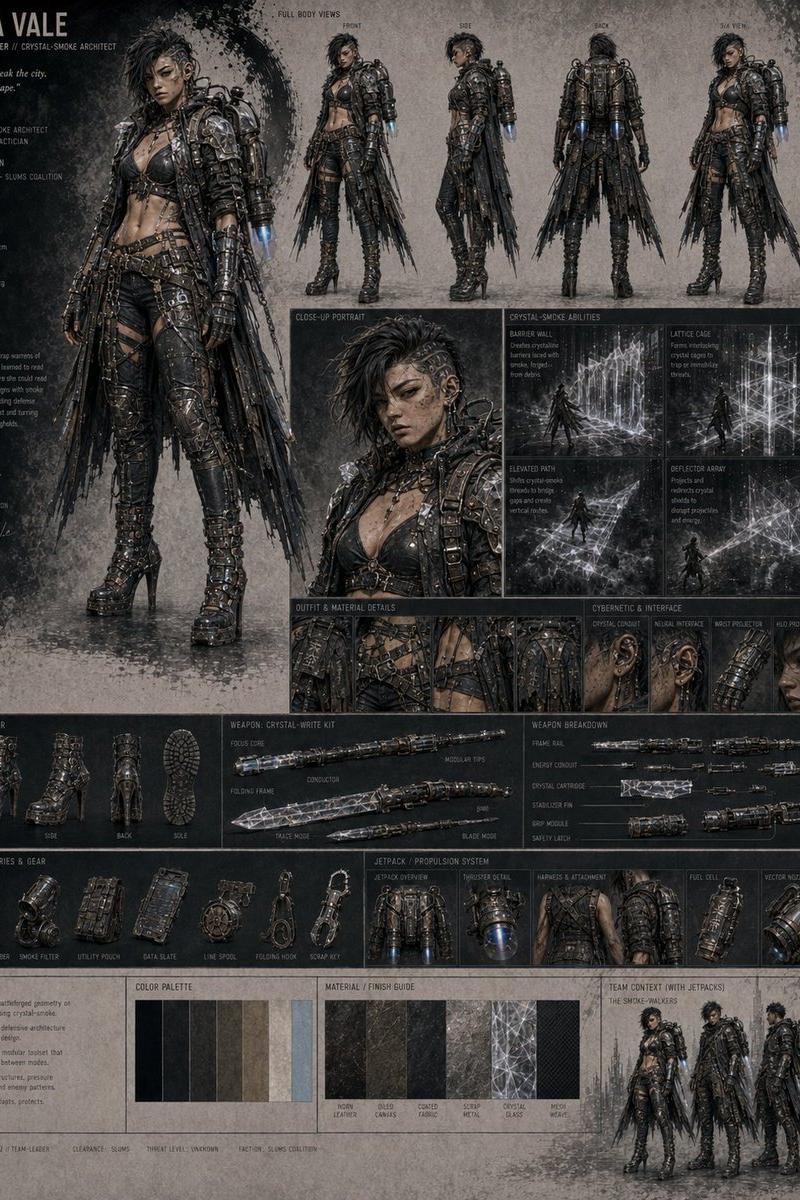
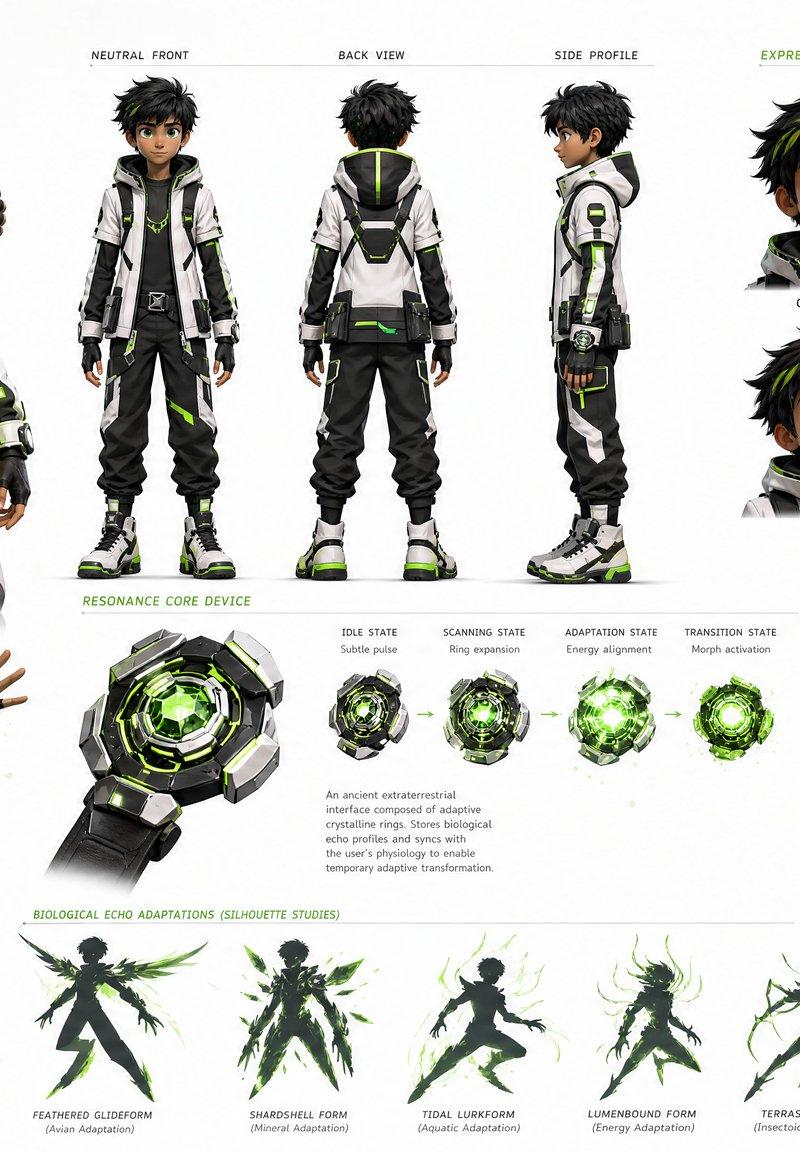
PAGE LAYOUT: large clean title at top, small source subtitle, front close-up portrait, full-body front standing pose, full-body back-facing standing pose, side-view or three-quarter pose, small action pose, expression thumbnails, color palette swatches, close-up boxes for hair, collar, sleeve, shoes, emblem, weapon or prop, and concise handwritten annotation arrows. White grid-paper background, clear margins, thin blue-gray construction lines, organized labels.

POSE SET: front close-up, confident front stand, back-facing stand, side three-quarter stand, small seated hugging raised shins pose or relaxed prop-holding pose.

STYLE: clean anime model sheet, crisp line art, flat-to-soft cel shading, readable silhouette, controlled colors, production reference quality, official artbook layout.

Russian text
Category
Posters & Typography
Model
GPT Image 2
Creator
Курт Сепеш
Source language
en
Views166
Source ID
15075
Published
Jun 3, 2026
Studio

Guide

About "Create a clean 16:9 animation model-sheet character card for foto Grata (see ref"

What is this prompt for?

"Create a clean 16:9 animation model-sheet character card for foto Grata (see ref" AI image prompt for GPT Image 2 (Posters & Typography). Create a clean 16:9…

The full copyable prompt and example visuals above are ready for AI image generation or one-click recreate in Picva.

How to use this prompt

  1. Step 1

    Open the prompt detail

    Review the example visuals, category, and full prompt text for "Create a clean 16:9 animation model-sheet character card for foto Grata (see ref".

  2. Step 2

    Copy the prompt

    Copy the prompt body from this page, or load it directly in Studio.

  3. Step 3

    Pick a model (GPT Image 2)

    Prefer GPT Image 2. If you switch models, keep subject and composition and tweak style terms.

  4. Step 4

    Generate and export

    Recreate the look in Picva, or export into your workflow for editing and publishing.

FAQ

What is the "Create a clean 16:9 animation model-sheet character card for foto Grata (see ref" prompt?
It is an AI image-generation prompt for GPT Image 2 in the Posters & Typography category. This page includes the full prompt text, example visuals, and a one-click recreate path in Picva.
How do I use this prompt to generate an image?
Copy the prompt from this page, or use Generate / Studio. Paste it into a compatible image model, or recreate the look in Picva with optional reference images.
Which model is this prompt for?
This page lists GPT Image 2. Most descriptive prompts also transfer to nearby image models such as GPT Image, Flux, or Midjourney with light style tweaks.
Can I use the result commercially?
You can usually copy the prompt for creation, but commercial use of the final image depends on the model terms, reference-image rights, and the generated content. Follow the source author and platform rules.