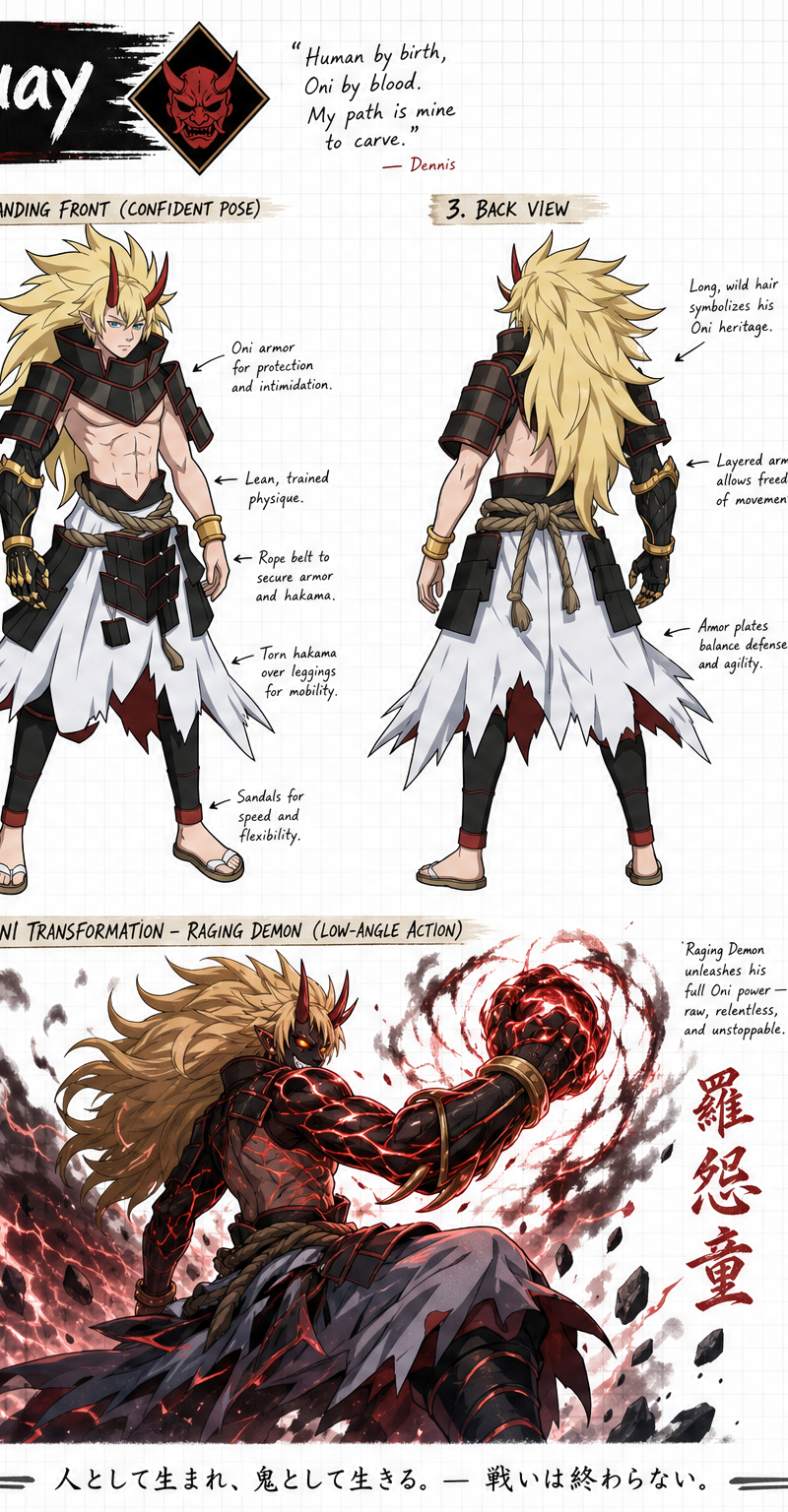
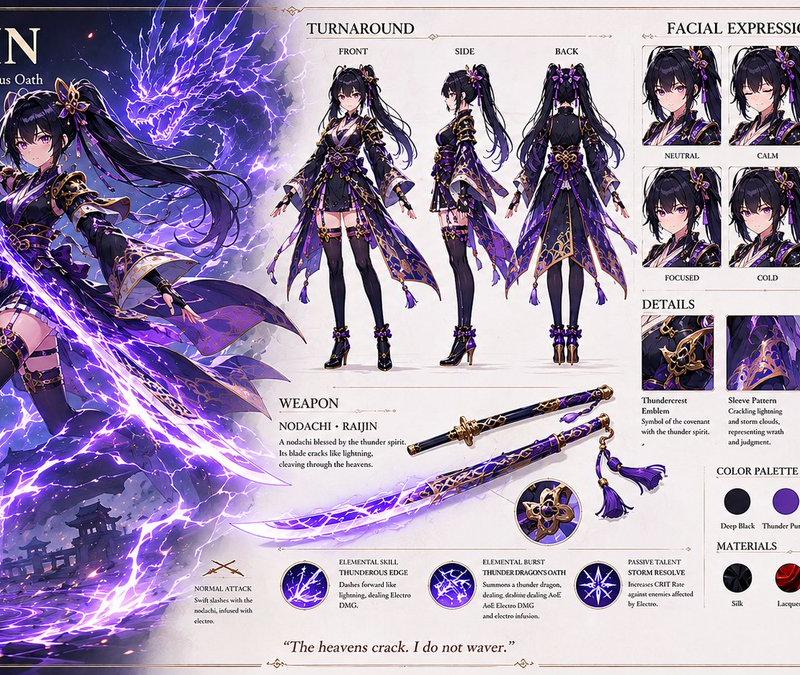
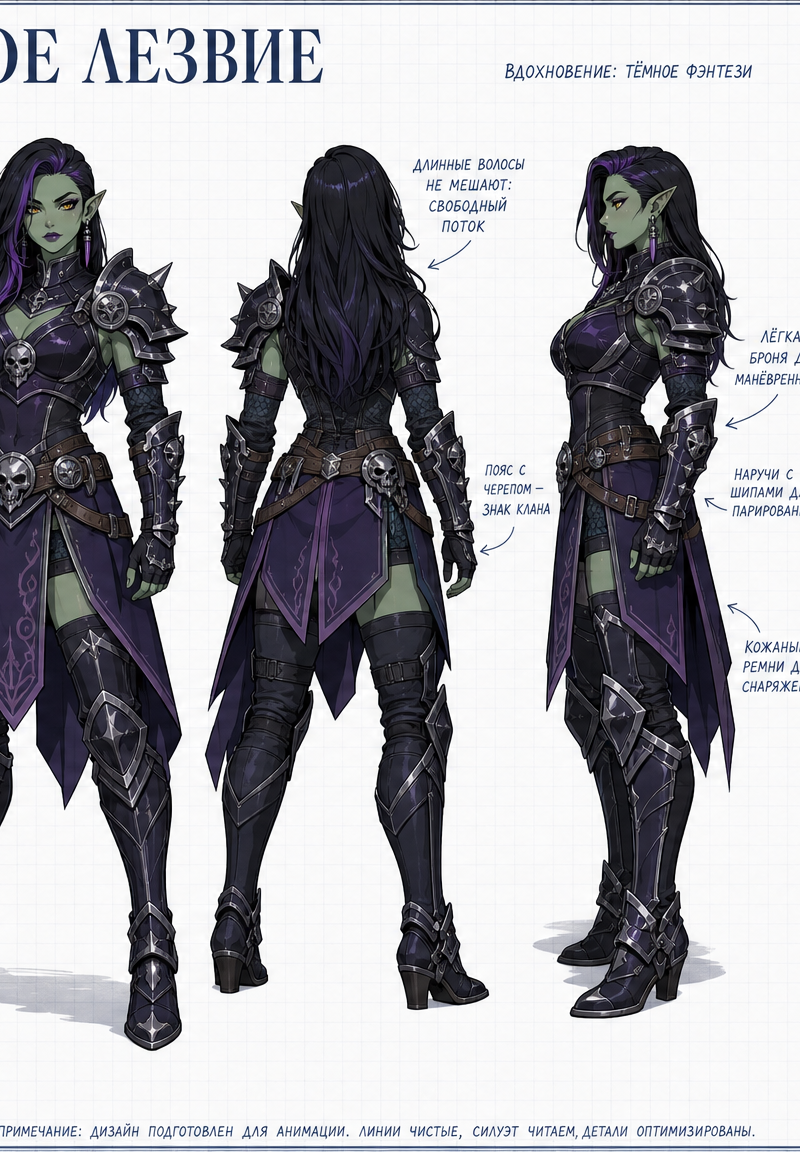
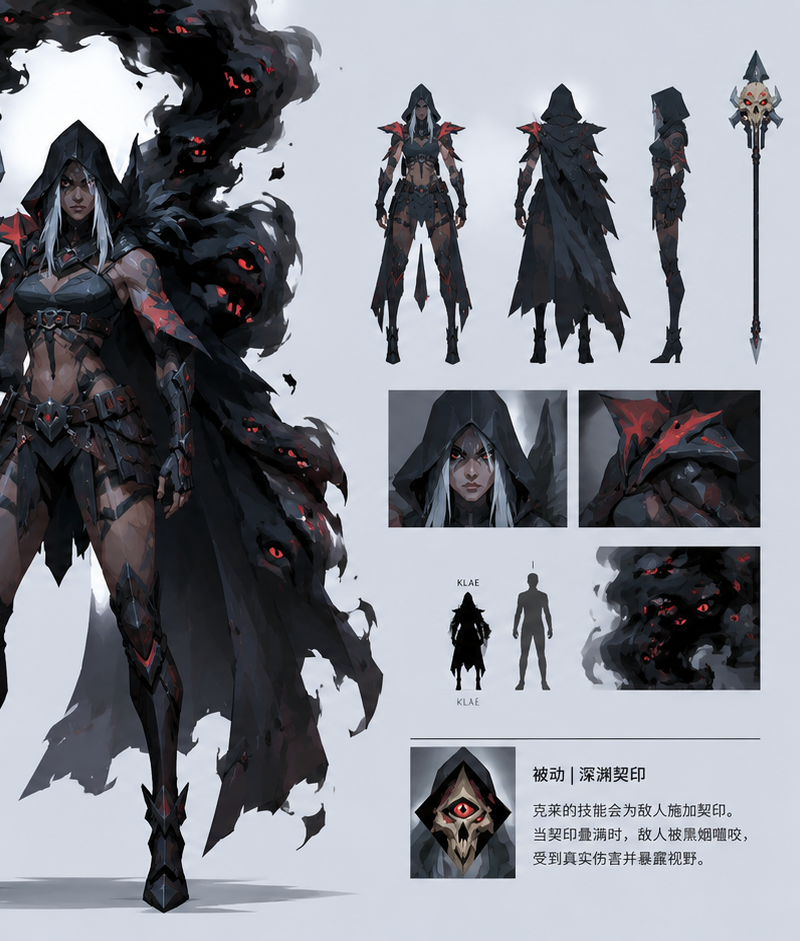
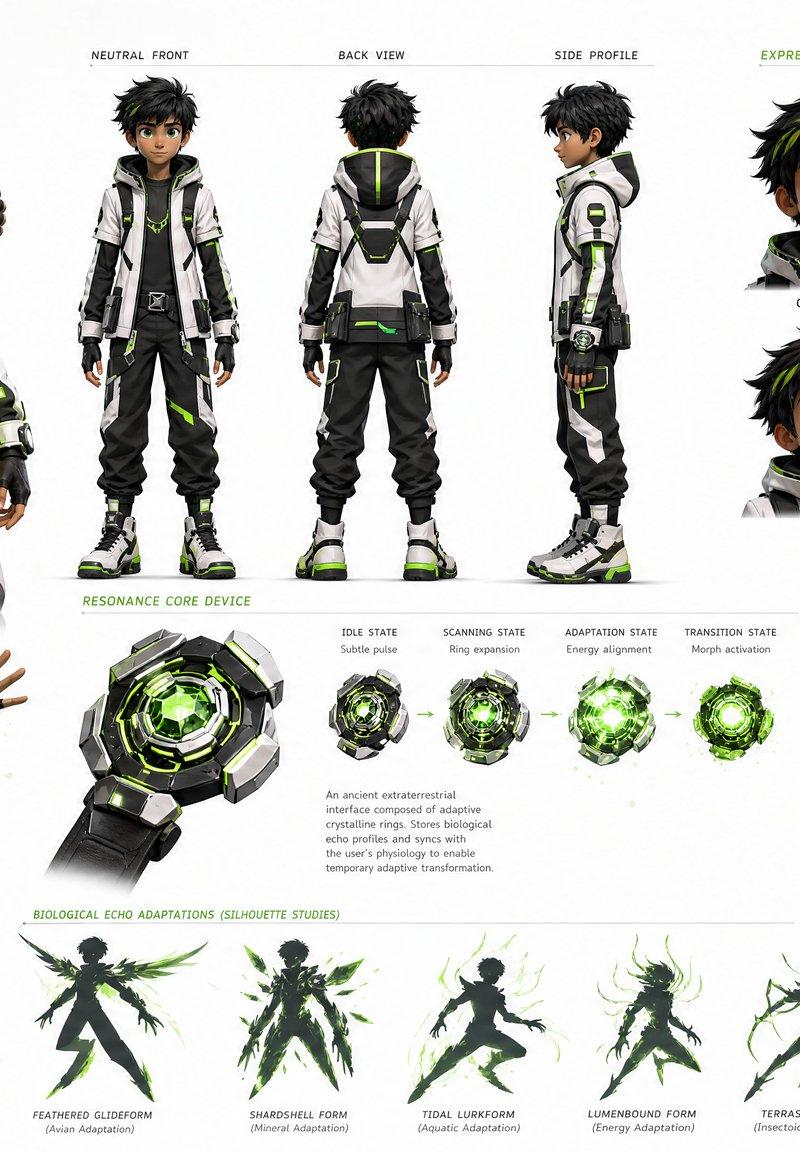
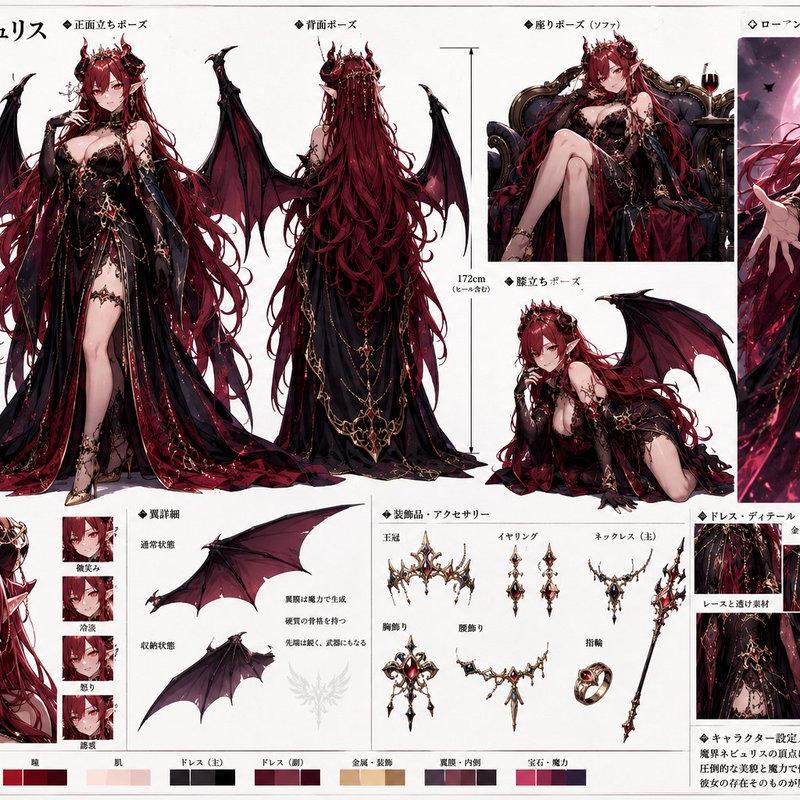
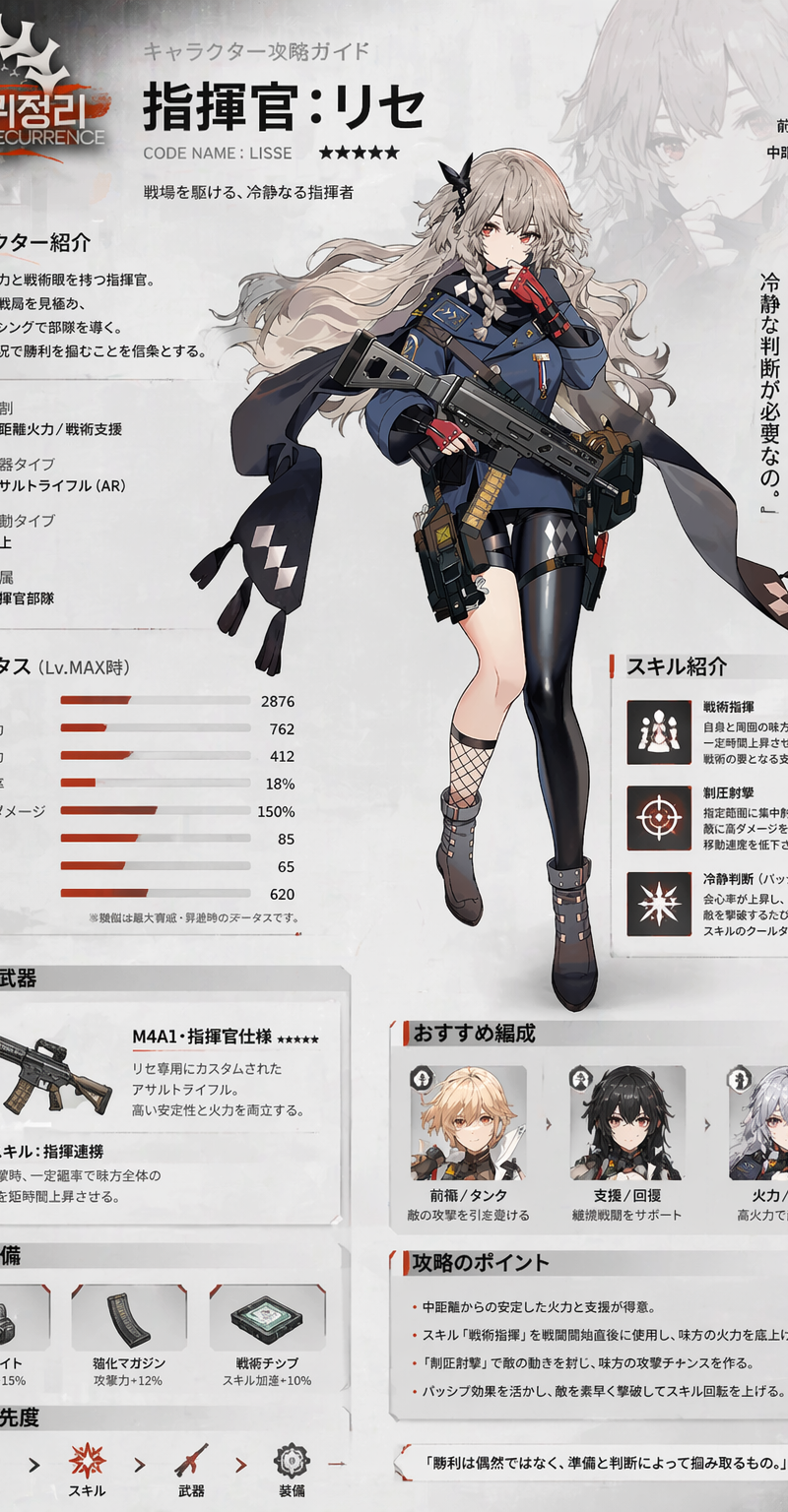
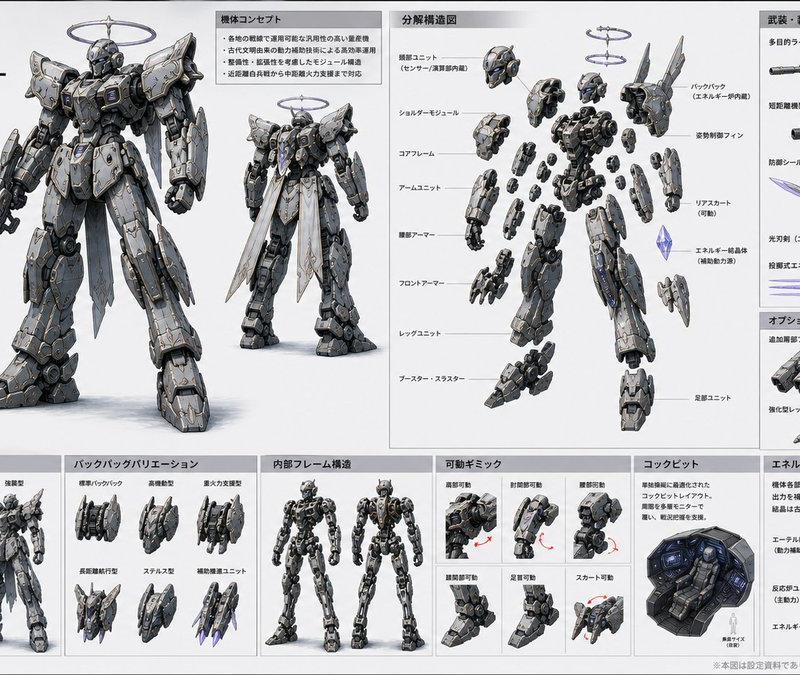
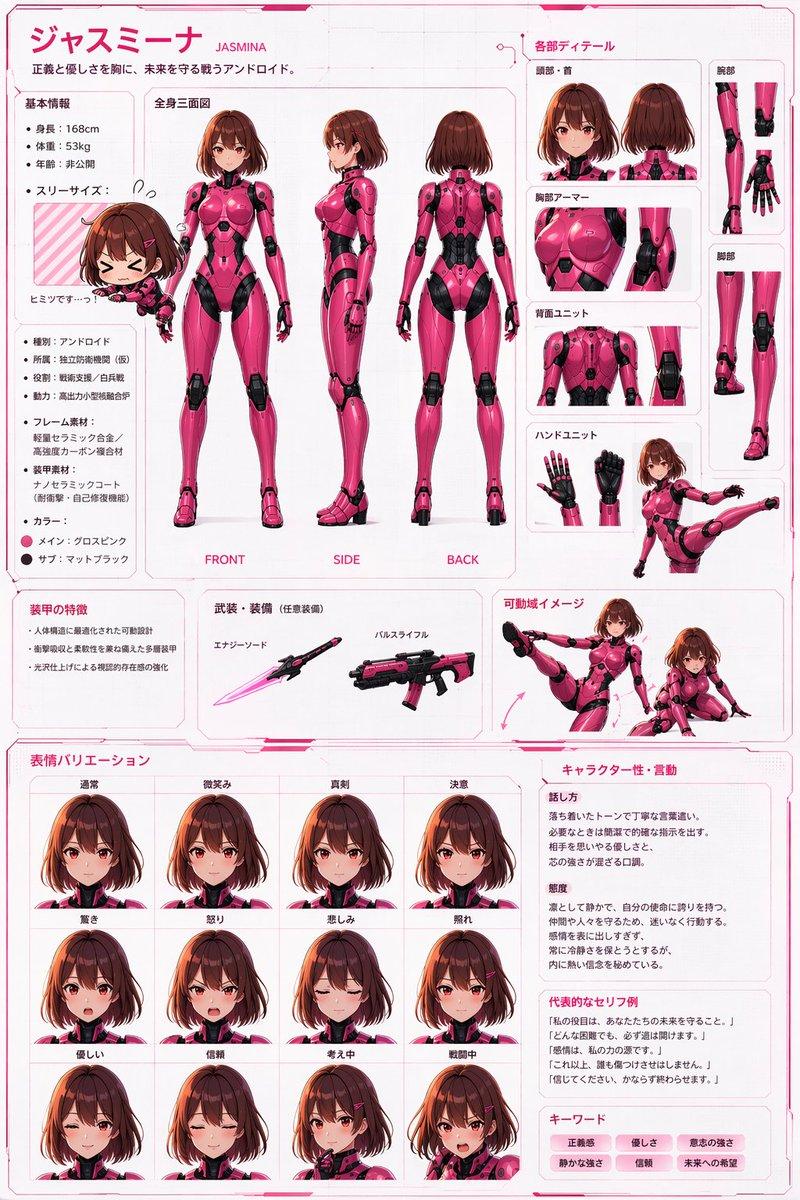
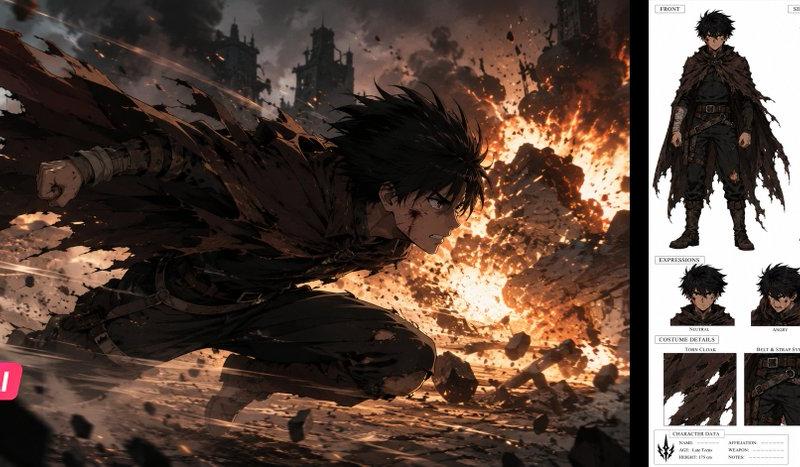
Create a wide, horizontal character reference sheet featuring Rachel (see refere
Prompt
Create a wide, horizontal character reference sheet featuring Rachel (see reference photo 1). The background should be white grid paper.

The page should include multiple angles of the same character:

A front close-up (with her hood on)
A confident levitating front pose
A back-facing levitating pose (without her cloak)
A levitating pose while she uses her Shadow Extraction (based from Solo Leveling) ability on a dead beast (low-angle rear-side view)
An action pose of her in her demon Rachel form using the spell 'Hymn of Fire' (see reference photo 2) (low-angle rear-side view)

The layout should be customized to fit the character’s personality—visually rich yet clean and easy to read. You may include handwritten-style annotations, small arrows, and a prominent title area styled like a character name header.
Add these info below for his info box:
Rachel Thoraborn
Primordial Sin of Lust

Alias: The Shadow Monarch
Age: 15 (Super Legion 7 ‘Original Timeline and Revised Timeline'), 40 (Super Legion Tartarus)
Species: Night-Terror (Half-demon)
Realm: Niflheim
Resistance: Azaron (Formerly), Clover Isles (Currently)
Height: 5'4
Sin Transformation: Demon Rachel

Add this info to his item section (make images of them)
Weapons: Grimoire of Azaron, Orb of Nevermore (later gave it to Erazer-Jin)

Add this info to his Ability section
Special Moves: Empty Void, Soul Crush, Singularity, Shadow Ball, Dark Horizon, Shadow Mass, Shadow Extraction, Shadow Exchange, Soul Rip, Tormenting Slash

Add this info to her Shadow Section
Rachel has an army of over 20,000,000 Shadows, however these are her main ones
Ashborn (Grand-Marshall) (see reference photo 3)
Kaisel (Marshall) (see reference photo 4)
Iris (Marshall)(see reference photo 5)
Erazer-Jin (Marshall)(see reference photo 6)
Cheris (General)(see reference photo 7)
Grea (General)(see reference photo 8)
Galland (General)(see reference photo 9)
Tusk (Elite Knight)(see reference photo 10)
Guila (Elite Knight)(see reference photo 11)
Creven (Knight)(see reference photo 12)
- Category
- Charts & Infographics
- Model
- GPT Image 2
- Creator
- Albion Bennett
- Source language
- en
- Source ID
- 2715
- Published
- May 7, 2026
Views152