19

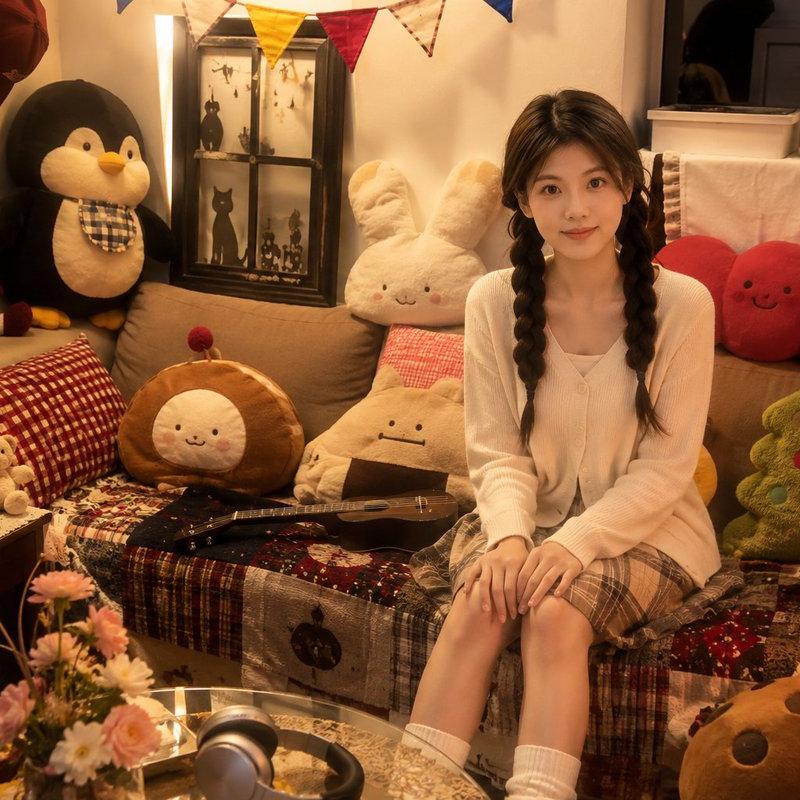
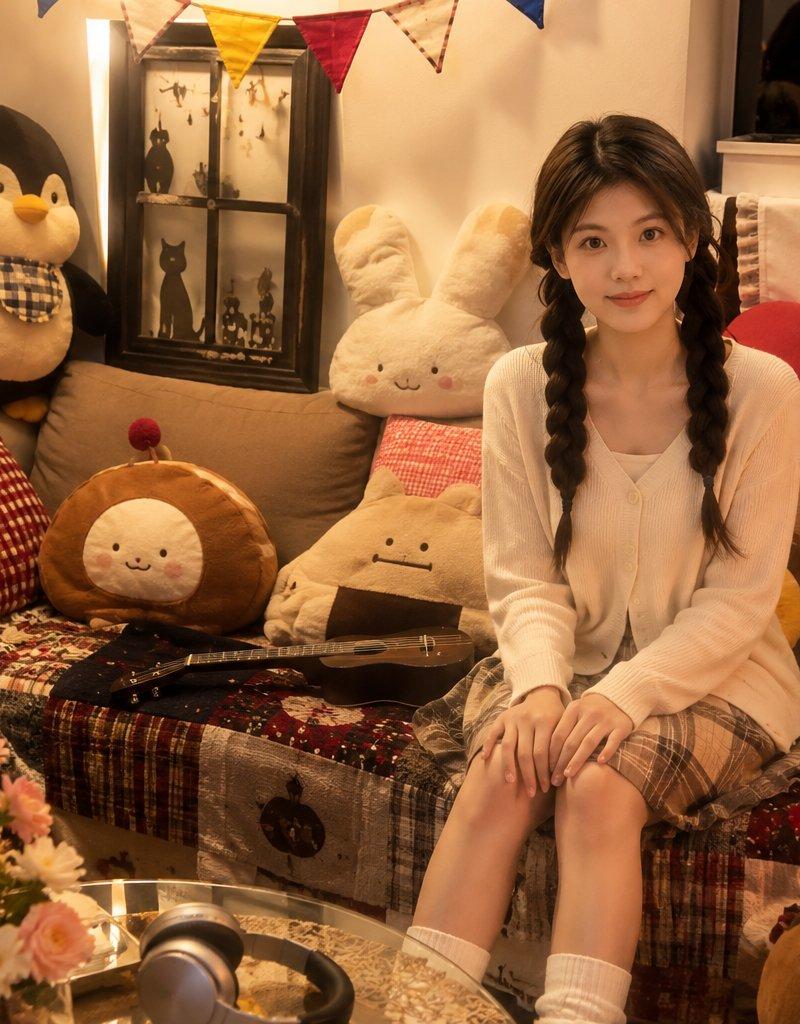
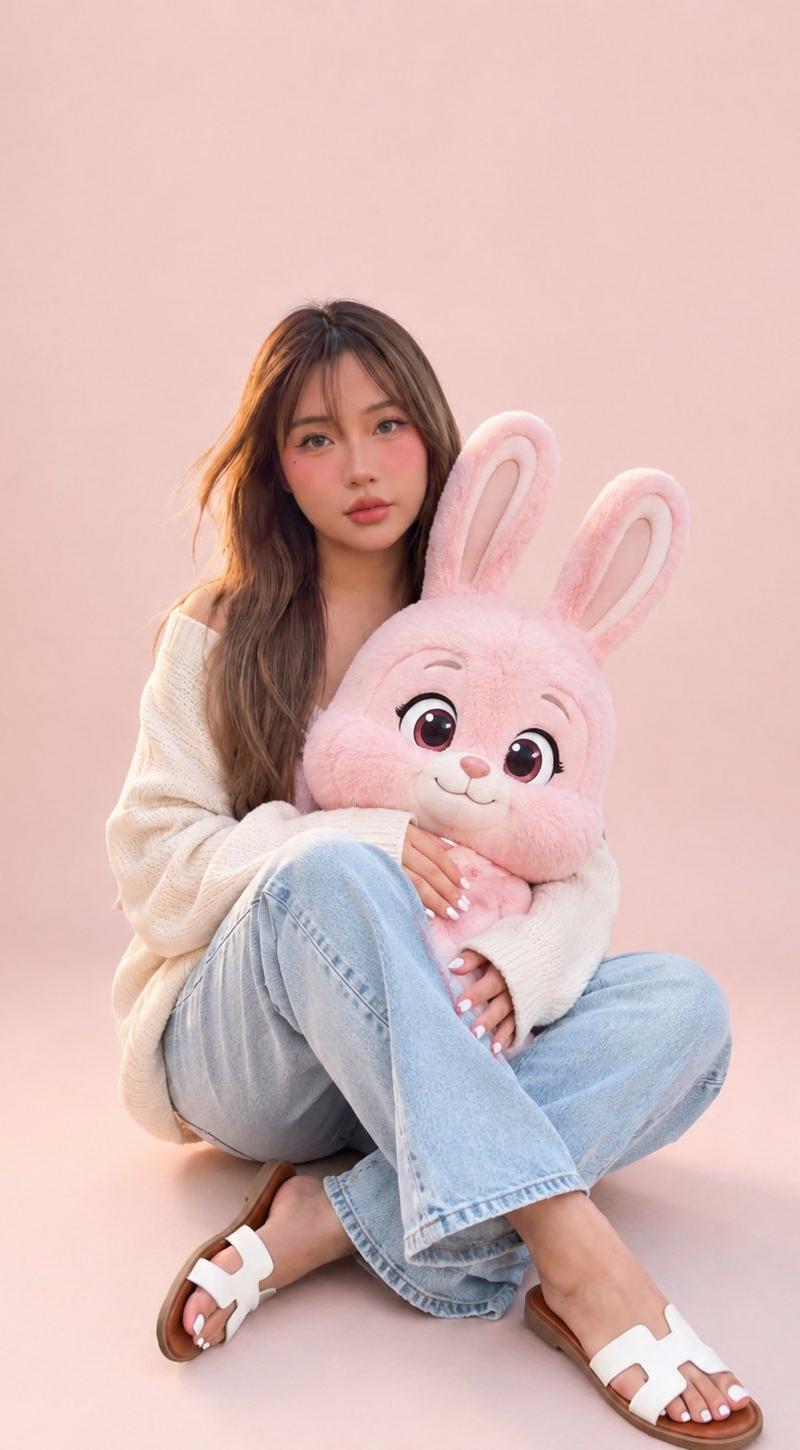
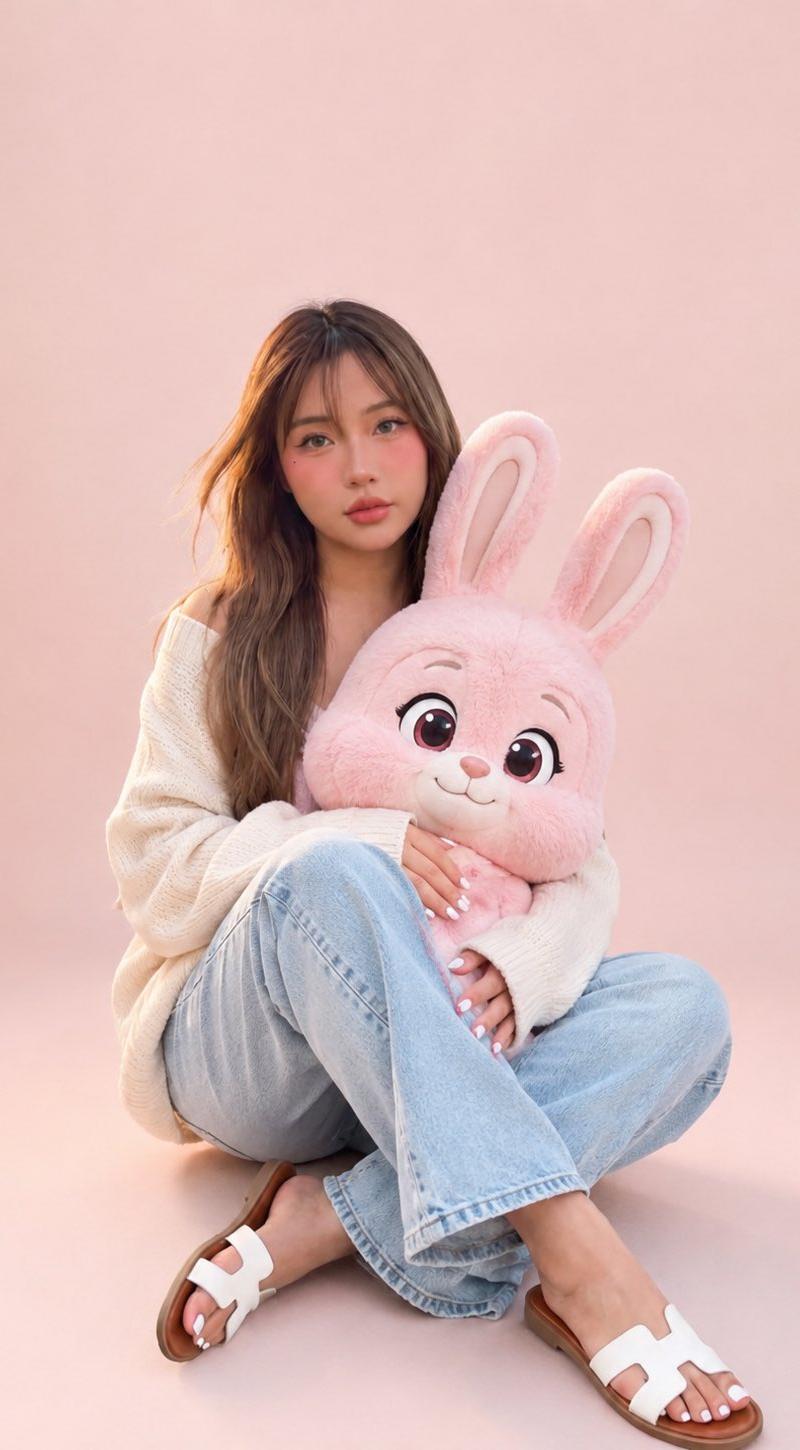
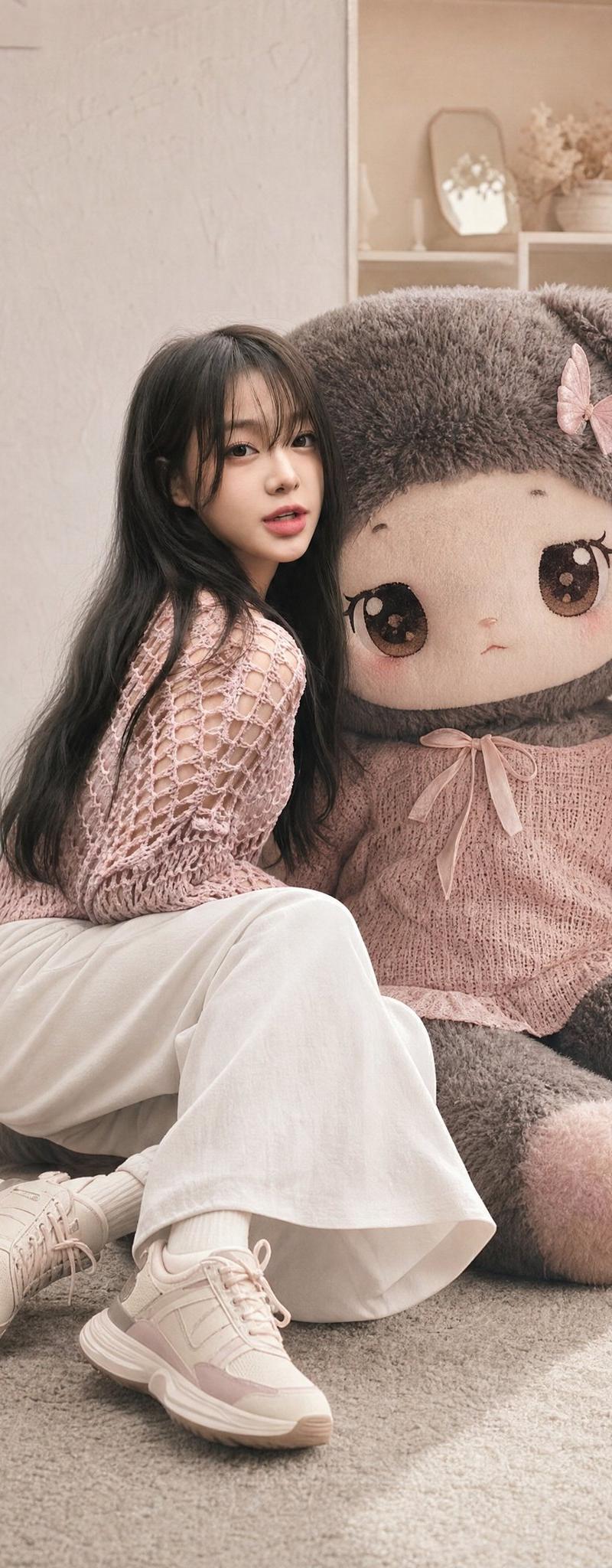
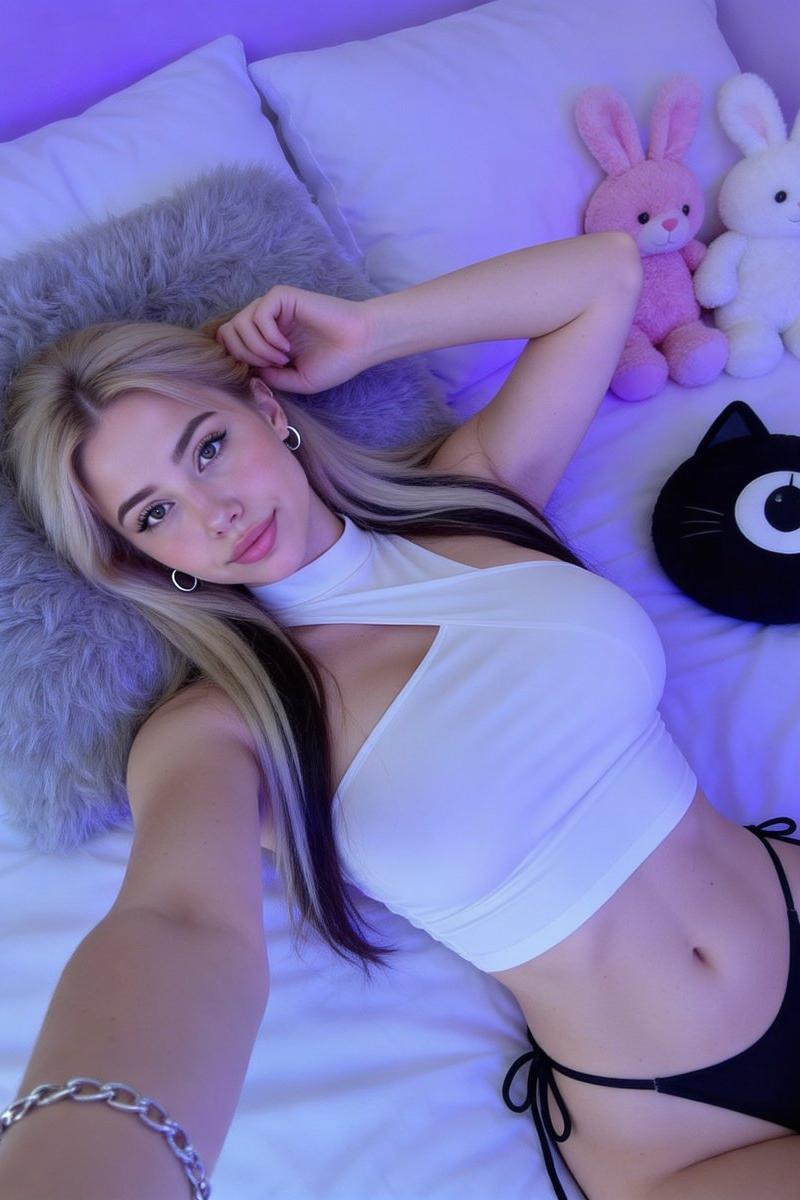
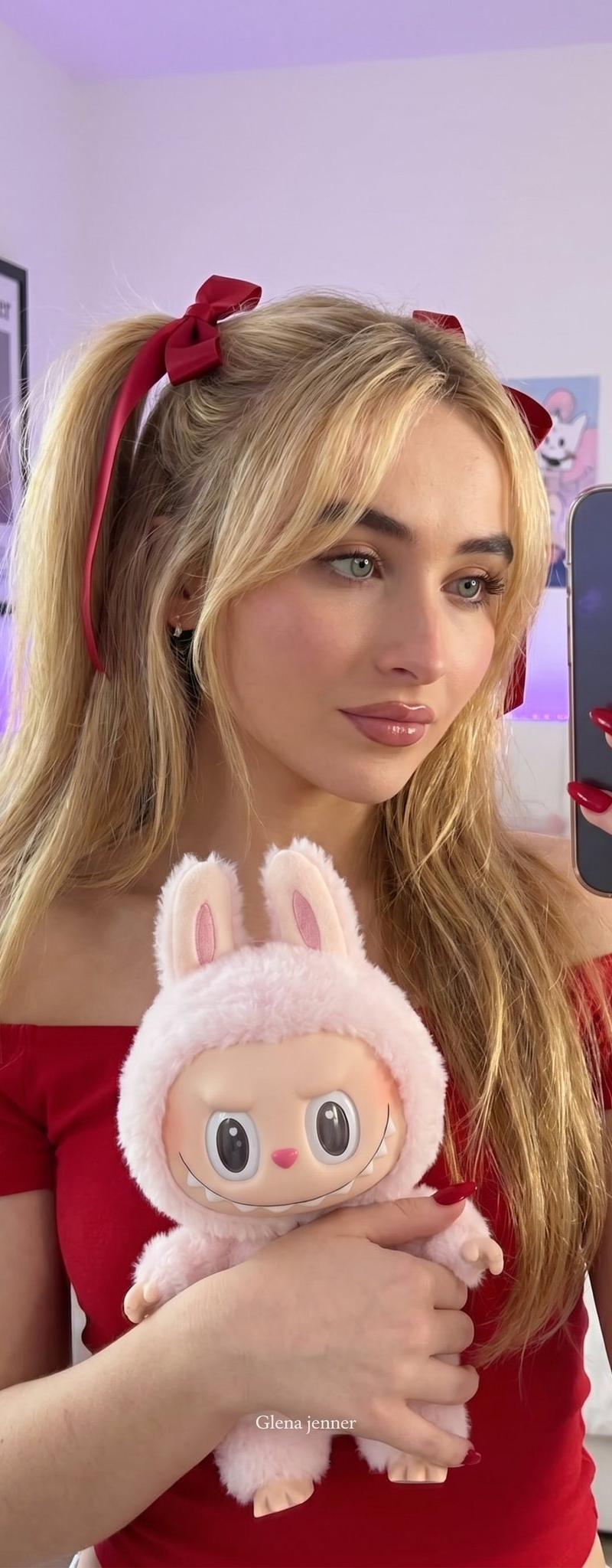
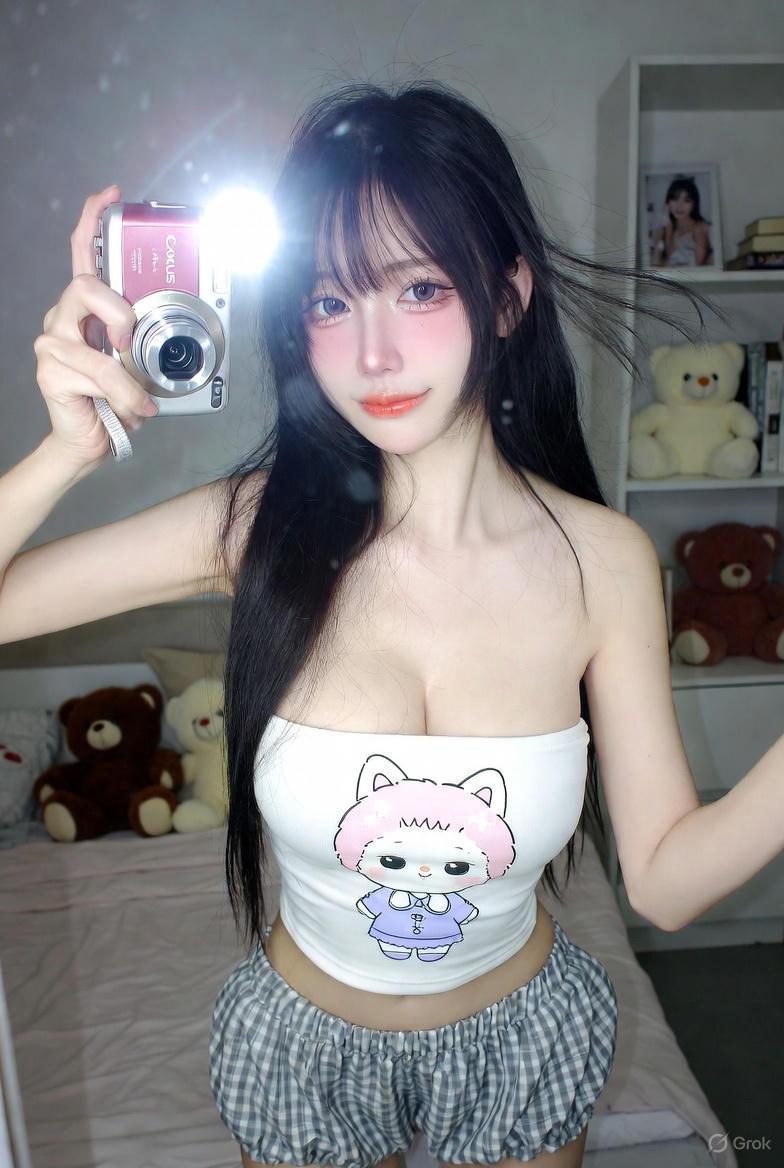
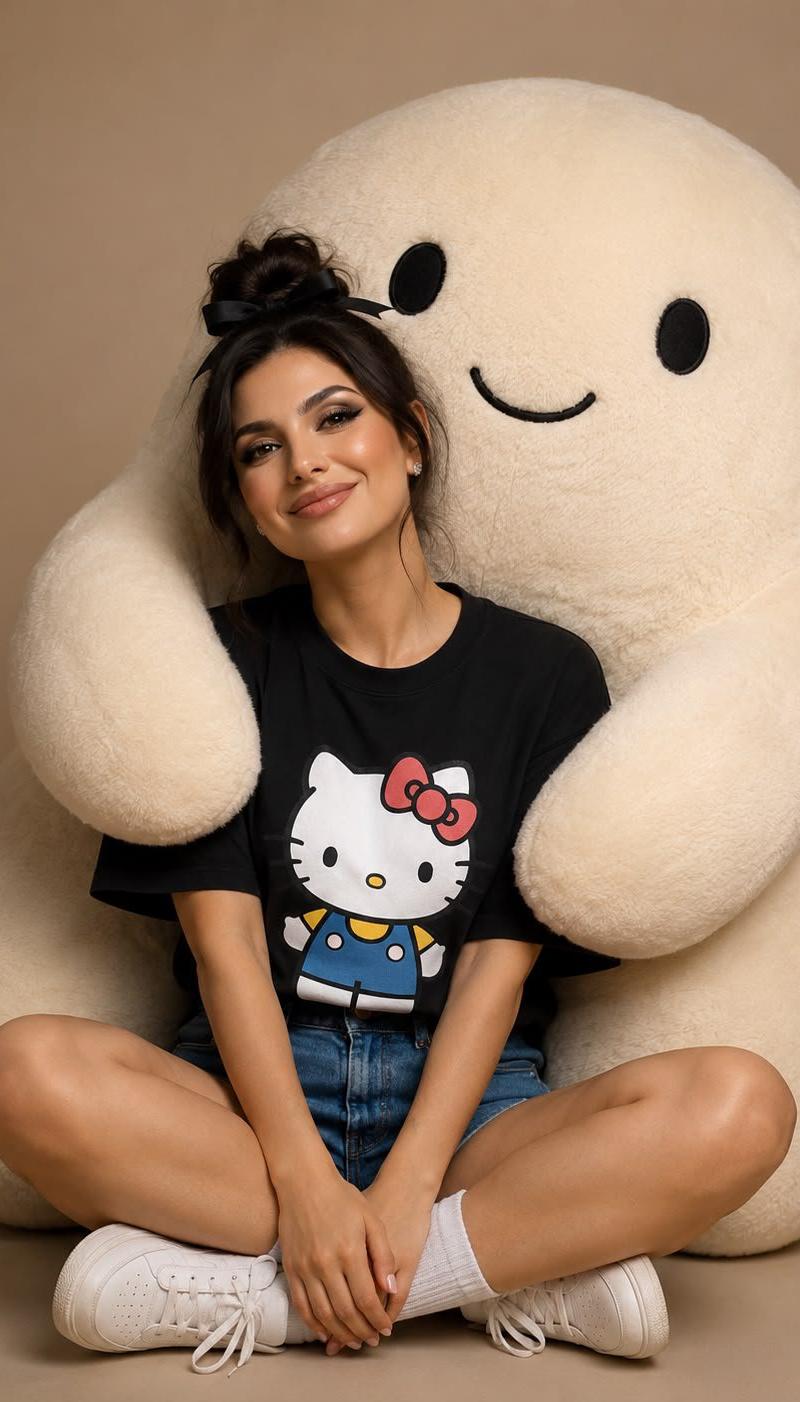
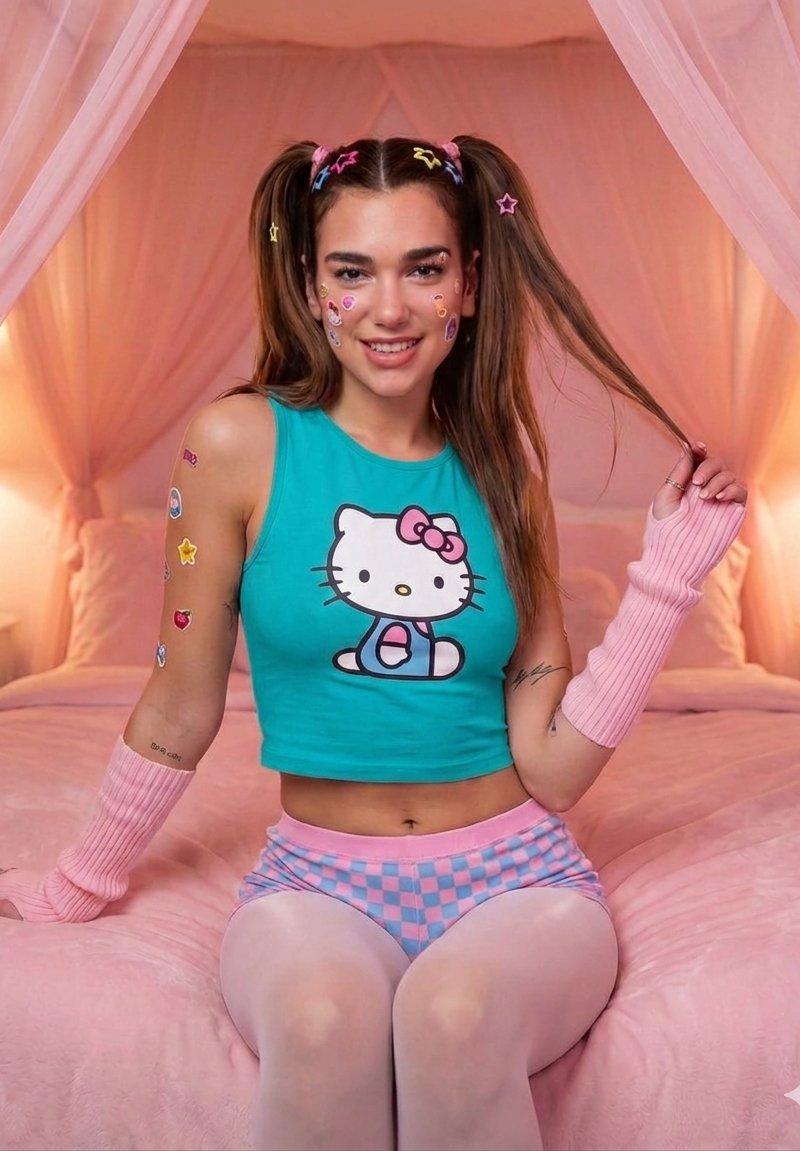
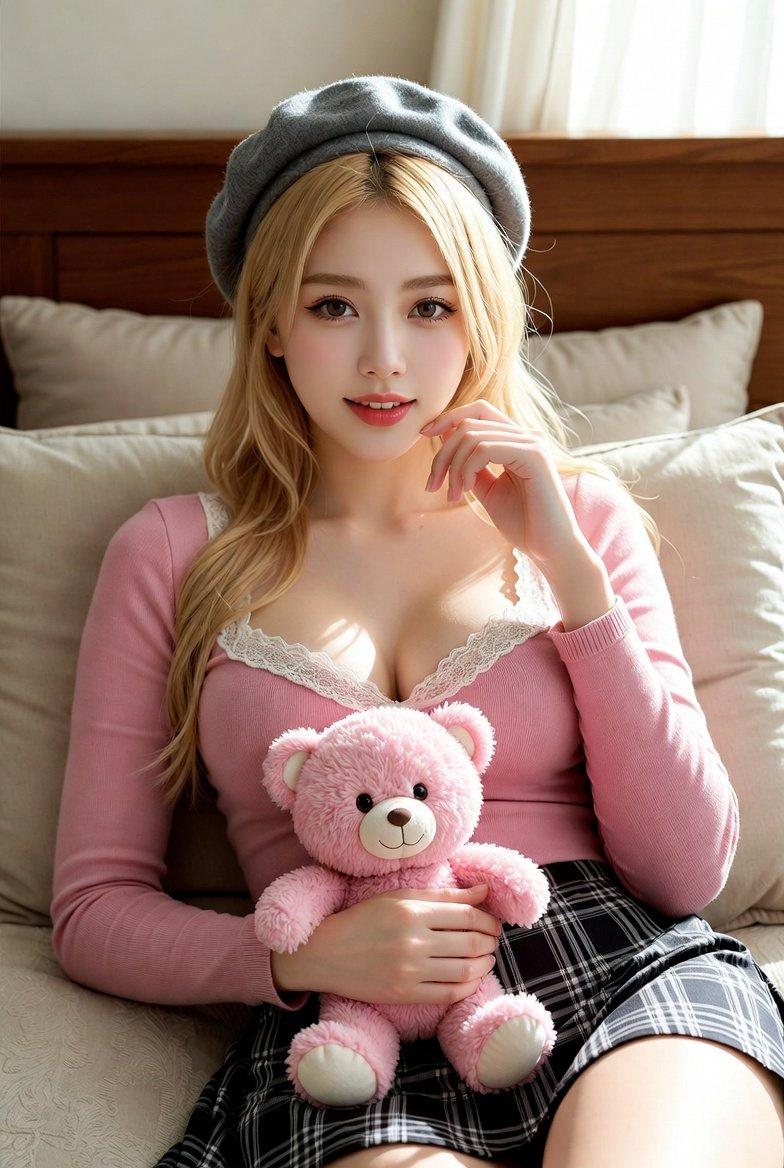
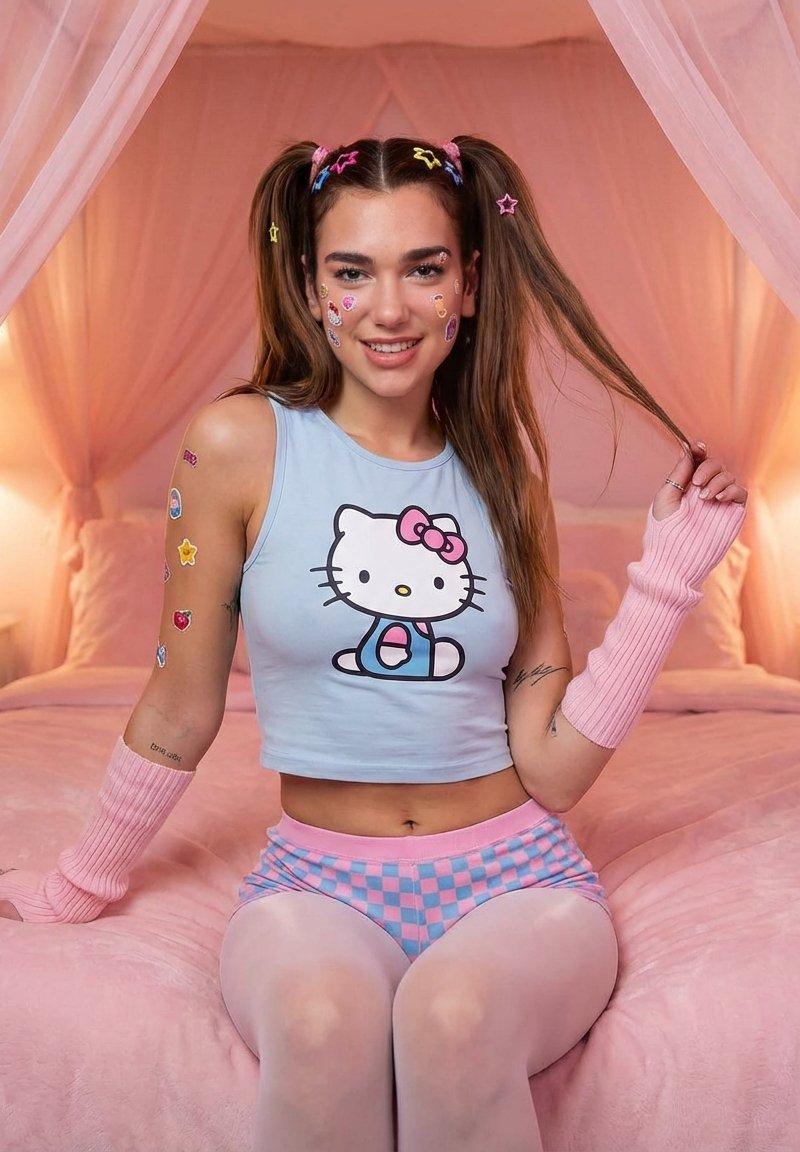
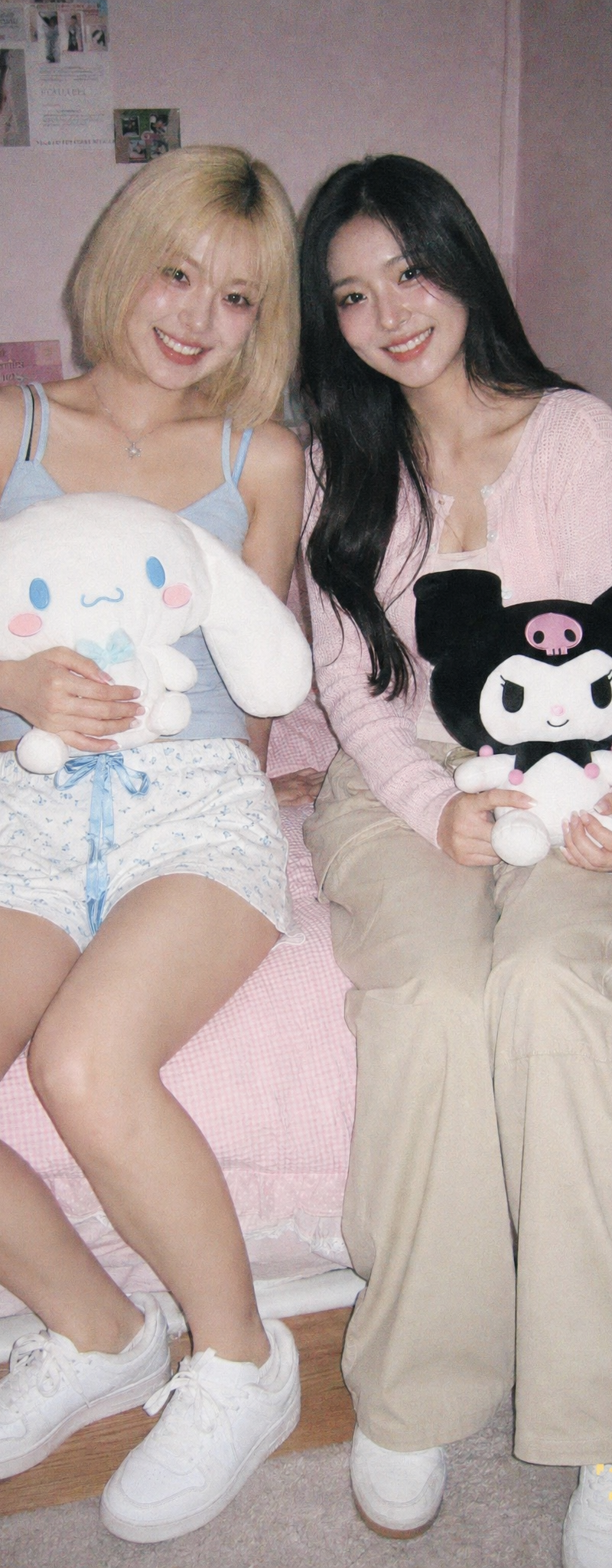
subject: two beautiful korean models sitting in a pastel light pink themed bed w
Enlarge

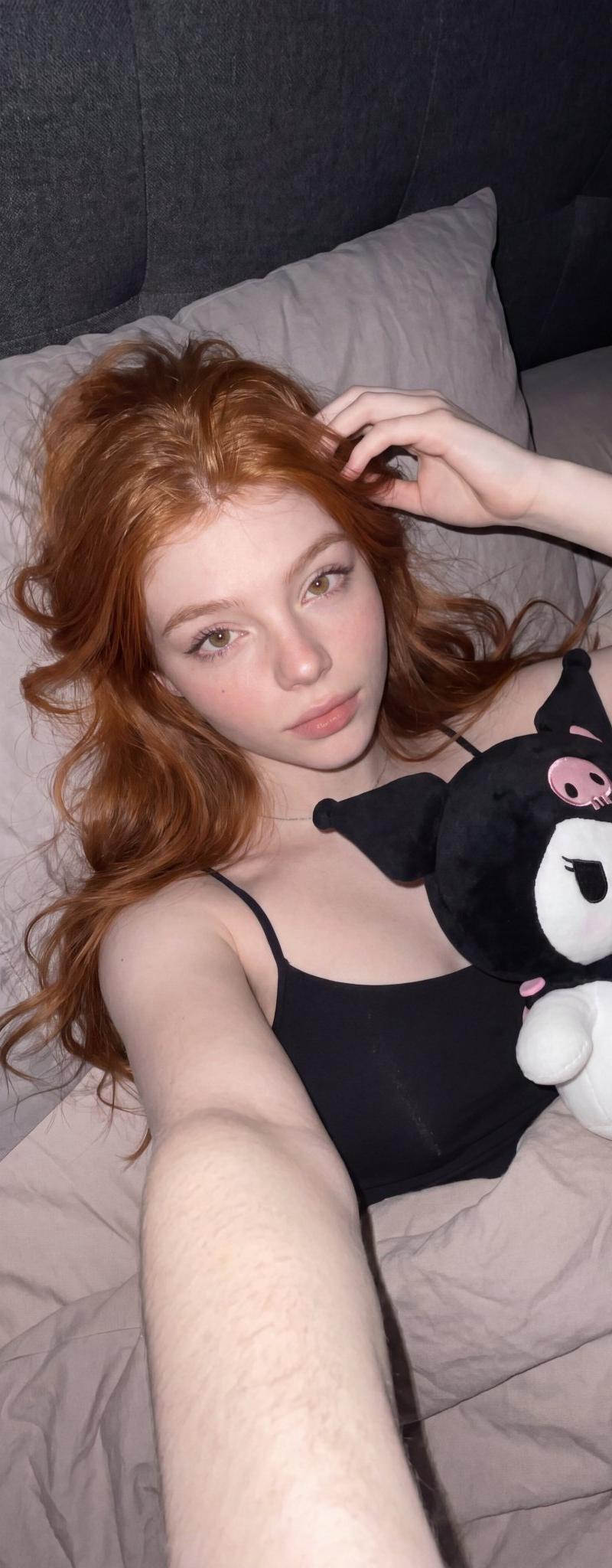
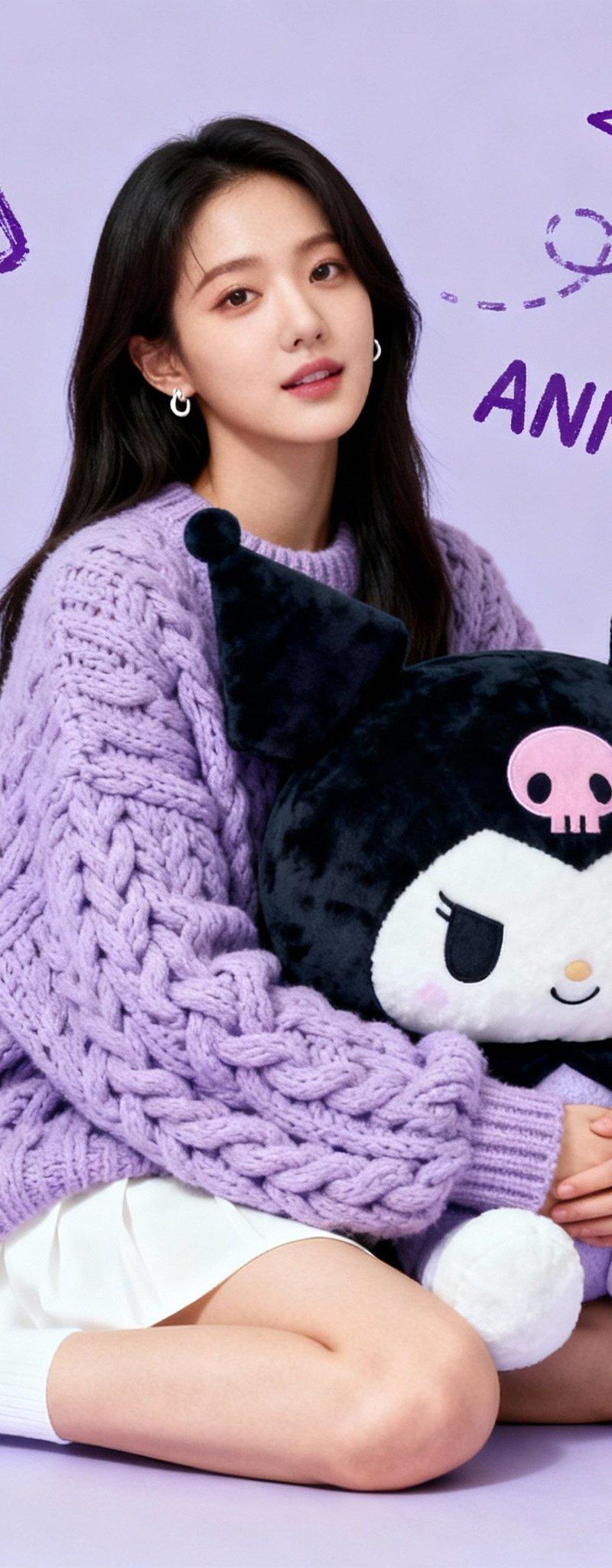
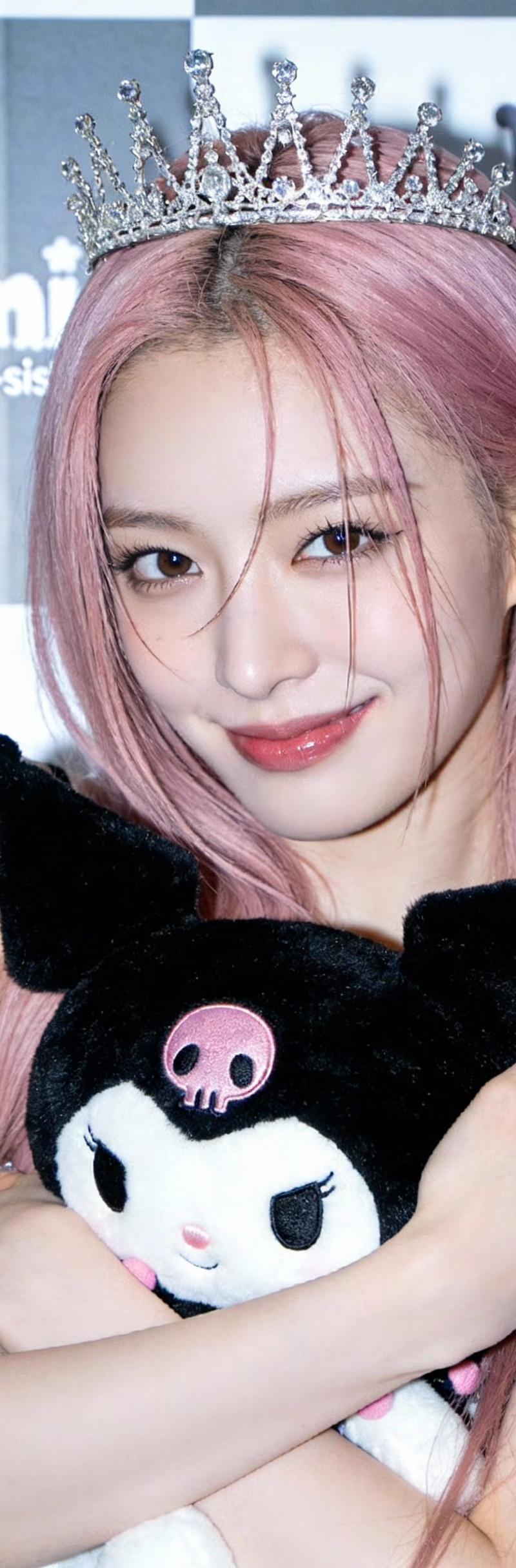
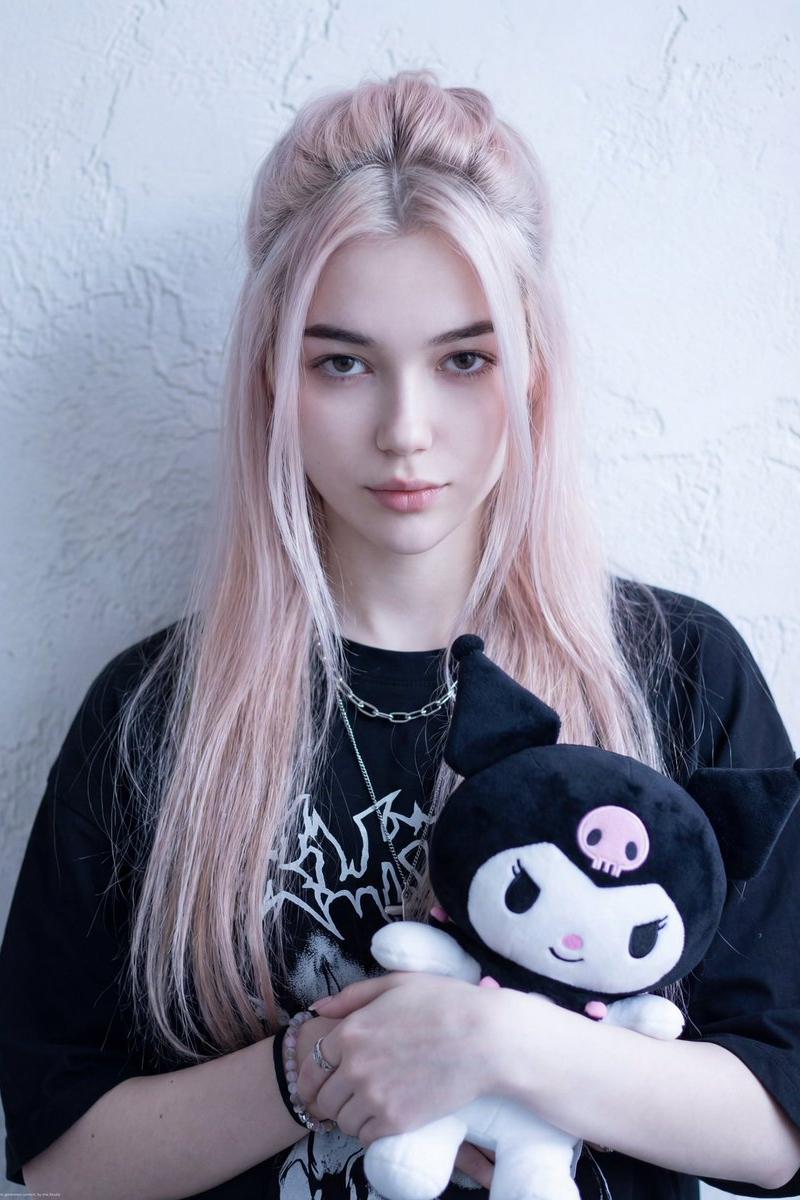
Example images

subject: two beautiful korean models sitting in a pastel light pink themed bed w

Prompt
subject: two beautiful korean models sitting in a pastel light pink themed bed with one woman holding a cinnamoroll plushie and another holding a kuromi plushie while happily smiling at viewer. 

Camera: shot on an old CCD digital camera, early-2000s digicam aesthetic, direct flash, grainy noise, slight overexposure, washed colors.

outfit: one is wearing a casual camisole with dolphin shorts while another one is wearing a cardigan with styling long beige pants and both have white sneakers. 

one has a blonde bob cut and another has black long hair.
Category
Photography & Realism
Model
GPT Image 2
Creator
enzo flux
Source language
en
Views521
Source ID
2367
Published
Apr 29, 2026
Studio

Guide

About "subject: two beautiful korean models sitting in a pastel light pink themed bed w"

What is this prompt for?

"subject: two beautiful korean models sitting in a pastel light pink themed bed w" AI image prompt for GPT Image 2 (Photography & Realism). subject: two beauti…

The full copyable prompt and example visuals above are ready for AI image generation or one-click recreate in Picva.

How to use this prompt

  1. Step 1

    Open the prompt detail

    Review the example visuals, category, and full prompt text for "subject: two beautiful korean models sitting in a pastel light pink themed bed w".

  2. Step 2

    Copy the prompt

    Copy the prompt body from this page, or load it directly in Studio.

  3. Step 3

    Pick a model (GPT Image 2)

    Prefer GPT Image 2. If you switch models, keep subject and composition and tweak style terms.

  4. Step 4

    Generate and export

    Recreate the look in Picva, or export into your workflow for editing and publishing.

FAQ

What is the "subject: two beautiful korean models sitting in a pastel light pink themed bed w" prompt?
It is an AI image-generation prompt for GPT Image 2 in the Photography & Realism category. This page includes the full prompt text, example visuals, and a one-click recreate path in Picva.
How do I use this prompt to generate an image?
Copy the prompt from this page, or use Generate / Studio. Paste it into a compatible image model, or recreate the look in Picva with optional reference images.
Which model is this prompt for?
This page lists GPT Image 2. Most descriptive prompts also transfer to nearby image models such as GPT Image, Flux, or Midjourney with light style tweaks.
Can I use the result commercially?
You can usually copy the prompt for creation, but commercial use of the final image depends on the model terms, reference-image rights, and the generated content. Follow the source author and platform rules.