17

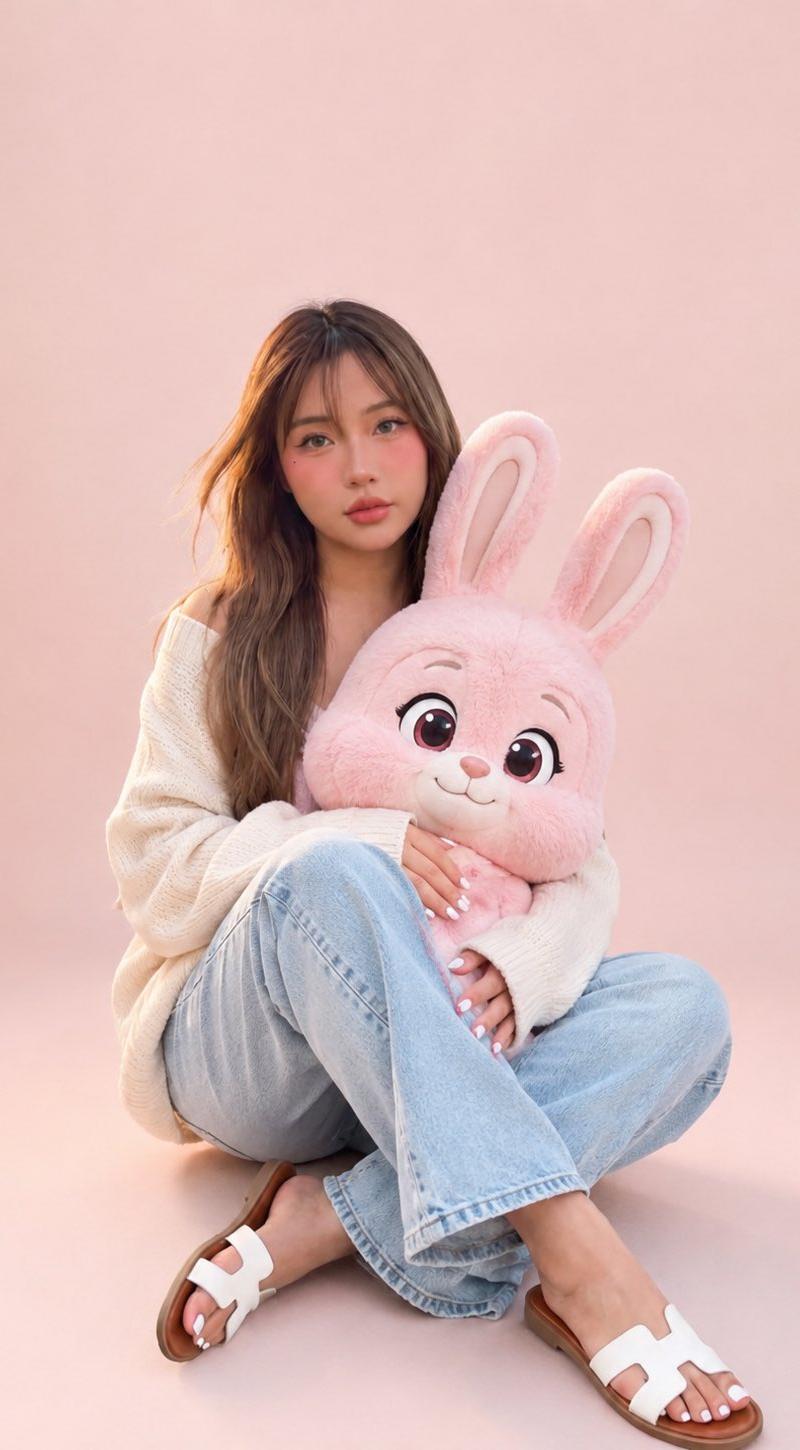
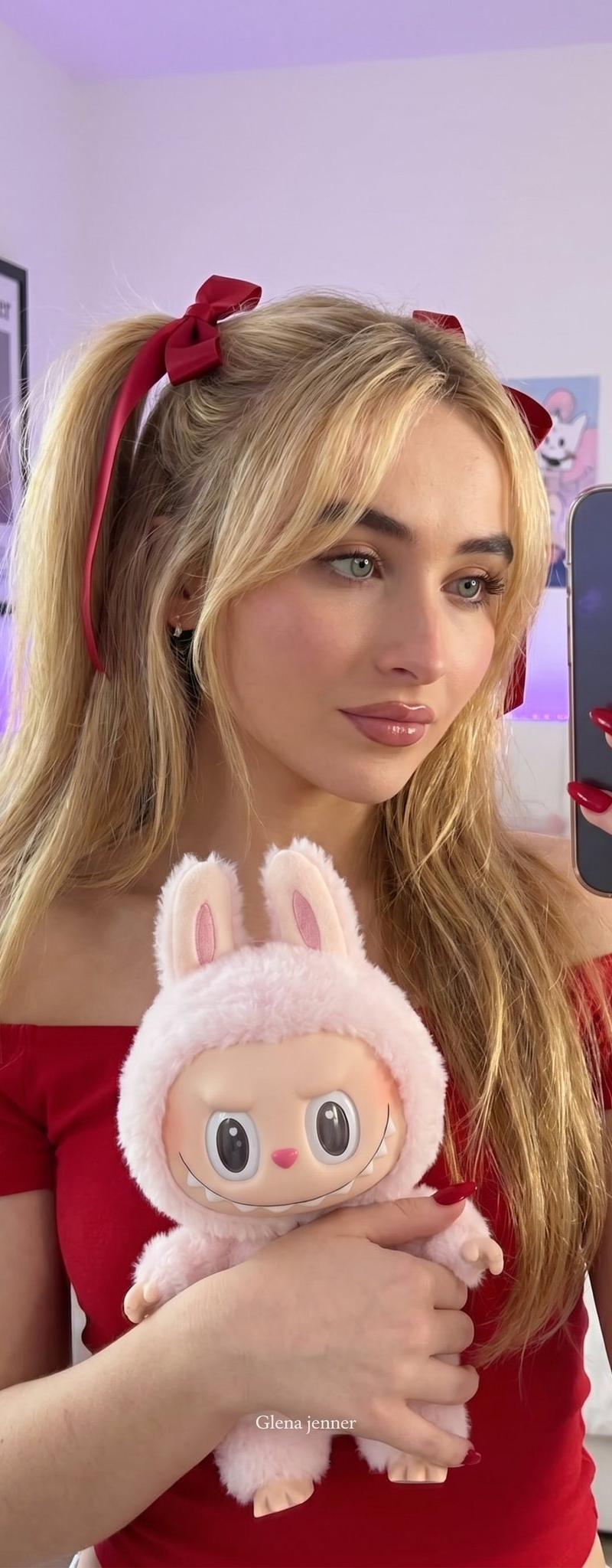
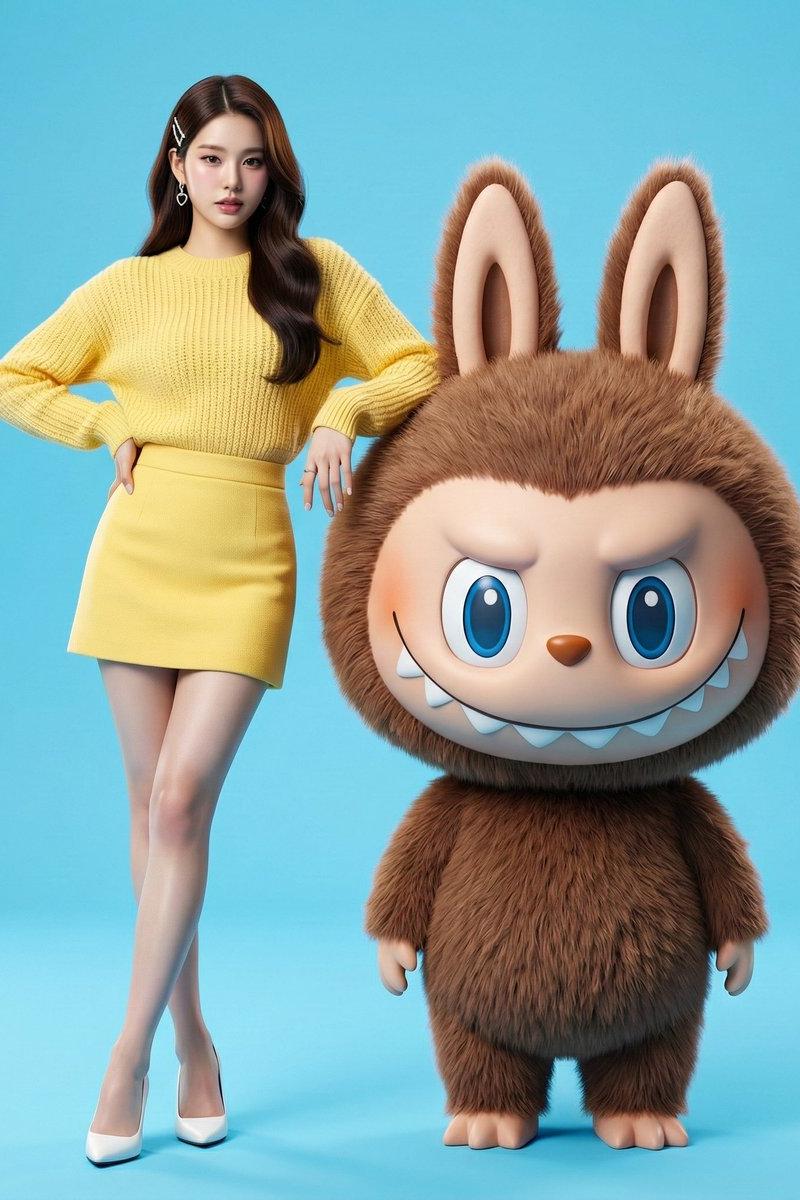
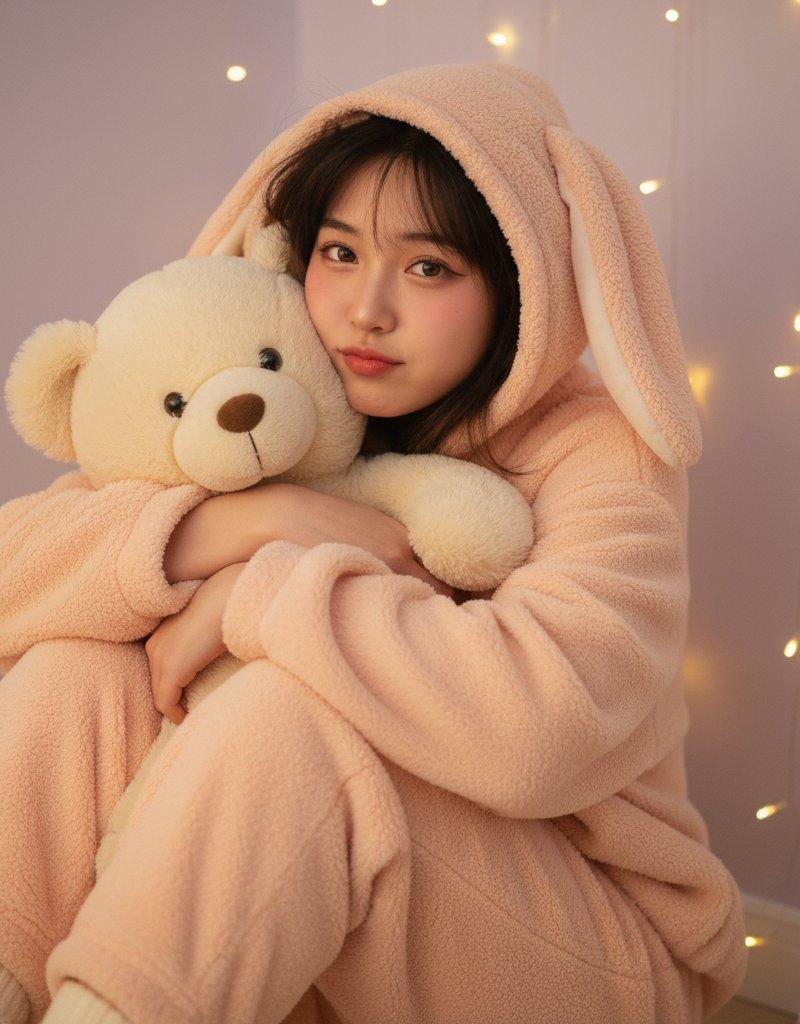
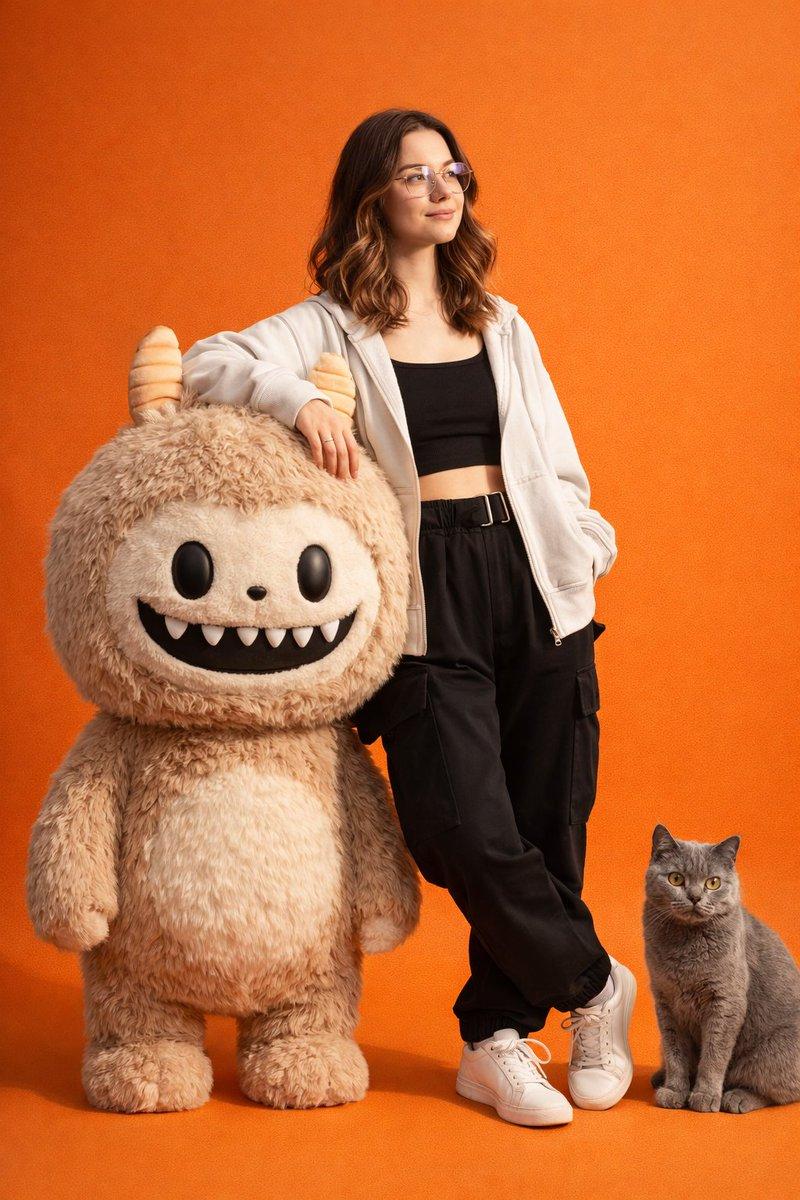
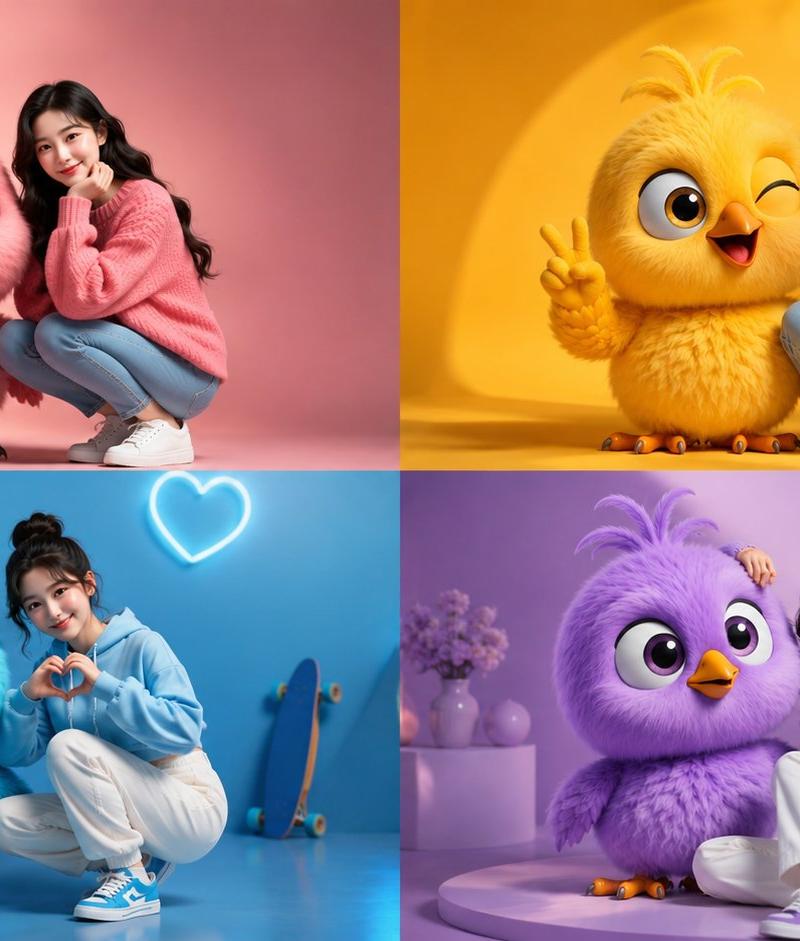
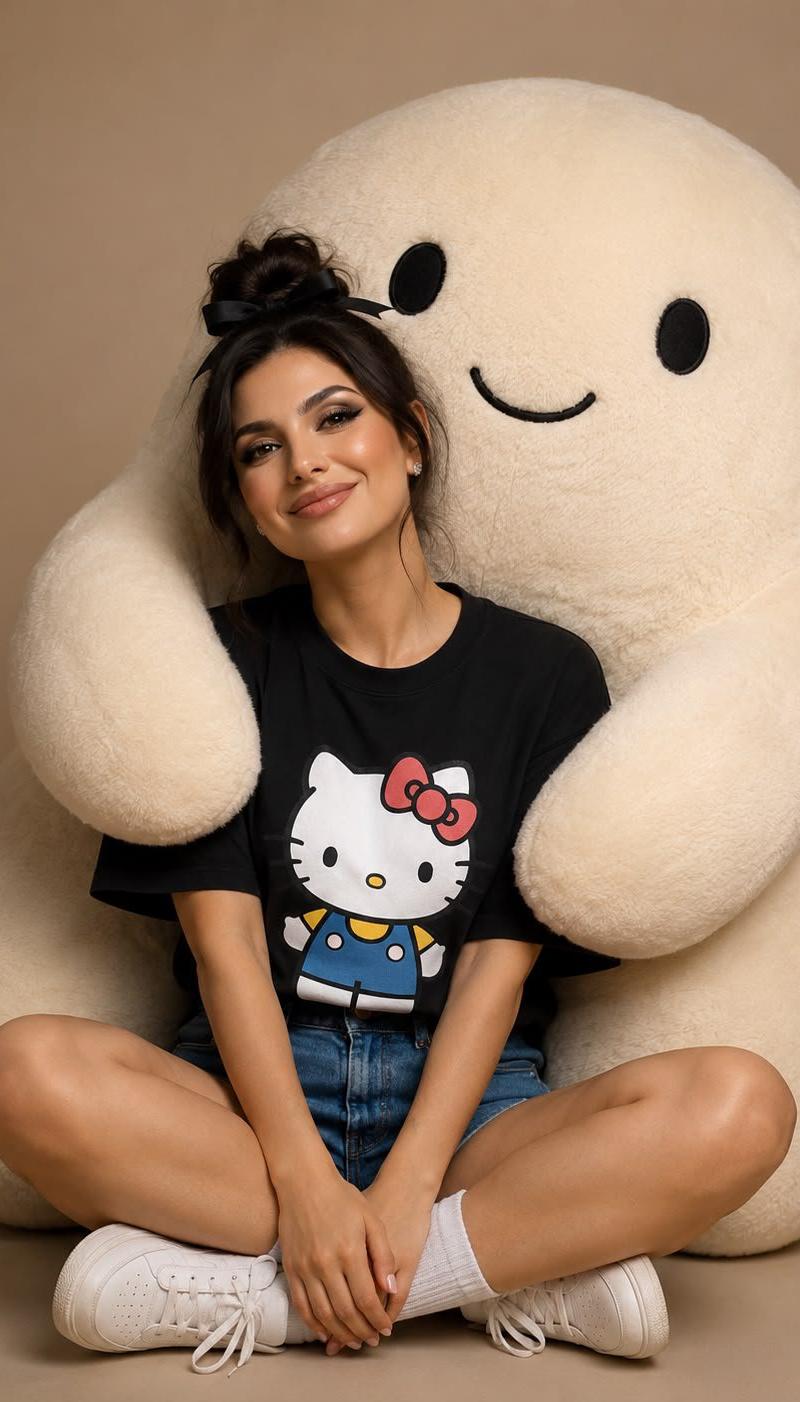
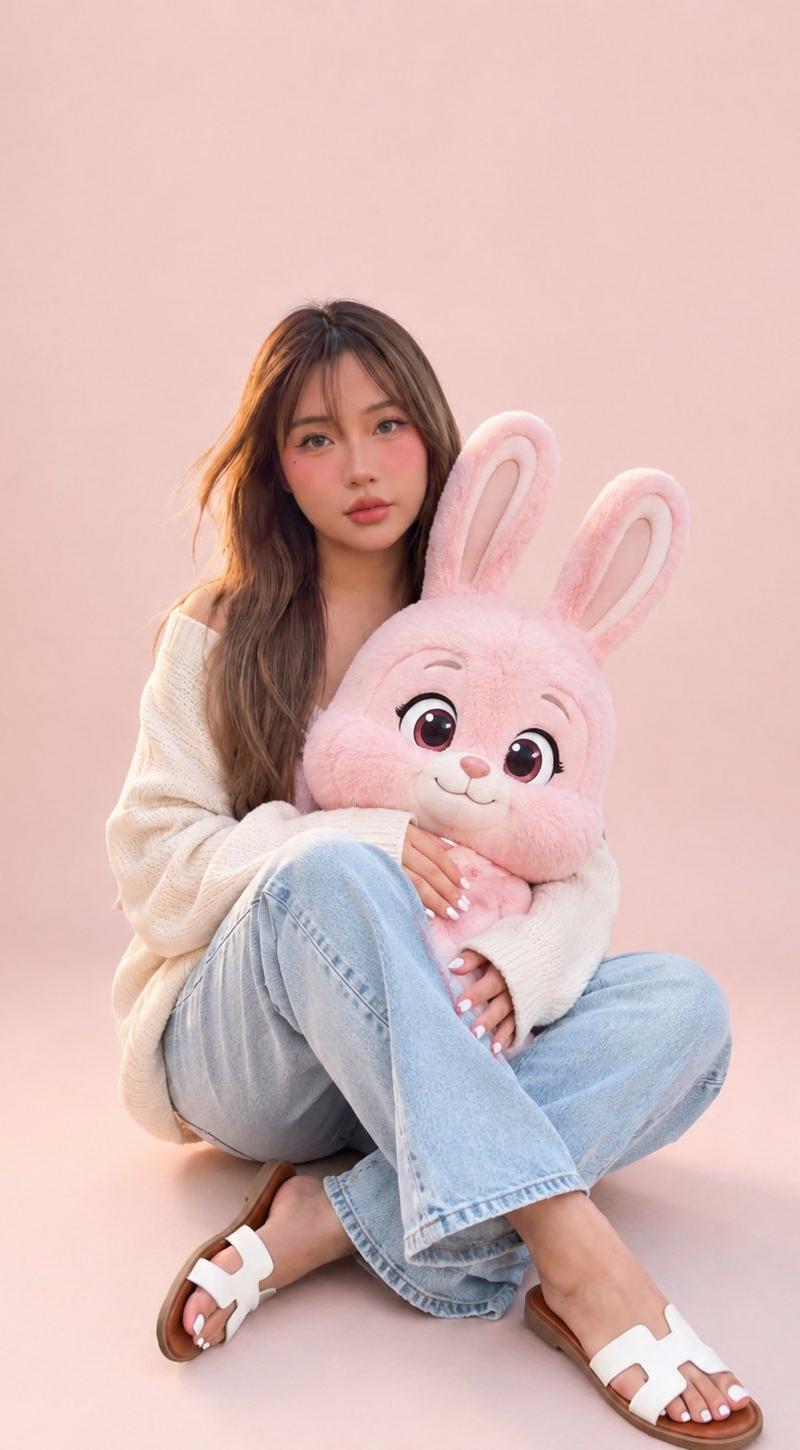
与卡通粉色兔子合影的肖像
Enlarge

Example images

与卡通粉色兔子合影的肖像

Prompt
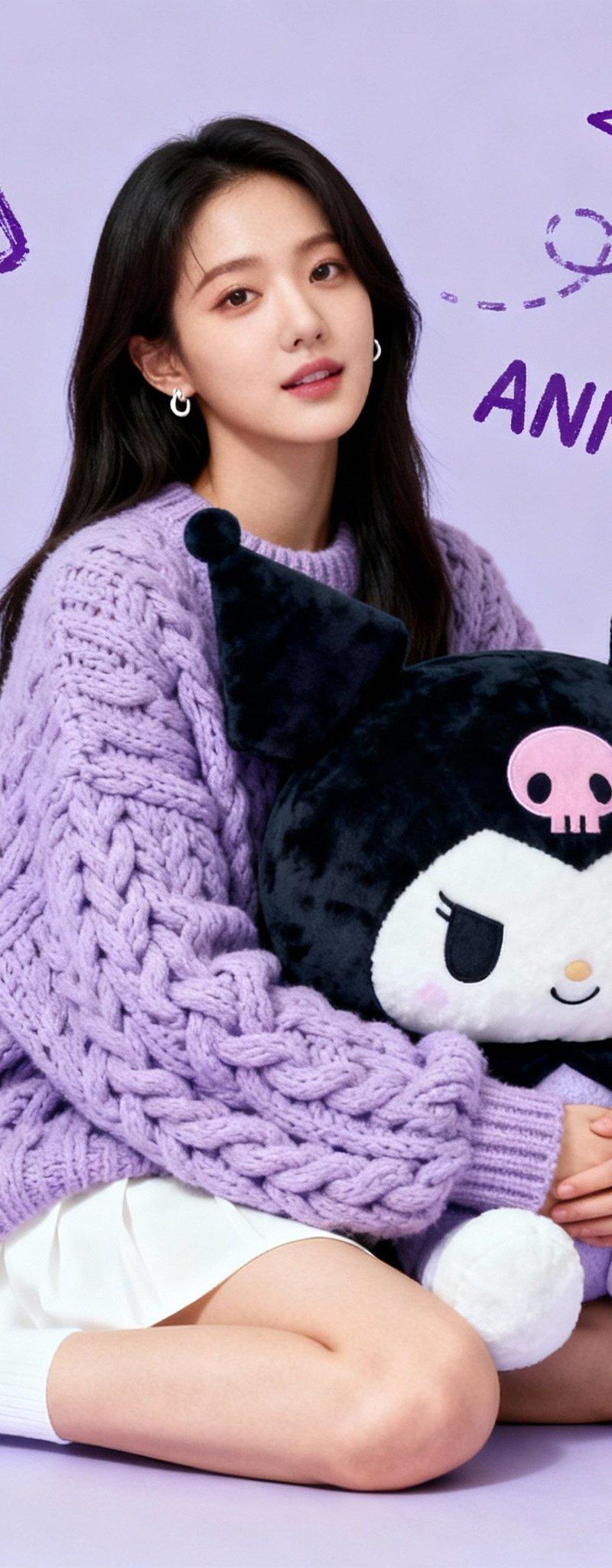
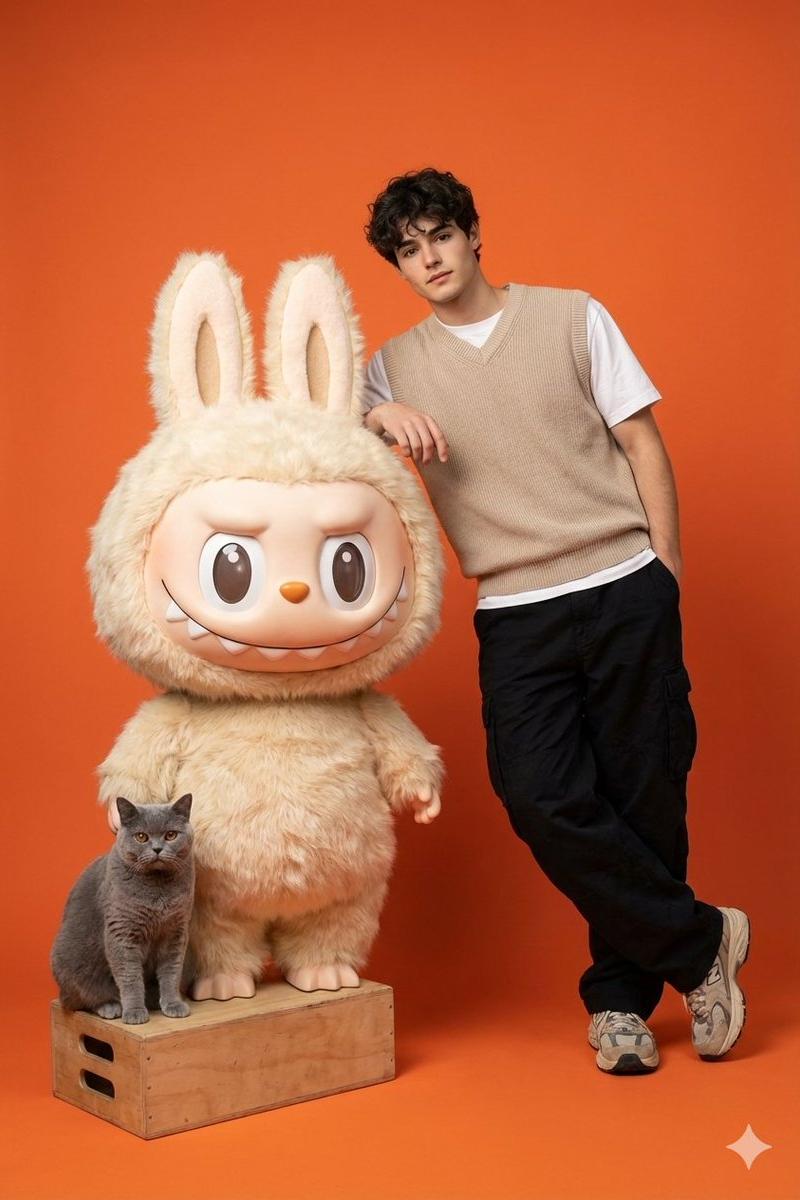
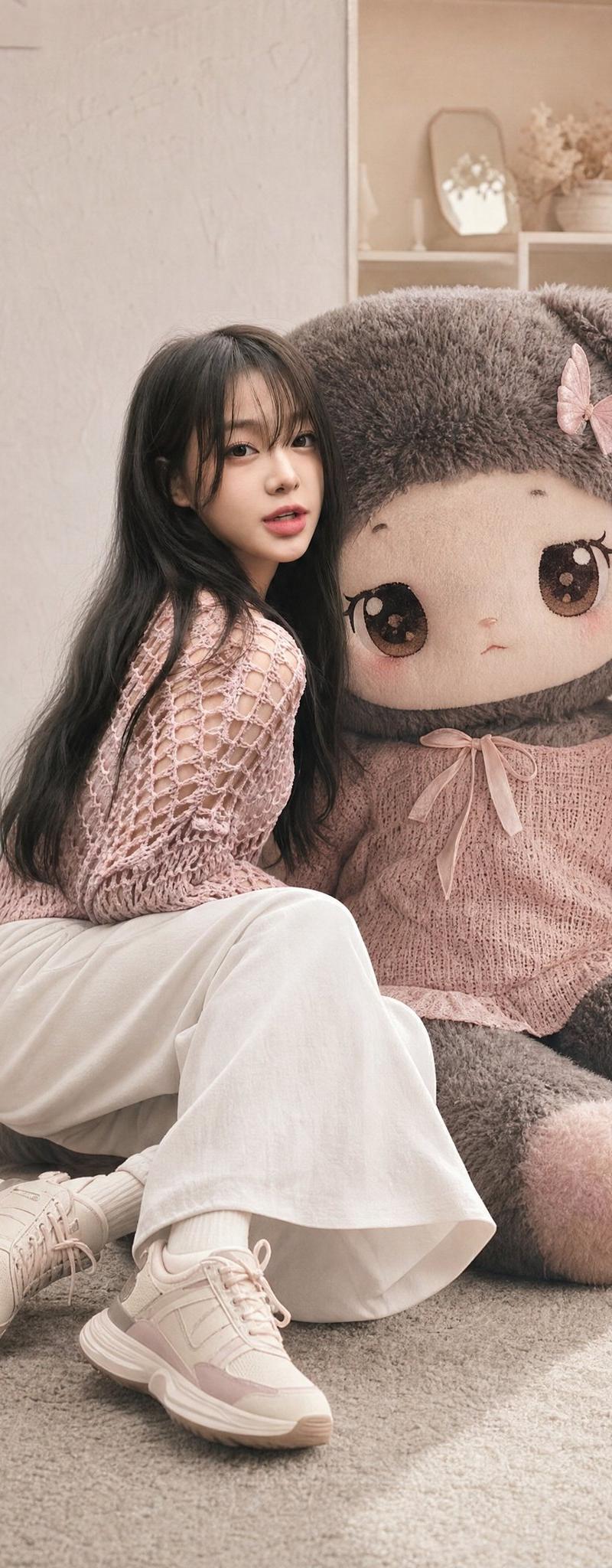
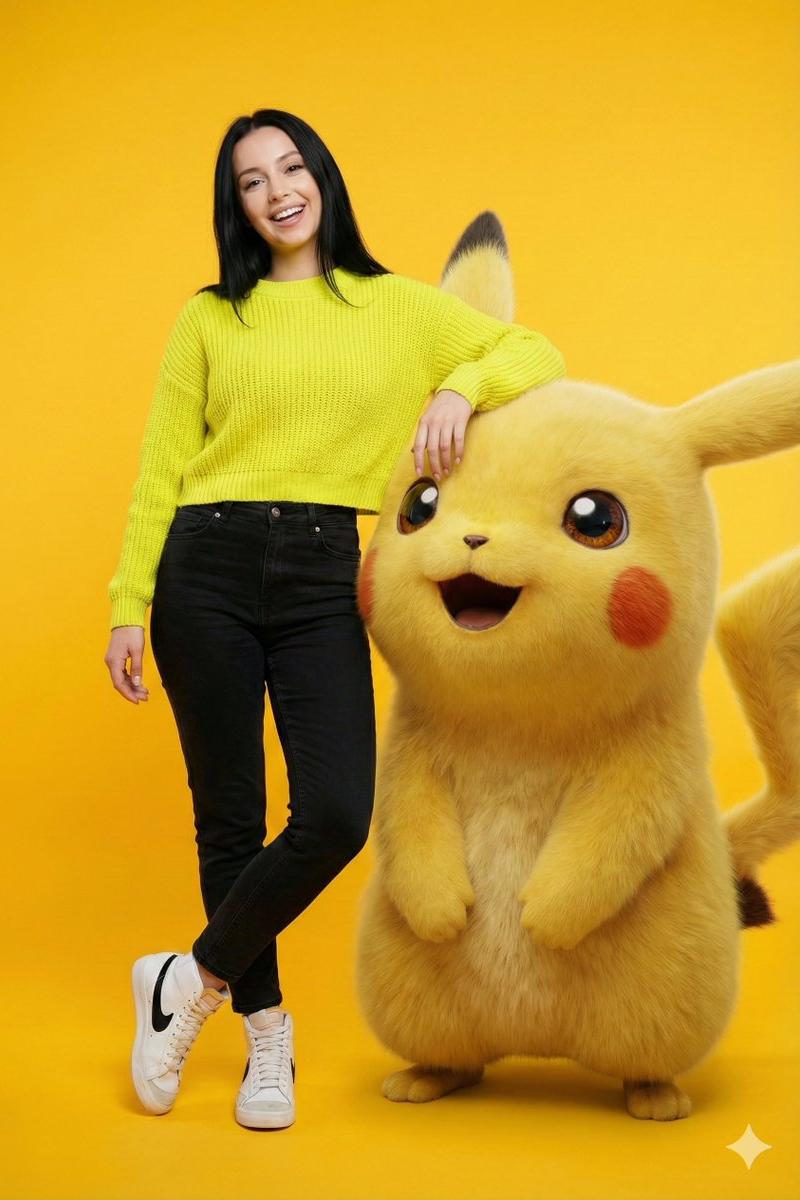
Photorealistic full-body portrait of a young person in a soft {argument name="clothing style" default="oversized cream sweater and light-washed jeans"}, casually posing and gently holding a {argument name="toy character" default="large fluffy stylized cartoon pink rabbit"}. Minimalist {argument name="background style" default="pale blush-pink studio background"} with seamless walls and soft even lighting. High detail on realistic skin textures, fabric folds, and the whimsical cartoon rabbit’s fur. Clean composition, vibrant yet soft pastel tones. Use the uploaded reference image for the person’s face, pose, body type, and proportions exactly. Keep the sweater style, jeans, and cartoon pink rabbit exactly as described.
Category
Photography & Realism
Model
GPT Image 2
Creator
Mr Das
Source language
en
Views0
Source ID
26241
Published
Jun 20, 2026
Studio

Guide

About "与卡通粉色兔子合影的肖像"

What is this prompt for?

"与卡通粉色兔子合影的肖像" AI image prompt for GPT Image 2 (Photography & Realism). 一张写实风格的肖像提示词,描绘了一位身着休闲装的年轻人,在极简粉色摄影棚背景下怀抱一只大型卡通风格兔子的场景。 Copy it on Picva and recreate t…

The full copyable prompt and example visuals above are ready for AI image generation or one-click recreate in Picva.

How to use this prompt

  1. Step 1

    Open the prompt detail

    Review the example visuals, category, and full prompt text for "与卡通粉色兔子合影的肖像".

  2. Step 2

    Copy the prompt

    Copy the prompt body from this page, or load it directly in Studio.

  3. Step 3

    Pick a model (GPT Image 2)

    Prefer GPT Image 2. If you switch models, keep subject and composition and tweak style terms.

  4. Step 4

    Generate and export

    Recreate the look in Picva, or export into your workflow for editing and publishing.

FAQ

What is the "与卡通粉色兔子合影的肖像" prompt?
It is an AI image-generation prompt for GPT Image 2 in the Photography & Realism category. This page includes the full prompt text, example visuals, and a one-click recreate path in Picva.
How do I use this prompt to generate an image?
Copy the prompt from this page, or use Generate / Studio. Paste it into a compatible image model, or recreate the look in Picva with optional reference images.
Which model is this prompt for?
This page lists GPT Image 2. Most descriptive prompts also transfer to nearby image models such as GPT Image, Flux, or Midjourney with light style tweaks.
Can I use the result commercially?
You can usually copy the prompt for creation, but commercial use of the final image depends on the model terms, reference-image rights, and the generated content. Follow the source author and platform rules.