19

A 9:16 vertical late-night candid smartphone-style image, showing a fictional Ju
Enlarge

A 9:16 vertical late-night candid smartphone-style image, showing a fictional Ju

Prompt
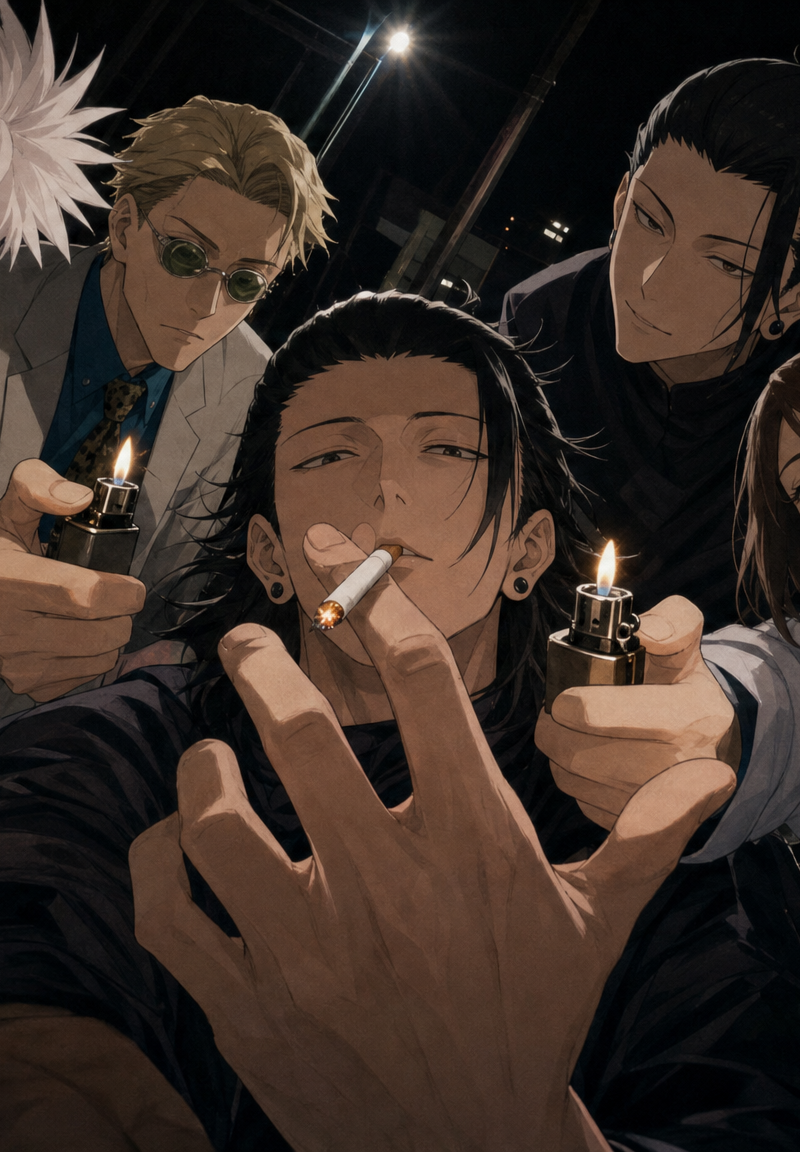
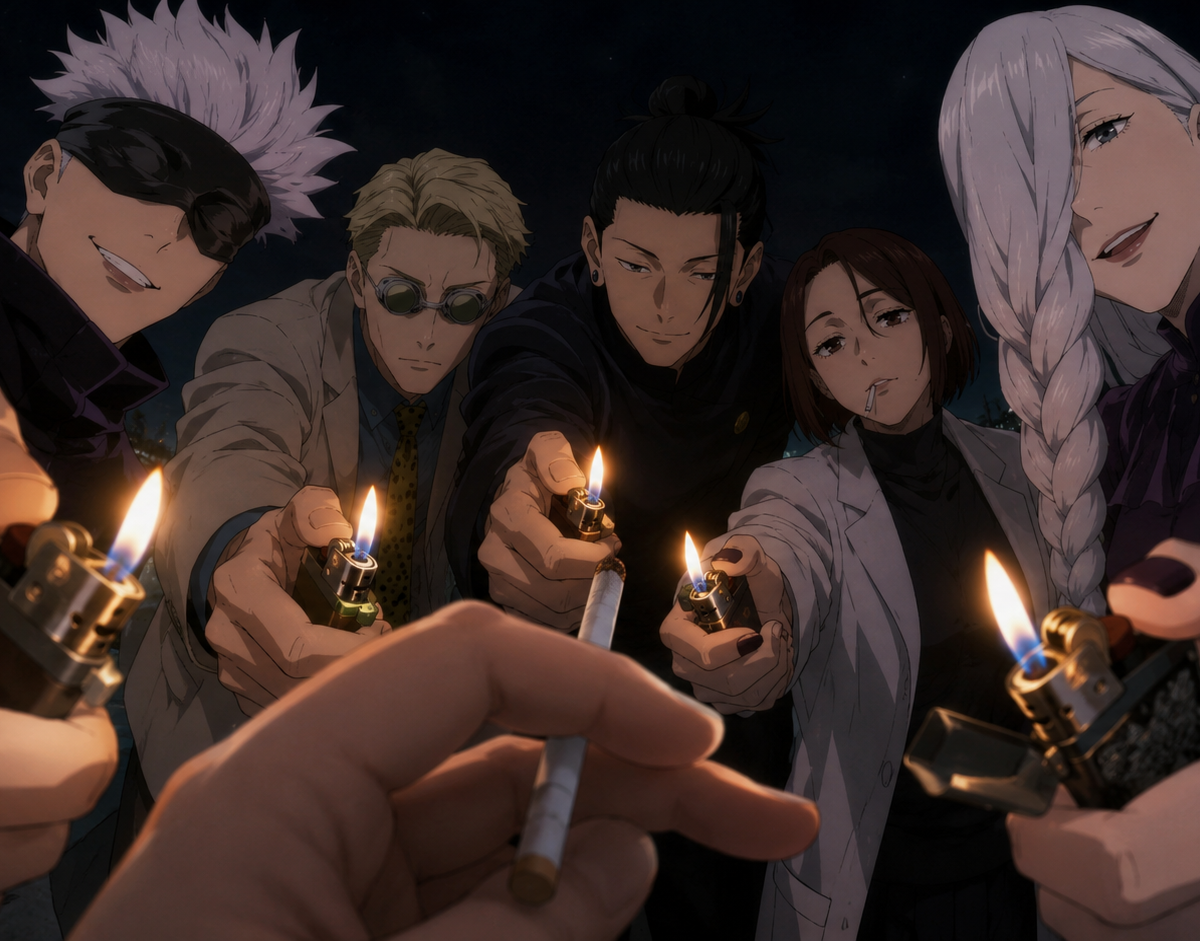
A 9:16 vertical late-night candid smartphone-style image, showing a fictional Jujutsu Kaisen anime crossover scene.

The protagonist stands in the central foreground, presented from an extremely close first-person / selfie-like perspective, shot with an iPhone 0.5x ultra-wide night camera. Satoru Gojo, Kento Nanami, Suguru Geto, Shoko Ieiri, and Mei Mei surround the protagonist in a semi-circle formation.

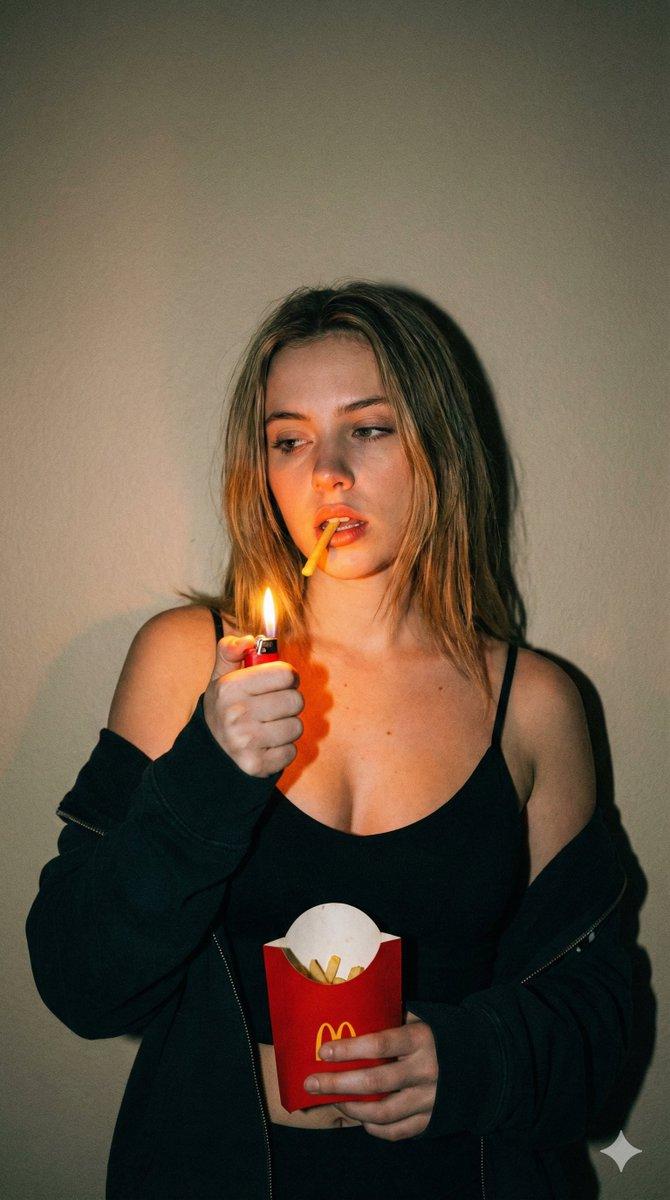
One of the protagonist’s hands is placed in the extreme foreground, holding an unlit cigarette between the index and middle fingers. The tobacco tip points outward toward the surrounding lighter flames, while the filter end stays closer to the protagonist’s mouth and hand. The cigarette becomes the focal point that all the lighters are pointing toward.

The surrounding characters all lean slightly toward the camera, each extending one hand forward while holding a lit lighter, as if they are all trying to light the protagonist’s cigarette at the same moment. Because of the ultra-wide perspective, the foreground hands, cigarette, and lighters are exaggerated in size, creating strong pressure and spatial depth.
Category
Photography & Realism
Model
GPT Image 2
Creator
xie underwood
Source language
en
Views284
Source ID
8069
Published
May 21, 2026
Studio

Guide

About "A 9:16 vertical late-night candid smartphone-style image, showing a fictional Ju"

What is this prompt for?

"A 9:16 vertical late-night candid smartphone-style image, showing a fictional Ju" AI image prompt for GPT Image 2 (Photography & Realism). A 9:16 vertical lat…

The full copyable prompt and example visuals above are ready for AI image generation or one-click recreate in Picva.

How to use this prompt

  1. Step 1

    Open the prompt detail

    Review the example visuals, category, and full prompt text for "A 9:16 vertical late-night candid smartphone-style image, showing a fictional Ju".

  2. Step 2

    Copy the prompt

    Copy the prompt body from this page, or load it directly in Studio.

  3. Step 3

    Pick a model (GPT Image 2)

    Prefer GPT Image 2. If you switch models, keep subject and composition and tweak style terms.

  4. Step 4

    Generate and export

    Recreate the look in Picva, or export into your workflow for editing and publishing.

FAQ

What is the "A 9:16 vertical late-night candid smartphone-style image, showing a fictional Ju" prompt?
It is an AI image-generation prompt for GPT Image 2 in the Photography & Realism category. This page includes the full prompt text, example visuals, and a one-click recreate path in Picva.
How do I use this prompt to generate an image?
Copy the prompt from this page, or use Generate / Studio. Paste it into a compatible image model, or recreate the look in Picva with optional reference images.
Which model is this prompt for?
This page lists GPT Image 2. Most descriptive prompts also transfer to nearby image models such as GPT Image, Flux, or Midjourney with light style tweaks.
Can I use the result commercially?
You can usually copy the prompt for creation, but commercial use of the final image depends on the model terms, reference-image rights, and the generated content. Follow the source author and platform rules.