18

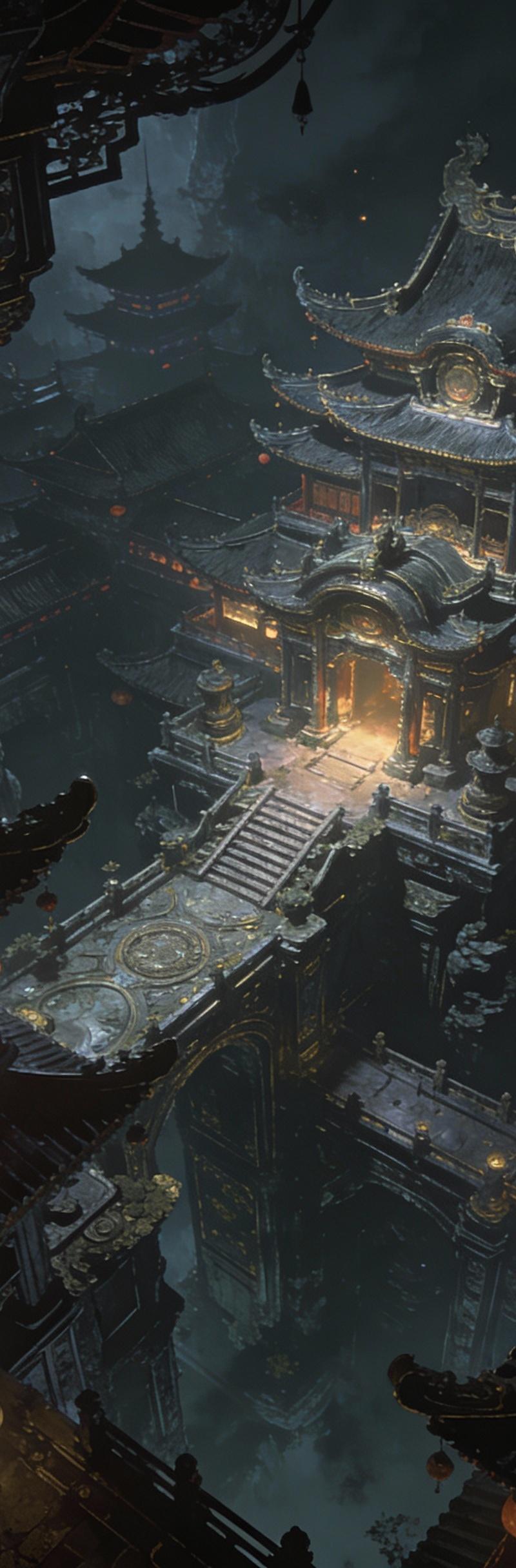
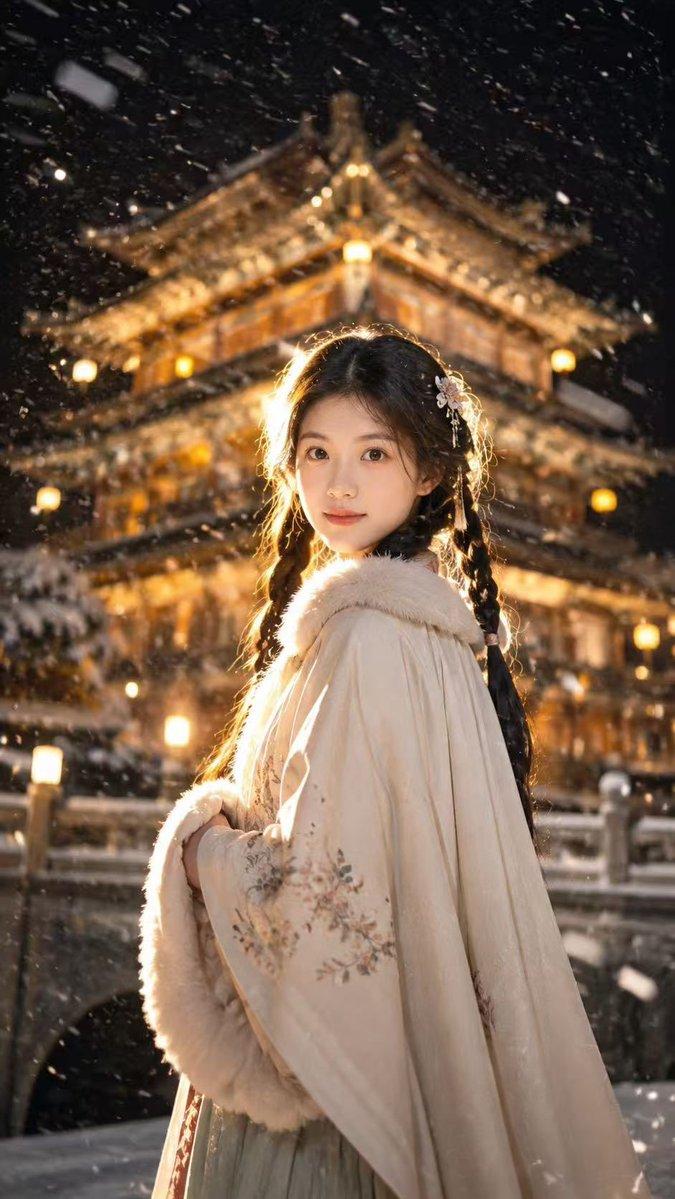
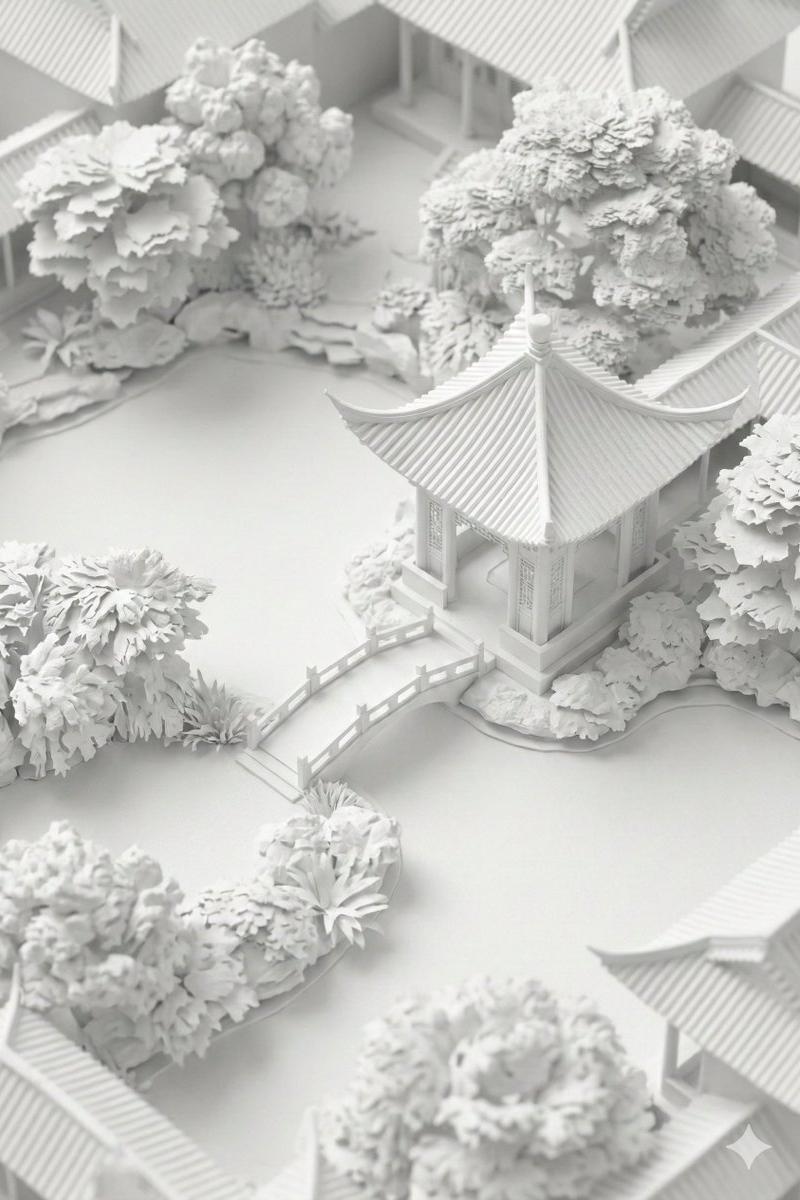
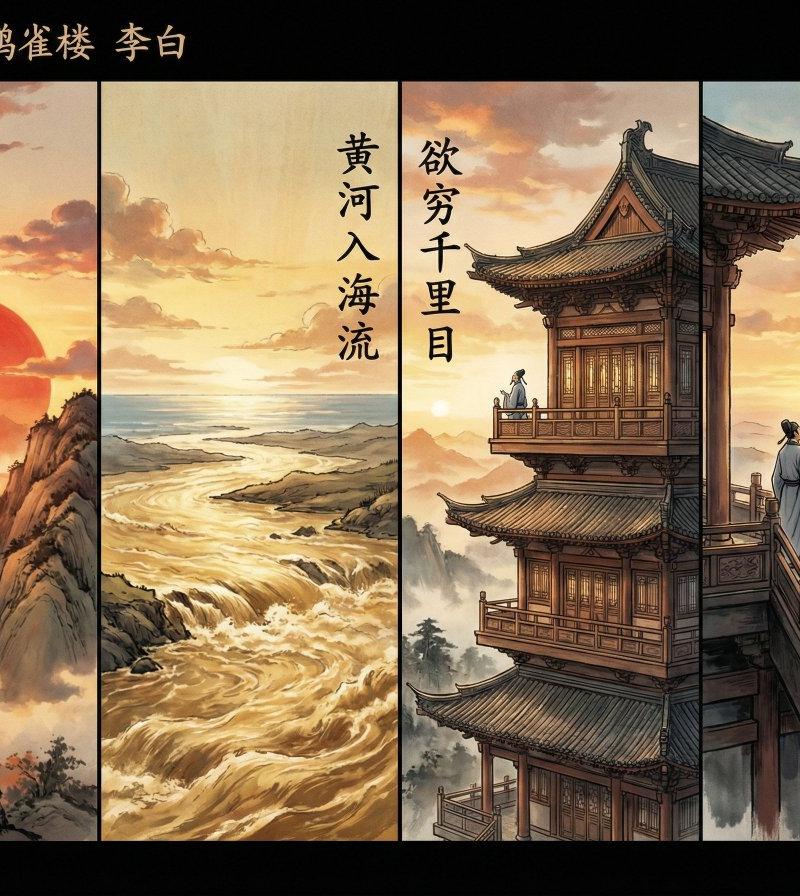
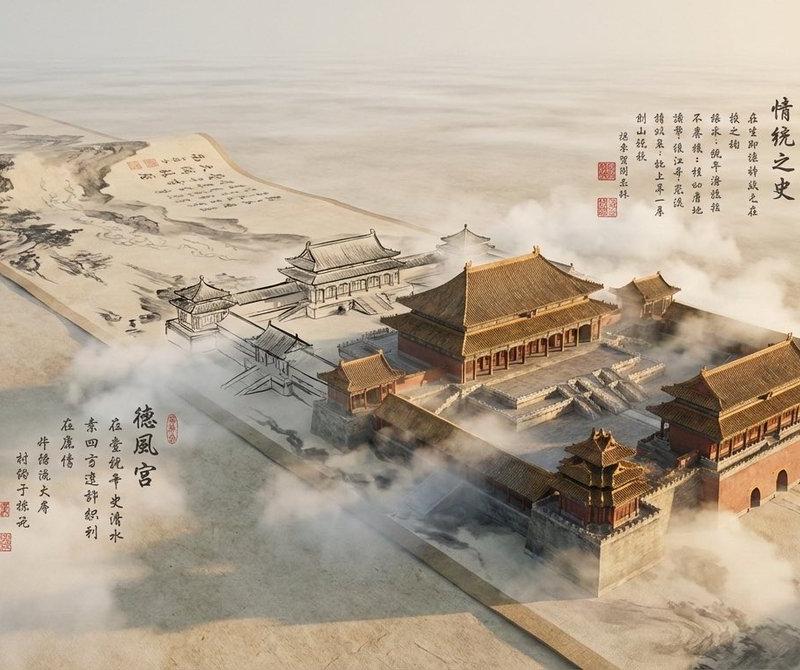
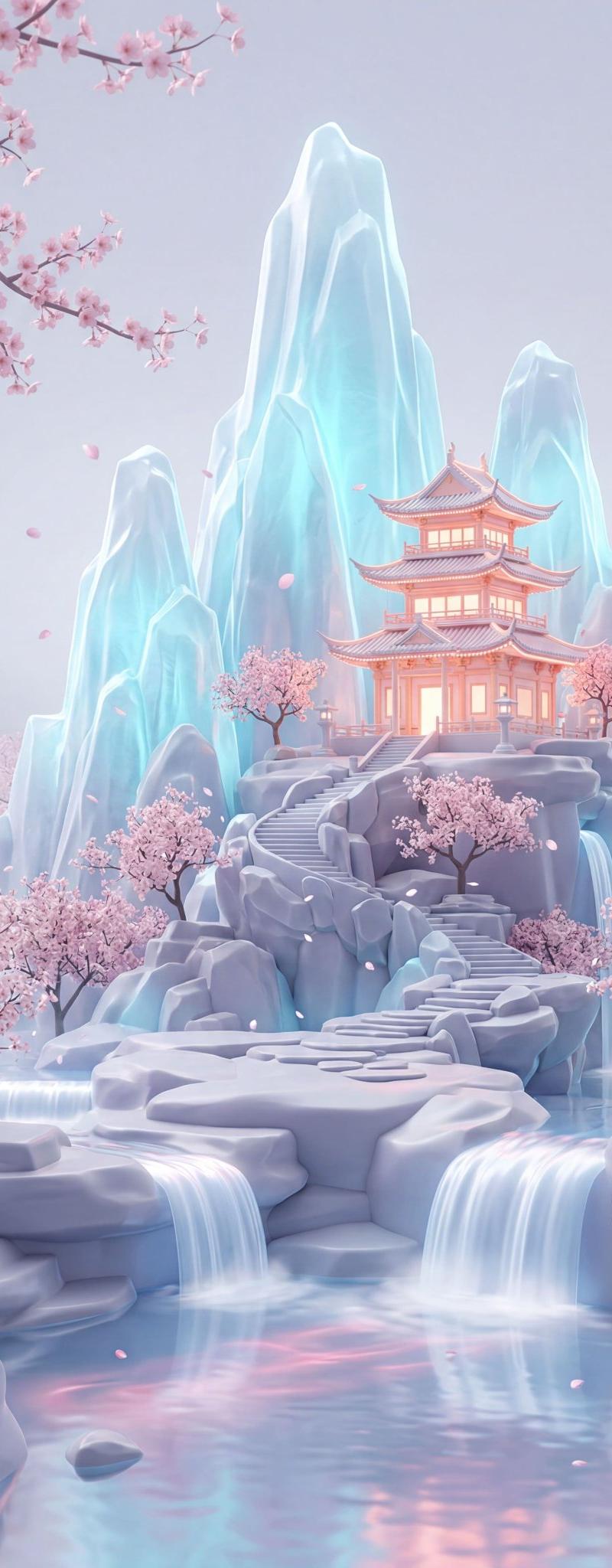
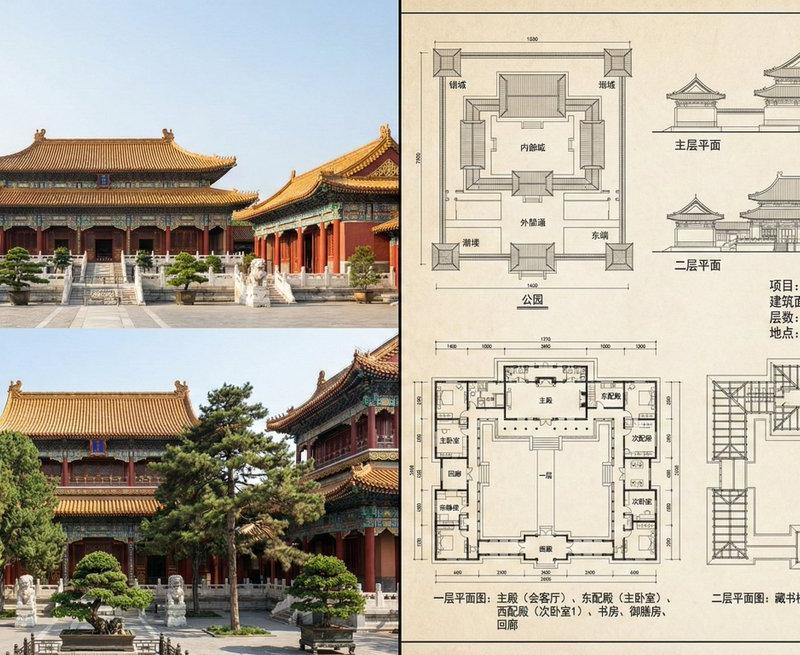
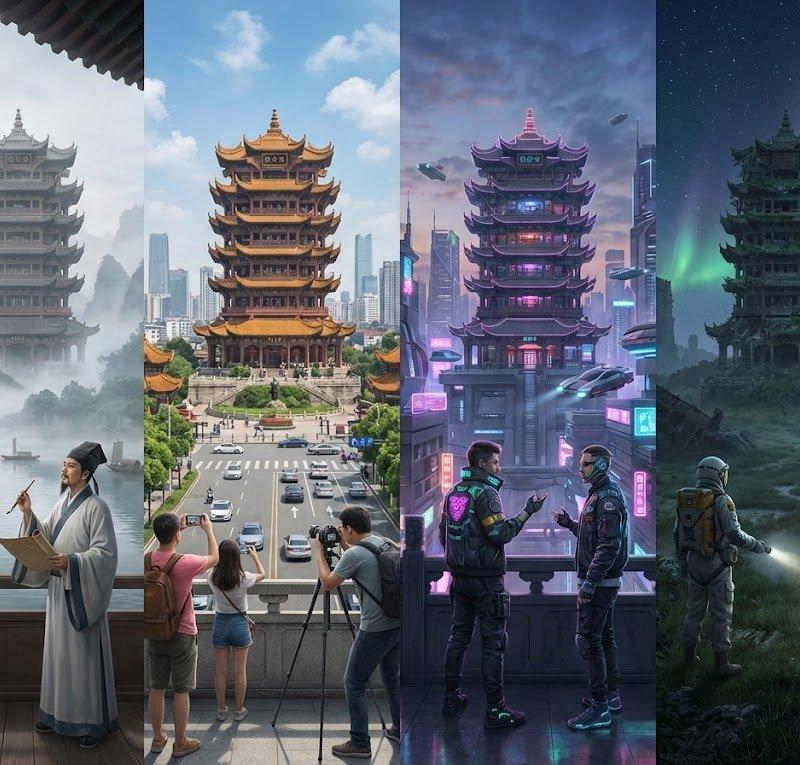
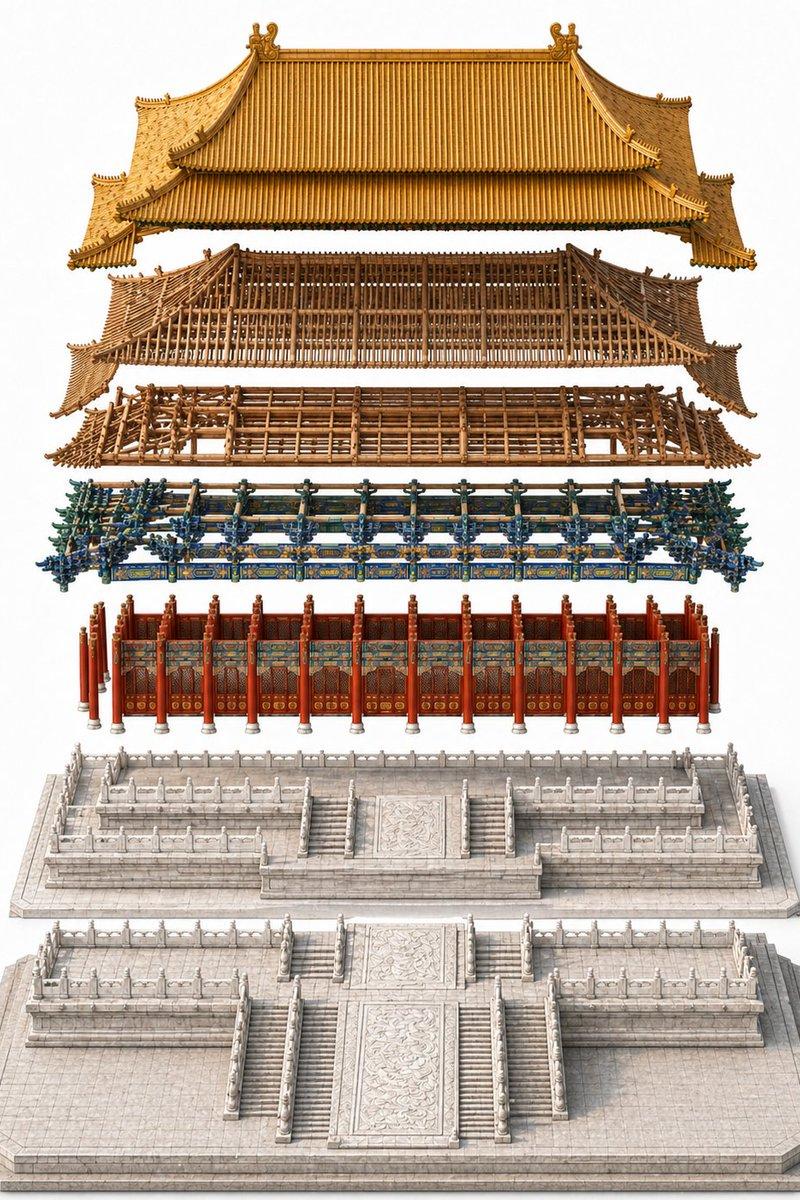
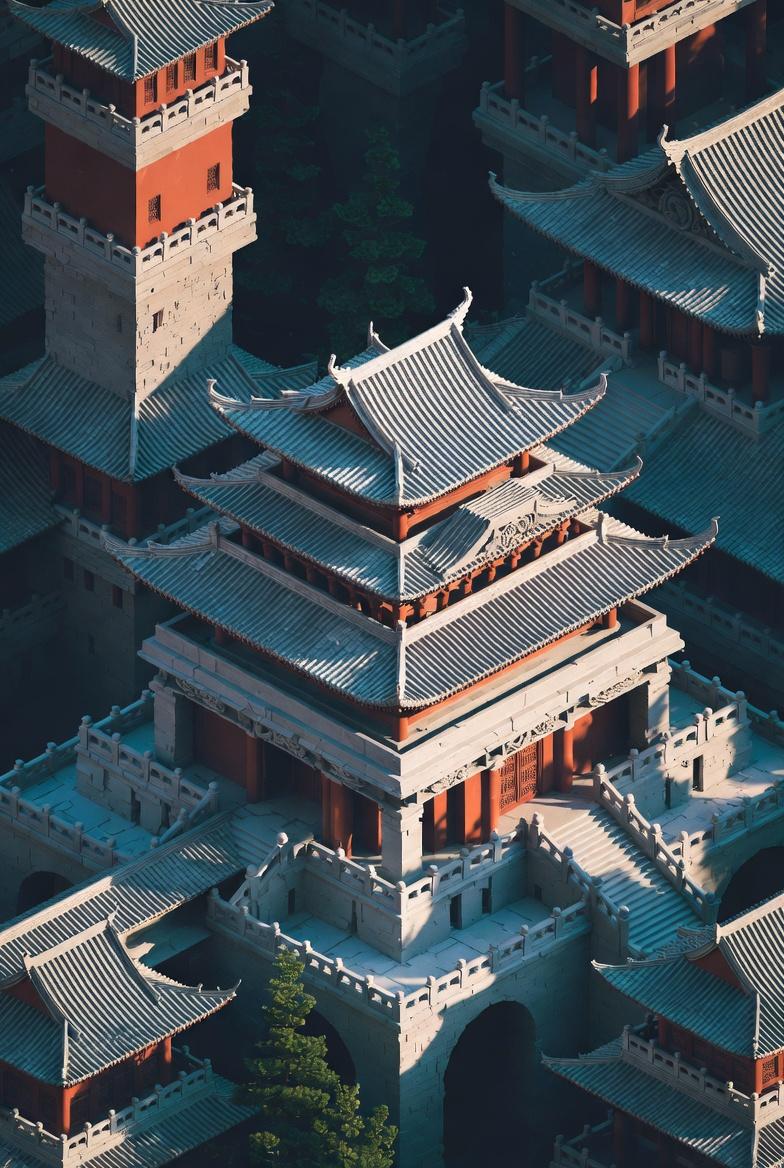
以Moebius(让·吉罗)风格呈现的极繁主义杰作,从仰视角度展现一座充满强烈神秘感且细节完美的3D建模古建筑,呈现出国风韵味,仿佛是一幅从空中俯瞰的绝美画卷,
Enlarge

Example images

以Moebius(让·吉罗)风格呈现的极繁主义杰作,从仰视角度展现一座充满强烈神秘感且细节完美的3D建模古建筑,呈现出国风韵味,仿佛是一幅从空中俯瞰的绝美画卷,

Prompt
以Moebius(让·吉罗)风格呈现的极繁主义杰作,从仰视角度展现一座充满强烈神秘感且细节完美的3D建模古建筑,呈现出国风韵味,仿佛是一幅从空中俯瞰的绝美画卷,每一处细节都精雕细琢,光影交织间尽显独特魅力。暗黑系效果
Category
Architecture & Spaces
Model
grok-imagine/text-to-image
Creator
xie underwood
Source language
zh-CN
Views34
Source ID
90
Published
Dec 28, 2025
Studio

Guide

About "以Moebius(让·吉罗)风格呈现的极繁主义杰作,从仰视角度展现一座充满强烈神秘感且细节完美的3D建模古建筑,呈现出国风韵味,仿佛是一幅从空中俯瞰的绝美画卷,"

What is this prompt for?

"以Moebius(让·吉罗)风格呈现的极繁主义杰作,从仰视角度展现一座充满强烈神秘感且细节完美的3D建模古建筑,呈现出国风韵味,仿佛是一幅从空中俯瞰的绝美画卷," AI image prompt for grok-imagine/text-to-image (Architecture & Spaces). 以Moe…

The full copyable prompt and example visuals above are ready for AI image generation or one-click recreate in Picva.

How to use this prompt

  1. Step 1

    Open the prompt detail

    Review the example visuals, category, and full prompt text for "以Moebius(让·吉罗)风格呈现的极繁主义杰作,从仰视角度展现一座充满强烈神秘感且细节完美的3D建模古建筑,呈现出国风韵味,仿佛是一幅从空中俯瞰的绝美画卷,".

  2. Step 2

    Copy the prompt

    Copy the prompt body from this page, or load it directly in Studio.

  3. Step 3

    Pick a model (grok-imagine/text-to-image)

    Prefer grok-imagine/text-to-image. If you switch models, keep subject and composition and tweak style terms.

  4. Step 4

    Generate and export

    Recreate the look in Picva, or export into your workflow for editing and publishing.

FAQ

What is the "以Moebius(让·吉罗)风格呈现的极繁主义杰作,从仰视角度展现一座充满强烈神秘感且细节完美的3D建模古建筑,呈现出国风韵味,仿佛是一幅从空中俯瞰的绝美画卷," prompt?
It is an AI image-generation prompt for grok-imagine/text-to-image in the Architecture & Spaces category. This page includes the full prompt text, example visuals, and a one-click recreate path in Picva.
How do I use this prompt to generate an image?
Copy the prompt from this page, or use Generate / Studio. Paste it into a compatible image model, or recreate the look in Picva with optional reference images.
Which model is this prompt for?
This page lists grok-imagine/text-to-image. Most descriptive prompts also transfer to nearby image models such as GPT Image, Flux, or Midjourney with light style tweaks.
Can I use the result commercially?
You can usually copy the prompt for creation, but commercial use of the final image depends on the model terms, reference-image rights, and the generated content. Follow the source author and platform rules.