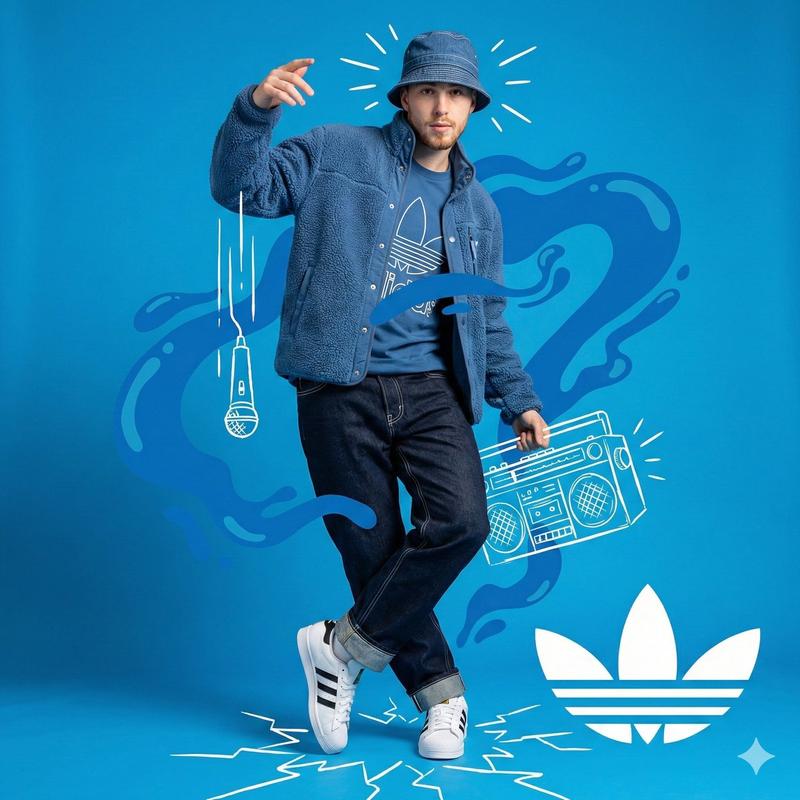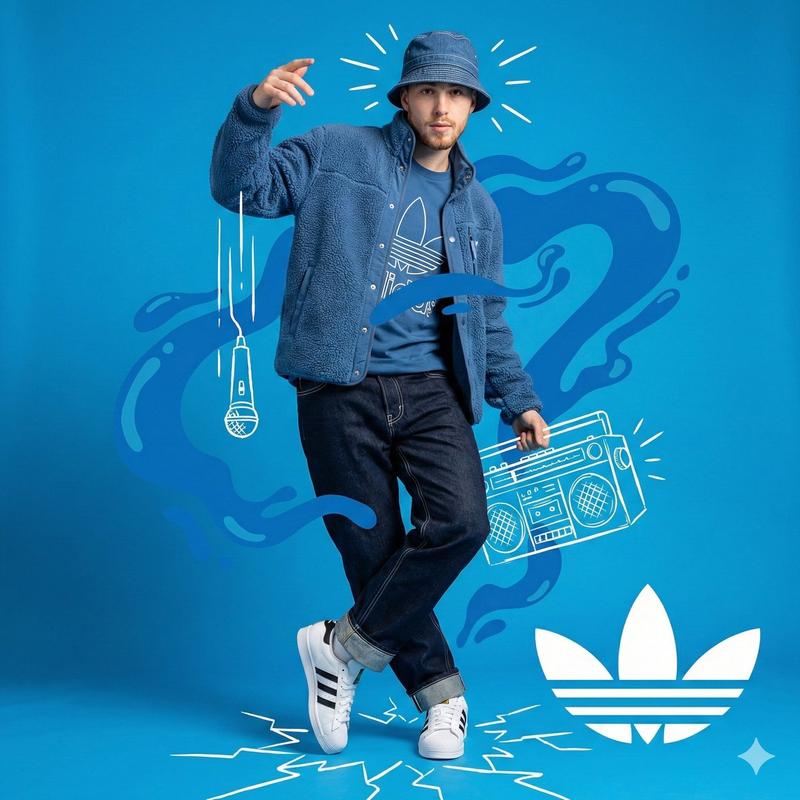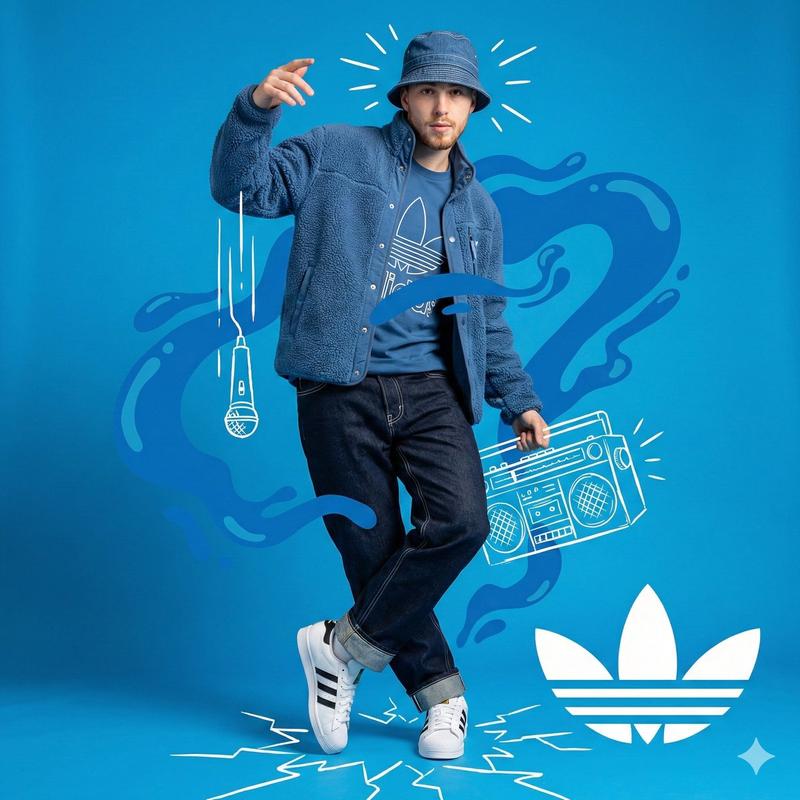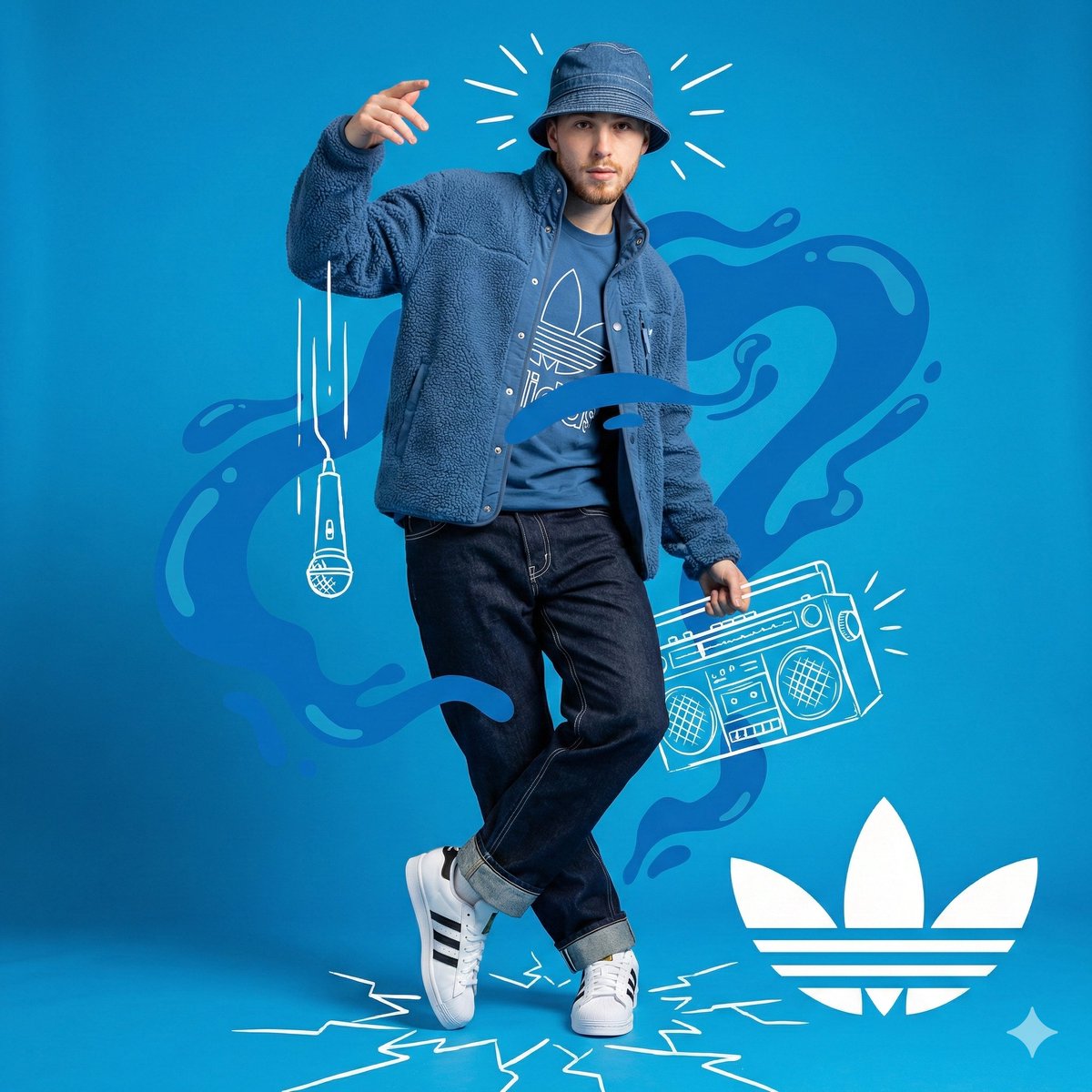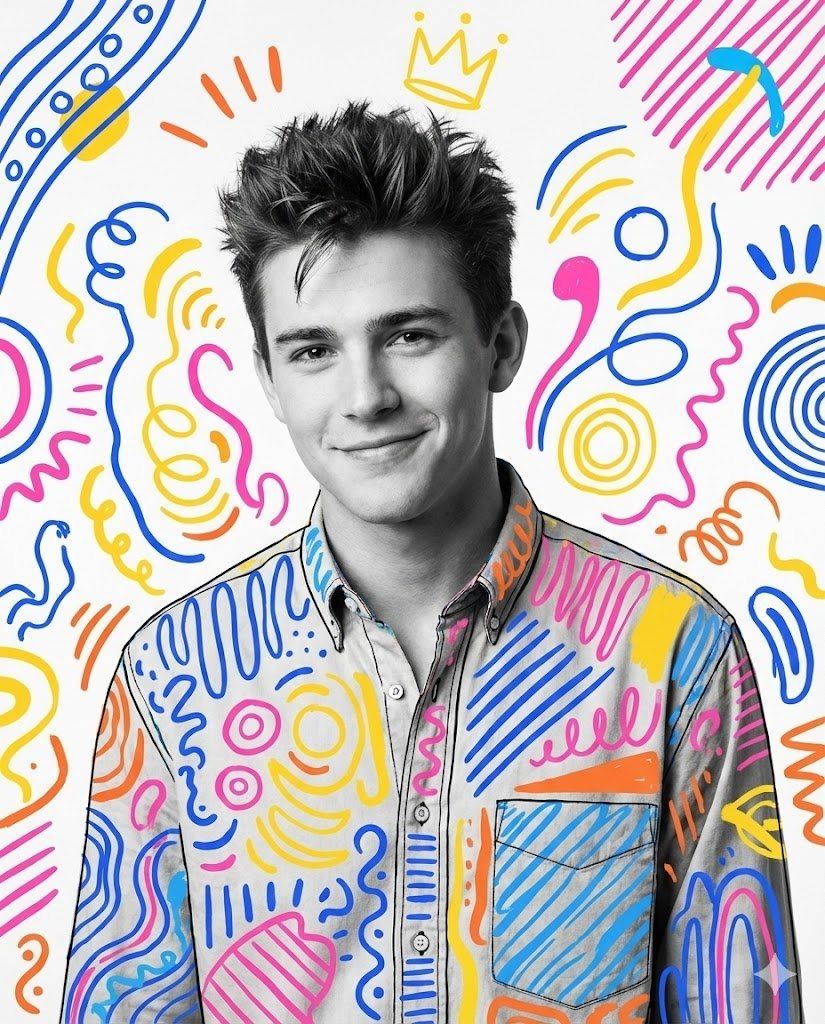
90年代风格混合媒体肖像
Prompt
Nano banana pro prompt:
{
 "image_request": {
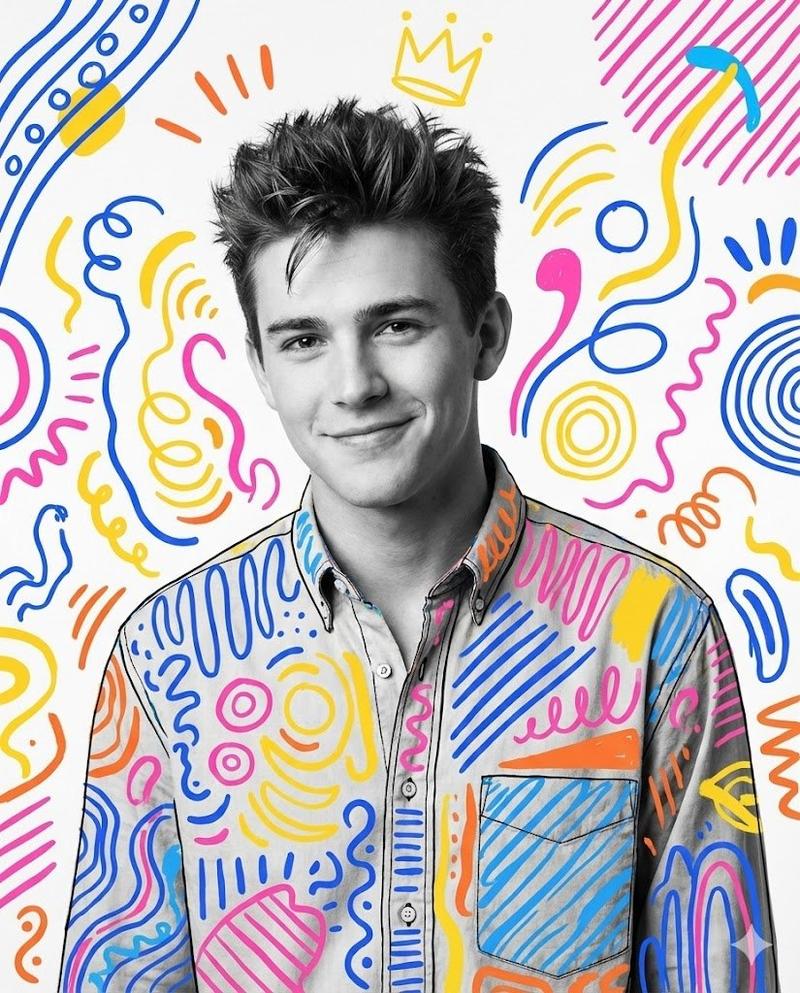
 "goal": "Create a stylized mixed-media portrait with hand-drawn elements",
 "meta": {
 "image_type": "Mixed Media Portrait",
 "quality": "8K",
 "color_mode": "Black and White Photo with Vibrant Color Overlay",
 "style_mode": "mixed_media_doodle",
 "aspect_ratio": "4:5",
 "resolution": "1080x1350px"
 },
 "creative_style": "Mixed Media Art combining a classic black and white studio portrait with vibrant, playful, hand-drawn digital doodles and patterns. The style is whimsical, energetic, and pop-art inspired, blending realism with illustrative abstraction.",
 "overall_theme": "playful artistic expression",
 "mood_vibe": "cheerful creative charming",
 "style_keywords": [
 "mixed media",
 "doodle art",
 "black and white photography",
 "vibrant colors",
 "pop art",
 "illustrative overlay",
 "playful",
 "patterned",
 "energetic",
 "portrait"
 ],
 "subject": {
 "count": "1",
 "type": "male",
 "identity": "handsome young man, resembling Matthew Perry in the 90s, charming smile",
 "identity_preservation": {
 "description": "Preserve the friendly, charming facial expression and classic hairstyle",
 "notes": "90s sitcom star vibe"
 },
 "age_appearance": "late 20s",
 "skin": "smooth, black and white tone",
 "makeup": {
 "lips": "natural",
 "eyes": "natural",
 "general": "none"
 },
 "facial_features": {
 "expression": "warm charming smile",
 "eyes": {
 "gaze": "looking directly at viewer",
 "intensity": "friendly"
 },
 "lips": {
 "gesture": "gentle smile"
 }
 },
 "hair": {
 "length": "short",
 "texture": "straight/styled",
 "style": "spiky messy 90s style",
 "lighting_interaction": {
 "light": "studio lighting highlights",
 "shadow_play": "soft facial modeling"
 }
 },
 "clothing": {
 "top": "button-down shirt",
 "bottom": "not visible",
 "full_description": "The shirt is the canvas for the art: a black shirt base completely covered in colorful hand-drawn abstract patterns, stripes, and shapes (yellow collar, blue/pink/orange abstract forms).",
 "accessories": "none real, but drawn elements act as accessories"
 },
 "props": {
 "bouquet": "none",
 "wine_glass": "none",
 "other": "drawn yellow crown floating above head"
 }
 },
 "pose_action": {
 "description": "Bust portrait, standing slightly angled, looking forward with a friendly smile.",
 "overall_pose": "standing studio portrait",
 "head_turn": "slight tilt",
 "gaze": "direct",
 "body_position": "upper body",
 "hands": "not visible",
 "movement": "static pose, dynamic art"
 },
 "multiple_frames_expressions": [],
 "environment": {
 "setting": "studio white background",
 "location": "studio",
 "weather": "n/a",
 "time_of_day": "n/a",
 "atmosphere": "fun and artistic"
 },
 "background": {
 "color": "white with colorful doodles",
 "effect": "plain background filled with abstract black dashes, colorful swirls (blue, pink, orange), and scribbles"
 },
 "lighting": {
 "type": "studio strobe",
 "position": "front",
 "direction": "flat flattering light",
 "intensity": "balanced",
 "focus": "subject face",
 "falloff": "none",
 "light_quality": "soft",
 "source": "artificial",
 "tone": "black and white for the photo element",
 "mood": "happy",
 "subject_lighting": "even",
 "environment_lighting": "white background",
 "color_temperature": "neutral",
 "contrast_shadow": "medium",
 "shadow_quality": "soft",
 "imperfections": [
 "none on the photo",
 "hand-drawn imperfections in the art"
 ]
 },
 "camera": {
 "sensor_format": "Full Frame Digital",
 "lens": "85mm",
 "position_angle": "eye-level",
 "distance": "close-up portrait",
 "framing": "head and chest",
 "depth_of_field": "deep",
 "composition": {
 "framing": "center subject",
 "depth": "flat illustrative layers",
 "emphasis": "interaction between the realistic face and the drawn clothing/background",
 "angle": "eye-level"
 }
 },
 "photobooth_collage_specific": {
 "frame_count_per_strip": "1",
 "total_prints": "1",
 "layout": "single art piece",
 "border": "none",
 "tonality_texture": "smooth photo mixed with digital brush strokes",
 "highlight_behavior": "graphic color"
 },
 "color_grading": {
 "palette": "Black, White, Bright Yellow, Electric Blue, Hot Pink, Orange",
 "lut": "Pop Art Vivid",
 "mood": "vibrant and playful"
 },
 "post_processing": {
 "sharpening": "standard",
 "final_touch": "composite diverse doodle layers over the clothing and background"
 },
 "negative": {
 "style": "photorealistic color, serious, gloomy, dark, minimal",
 "content": "plain clothes, plain background, angry expression",
 "artifacts": "bad drawing, messy lines obstructing face"
 },
 "additional_controls": {
 "focus_emphasis": "the face and the colorful art overlay",
 "grounding": "n/a",
 "special_notes": "The key is the contrast between the realistic B&W face and the colorful, abstract, child-like doodle art covering the clothes and background. Include a floating yellow crown.",
 "vibe": "fan art tribute",
 "final_output_goal": "looks like a trendy Instagram art illustration"
 }
 }
}
#Nanobanana #NanoBananaPro #nanobanana2- Category
- Photography & Realism
- Model
- Nano Banana Pro
- Creator
- Alex Zhang
- Source ID
- 90s-style-mixed-media-portrait
Views0