20

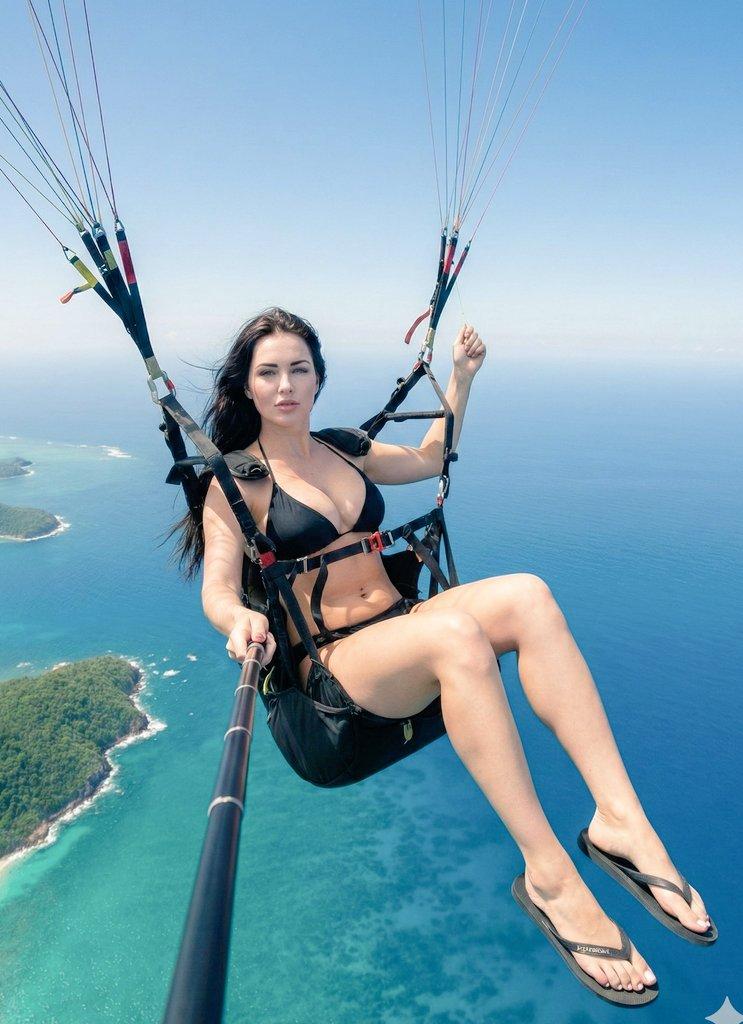
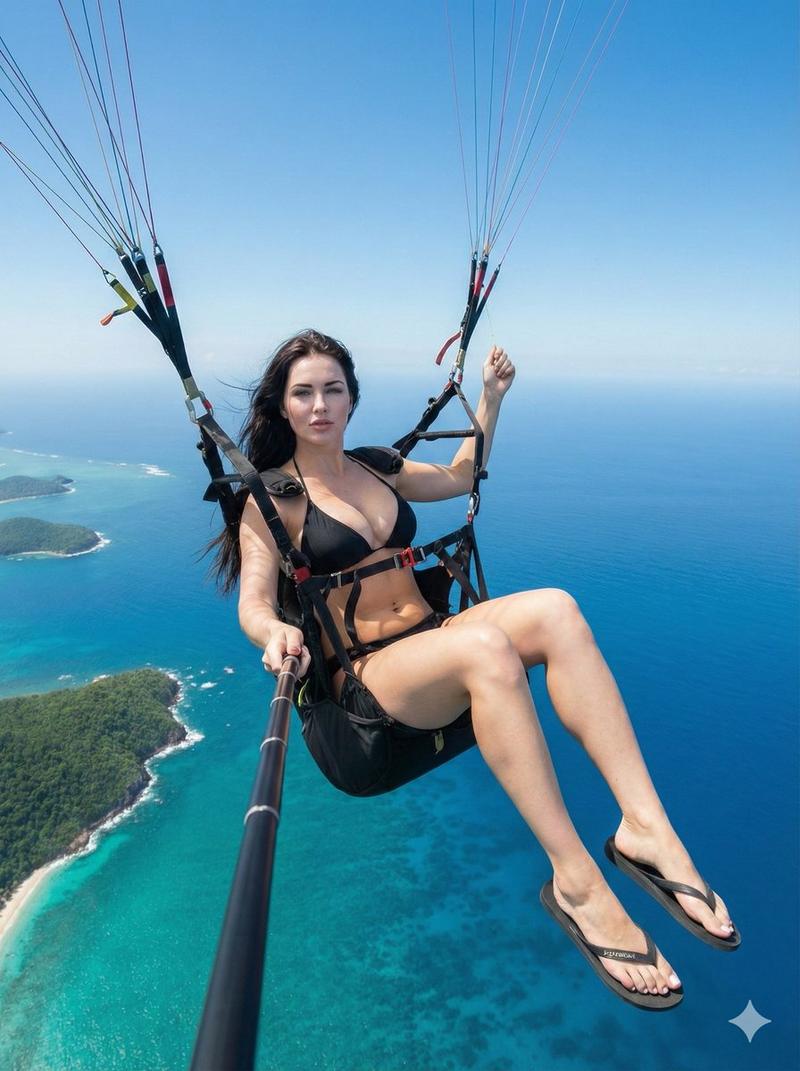
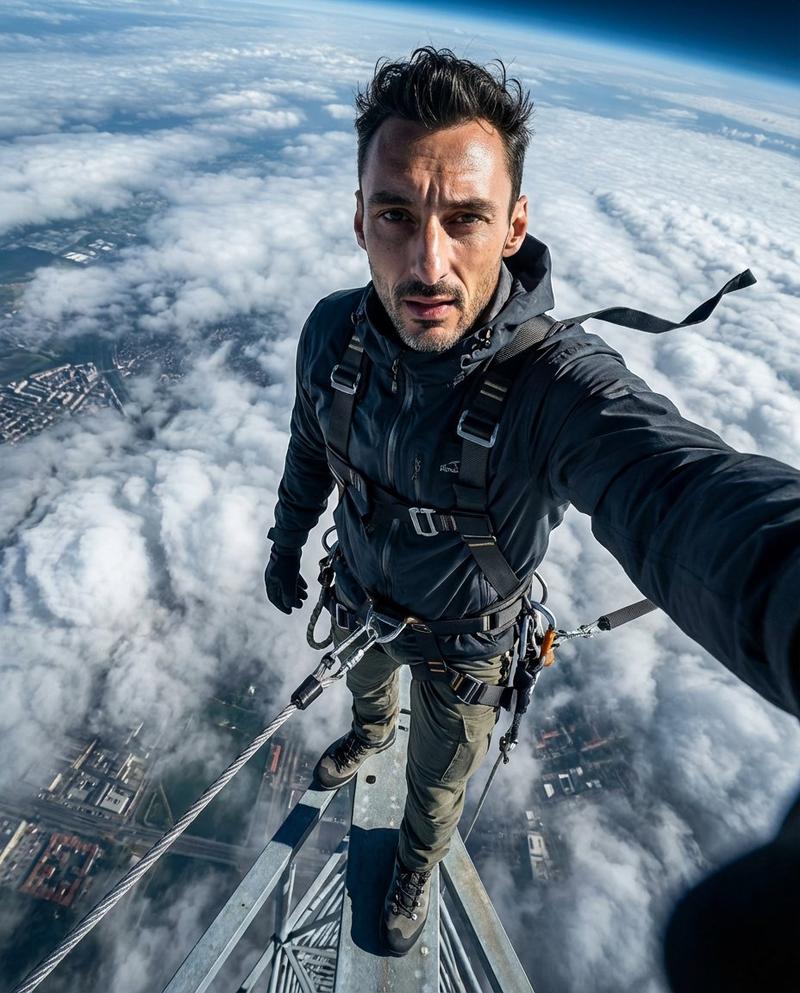
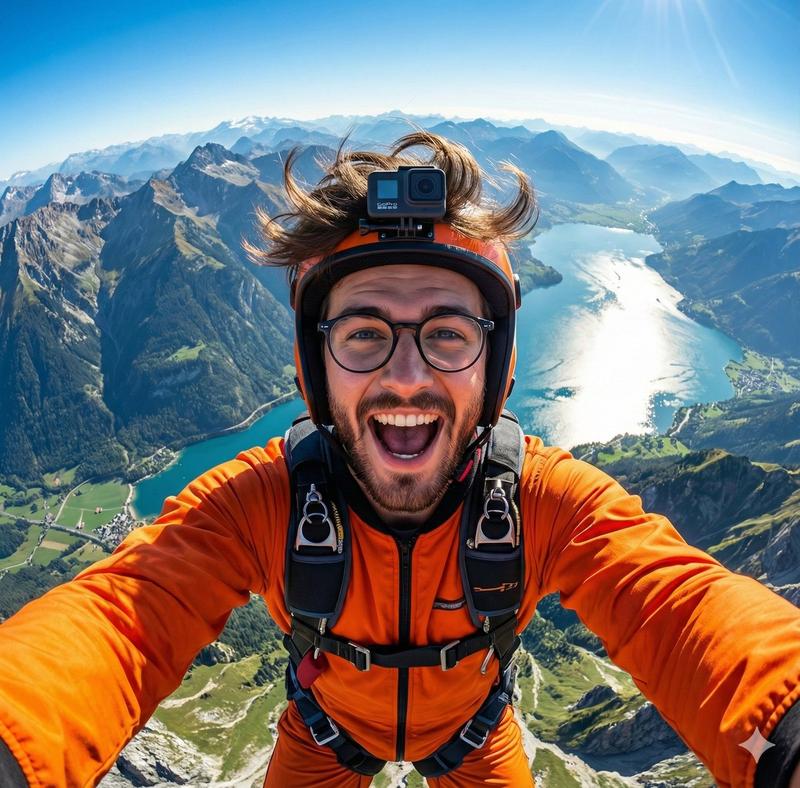
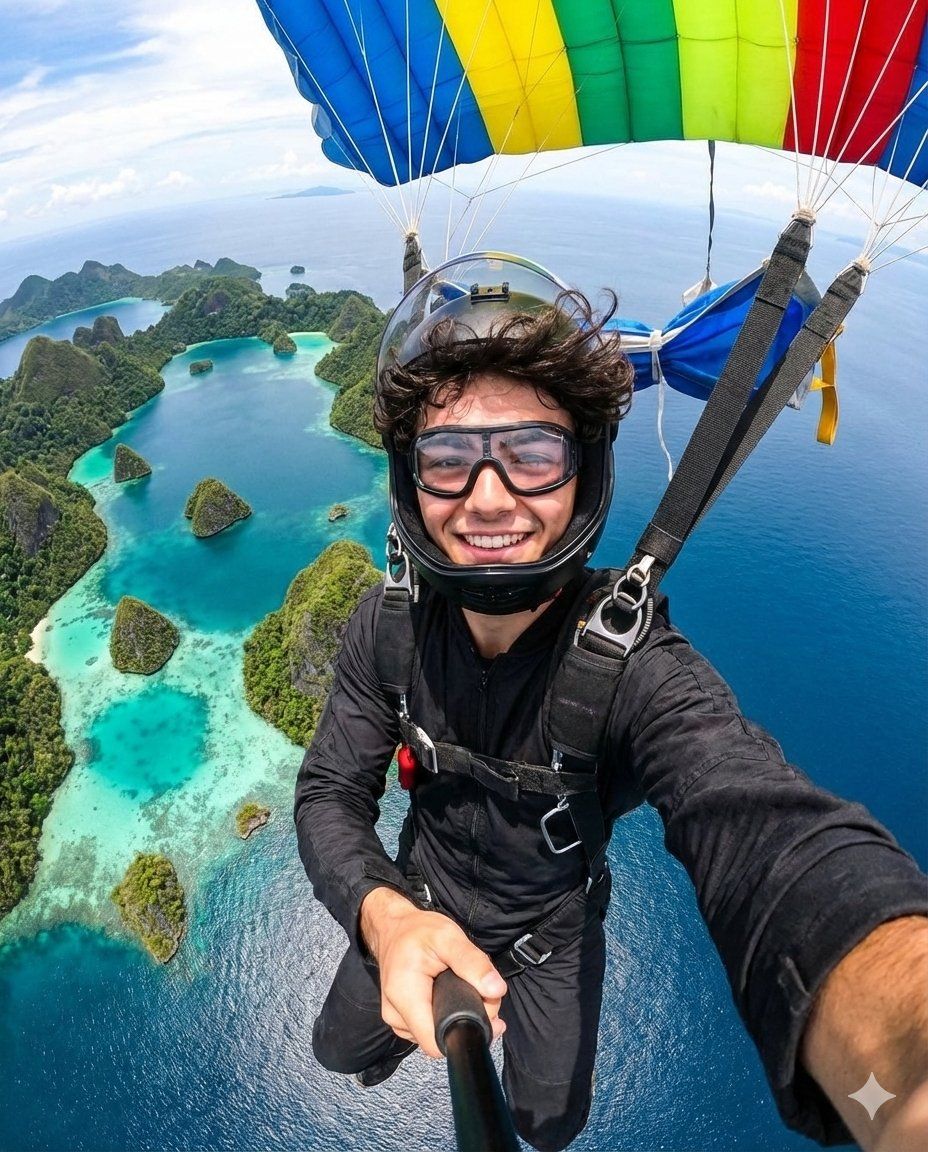
纳米香蕉在Gemini应用上的超现实主义自拍
Enlarge

纳米香蕉在Gemini应用上的超现实主义自拍

Prompt
Nano Banana Pro on Gemini app.
Prompt:
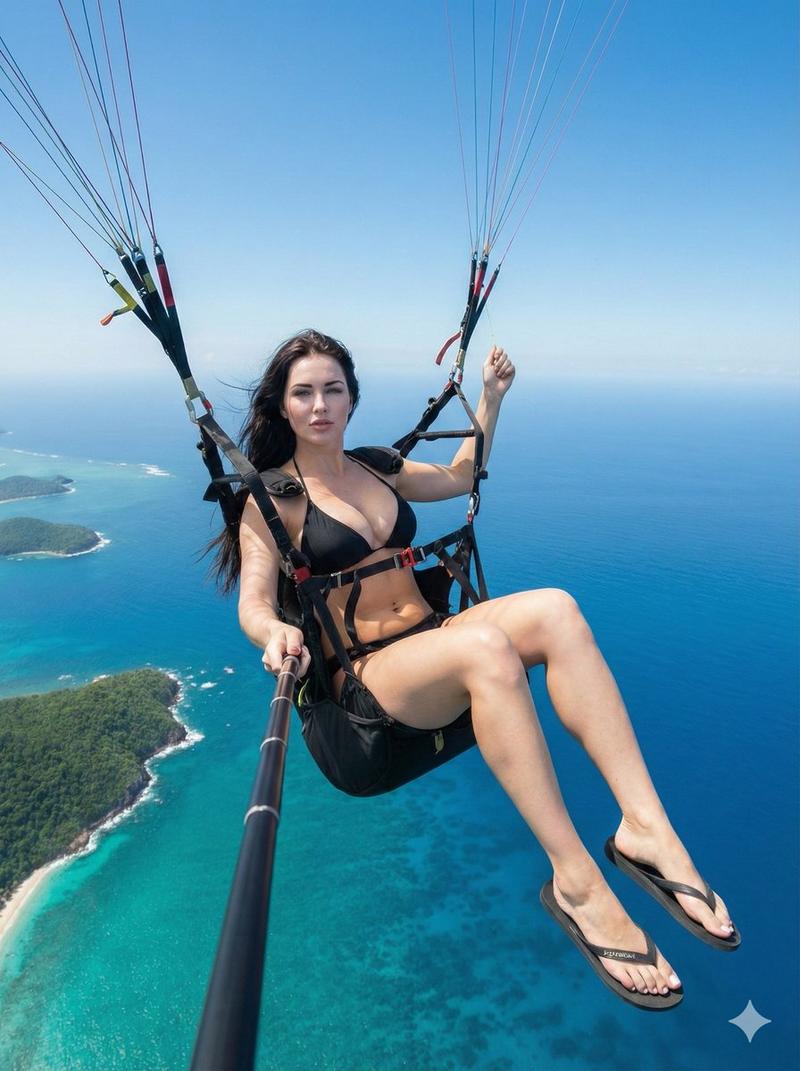
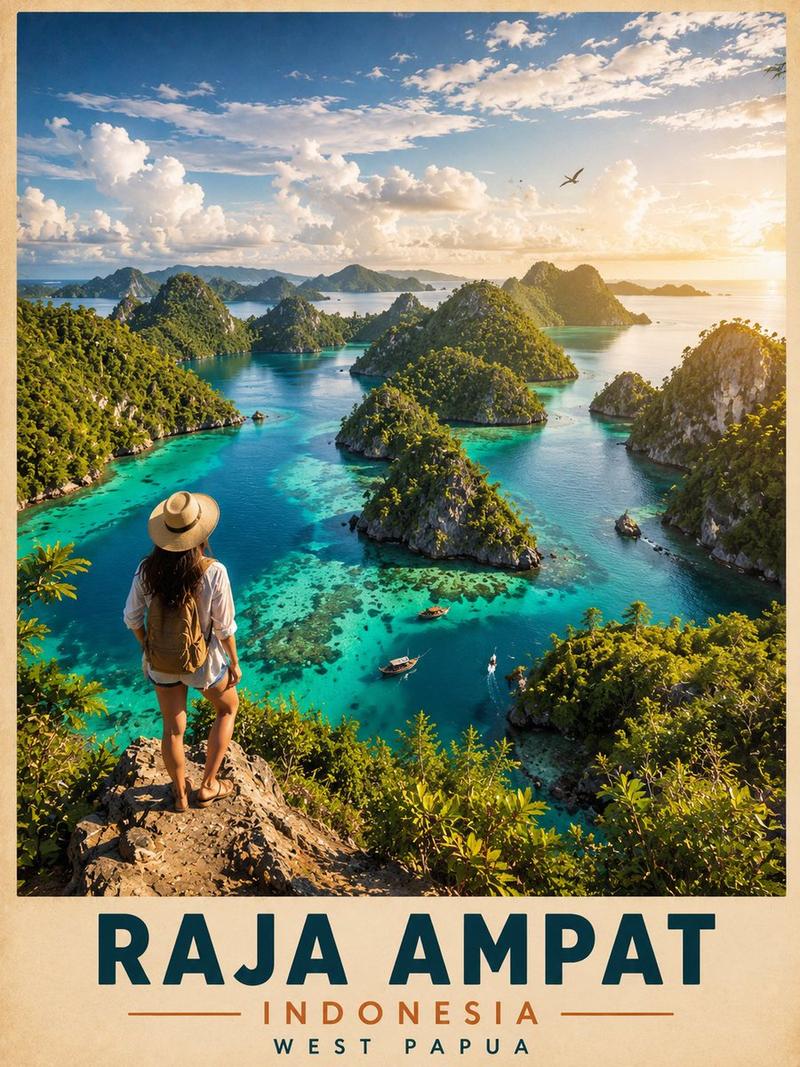
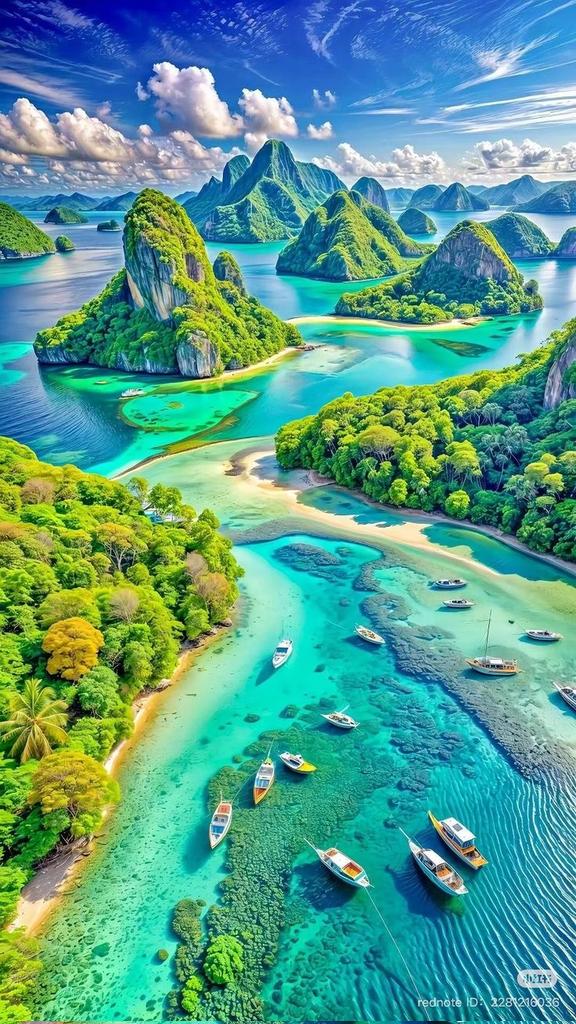
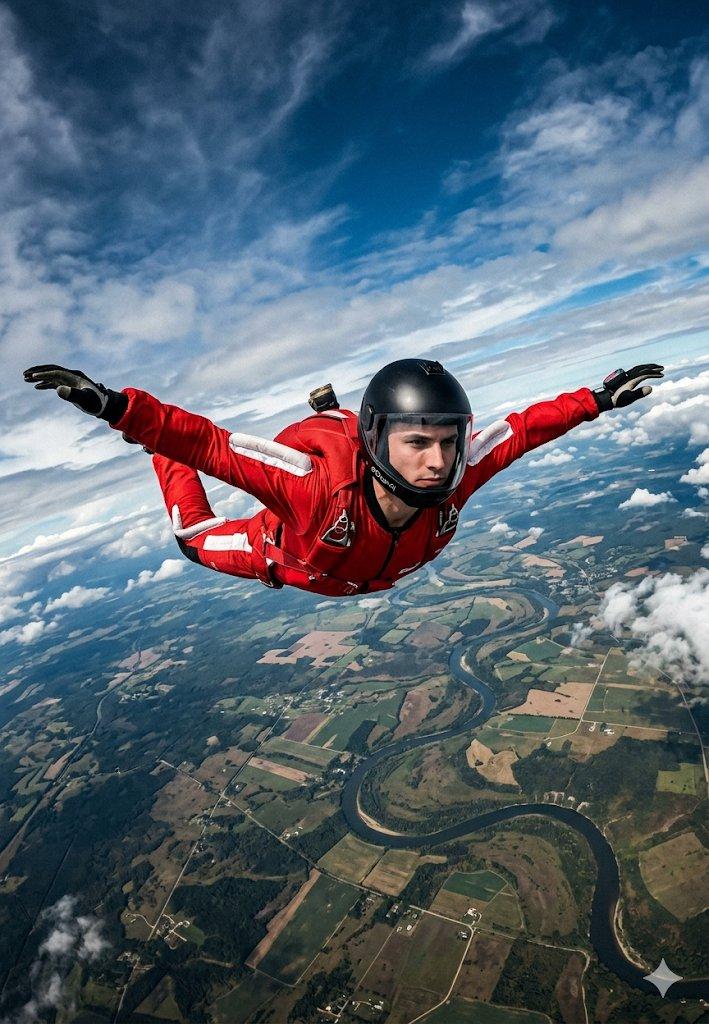
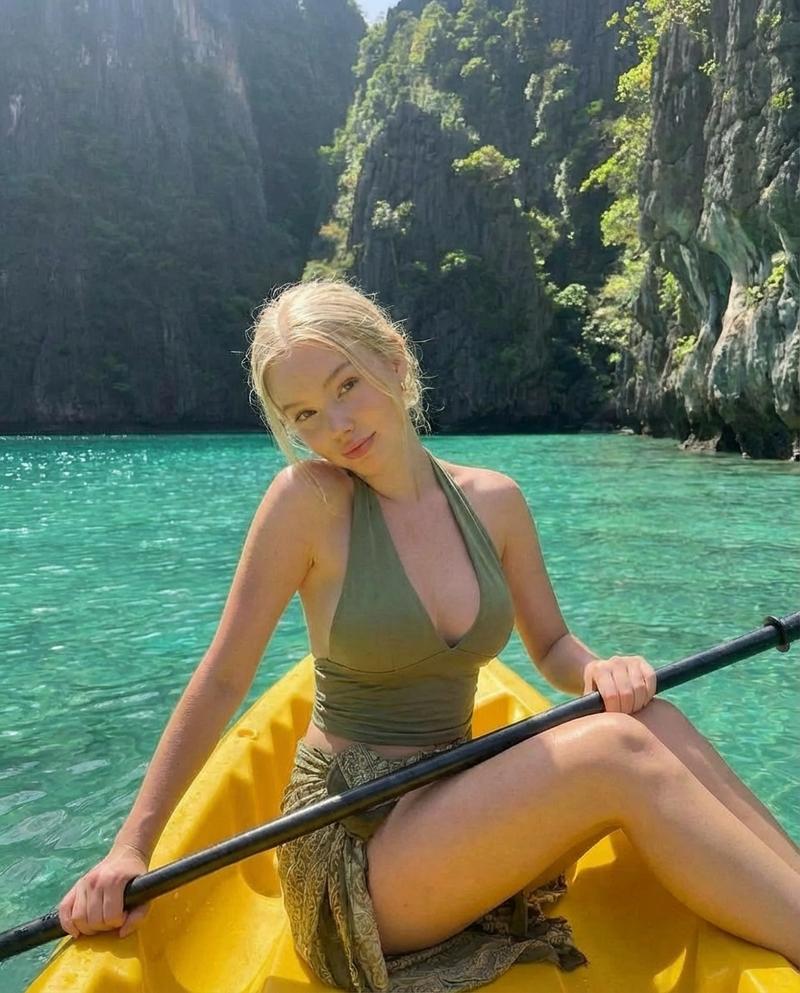
A cinematic ultra-realistic selfie of [refer to attached photo for main character: face, facial features, hairstyle, glasses if present, and skin tone], skydiving high above the iconic Raja Ampat islands in Indonesia. The view shows stunning turquoise lagoons, green karst islands, and deep blue ocean. The person wears a black skydiving suit with a colorful parachute above (blue, yellow, green, red). The camera is positioned slightly above and angled downward, capturing both the person and the breathtaking island formations below. Bright tropical lighting, clear sky, photorealistic textures, and cinematic adventure vibes. Instagram post 4:5 ratio.
Category
Photography & Realism
Model
Nano Banana Pro
Creator
Harboriis
Views0
Source ID
cinematic-ultra-realistic-selfie-skydiving-over-raj-ampat-islands

Guide

About "纳米香蕉在Gemini应用上的超现实主义自拍"

What is this prompt for?

"纳米香蕉在Gemini应用上的超现实主义自拍" AI image prompt for Nano Banana Pro (Photography & Realism). Nano Banana Pro on Gemini app. Prompt: A cinematic ultra-realistic selfie…

The full copyable prompt and example visuals above are ready for AI image generation or one-click recreate in Picva.

How to use this prompt

  1. Step 1

    Open the prompt detail

    Review the example visuals, category, and full prompt text for "纳米香蕉在Gemini应用上的超现实主义自拍".

  2. Step 2

    Copy the prompt

    Copy the prompt body from this page, or load it directly in Studio.

  3. Step 3

    Pick a model (Nano Banana Pro)

    Prefer Nano Banana Pro. If you switch models, keep subject and composition and tweak style terms.

  4. Step 4

    Generate and export

    Recreate the look in Picva, or export into your workflow for editing and publishing.

FAQ

What is the "纳米香蕉在Gemini应用上的超现实主义自拍" prompt?
It is an AI image-generation prompt for Nano Banana Pro in the Photography & Realism category. This page includes the full prompt text, example visuals, and a one-click recreate path in Picva.
How do I use this prompt to generate an image?
Copy the prompt from this page, or use Generate / Studio. Paste it into a compatible image model, or recreate the look in Picva with optional reference images.
Which model is this prompt for?
This page lists Nano Banana Pro. Most descriptive prompts also transfer to nearby image models such as GPT Image, Flux, or Midjourney with light style tweaks.
Can I use the result commercially?
You can usually copy the prompt for creation, but commercial use of the final image depends on the model terms, reference-image rights, and the generated content. Follow the source author and platform rules.