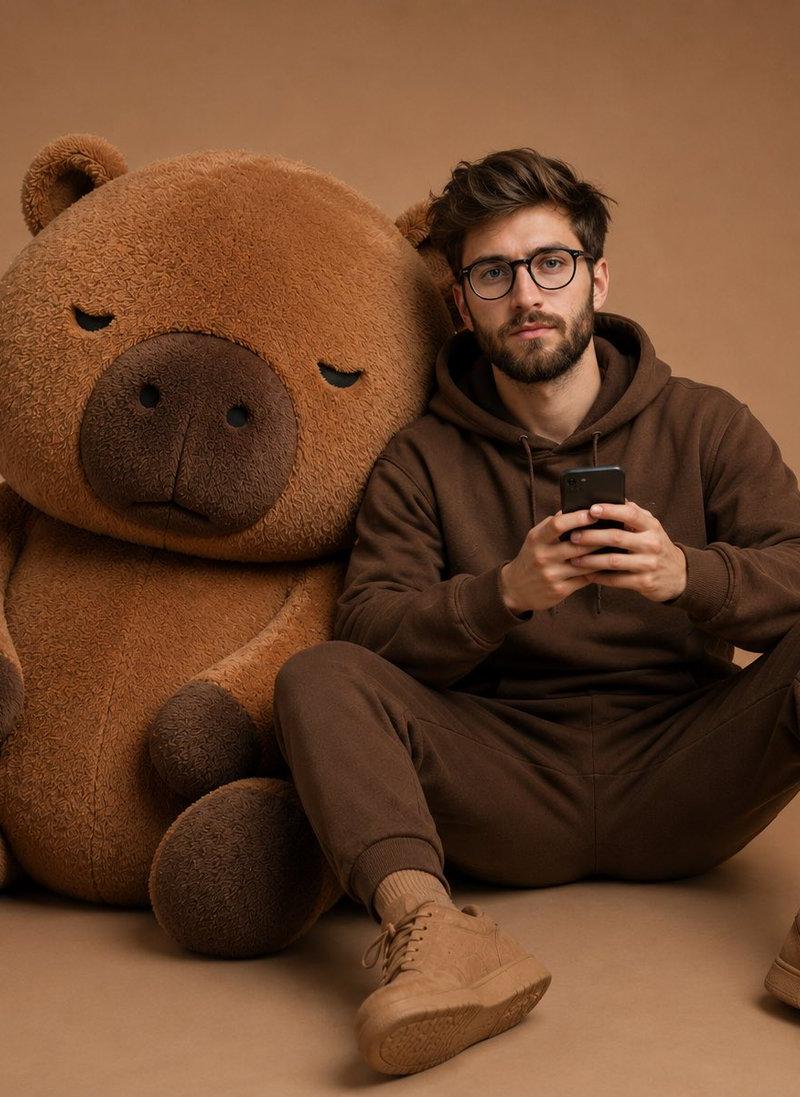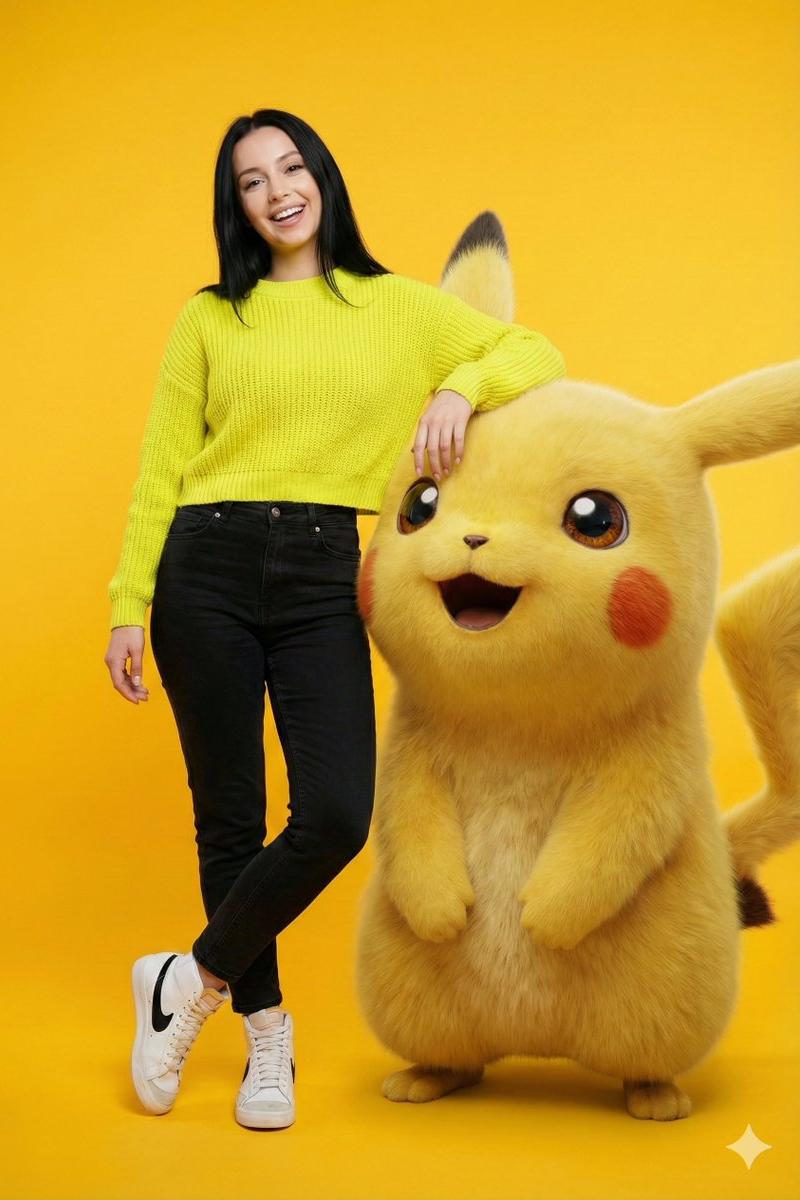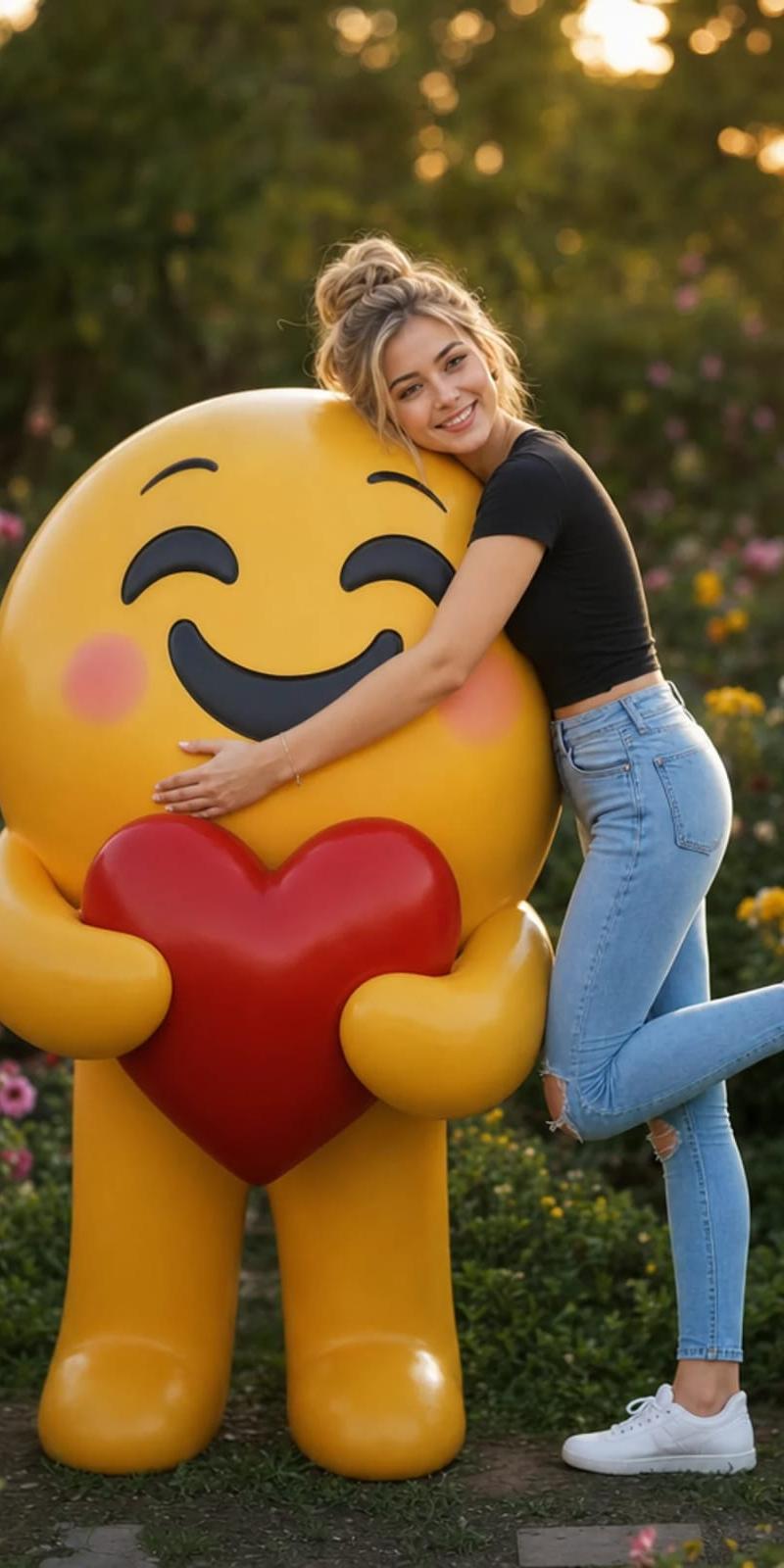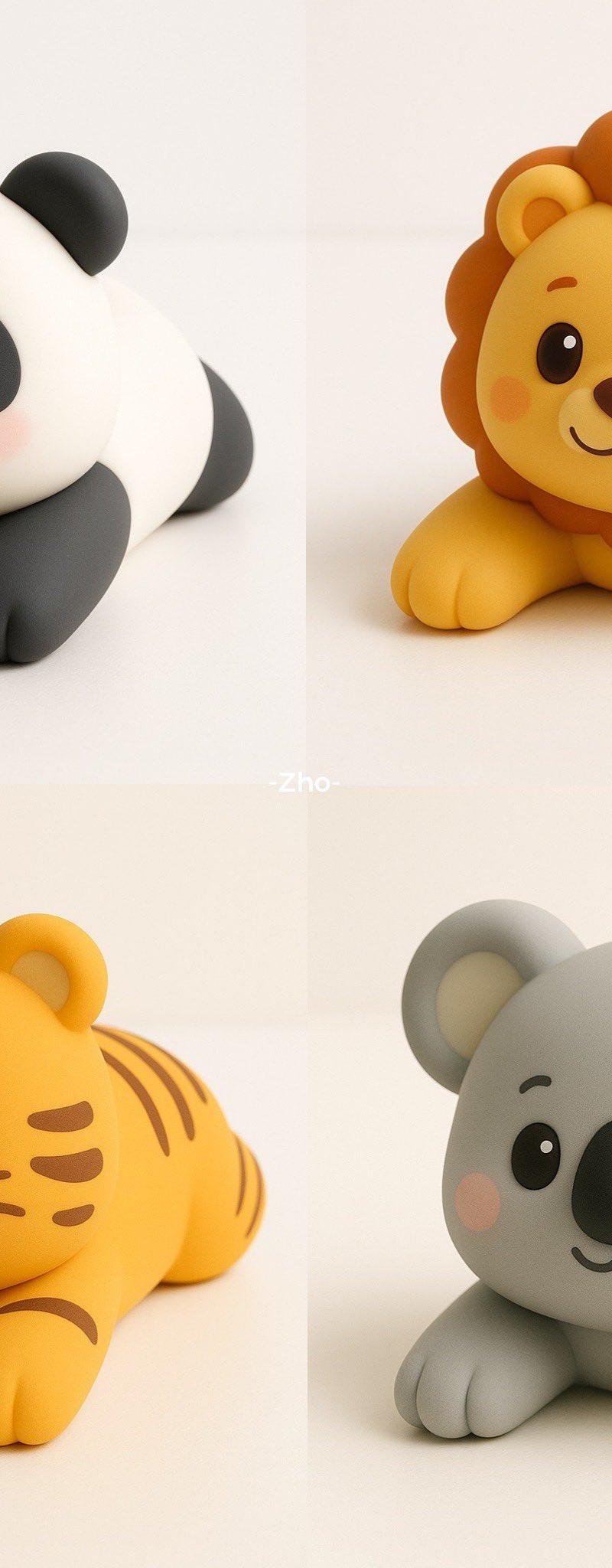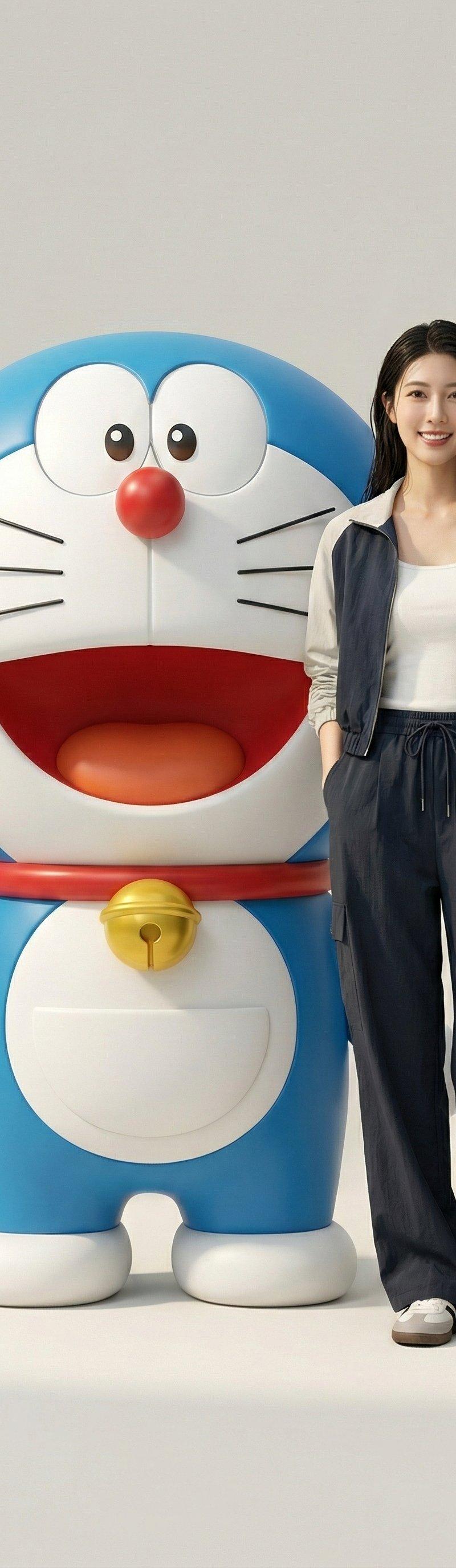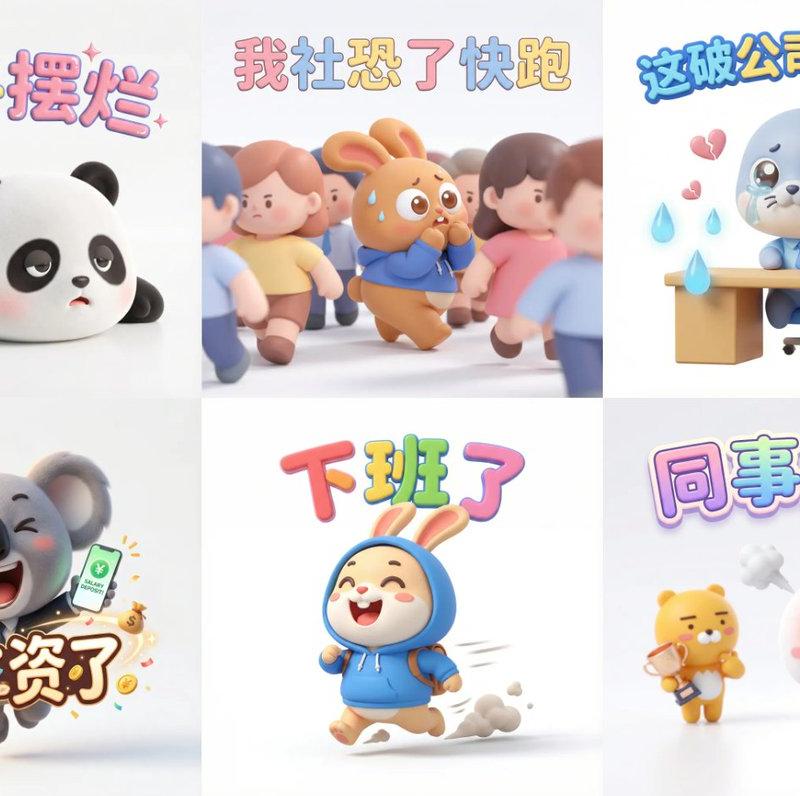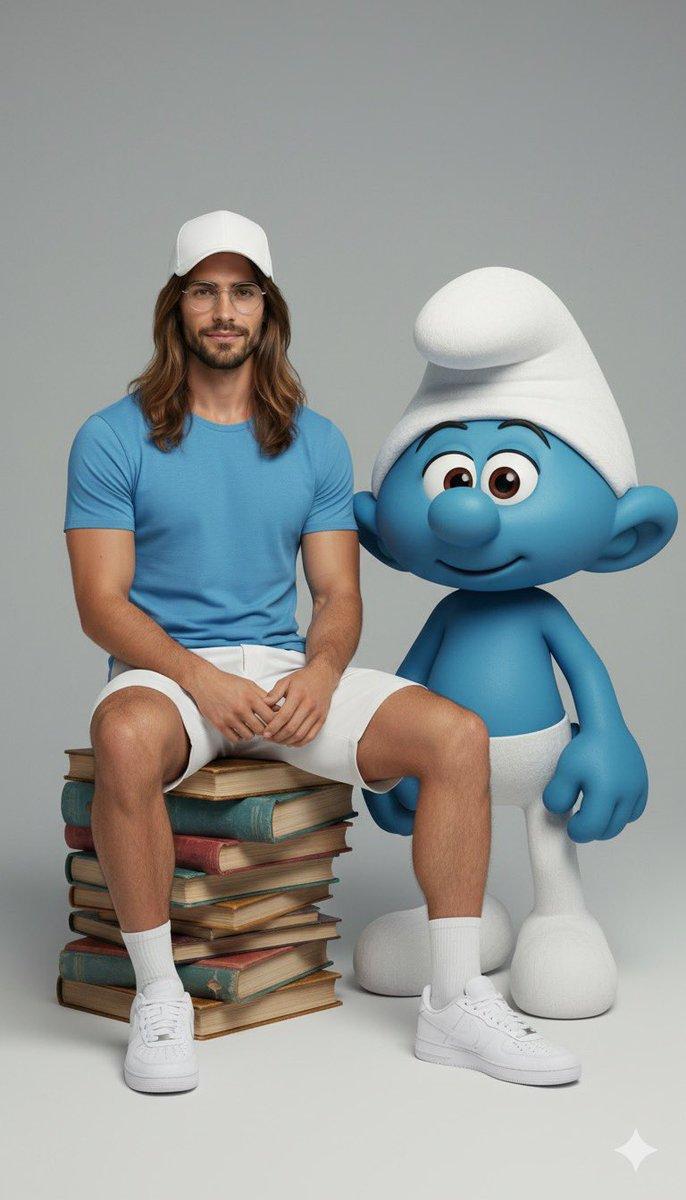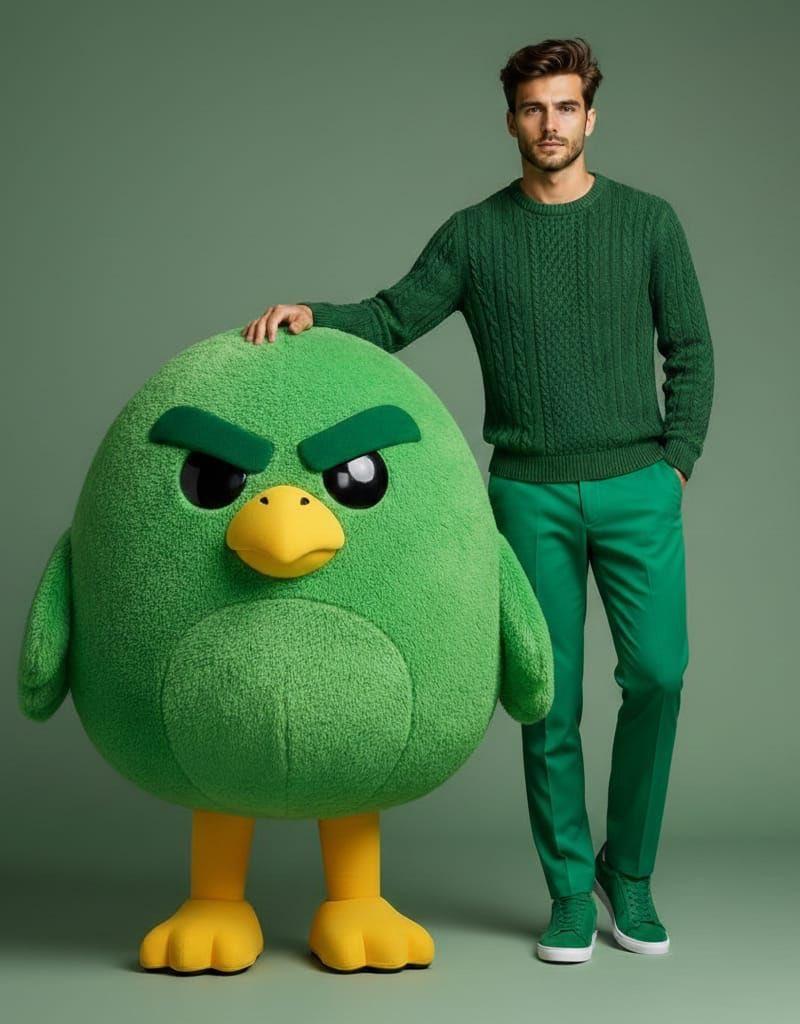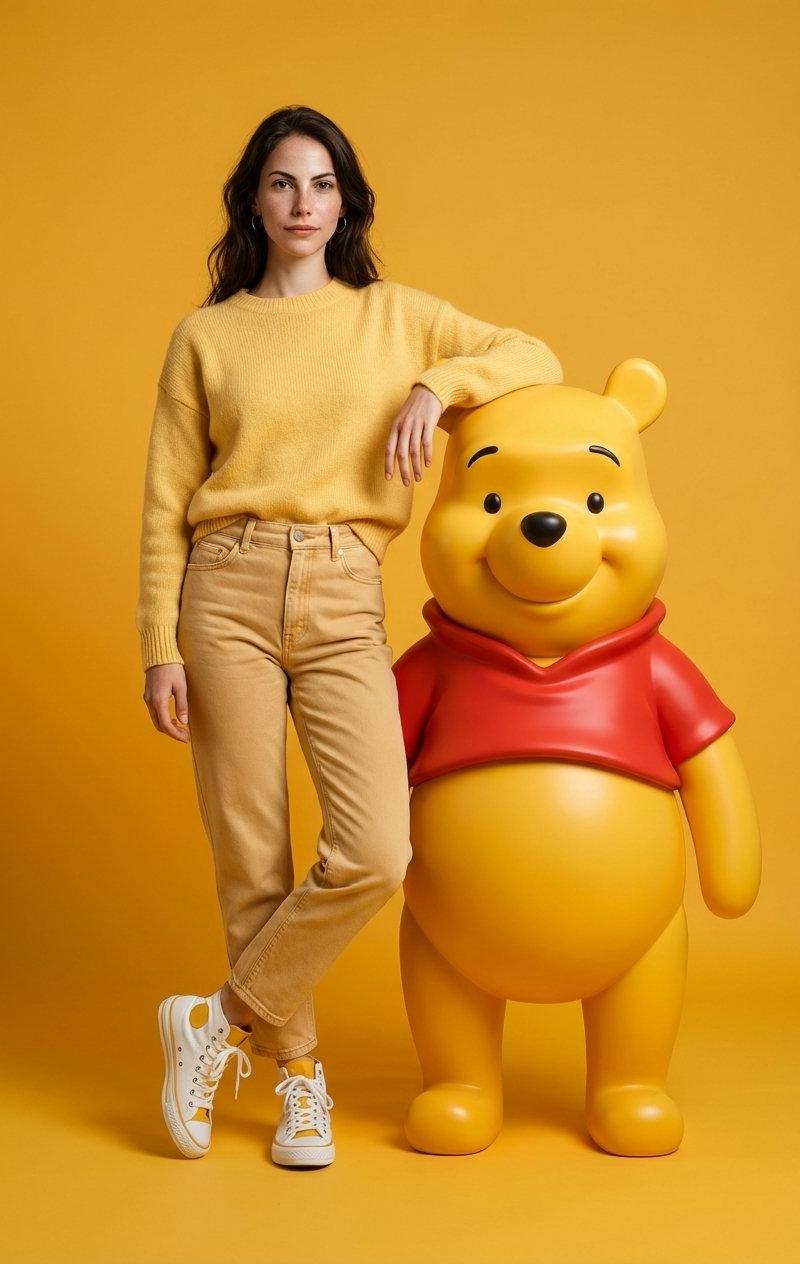
可爱造型🍯:Winnie-the-Pooh主题时尚摄影
Prompt
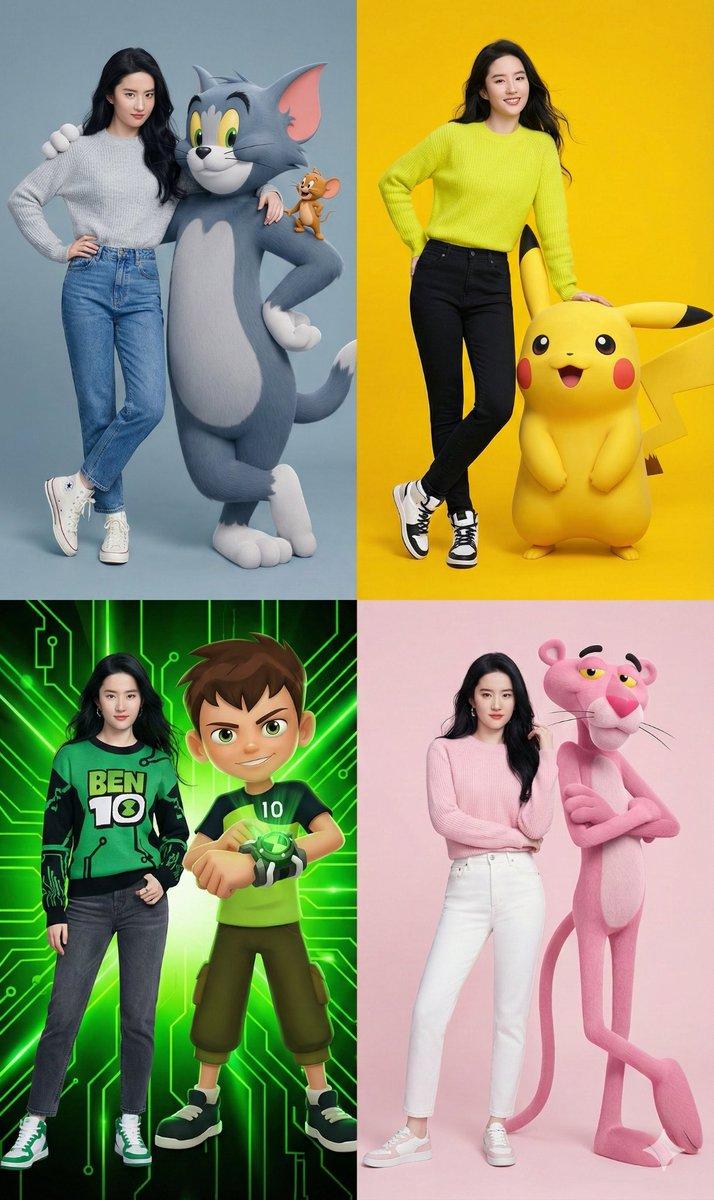
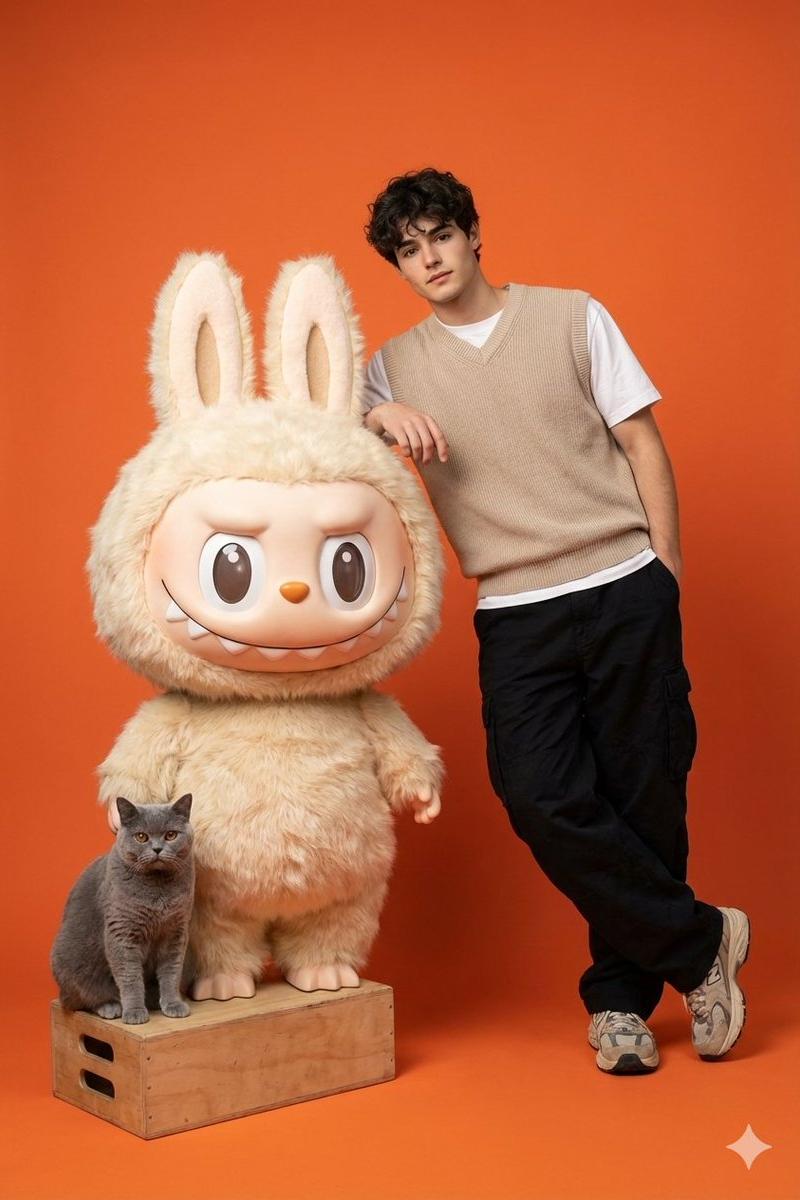
Look how cute these are🍯
You can try them with any character and color you want. I'm sharing the Winnie prompt.
{
 "image_generation": {
 "quality": "hyper-realistic, high-detail, professional fashion photoshoot",
 "face": {
 "preserve_original": true,
 "reference_match": true,
 "description": "Use the exact same face from the uploaded photo without altering any facial features or identity."
 },
 "subject": {
 "description": "A stylish young woman with the same face as the reference photo.",
 "clothing": {
 "top": {
 "type": "knitted sweater",
 "color": "soft Winnie-the-Pooh yellow"
 },
 "pants": {
 "type": "high-waisted jeans",
 "color": "warm honey beige"
 },
 "shoes": {
 "type": "high-top sneakers",
 "color": "white with subtle yellow accents"
 }
 },
 "pose": "standing with one arm resting casually on a giant 3D-rendered Winnie the Pooh character",
 "expression": "natural, confident, casual fashion look"
 },
 "character_element": {
 "name": "Winnie the Pooh",
 "type": "giant 3D photorealistic render",
 "style": "clean, glossy, cartoon-accurate but ultra-detailed",
 "color": "classic Pooh yellow with vibrant red shirt",
 "interaction": "the woman’s arm rests on the character as if posing together"
 },
 "environment": {
 "background": "seamless solid vibrant honey-yellow backdrop",
 "setting": "professional photo studio",
 "lighting": "soft evenly diffused studio lighting with clean highlights and minimal shadows"
 },
 "aesthetic": {
 "style": "modern fashion photography",
 "mood": "playful, bright, stylish",
 "details": [
 "hyperrealistic skin texture",
 "sharp fabric details",
 "accurate lighting reflections on 3D character",
 "smooth studio gradients"
 ]
 }
 }
}- Category
- Photography & Realism
- Model
- Unknown
- Creator
- Melis✨
- Source language
- zh-CN
- Source ID
- cute-look-winnie-the-pooh-themed-fashion-photography
Views0