18

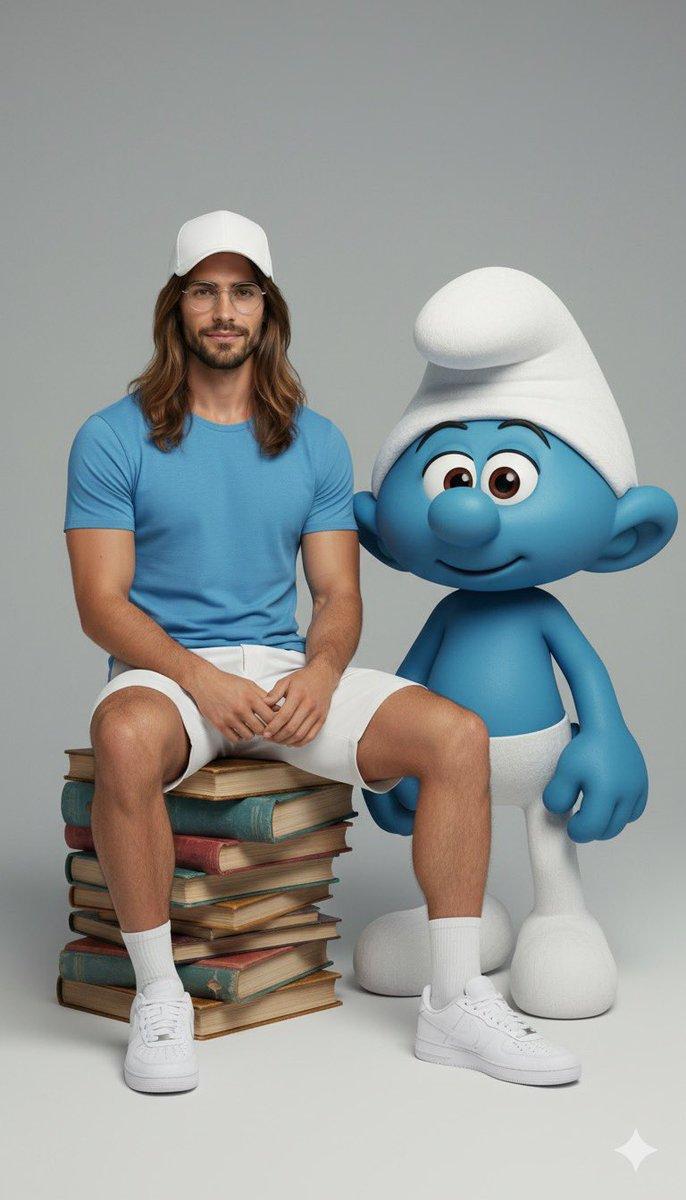
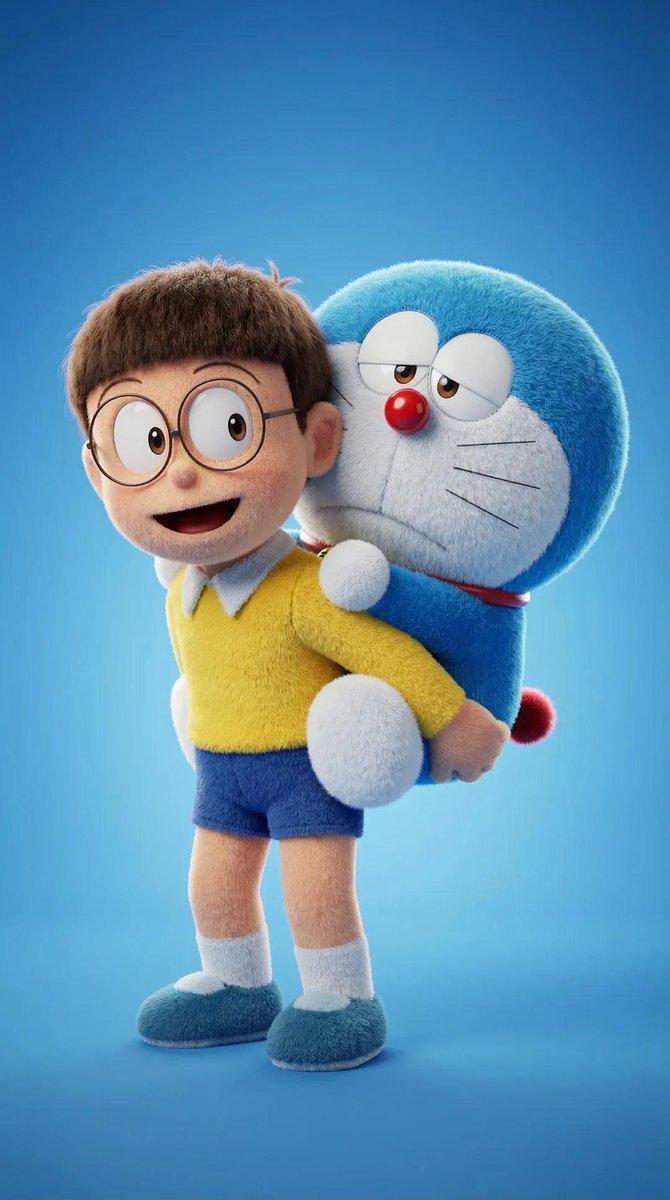
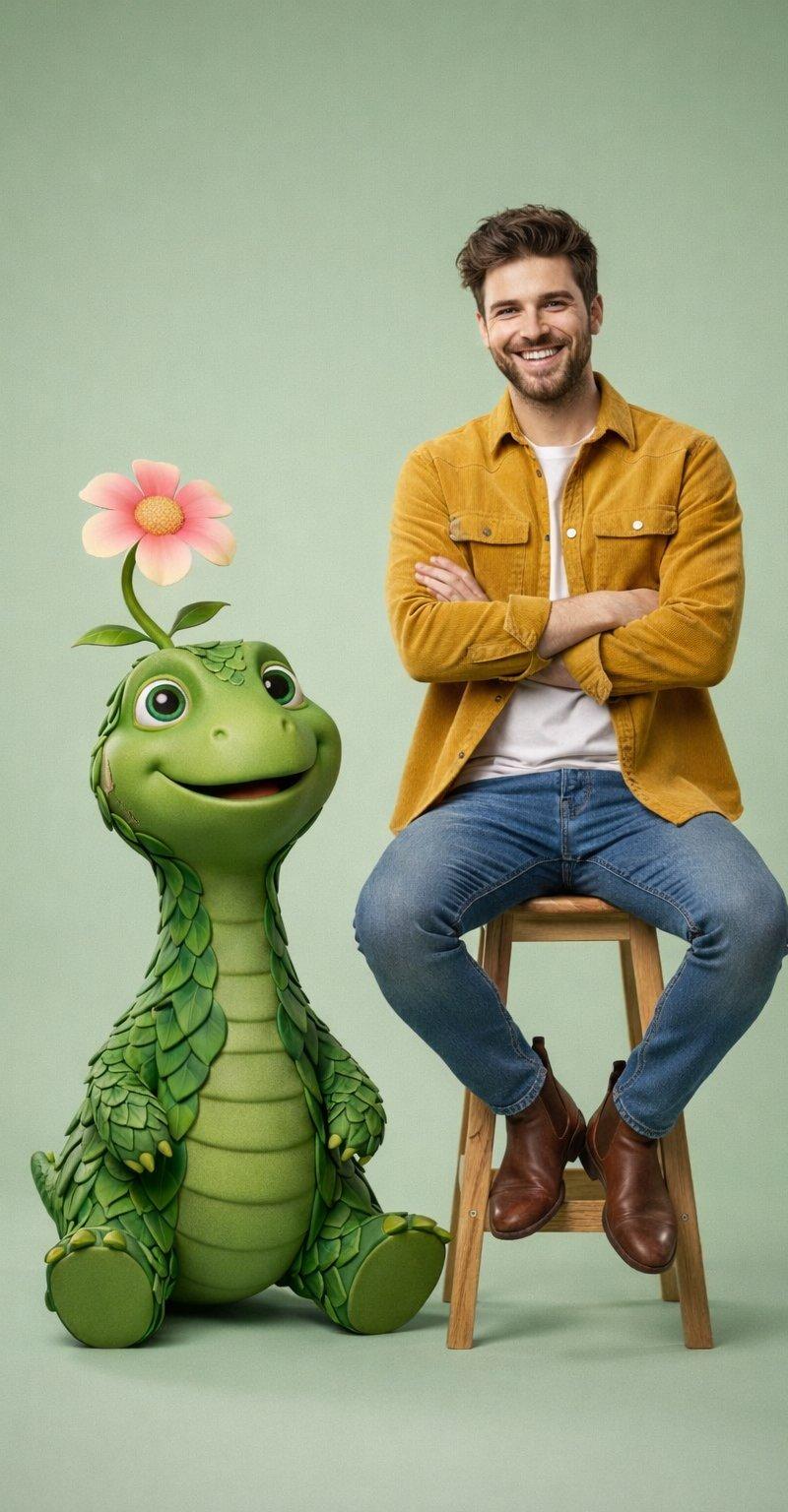
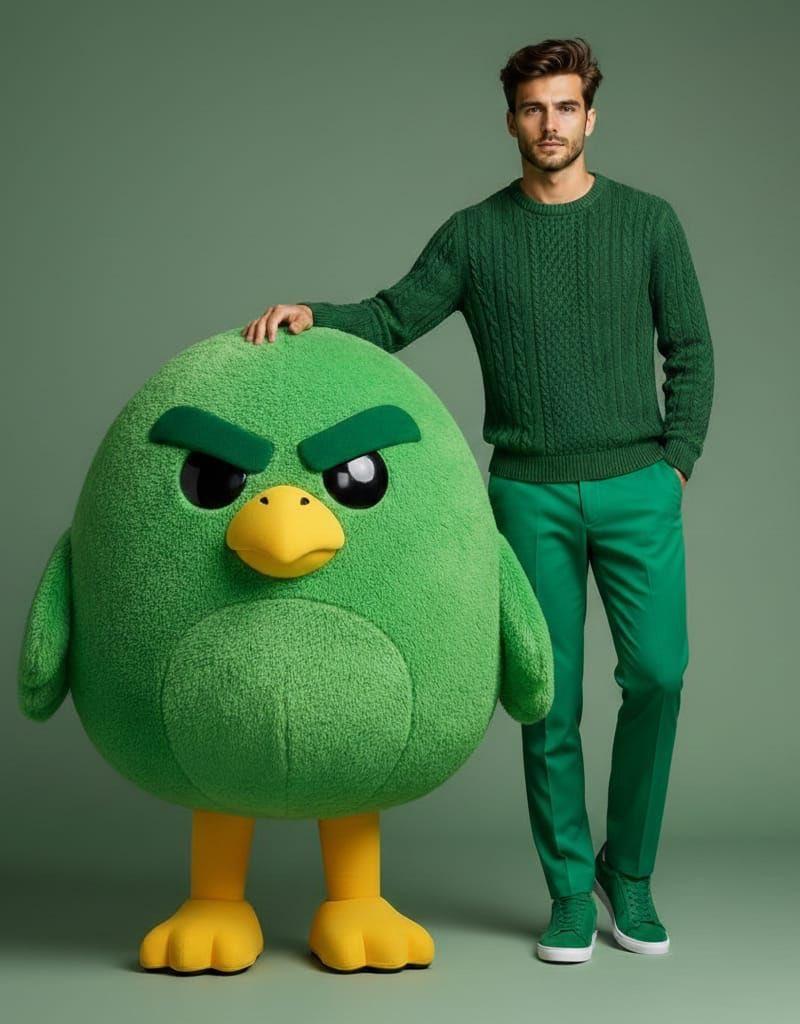
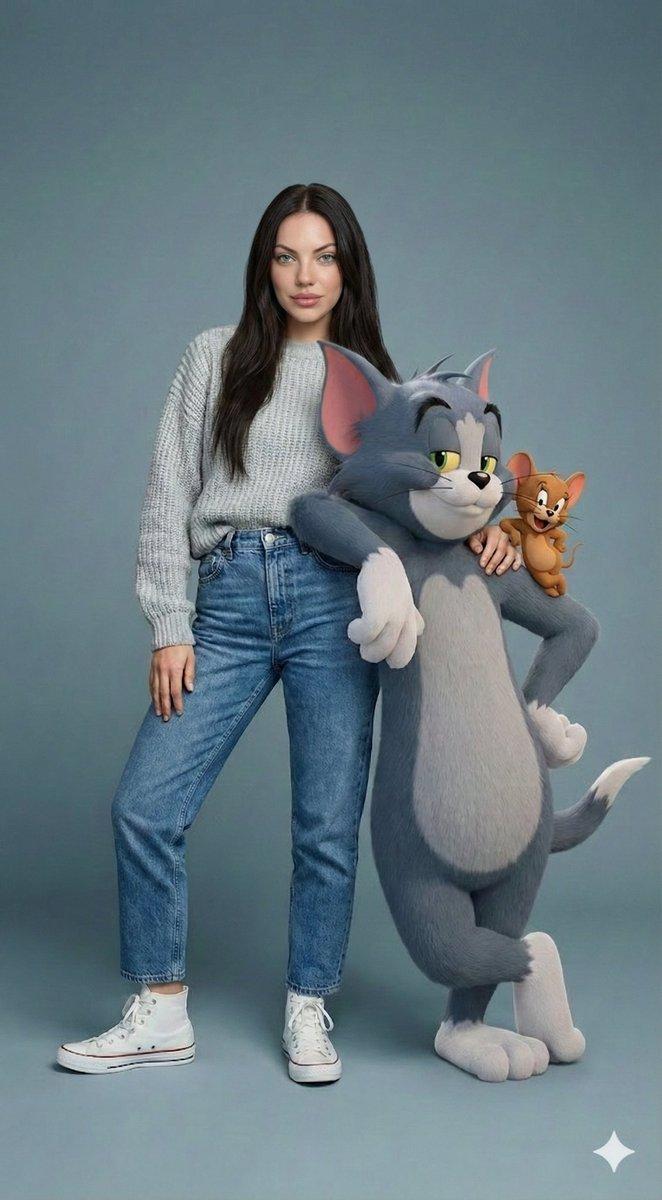
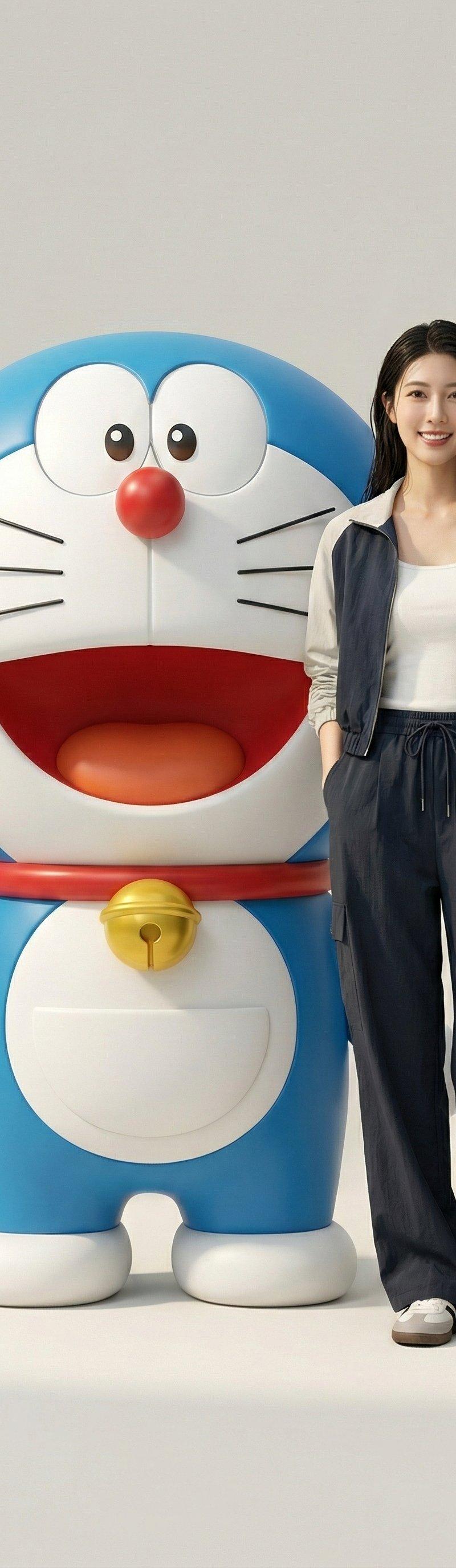
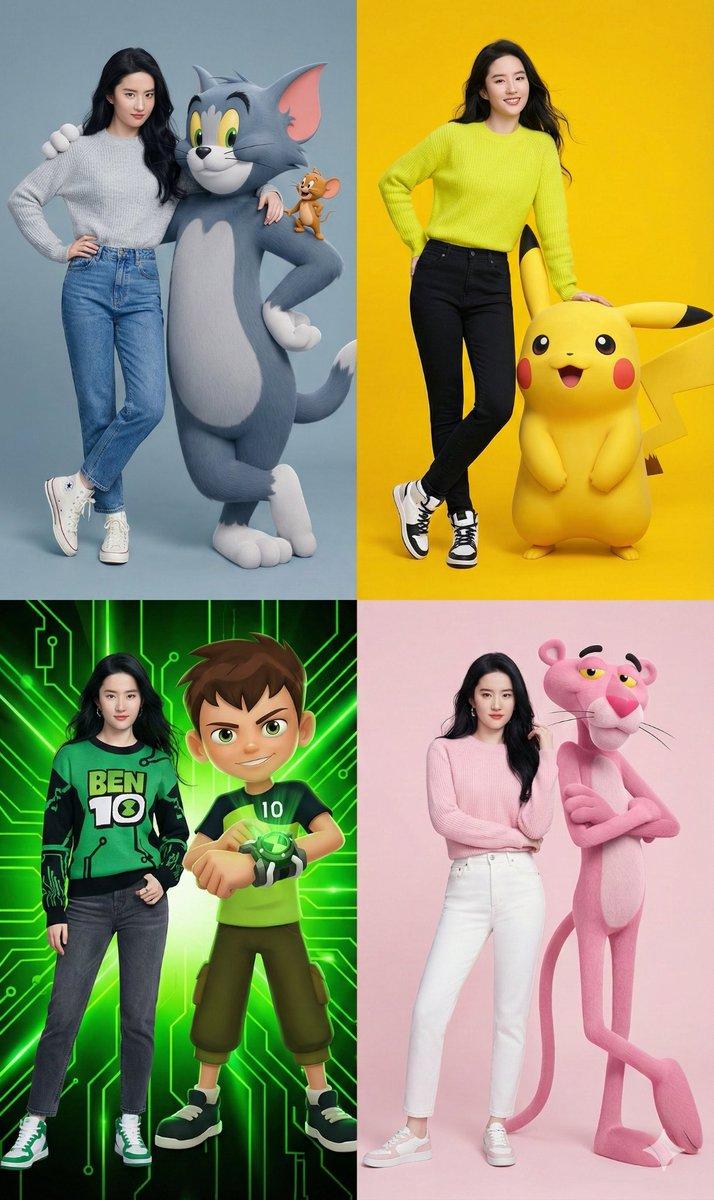
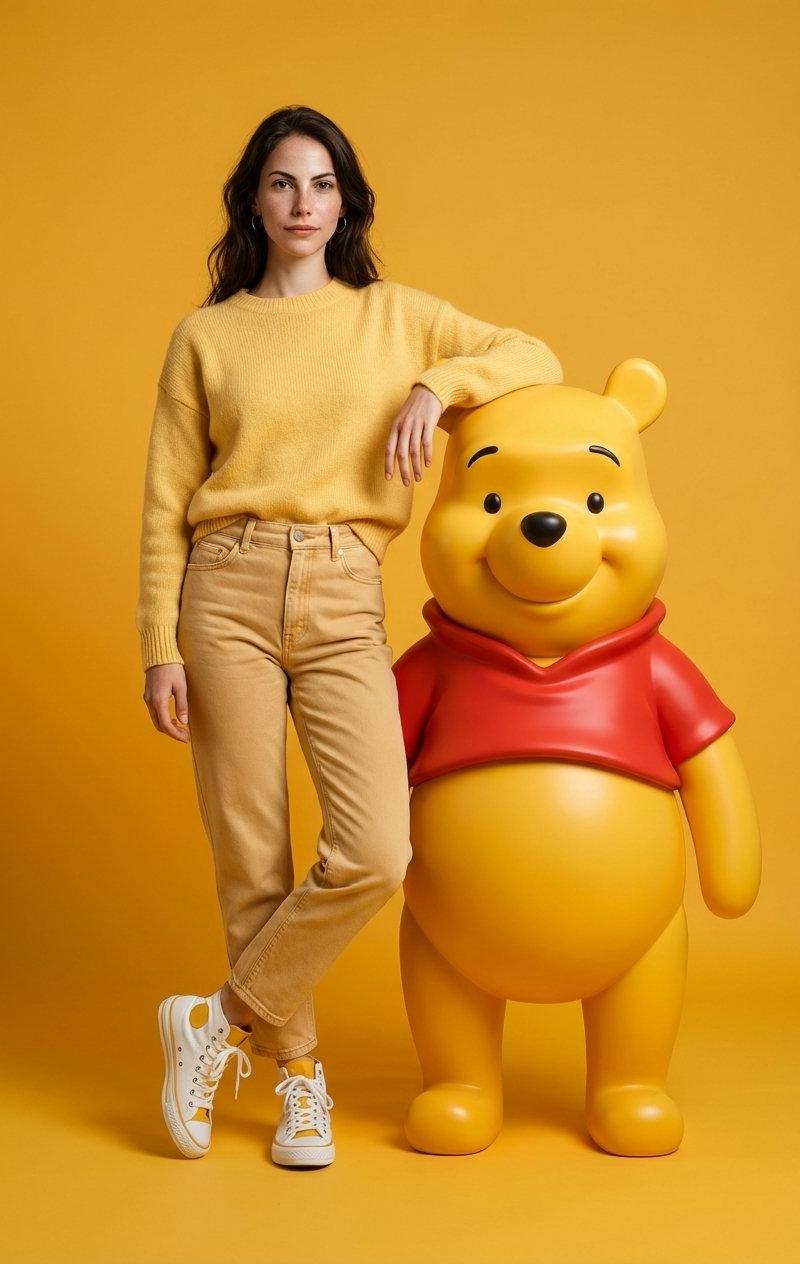
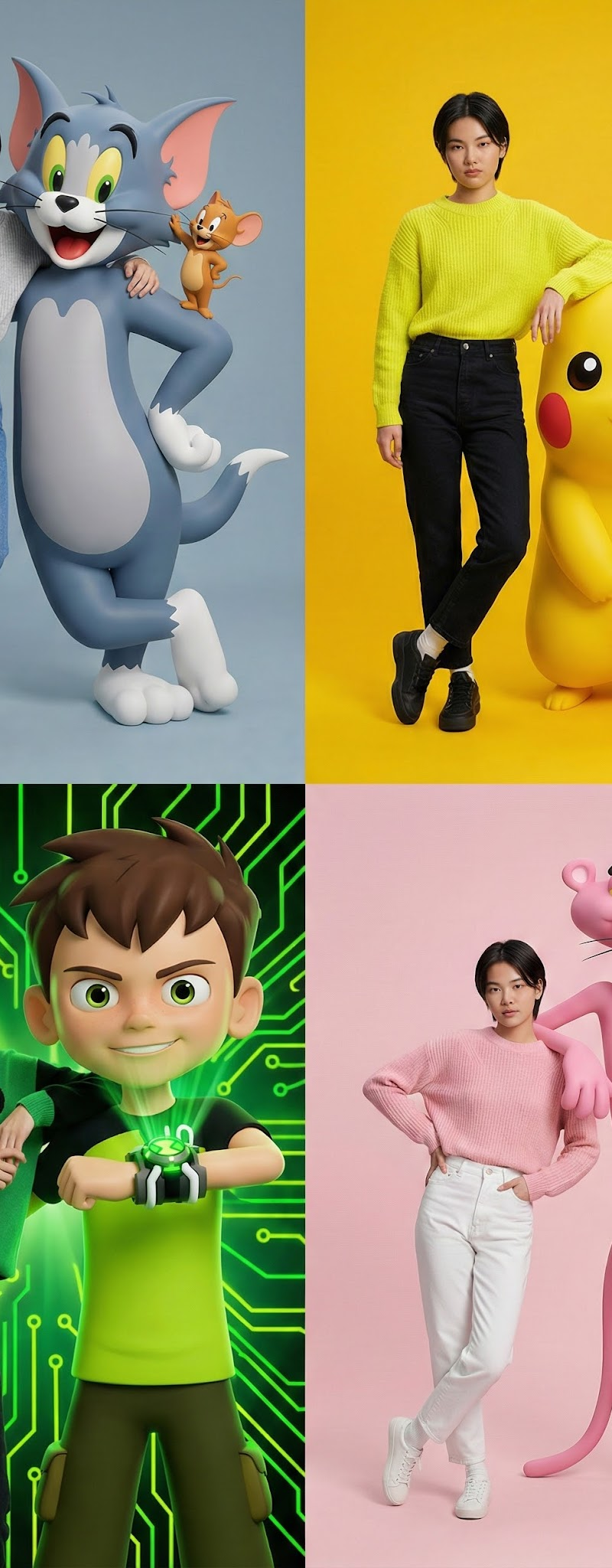
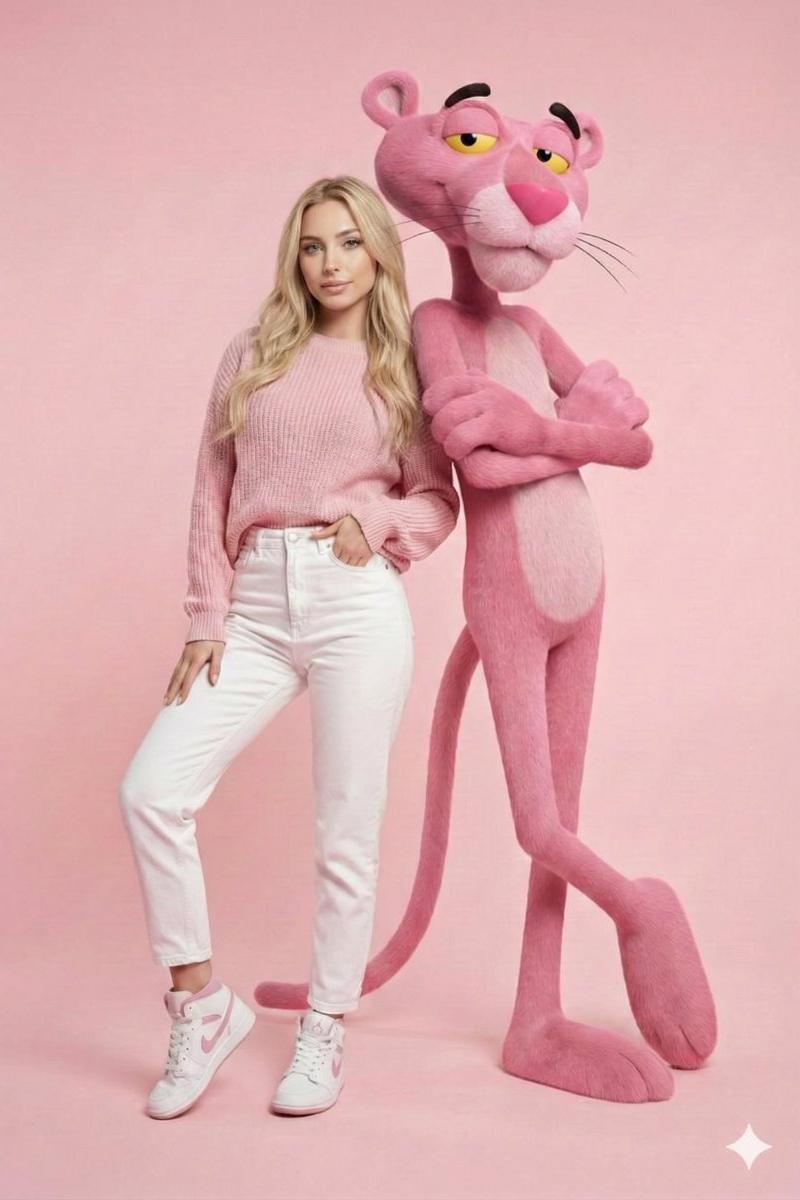
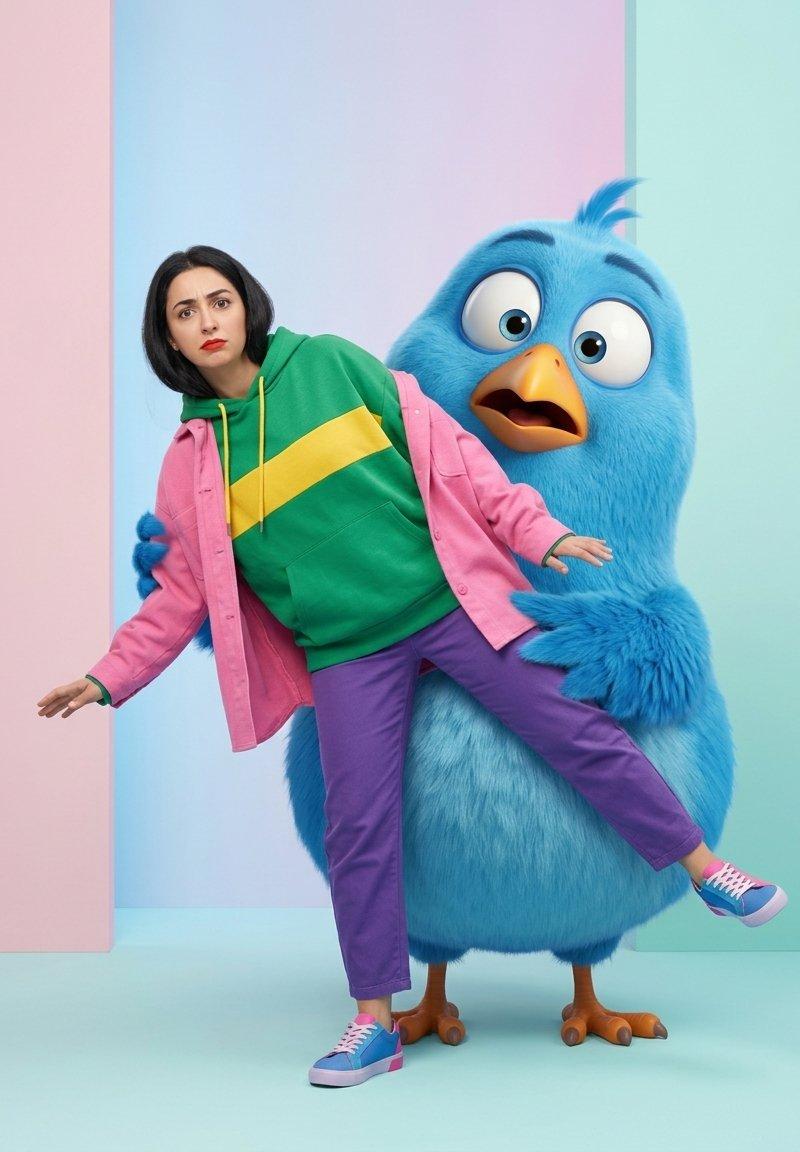
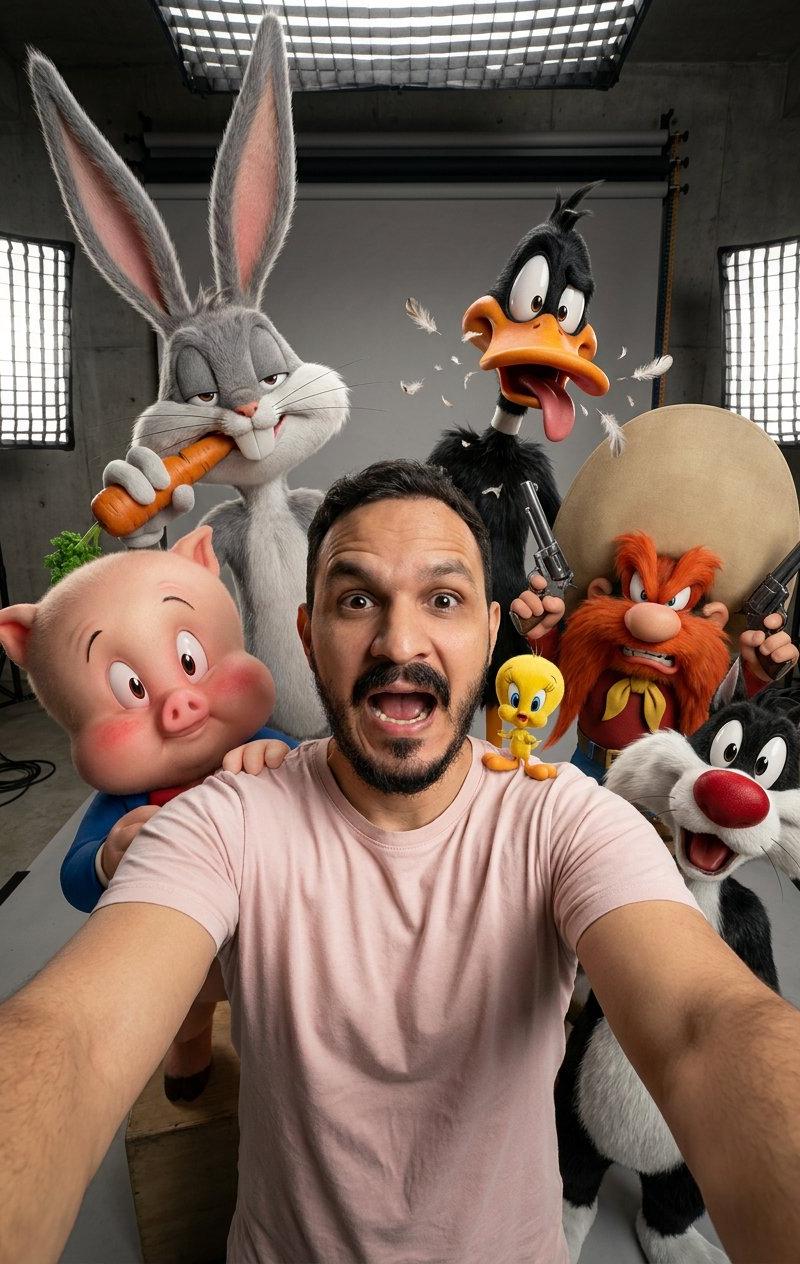
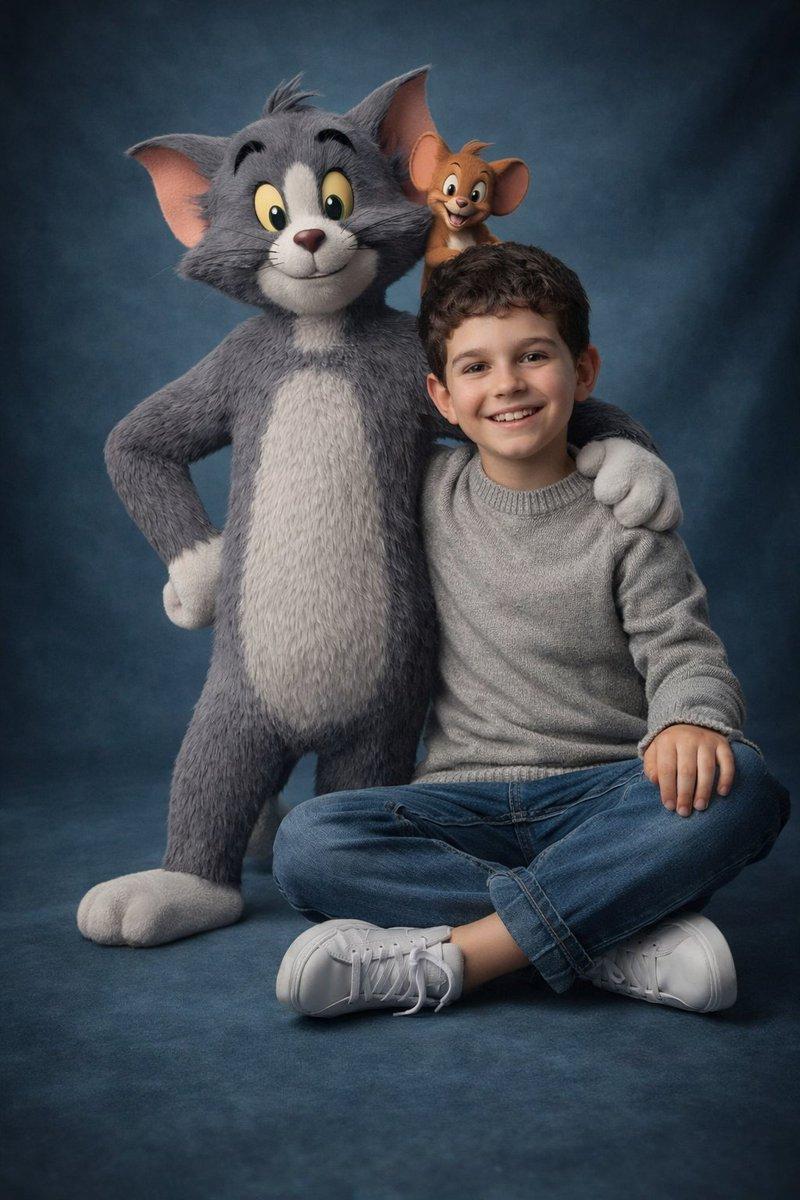
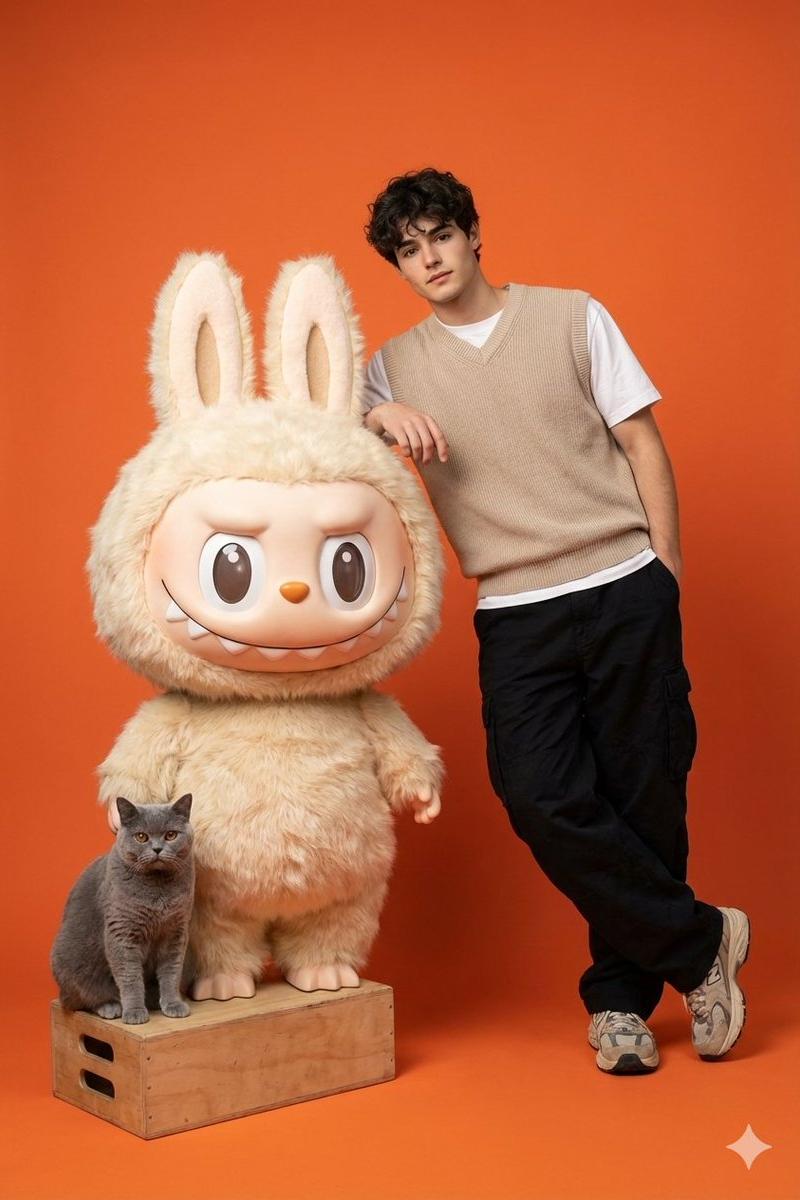
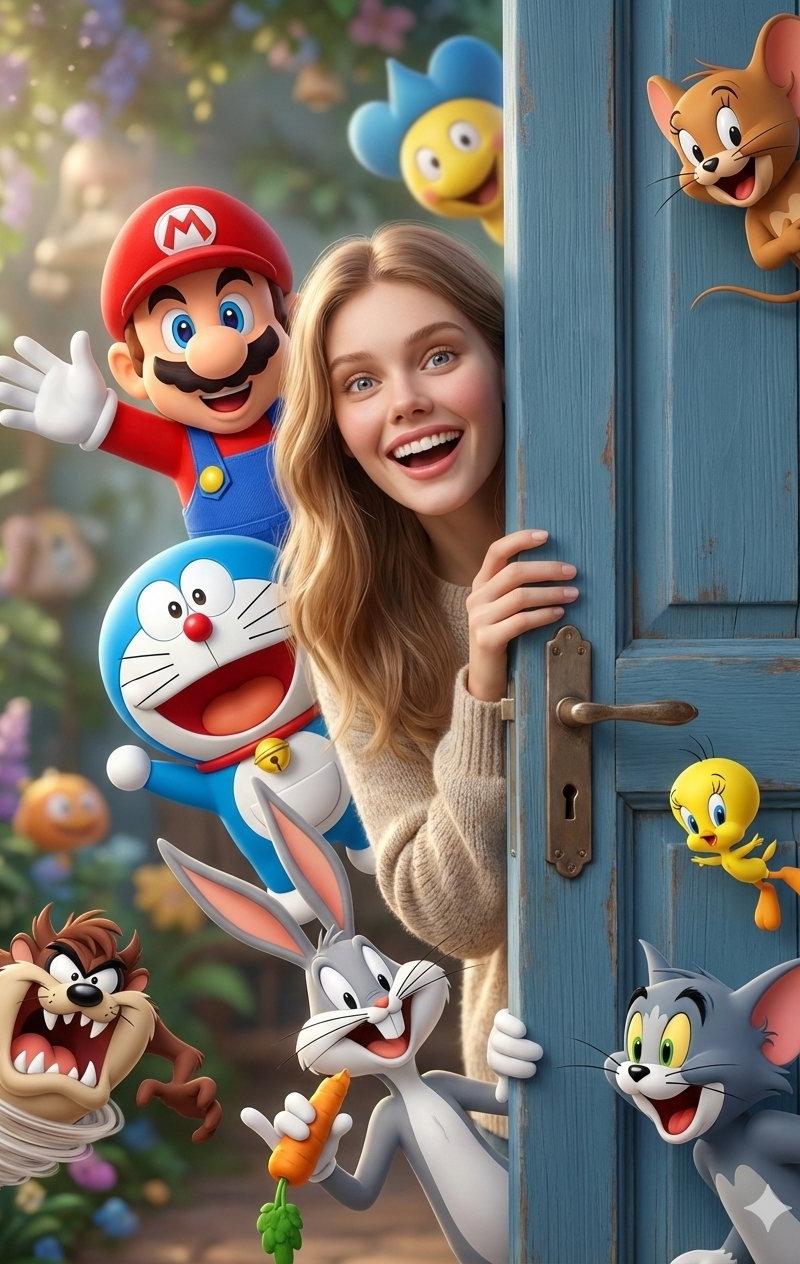
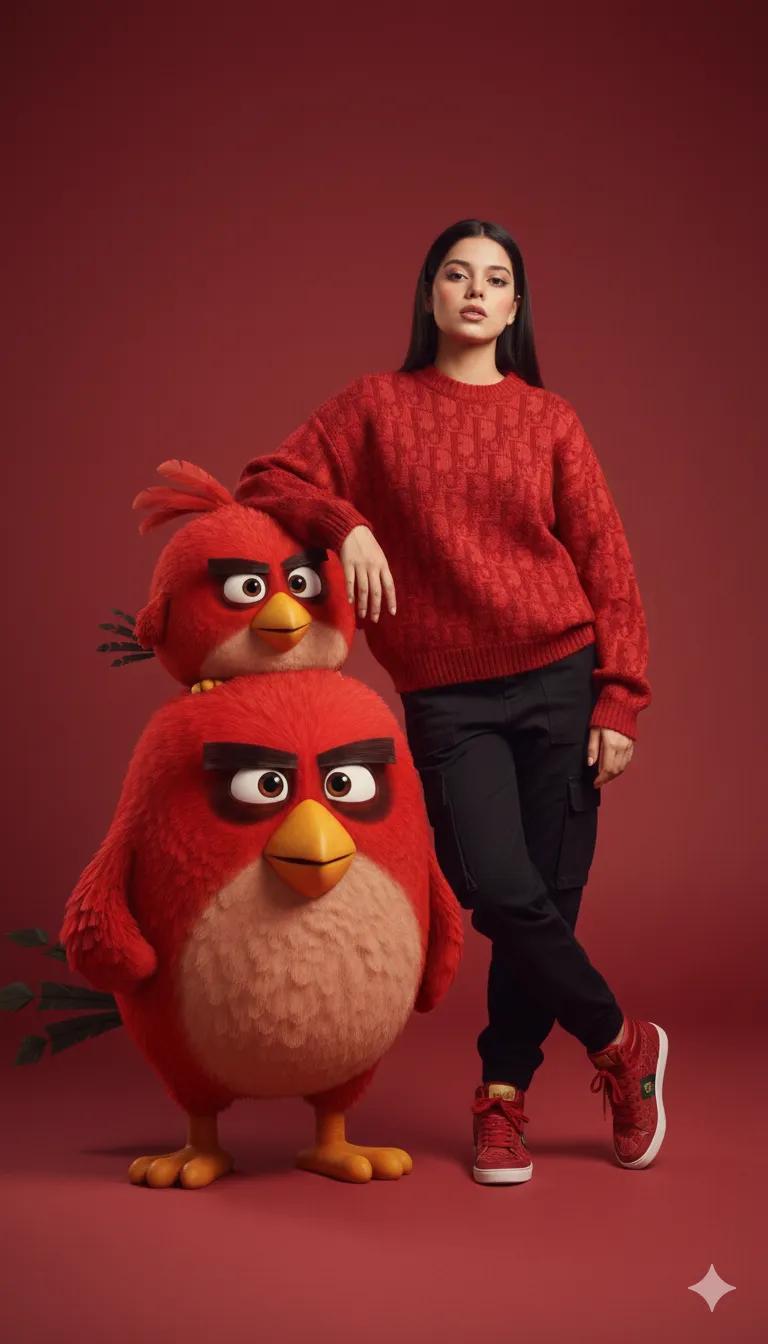
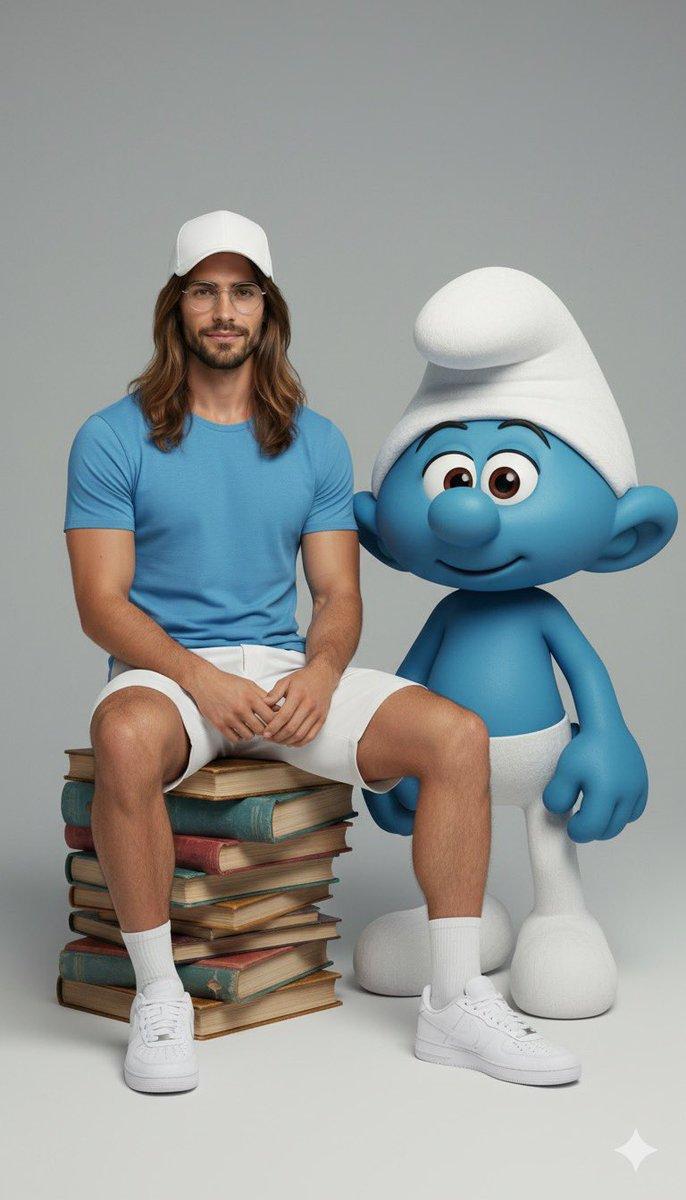
超逼真全身肖像与角色互动
Enlarge

Example images

超逼真全身肖像与角色互动

Prompt
Ultra-realistic full-body portrait of the attached image.\nThe person is interacting with {fictional character} in a {pose/interaction type}. \nStudio or neutral environment, soft cinematic lighting, {optional color palette}. \nThe person wears {clothing style and colors}, The fictional character retains its original appearance, including skin color, clothing, and signature features. \nExpression and mood: {emotional tone}, captured in photorealistic textures, realistic lighting, cinematic composition, high fashion editorial quality.
附图的超逼真全身肖像。\n该人正在以{姿势/互动类型}与{虚构角色}互动。\n摄影棚或中性环境,柔和的电影灯光,{可选调色板}。\n该人物穿着{服装款式和颜色},虚构人物保留其原有的外貌,包括肤色、服装和标志性特征。\n表情和mood: {情感基调},以逼真的纹理、逼真的光照、电影般的构图、高级时尚编辑品质捕捉。
Category
Photography & Realism
Model
Unknown
Creator
iUllr
Source language
zh-CN
Views0
Source ID
hyper-realistic-full-body-portrait-interacting-with-characte
Studio

Guide

About "超逼真全身肖像与角色互动"

What is this prompt for?

"超逼真全身肖像与角色互动" AI image prompt for Unknown (Photography & Realism). Ultra-realistic full-body portrait of the attached image.\nThe person is interacting with {…

The full copyable prompt and example visuals above are ready for AI image generation or one-click recreate in Picva.

How to use this prompt

  1. Step 1

    Open the prompt detail

    Review the example visuals, category, and full prompt text for "超逼真全身肖像与角色互动".

  2. Step 2

    Copy the prompt

    Copy the prompt body from this page, or load it directly in Studio.

  3. Step 3

    Pick a model (Unknown)

    Prefer Unknown. If you switch models, keep subject and composition and tweak style terms.

  4. Step 4

    Generate and export

    Recreate the look in Picva, or export into your workflow for editing and publishing.

FAQ

What is the "超逼真全身肖像与角色互动" prompt?
It is an AI image-generation prompt for Unknown in the Photography & Realism category. This page includes the full prompt text, example visuals, and a one-click recreate path in Picva.
How do I use this prompt to generate an image?
Copy the prompt from this page, or use Generate / Studio. Paste it into a compatible image model, or recreate the look in Picva with optional reference images.
Which model is this prompt for?
This page lists Unknown. Most descriptive prompts also transfer to nearby image models such as GPT Image, Flux, or Midjourney with light style tweaks.
Can I use the result commercially?
You can usually copy the prompt for creation, but commercial use of the final image depends on the model terms, reference-image rights, and the generated content. Follow the source author and platform rules.