15

跨世纪肖像网格
Enlarge

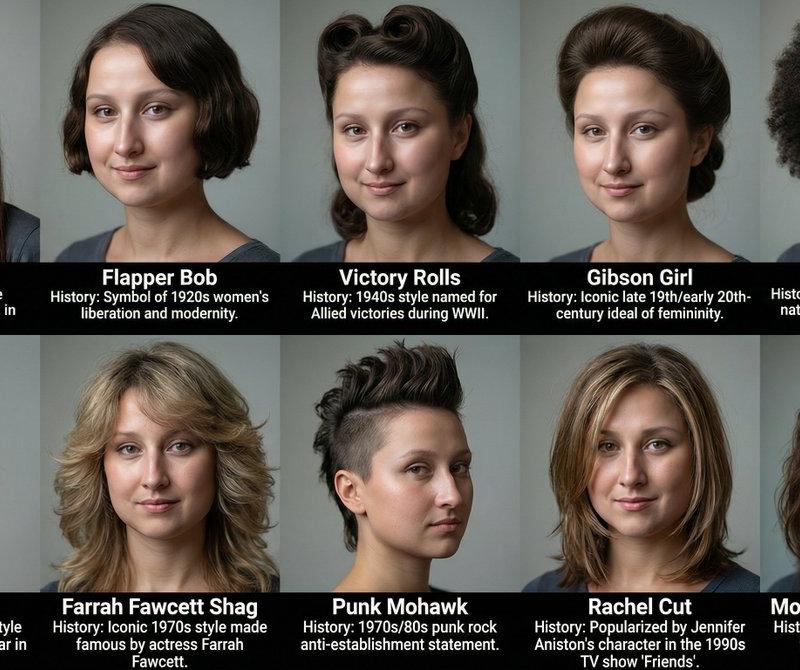
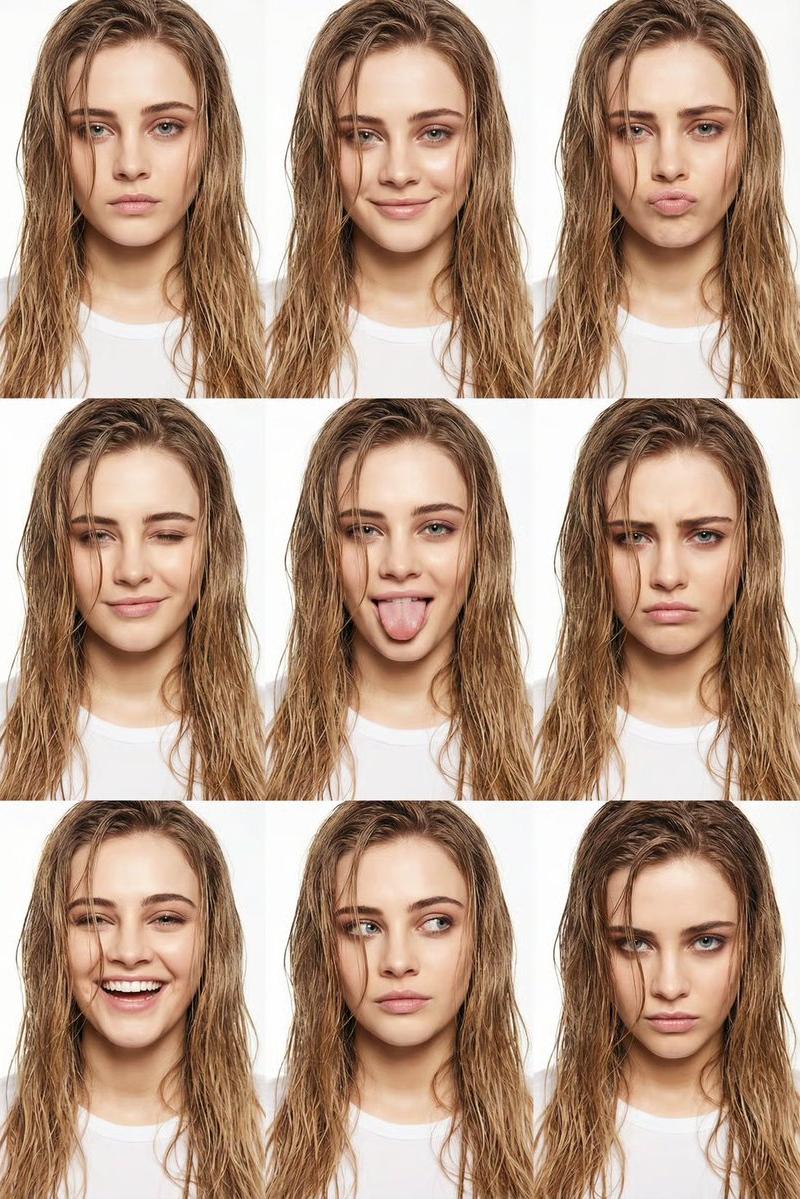
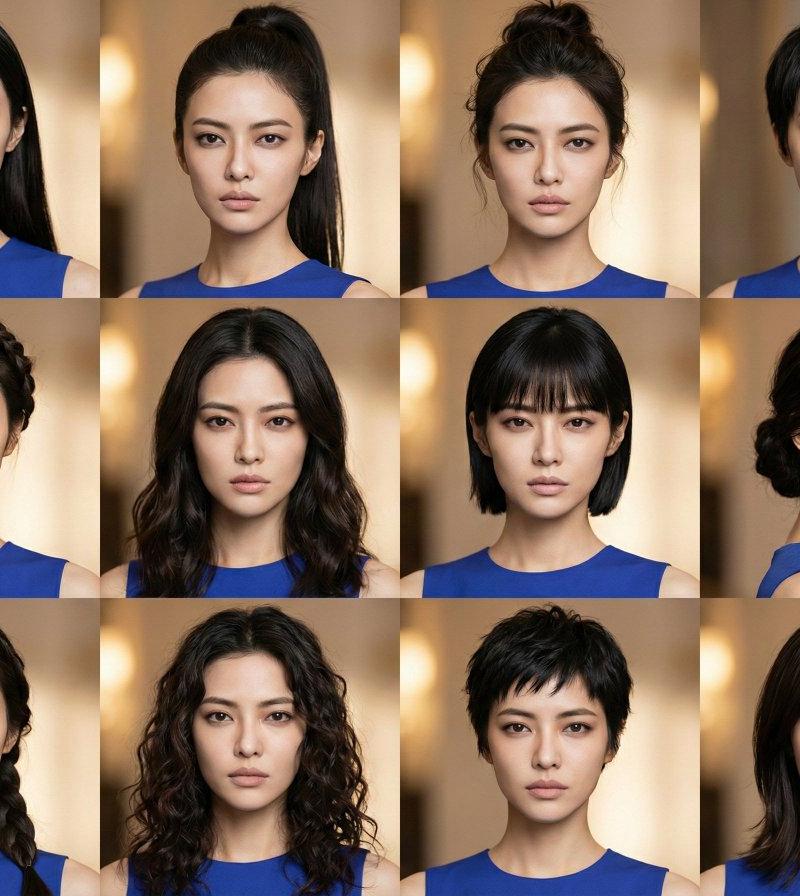
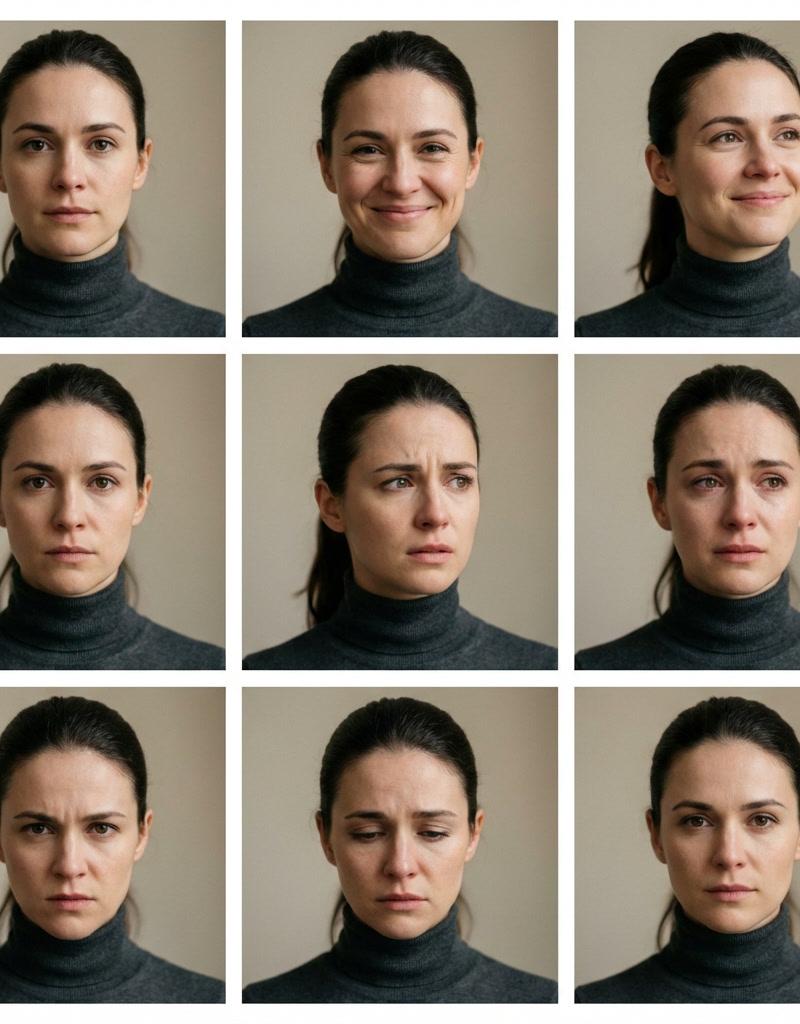
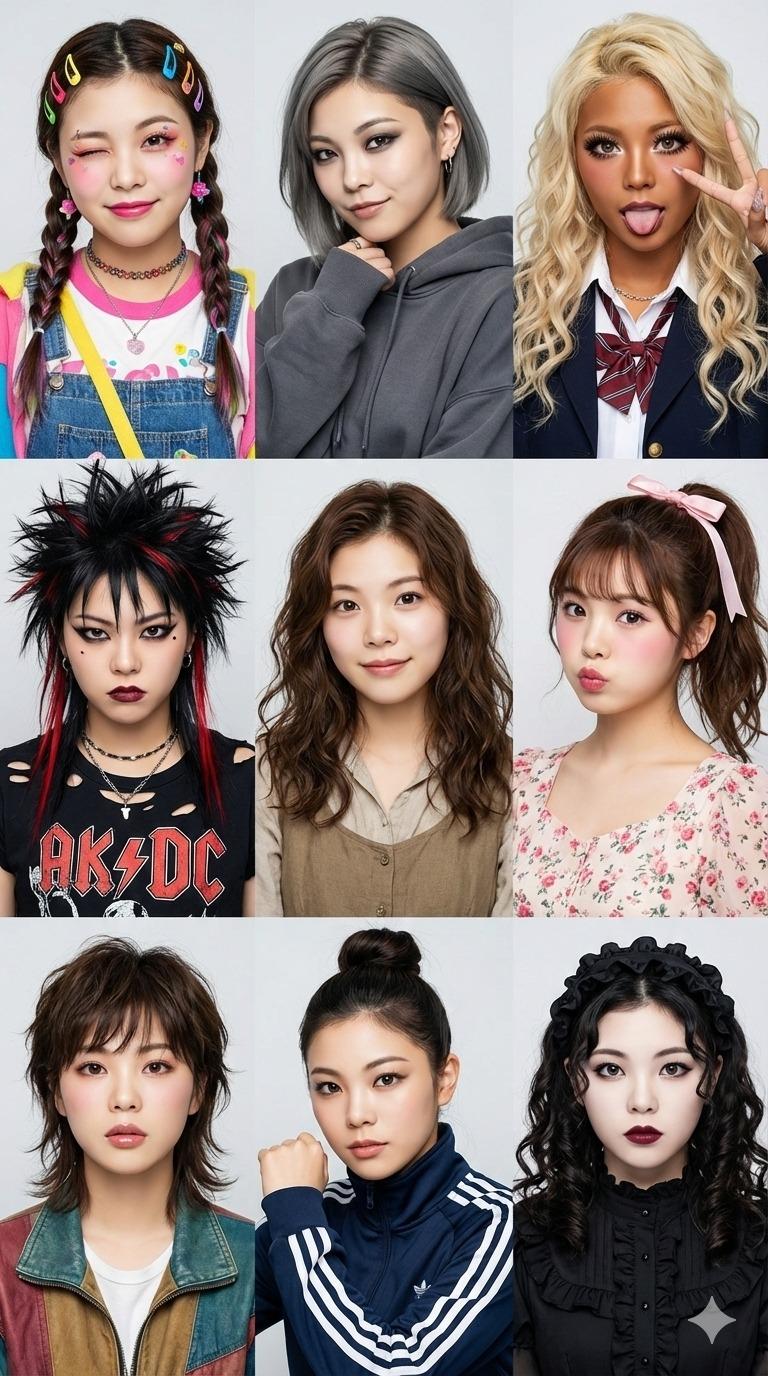
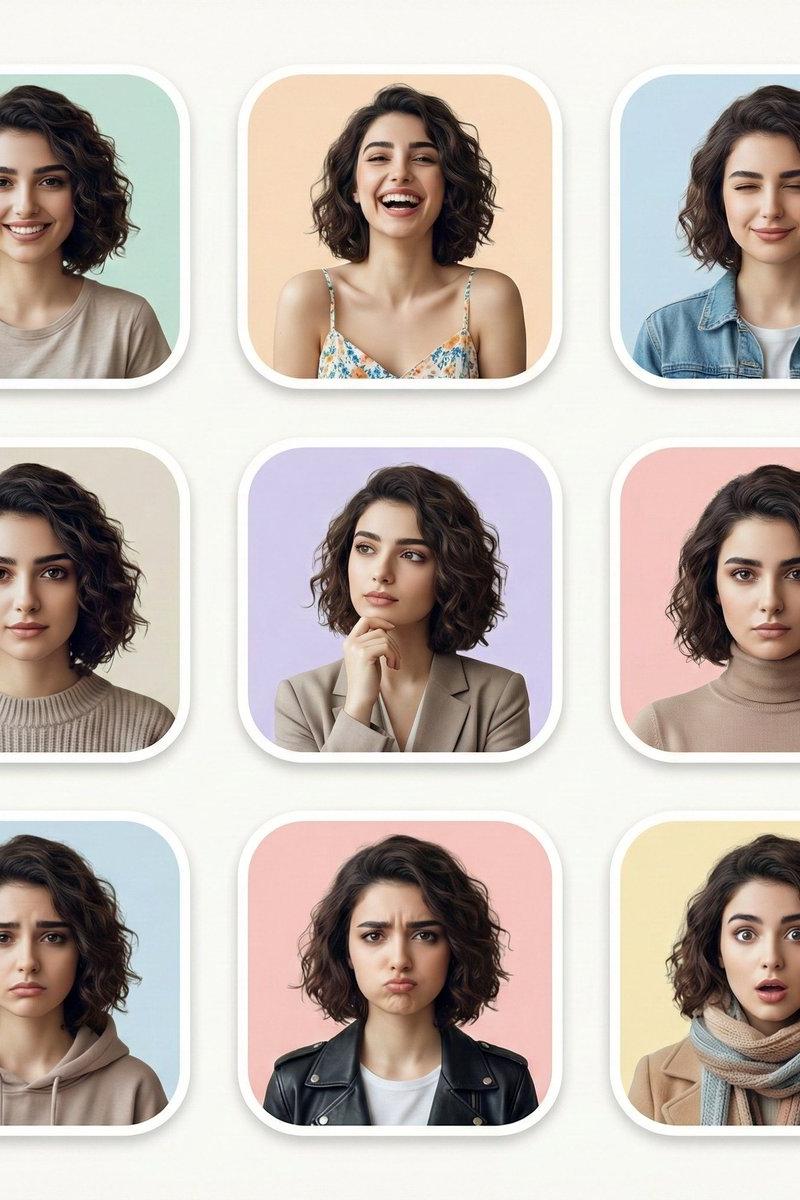
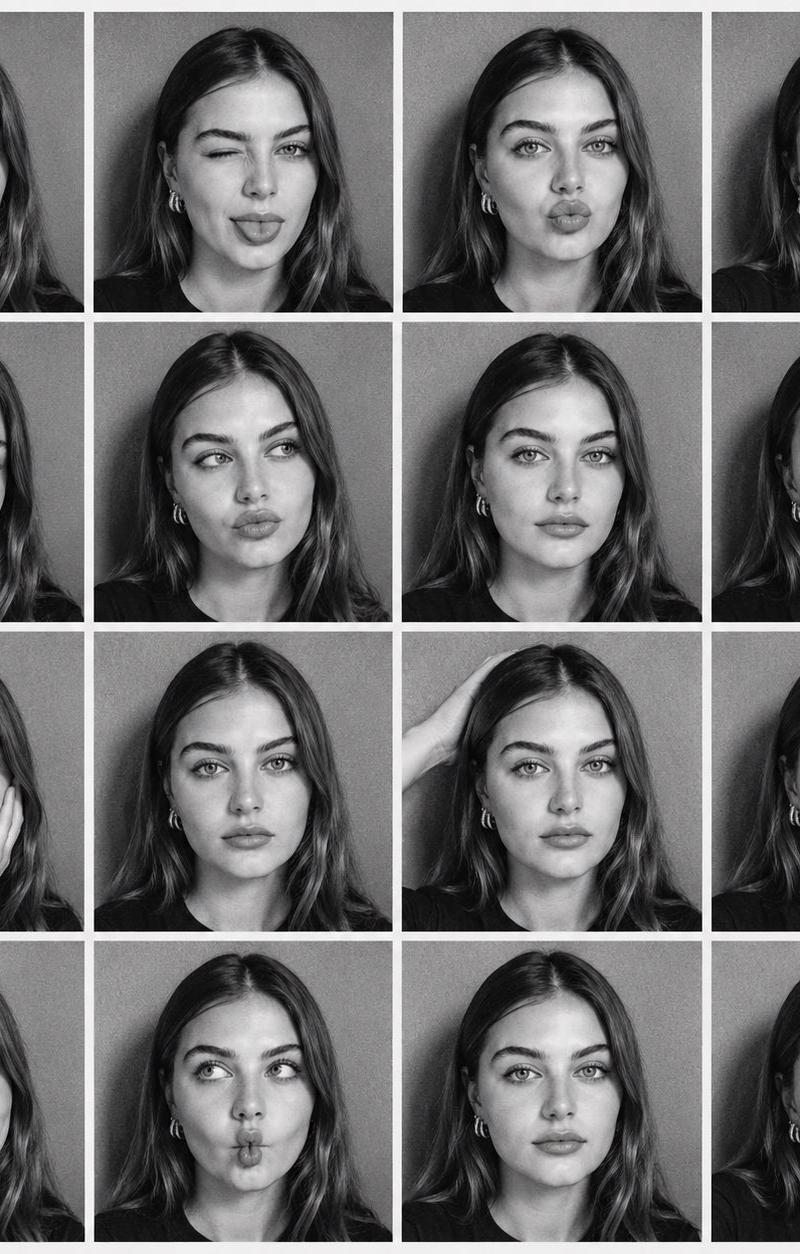
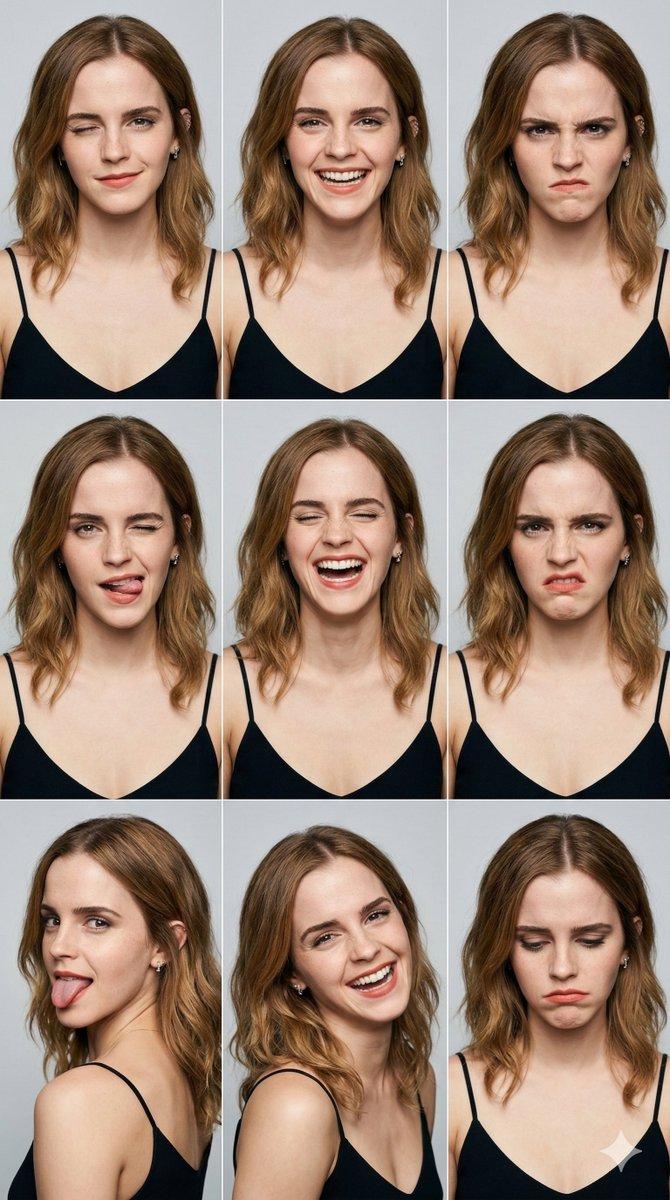
Example images

跨世纪肖像网格

Prompt
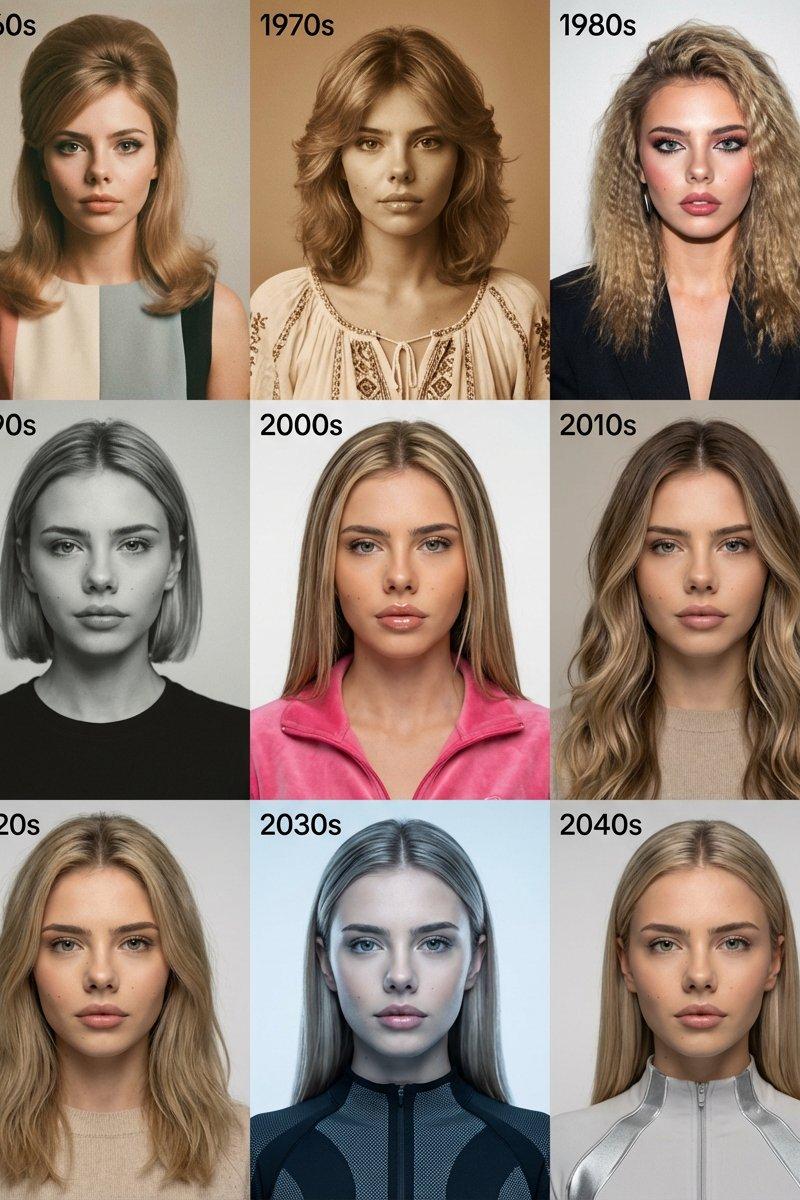
Decade-to-Decade Portrait Grid ✨📸
Gemini Nano Banana 🍌
{
"task": "image_edit",
"use_reference_image": true,
"subject": {
"description": "The reference person as the same character across multiple decades.",
"identity_lock": "Lock identity across all panels: exact face, skin tone, and hairline. Only change styling, clothing, and color grading."
},
"series": {
"format": "3x3 grid",
"panels": [
"1960s: classic tailored look, soft film grain",
"1970s: warm tones, subtle bohemian styling",
"1980s: bold shoulders, flash-lit vibe",
"1990s: minimalist street style, cool tones",
"2000s: glossy pop aesthetic, clean highlights",
"2010s: matte editorial, neutral palette",
"2020s: modern luxury casual, crisp contrast",
"2030s: near-future high fashion, subtle tech textures",
"2040s: elegant futuristic minimalism, refined lighting"
],
"text": {
"style": "Small corner decade labels (e.g., \'1960s\'), sans-serif, crisp and readable"
}
},
"camera": {
"framing": "Consistent head-and-shoulders framing in every panel",
"lens": "50mm",
"notes": "Match angle and crop across panels for maximum comparability"
},
"output": {
"aspect_ratio": "3:4",
"quality": "4K, grid lines clean, text legible"
},
"negative_prompt": "watermark, logos, brand names, unreadable or misspelled text, messy grid alignment, face drift, changing facial structure, extra fingers, deformed hands, nudity"
}
Category
Photography & Realism
Model
Nano Banana
Creator
hellokaton
Source language
zh-CN
Views0
Source ID
decade-to-decade-portrait-grid
Studio

Guide

About "跨世纪肖像网格"

What is this prompt for?

"跨世纪肖像网格" AI image prompt for Nano Banana (Photography & Realism). Decade-to-Decade Portrait Grid ✨📸 Gemini Nano Banana 🍌 { "task": "image_edit", "use_refere…

The full copyable prompt and example visuals above are ready for AI image generation or one-click recreate in Picva.

How to use this prompt

  1. Step 1

    Open the prompt detail

    Review the example visuals, category, and full prompt text for "跨世纪肖像网格".

  2. Step 2

    Copy the prompt

    Copy the prompt body from this page, or load it directly in Studio.

  3. Step 3

    Pick a model (Nano Banana)

    Prefer Nano Banana. If you switch models, keep subject and composition and tweak style terms.

  4. Step 4

    Generate and export

    Recreate the look in Picva, or export into your workflow for editing and publishing.

FAQ

What is the "跨世纪肖像网格" prompt?
It is an AI image-generation prompt for Nano Banana in the Photography & Realism category. This page includes the full prompt text, example visuals, and a one-click recreate path in Picva.
How do I use this prompt to generate an image?
Copy the prompt from this page, or use Generate / Studio. Paste it into a compatible image model, or recreate the look in Picva with optional reference images.
Which model is this prompt for?
This page lists Nano Banana. Most descriptive prompts also transfer to nearby image models such as GPT Image, Flux, or Midjourney with light style tweaks.
Can I use the result commercially?
You can usually copy the prompt for creation, but commercial use of the final image depends on the model terms, reference-image rights, and the generated content. Follow the source author and platform rules.