15

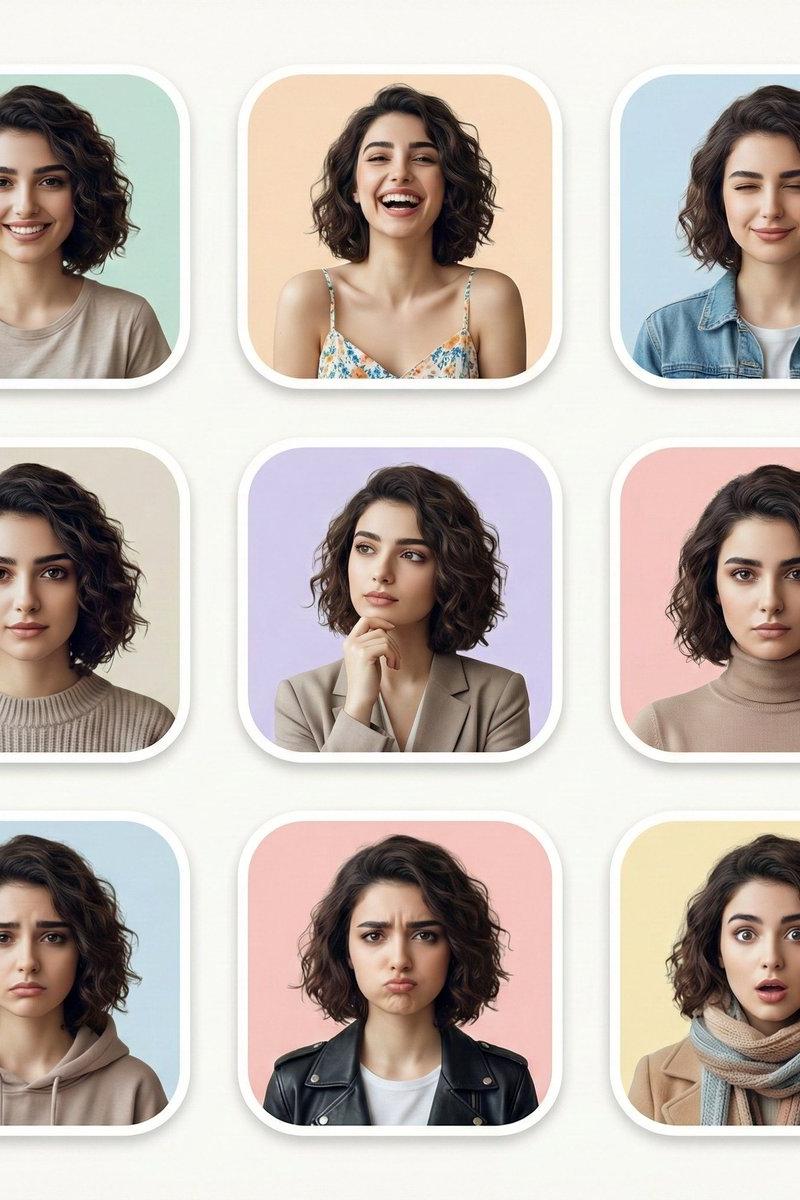
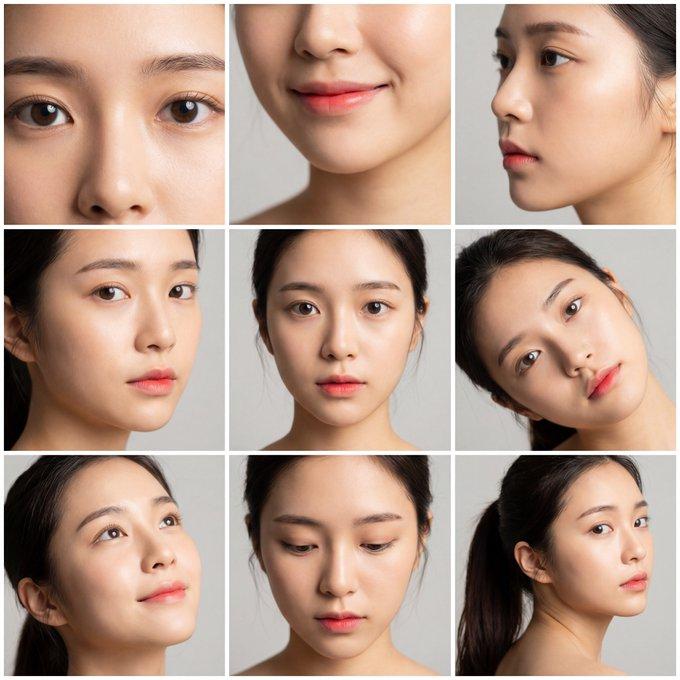
不同情绪的展示网格
Enlarge

Example images

不同情绪的展示网格

Prompt
grid for showing different emotions with one prompt @LeonardoAi
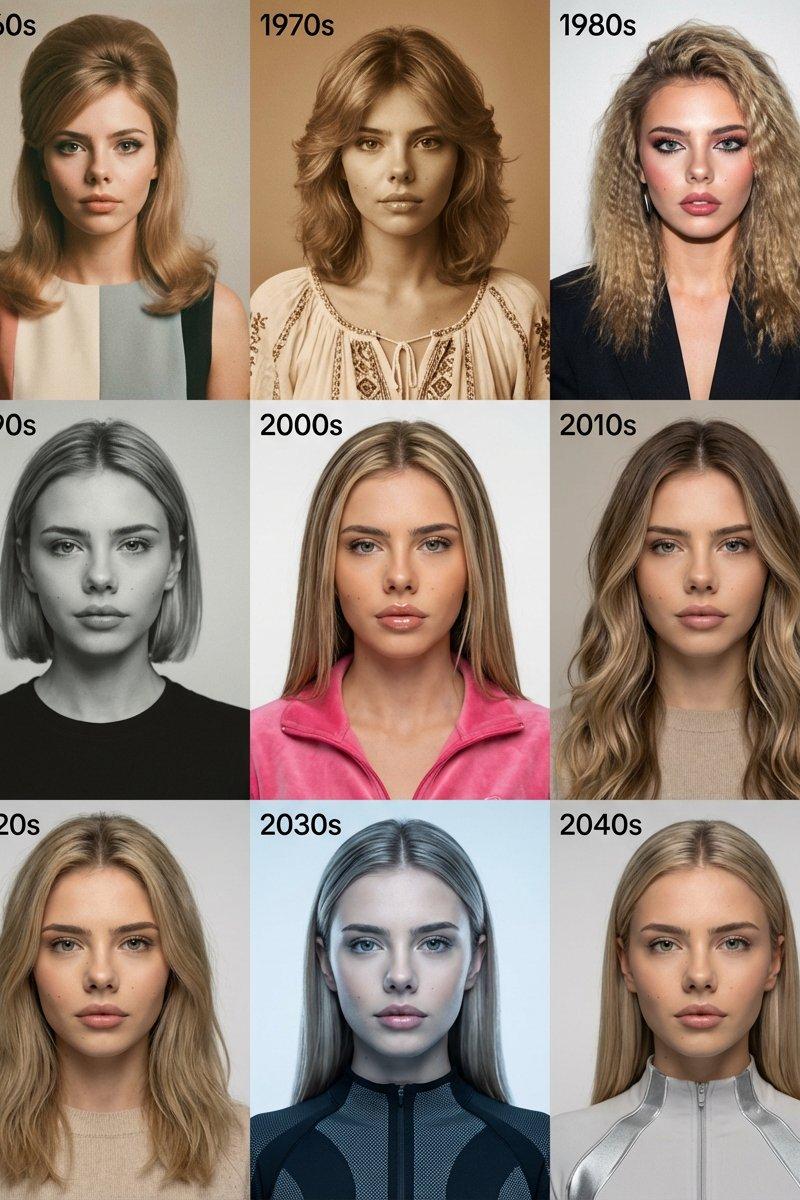
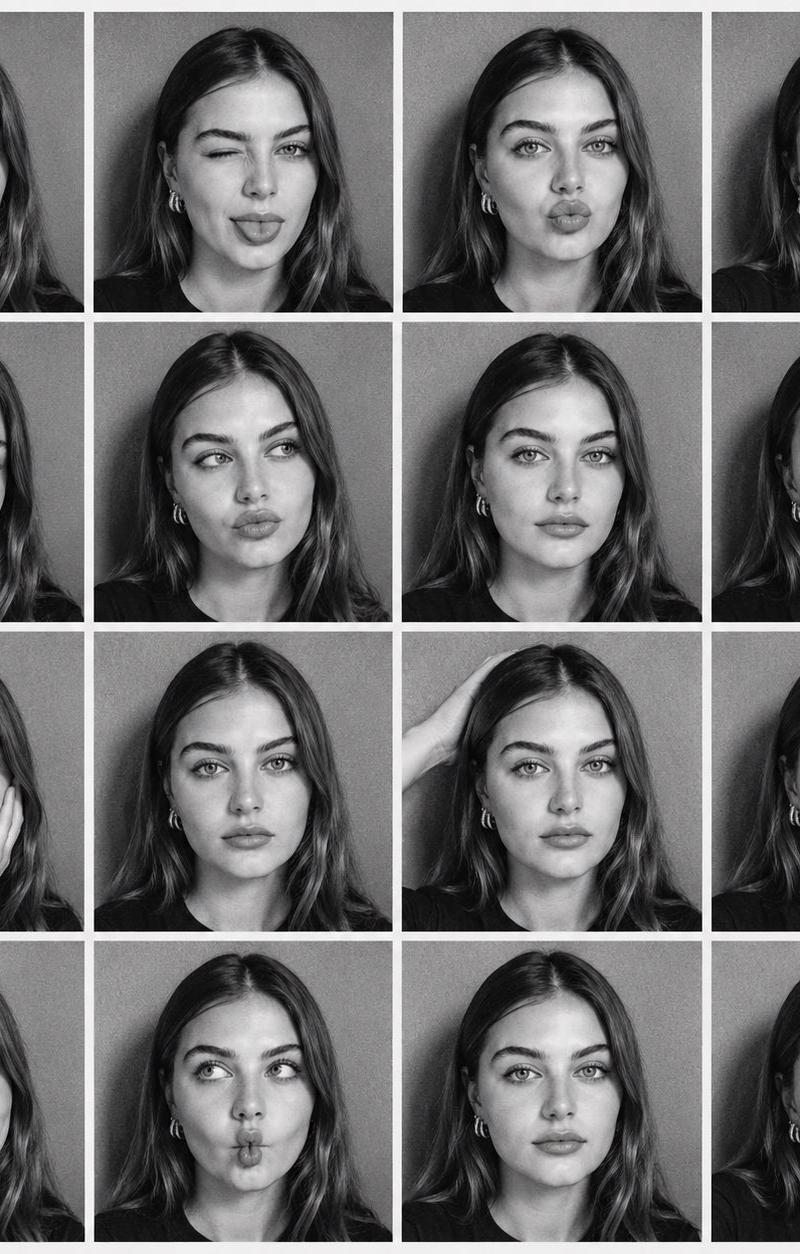
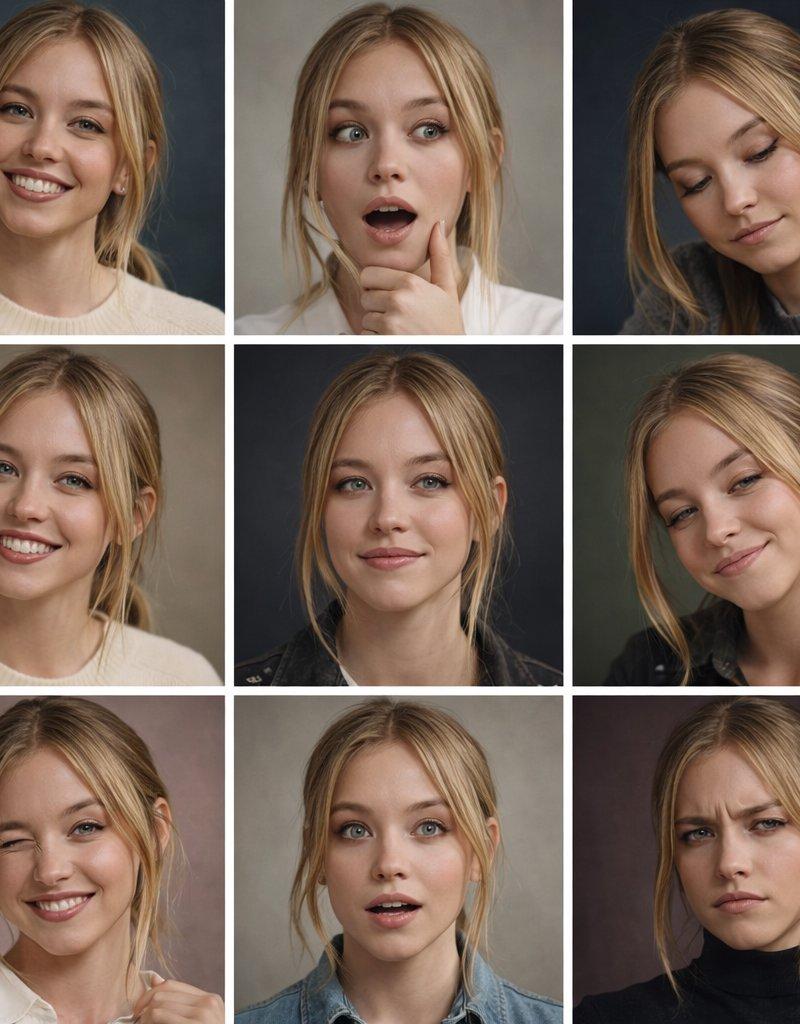
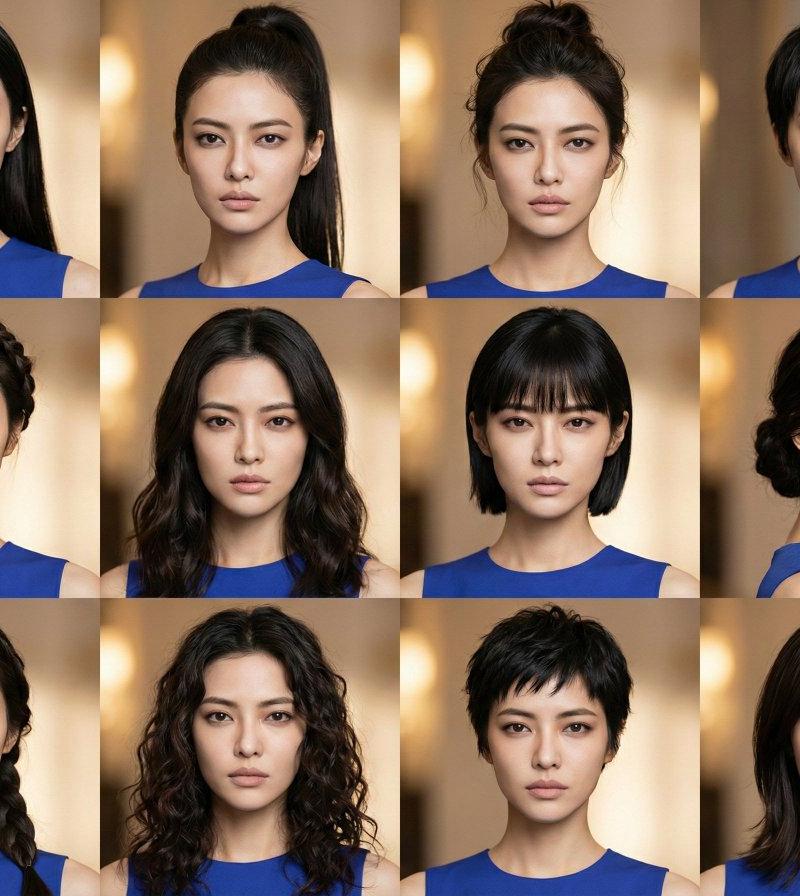
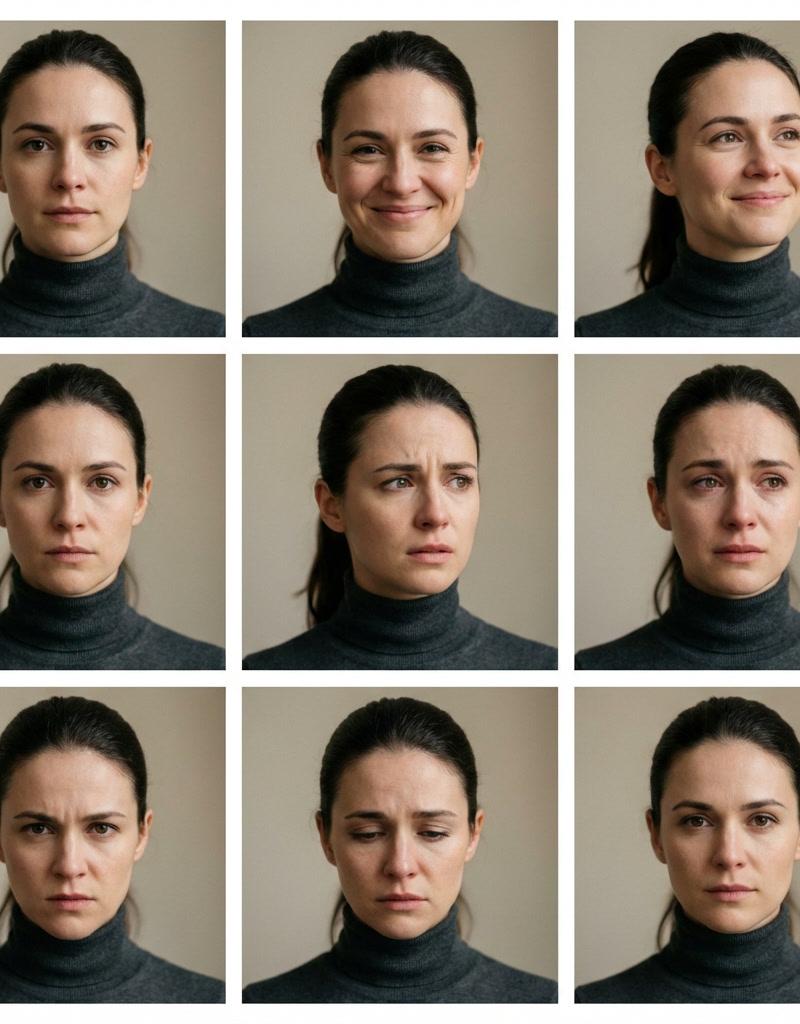
Create a 3×3 cinematic portrait grid in 16:9 featuring the same woman across all nine frames, identical identity, facial structure, skin texture, age, hairstyle, eye color, clothing, and makeup. Zero identity drift.
Each frame shows a different emotional state expressed only through facial expression and micro-expressions, not pose, styling, or lighting.
Emotions per grid cell (left to right, top to bottom):
calm, neutral, soft, genuine smile, quiet happiness, focused determination, concern and contemplation, emotional vulnerability, restrained anger, deep sadness, confident, calm strength
Camera & Style: cinematic realism, 85mm portrait lens, shallow depth of field, eye-level framing, natural skin pores, subtle imperfections, soft film grain
Lighting: consistent, controlled studio lighting, soft key light, gentle shadows, realistic catchlights, no lighting variation
Background: neutral, softly blurred, unchanged across all frames
Rules: same woman in all 9 frames, no hairstyle or outfit changes, no makeup changes, no camera movement, no background variation, no expression exaggeration, only facial muscles and emotional intensity vary
Output: clean 3×3 grid layout, perfectly aligned frames, professional editorial quality, high dynamic range, ultra-sharp focus
Category
Photography & Realism
Model
Unknown
Creator
Amira Zairi
Source language
zh-CN
Views0
Source ID
emotion-display-grid
Studio

Guide

About "不同情绪的展示网格"

What is this prompt for?

"不同情绪的展示网格" AI image prompt for Unknown (Photography & Realism). grid for showing different emotions with one prompt @LeonardoAi Create a 3×3 cinematic portrai…

The full copyable prompt and example visuals above are ready for AI image generation or one-click recreate in Picva.

How to use this prompt

  1. Step 1

    Open the prompt detail

    Review the example visuals, category, and full prompt text for "不同情绪的展示网格".

  2. Step 2

    Copy the prompt

    Copy the prompt body from this page, or load it directly in Studio.

  3. Step 3

    Pick a model (Unknown)

    Prefer Unknown. If you switch models, keep subject and composition and tweak style terms.

  4. Step 4

    Generate and export

    Recreate the look in Picva, or export into your workflow for editing and publishing.

FAQ

What is the "不同情绪的展示网格" prompt?
It is an AI image-generation prompt for Unknown in the Photography & Realism category. This page includes the full prompt text, example visuals, and a one-click recreate path in Picva.
How do I use this prompt to generate an image?
Copy the prompt from this page, or use Generate / Studio. Paste it into a compatible image model, or recreate the look in Picva with optional reference images.
Which model is this prompt for?
This page lists Unknown. Most descriptive prompts also transfer to nearby image models such as GPT Image, Flux, or Midjourney with light style tweaks.
Can I use the result commercially?
You can usually copy the prompt for creation, but commercial use of the final image depends on the model terms, reference-image rights, and the generated content. Follow the source author and platform rules.