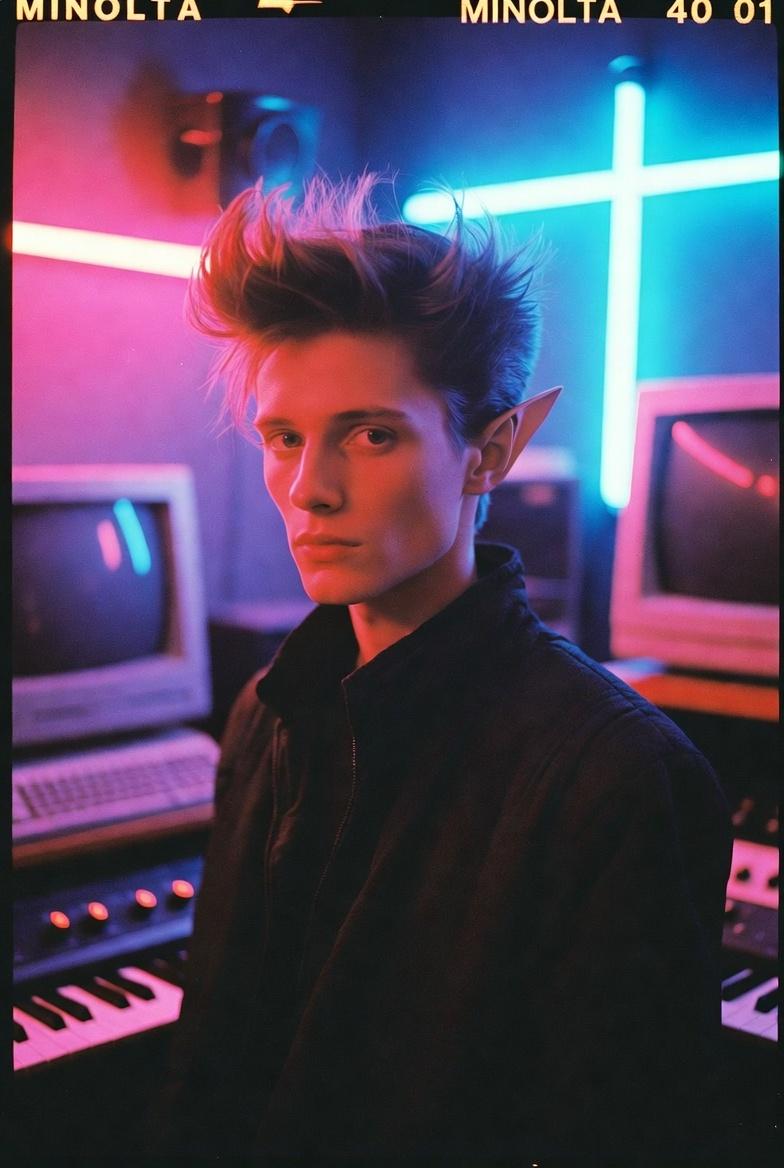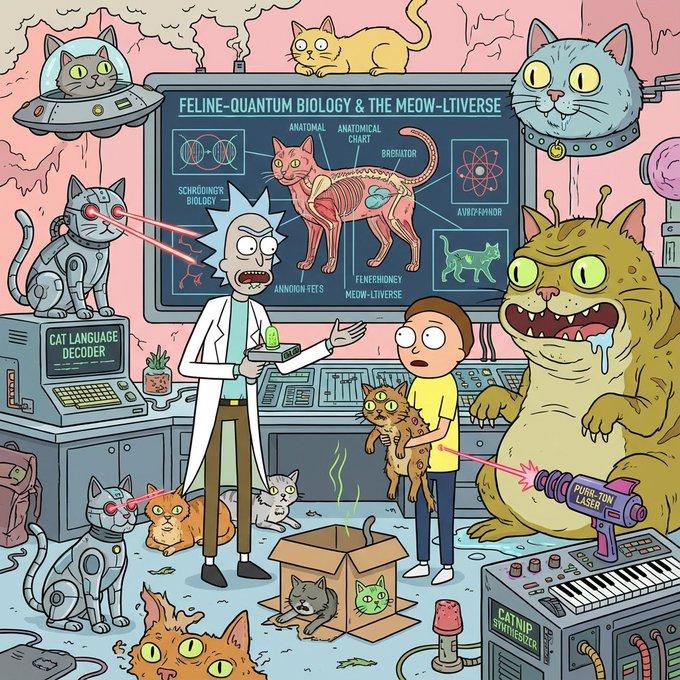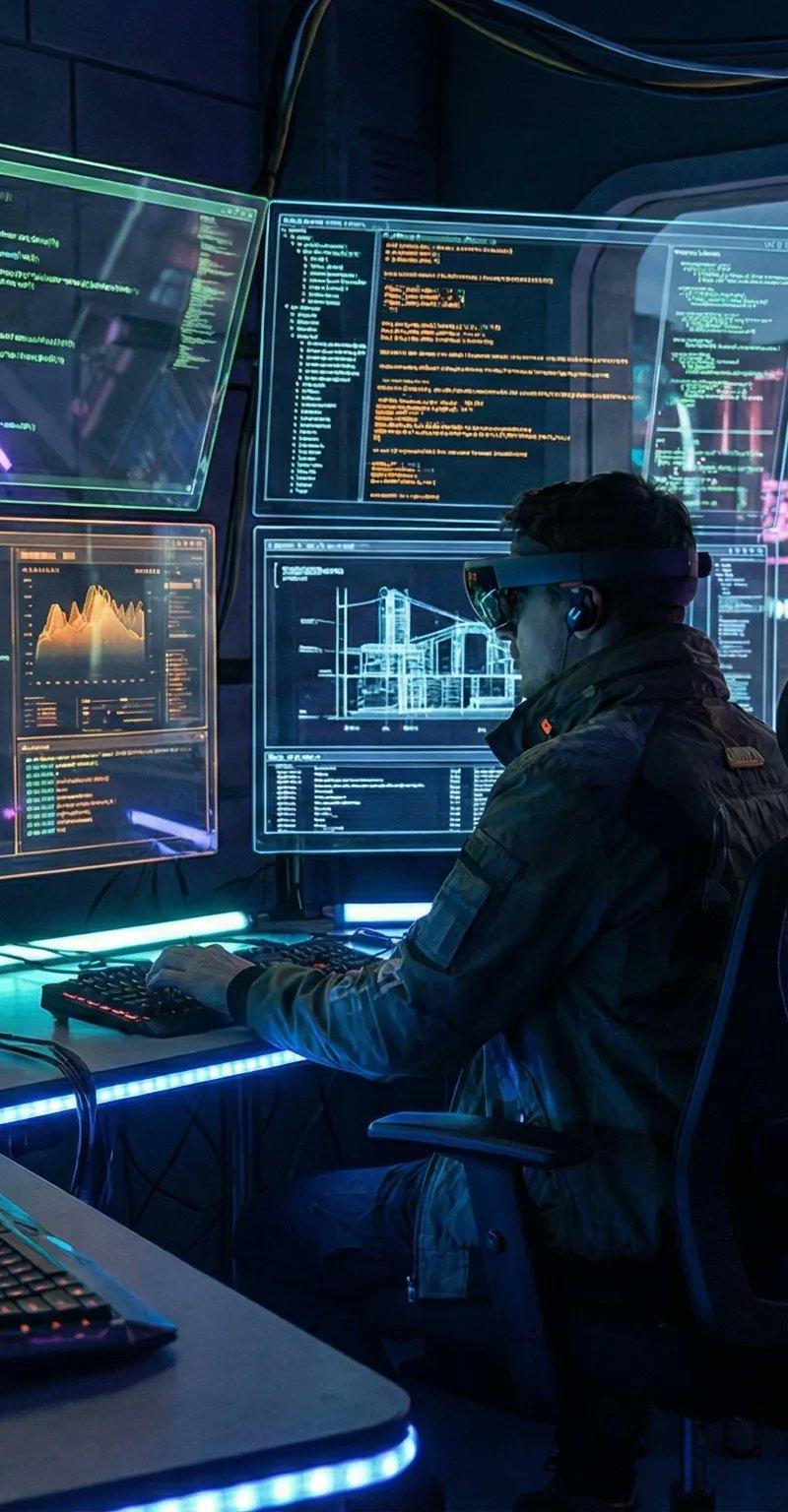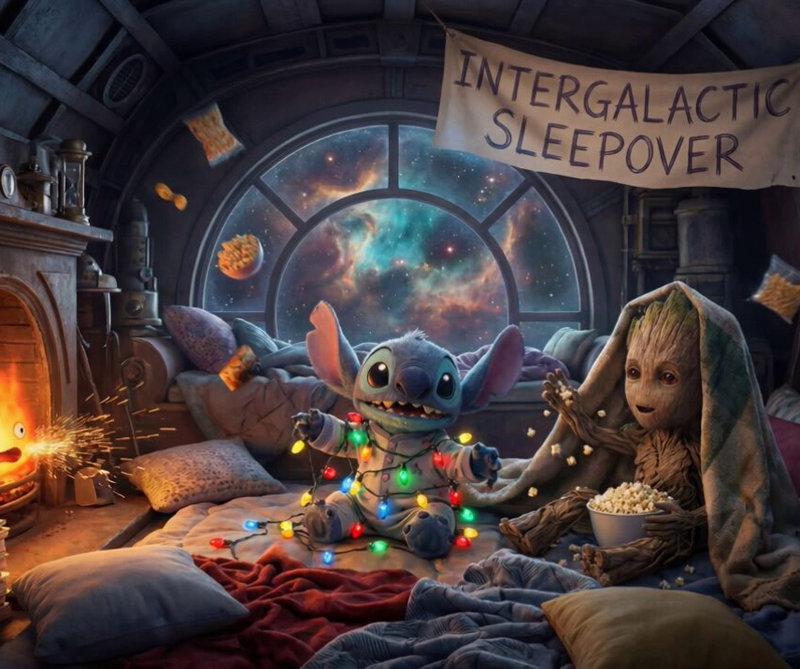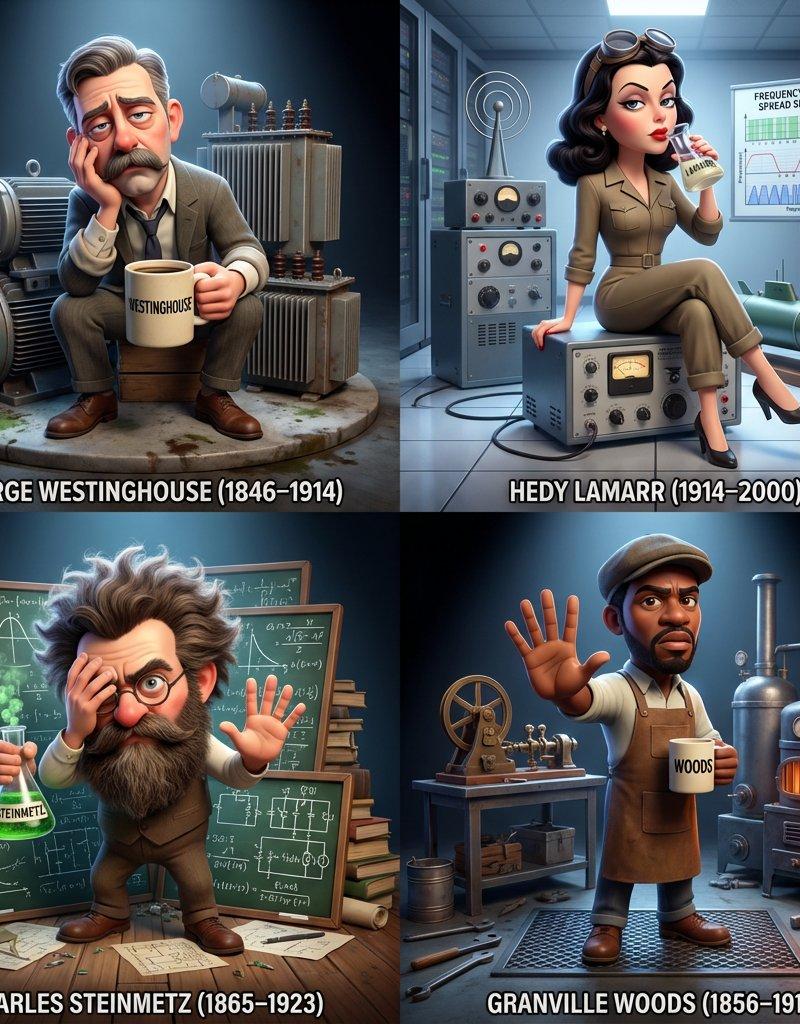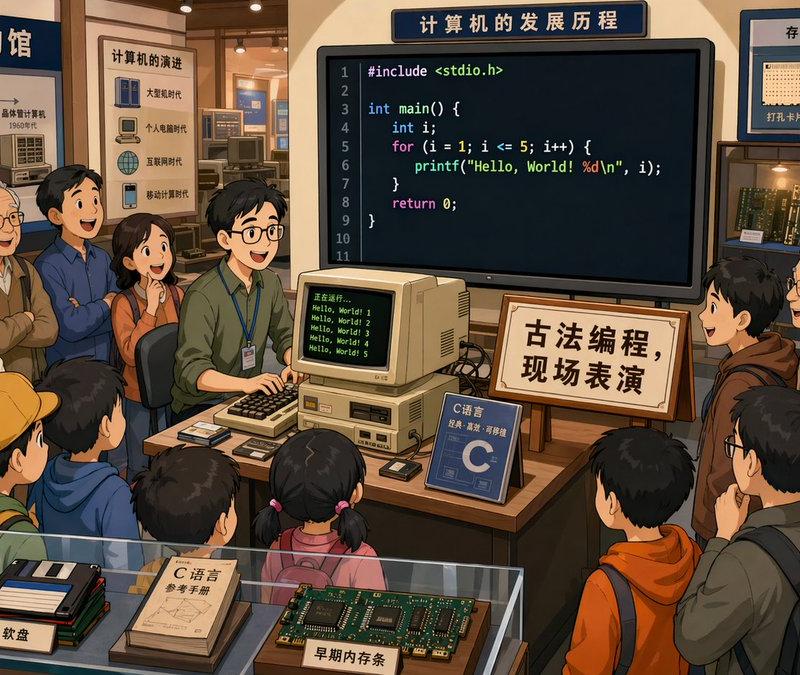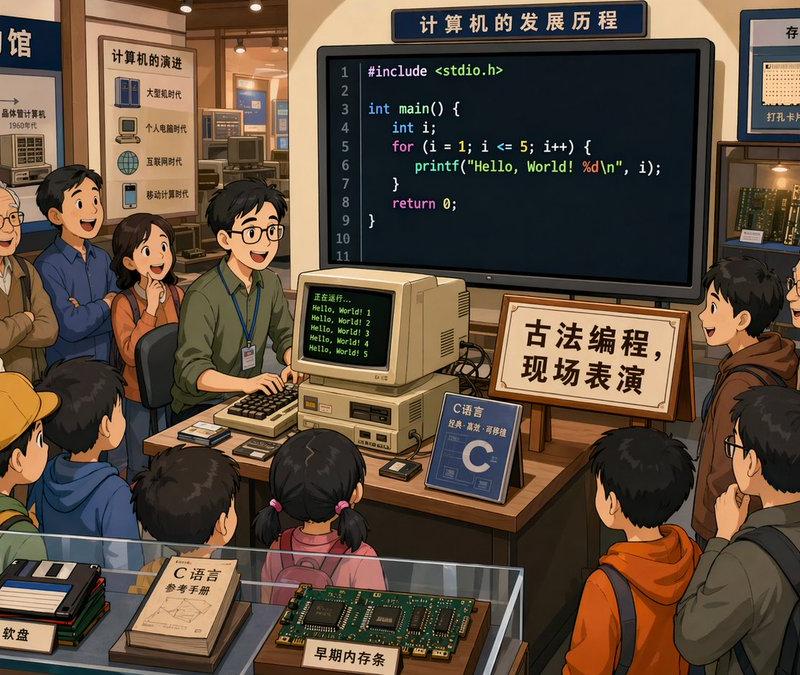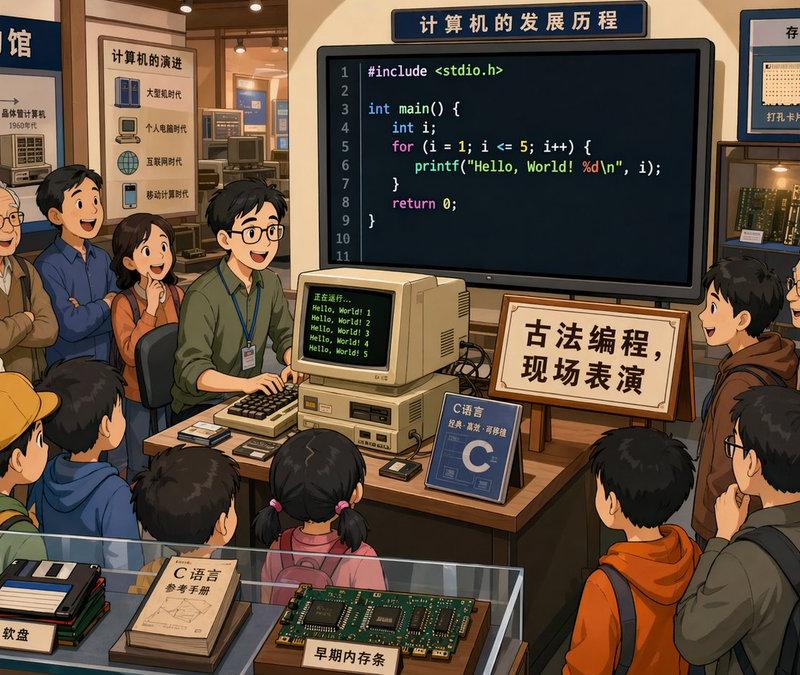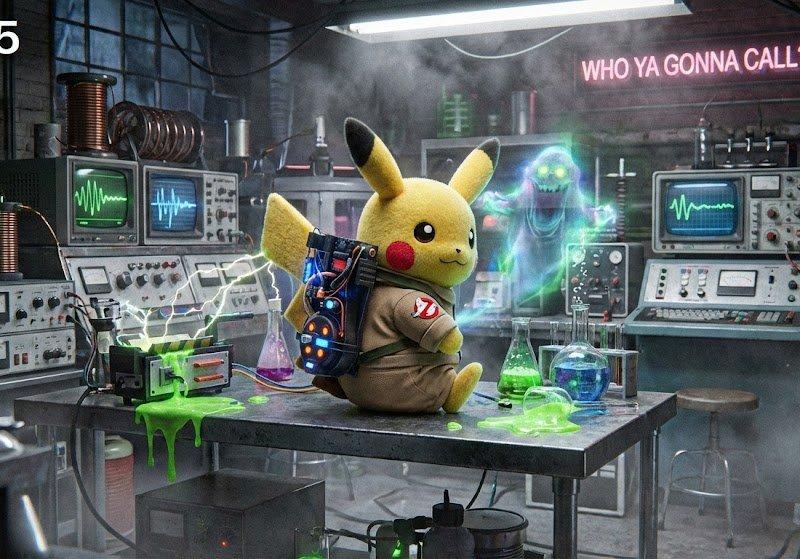
幽灵猎人风格指南
Prompt
GHOSTBUSTERS STYLE
To use this just replace the subject and setting with your own and copy and paste rest into Gemini, or your favorite @nanoBanana tool.
#promptShare #nanoBanana
PROMPT:
[Subject] in [Setting]
Ghostbusters_Aesthetic_Style:
theme_core:
- retro_science_paranormal_fusion
- neon_tech_occult_hybridization
- analog_meets_supernatural
- cinematic_electromagnetic_tension
dynamic_variables:
ghost_tech_level: "{{ scale from 0.1 to 1.0 }}"
ectoplasm_saturation: "{{ user-driven intensity }}"
spectral_luminosity: "{{ adaptive to lighting }}"
distortion_factor: "{{ affects motion + blur }}"
containment_energy: "{{ determines glow + arcs }}"
glitch_frequency: "{{ scene instability coefficient }}"
palette:
base:
- ecto_lime
- vhs_blue
- radiation_amber
- industrial_grey
- midnight_lab_black
glow_layers:
opacity: "{{ containment_energy * 0.8 }}"
pulsation_rate: "{{ glitch_frequency * 1.25 }}"
textures:
materials:
- "(cracked_acrylic)65%"
- "(neon_underglow)70%"
- "(slimy_metal)50%"
- "(static_fuzz_fabric)80%"
environment:
- "(electrical_burn_marks)55%"
- "(fog_condensation)75%"
- "(ghost_trail_residue)60%"
lighting:
ambient: "(cold_uv_glow)60%"
accent: "(proton_burst_flares)50%"
fluctuation: "(arc_flicker_variance)40%"
shadow_behavior: "shadows_stutter_and_shift_irregularly"
atmosphere:
fog:
density: "{{ ectoplasm_saturation * 0.7 }}"
motion_behavior: "drifts_unnaturally_against_airflow"
interference:
- "(electromagnetic_sparks)45%"
- "(paranormal_pressure_distortions)55%"
- "(erratic_particle_noise)50%"
spectral_effects:
- "(transparent_silhouette_echoes)80%"
- "(intangibility_glitches)60%"
- "(multi_exposure_motion_trails)65%"
- "(ecto-plasma_bioluminescence)70%"
motifs:
runes:
shape_style: "techno_occult_glyphs"
frequency: "{{ distortion_factor * 0.4 }}"
symbols:
- containment_grid
- proton_architecture
- resonance_diagrams
- field_amplitude_sigils
motion_dynamics:
- "(hovering_objects)60%"
- "(chaotic_energy_vibrations)70%"
- "(ghost_phase_shift_movements)80%"
- "(electrical_oscillation_ripples)55%"
camera_style:
framing:
- wide_angle_smoke_push
- dutch_tilt_on_energy_spikes
- rapid_zoom_on_manifestations
lens_effects:
- chromatic_split
- reflective_neon_bleed
- uv-spectrum_noise
special_effects:
- "(ecto_spray_particles)65%"
- "(ghost_field_bloom)75%"
- "(holographic_anomaly_ripples)70%"
- "(energy_arc_bursts)55%"
composition_rules:
- high_tension_between_order_and_chaos
- always include conflicting_light_sources
- layering_prioritizes_energy_over_geometry
- subject_appears_slightly_out_of_phase
- background_should_suggest_ongoing_experimentation
plug_in_subject_and_setting:
subject: "{{ USER INPUT }}"
setting: "{{ USER INPUT }}"- Category
- Photography & Realism
- Model
- Unknown
- Creator
- Thore Gundi
- Source language
- zh-CN
- Source ID
- ghostbusters-style-guide
Views0




![Based on the word “[Nano Banana Pro],” design an original decorative cinematic t](https://whqgdndlpxjbwosvipip.supabase.co/storage/v1/render/image/public/prompt-source-media/promptsref/work-913/image-1-37e25cc22c468d8f.png?width=800&quality=75)