15

Goku Solo
Enlarge

Goku Solo

Prompt
Goku Solo:
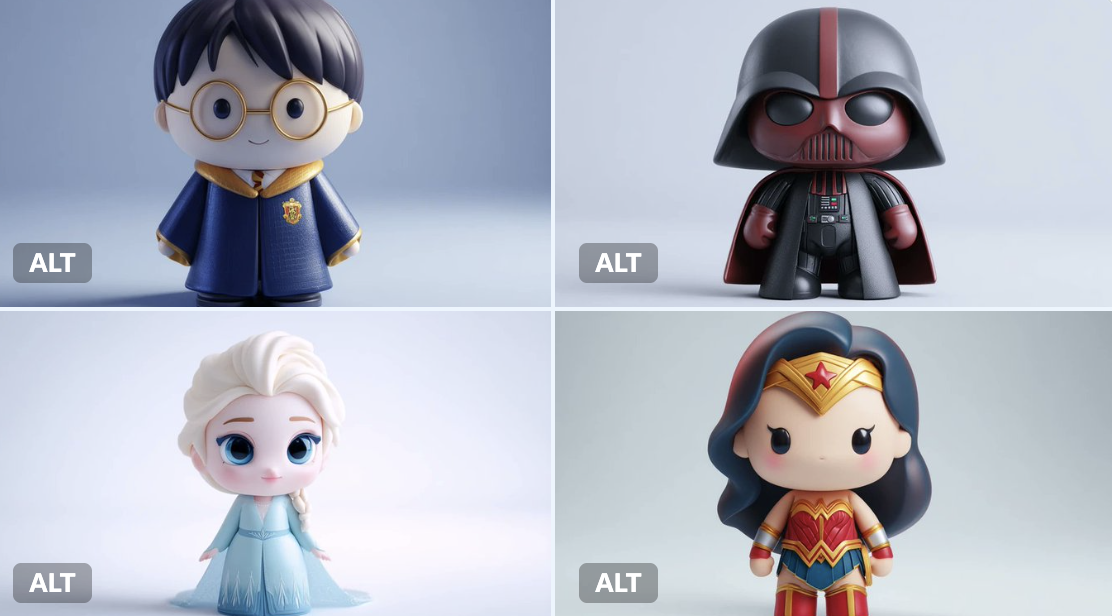
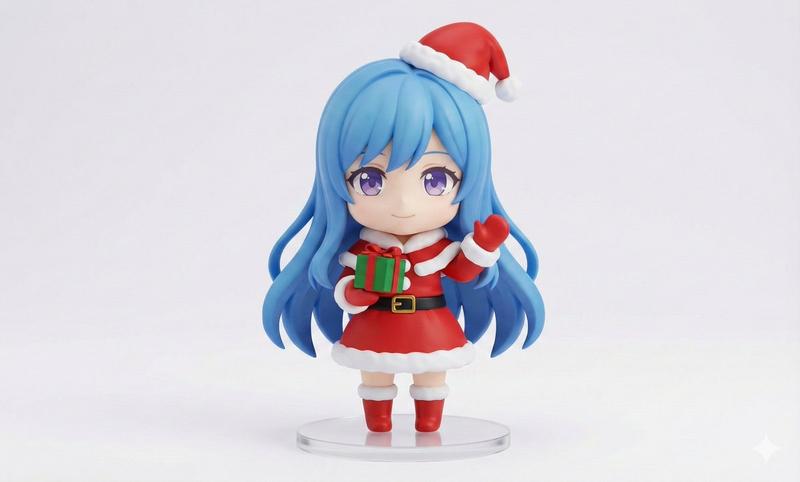
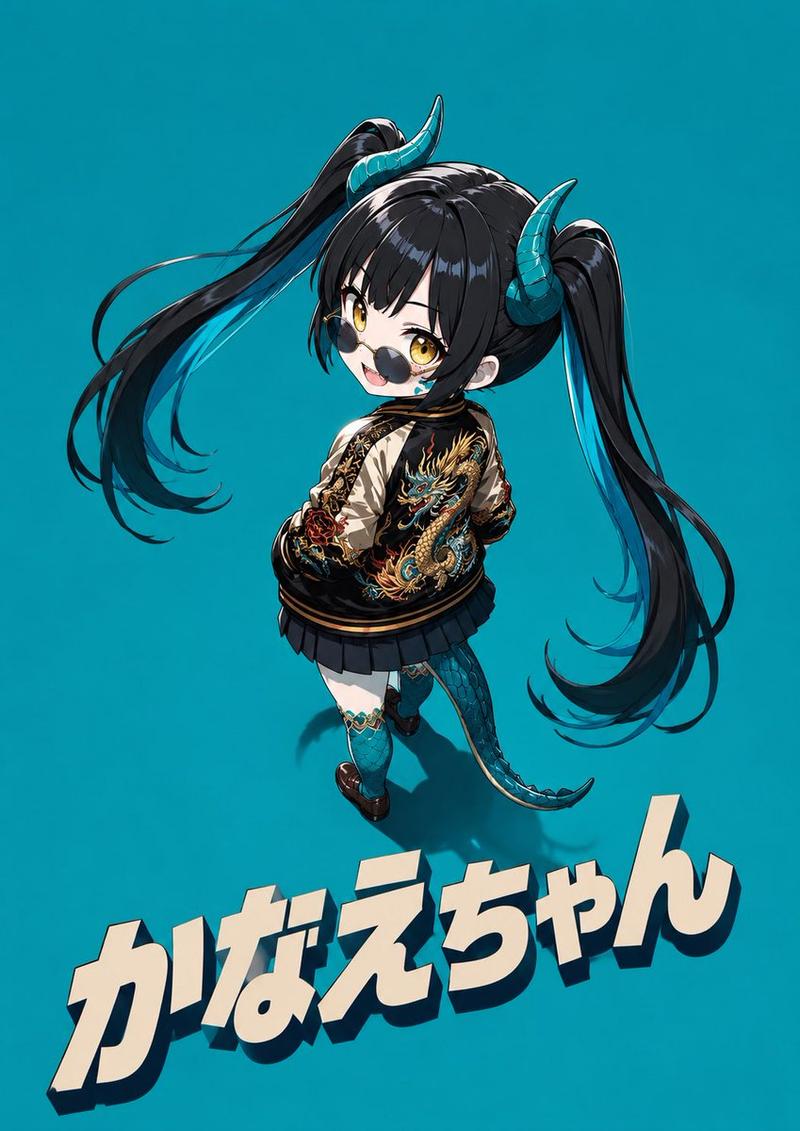
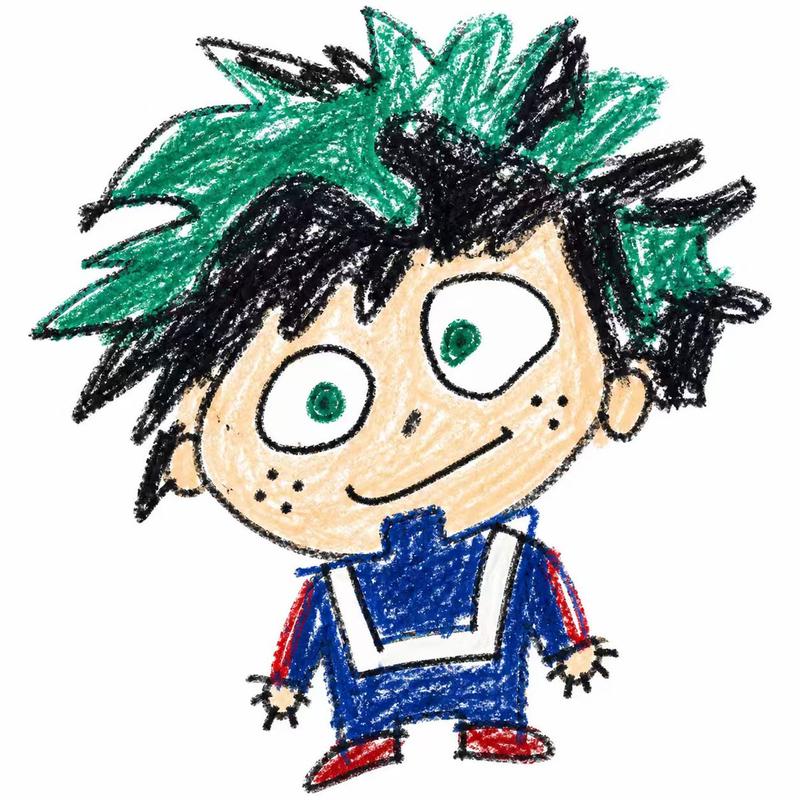
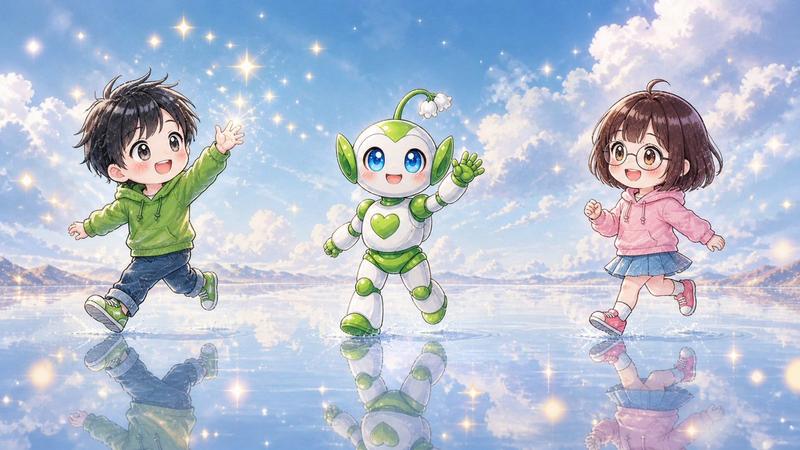
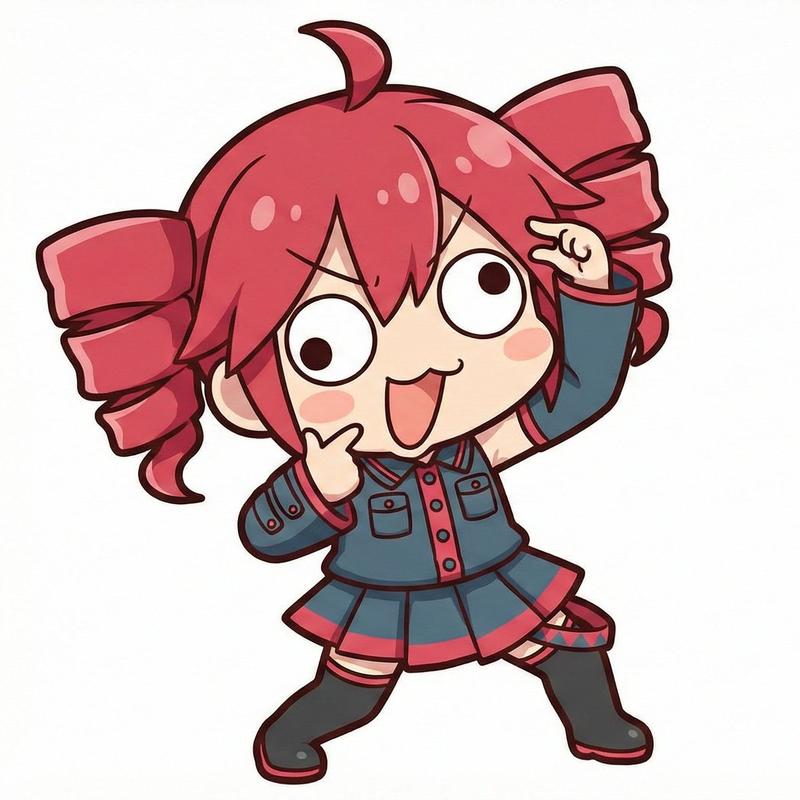
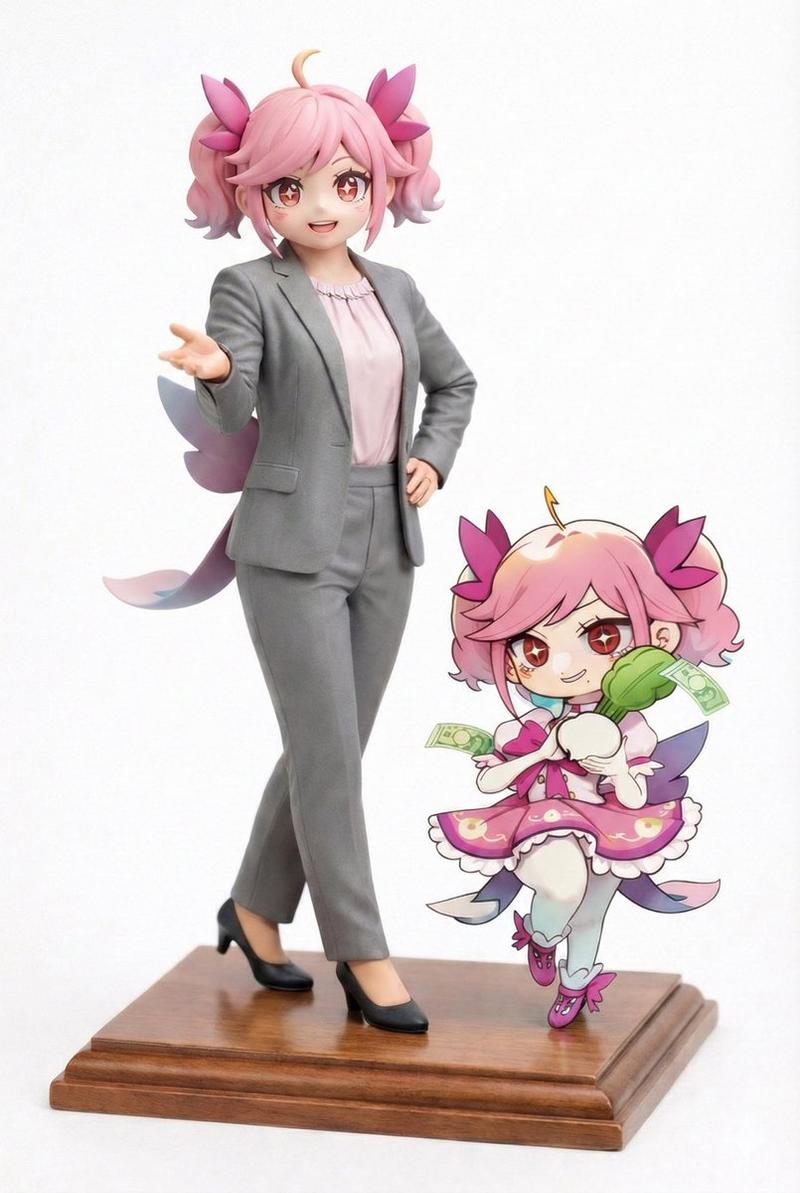
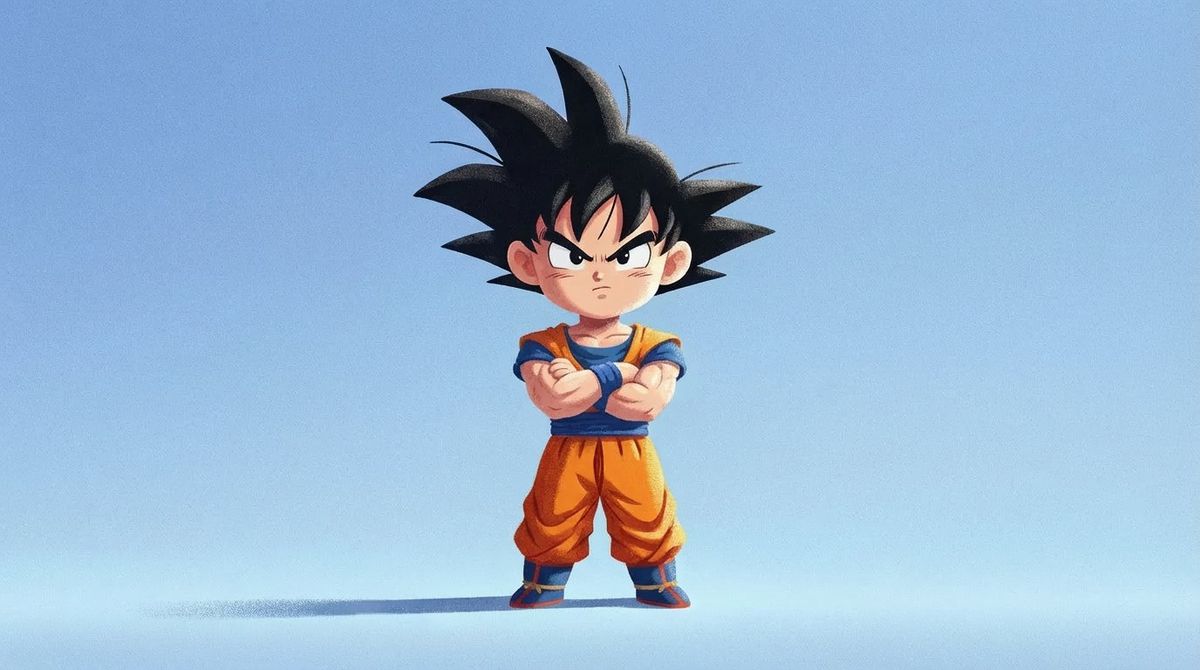
「Dragon Ball Z Son Goku character」from「Dragon Ball Z」in「Q-style chibi pseudo 3D illustration style」, 「full body shot with character standing in center」, 「2.5D flat illustration style」with「enhanced dimensional depth」and「layered composition」with「subtle 3D volume effect」, 「featuring Son Goku with spiky black hair in orange gi with blue undershirt and confident expression」, 「in adorable chibi proportions」with「large head to body ratio about 2-3 heads tall」with「large expressive eyes」and「cute rounded face kawaii style」, 「character facing forward toward camera」in「front-facing pose」, 「soft light blue gradient background」with「smooth seamless transition」with「subtle floor ground」with「no harsh edges」, 「consistent soft gentle side lighting」from「right to left」「maintaining fixed lighting direction」creating「subtle shadows on character」, 「consistent minimal soft shadow on ground」「following the lighting direction」from「right to left」「maintaining perfect alignment with light source」, 「moderate saturation colors」with「comfortable color palette」, 「moderate contrast」, 「very heavy prominent grain texture overlay」on character body and clothing, 「extra strong noise and paper texture effect」, 「grainy illustration aesthetic」not CGI render, 「textured painted look」with「highly enhanced visible granular surface」, 「artistic hand-drawn feel」with depth, 「16:9 aspect ratio」
Category
Photography & Realism
Model
Unknown
Views0
Source ID
goku-solo-illustration

Guide

About "Goku Solo"

What is this prompt for?

"Goku Solo" AI image prompt for Unknown (Photography & Realism). Goku Solo: 「Dragon Ball Z Son Goku character」from「Dragon Ball Z」in「Q-style chibi pseudo 3D ill…

The full copyable prompt and example visuals above are ready for AI image generation or one-click recreate in Picva.

How to use this prompt

  1. Step 1

    Open the prompt detail

    Review the example visuals, category, and full prompt text for "Goku Solo".

  2. Step 2

    Copy the prompt

    Copy the prompt body from this page, or load it directly in Studio.

  3. Step 3

    Pick a model (Unknown)

    Prefer Unknown. If you switch models, keep subject and composition and tweak style terms.

  4. Step 4

    Generate and export

    Recreate the look in Picva, or export into your workflow for editing and publishing.

FAQ

What is the "Goku Solo" prompt?
It is an AI image-generation prompt for Unknown in the Photography & Realism category. This page includes the full prompt text, example visuals, and a one-click recreate path in Picva.
How do I use this prompt to generate an image?
Copy the prompt from this page, or use Generate / Studio. Paste it into a compatible image model, or recreate the look in Picva with optional reference images.
Which model is this prompt for?
This page lists Unknown. Most descriptive prompts also transfer to nearby image models such as GPT Image, Flux, or Midjourney with light style tweaks.
Can I use the result commercially?
You can usually copy the prompt for creation, but commercial use of the final image depends on the model terms, reference-image rights, and the generated content. Follow the source author and platform rules.