15

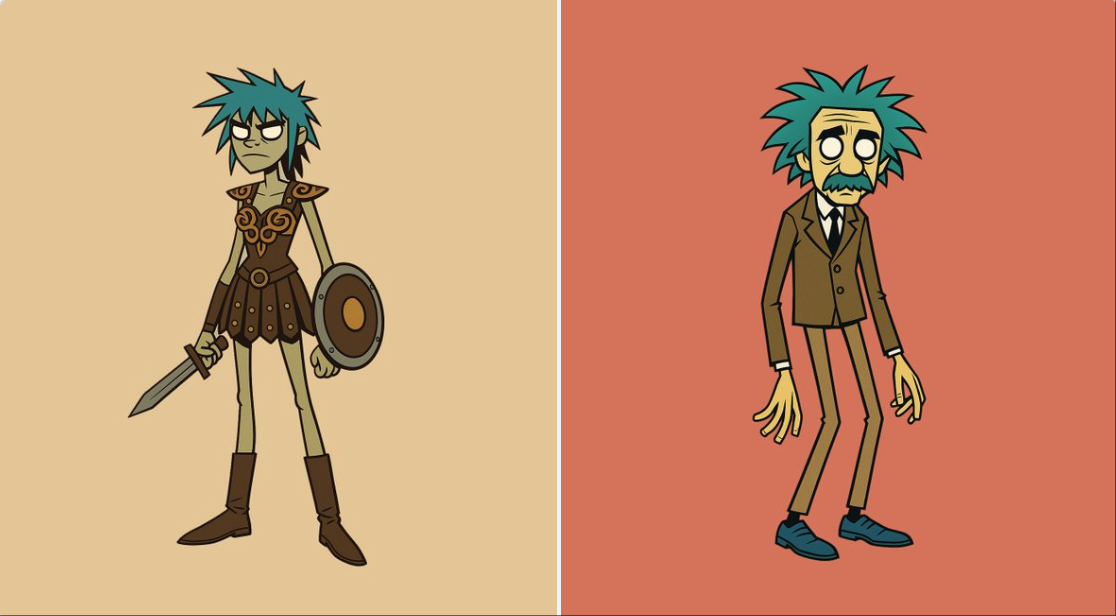
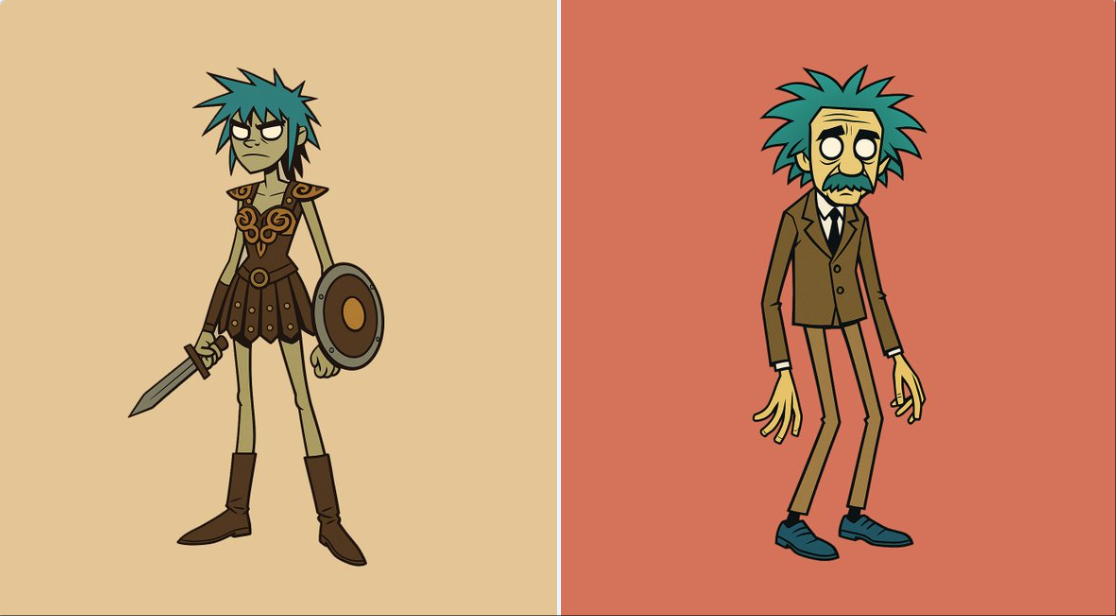
Gorillaz风格角色
Enlarge

Gorillaz风格角色

Prompt
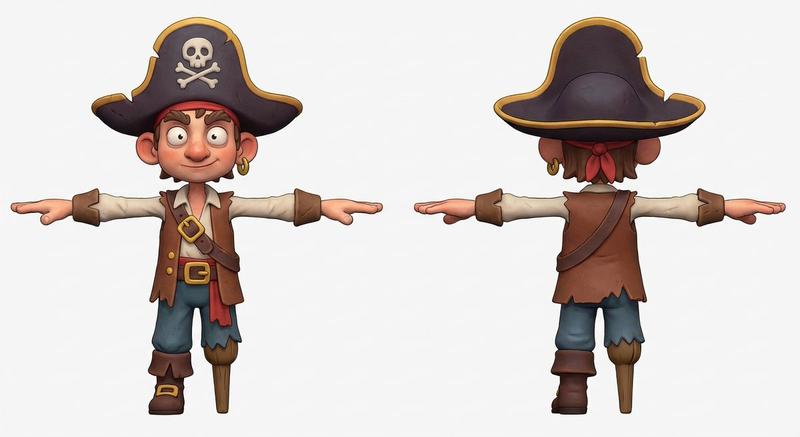
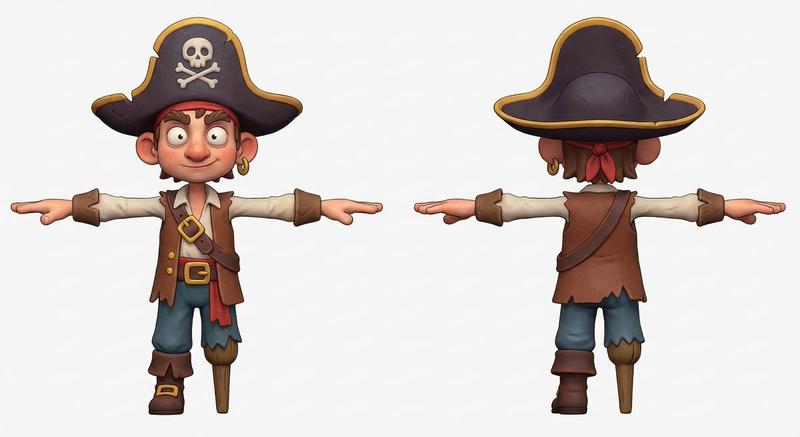
Create a stylized full-body portrait of [your subject] in the Gorillaz character aesthetic. Give the character an exaggeratedly lanky build with long, skinny legs and narrow arms. Use simplified, angular features and thick, bold outlines. Style the hair to be spiky, tousled, or exaggerated, in a non-natural color like [blue or green]. The eyes must be blank white with no pupils. Use flat, solid colors only. No gradients, shadows, or textures. Background should be a single flat color. Design must be vector friendly and print ready.
在 Gorillaz 角色美学中为 [您的主题] 创建风格化的全身肖像。给角色一个夸张的瘦长身材,长而瘦的腿和狭窄的手臂。使用简化的棱角分明的特征和粗体轮廓。将头发设计成尖尖的、凌乱的或夸张的,用非自然的颜色,如 [蓝色或绿色]。眼睛必须是空白的白色的,没有瞳孔。仅使用纯色。没有渐变、阴影或纹理。背景应为单一的平面颜色。设计必须对矢量友好并准备好打印。
Category
Photography & Realism
Model
Unknown
Creator
gnrlyxyz
Views0
Source ID
gorillaz-style-character

Guide

About "Gorillaz风格角色"

What is this prompt for?

"Gorillaz风格角色" AI image prompt for Unknown (Photography & Realism). Create a stylized full-body portrait of [your subject] in the Gorillaz character aesthetic.…

The full copyable prompt and example visuals above are ready for AI image generation or one-click recreate in Picva.

How to use this prompt

  1. Step 1

    Open the prompt detail

    Review the example visuals, category, and full prompt text for "Gorillaz风格角色".

  2. Step 2

    Copy the prompt

    Copy the prompt body from this page, or load it directly in Studio.

  3. Step 3

    Pick a model (Unknown)

    Prefer Unknown. If you switch models, keep subject and composition and tweak style terms.

  4. Step 4

    Generate and export

    Recreate the look in Picva, or export into your workflow for editing and publishing.

FAQ

What is the "Gorillaz风格角色" prompt?
It is an AI image-generation prompt for Unknown in the Photography & Realism category. This page includes the full prompt text, example visuals, and a one-click recreate path in Picva.
How do I use this prompt to generate an image?
Copy the prompt from this page, or use Generate / Studio. Paste it into a compatible image model, or recreate the look in Picva with optional reference images.
Which model is this prompt for?
This page lists Unknown. Most descriptive prompts also transfer to nearby image models such as GPT Image, Flux, or Midjourney with light style tweaks.
Can I use the result commercially?
You can usually copy the prompt for creation, but commercial use of the final image depends on the model terms, reference-image rights, and the generated content. Follow the source author and platform rules.