18

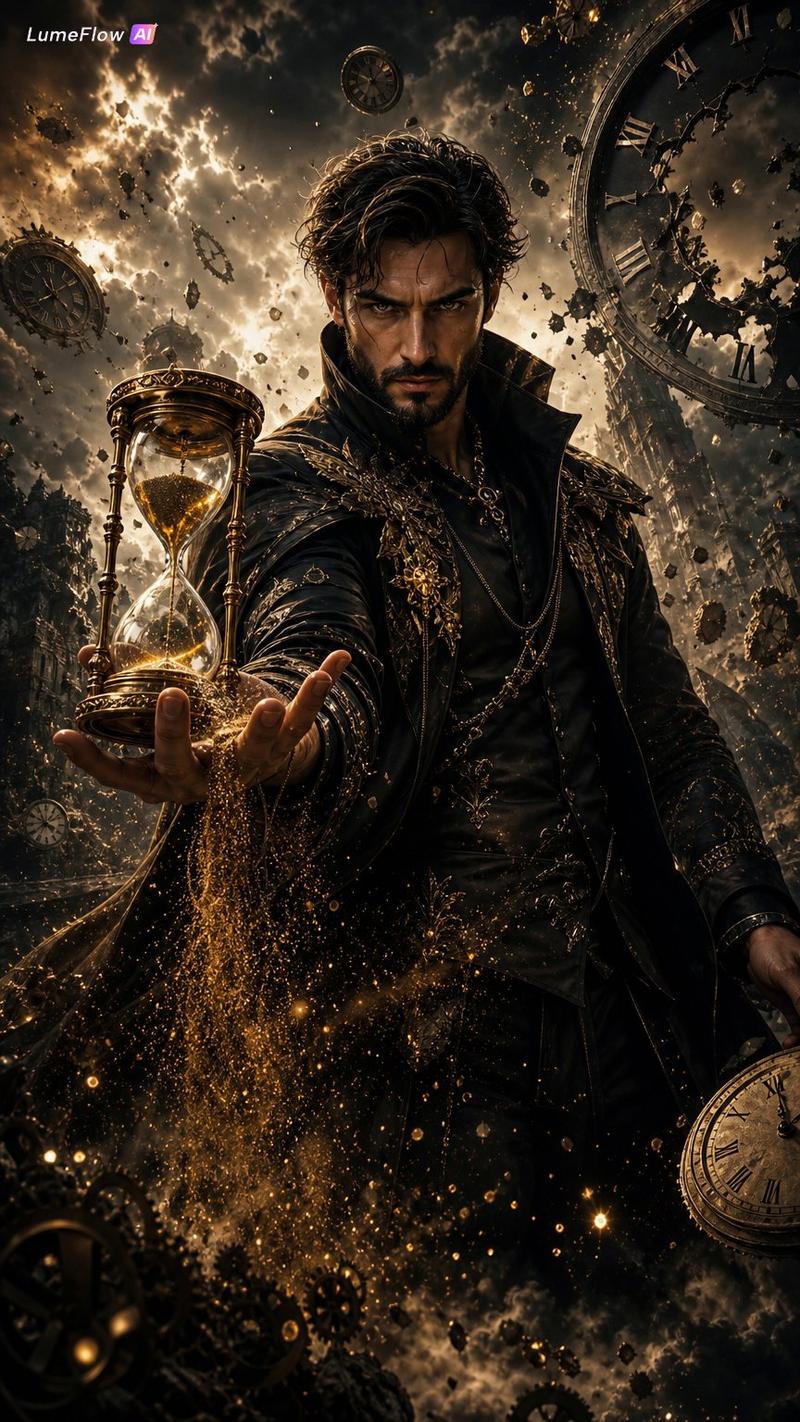
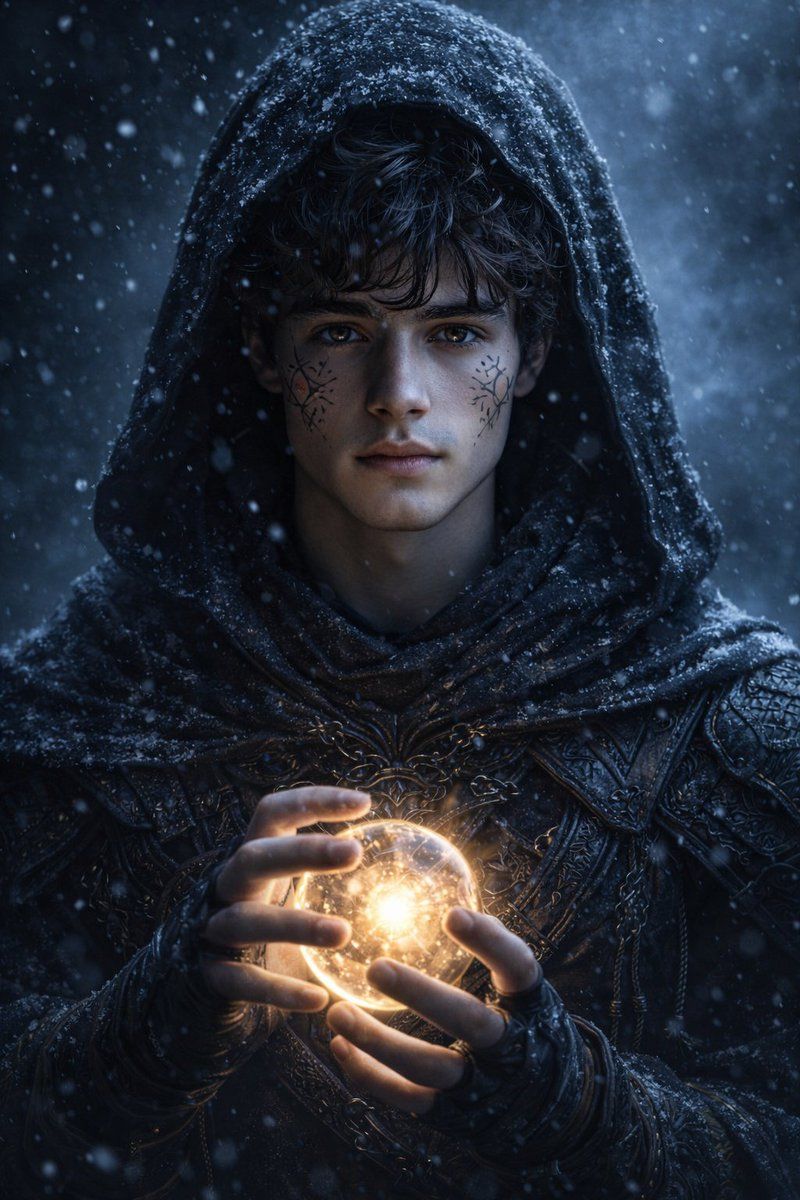
神秘斗篷法师暗黑幻想肖像
Enlarge

神秘斗篷法师暗黑幻想肖像

Prompt
GPT Image 1.5
Prompt:
Hyperrealistic dark fantasy portrait of a mysterious hooded mage standing in snowfall,same person (keep original face exactly same), cold blue ambient lighting, intricate shadow details on face, glowing magical orb held carefully between his fingers, soft golden light illuminating his hands, ancient runic tattoos across his face, subtle scars, intense focused eyes, dramatic wet hood texture with snowflakes resting on the fabric, highly detailed dark leather armor with engraved patterns and woven cords, cinematic depth of field, moody atmospheric fog, drifting snow particles, ultra-detailed textures, realistic skin shading, dark mystical background, 8k resolution, fantasy concept art, weta digital style, volumetric lighting, ethereal magical glow effects, emotionally intense and mysterious expression
Category
Photography & Realism
Model
GPT Image
Creator
Harboriis
Views0
Source ID
mysterious-hooded-mage-dark-fantasy-portrait

Guide

About "神秘斗篷法师暗黑幻想肖像"

What is this prompt for?

"神秘斗篷法师暗黑幻想肖像" AI image prompt for GPT Image (Photography & Realism). GPT Image 1.5 Prompt: Hyperrealistic dark fantasy portrait of a mysterious hooded mage st…

The full copyable prompt and example visuals above are ready for AI image generation or one-click recreate in Picva.

How to use this prompt

  1. Step 1

    Open the prompt detail

    Review the example visuals, category, and full prompt text for "神秘斗篷法师暗黑幻想肖像".

  2. Step 2

    Copy the prompt

    Copy the prompt body from this page, or load it directly in Studio.

  3. Step 3

    Pick a model (GPT Image)

    Prefer GPT Image. If you switch models, keep subject and composition and tweak style terms.

  4. Step 4

    Generate and export

    Recreate the look in Picva, or export into your workflow for editing and publishing.

FAQ

What is the "神秘斗篷法师暗黑幻想肖像" prompt?
It is an AI image-generation prompt for GPT Image in the Photography & Realism category. This page includes the full prompt text, example visuals, and a one-click recreate path in Picva.
How do I use this prompt to generate an image?
Copy the prompt from this page, or use Generate / Studio. Paste it into a compatible image model, or recreate the look in Picva with optional reference images.
Which model is this prompt for?
This page lists GPT Image. Most descriptive prompts also transfer to nearby image models such as GPT Image, Flux, or Midjourney with light style tweaks.
Can I use the result commercially?
You can usually copy the prompt for creation, but commercial use of the final image depends on the model terms, reference-image rights, and the generated content. Follow the source author and platform rules.