16

Seedream 4.5 4K更新:AI生图新时代的终结?
Enlarge

Seedream 4.5 4K更新:AI生图新时代的终结?

Prompt
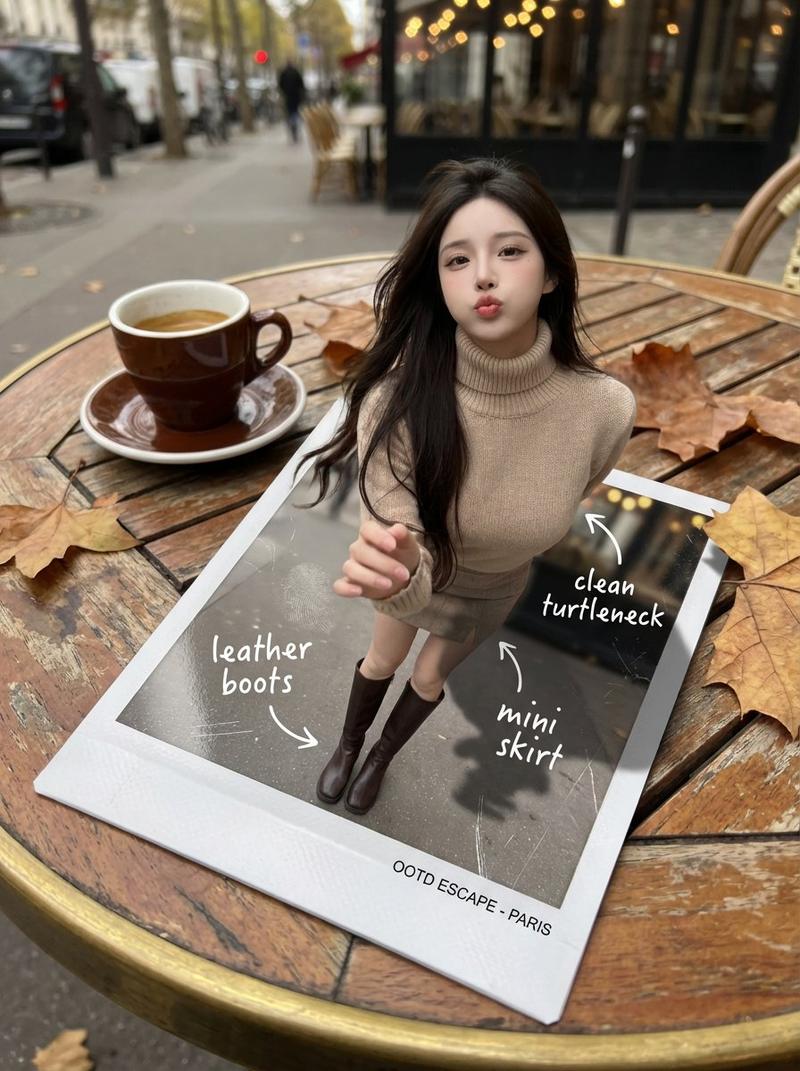
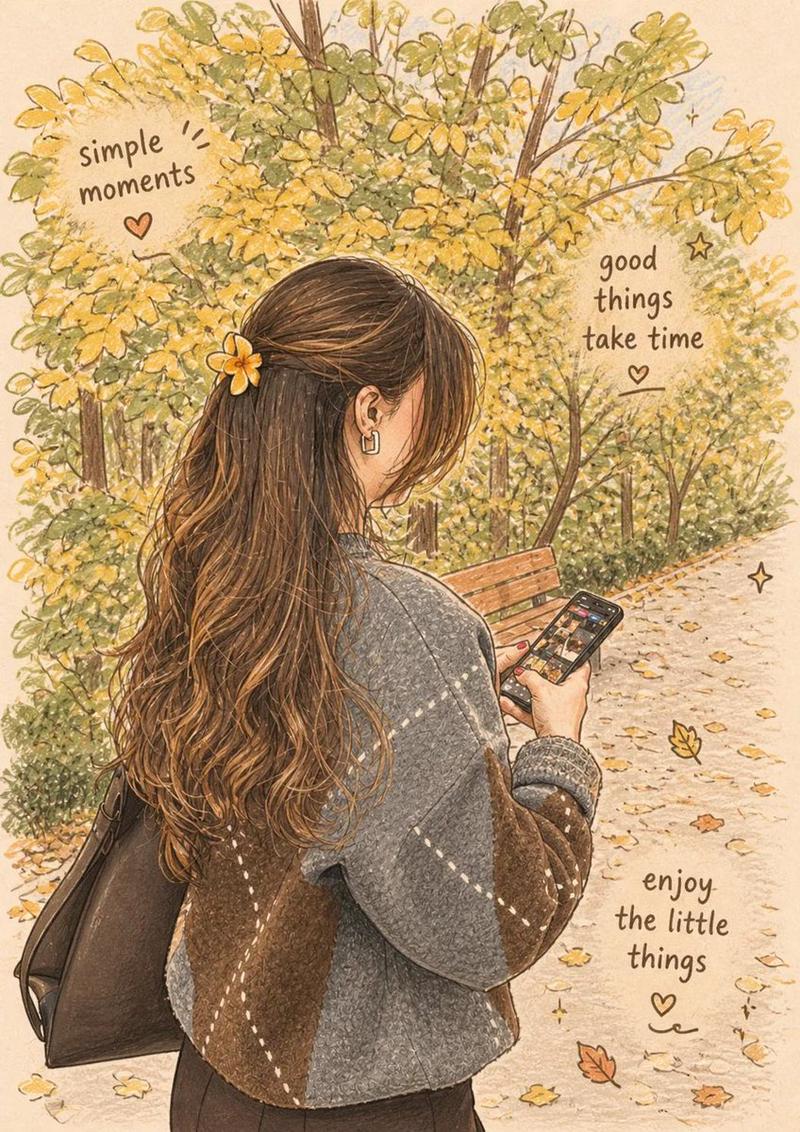
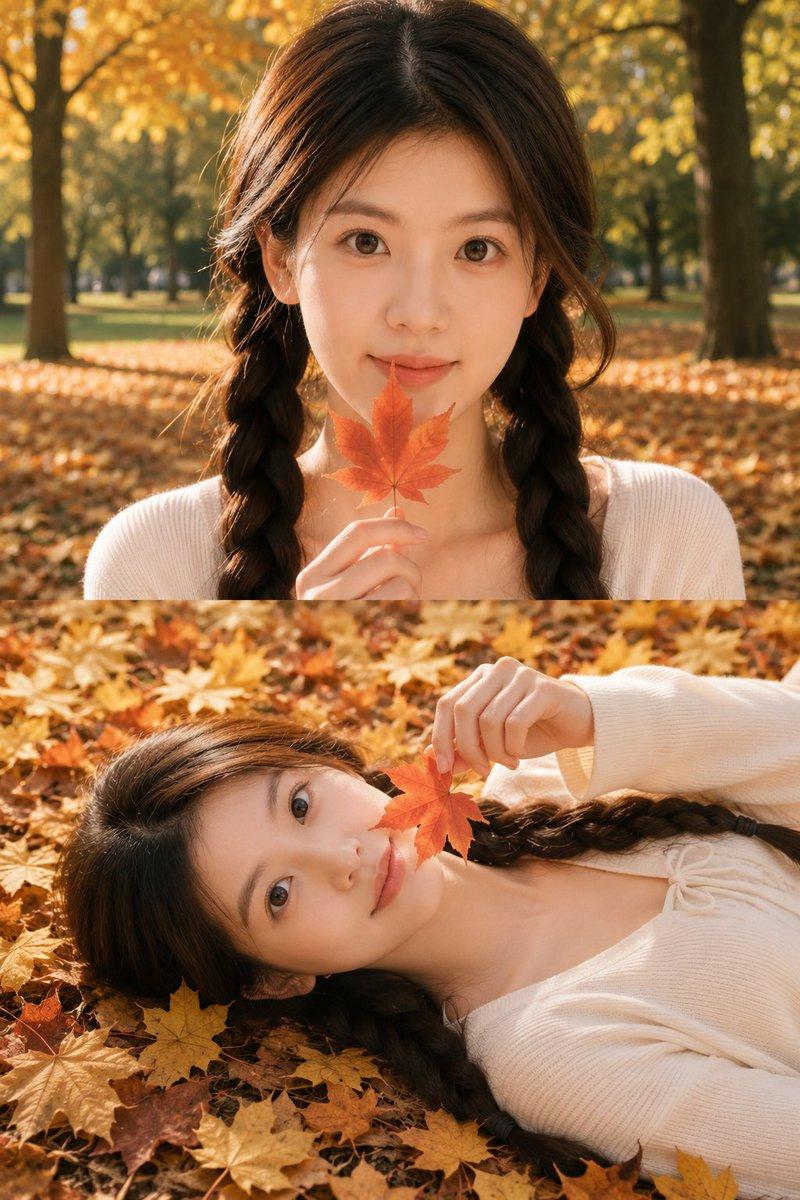
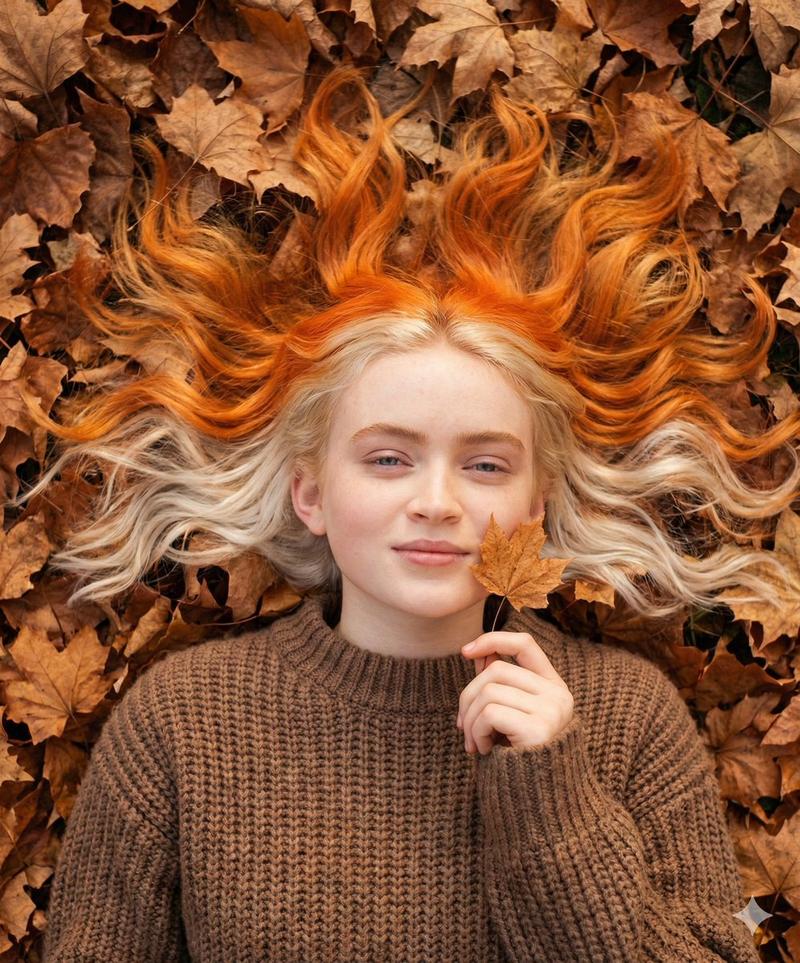
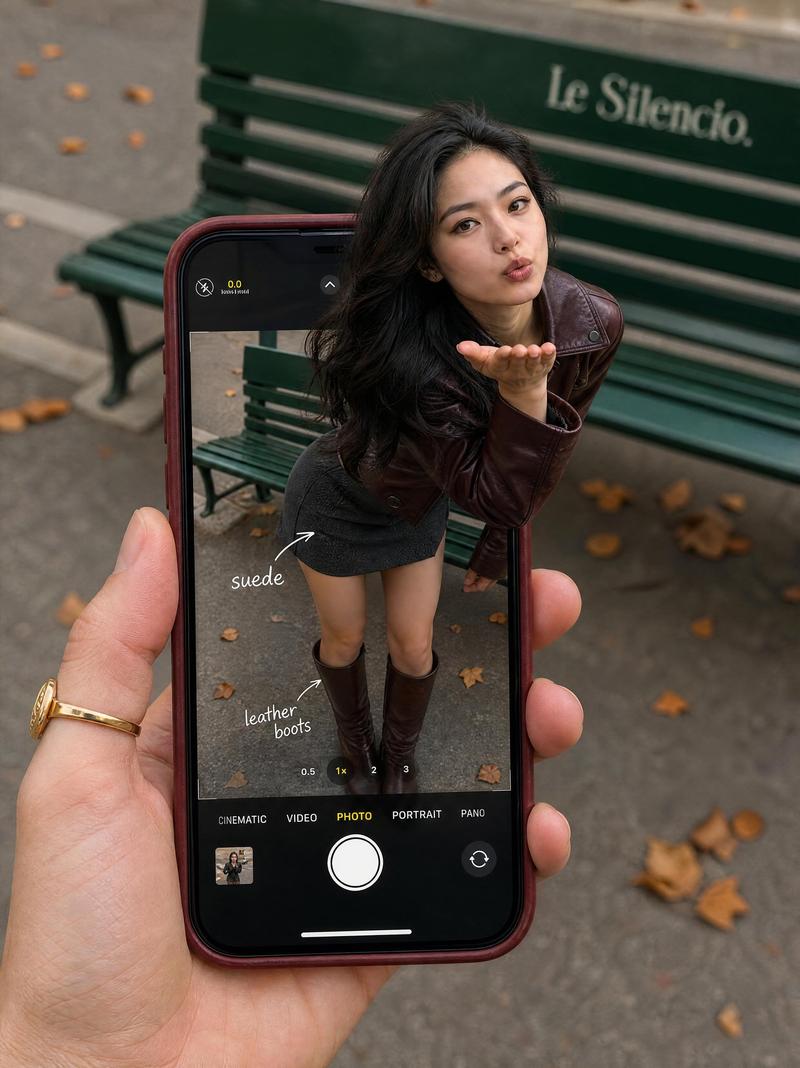
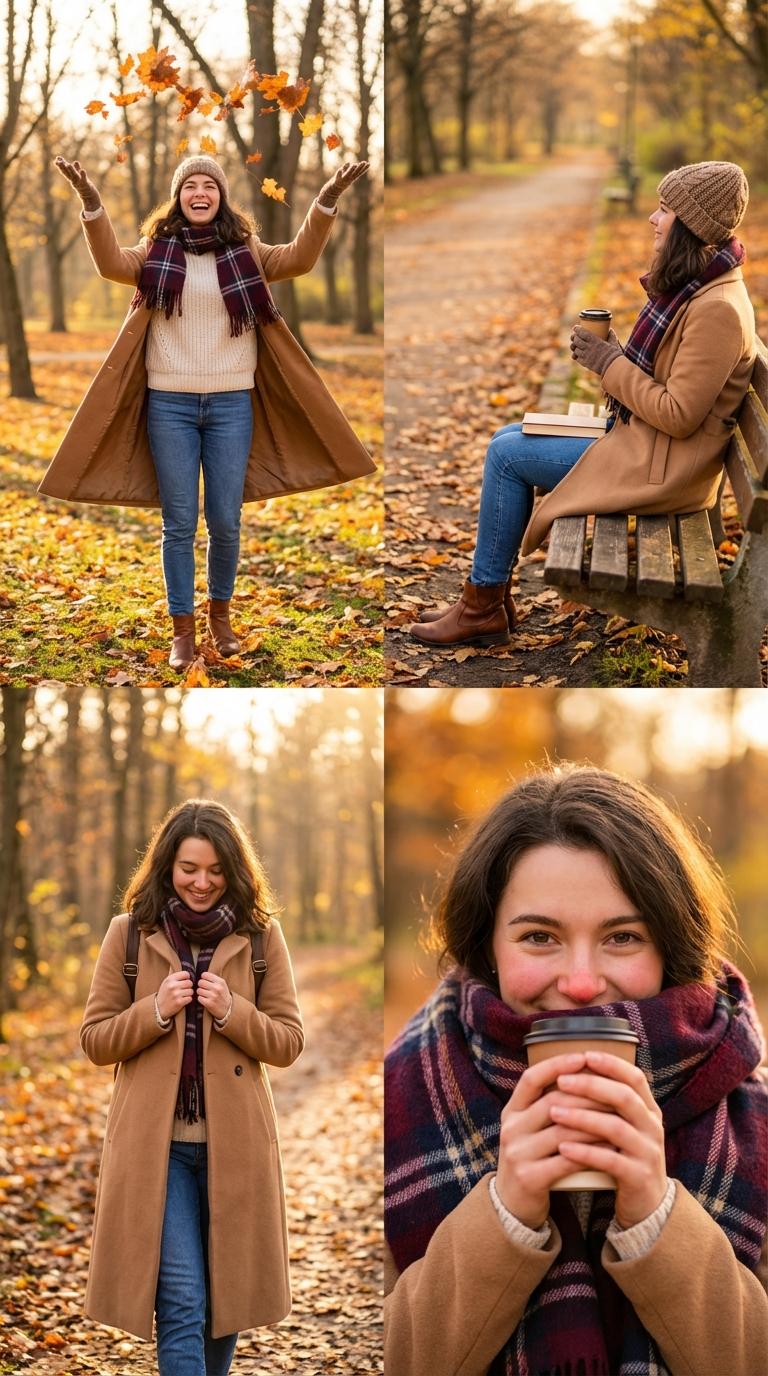
卧槽!字节跳动 Seedream 4.5 这波 4K 更新太炸裂了🤯简直终结了AI生图的“抽卡”时代!

同一提示词硬刚:
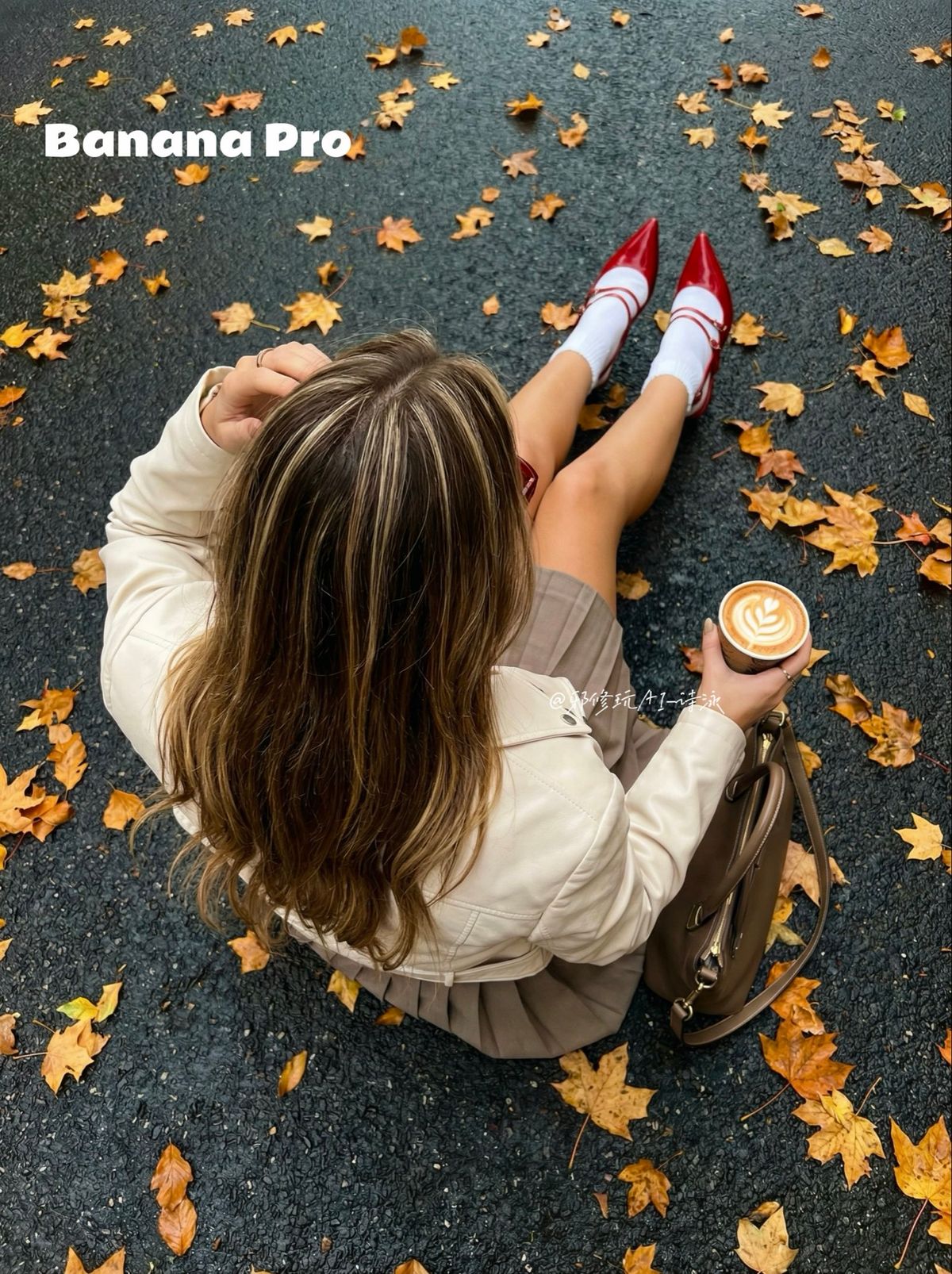
Nano Banana Pro 🆚 Seedream 4.5
效果差距比我预想的更刺激👇

✨4K 超清直出
✨星色彩美学氛围感拉满
✨复杂动作不再靠运气💨

👀 大家觉得这波升级香不香?如果你有Seedream账号,快去试试这组词,评论区晒图PK一下!

👇 同款提示词 已放评论区置顶,自取!

#AI生图 #AIGC #AIart #AI生图 #AIGC #AIart

提示词:
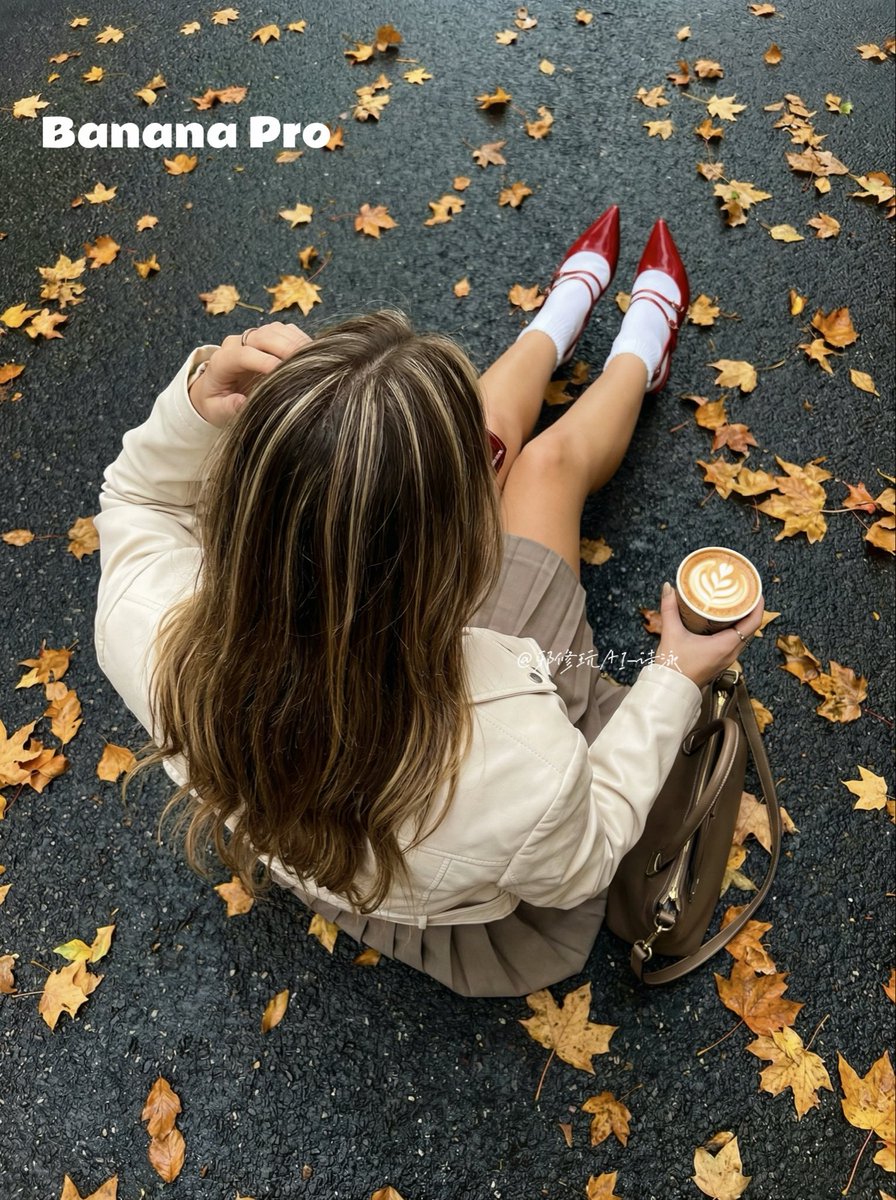
warm autumn color palette, fallen orange and yellow maple leaves creating a seasonal backdrop, deep glossy red accent heels adding strong visual focus, balanced with neutral beige jacket and taupe pleated skirt for high-end fashion harmony, soft natural daylight, clean whites in socks and latte foam for brightness contrast, warm cozy tones, cinematic fall color grading, harmonious warm neutrals + accent red, lifestyle editorial aesthetic, high-resolution photo-realism
Category
Photography & Realism
Model
Nano Banana Pro
Views0
Source ID
seedream-4-5-4k-geng-xin-ai-sheng-tu-shi-dai-de-jie-zheng

Guide

About "Seedream 4.5 4K更新:AI生图新时代的终结?"

What is this prompt for?

"Seedream 4.5 4K更新:AI生图新时代的终结?" AI image prompt for Nano Banana Pro (Photography & Realism). 卧槽!字节跳动 Seedream 4.5 这波 4K 更新太炸裂了🤯简直终结了AI生图的“抽卡”时代! 同一提示词硬刚: Nano…

The full copyable prompt and example visuals above are ready for AI image generation or one-click recreate in Picva.

How to use this prompt

  1. Step 1

    Open the prompt detail

    Review the example visuals, category, and full prompt text for "Seedream 4.5 4K更新:AI生图新时代的终结?".

  2. Step 2

    Copy the prompt

    Copy the prompt body from this page, or load it directly in Studio.

  3. Step 3

    Pick a model (Nano Banana Pro)

    Prefer Nano Banana Pro. If you switch models, keep subject and composition and tweak style terms.

  4. Step 4

    Generate and export

    Recreate the look in Picva, or export into your workflow for editing and publishing.

FAQ

What is the "Seedream 4.5 4K更新:AI生图新时代的终结?" prompt?
It is an AI image-generation prompt for Nano Banana Pro in the Photography & Realism category. This page includes the full prompt text, example visuals, and a one-click recreate path in Picva.
How do I use this prompt to generate an image?
Copy the prompt from this page, or use Generate / Studio. Paste it into a compatible image model, or recreate the look in Picva with optional reference images.
Which model is this prompt for?
This page lists Nano Banana Pro. Most descriptive prompts also transfer to nearby image models such as GPT Image, Flux, or Midjourney with light style tweaks.
Can I use the result commercially?
You can usually copy the prompt for creation, but commercial use of the final image depends on the model terms, reference-image rights, and the generated content. Follow the source author and platform rules.