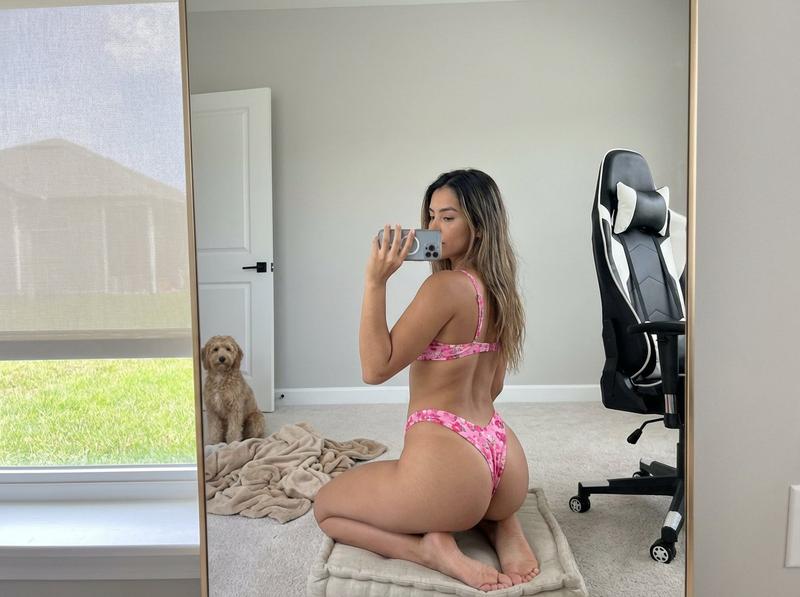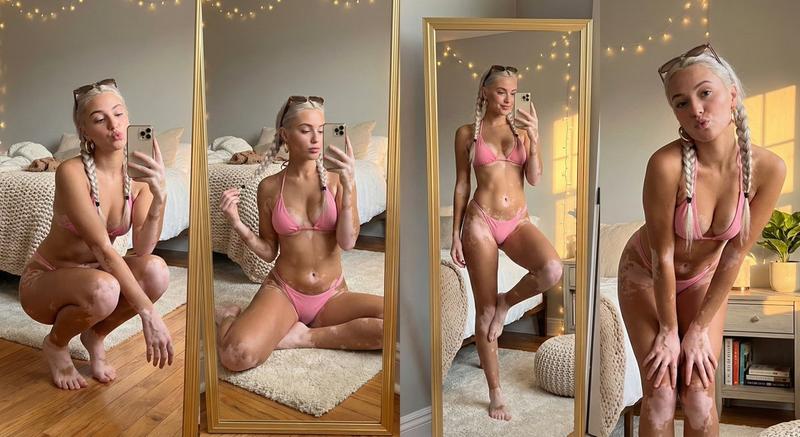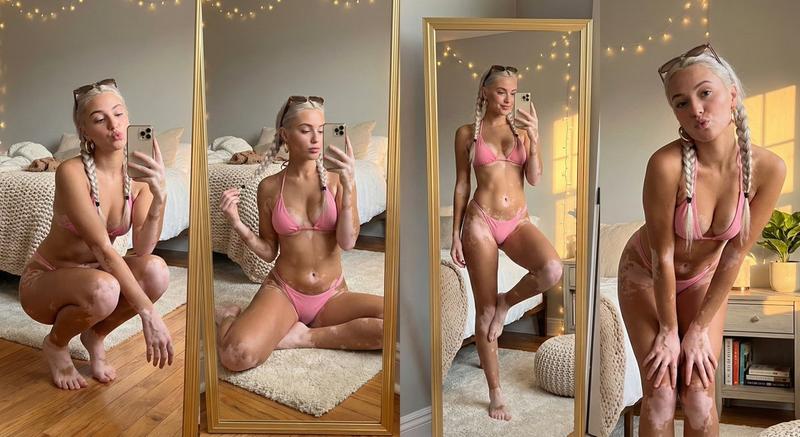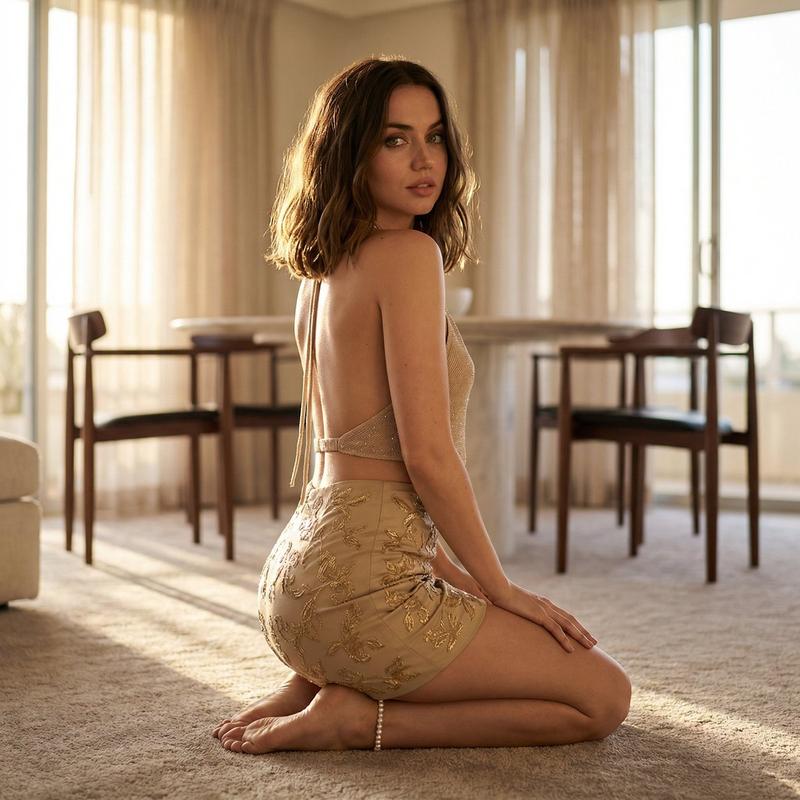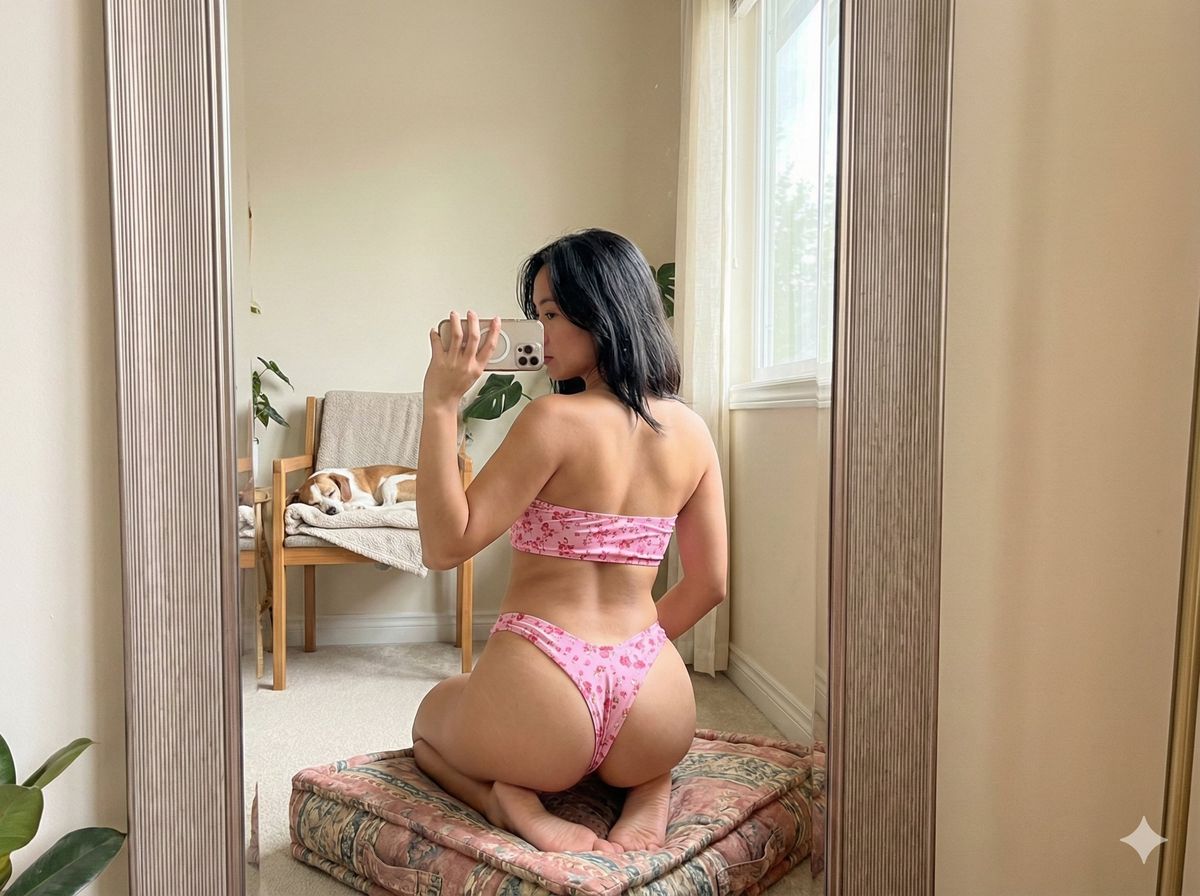
Si Anjing Mirror Selfie
Prompt
Si anjing malah tidurnya nyenyak bgt!
Klo g ada logo gemini pojok kanan bawah kira2 bisa bedain gk anu palsu apa asli?
Ini ges prompt Nano Banana PRO:
{
"template_id": "mirror_room_cheeky_v_bikini_synth_v1_compact",
"version": "1.3.0",
"intent": "Straight-on mirror selfie scene with clothed synthetic philipians woman in pink cheeky V-shaped bikini; same room, chair, dog, and camera angle; identity replacement allowed.",
"subject_identity_policy": {
"subject_type": "synthetic_adult_female",
"identity_replacement_allowed": true,
"scope": "face_and_body_identity_only",
"constraints": [
"Do not alter pose, proportions, or bikini coverage.",
"Do not move chair, dog, mirror, or environment."
]
},
"pose_lock": {
"desc": "Kneeling on cushion, back to mirror, torso slightly rotated, head turned toward phone.",
"body_orientation": {
"pelvis_yaw": 180,
"pelvis_pitch": -2,
"spine_yaw": -12,
"spine_pitch": 8
},
"head": {
"yaw": 35,
"pitch": -4
},
"legs": {
"kneeling": true,
"knee_sep": 0.8,
"lower_leg_deg": 15
},
"arms": {
"left": {
"elbow": 95,
"shoulder": 22,
"pos": {
"x": 0.63,
"y": 0.34
},
"action": "holding_phone"
},
"right": {
"elbow": 40,
"shoulder": 15,
"pos": {
"x": 0.52,
"y": 0.52
},
"action": "resting"
}
},
"back": {
"scapula": "visible",
"curve": "mild",
"shoulder_h": 0.63
},
"hips": {
"hip_h": 0.45,
"center_x": 0.51,
"pelvis_tilt": 5
},
"rules": [
"Keep kneeling pose and straight-on back view.",
"Freeze angles within ±2 degrees.",
"Maintain clear phone-to-mirror geometry."
]
},
"camera_lock": {
"method": "mirror_selfie",
"focal_mm": 26,
"dist_m": 1.2,
"height_m": 1.05,
"pitch": -3,
"lens": "mild_barrel",
"dof": {
"aperture": 2.2,
"blur": "subtle"
},
"framing": {
"ratio": "4:3",
"left": "mirror_edge",
"right": "chair_edge",
"top": "ceiling_strip",
"bottom": "cushion_floor"
},
"rules": [
"Keep camera aligned nearly straight-on.",
"Do not shift camera position or height."
]
},
"bikini_geometry_lock": {
"type": "two_piece",
"top": {
"style": "bandeau",
"tie": {
"x": 0.5,
"y": 0.56
},
"tension": "moderate"
},
"bottom": {
"style": "cheeky_v",
"waist_h": 0.47,
"side_deg": 45,
"coverage": 0.7,
"center": {
"x": 0.51,
"y": 0.61
}
},
"pattern": {
"base": "#ff6aa0",
"acc": "#ffffff",
"type": "floral",
"scale": 0.18
},
"fabric": {
"mat": "nylon_spandex",
"spec": 0.35,
"stretch": "horizontal"
},
"rules": [
"Maintain cheeky V-cut.",
"Do not change pink color or floral pattern."
]
},
"lighting_lock": {
"model": "indoor_daylight_mix",
"prima- Category
- Photography & Realism
- Model
- Nano Banana Pro
- Creator
- feyber | AI & WEB3 🇮🇩
- Source ID
- si-anjing-mirror-selfie
Views0