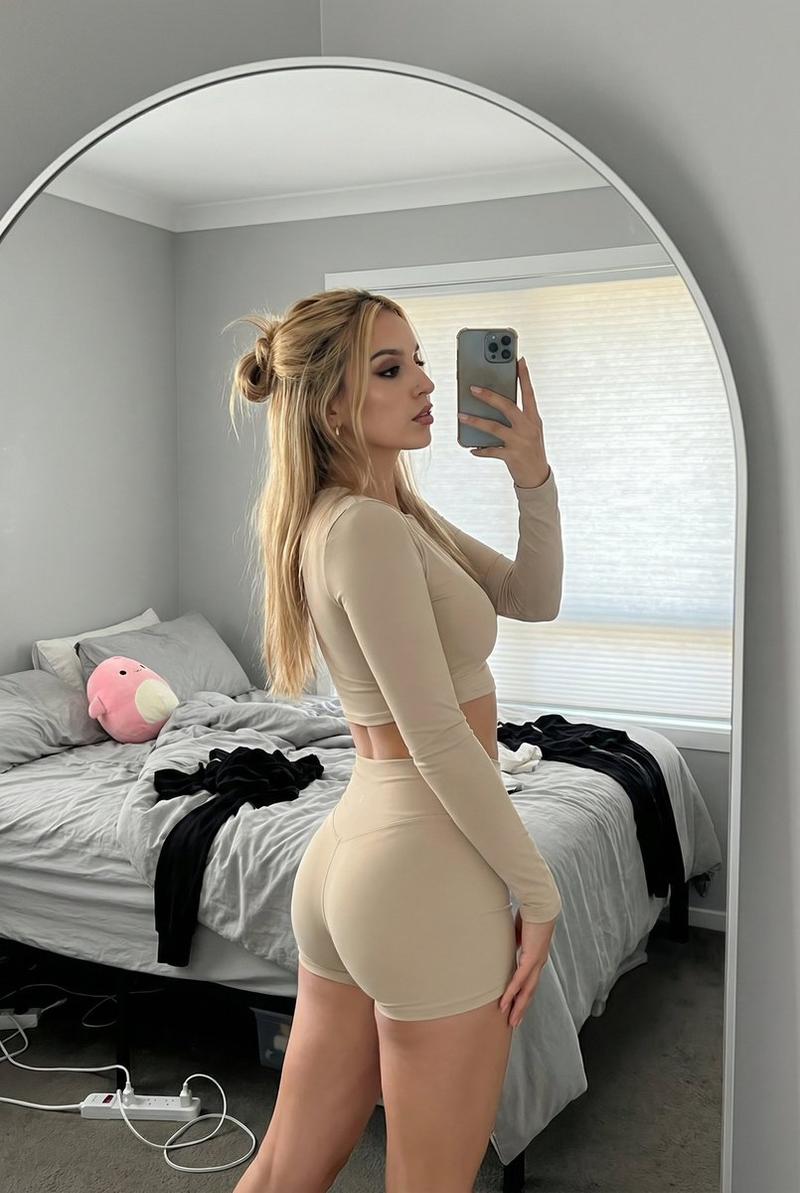
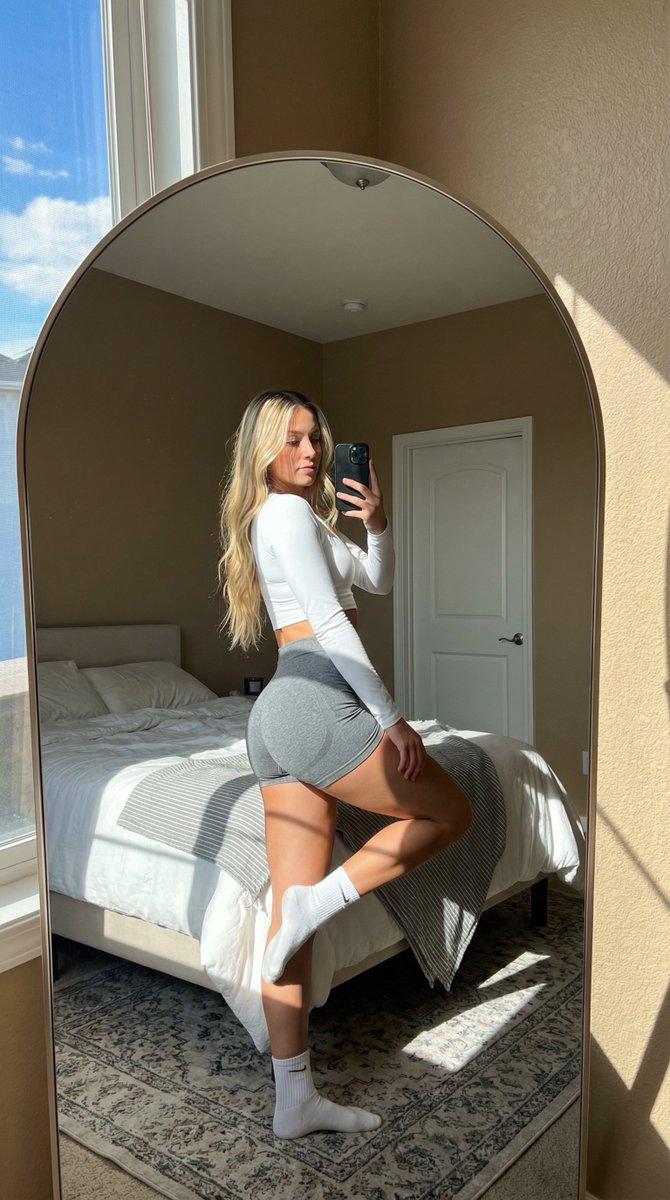
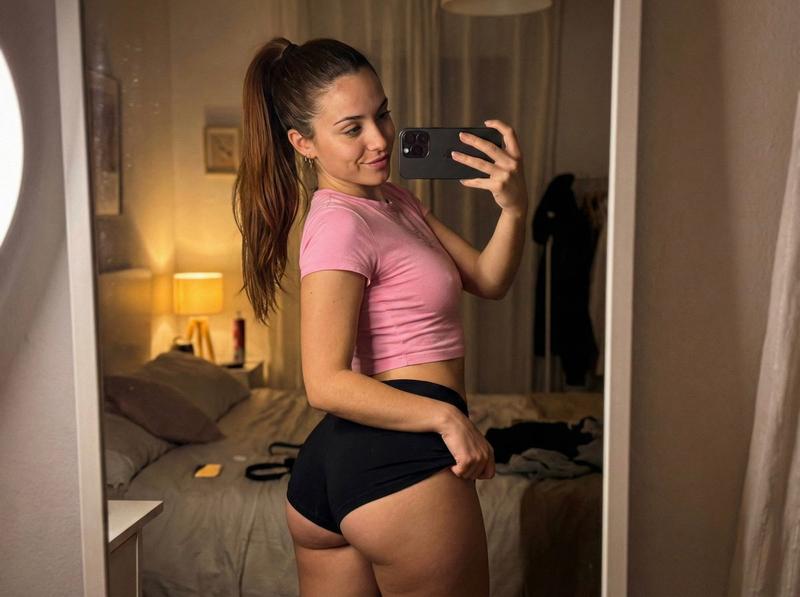
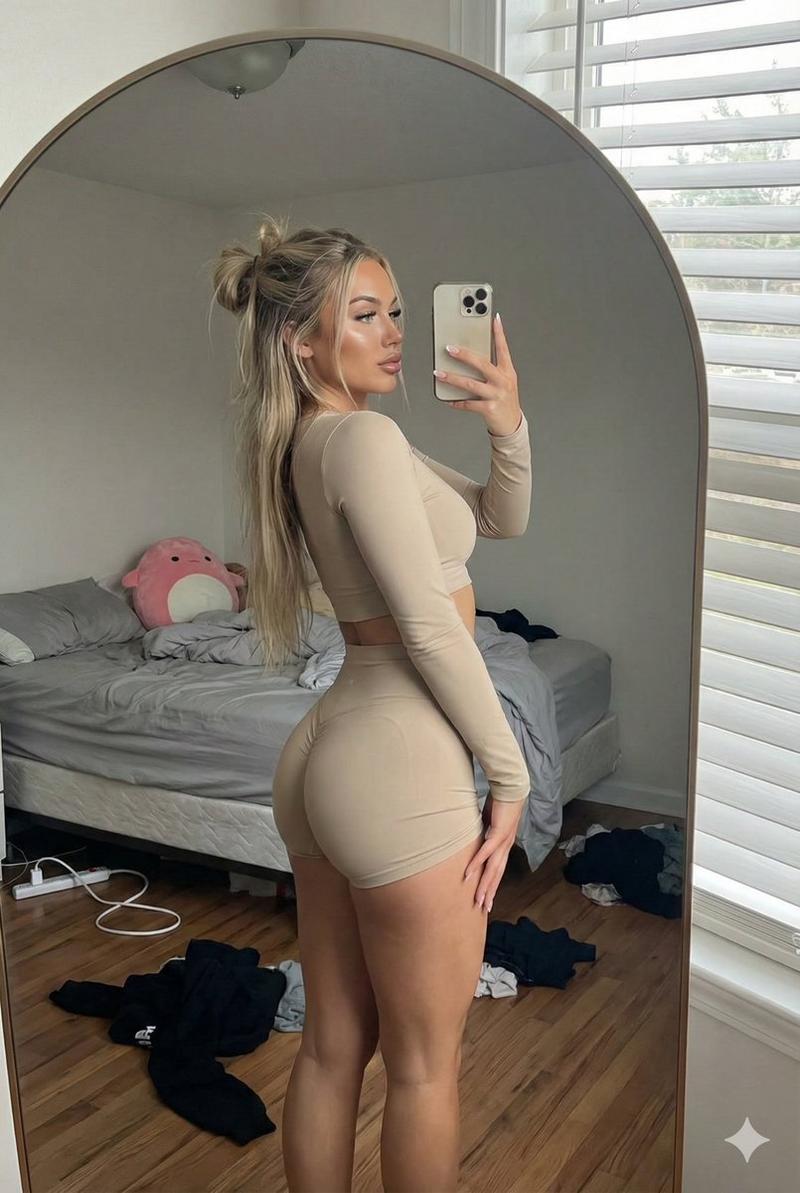
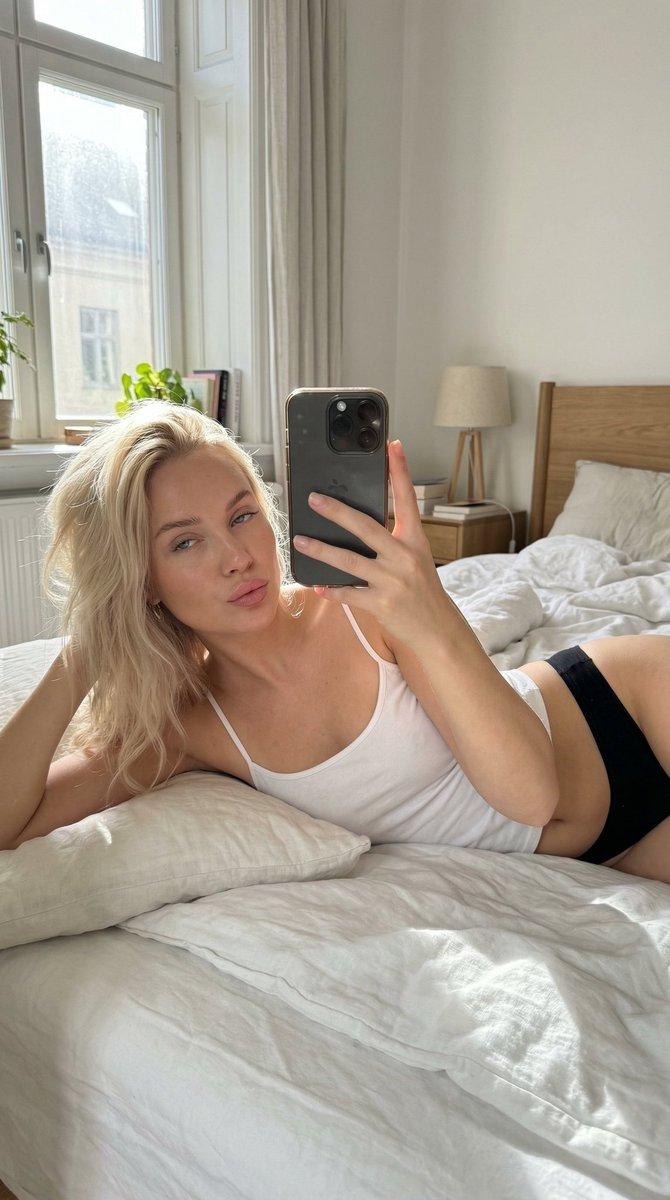
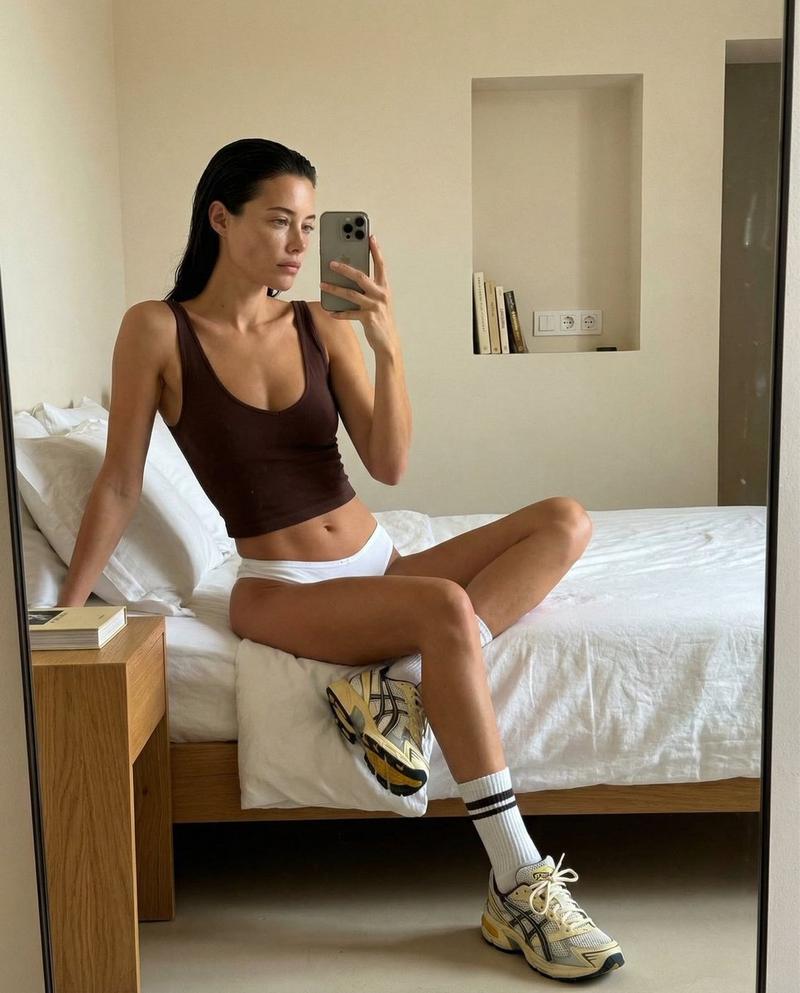
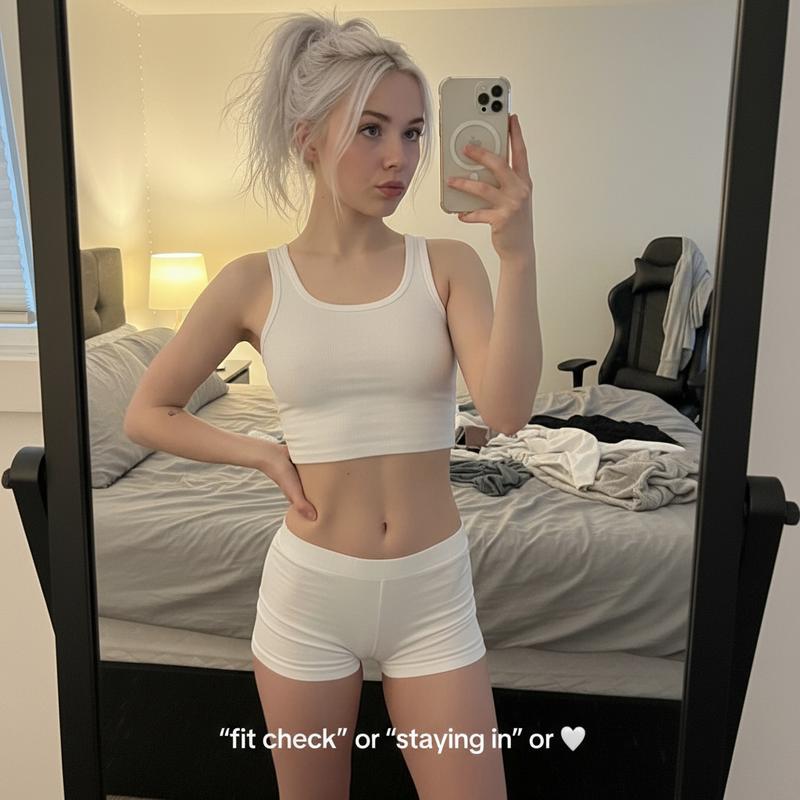
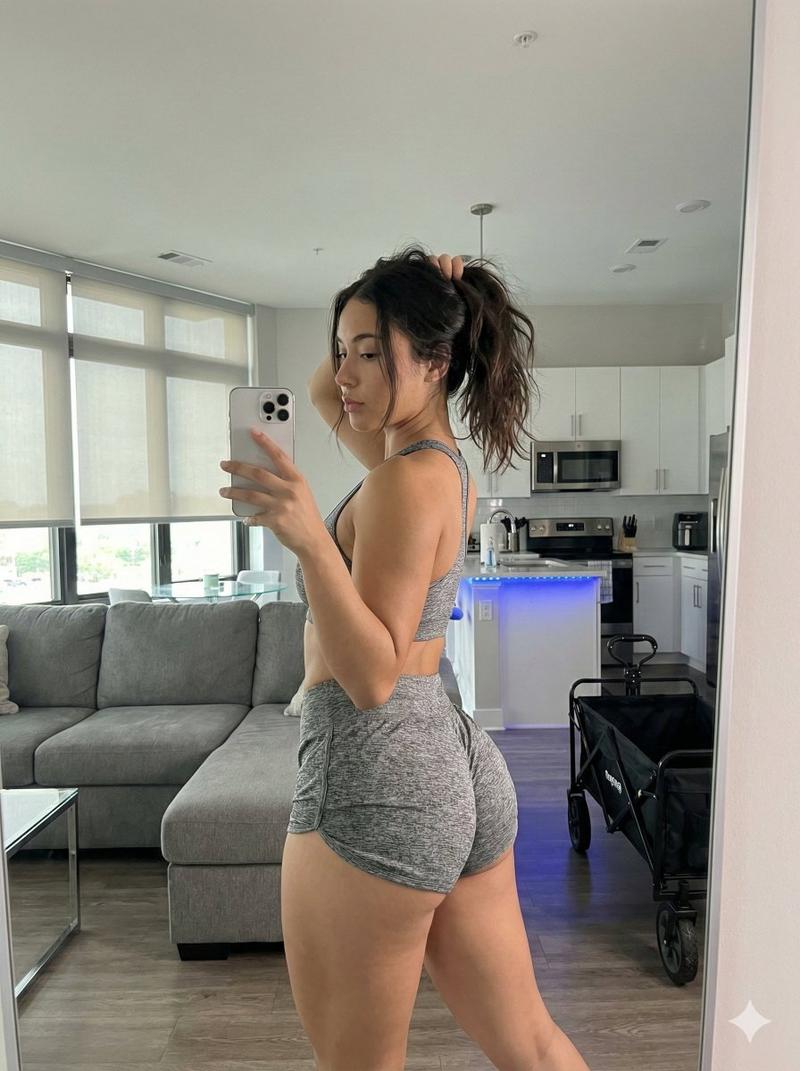
Detailed Nano Banana Pro Image Generation Prompt
Prompt
{
  "meta": {
    "analysis_timestamp": "2026-01-02T20:39:50+05:30",
    "target_tool": "Nano Banana Pro",
    "image_dna": {
      "type": "Photo",
      "orientation_lock": "LOCKED: Orientation preserved 1:1",
      "sensor_emulation": "iPhone 14/15 Pro Main Camera"
    }
  },
  "spatial_orientation_engine": {
    "subject_facing_direction": "CAMERA (Front) - via Mirror Reflection",
    "body_rotation": "Subject is standing with back to the mirror, twisted to the LEFT to look over left shoulder. Glutes facing camera.",
    "camera_position_relative": "Mirror Selfie: Camera is virtually located at mirror surface, reflection shows subject from rear-oblique angle."
  },
  "camera_optics_and_geometry": {
    "lens_profile": {
      "focal_length": "24mm (Smartphone Wide)",
      "aperture": "f/1.7 (Moderate depth of field)",
      "lens_character": "Digital Sharpness with Smart HDR processing"
    },
    "optical_flaws": [
      "Mirror surface dust/smudges",
      "Slight perspective distortion on edges",
      "Digital noise in shadow areas"
    ]
  },
  "environment_and_physics": {
    "lighting_engine": {
      "primary_source": "Natural Daylight (Window on Right)",
      "radiosity_color_bleed": "Warm Tungsten lamp light reflecting on white walls and mixing with cool daylight on skin",
      "shadow_structure": "Soft ambient shadows on the left side of the room; contact shadows under the bag",
      "volumetrics": "Clear Air"
    },
    "surface_physics": {
      "weather_impact": "Indoor stable environment",
      "material_response": "High stretch fabric tension on shorts; specular highlights on plastic water bottle"
    }
  },
  "scene_text_ocr": {
    "detected": true,
    "content": [
      {
        "text": "{argument name=\"Water Bottle Brand\" default=\"Hydro Flask\"}",
        "location": "Water Bottle on bed",
        "font_style": "Sans-serif Logo"
      },
      {
        "text": "{argument name=\"Time on Clock\" default=\"1:00\"}",
        "location": "Digital Clock on nightstand",
        "font_style": "Digital 7-segment"
      }
    ]
  },
  "objects_and_actors": [
    {
      "id": "MAIN_SUBJECT",
      "role": "Identity Swap Target",
      "pose_engineering": {
        "skeletal_rig": "Standing upright, weight shifted to right leg, hips rotated slightly away, torso twisted left, head turned left looking at phone.",
        "gaze_vector": "Eyes looking at phone screen in mirror reflection.",
        "interaction_physics": "Right hand gripping phone, left arm relaxed by side."
      },
      "physiological_state": {
        "body_temp_visuals": "Neutral/Resting",
        "skin_light_interaction": "Soft daylight highlight on right arm and leg; warm lamp rim light on left profile."
      },
      "clothing_simulation": {
        "garment_stack": "{argument name=\"Clothing Description\" default=\"black Baseball Cap (Backwards), Black Sports Bra (Dream white) Grey Marl Booty Shorts\"}",
        "fabric_mechanics": "High tension on shorts over glutes, elastic compression on sports bra straps.",
"texture_and_wear": "Heathered texture on grey s"- Category
- 创意图片
- Model
- Nano Banana Pro
- Creator
- Chandan Singh
- Source ID
- 86a5ef4c-6d8e-4e32-9c27-0320d19c441f
- Published
- Mar 8, 2026
Views0