逼真健身房镜子自拍提示(曲线身材)
Prompt
{
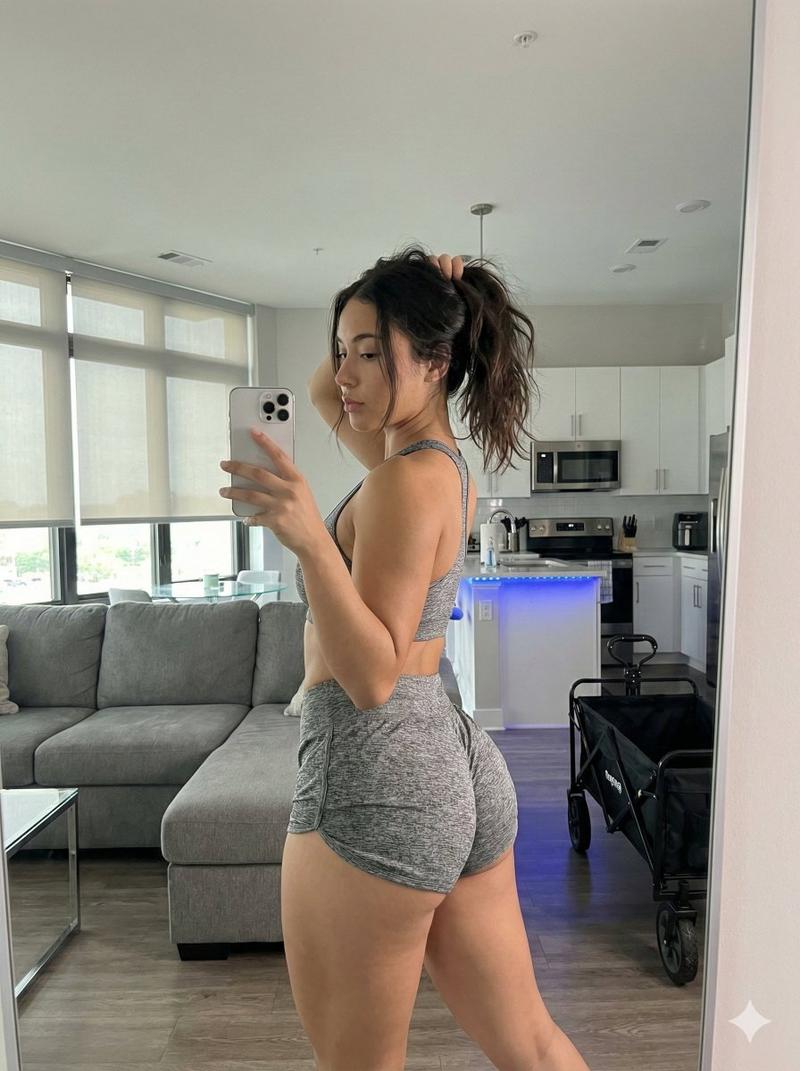
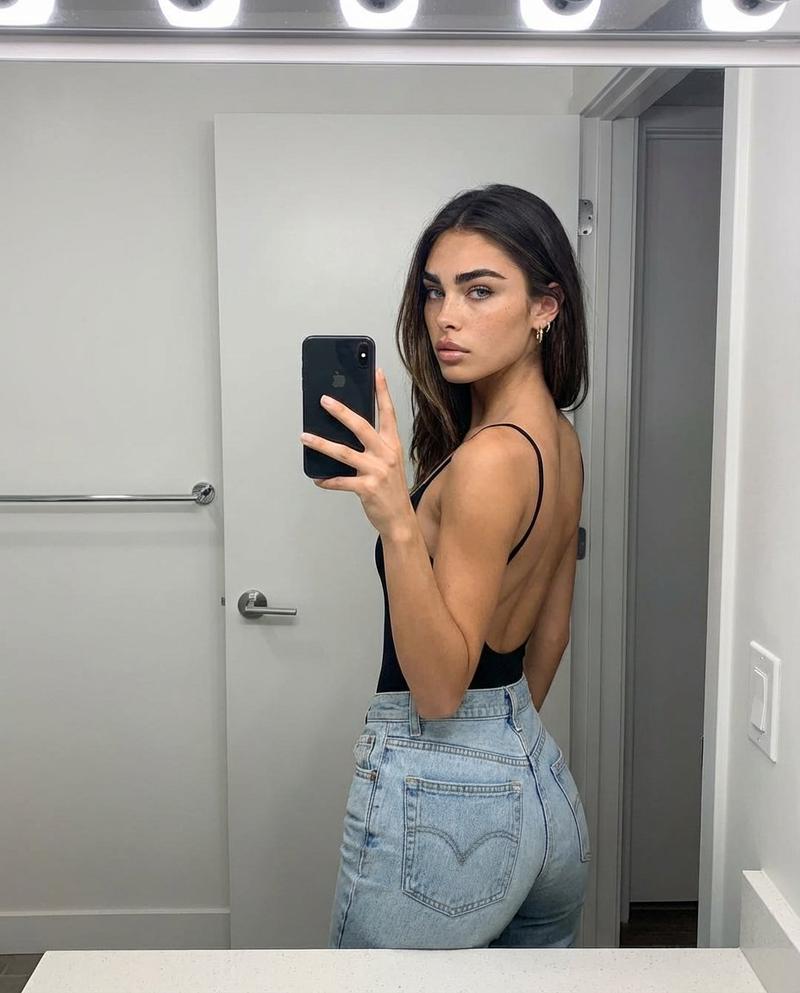
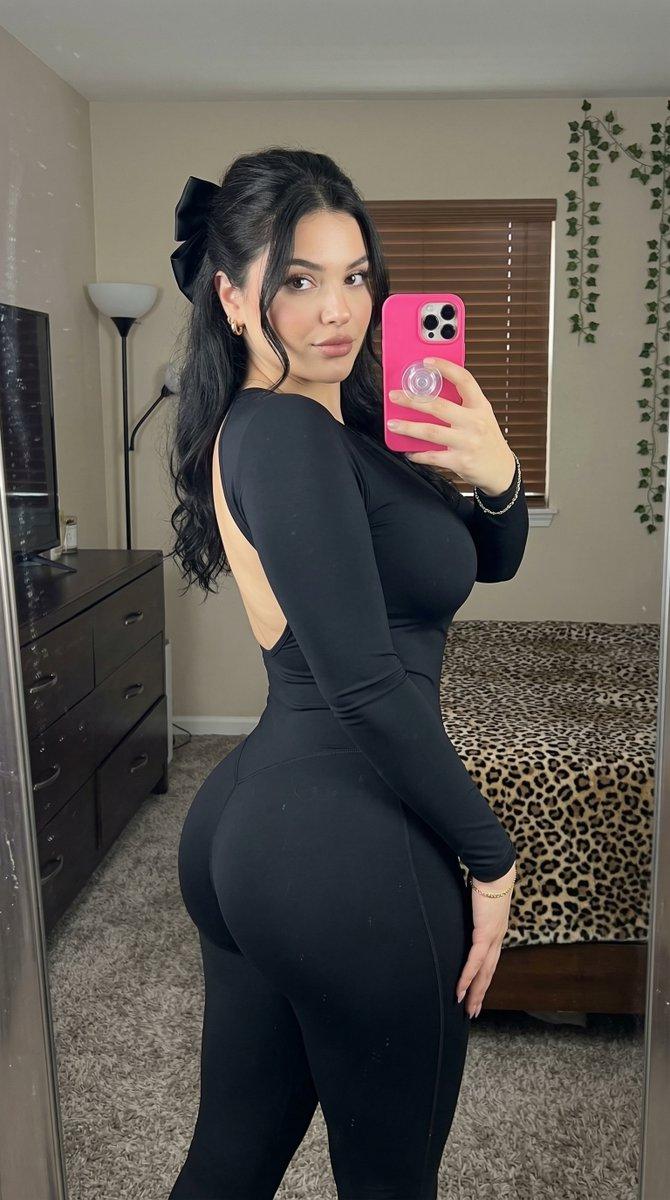
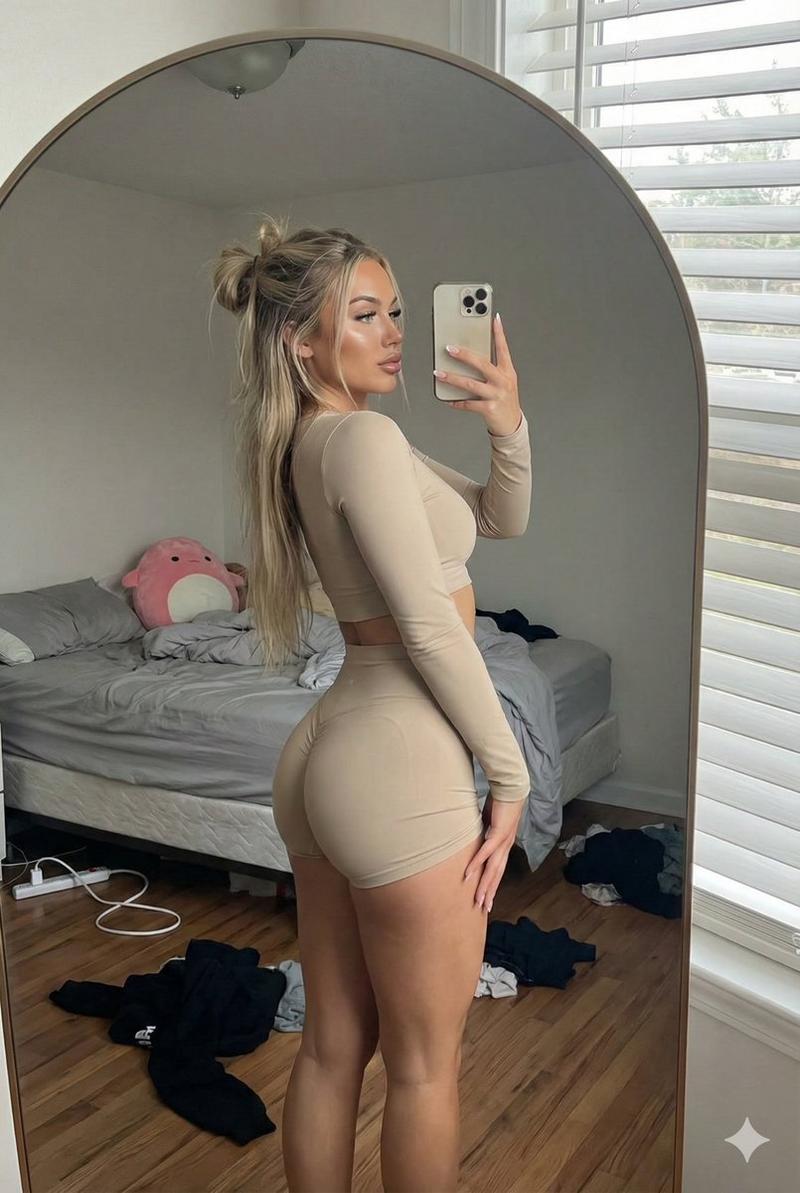
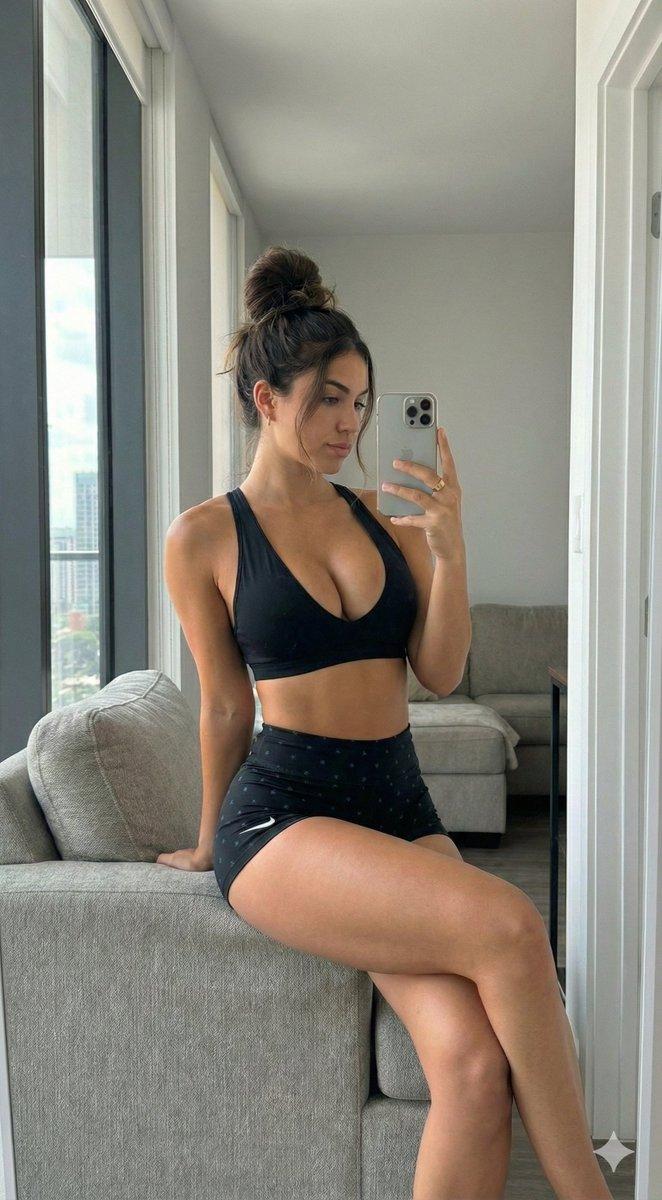
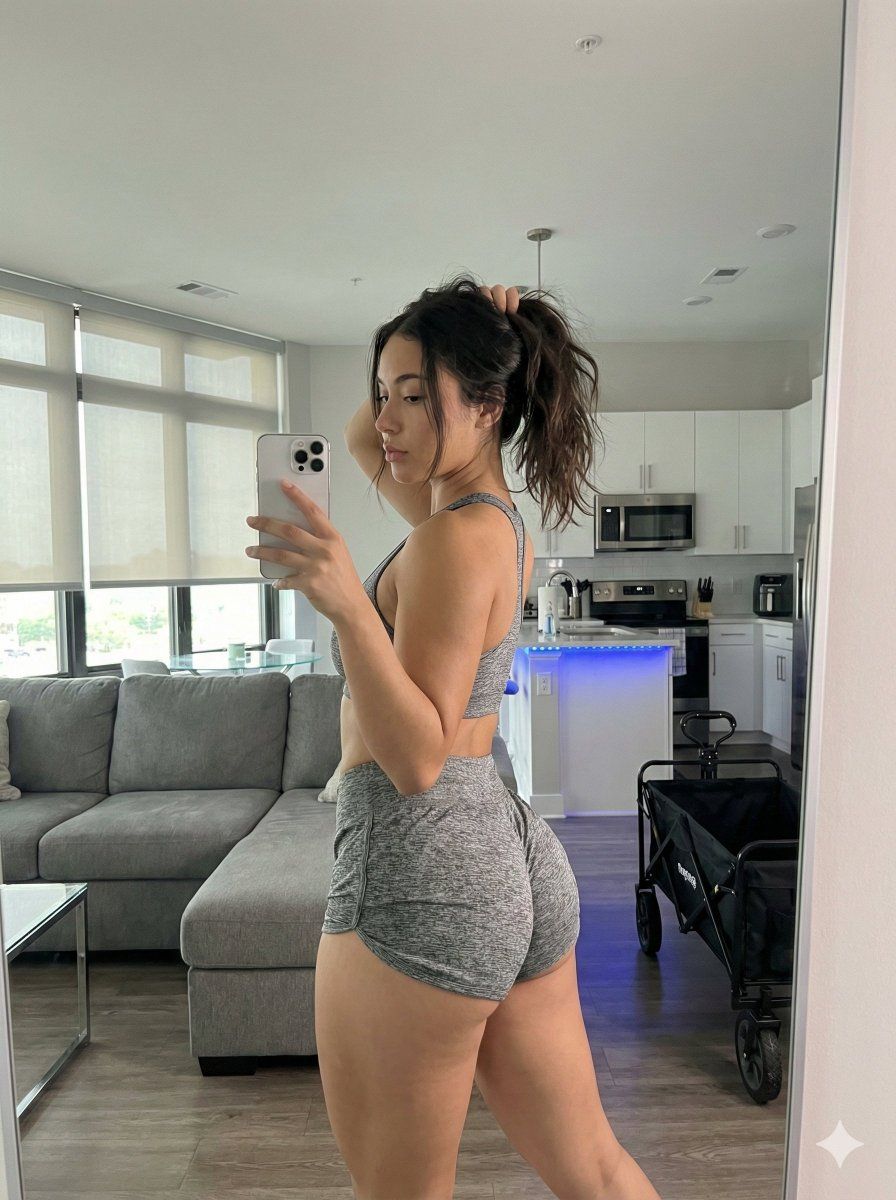
"subject": "Young woman with a curvy, athletic physique, light tan skin tone, and dark brunette hair styled in a high, messy ponytail with loose strands framing the face. She is wearing a matching grey heather athleisure set consisting of a racerback sports bra with a thick elastic underband and tight dolphin-hem shorts. The fit emphasizes a narrow waist and voluminous, prominent glutes and hips, maintaining exact anatomical proportions from the reference. The upper back shows subtle muscular definition.",
"pose": "Standing rear-view mirror selfie pose. The subject stands with her back mostly to the mirror, twisting her torso and hips to the right to profile her side and glutes. Her weight is shifted onto her left leg, accentuating the hip curve. Her right arm is bent, holding a silver smartphone (iPhone Pro style) up to capture the reflection in the mirror. Her left hand is raised, touching the base of her ponytail. Her head is turned to the right, looking at the phone screen in the mirror. The spine exhibits a natural arch.",
"environment": "A modern, open-concept apartment interior. To the left, a grey sectional sofa and a glass-top table are visible in a living area. To the right, a kitchen features white cabinetry, stainless steel appliances including a large refrigerator and oven, and a central island with distinct blue LED under-counter accent lighting. The flooring is light wood planks laid diagonally. In the background, large floor-to-ceiling windows with lowered blinds let in daylight. A black folding cart or wagon is visible on the floor near the kitchen.",
"camera": "Mirror selfie perspective. The image is captured via the reflection in a large wall mirror. The shot framing captures the subject from the mid-thighs up to above the head, including a wide view of the room behind her. The phone is visible in the reflection, partially obscuring the face/chest area. The focal length creates a natural indoor perspective without extreme wide-angle distortion, preserving the depth of the room.",
"lighting": "Mixed lighting environment. Strong natural daylight enters from the background windows, creating a backlit effect that diffuses through the room. Interior ambient lighting is present, including the cool blue glow from the kitchen island LED strip which contrasts with the warmer natural light. The subject is lit by the ambient room light, creating soft, natural shadows on the skin and clothing.",
"mood_and_expression": "Casual, confident, and relaxed. The body language is checking progress or posing for a fitness update. The expression is focused on the phone screen/reflection, appearing calm and self-assured.",
"style_and_realism": "High-fidelity photorealism. The image must look exactly like a raw smartphone photo taken in a mirror. Texture of the heather grey fabric, skin pores, hair strands, and reflections in the stainless steel appliances must be rendered with absolute physical accuracy. N"- Category
- 创意图片
- Model
- Nano Banana Pro
- Creator
- brindley
- Source ID
- dfaa018f-36e7-435a-867d-b3c130d7bd4d
- Published
- Mar 8, 2026
Views0