19

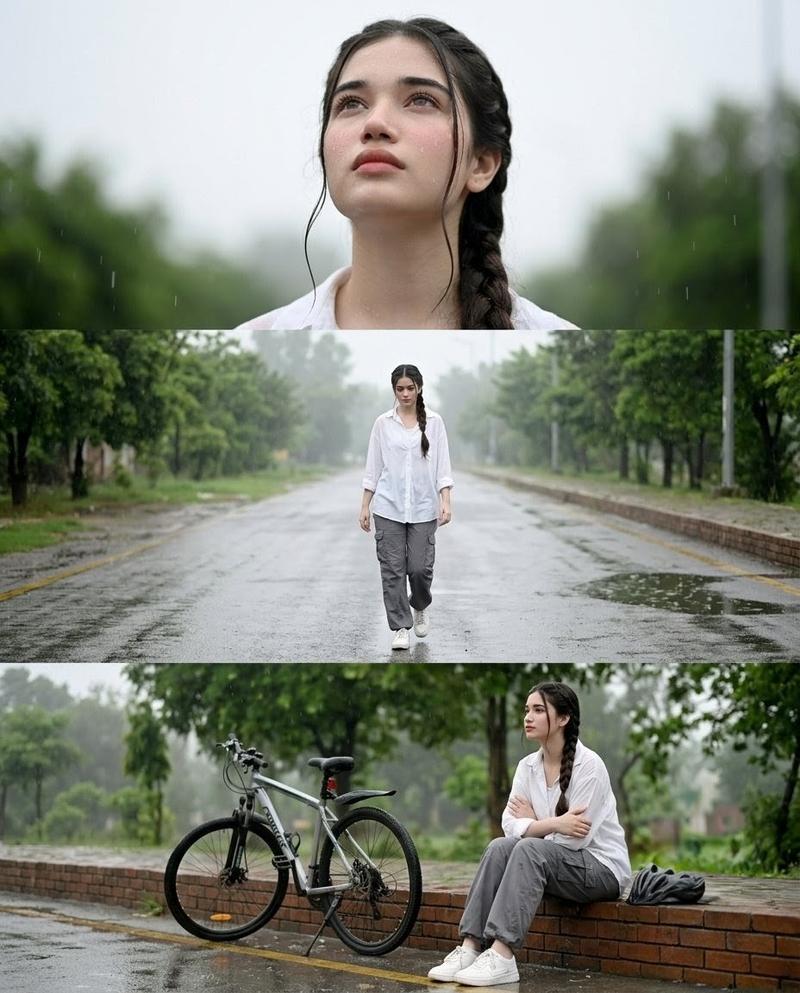
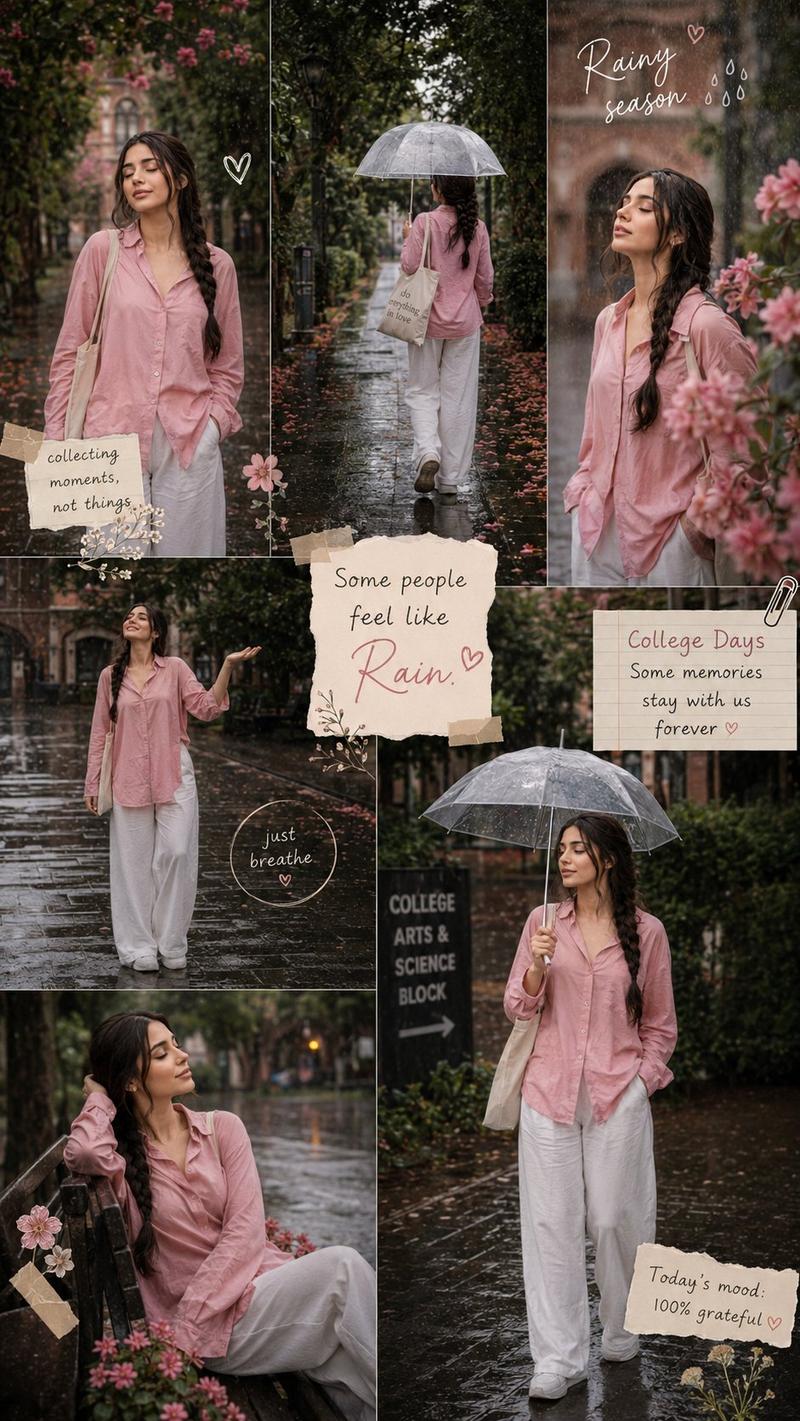
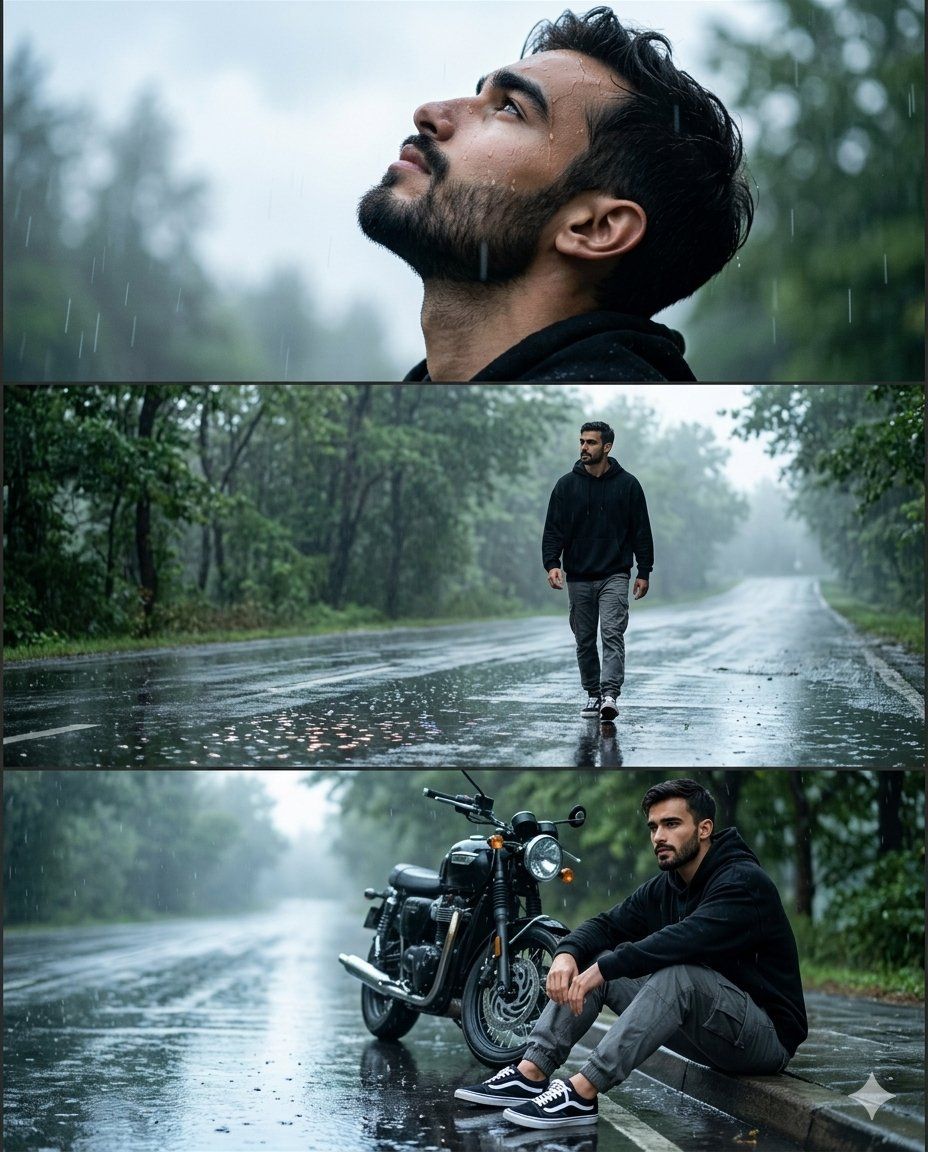
雨中道路电影感拼贴
Enlarge

雨中道路电影感拼贴

Prompt
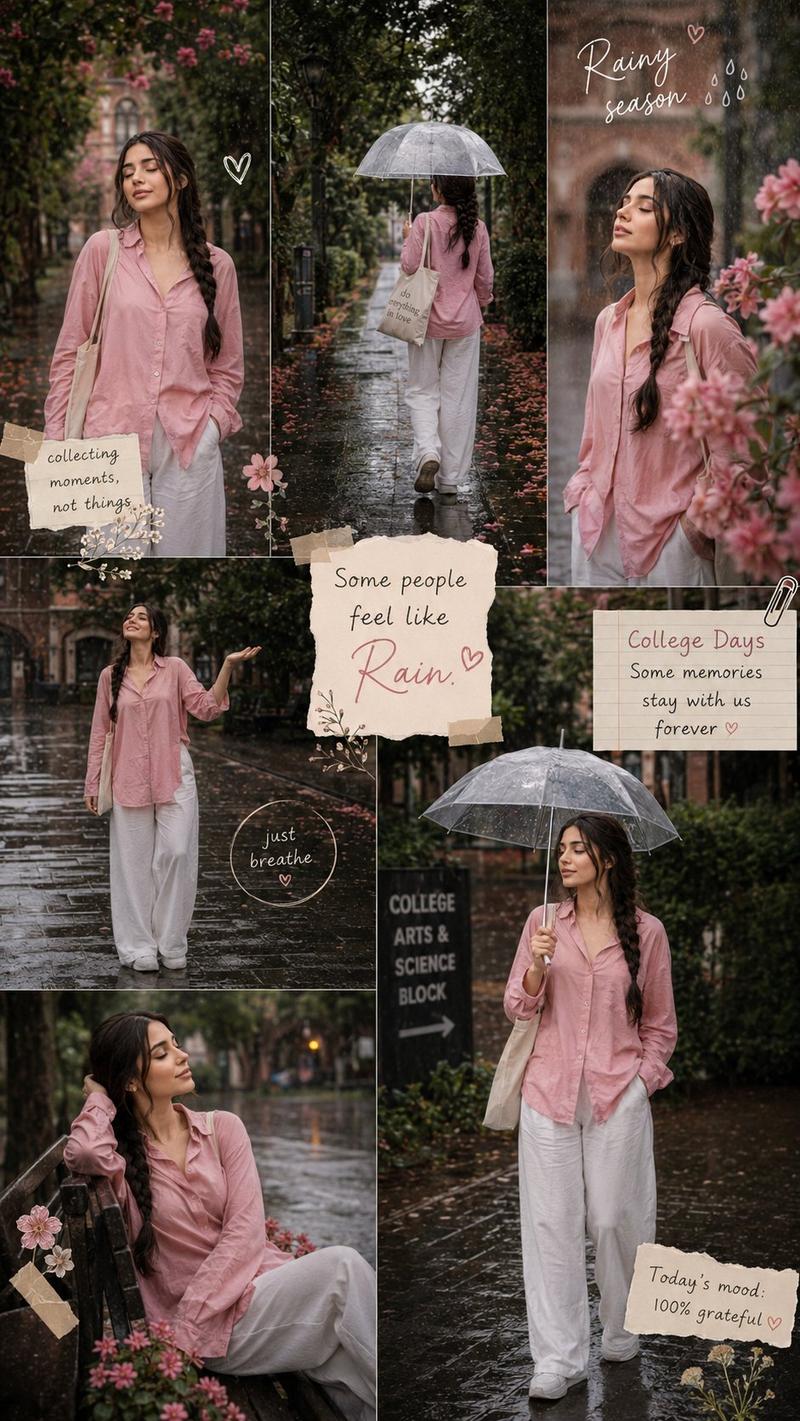
Use the {argument name="subject" default="person"} from the reference photo as the main subject. Keep their exact facial features, hairstyle, skin tone, and expression perfectly unchanged preserve all realism, emotional depth, and subtle facial lighting. Allow changes only in camera position, background motion, {argument name="outfit" default="outfit and atmosphere"}. brown skin, Create ultra-premium {argument name="background" default="rainy road"} cinematic collage in vertical 4:5 ratio with three emotional frames during bright overcast daylight after rain. Same exact face in all frames.Wear black oversized hoodie, grey cargo pants and sneakers. Top frame looking upward at sky with raindrops on face, middle frame walking alone on wet road, bottom frame sitting beside bike thoughtfully. Bright reflective wet road, green trees, foggy atmosphere, glowing road reflections, realistic rain particles, cinematic puddles,
Category
Posters & Typography
Model
GPT Image 2
Views3
Source ID
23002
Published
May 28, 2026

Guide

About "雨中道路电影感拼贴"

What is this prompt for?

"雨中道路电影感拼贴" AI image prompt for GPT Image 2 (Posters & Typography). 一个用于 GPT-2 Image 的多帧电影感拼贴提示词,旨在创作湿润道路上的情感场景,同时保持角色一致性。 Copy it on Picva and recreate the lo…

The full copyable prompt and example visuals above are ready for AI image generation or one-click recreate in Picva.

How to use this prompt

  1. Step 1

    Open the prompt detail

    Review the example visuals, category, and full prompt text for "雨中道路电影感拼贴".

  2. Step 2

    Copy the prompt

    Copy the prompt body from this page, or load it directly in Studio.

  3. Step 3

    Pick a model (GPT Image 2)

    Prefer GPT Image 2. If you switch models, keep subject and composition and tweak style terms.

  4. Step 4

    Generate and export

    Recreate the look in Picva, or export into your workflow for editing and publishing.

FAQ

What is the "雨中道路电影感拼贴" prompt?
It is an AI image-generation prompt for GPT Image 2 in the Posters & Typography category. This page includes the full prompt text, example visuals, and a one-click recreate path in Picva.
How do I use this prompt to generate an image?
Copy the prompt from this page, or use Generate / Studio. Paste it into a compatible image model, or recreate the look in Picva with optional reference images.
Which model is this prompt for?
This page lists GPT Image 2. Most descriptive prompts also transfer to nearby image models such as GPT Image, Flux, or Midjourney with light style tweaks.
Can I use the result commercially?
You can usually copy the prompt for creation, but commercial use of the final image depends on the model terms, reference-image rights, and the generated content. Follow the source author and platform rules.