Streetwear Floating Poster Design
Prompt
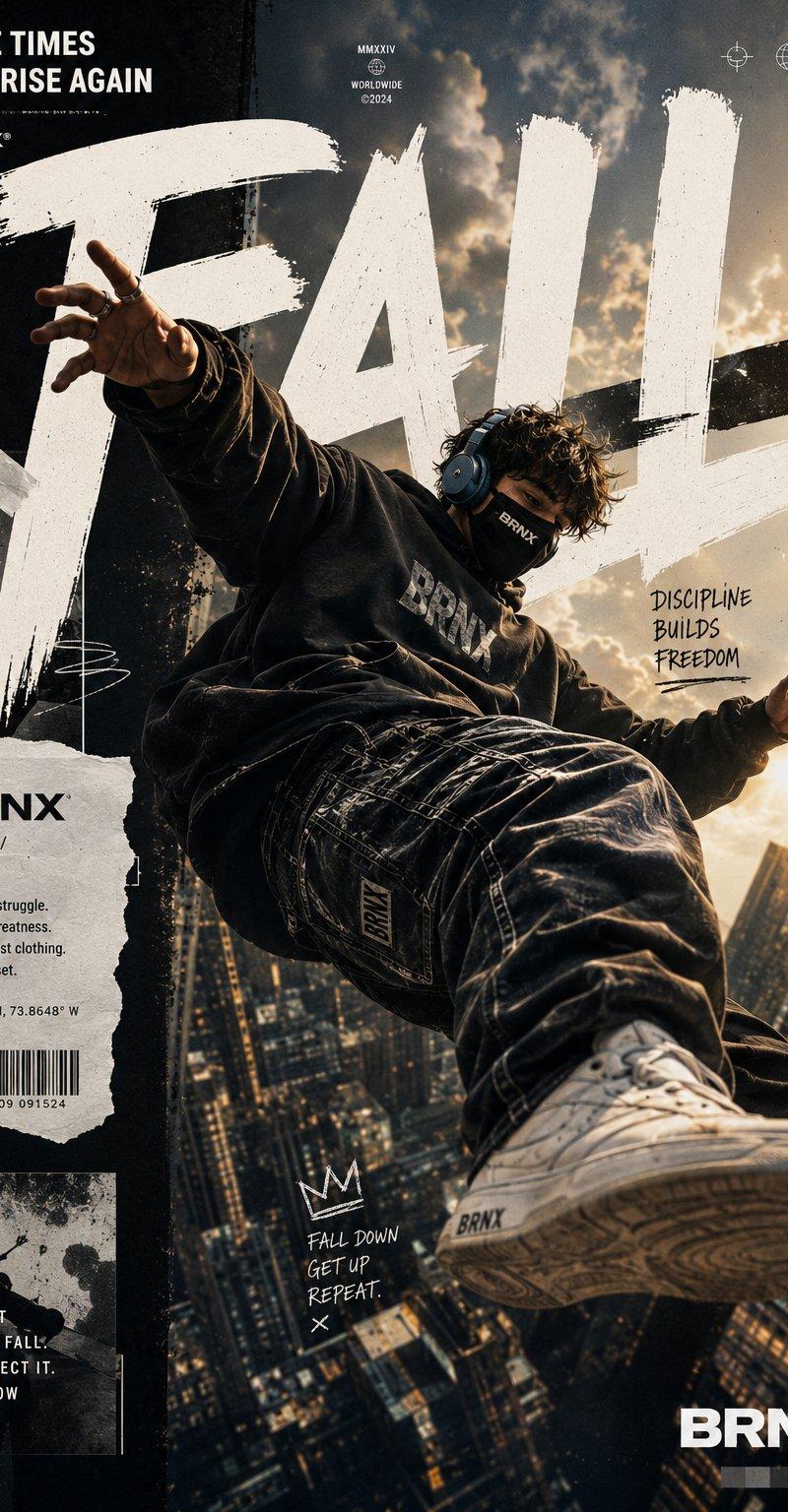
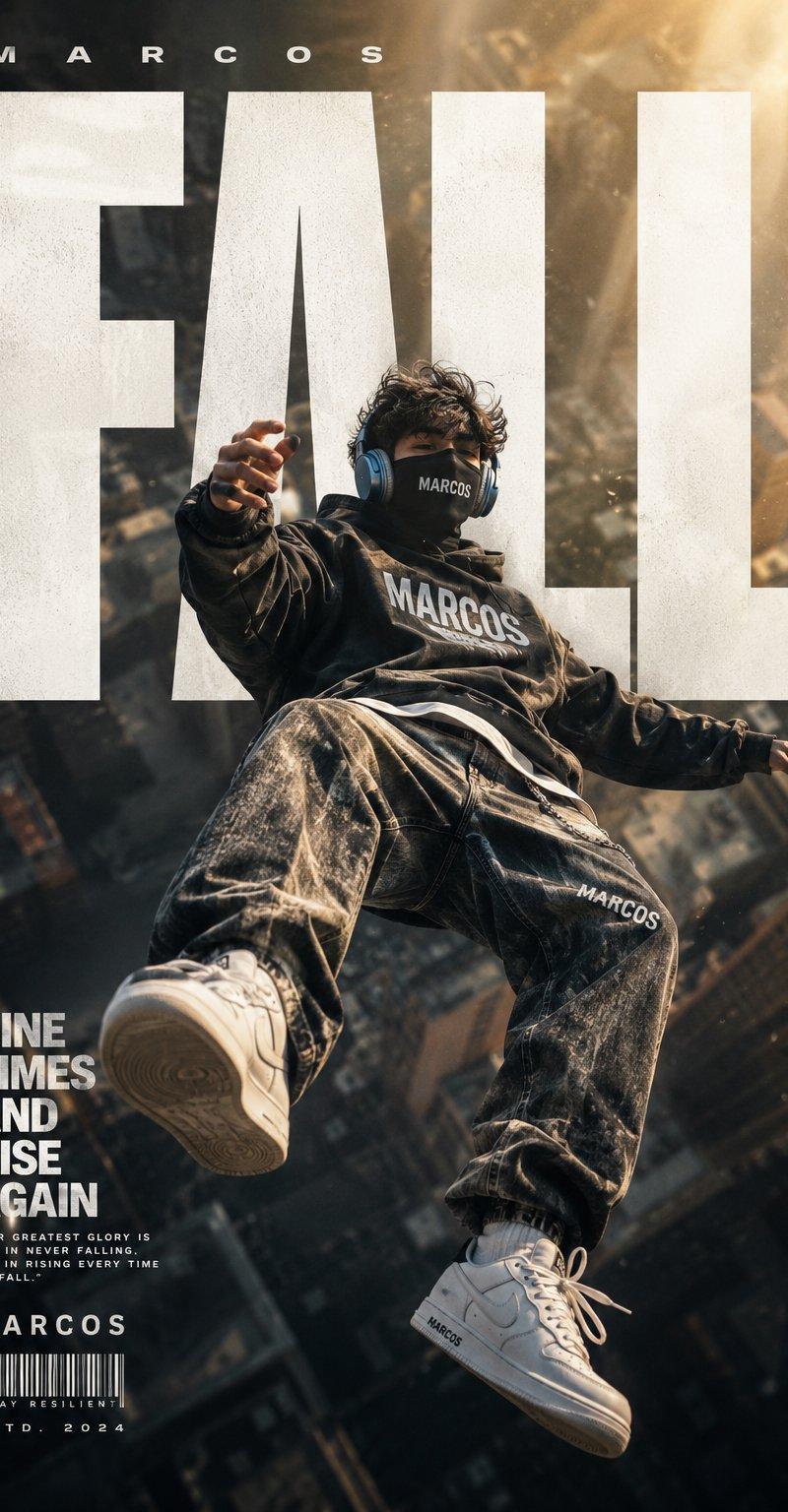
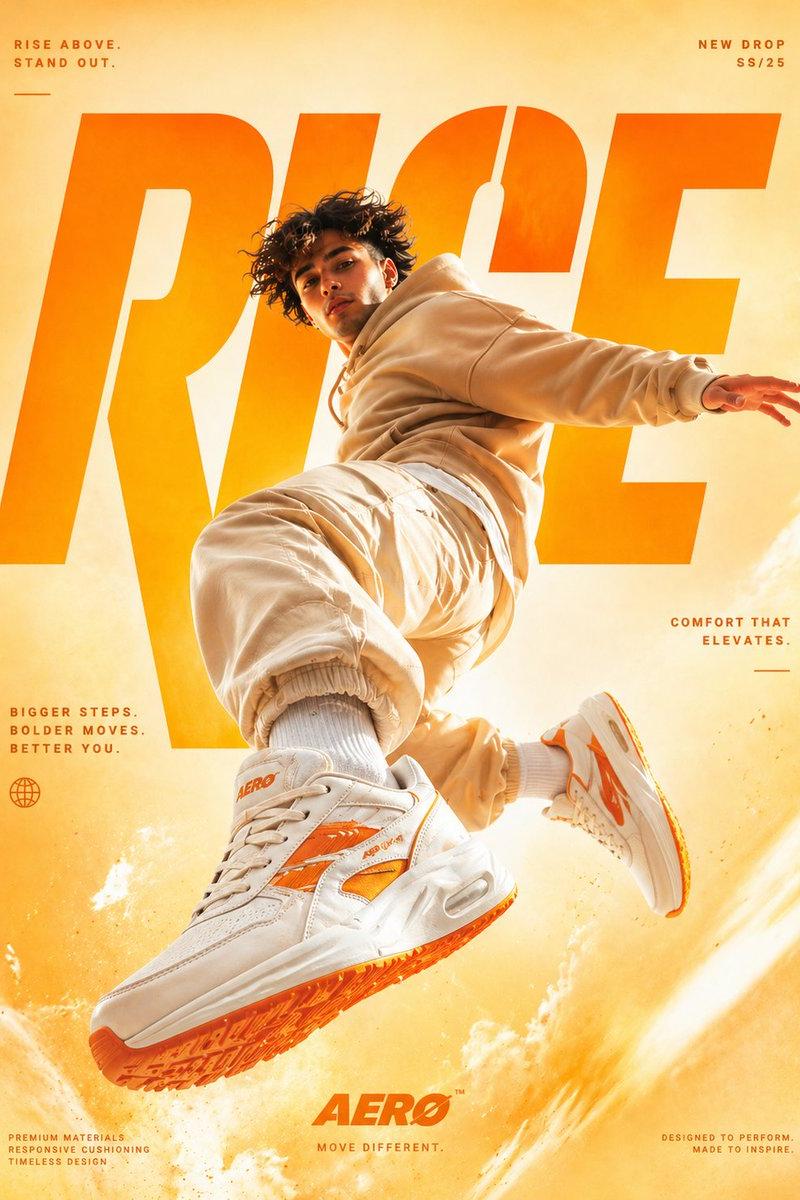
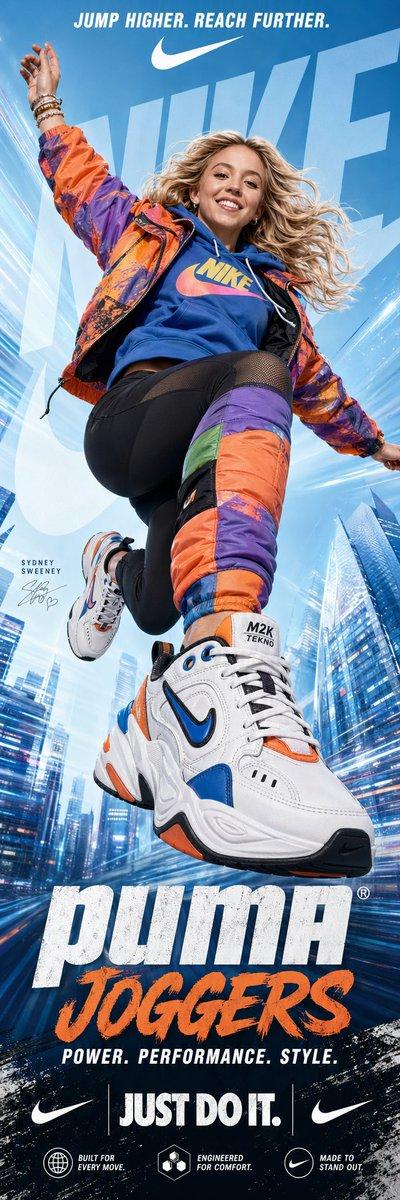
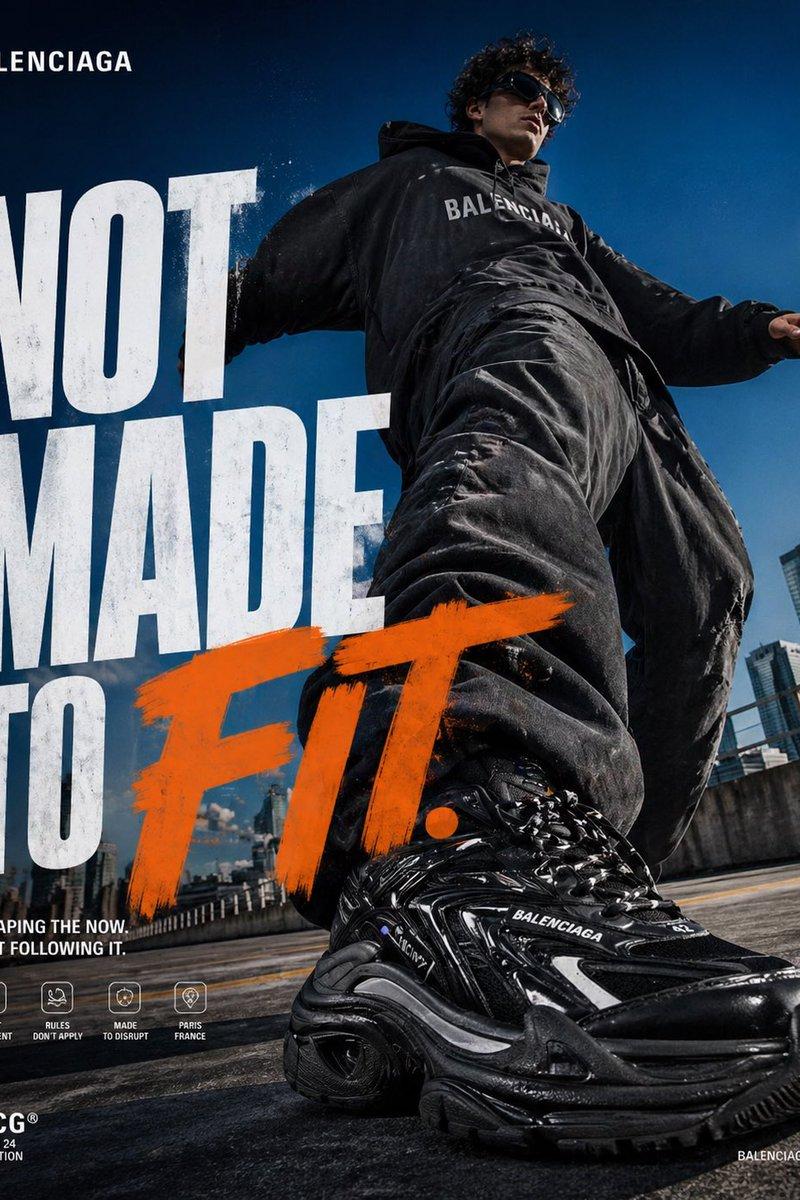
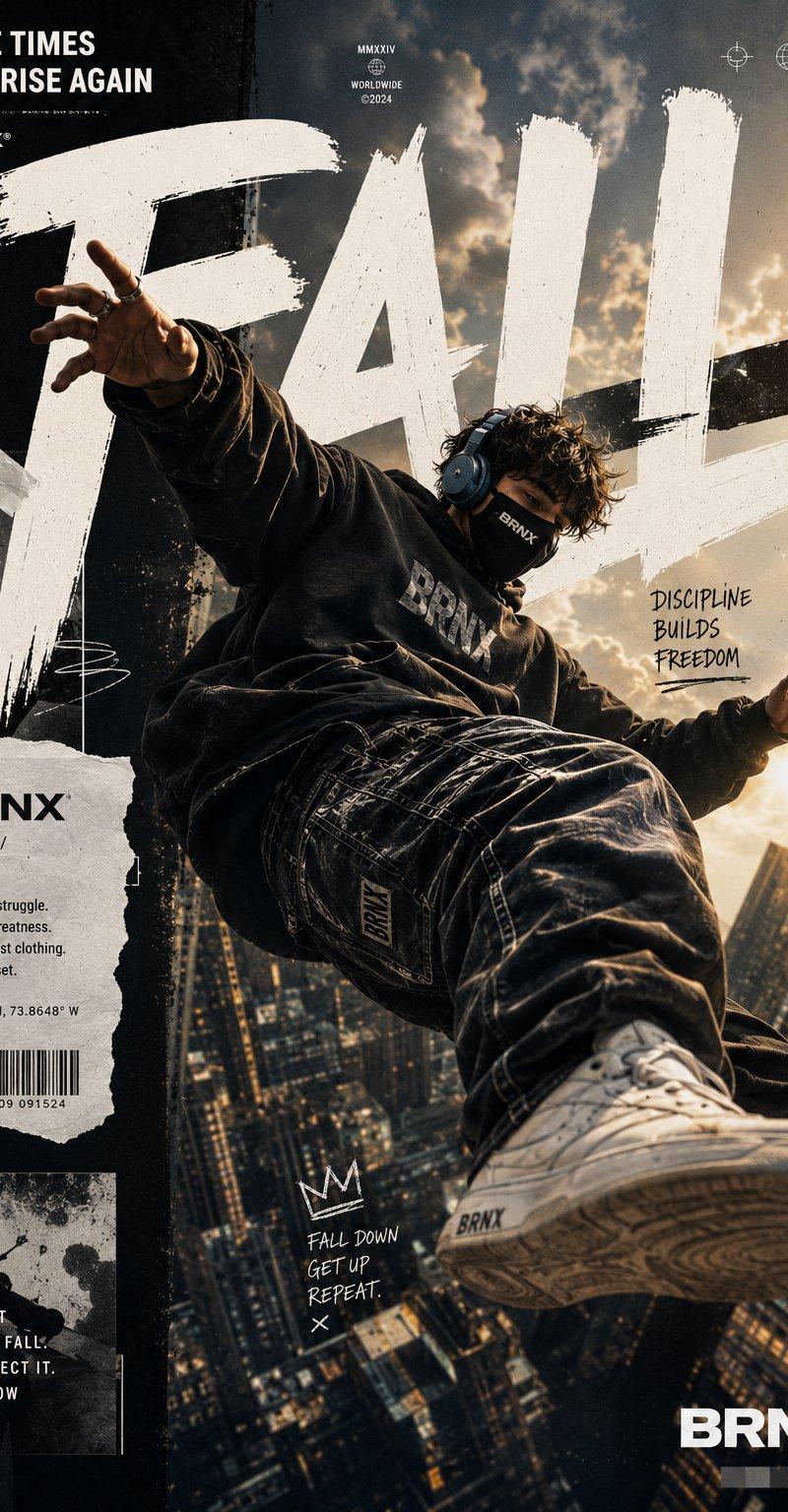
Ultra-premium streetwear fashion poster featuring a {argument name="subject" default="young masked man"} floating high above a futuristic urban skyline at sunset. Dynamic free-fall pose captured from a dramatic low-angle perspective, creating an exaggerated sense of scale and motion. The subject wears an {argument name="outfit" default="oversized faded black hoodie with subtle 'BRNX' branding, baggy distressed denim jeans, and clean white sneakers"}.

Massive hand-painted brushstroke typography spelling "{argument name="text" default="FALL"}" dominates the background in huge distressed white letters, integrated seamlessly into the composition. The floating figure partially overlaps the typography, creating depth and magazine-cover aesthetics.

Background shows a dense cityscape of towering skyscrapers and glowing windows, heavily blurred with cinematic depth of field. Warm golden sunlight bursts through clouds from the upper right corner, creating dramatic volumetric light rays, atmospheric haze, floating dust particles, lens bloom, and realistic shadow casting.

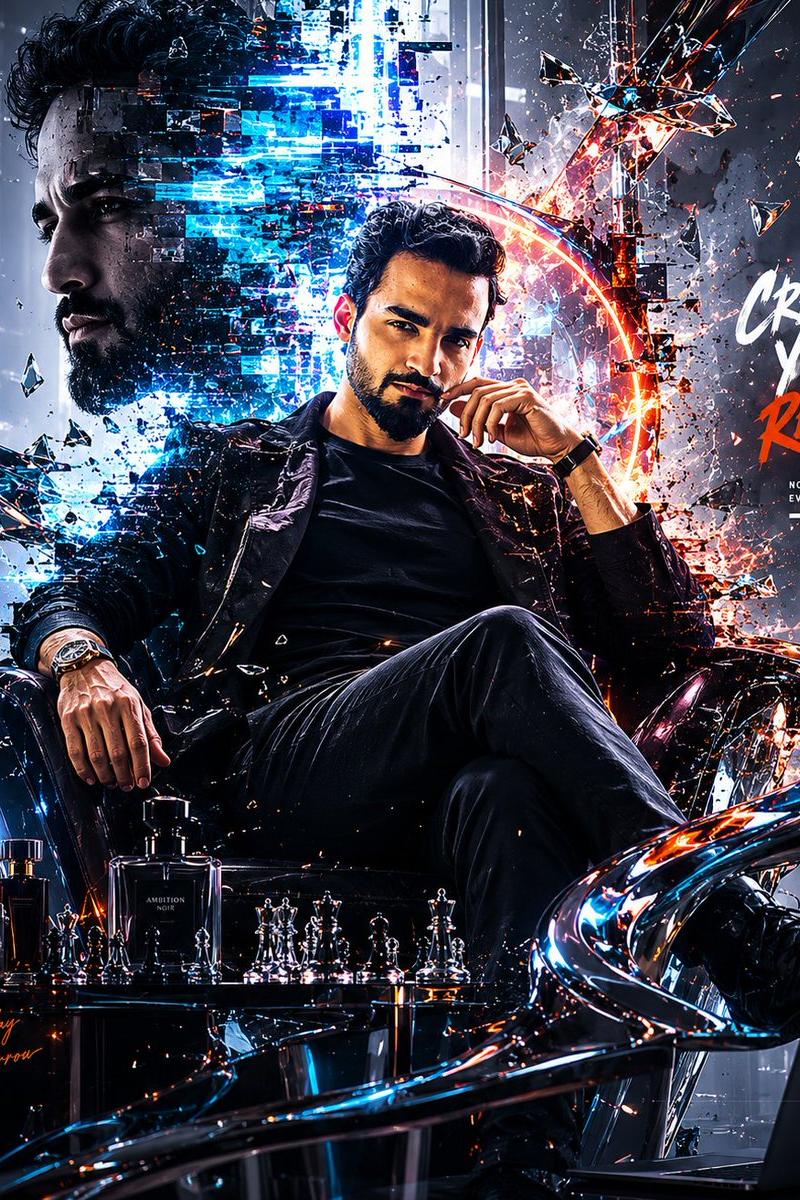
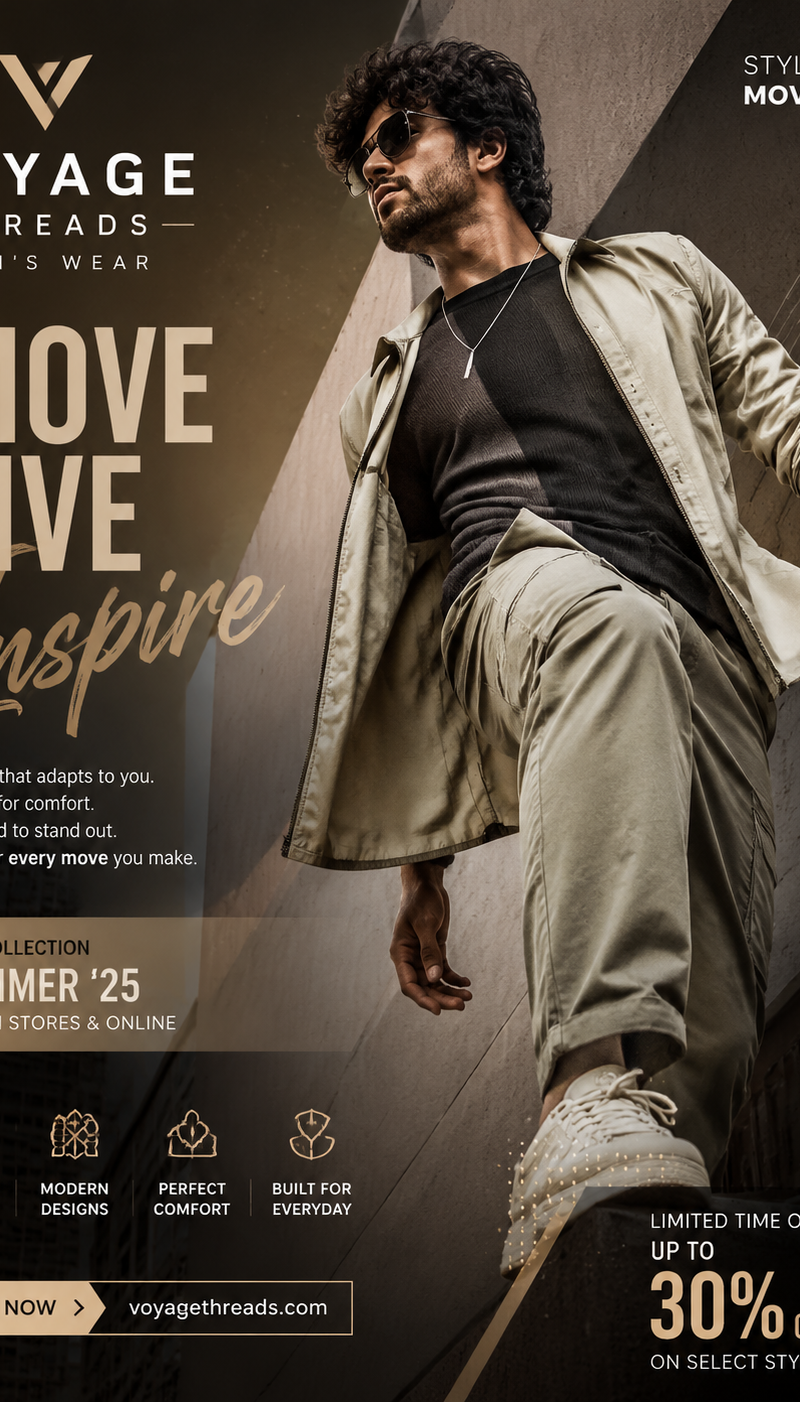
Design style combines luxury streetwear advertising, urban culture magazine covers, premium graphic design, and Behance-featured poster artwork. Include torn-paper collage elements, editorial layout design, subtle grunge textures, handwritten motivational notes, barcode graphics, geometric UI symbols, and modern branding details. Typography layout includes:

"NINE TIMES AND RISE AGAIN" "DISCIPLINE BUILDS FREEDOM" "FALL DOWN. GET UP. REPEAT." "BRNX"

The subject appears suspended naturally in mid-air with realistic physics, clothing folds reacting to gravity and motion. One sneaker is positioned close to the camera lens for extreme perspective distortion, creating a powerful cinematic effect.

Ultra-realistic skin texture, detailed fabric materials, premium denim textures, realistic stitching, sharp clothing details, professional color grading, high contrast lighting, subtle film grain, cinematic glow, urban luxury aesthetic, modern street culture vibe, fashion campaign quality, award-winning poster design, hyper-detailed, photorealistic, 8K resolution, HDR, razor-sharp focus on subject.

Negative Prompt: low quality, blurry subject, extra limbs, extra fingers, deformed hands, bad anatomy, duplicate body parts, distorted face, watermark, logo errors, text artifacts, poorly rendered typography, oversaturated colors, cartoon, anime, illustration, CGI look, plastic skin, low resolution, compression artifacts, flat lighting, bad perspective, unrealistic shadows, cropped feet, cropped head, messy composition, noisy image, out of focus, low detail, weak contrast, amateur design.- Category
- Charts & Infographics
- Model
- GPT Image 2
- Creator
- Harboris
- Source language
- en
- Source ID
- 24595
- Published
- Jun 7, 2026
Views2.6K