20

电影感艺术家工作室肖像
Enlarge

电影感艺术家工作室肖像

Prompt
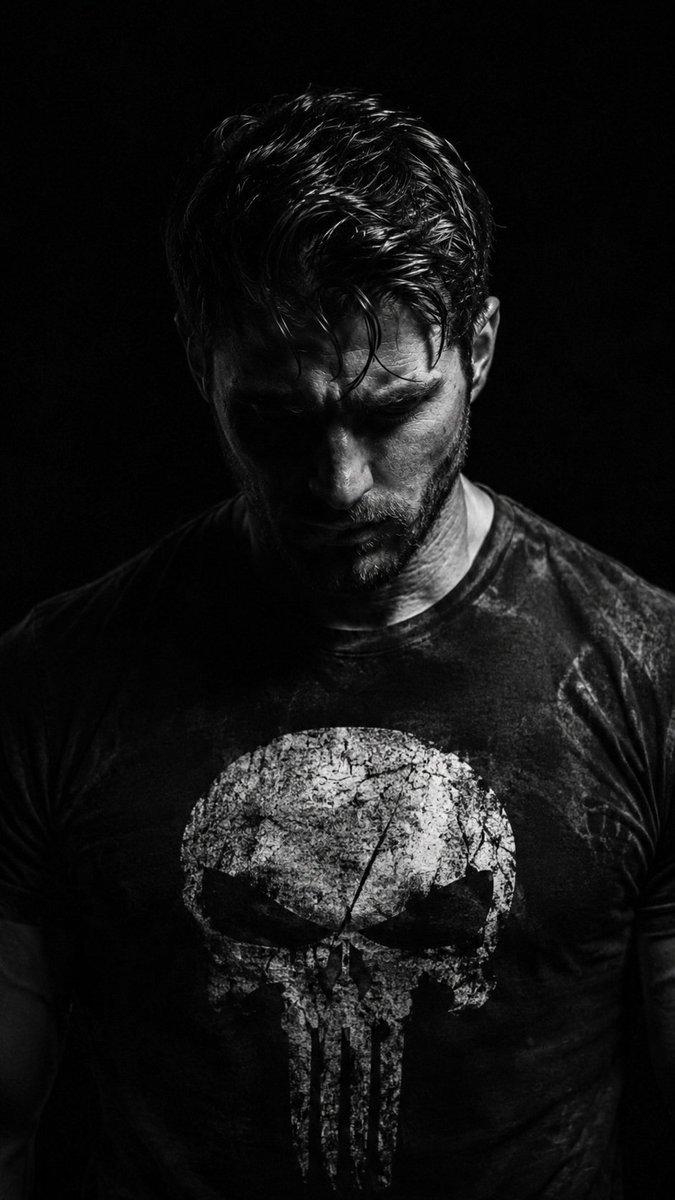
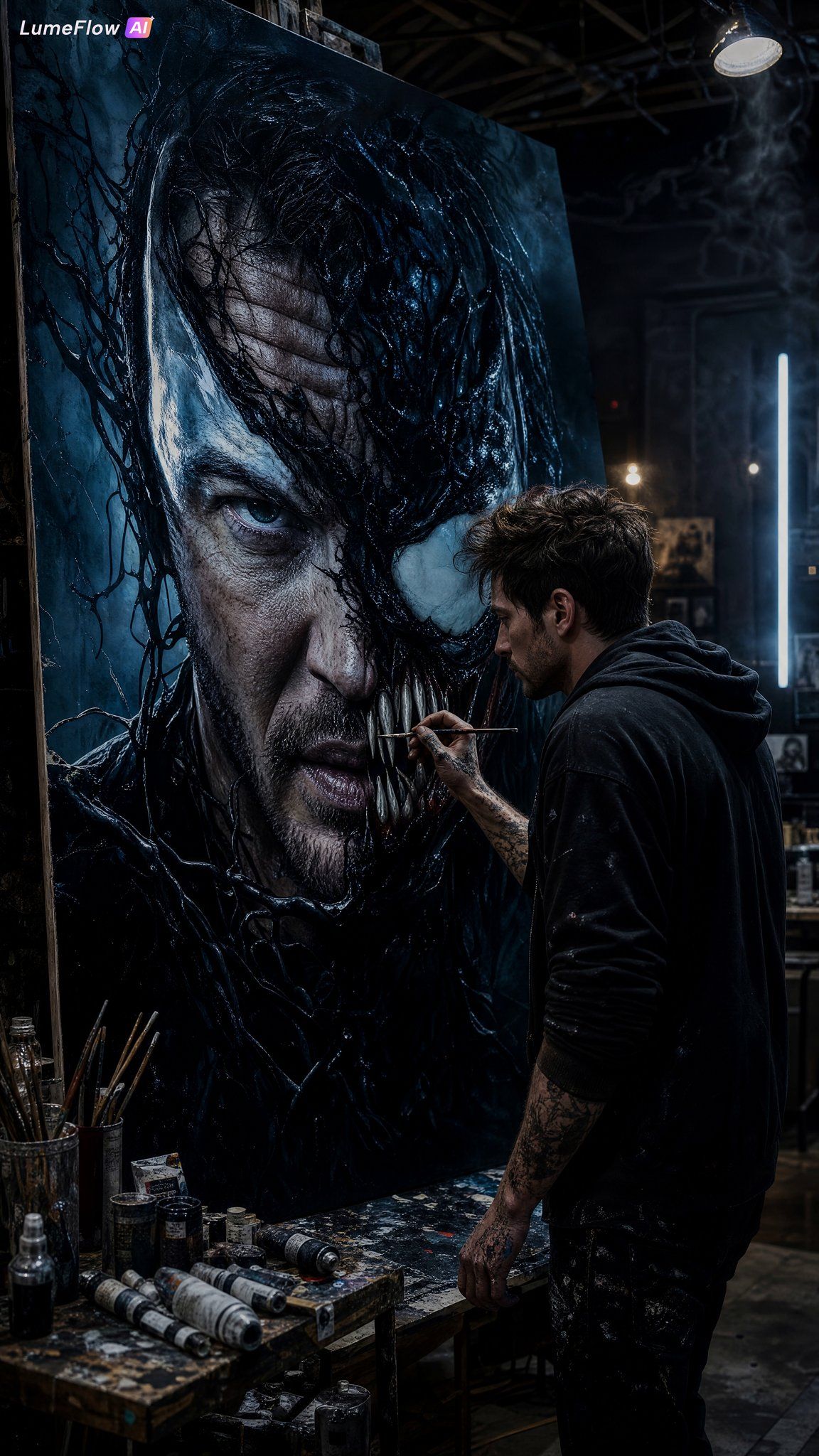
Ultra-detailed cinematic digital art of a young {argument name="gender" default="male"} artist (inspired by me) standing in a dark moody studio, intensely painting a giant dramatic portrait of {argument name="subject" default="Tom Hardy fused with Venom"} on a massive canvas. The painting shows a half-human, half-symbiote transformation with glossy black textures, sharp white eyes, cinematic shadows, and subtle blue highlights. The artist wears casual dark clothes with paint stains on hands, focused expression, holding a paintbrush mid-stroke. Background filled with scattered paint tubes, dim industrial lights, black-and-neon atmosphere, dramatic smoke, highly detailed realism, cinematic composition, ultra HD, sharp focus, dark aesthetic, masterpiece quality, 9:16.
Category
Photography & Realism
Model
GPT Image 2
Views0
Source ID
24799
Published
Jun 8, 2026

Guide

About "电影感艺术家工作室肖像"

What is this prompt for?

"电影感艺术家工作室肖像" AI image prompt for GPT Image 2 (Photography & Realism). 一个详细的电影感提示词,用于生成一张艺术家在氛围感十足的工业风工作室中绘制戏剧性肖像的图像。 Copy it on Picva and recreate the look in…

The full copyable prompt and example visuals above are ready for AI image generation or one-click recreate in Picva.

How to use this prompt

  1. Step 1

    Open the prompt detail

    Review the example visuals, category, and full prompt text for "电影感艺术家工作室肖像".

  2. Step 2

    Copy the prompt

    Copy the prompt body from this page, or load it directly in Studio.

  3. Step 3

    Pick a model (GPT Image 2)

    Prefer GPT Image 2. If you switch models, keep subject and composition and tweak style terms.

  4. Step 4

    Generate and export

    Recreate the look in Picva, or export into your workflow for editing and publishing.

FAQ

What is the "电影感艺术家工作室肖像" prompt?
It is an AI image-generation prompt for GPT Image 2 in the Photography & Realism category. This page includes the full prompt text, example visuals, and a one-click recreate path in Picva.
How do I use this prompt to generate an image?
Copy the prompt from this page, or use Generate / Studio. Paste it into a compatible image model, or recreate the look in Picva with optional reference images.
Which model is this prompt for?
This page lists GPT Image 2. Most descriptive prompts also transfer to nearby image models such as GPT Image, Flux, or Midjourney with light style tweaks.
Can I use the result commercially?
You can usually copy the prompt for creation, but commercial use of the final image depends on the model terms, reference-image rights, and the generated content. Follow the source author and platform rules.