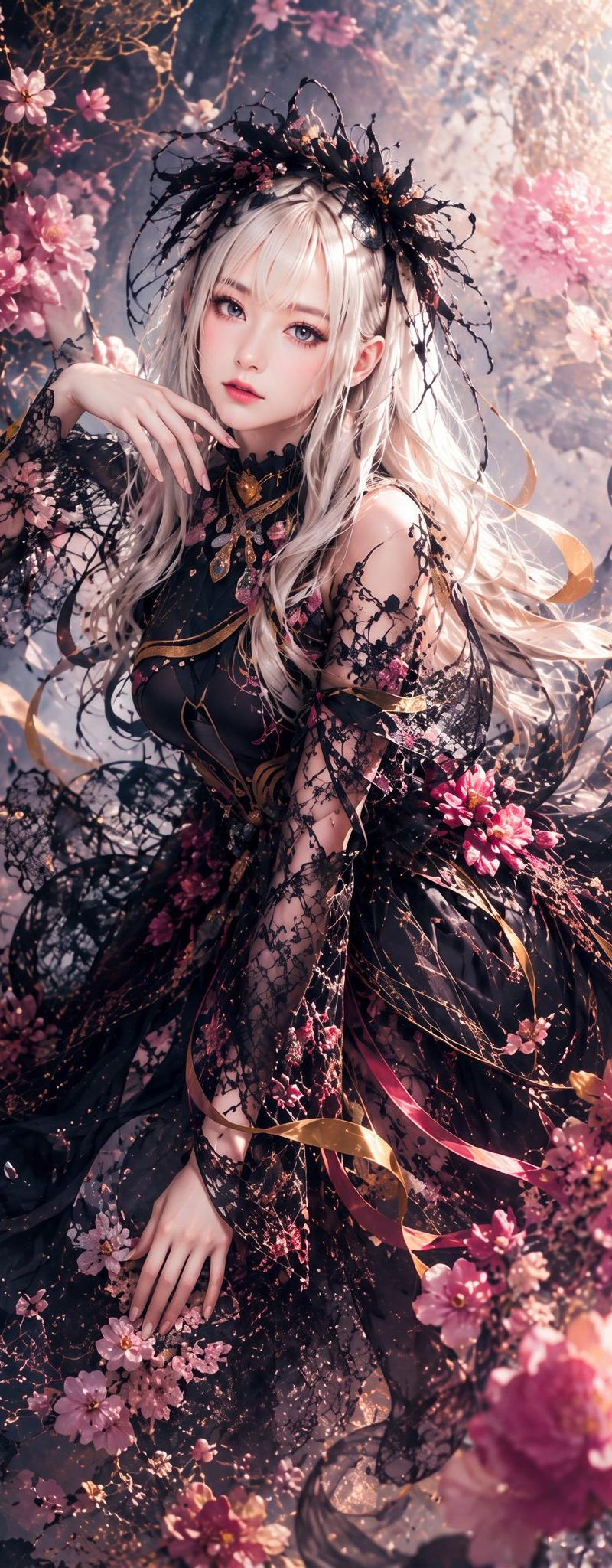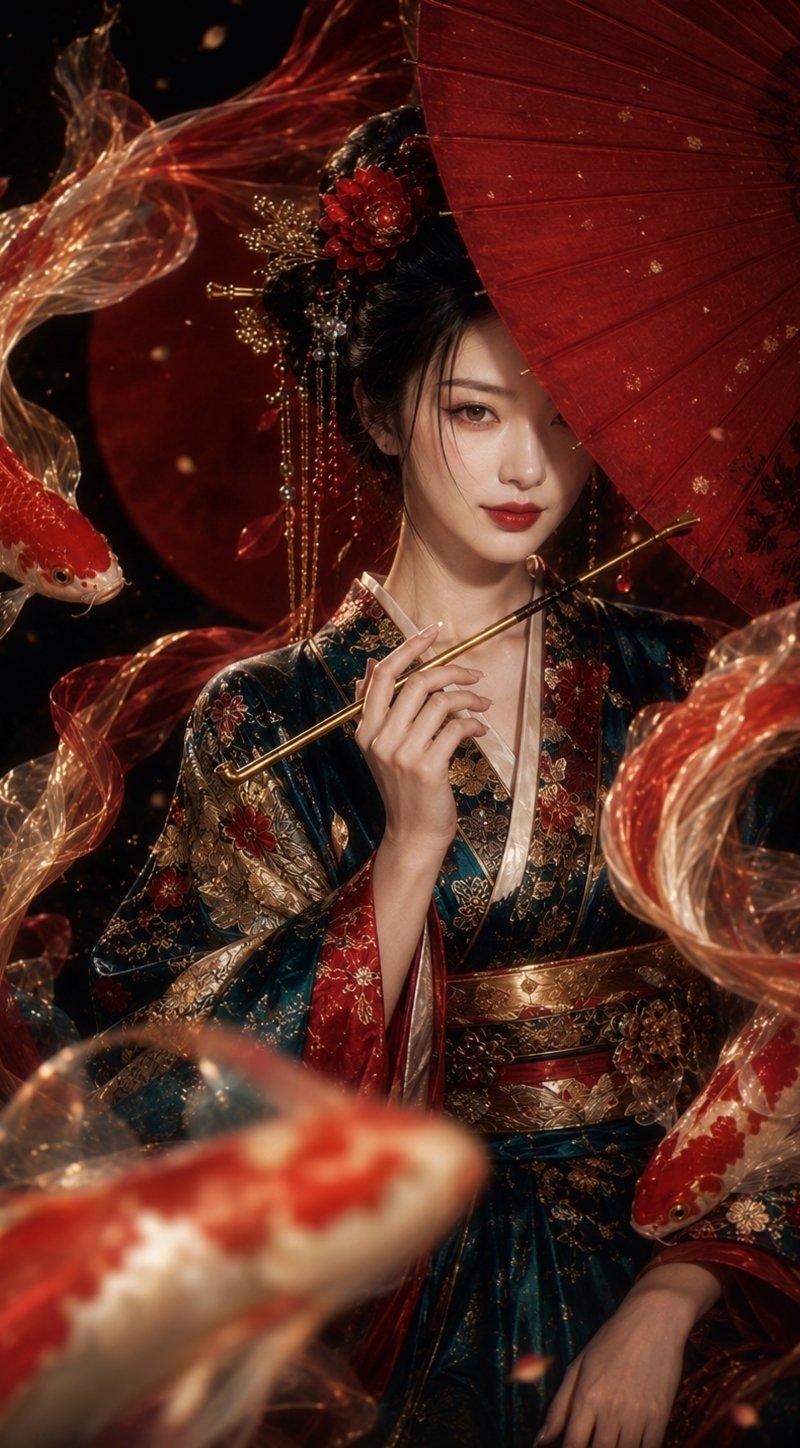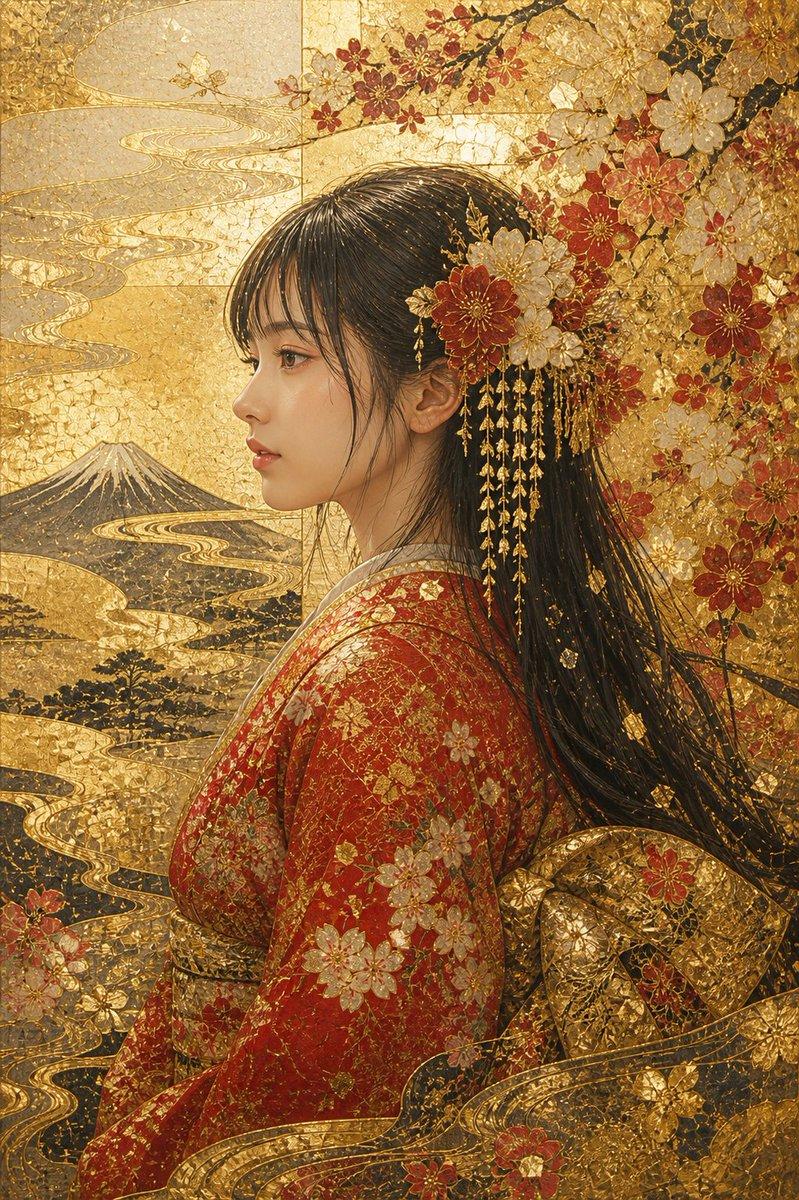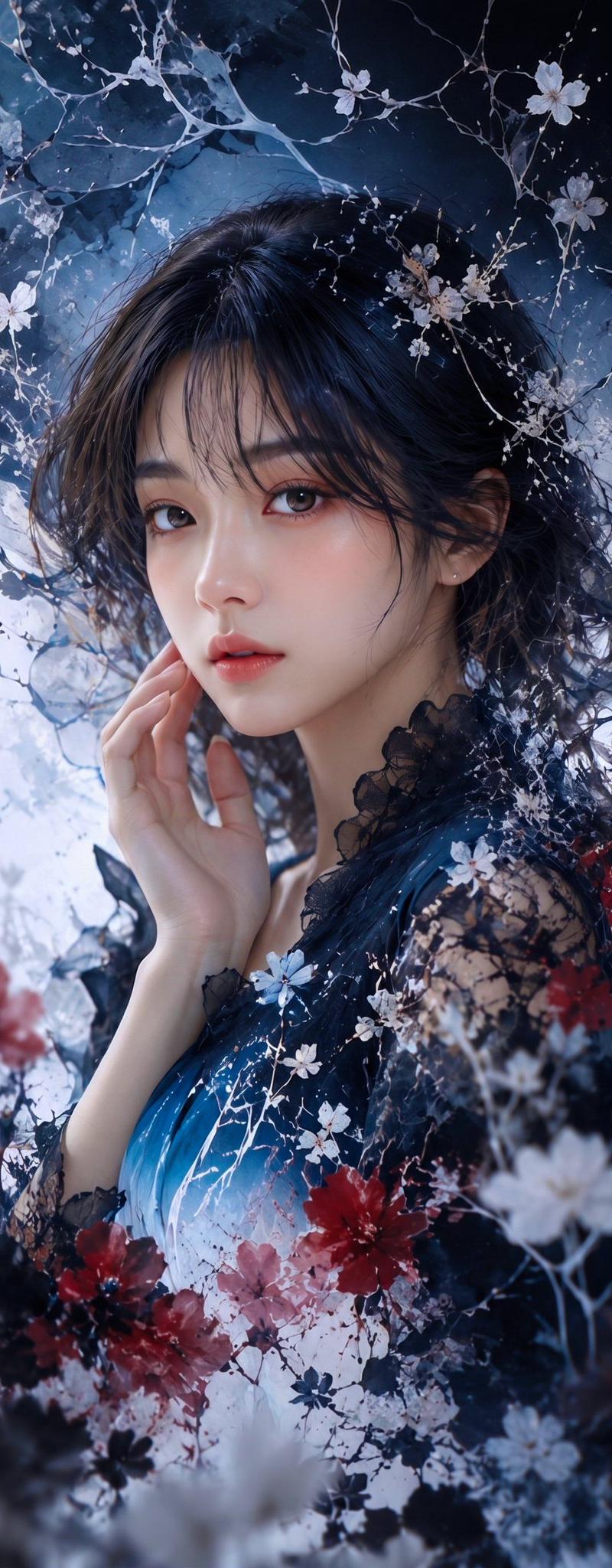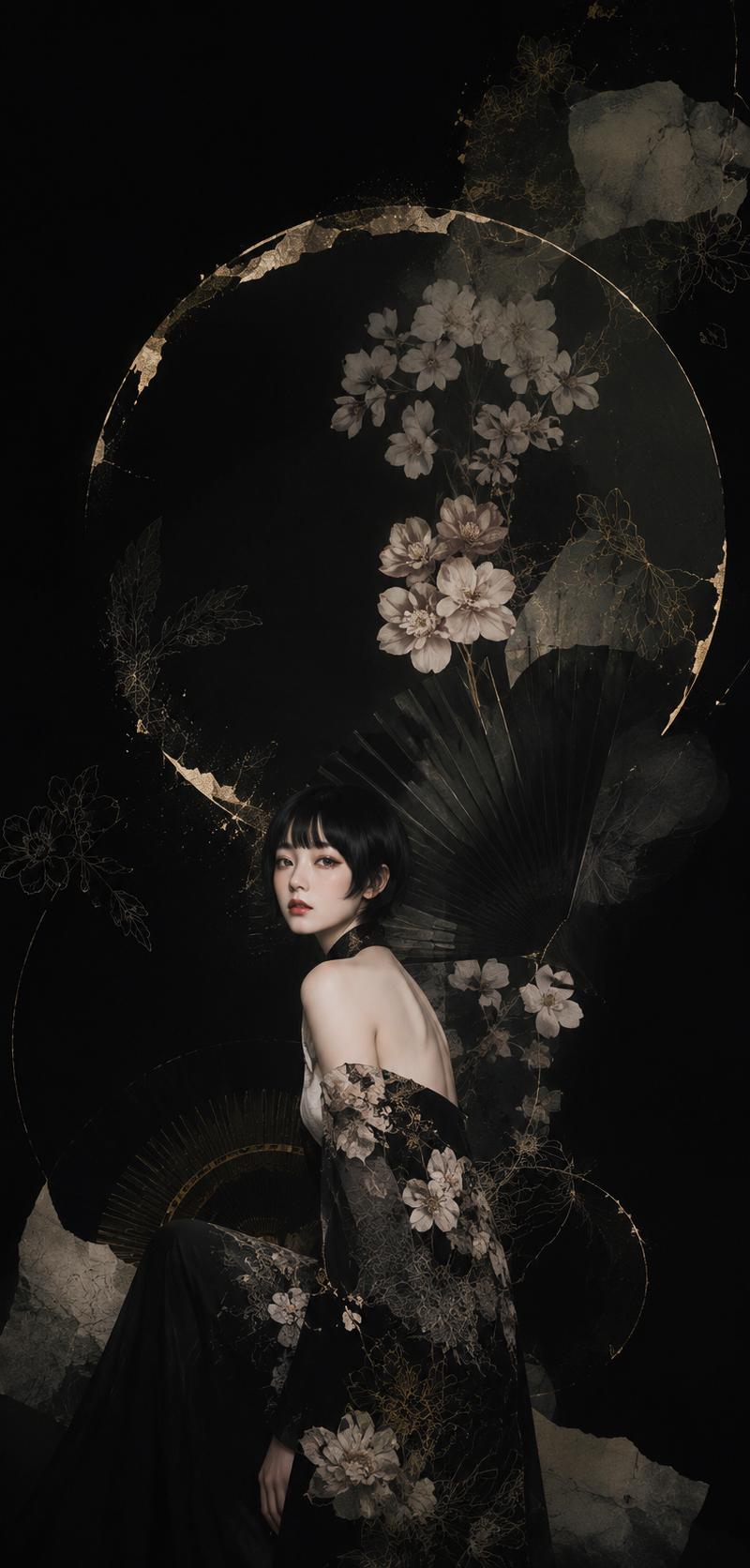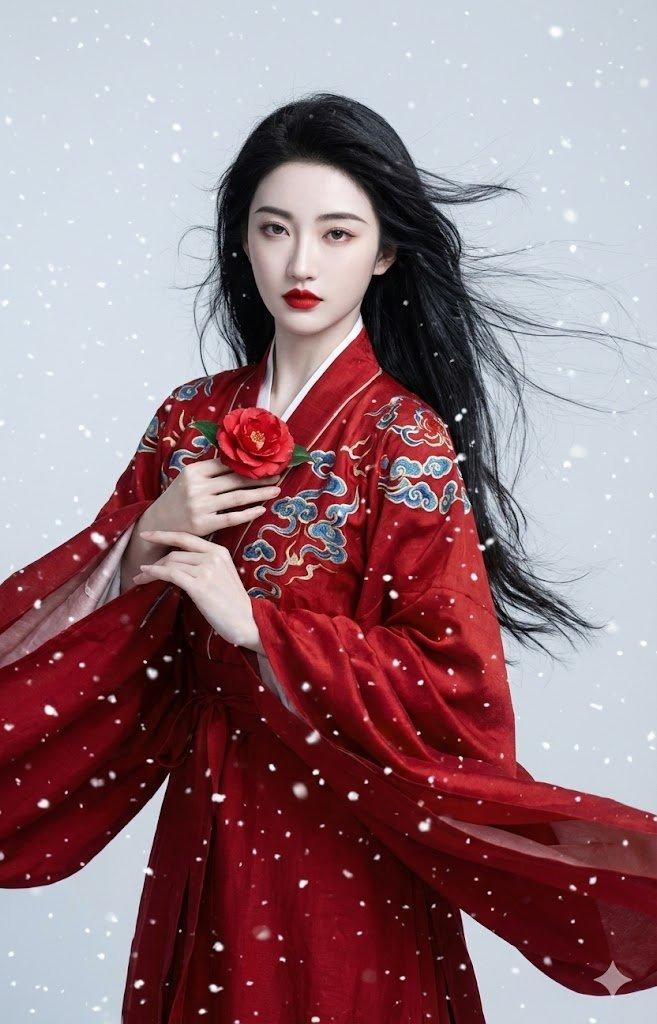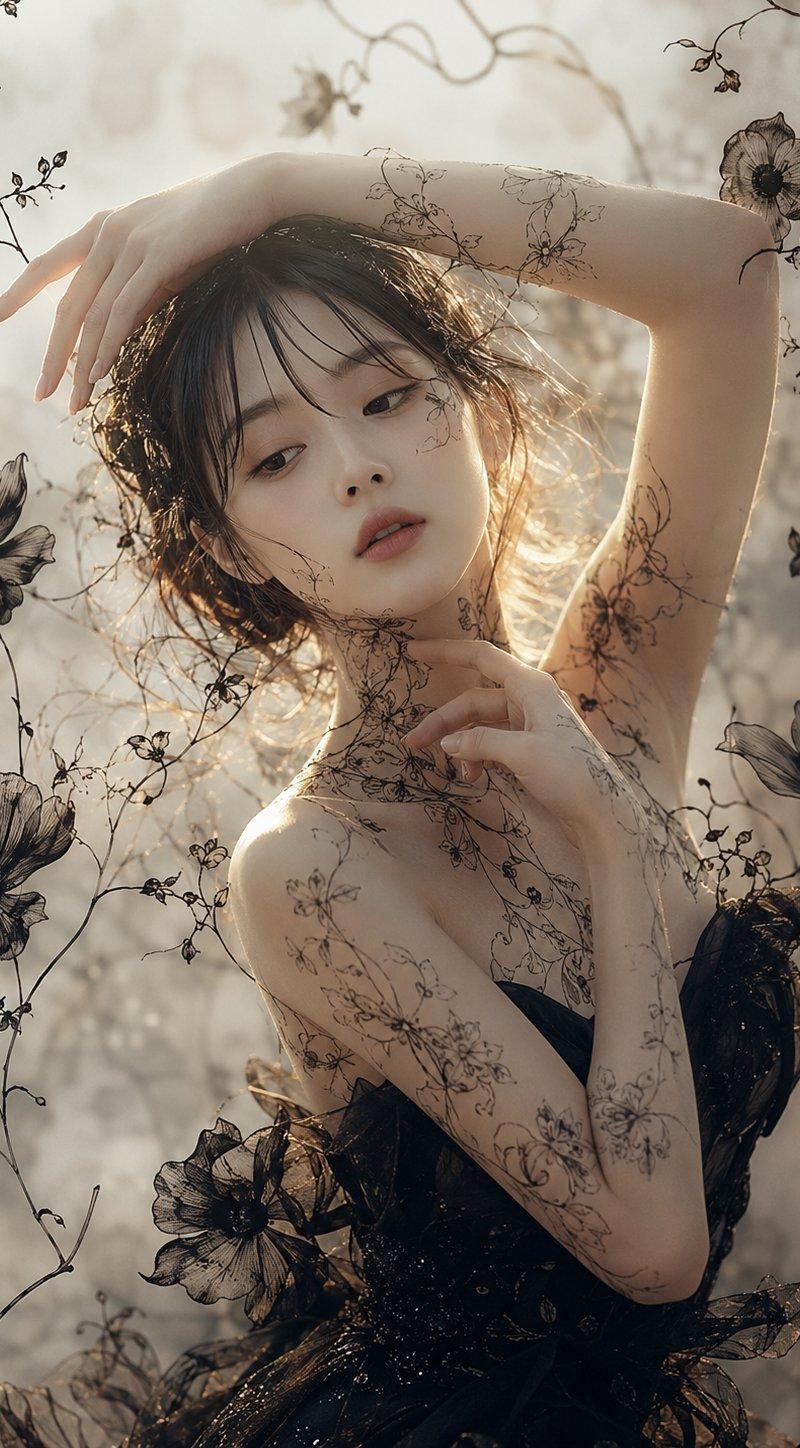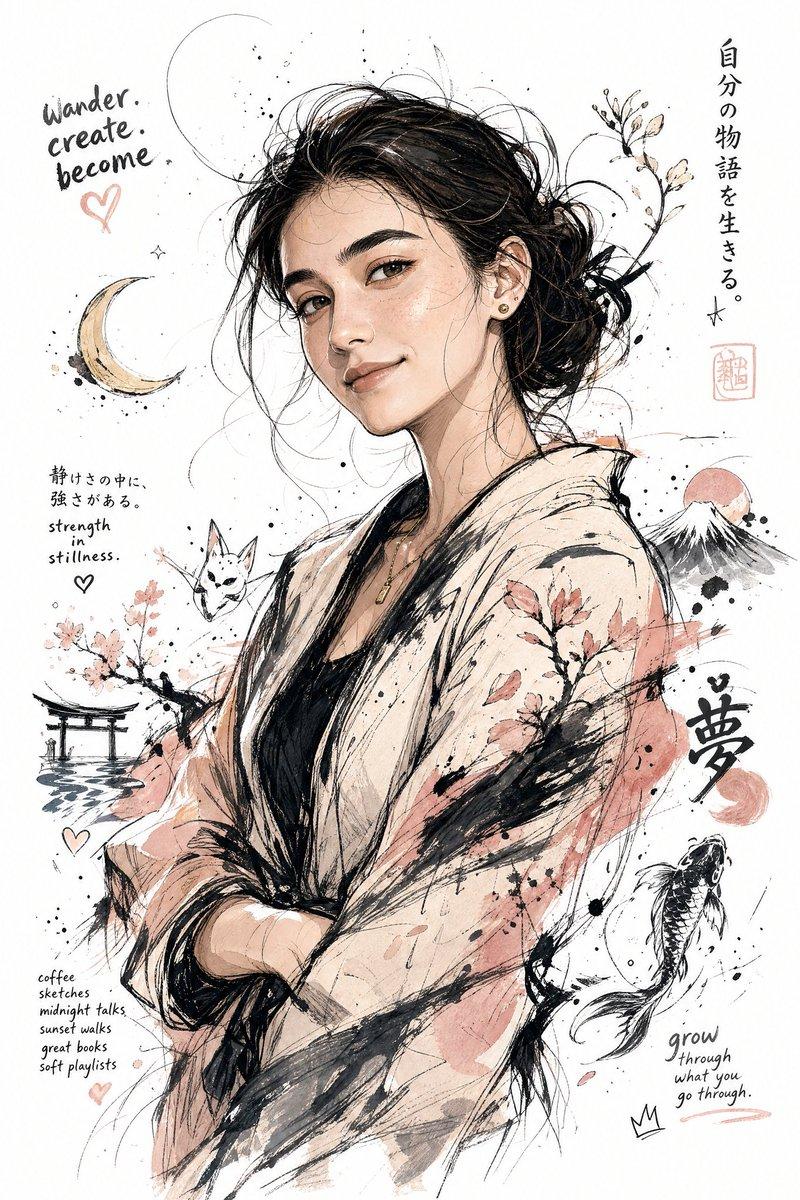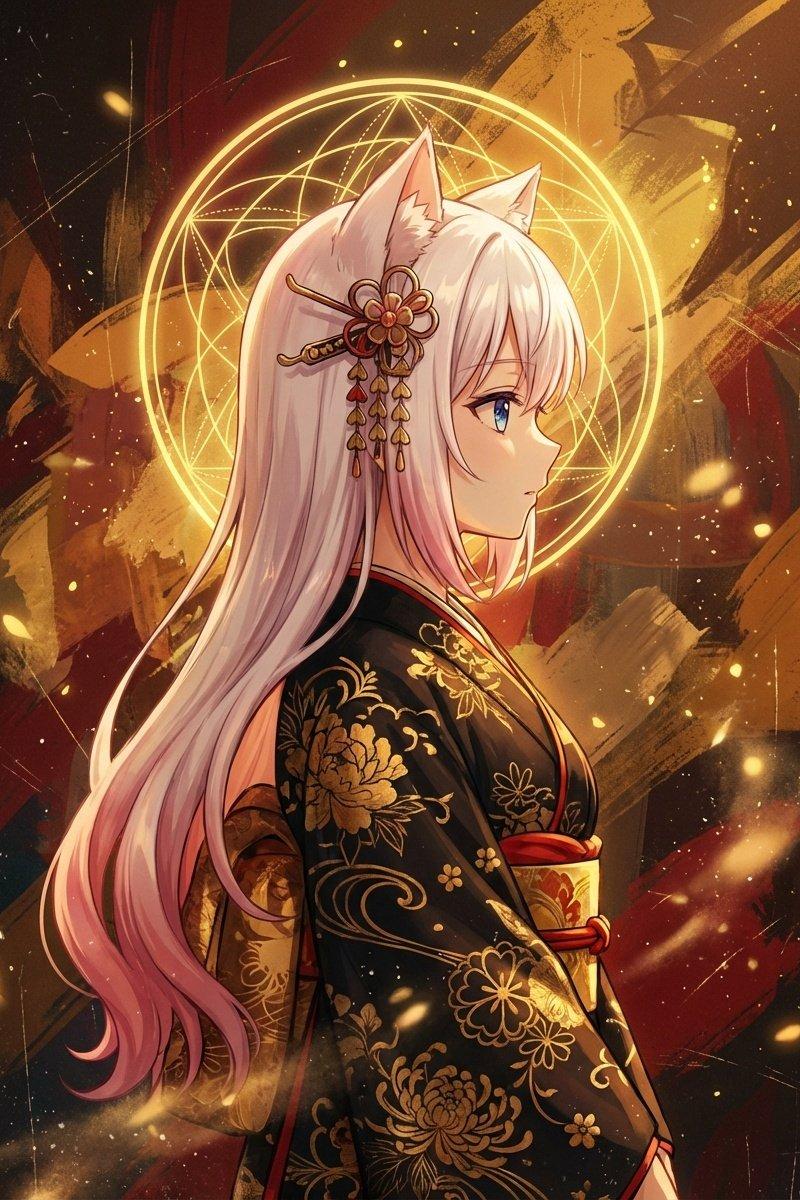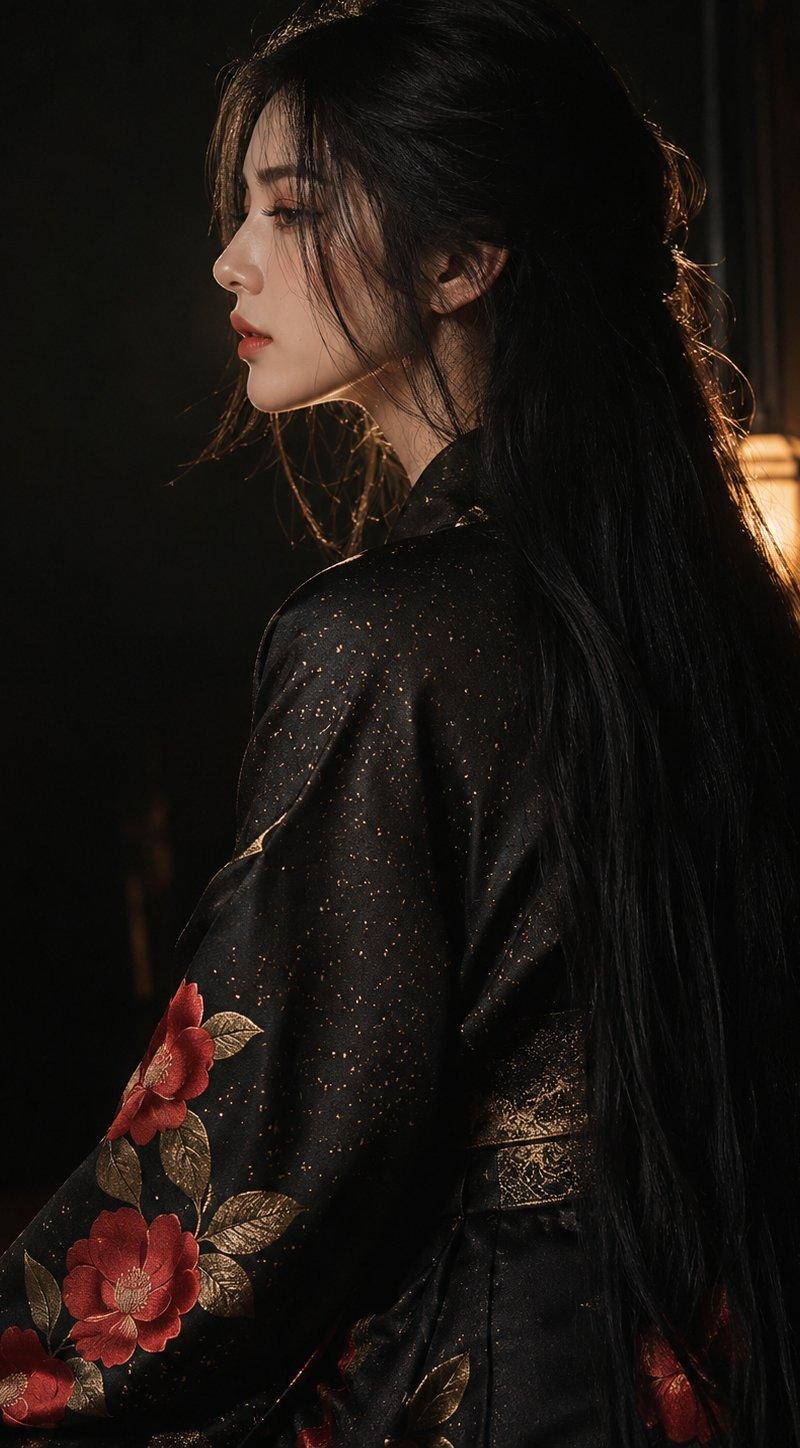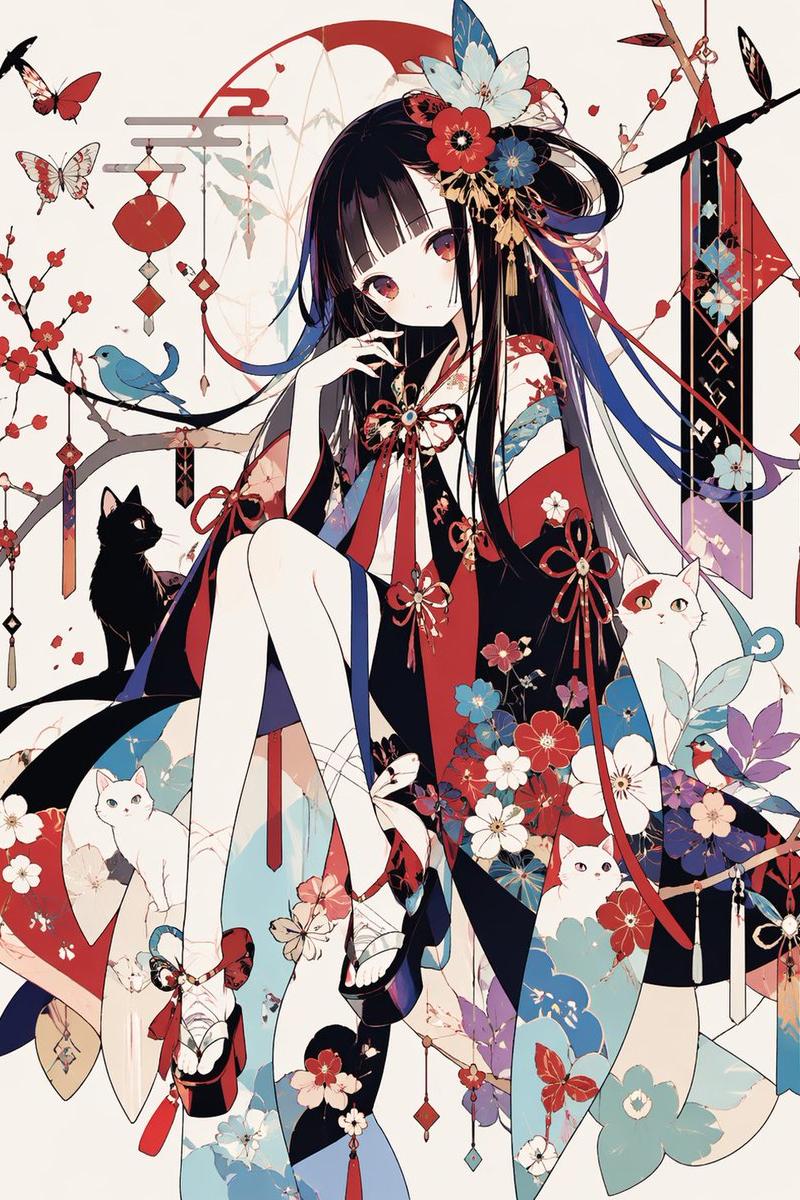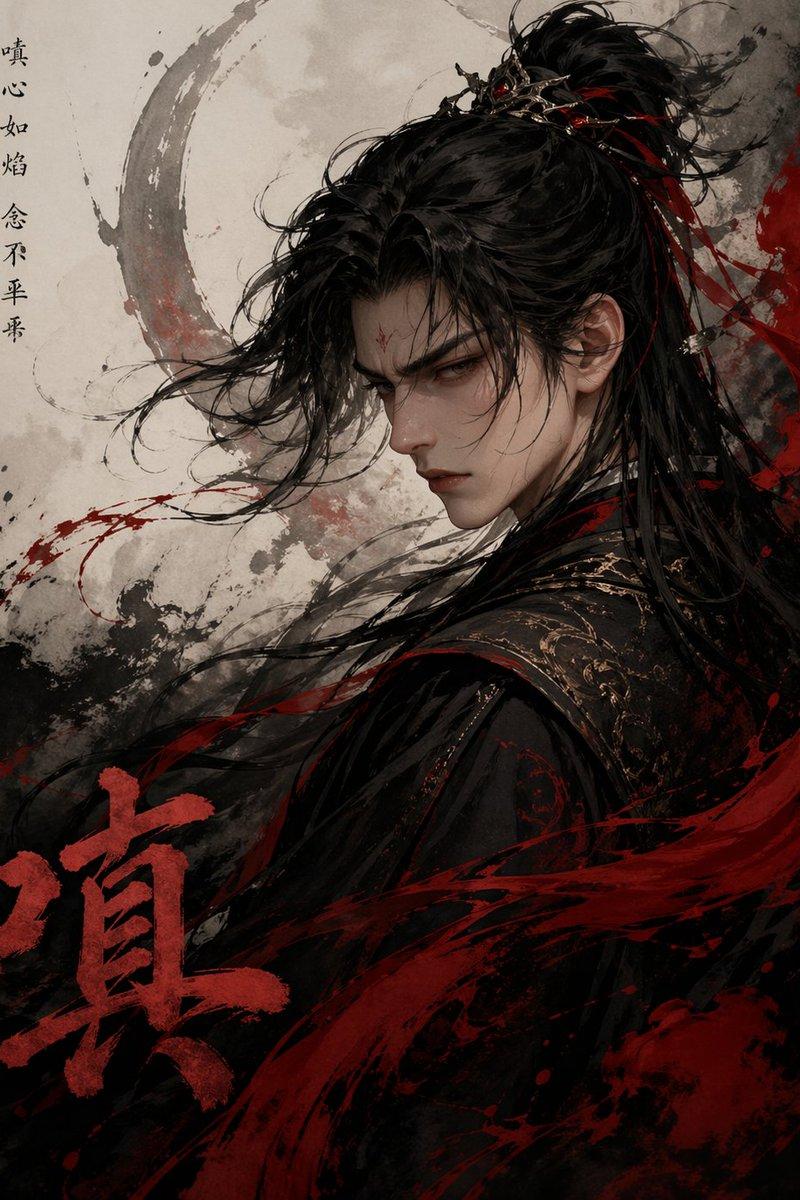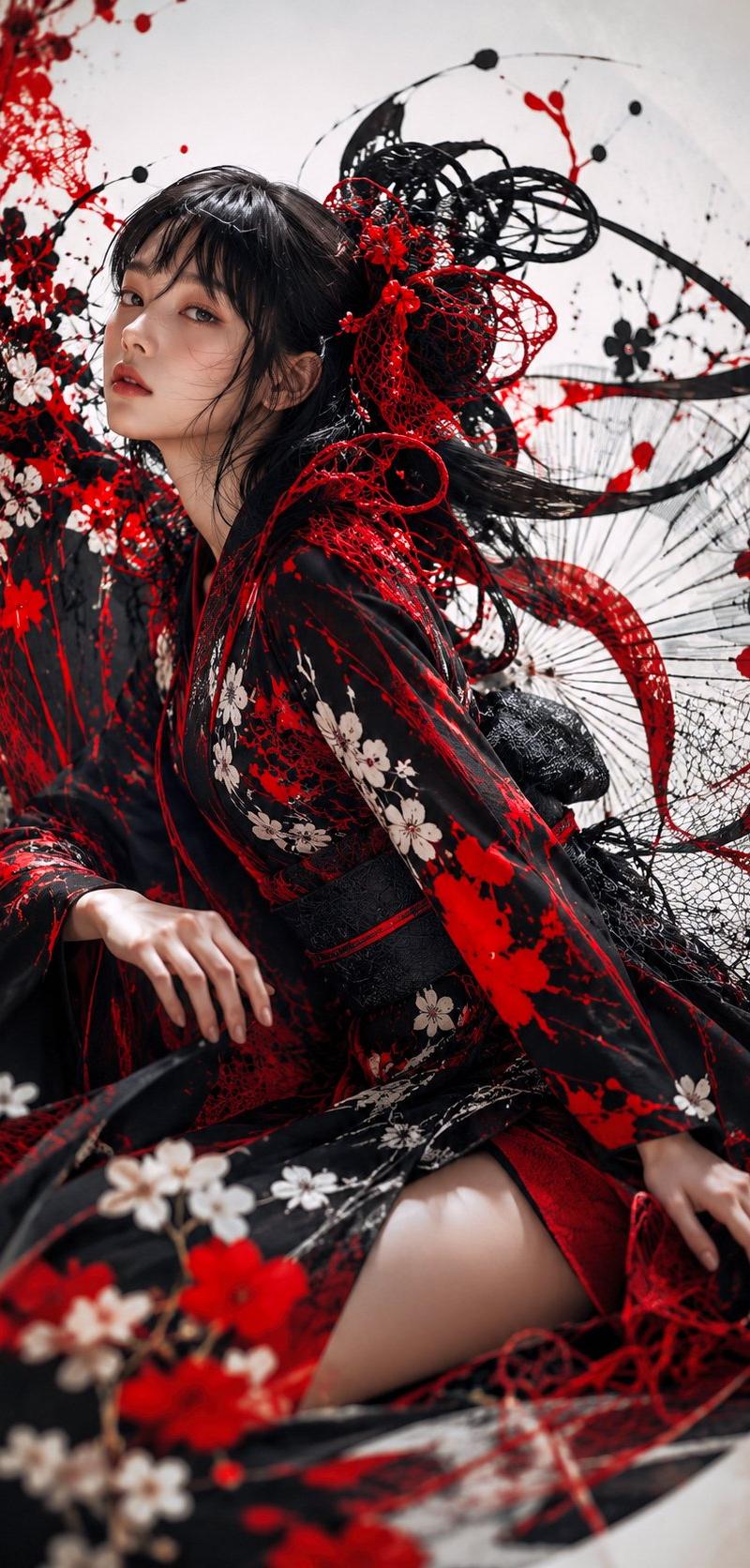
哥特和服水墨时尚肖像
Prompt
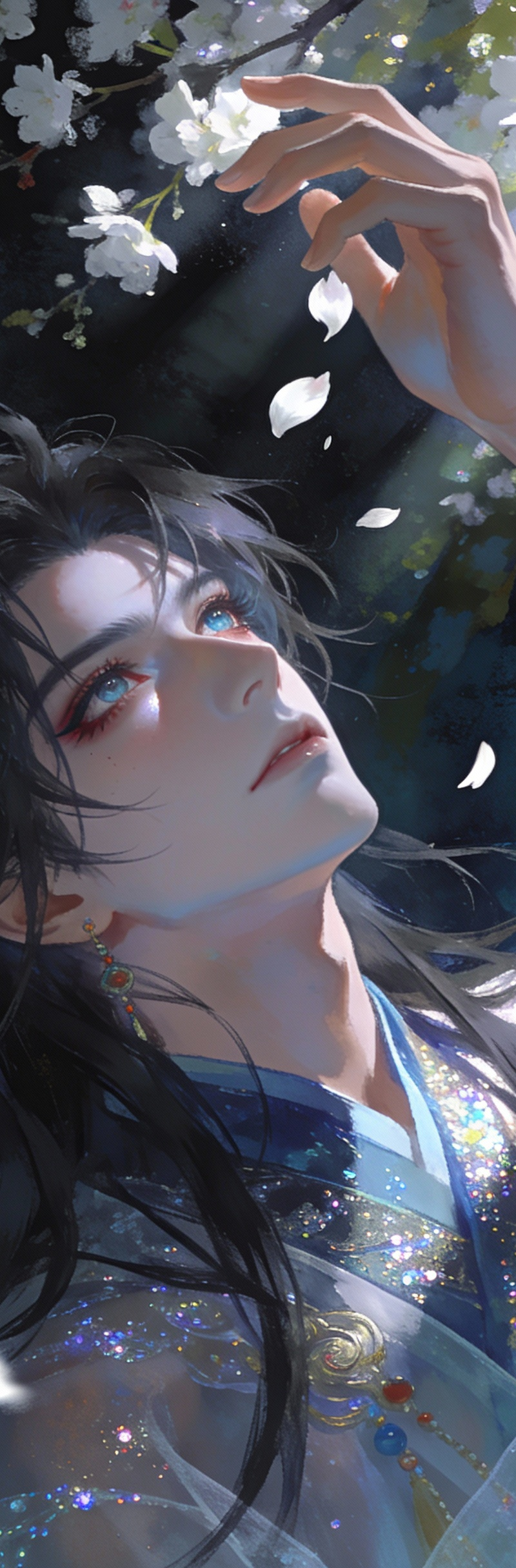
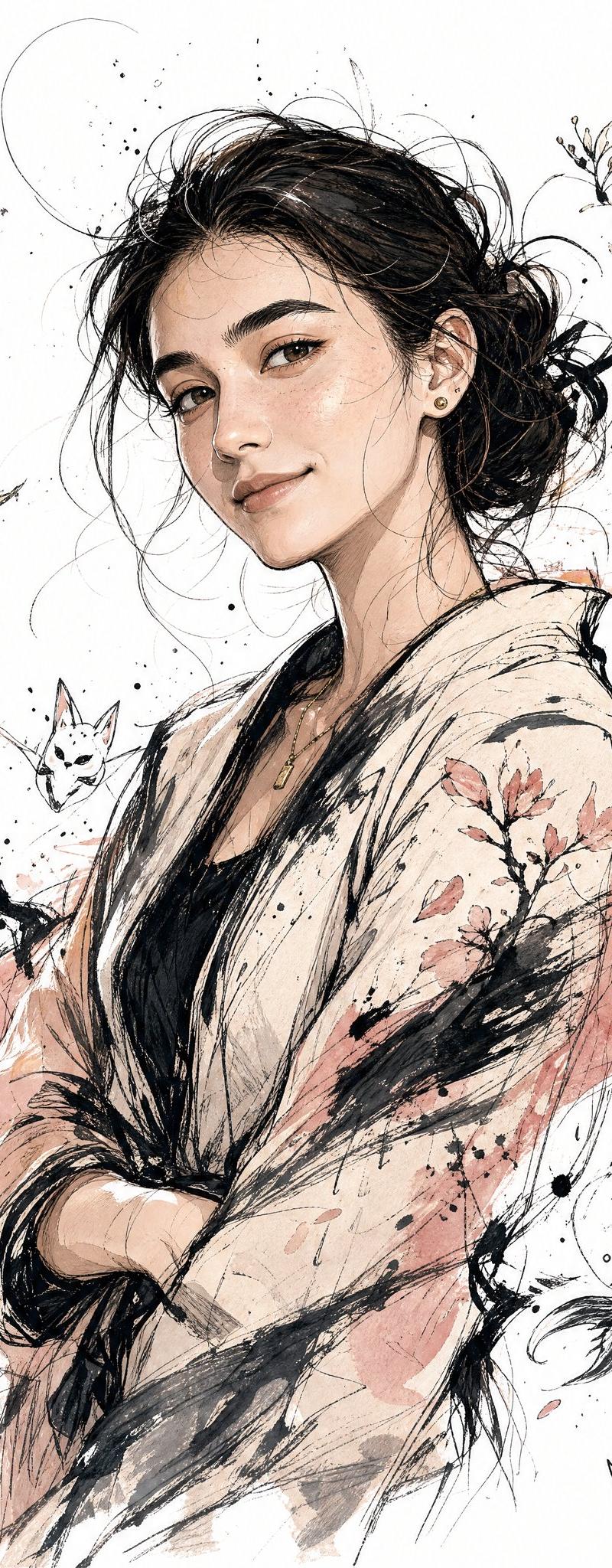
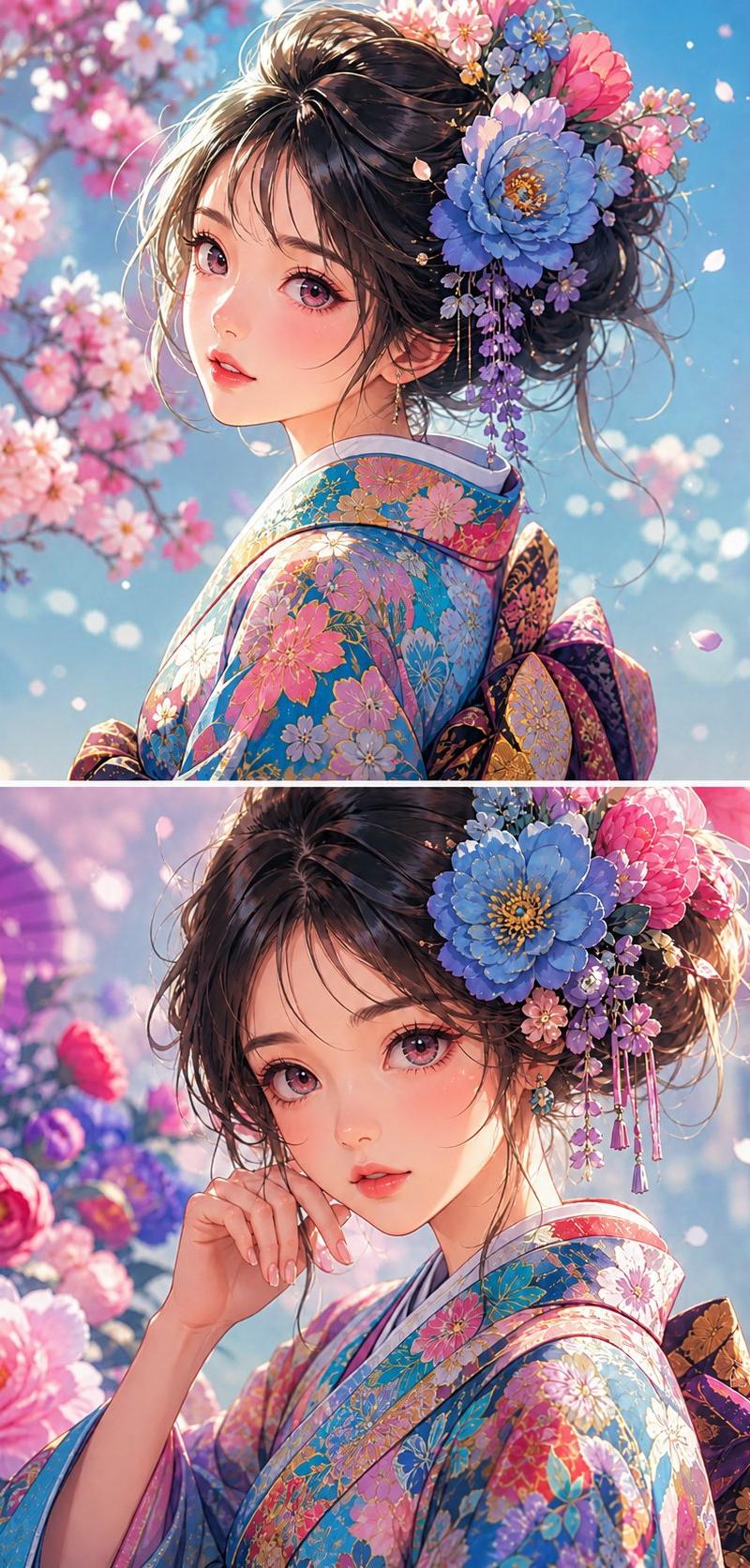
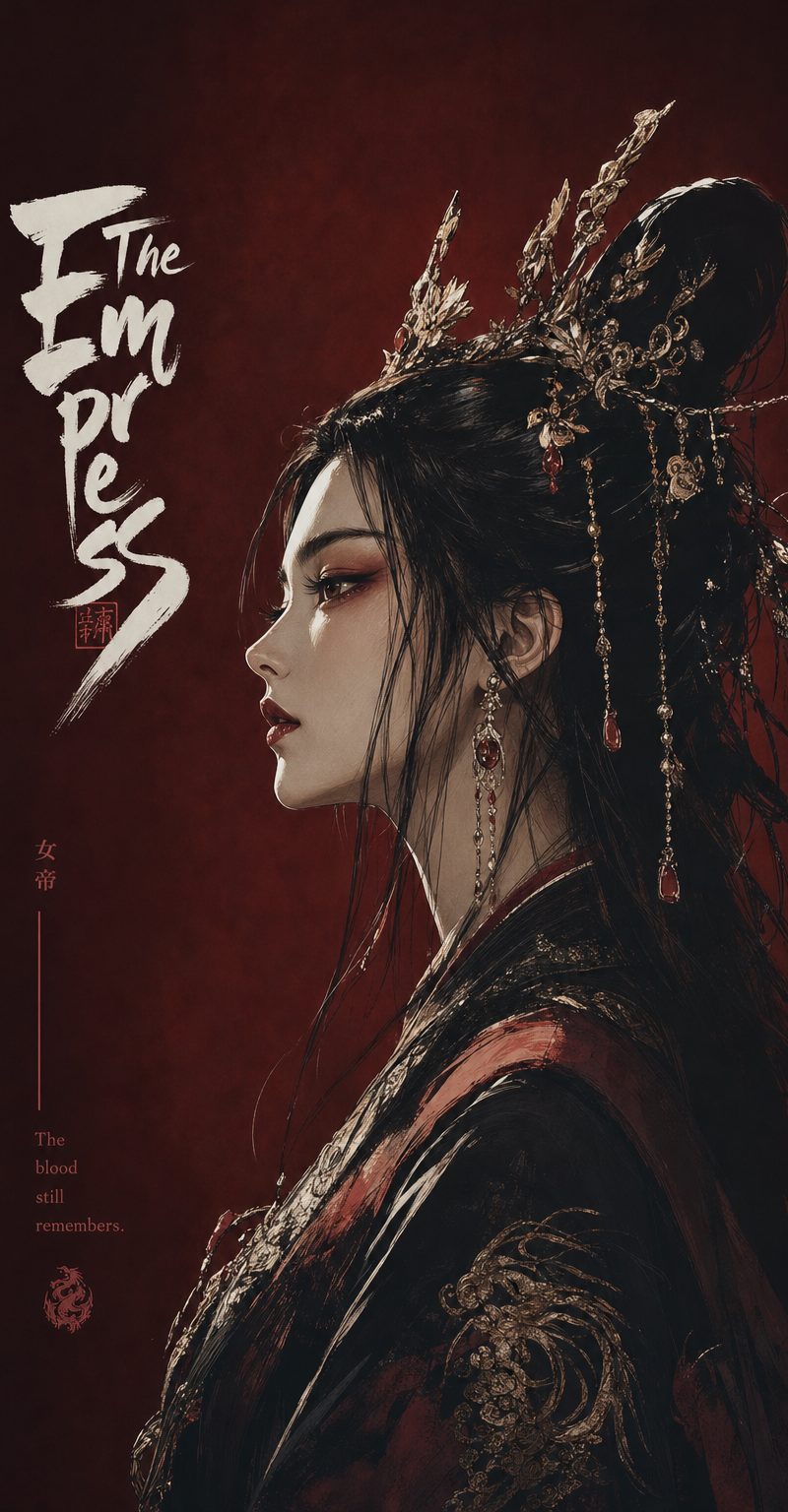
Create a dramatic vertical high-fashion portrait of a young Japanese woman in an ornate black kimono with vivid red accents and white cherry blossom patterns, seated in a dynamic swirling pose. Her face is intentionally covered by a centered soft-edged rectangular blur in warm beige-brown tones, while long dark hair flows sideways through elaborate avant-garde hair ornaments made of red and black lace, cords, netting, and floral pieces. The kimono should have wide flowing sleeves, a black obi belt, layered red lining, and one visible bare thigh through the fabric folds. Surround her with an abstract explosion of Japanese ink-art elements: red paint splatters, black calligraphic brush arcs, tangled circular linework, delicate mesh nets, cherry blossom branches, red flowers, and fine radial thread-like lines, all wrapping around her body as if caught in motion. Use the color palette {argument name="color palette" default="deep black, crimson red, white blossoms, pale skin, and off-white background"}. Make the composition {argument name="composition" default="vertical 9:16, tightly cropped, subject angled diagonally from upper left to lower right"}. Use {argument name="visual style" default="hyper-detailed editorial fashion photography mixed with surreal Japanese ink illustration"}, with sharp fabric textures, glossy black hair, intricate lace detail, shallow depth of field in the foreground flowers, and a clean pale studio background. The mood should feel {argument name="mood" default="elegant, chaotic, gothic, and ceremonial"}. No readable text, no watermark, no extra people.- Category
- Photography & Realism
- Model
- GPT Image 2
- Creator
- NIKKO
- Source language
- en
- Source ID
- 24963
- Published
- Jun 9, 2026
Views0