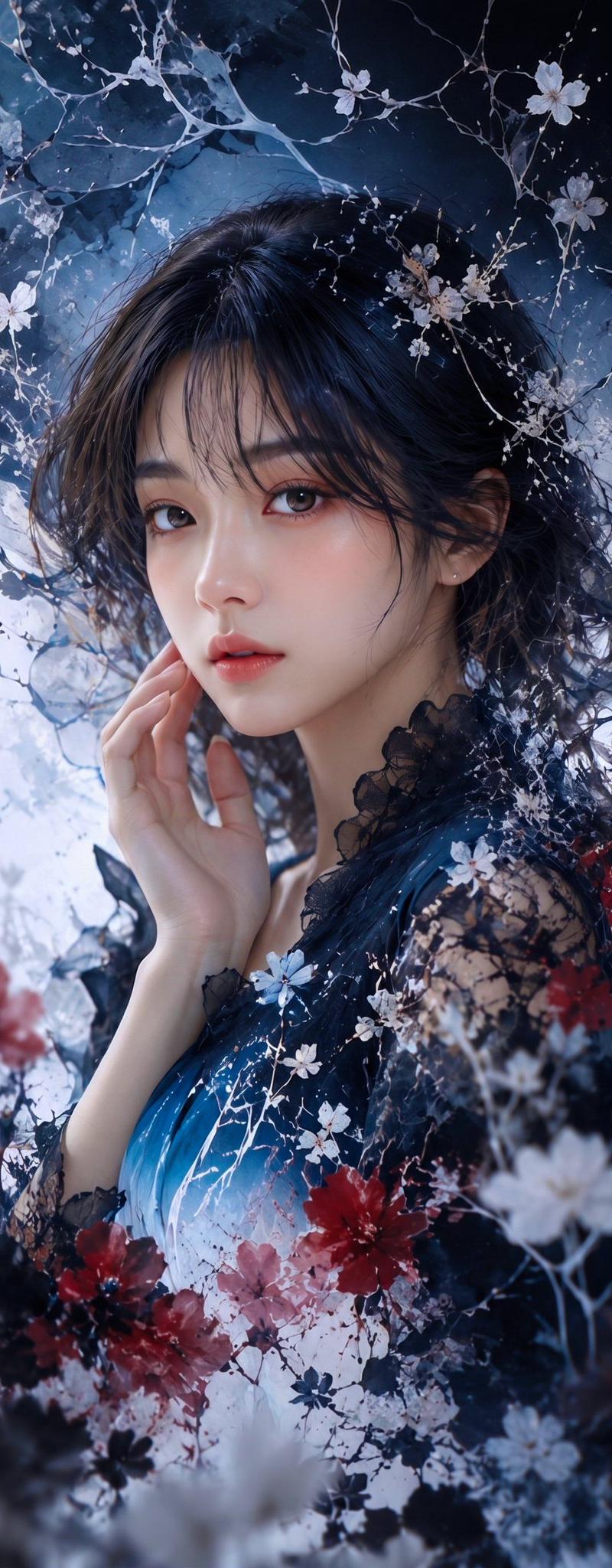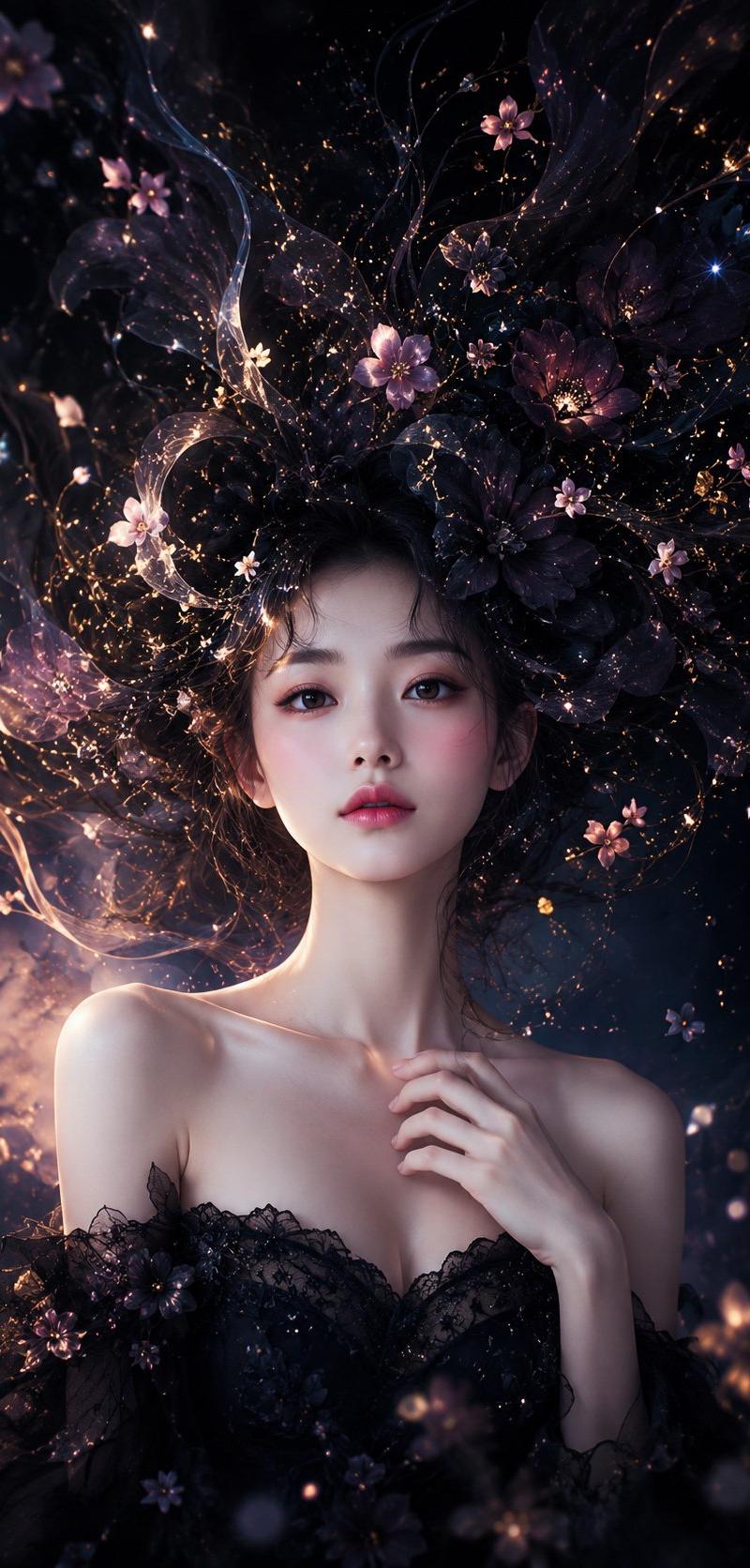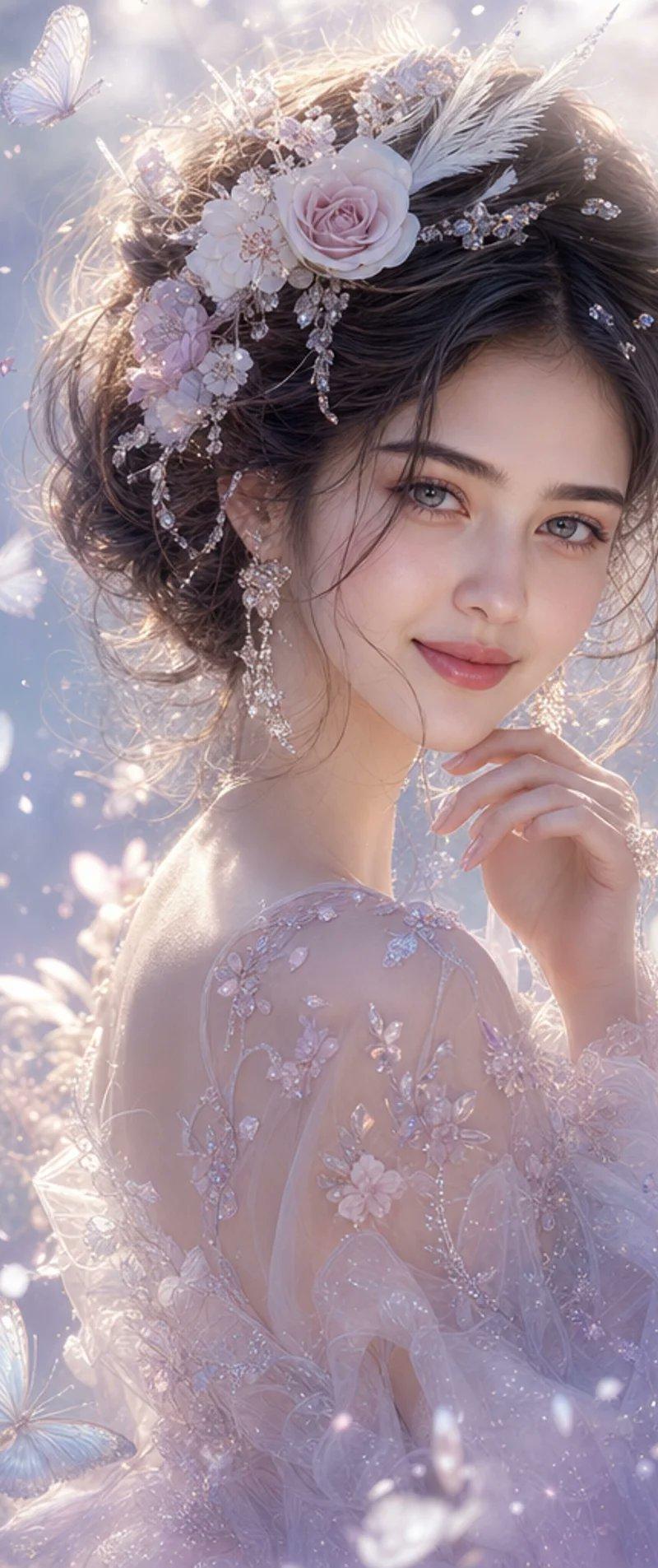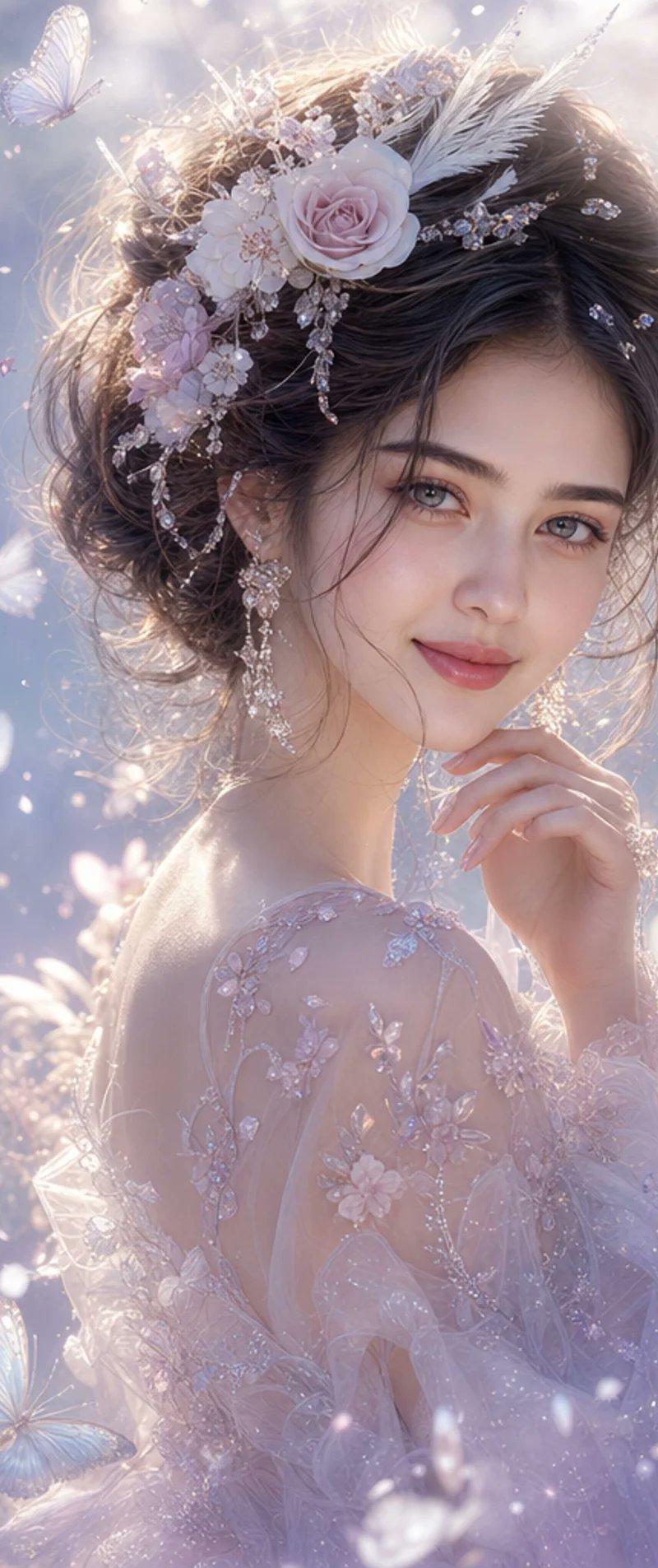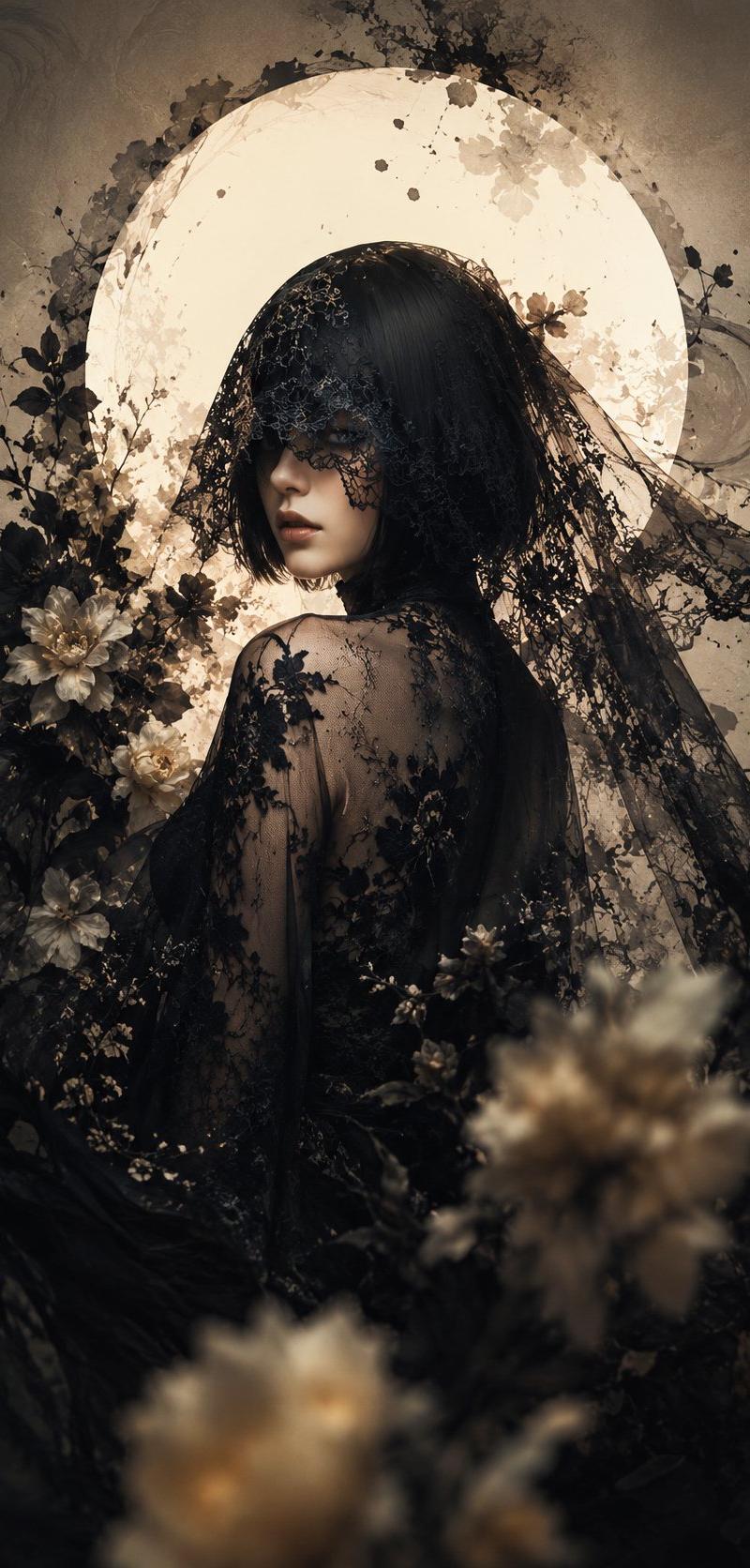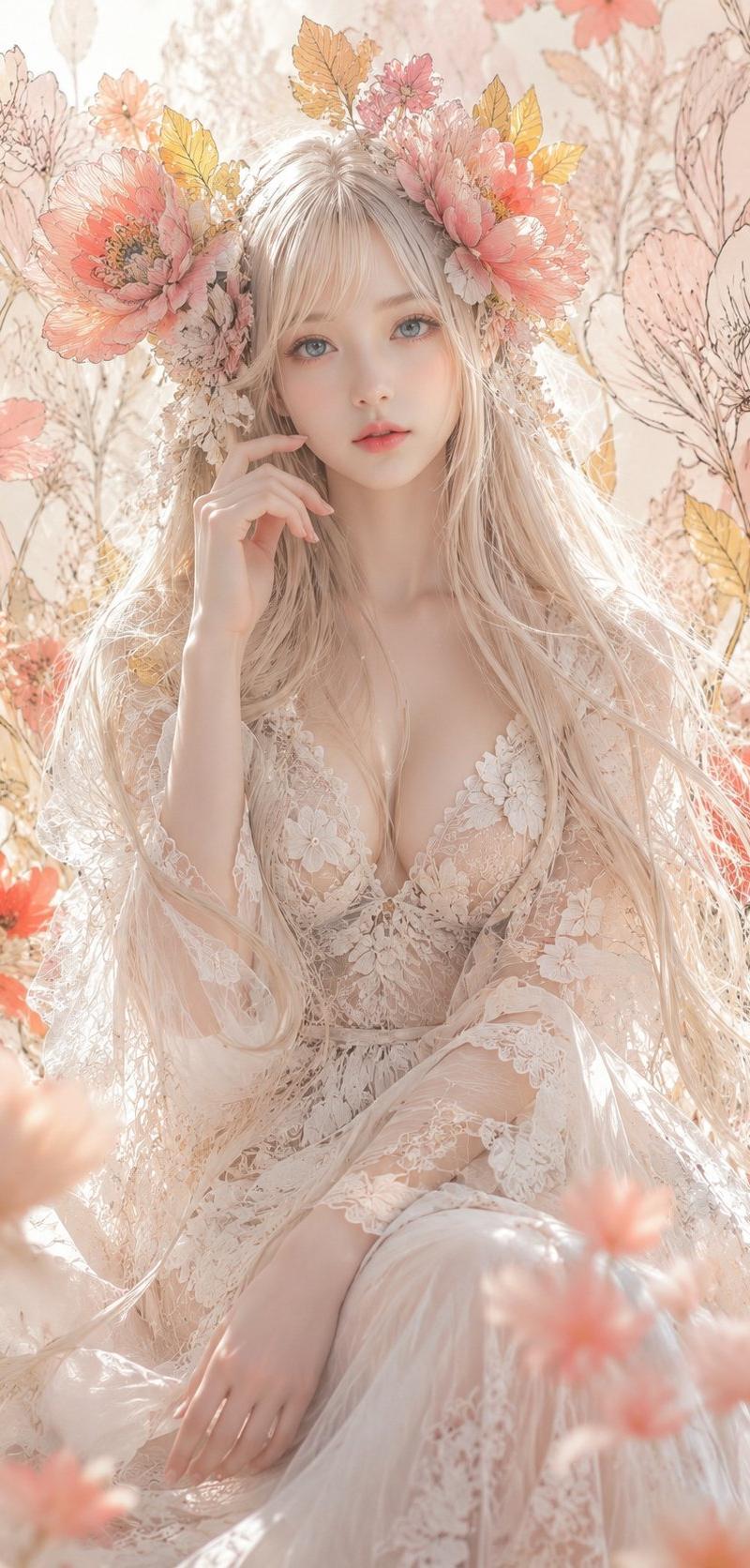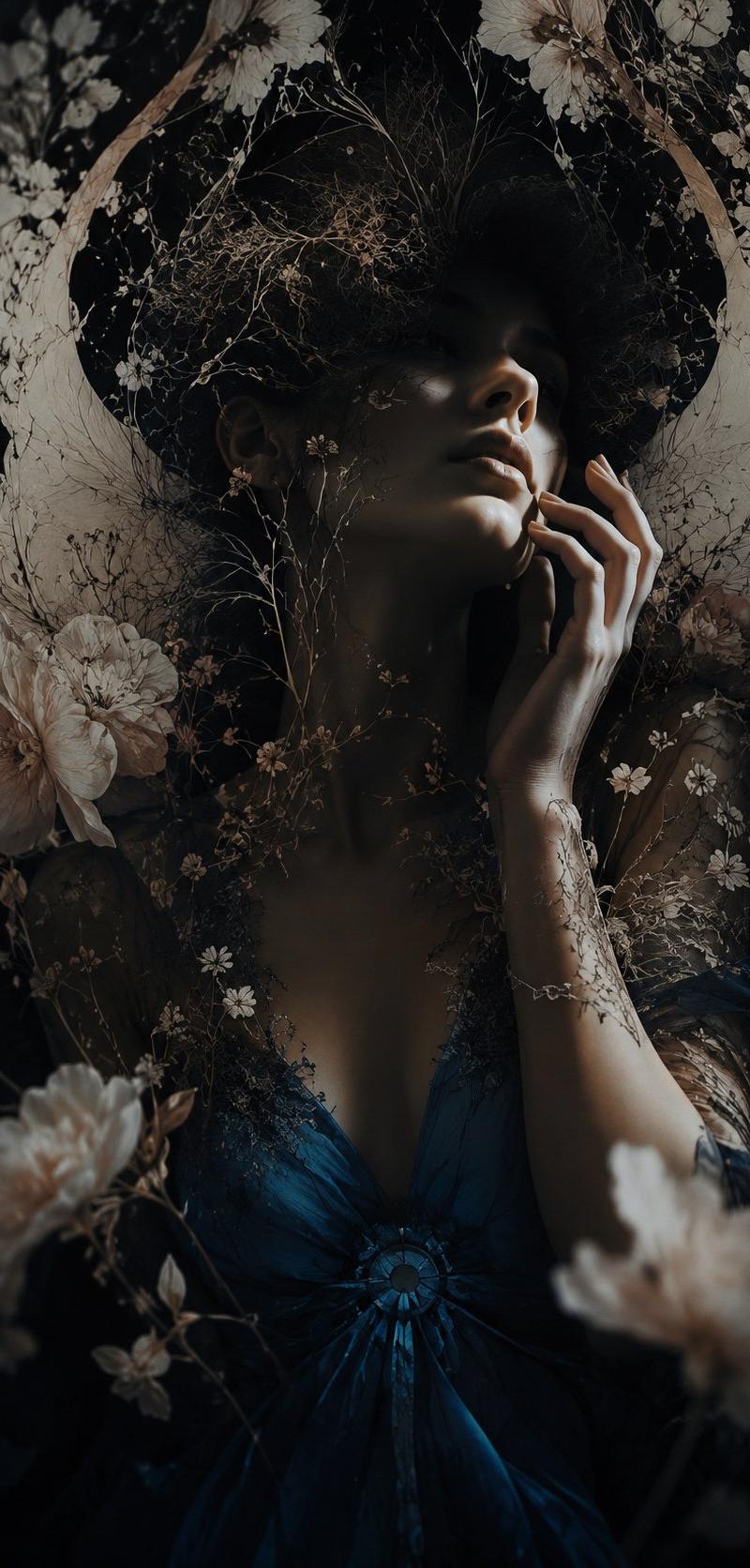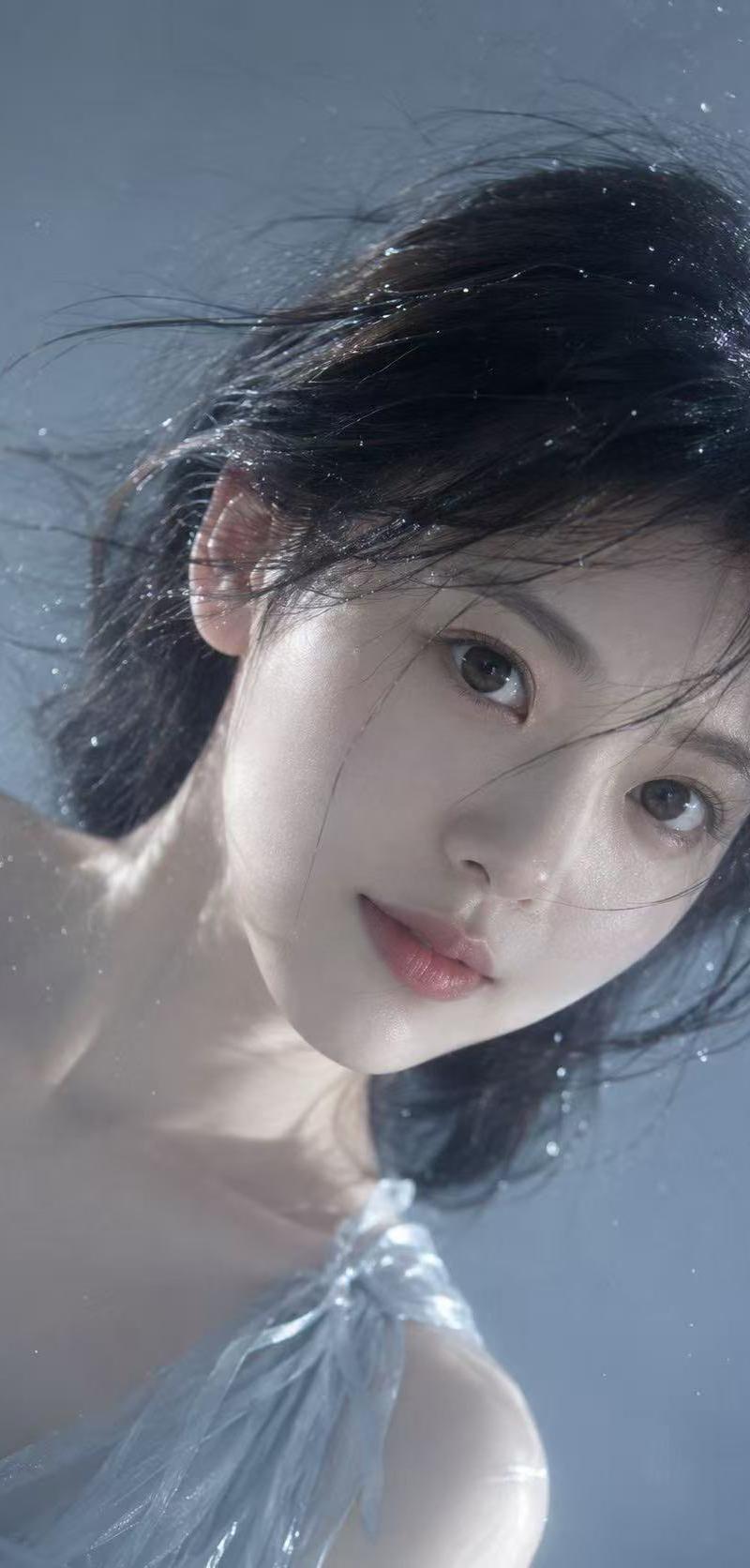
空灵植物肖像
Prompt
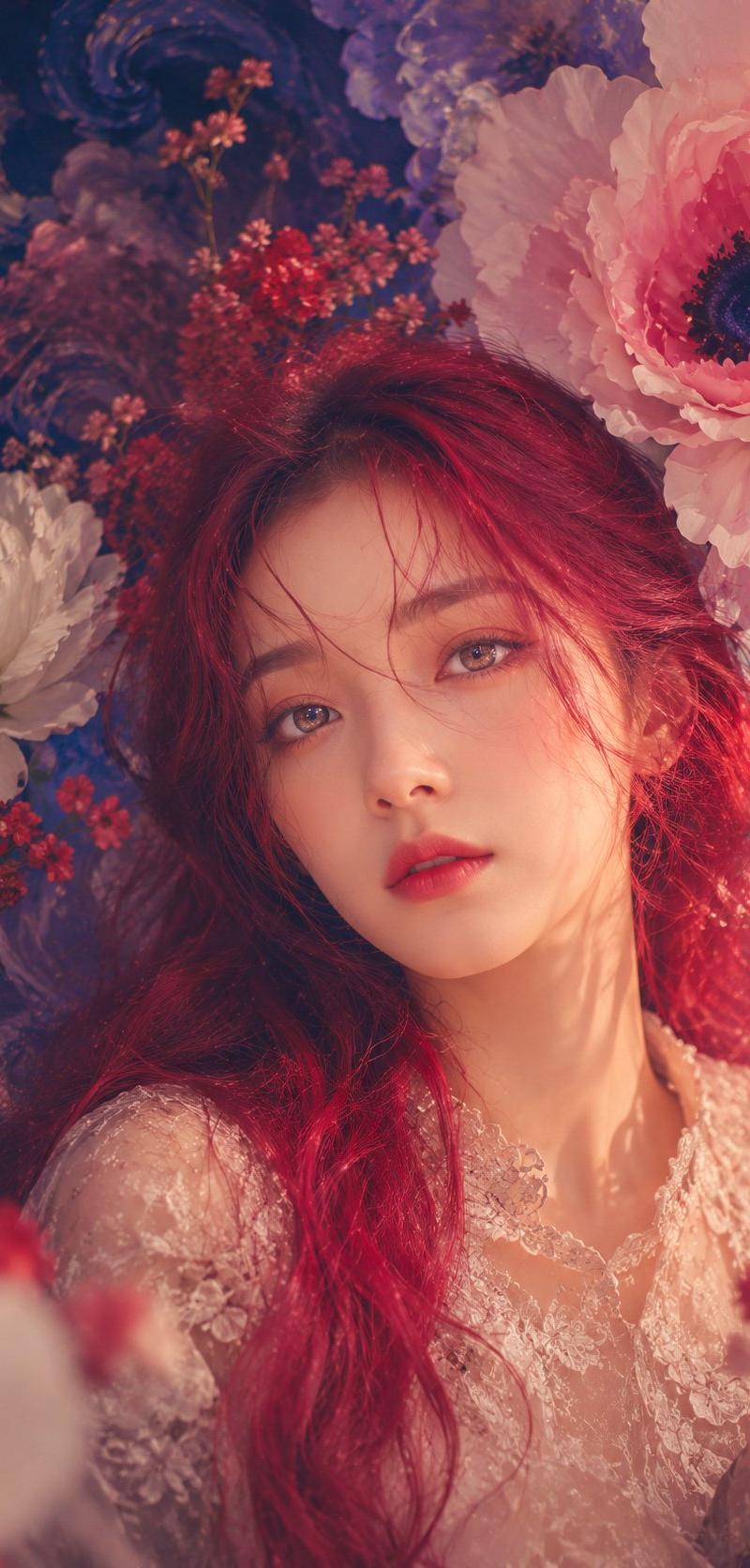
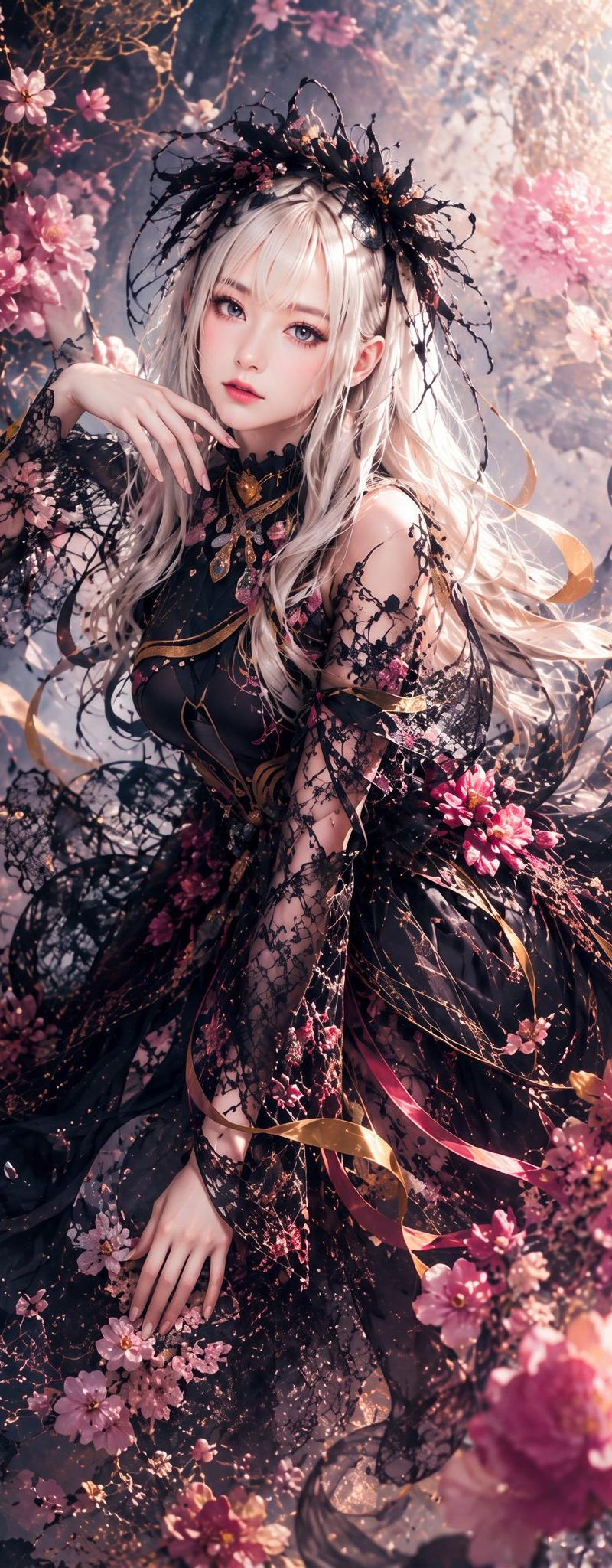
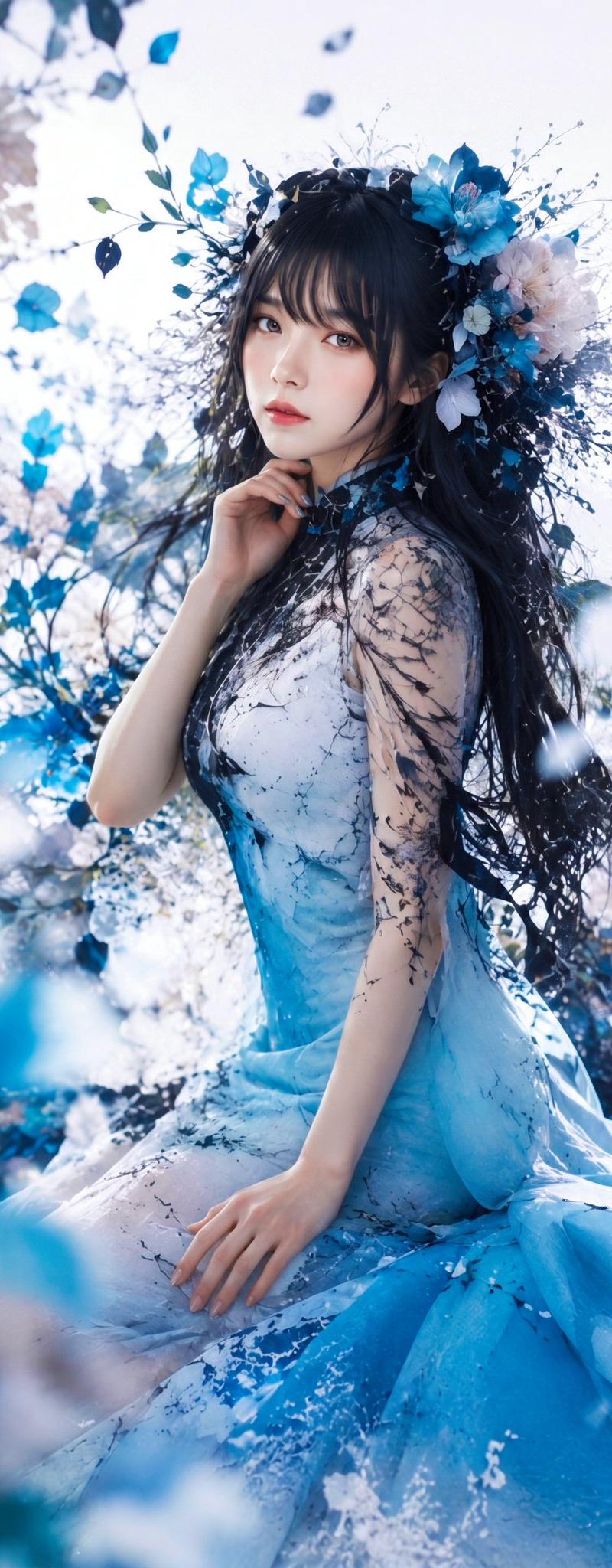
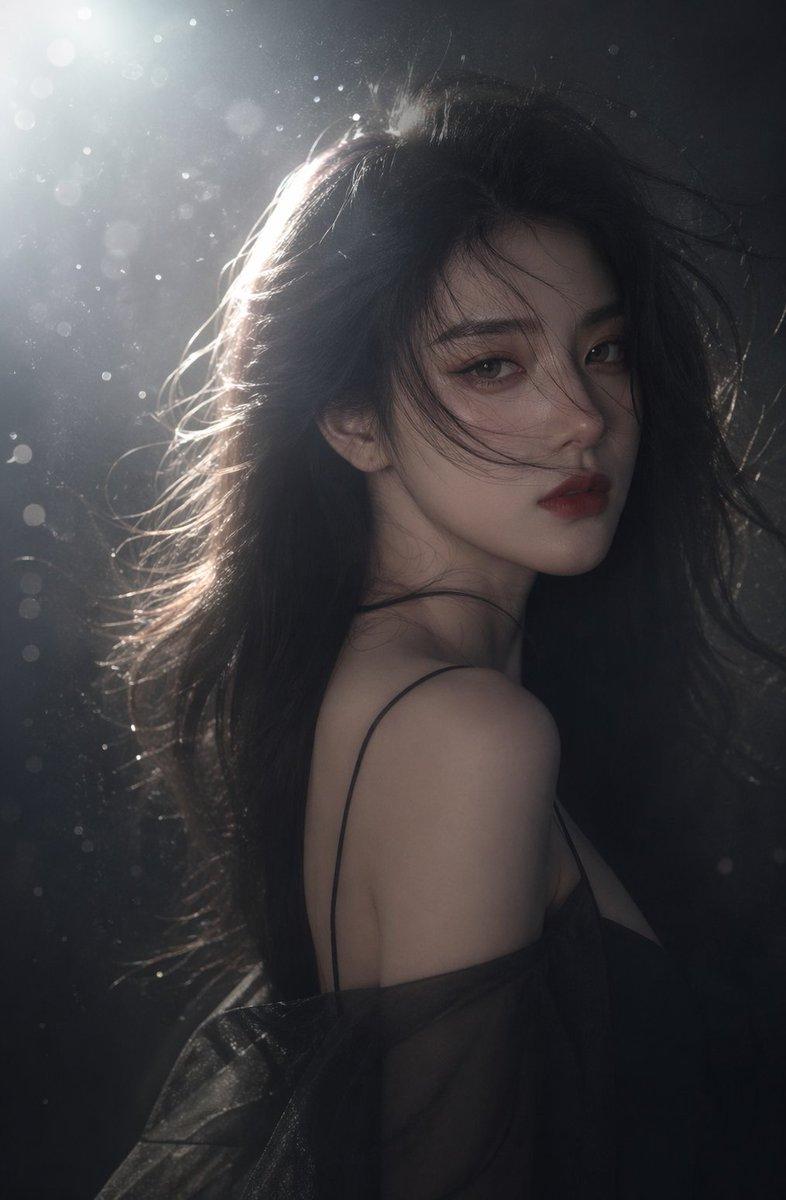
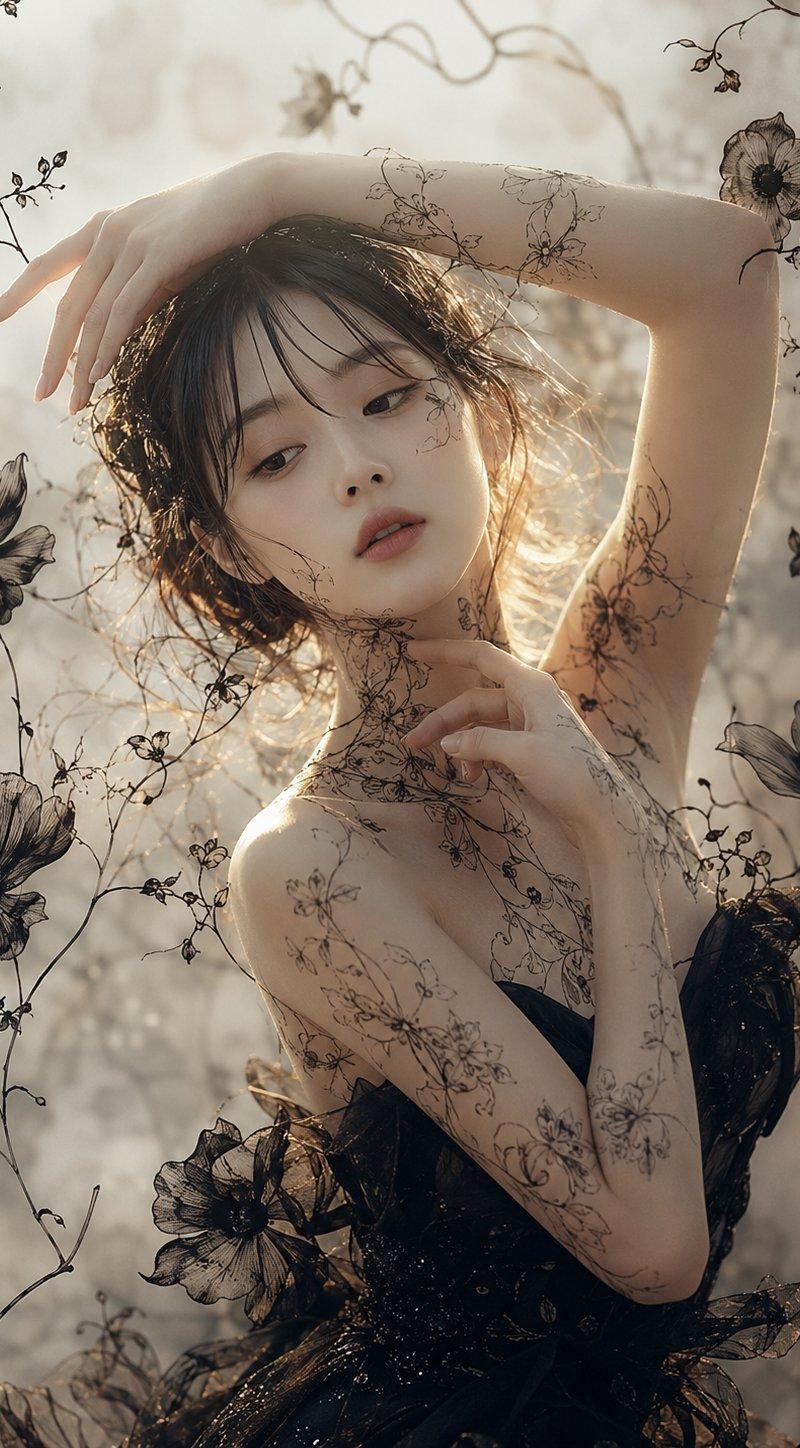
Create a vertical 3:4 fine-art fashion portrait of a graceful adult woman with {argument name="hair color" default="dark brown"} wavy hair, shown from the upper body in a dreamy backlit garden atmosphere. Her face is intentionally hidden by a centered opaque square block in warm taupe-brown, covering the facial features while leaving hair, arms, neck, shoulders, and torso visible. Pose her with one arm arched above her head and the hand draping delicately downward, while the other arm bends across her chest with slender fingers touching the collarbone/neck area; make the hands elegant and anatomically correct with five natural fingers on each hand, no fused or distorted fingers. She wears a {argument name="dress color" default="black"} translucent couture dress with glossy organza-like ruffles, floral appliqué, and a strapless or off-shoulder silhouette. Cover her skin and the surrounding air with fine black botanical line art like delicate flower-and-vine tattoos, including thin stems across the arms, shoulder, neck, and upper chest. Surround the figure with exactly 6 prominent large translucent black flowers: one in the upper right corner, one on the left middle edge, one on the lower left area, one near the lower center over the dress, one on the right middle edge, and one partially visible at the bottom-left edge; add many thin curling vines and small buds around them. Use a soft sepia-gray palette, warm sunlight glowing from behind the hair, shallow depth of field, misty bokeh background, high-detail skin and fabric texture, ethereal romantic mood, editorial photography composition, painterly botanical overlay, no text, no watermark.- Category
- Photography & Realism
- Model
- GPT Image 2
- Creator
- newone@見習AI画像生成士 🅜🅐🅘
- Source language
- en
- Source ID
- 25074
- Published
- Jun 10, 2026
Views0