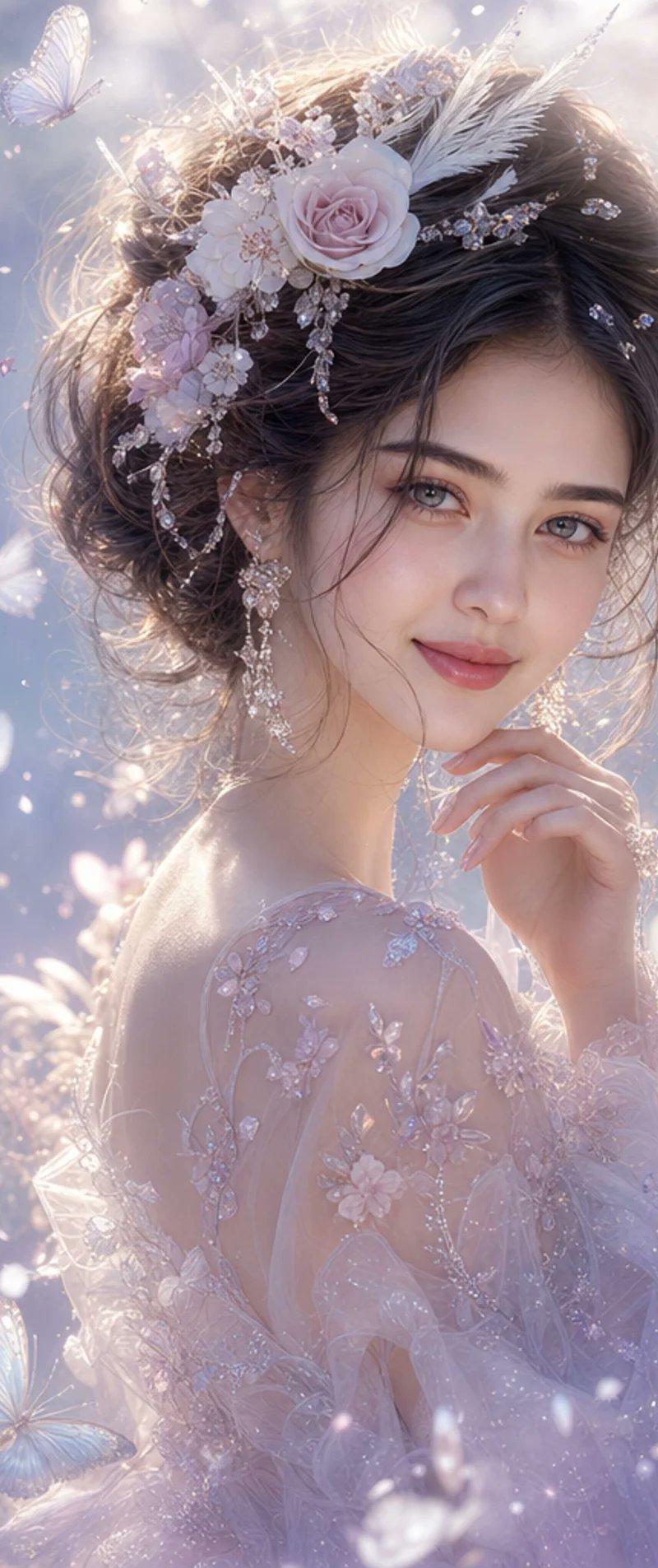
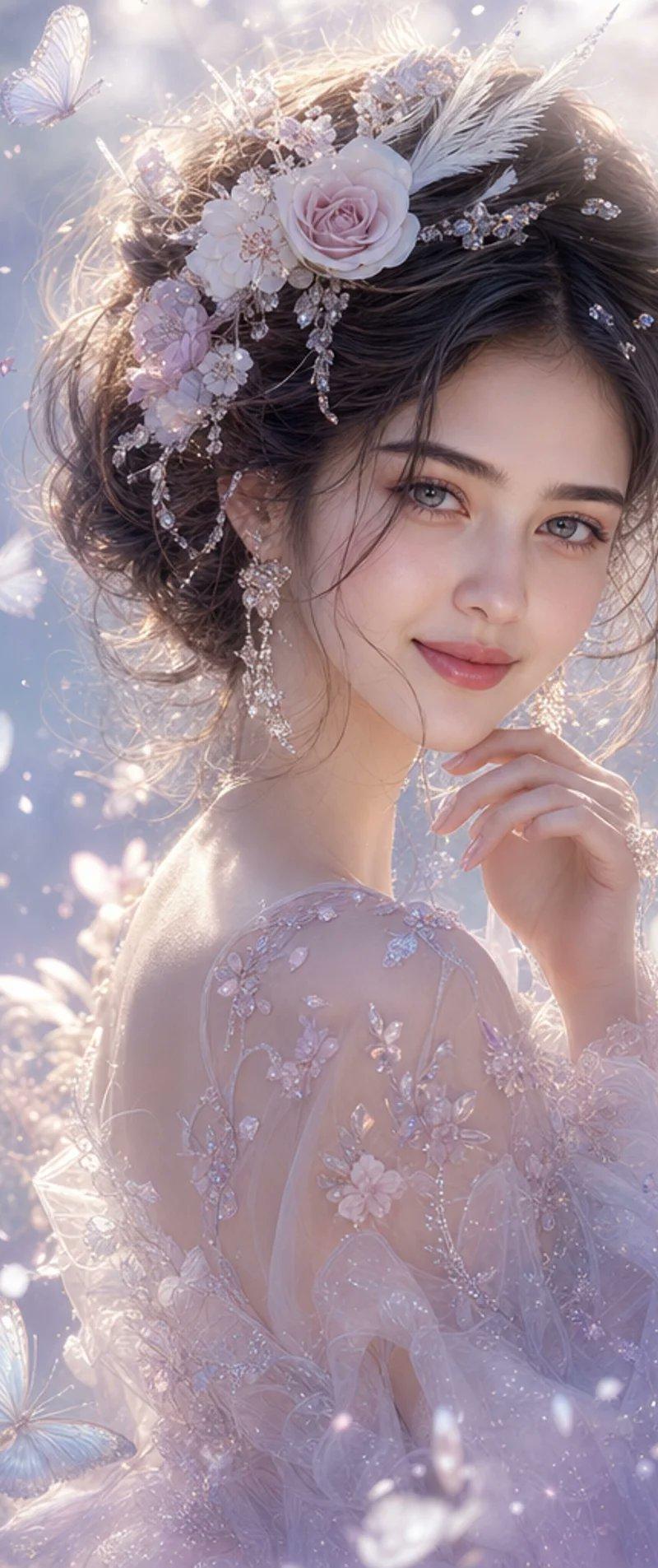
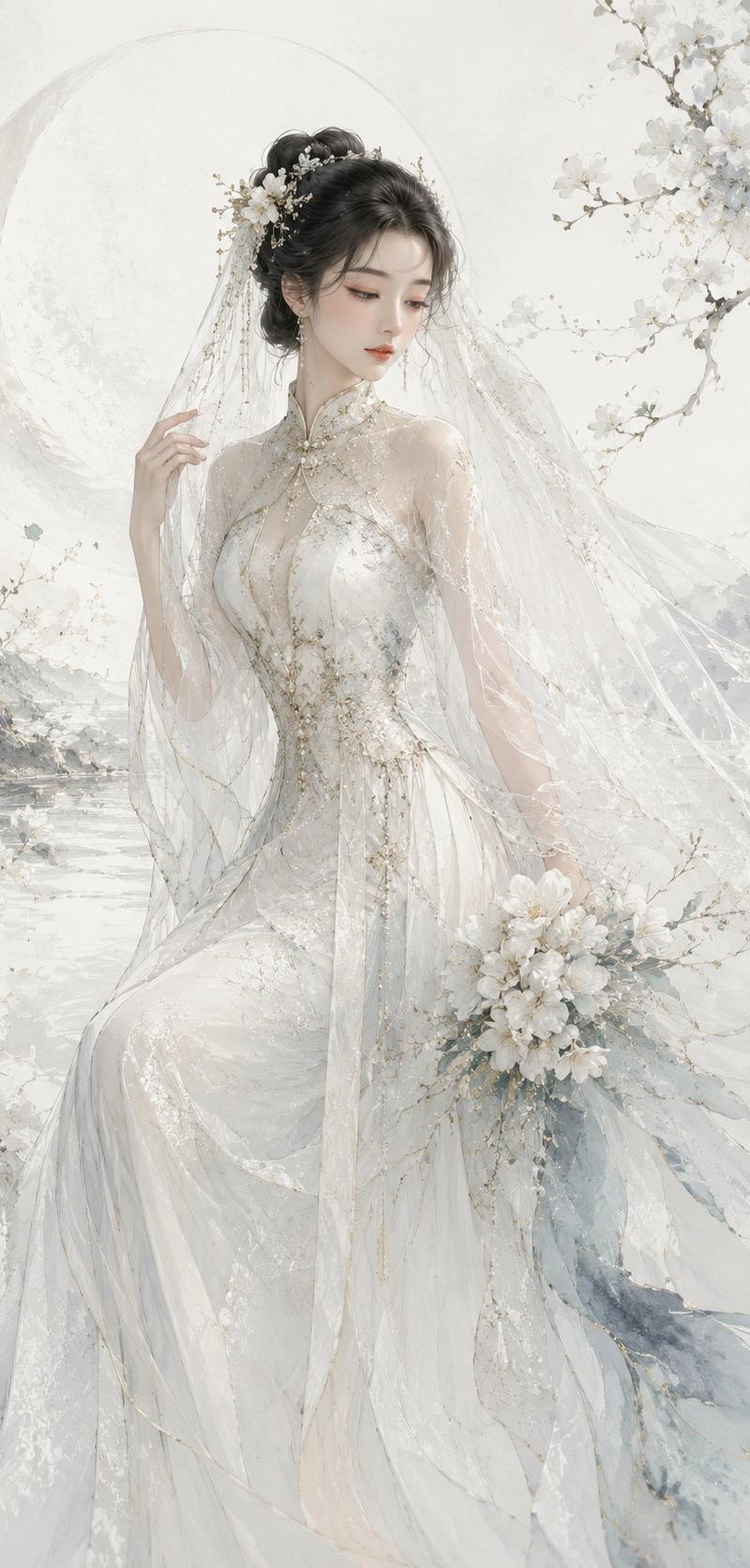
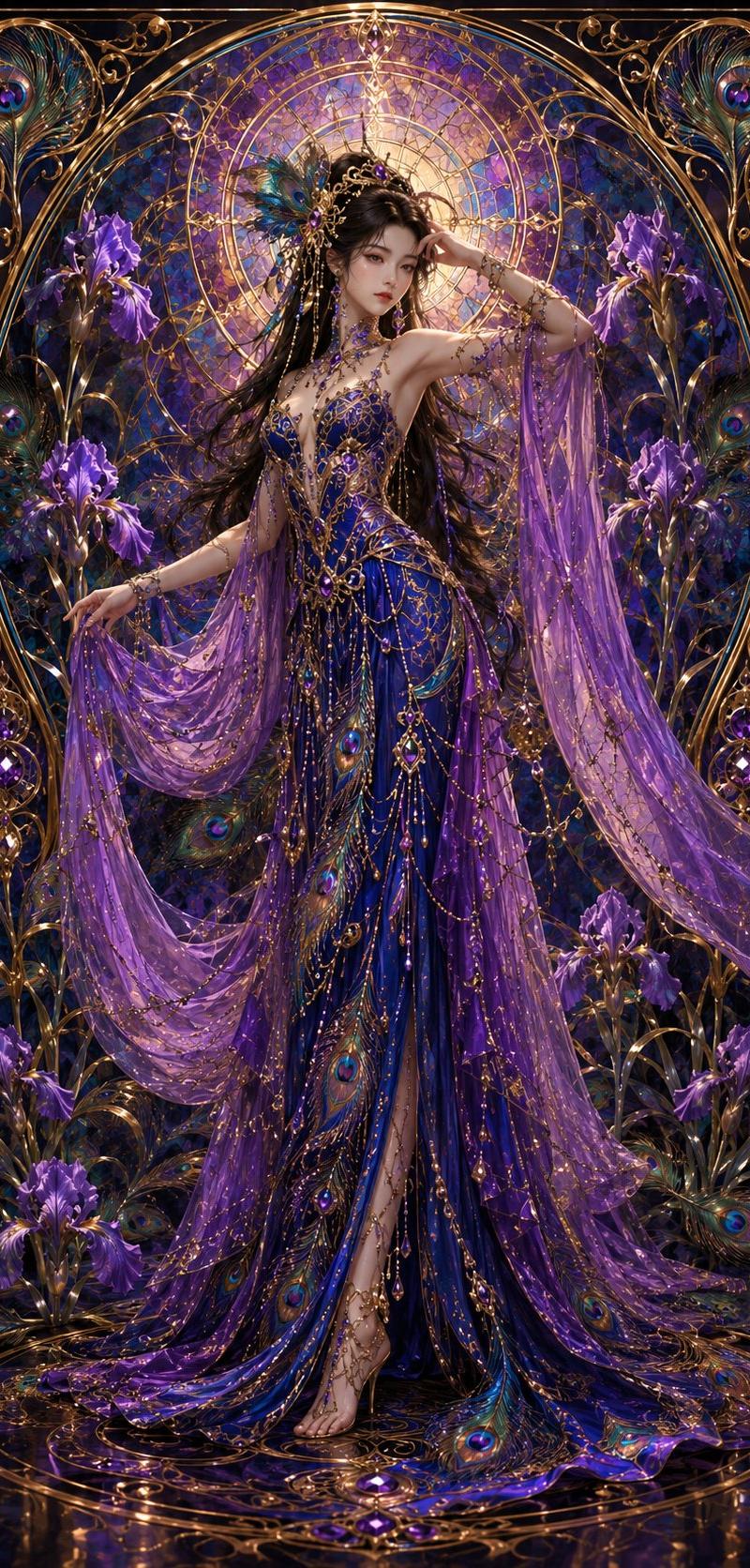
19

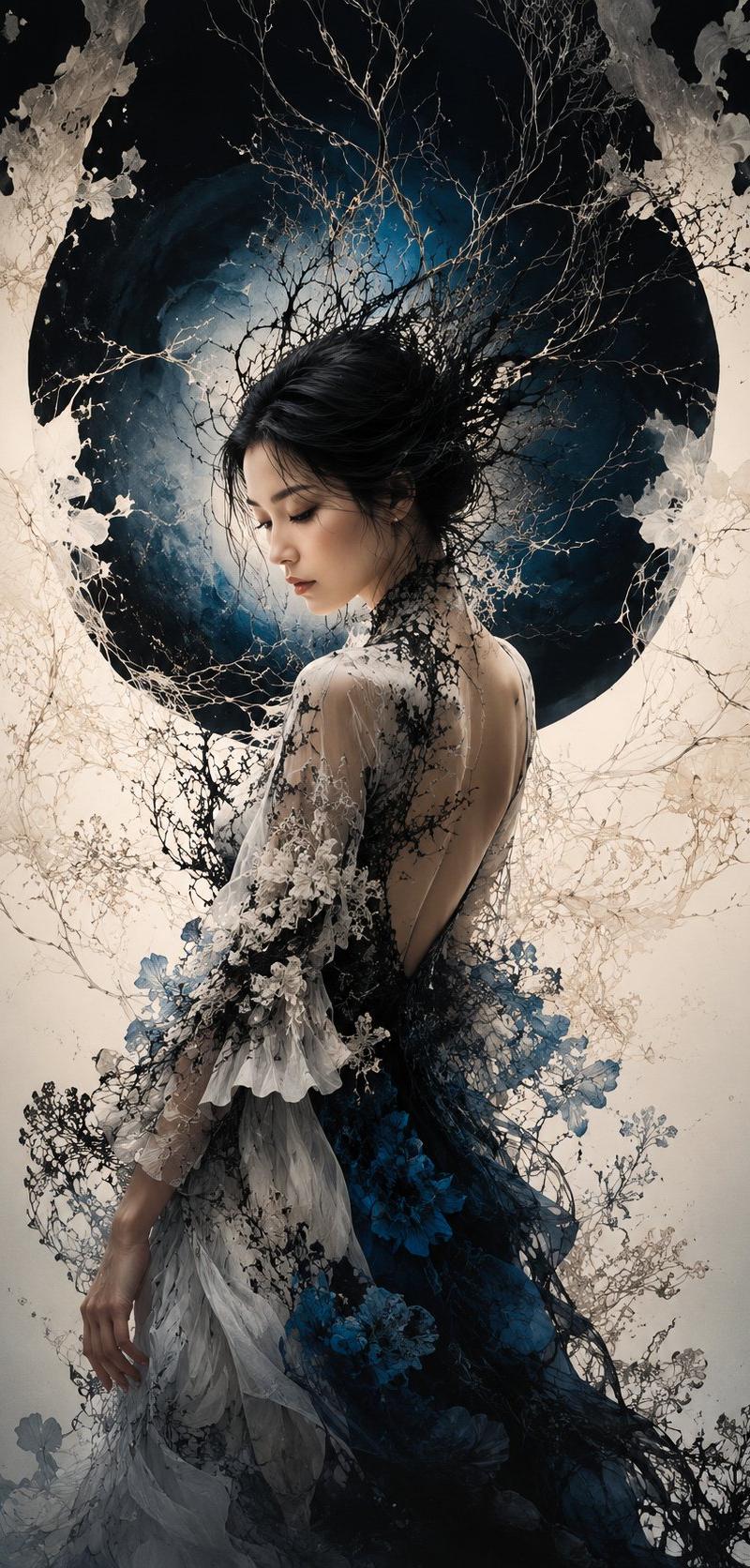
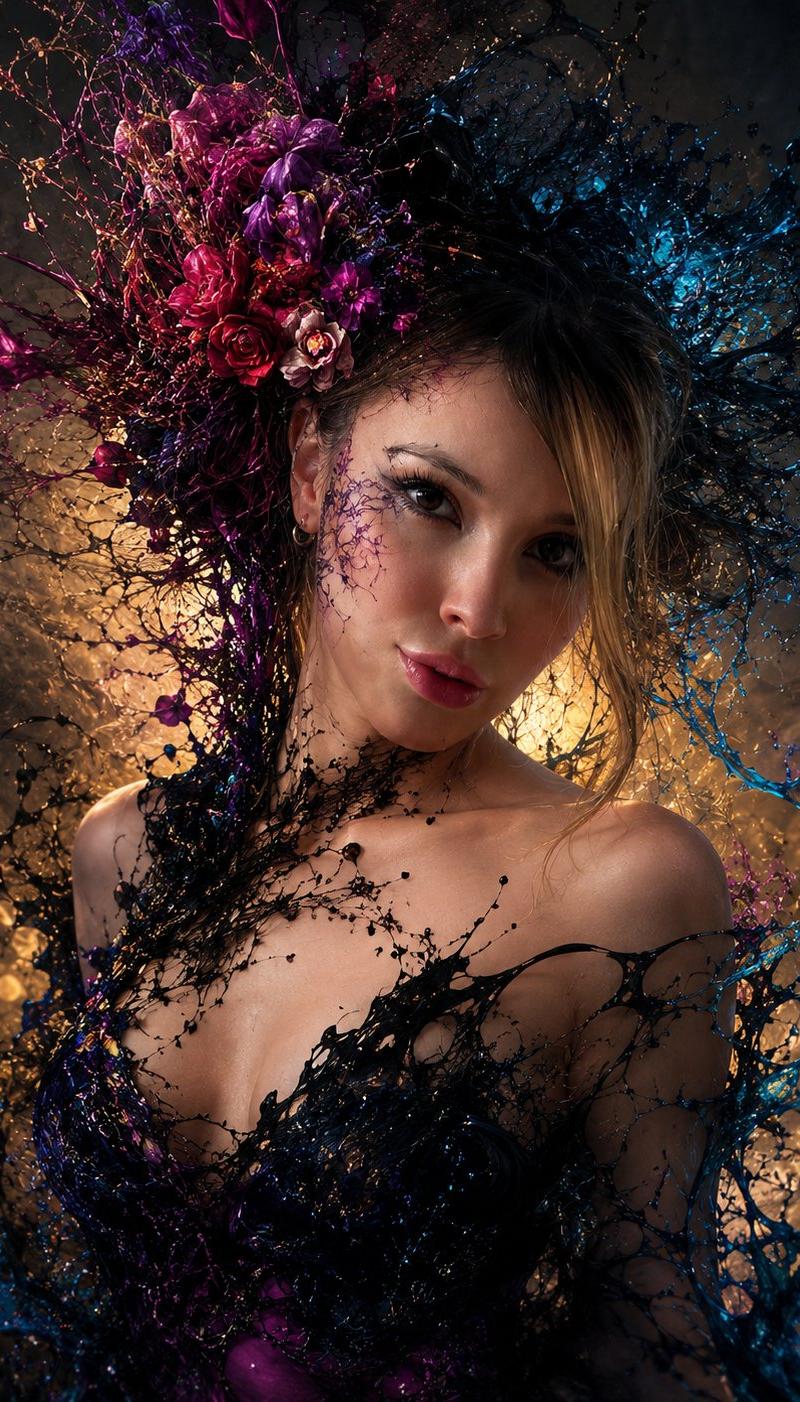
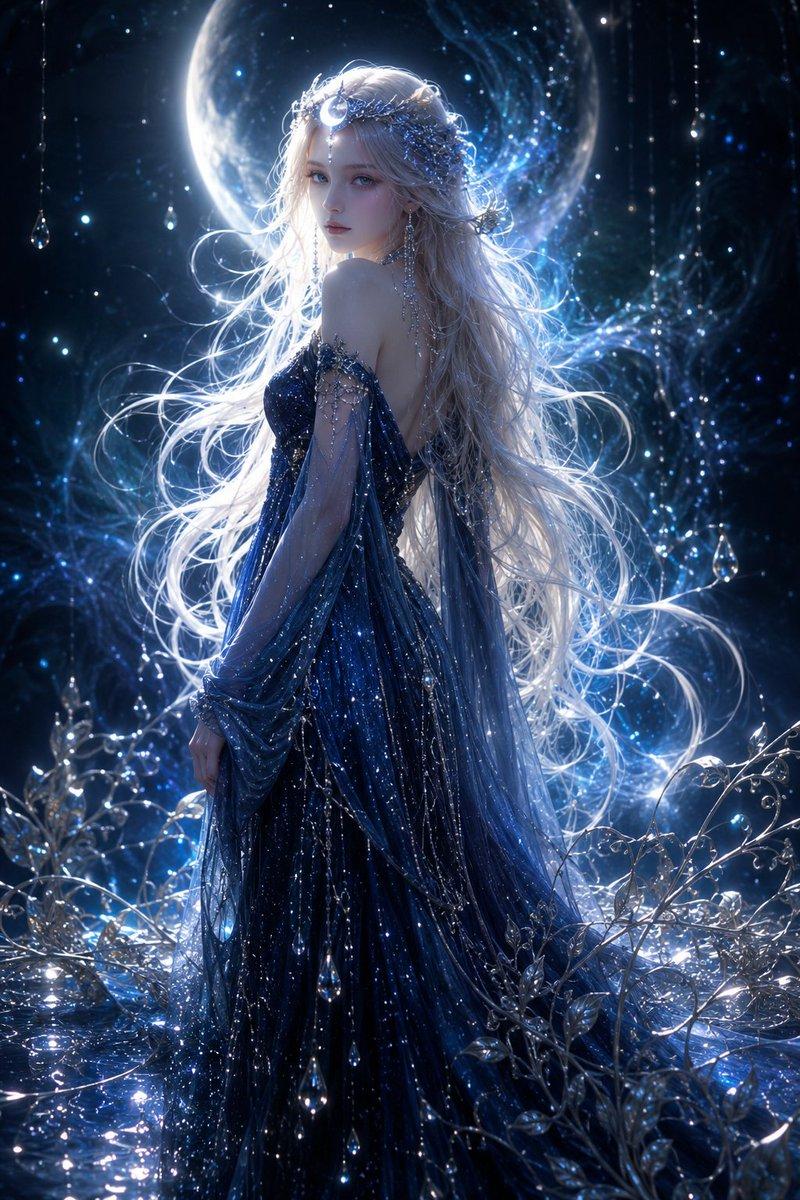
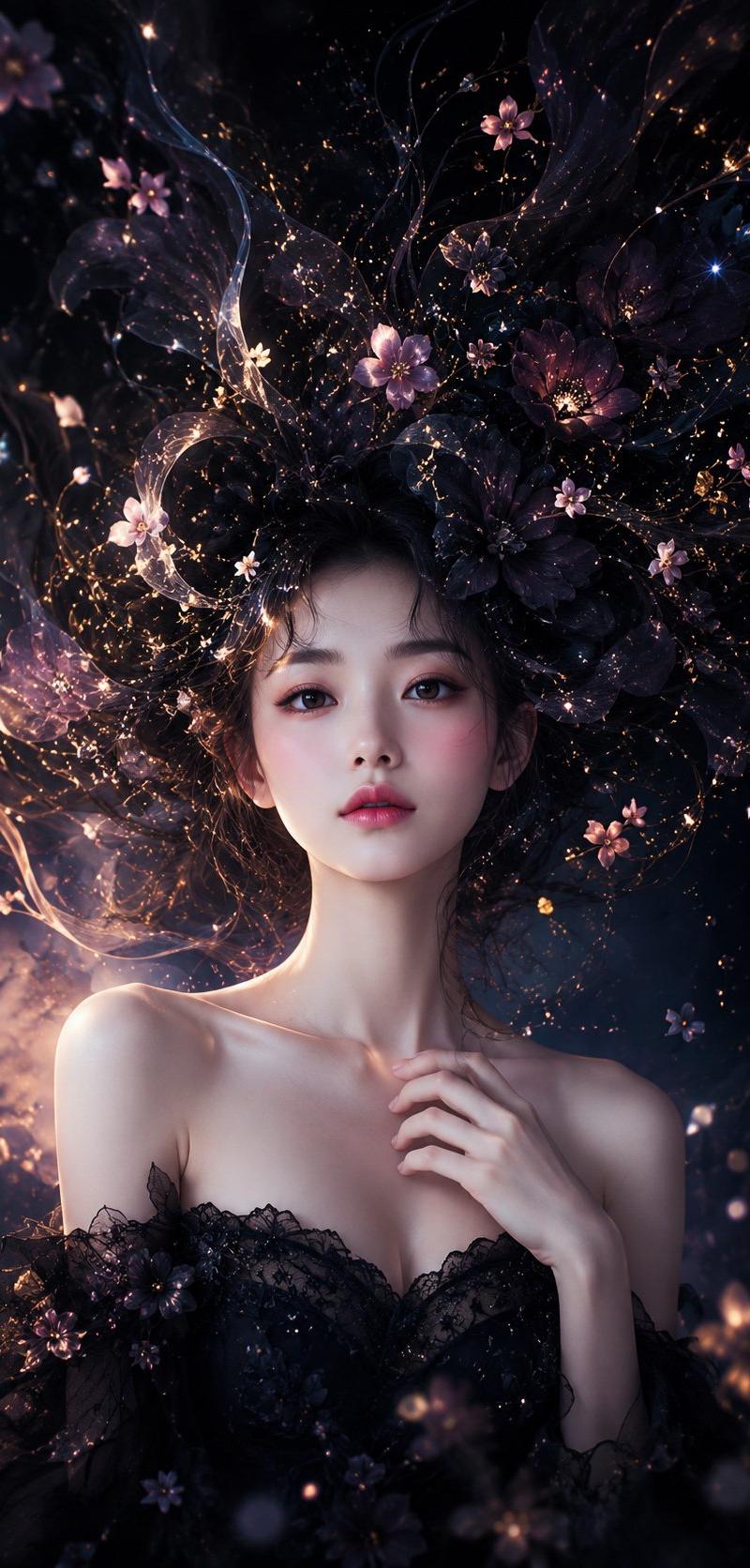
空灵蓝色奇幻时尚肖像
Enlarge

Example images

空灵蓝色奇幻时尚肖像

Prompt
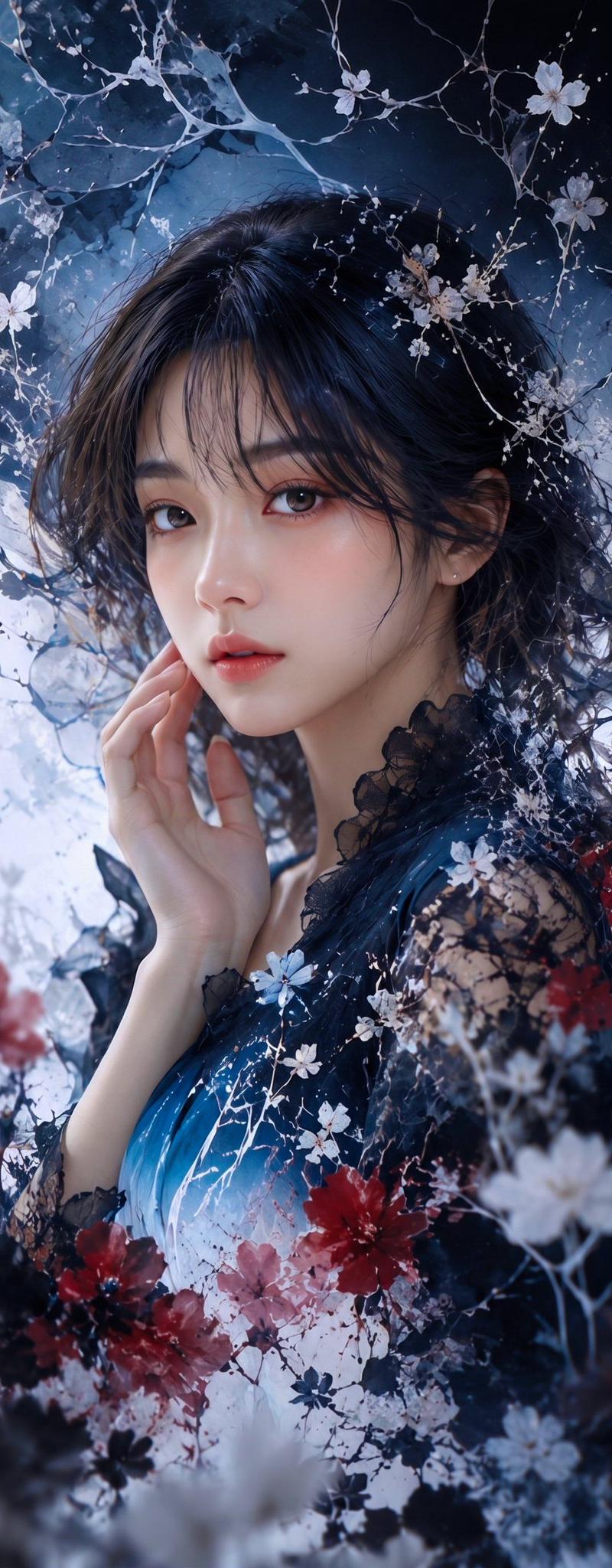
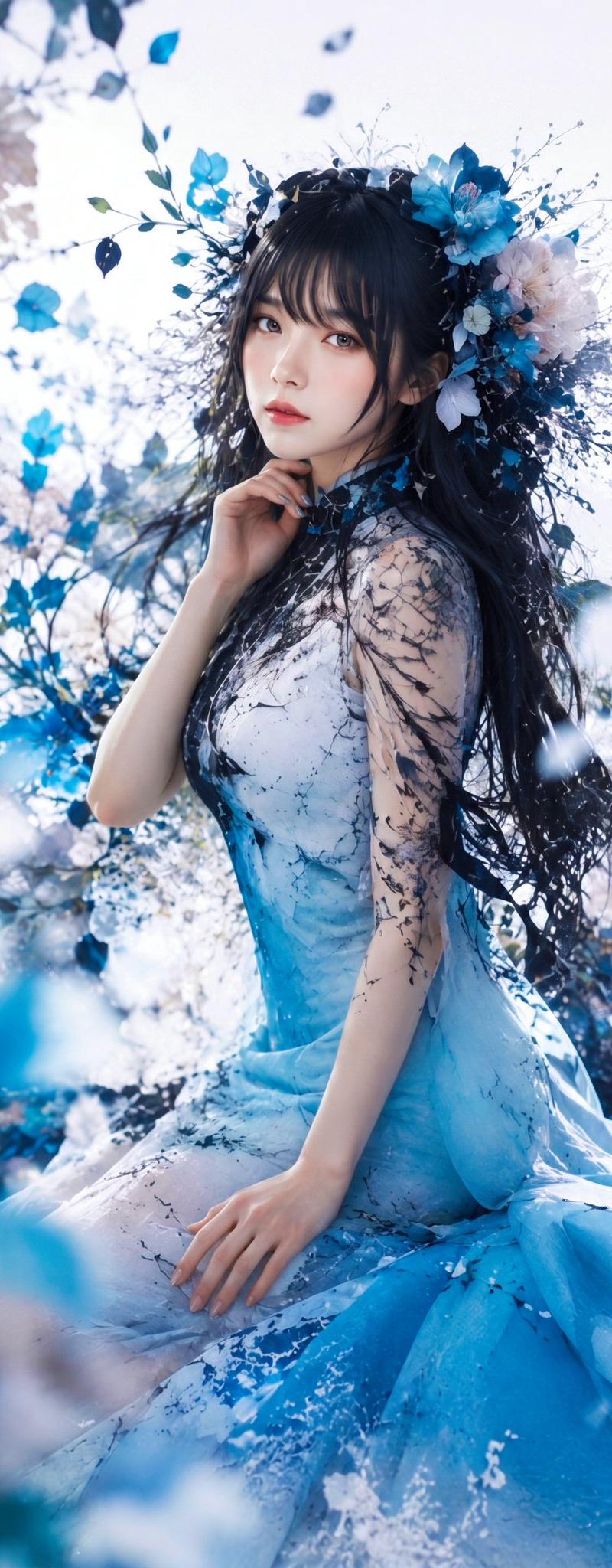
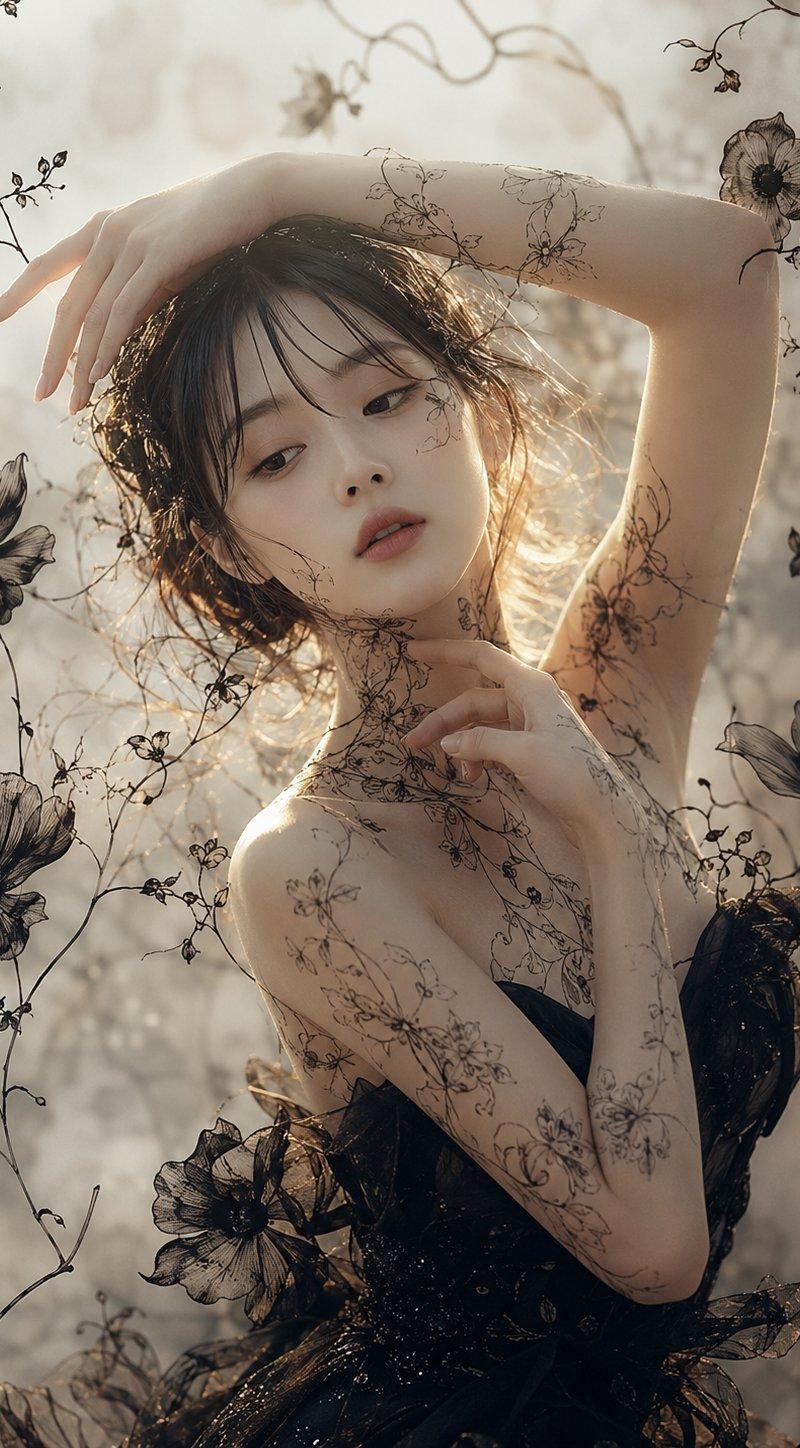
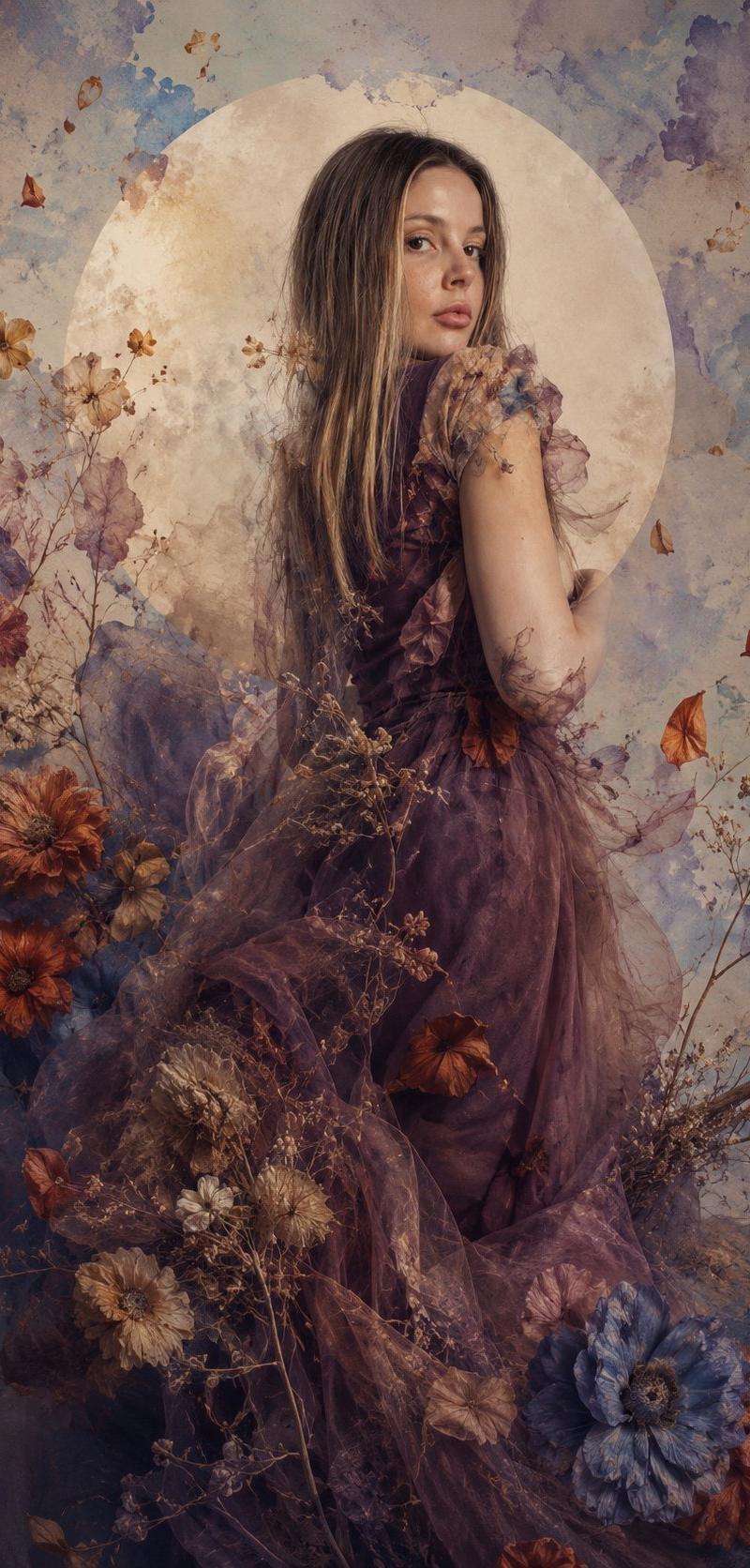
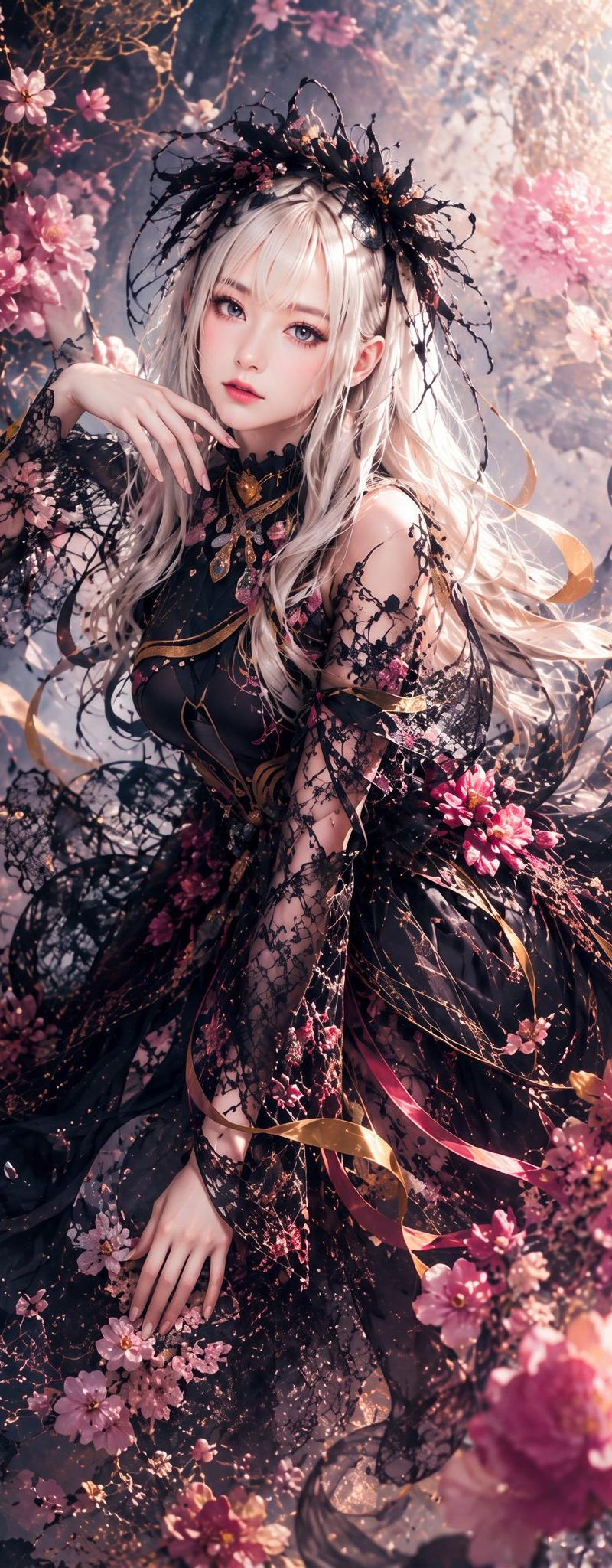
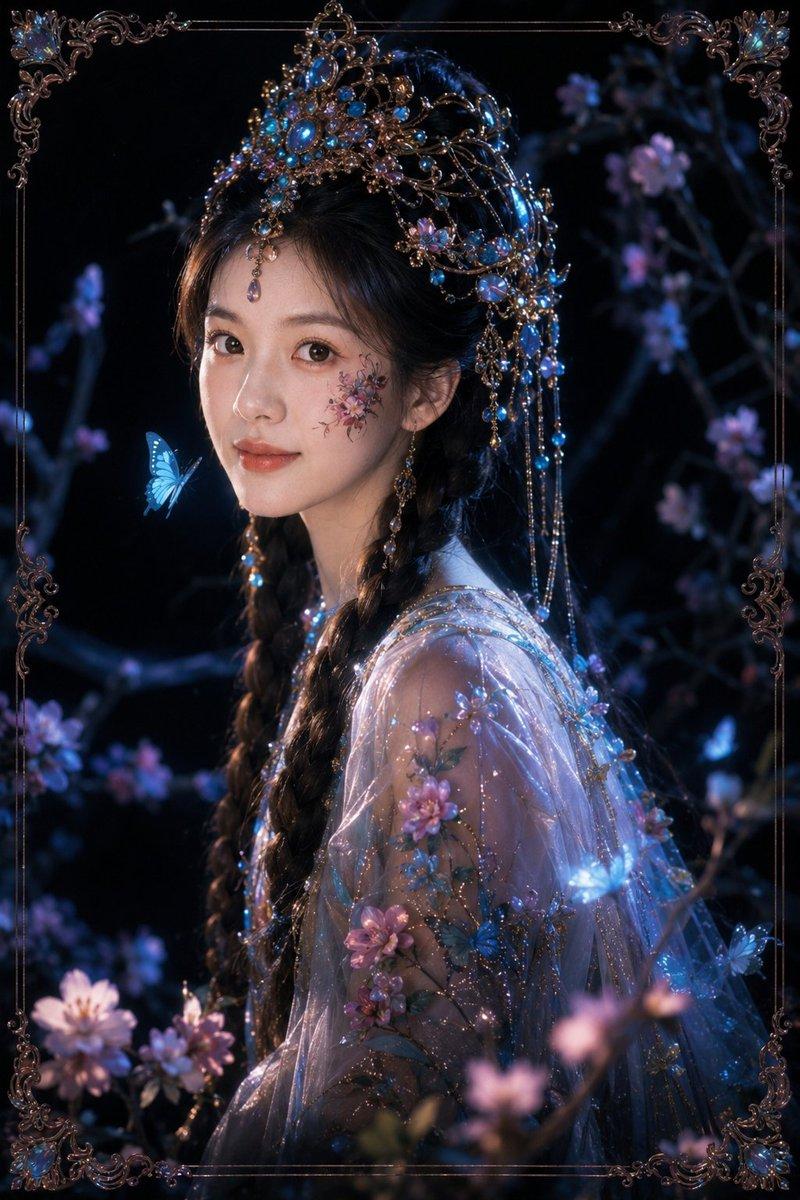
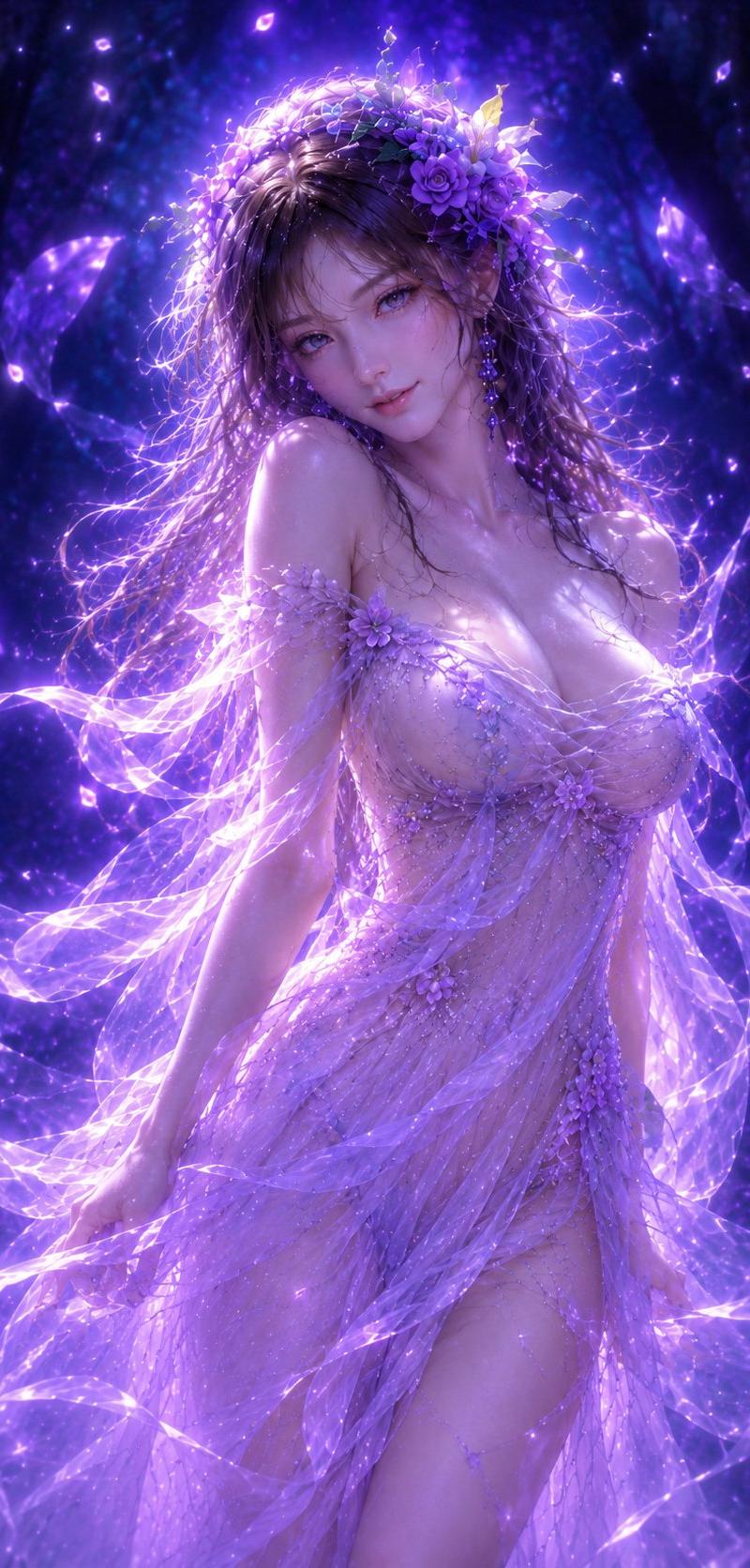
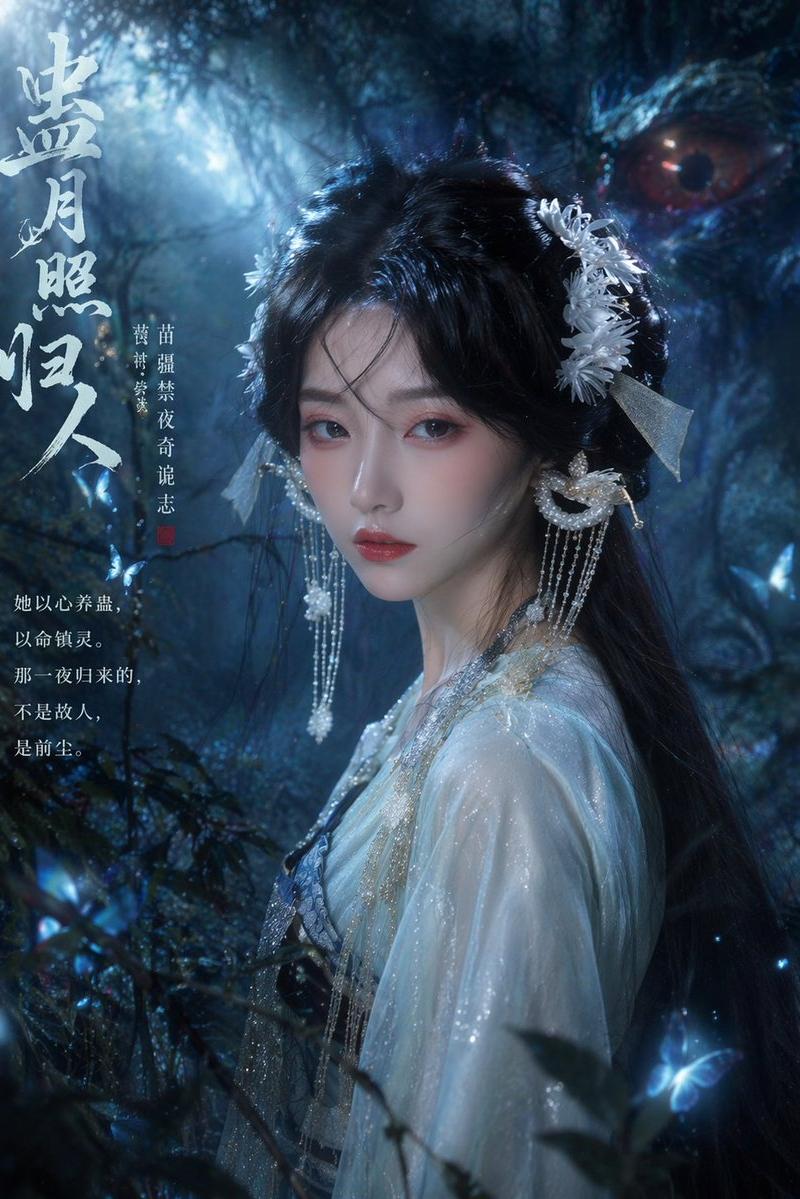
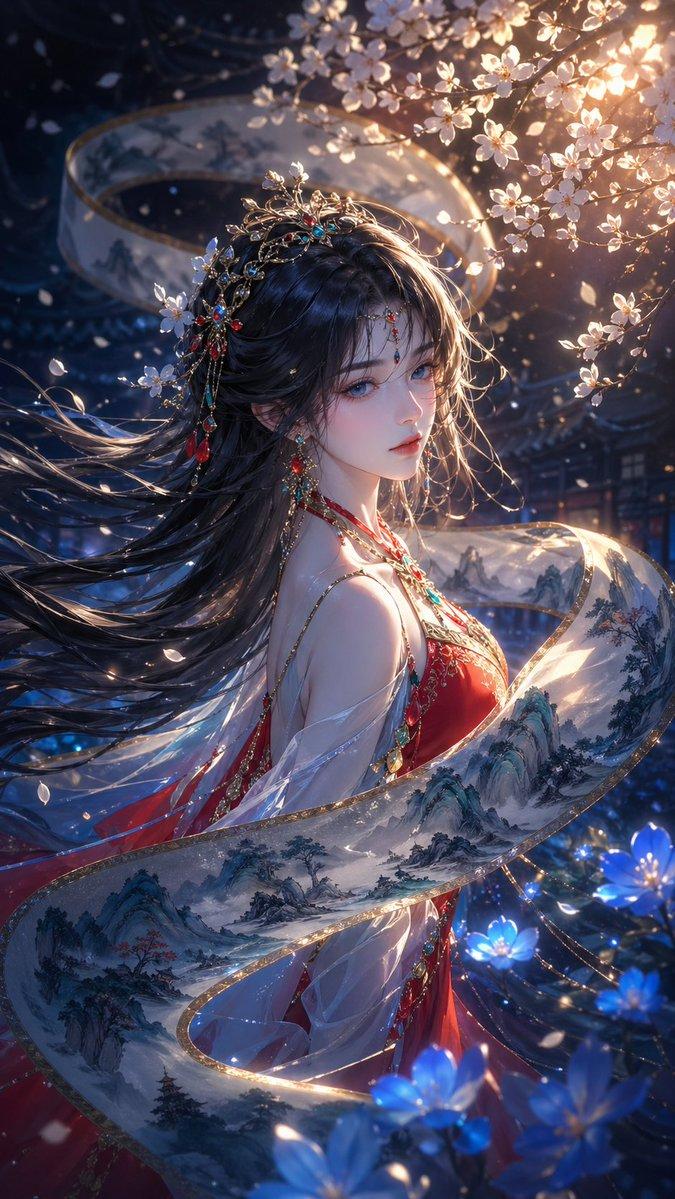
Create a vertical fantasy fashion portrait of {argument name="character name" default="an ethereal young woman"} standing in a dark midnight-blue void, shown from about mid-thigh upward in a graceful three-quarter pose. She has long windblown {argument name="hair color" default="black hair with electric-blue highlights"}, a softly obscured, dreamlike face with no sharp facial detail, pale luminous skin, one hand resting near her collarbone and the other relaxed downward. Dress her in a dramatic {argument name="dress color" default="deep cobalt blue"} couture gown made of sheer flowing chiffon, glossy wet-look fabric, sequins, beadwork, lace appliqué, and floral embroidery, with an off-shoulder asymmetric neckline, delicate shoulder straps, translucent sleeves, side cutouts, and long ribbons of fabric swirling around her body. Surround her with explosive liquid-like blue smoke, ink clouds, splashing water, glowing particles, and bioluminescent blue flowers in the foreground and background. Use a monochromatic palette of navy, ultramarine, cobalt, and electric cyan, with intense rim lighting behind the figure, sparkling highlights on the dress, high contrast shadows, soft bokeh blossoms near the bottom, and a magical underwater-night atmosphere. Style: ultra-detailed cinematic digital art mixed with high-fashion editorial photography, elegant, romantic, mysterious, sharp fabric texture, volumetric light, dynamic motion, no text, no watermark.
Category
Photography & Realism
Model
GPT Image 2
Creator
NIKKO
Source language
en
Views0
Source ID
26810
Published
Jun 25, 2026
Studio

Guide

About "空灵蓝色奇幻时尚肖像"

What is this prompt for?

"空灵蓝色奇幻时尚肖像" AI image prompt for GPT Image 2 (Photography & Realism). 生成一张深色电影感奇幻肖像,描绘了一位身穿飘逸蓝色高级定制礼服的女性,周围环绕着发光的液态烟雾和花朵。 Copy it on Picva and recreate the loo…

The full copyable prompt and example visuals above are ready for AI image generation or one-click recreate in Picva.

How to use this prompt

  1. Step 1

    Open the prompt detail

    Review the example visuals, category, and full prompt text for "空灵蓝色奇幻时尚肖像".

  2. Step 2

    Copy the prompt

    Copy the prompt body from this page, or load it directly in Studio.

  3. Step 3

    Pick a model (GPT Image 2)

    Prefer GPT Image 2. If you switch models, keep subject and composition and tweak style terms.

  4. Step 4

    Generate and export

    Recreate the look in Picva, or export into your workflow for editing and publishing.

FAQ

What is the "空灵蓝色奇幻时尚肖像" prompt?
It is an AI image-generation prompt for GPT Image 2 in the Photography & Realism category. This page includes the full prompt text, example visuals, and a one-click recreate path in Picva.
How do I use this prompt to generate an image?
Copy the prompt from this page, or use Generate / Studio. Paste it into a compatible image model, or recreate the look in Picva with optional reference images.
Which model is this prompt for?
This page lists GPT Image 2. Most descriptive prompts also transfer to nearby image models such as GPT Image, Flux, or Midjourney with light style tweaks.
Can I use the result commercially?
You can usually copy the prompt for creation, but commercial use of the final image depends on the model terms, reference-image rights, and the generated content. Follow the source author and platform rules.