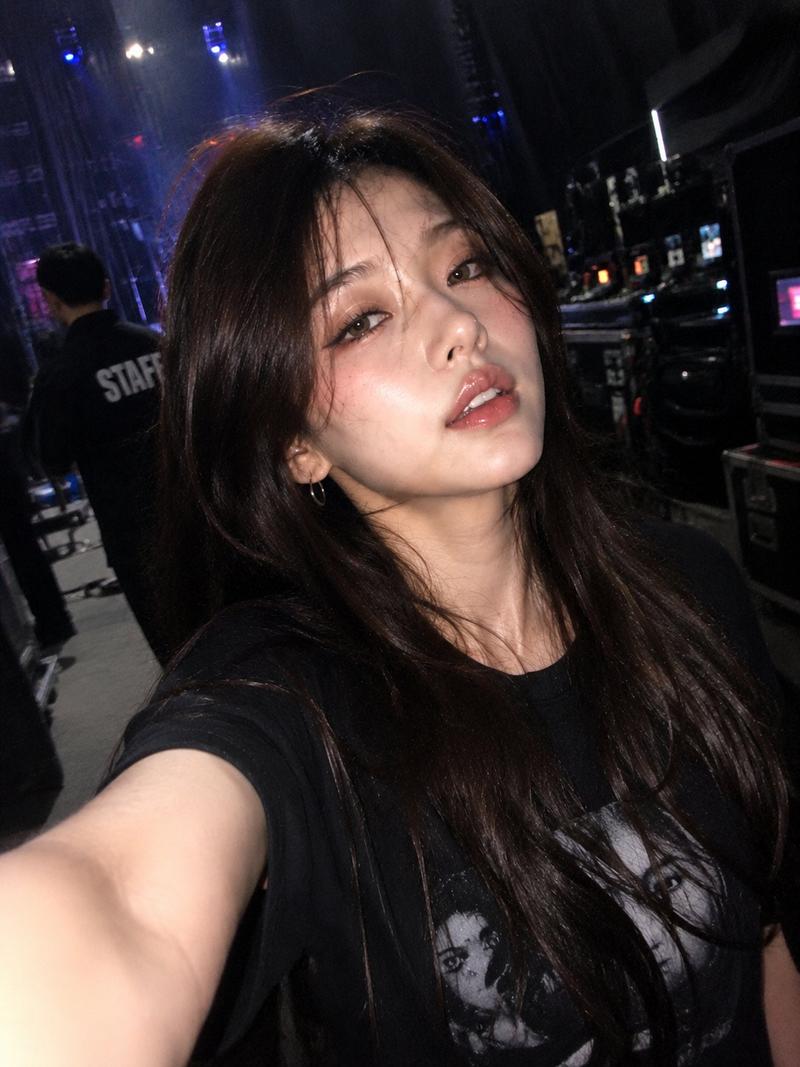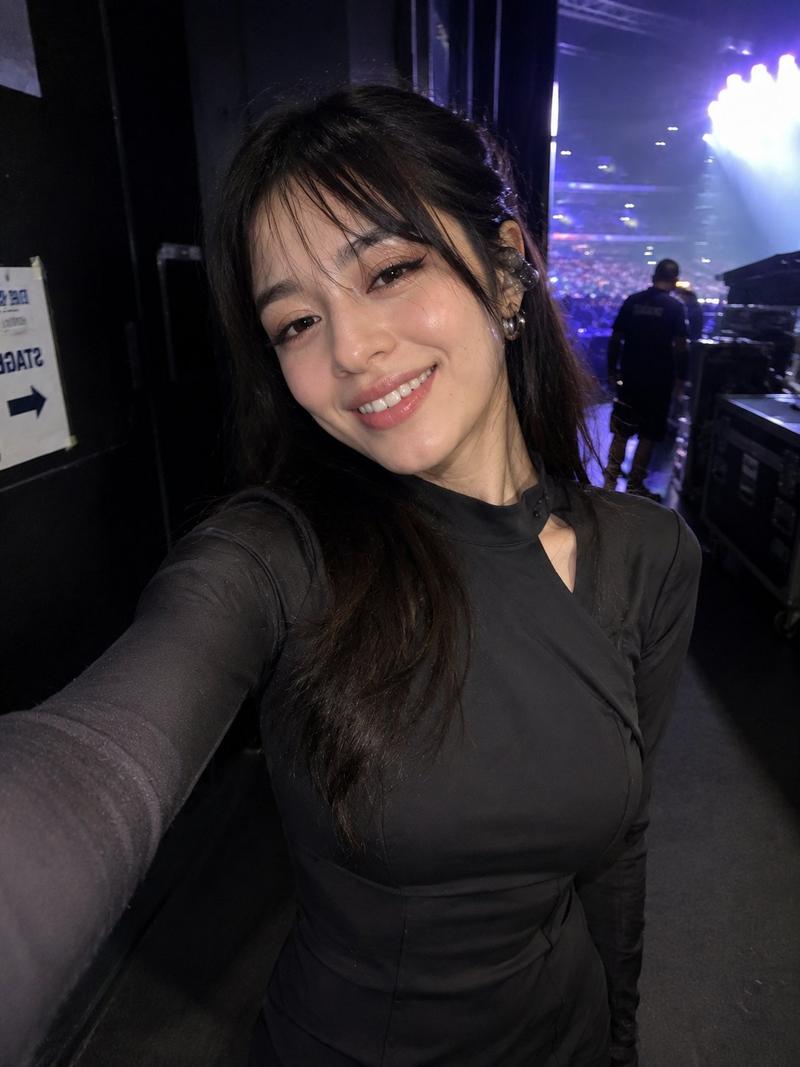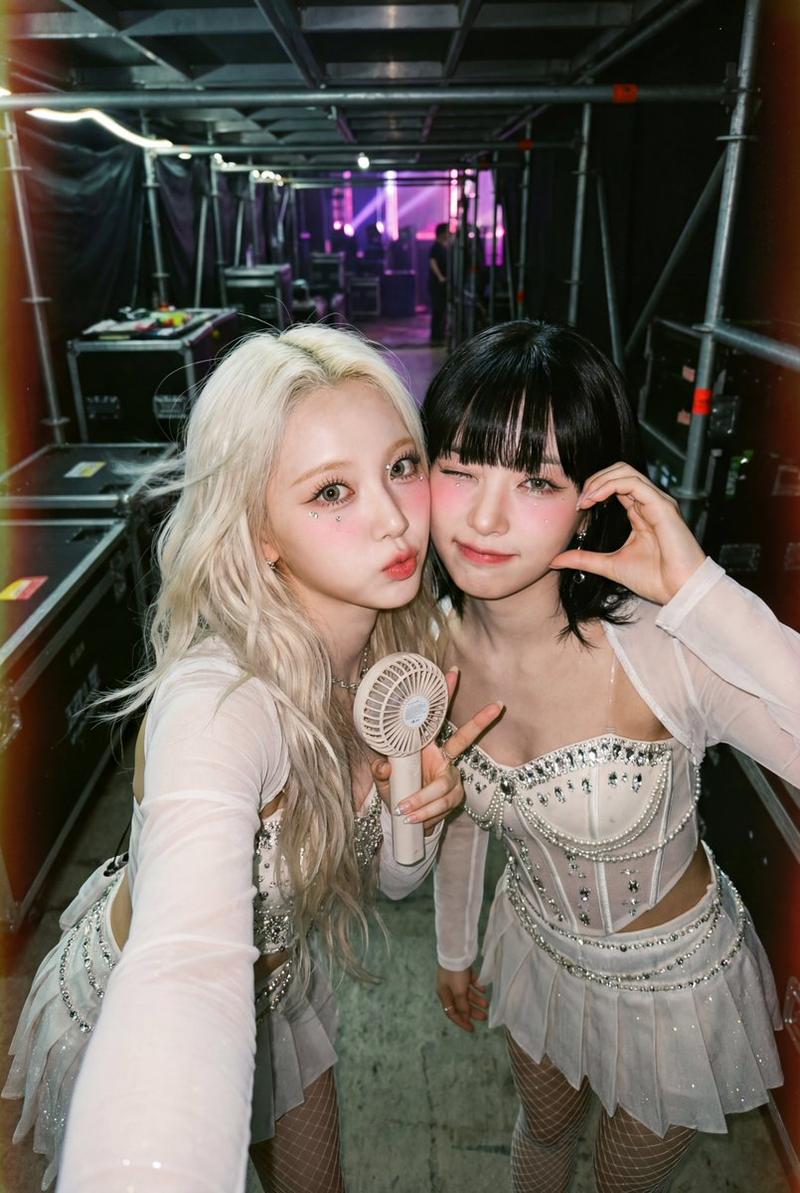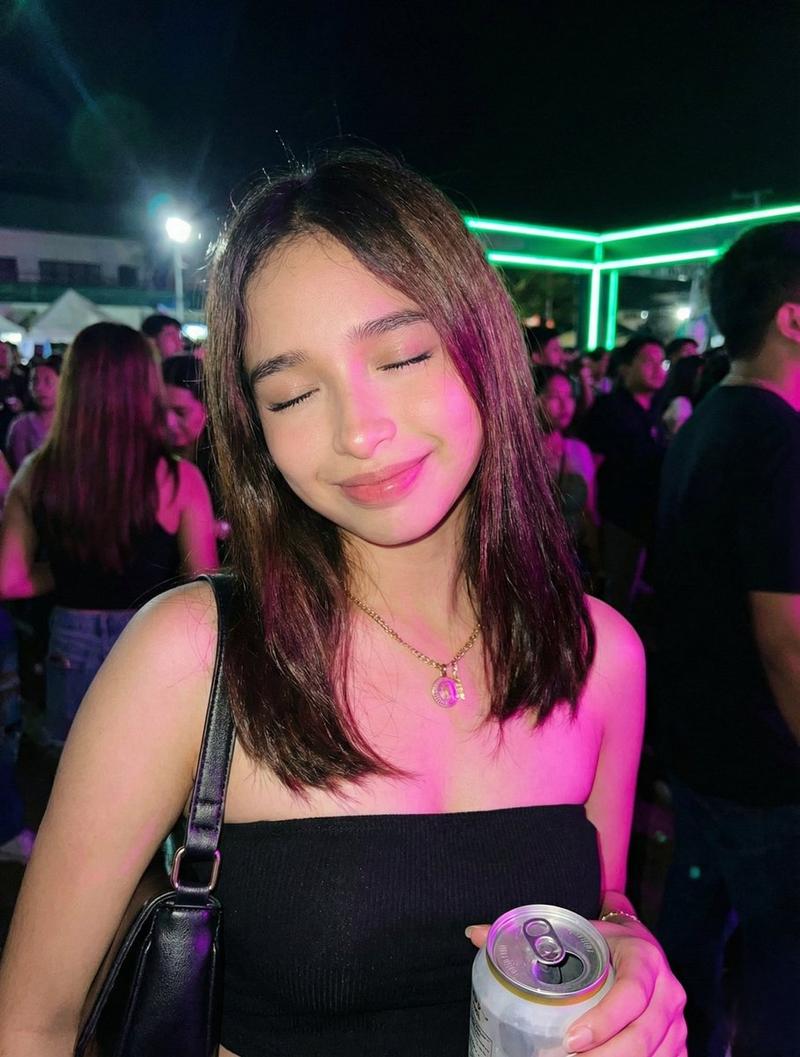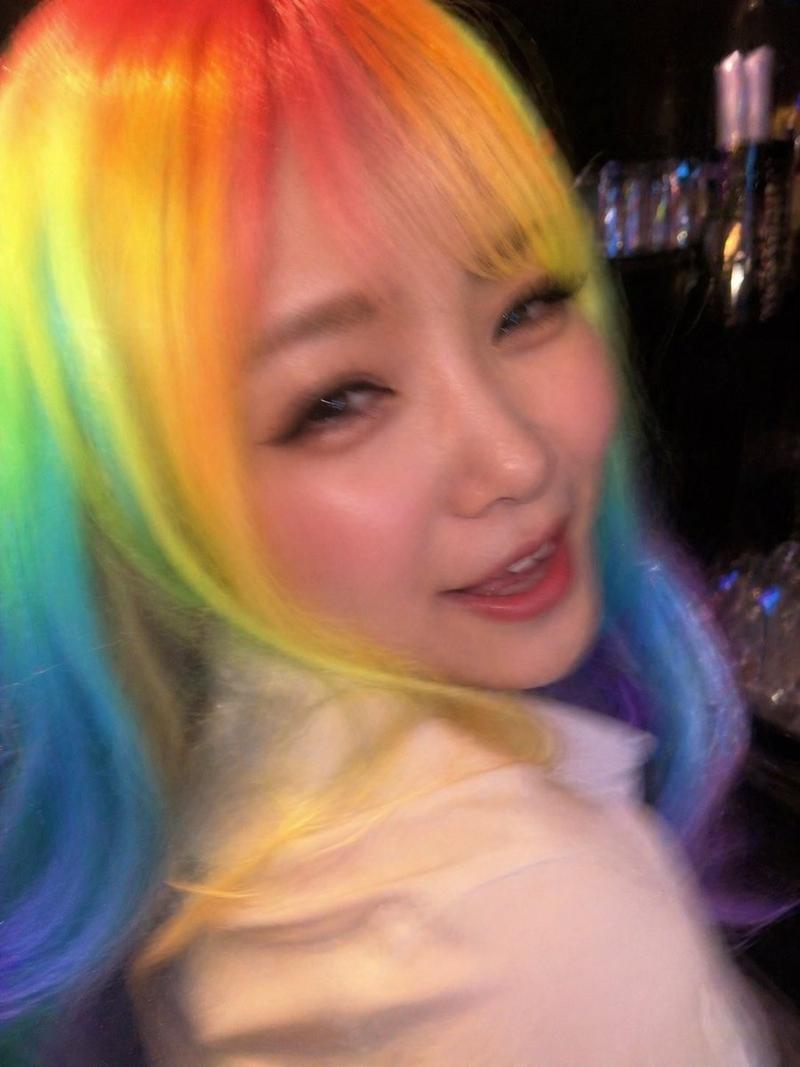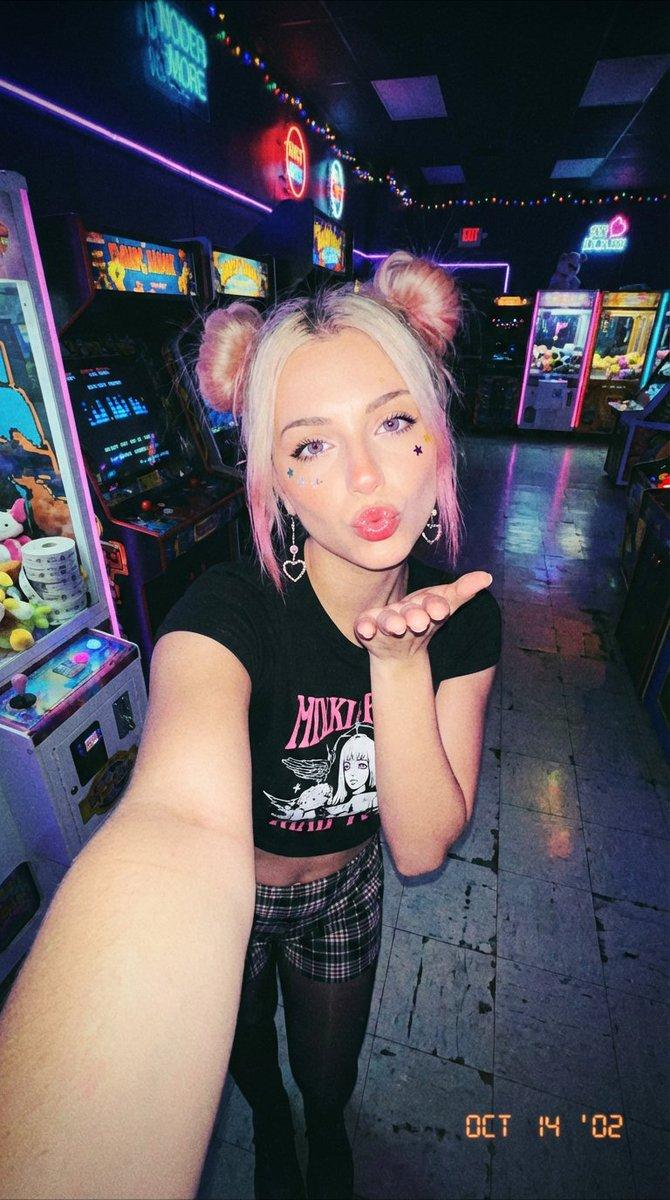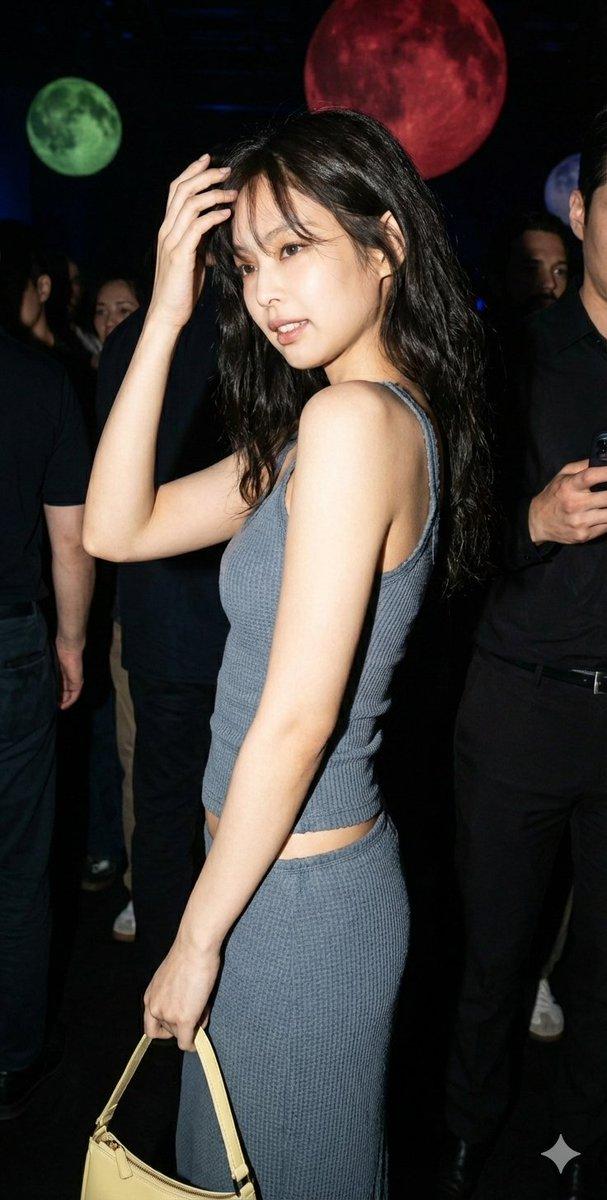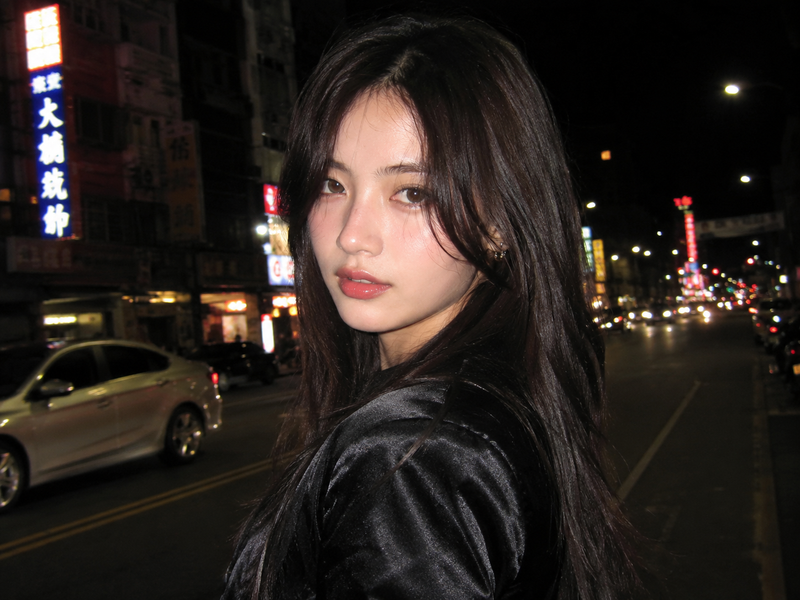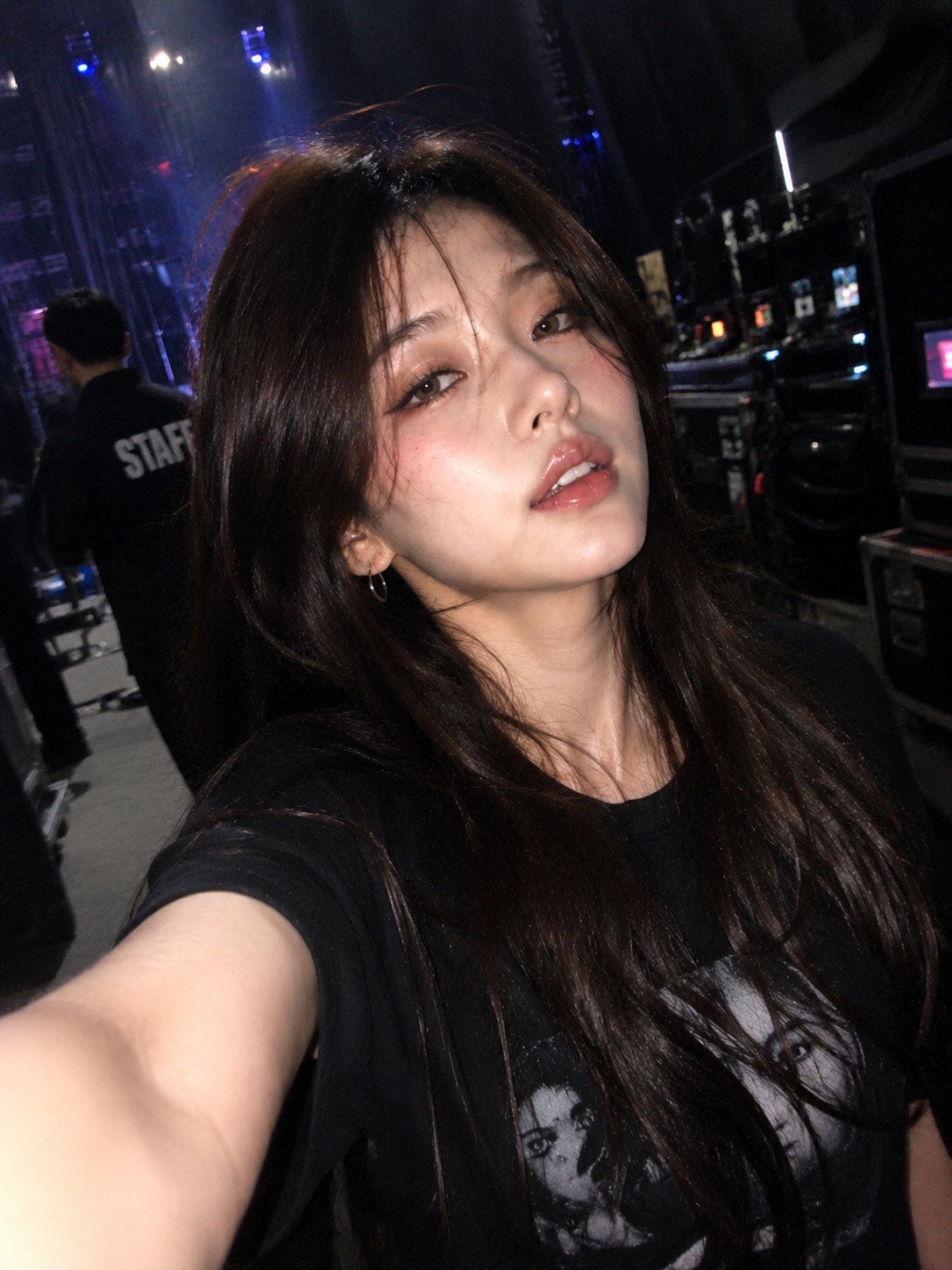
iPhone 前置摄像头误触自拍
Prompt
Ultra-realistic accidental iPhone front-camera selfie, identity preserved exactly from the reference image. Captured naturally backstage during a concert or live performance. Authentic iPhone front camera look: imperfect framing, awkward arm extension, slightly off-center composition, subtle camera shake, soft motion blur, hazy lens bloom, slight focus inconsistency, low-light grain, realistic smartphone processing, mild overexposure from backstage lights.\nSubject appears mid-movement while walking backstage, turning, laughing softly, or reacting naturally, wearing {argument name="outfit" default="casual streetware"}. Maintain identical facial structure, hairstyle, eyes, lips, skin texture, proportions, and overall appearance from the reference image. Natural candid expression: soft smile, relaxed eyes, half-open lips, slightly messy wind-blown hair, realistic imperfections, tired post-performance energy. No posing, no cinematic styling, no professional photography look.\nCamera angle resembles a genuine accidental selfie: stretched arm partially visible, phone held too close, slight tilt, uneven composition, subtle blur around hair, shoulders, and arm near the lens. Background: {argument name="background" default="blurred backstage hallways, concert stage lights, LED screens, arena lighting, equipment cases, security staff silhouettes, stage crew, dressing room corridors"}, realistic bokeh and depth blur.\nLighting: mixed warm and cool concert lighting, glowing LED screens, overexposed practical lights, soft illumination on the face, authentic backstage atmosphere. Documentary-style realism, emotional candid energy, realistic motion blur, hazy softness, natural digital noise, slight lens smudge effect, authentic smartphone photography, viral Instagram aesthetic, ultra-detailed, 3:4 aspect ratio.- Category
- Photography & Realism
- Model
- GPT Image 2
- Creator
- 𝗦𝗮𝗻𝗶𝗮
- Source ID
- 25346
- Published
- Jun 12, 2026
Views0