19

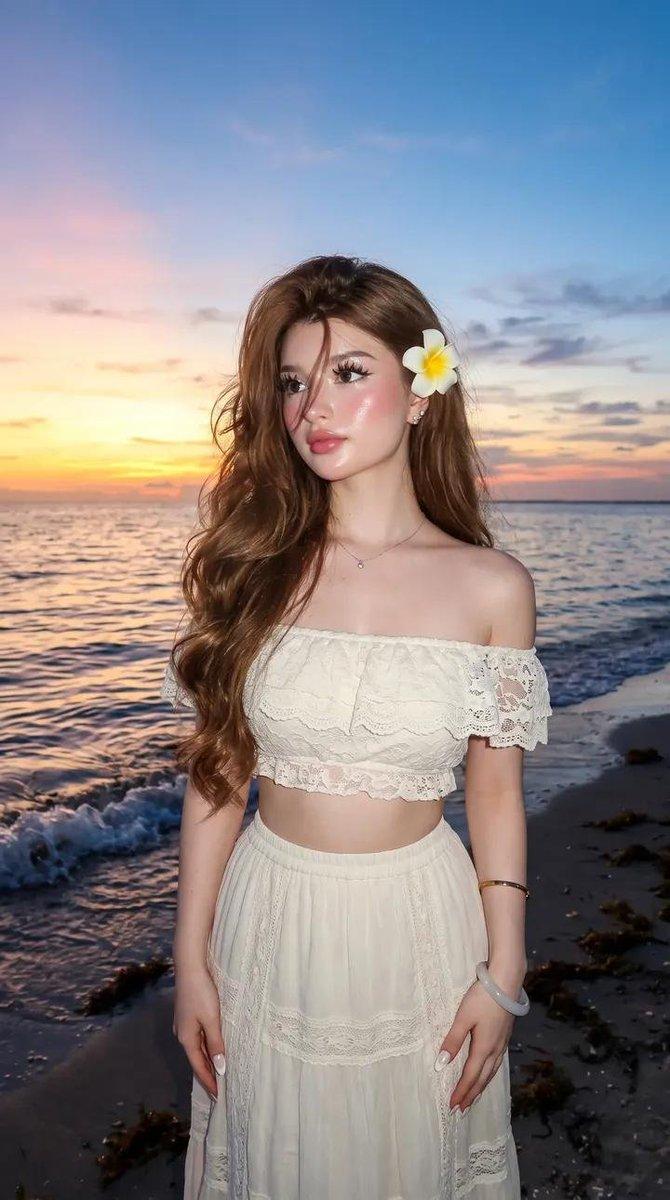
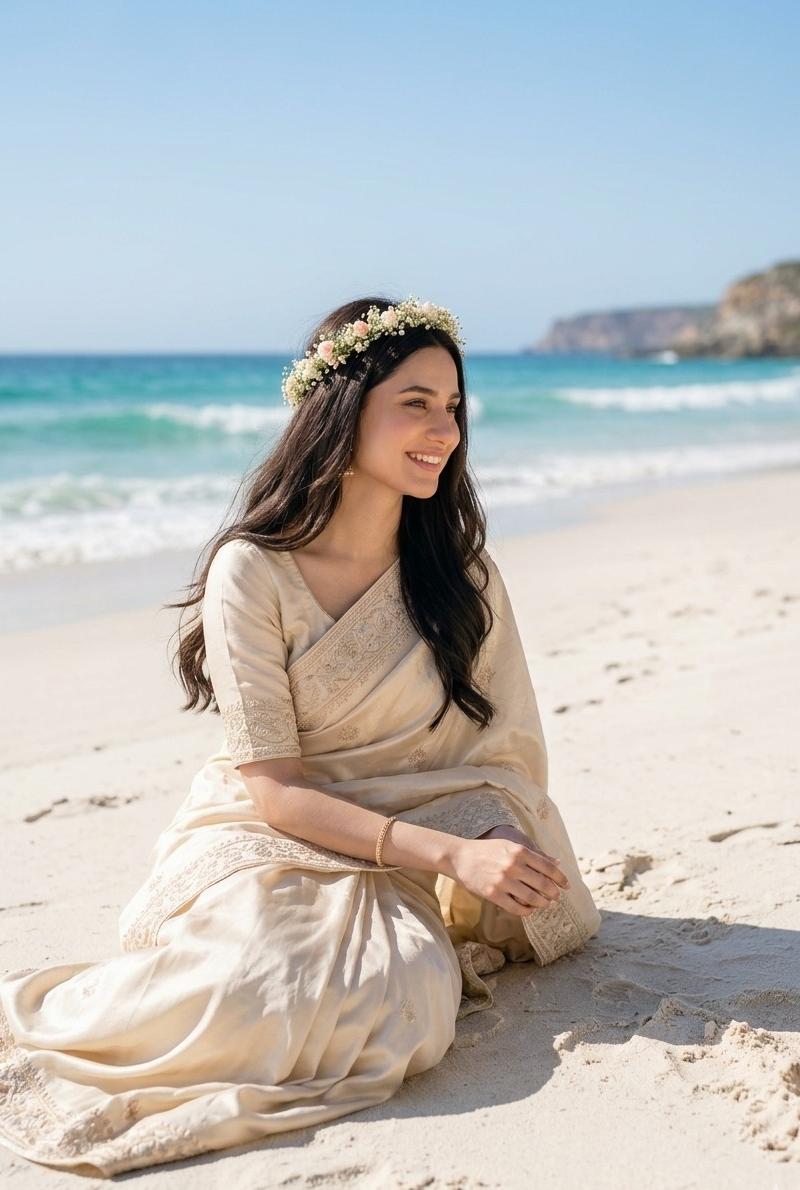
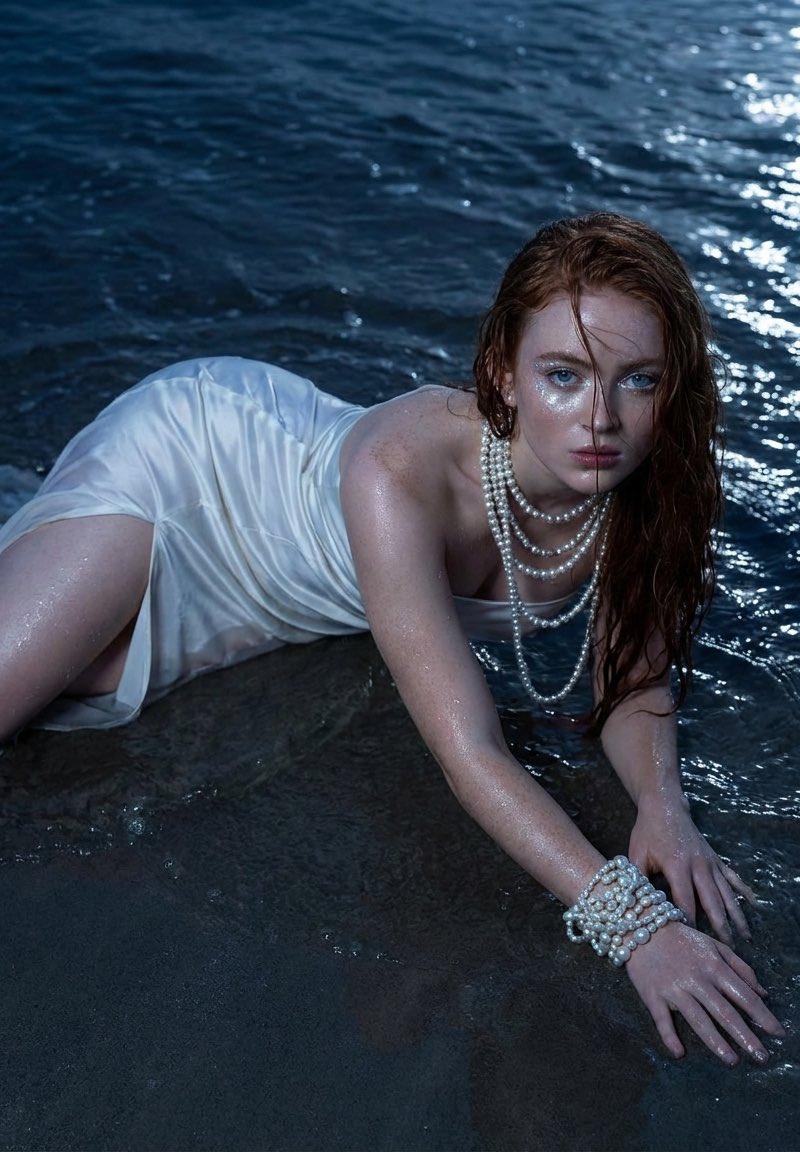
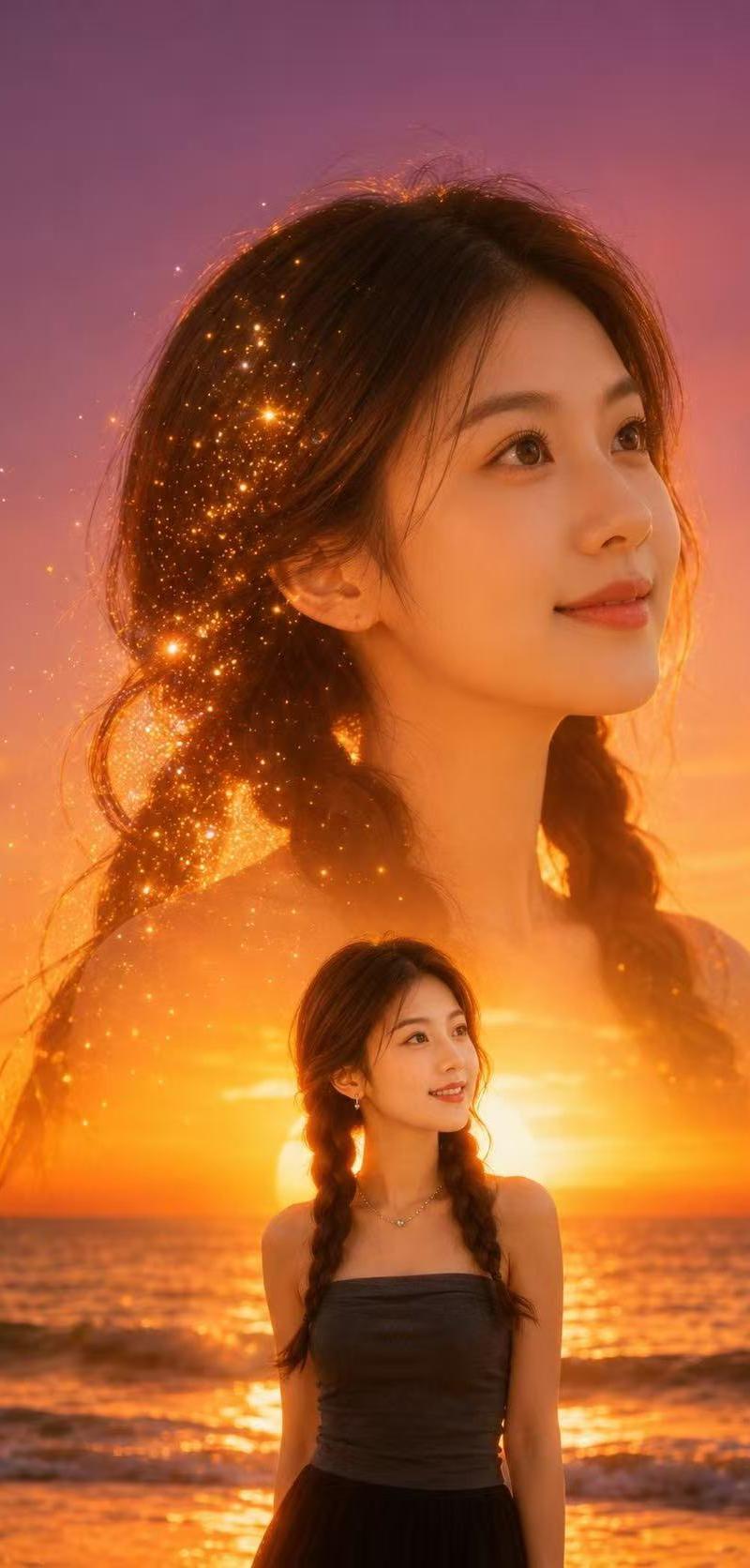
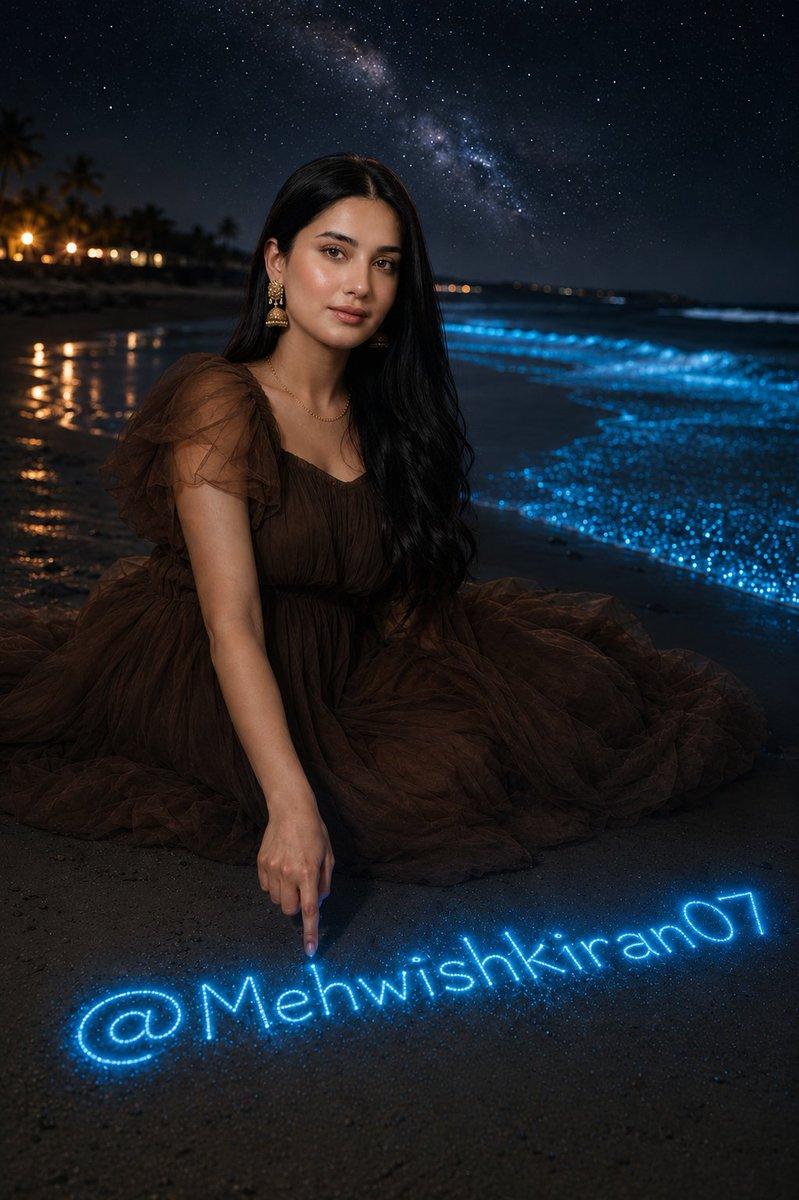
生物发光夜间海滩人像
Enlarge

Example images

生物发光夜间海滩人像

Prompt
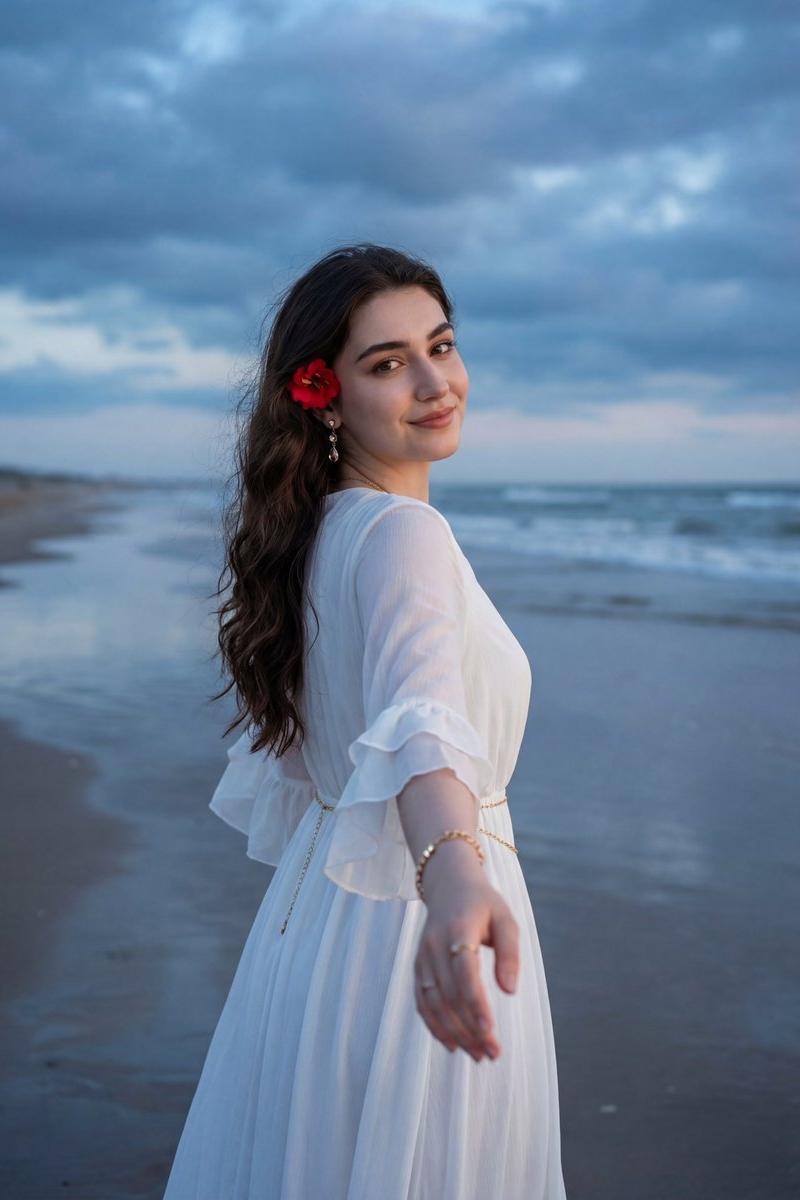
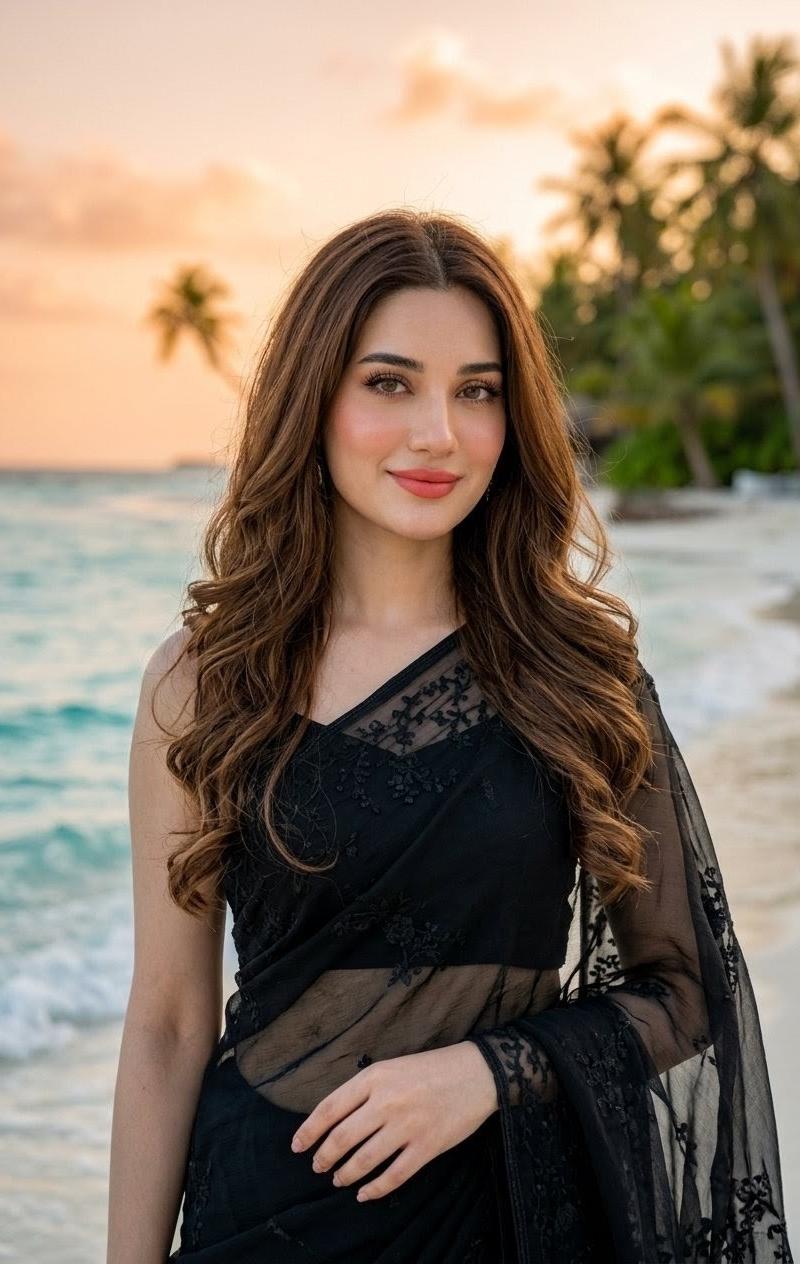
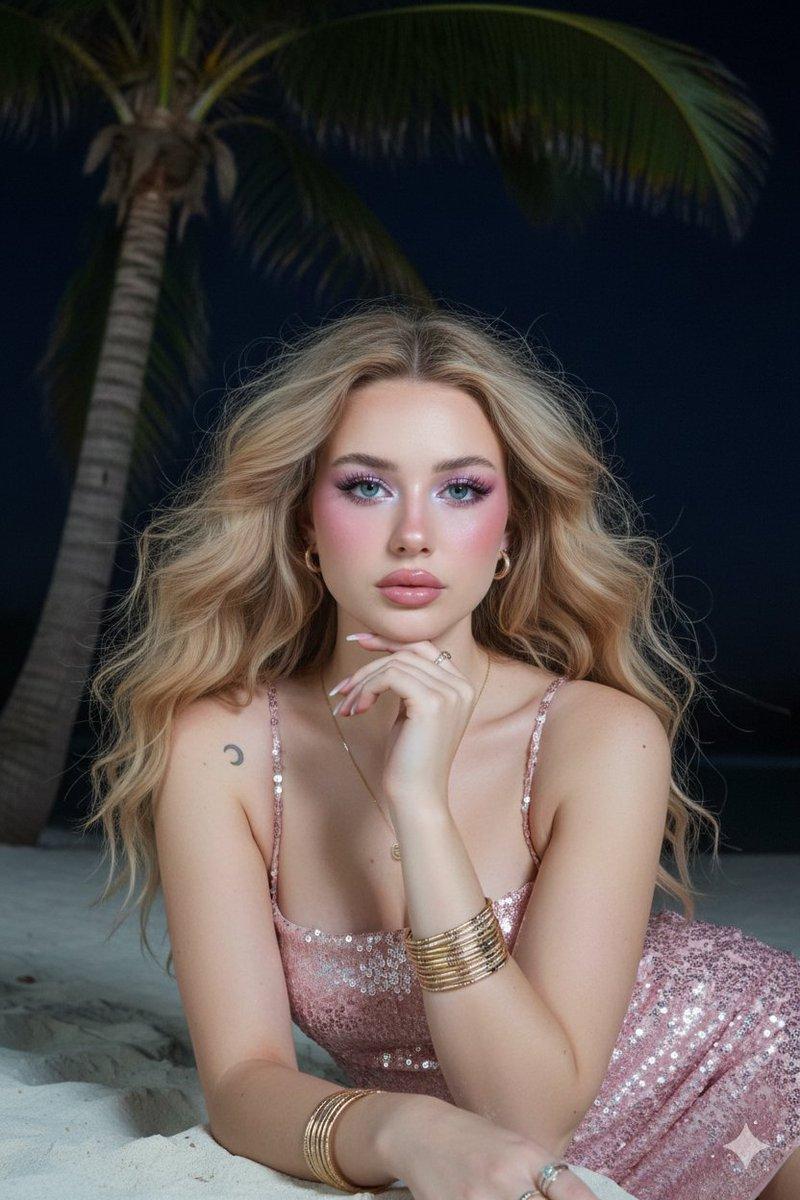
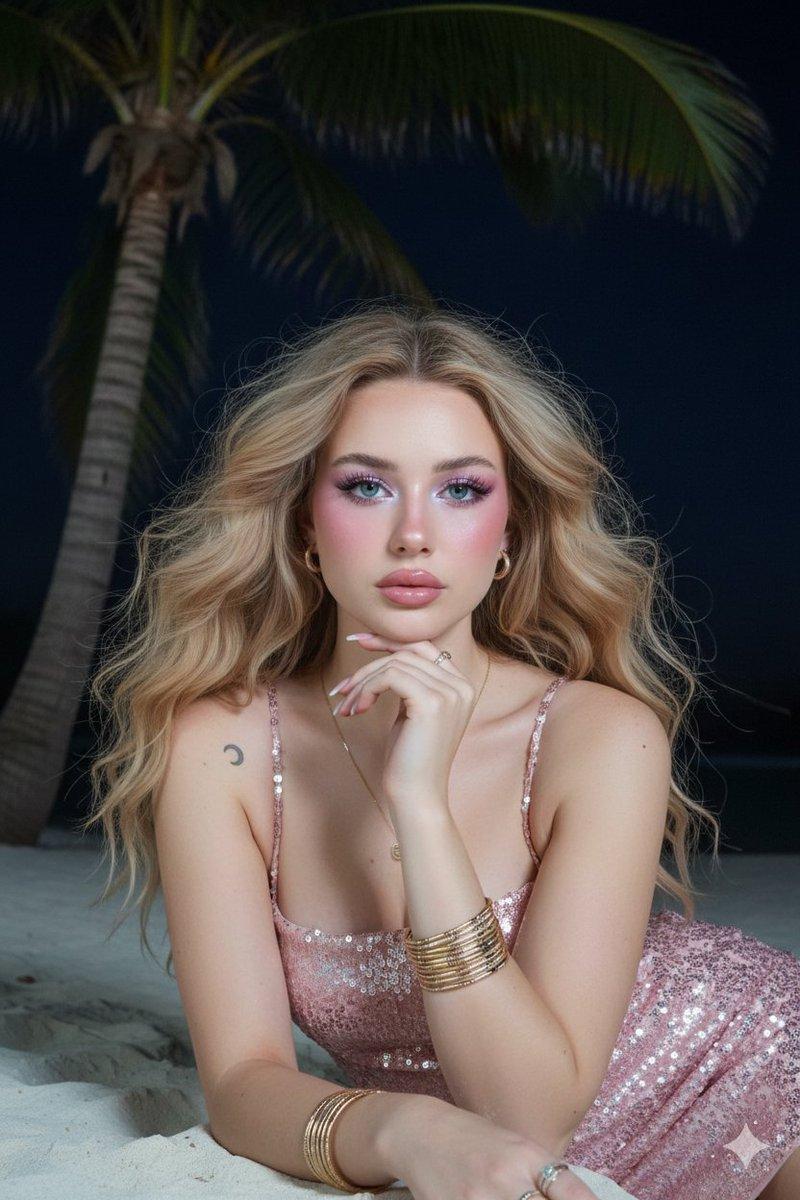
Create a hyper-realistic cinematic vertical night portrait on a tropical beach: a beautiful young woman with {argument name="hair color" default="long flowing black hair"} sits gracefully on dark wet sand near the shoreline, wearing a voluminous {argument name="dress color" default="dark chocolate brown"} sheer tulle gown with puff sleeves and a full skirt spread around her. She has warm medium skin, elegant gold dangling earrings, a delicate necklace, and a calm poised expression, seated slightly left of center with one arm resting down and her index finger touching the sand in the foreground. In the sand, her fingertip appears to create glowing electric-blue bioluminescent writing that reads {argument name="glowing sand text" default="@Mehwishkiran07"}, made of sparkling particles and a soft neon aura. The ocean on the right glows with bright blue bioluminescent waves and scattered luminous specks along the surf, while the left background shows a dark palm-lined coast with a few warm resort lights reflecting on wet sand. Above her, the sky is deep navy and filled with stars, with a visible Milky Way band arcing diagonally across the top. Use dramatic low-light cinematic photography, realistic skin and fabric detail, shallow depth of field, natural beach perspective, soft moonlight and warm rim lighting, high contrast, glossy wet sand reflections, and an enchanting magical-realism mood. Vertical 2:3 composition, no extra people, no watermark, keep the glowing text legible and integrated into the sand.
Category
Photography & Realism
Model
GPT Image 2
Creator
Mehwish kiran
Source language
en
Views0
Source ID
25544
Published
Jun 14, 2026
Studio

Guide

About "生物发光夜间海滩人像"

What is this prompt for?

"生物发光夜间海滩人像" AI image prompt for GPT Image 2 (Photography & Realism). 生成一张电影级超写实人像,描绘一位优雅女性置身于闪烁的生物发光海滩,沙滩上带有自定义的霓虹文字。 Copy it on Picva and recreate the look i…

The full copyable prompt and example visuals above are ready for AI image generation or one-click recreate in Picva.

How to use this prompt

  1. Step 1

    Open the prompt detail

    Review the example visuals, category, and full prompt text for "生物发光夜间海滩人像".

  2. Step 2

    Copy the prompt

    Copy the prompt body from this page, or load it directly in Studio.

  3. Step 3

    Pick a model (GPT Image 2)

    Prefer GPT Image 2. If you switch models, keep subject and composition and tweak style terms.

  4. Step 4

    Generate and export

    Recreate the look in Picva, or export into your workflow for editing and publishing.

FAQ

What is the "生物发光夜间海滩人像" prompt?
It is an AI image-generation prompt for GPT Image 2 in the Photography & Realism category. This page includes the full prompt text, example visuals, and a one-click recreate path in Picva.
How do I use this prompt to generate an image?
Copy the prompt from this page, or use Generate / Studio. Paste it into a compatible image model, or recreate the look in Picva with optional reference images.
Which model is this prompt for?
This page lists GPT Image 2. Most descriptive prompts also transfer to nearby image models such as GPT Image, Flux, or Midjourney with light style tweaks.
Can I use the result commercially?
You can usually copy the prompt for creation, but commercial use of the final image depends on the model terms, reference-image rights, and the generated content. Follow the source author and platform rules.