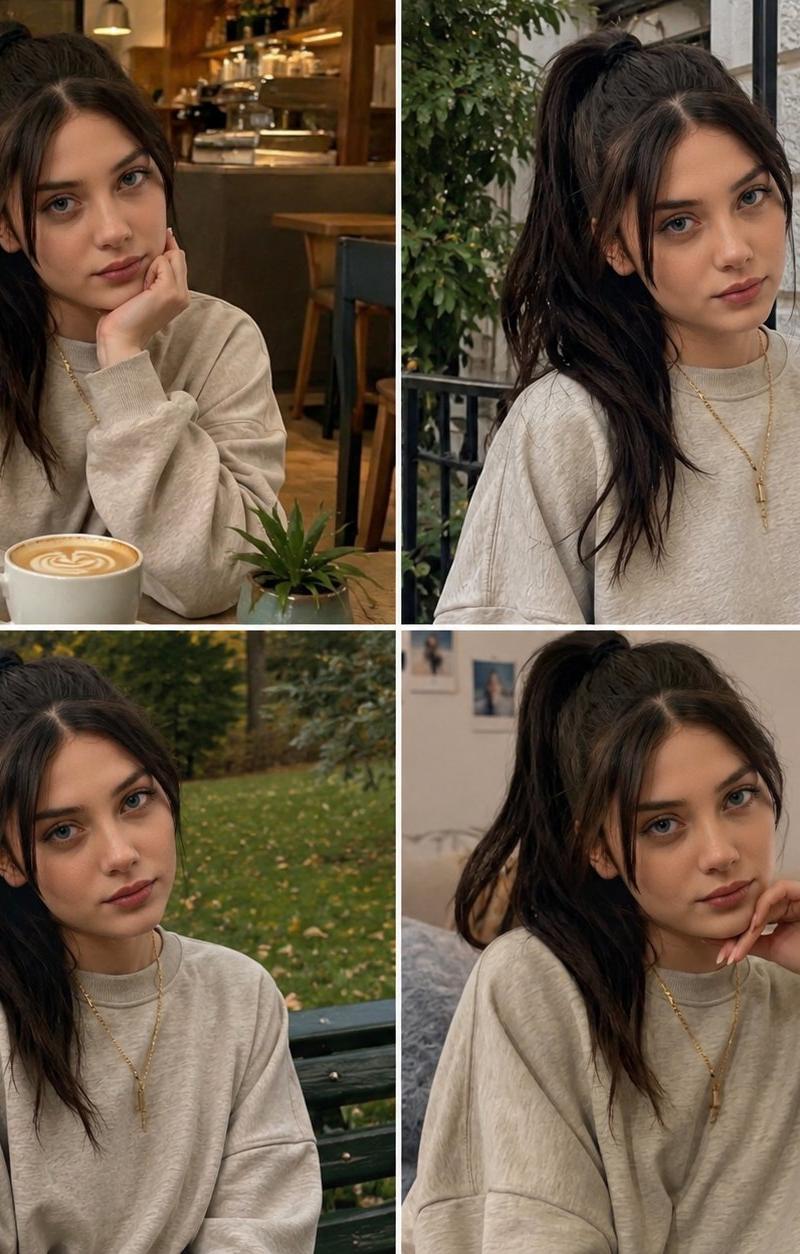
18

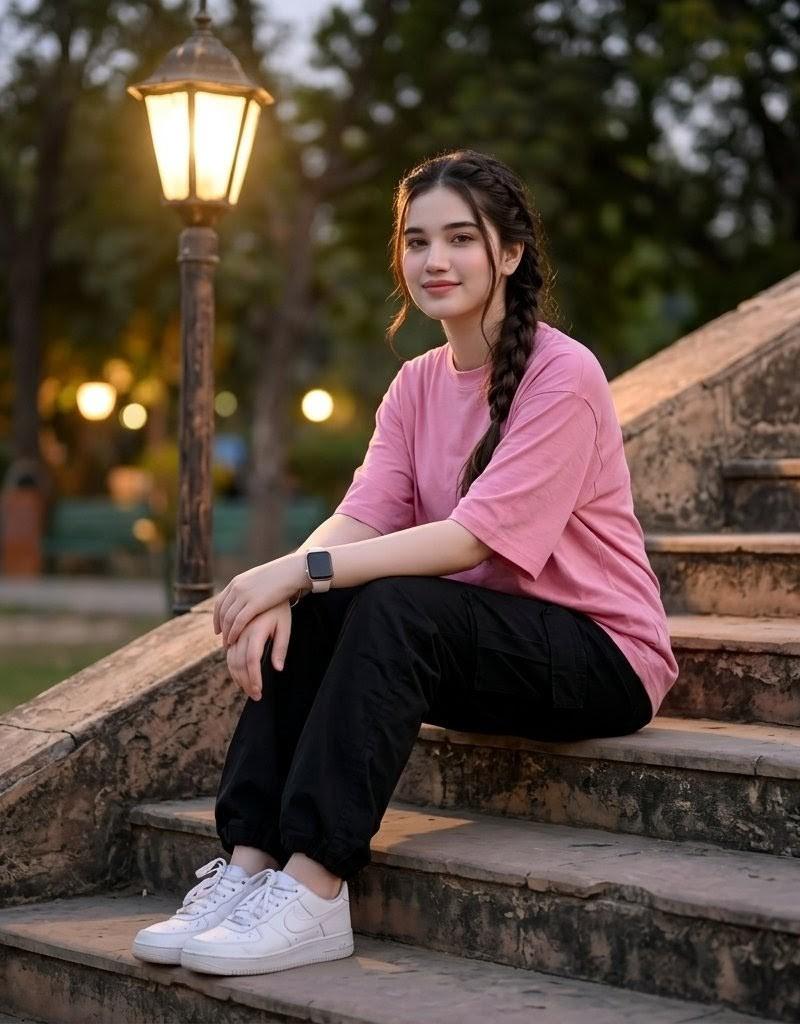
暮色公园台阶人像
Enlarge

Example images

暮色公园台阶人像

Prompt
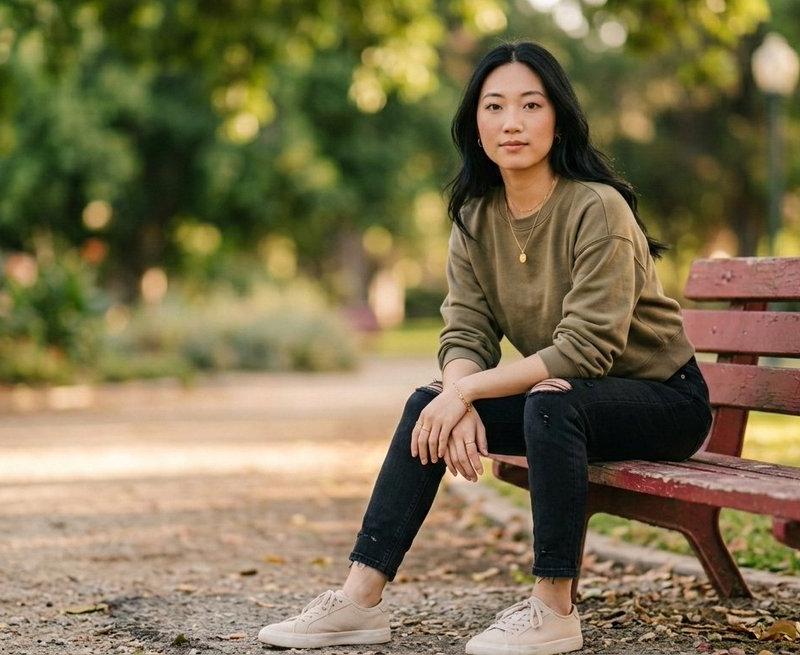
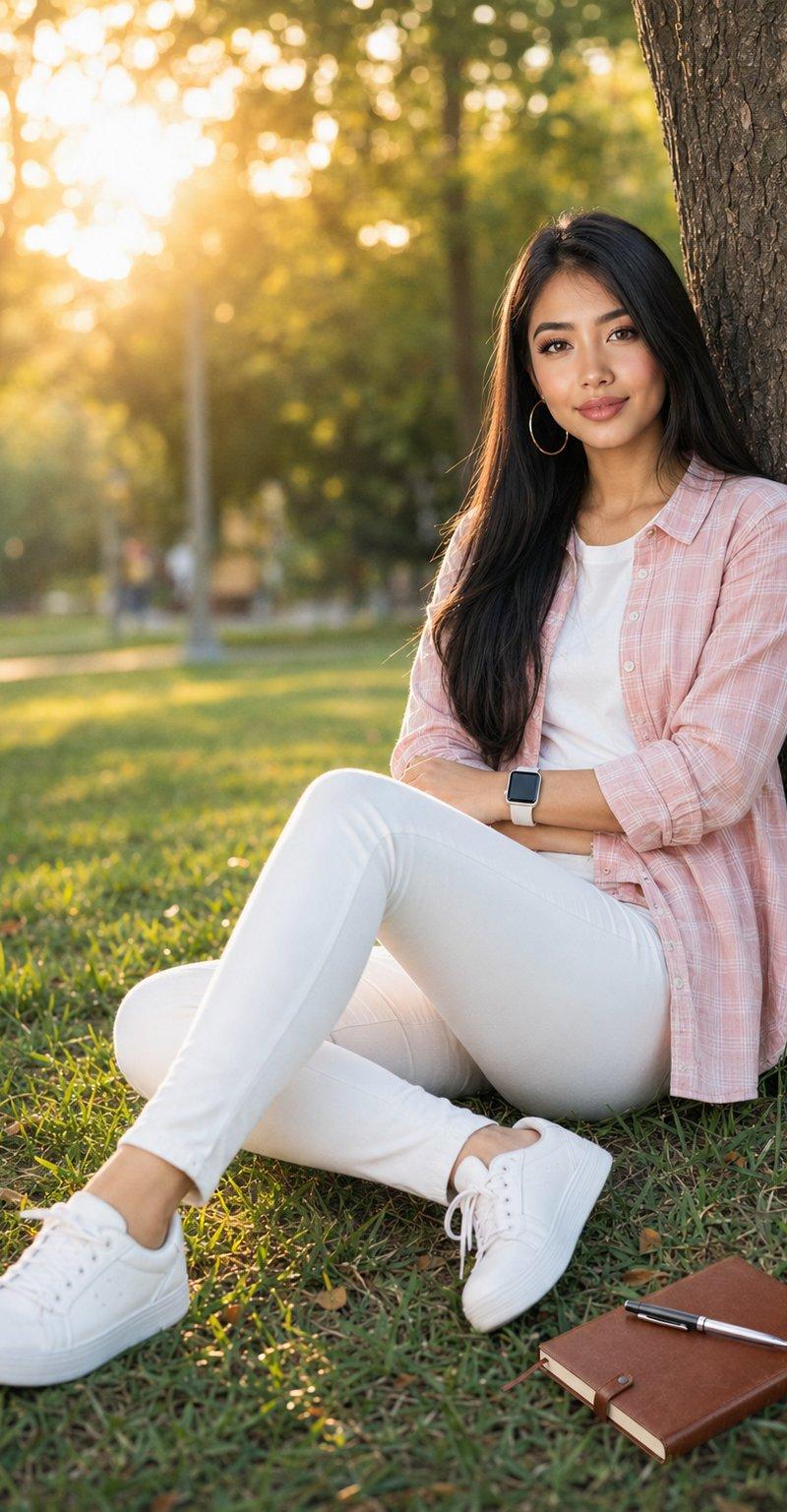
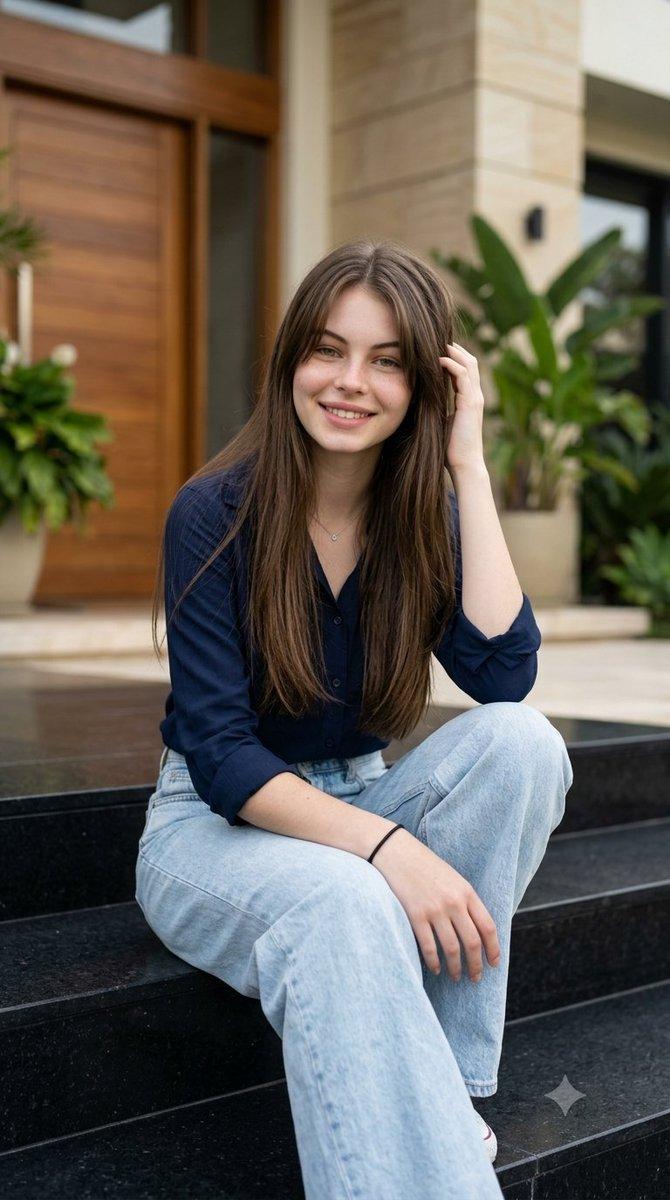
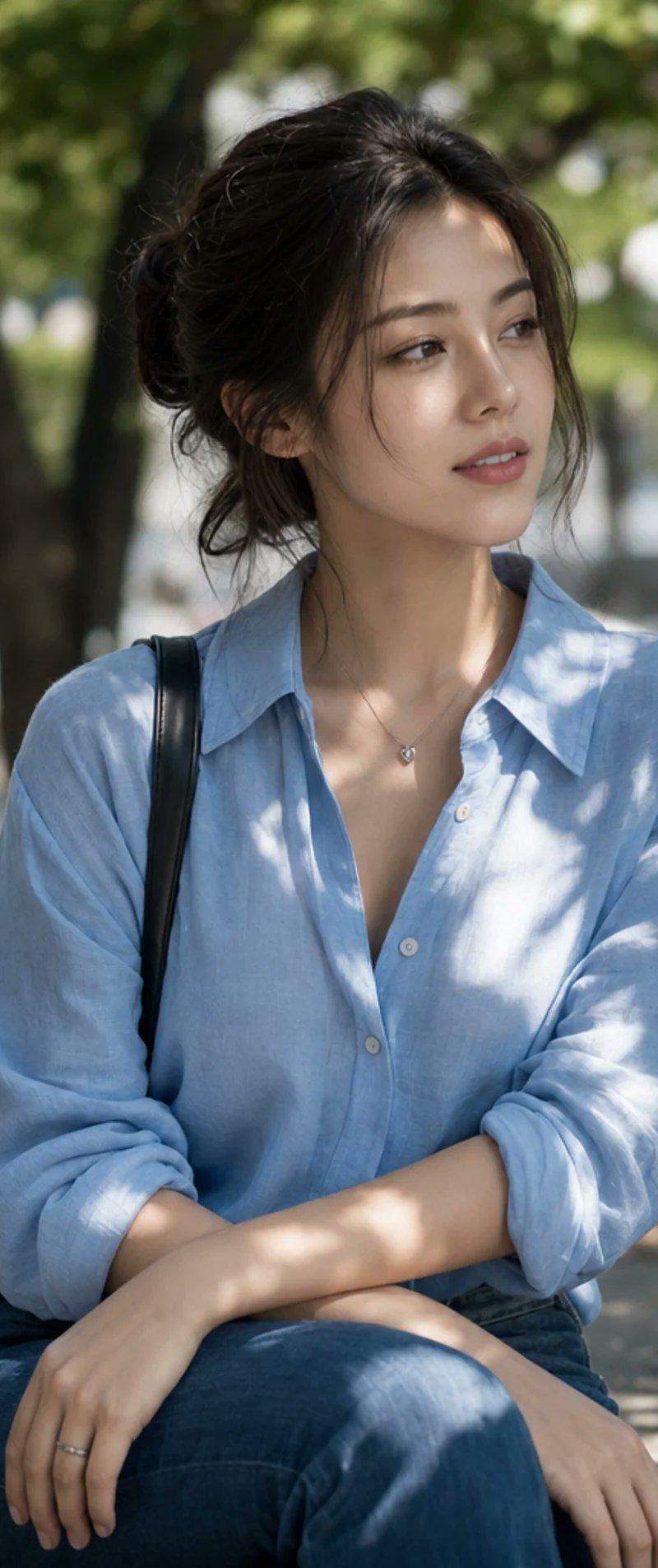
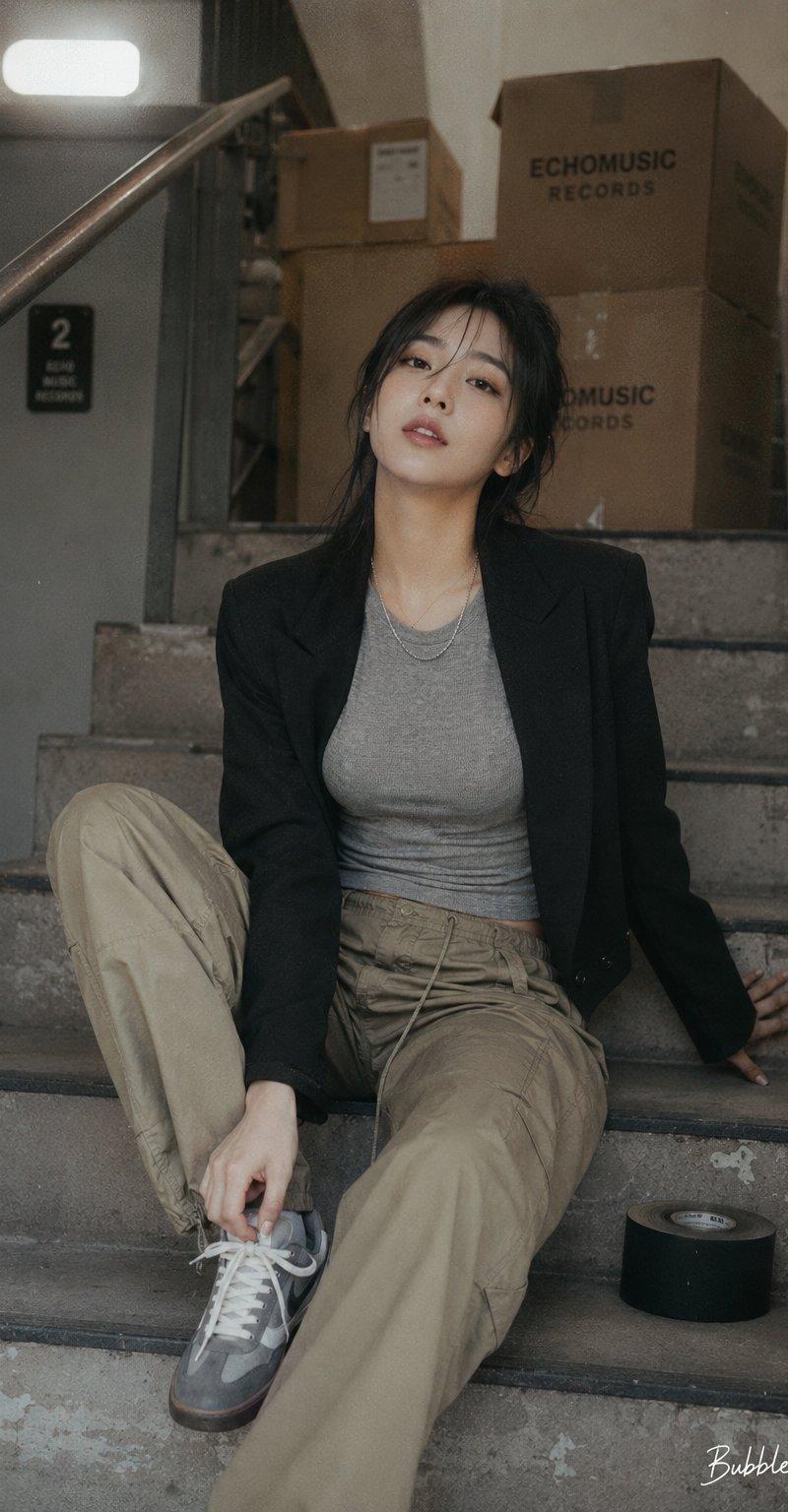
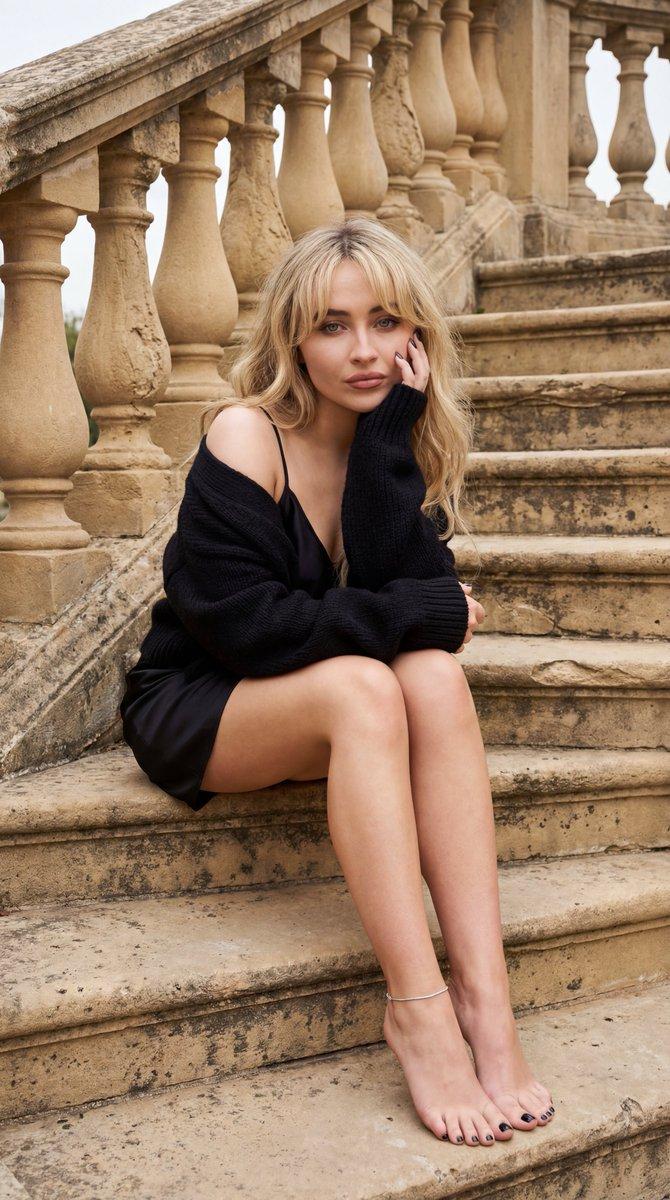
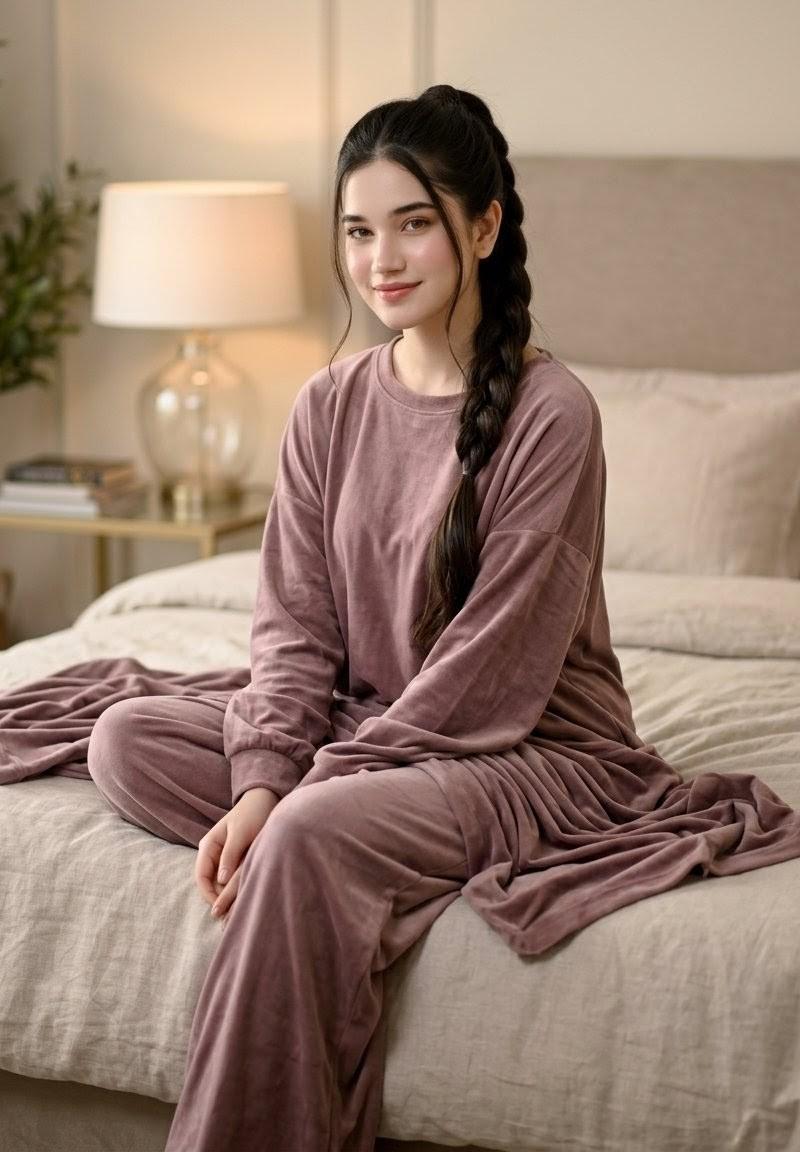
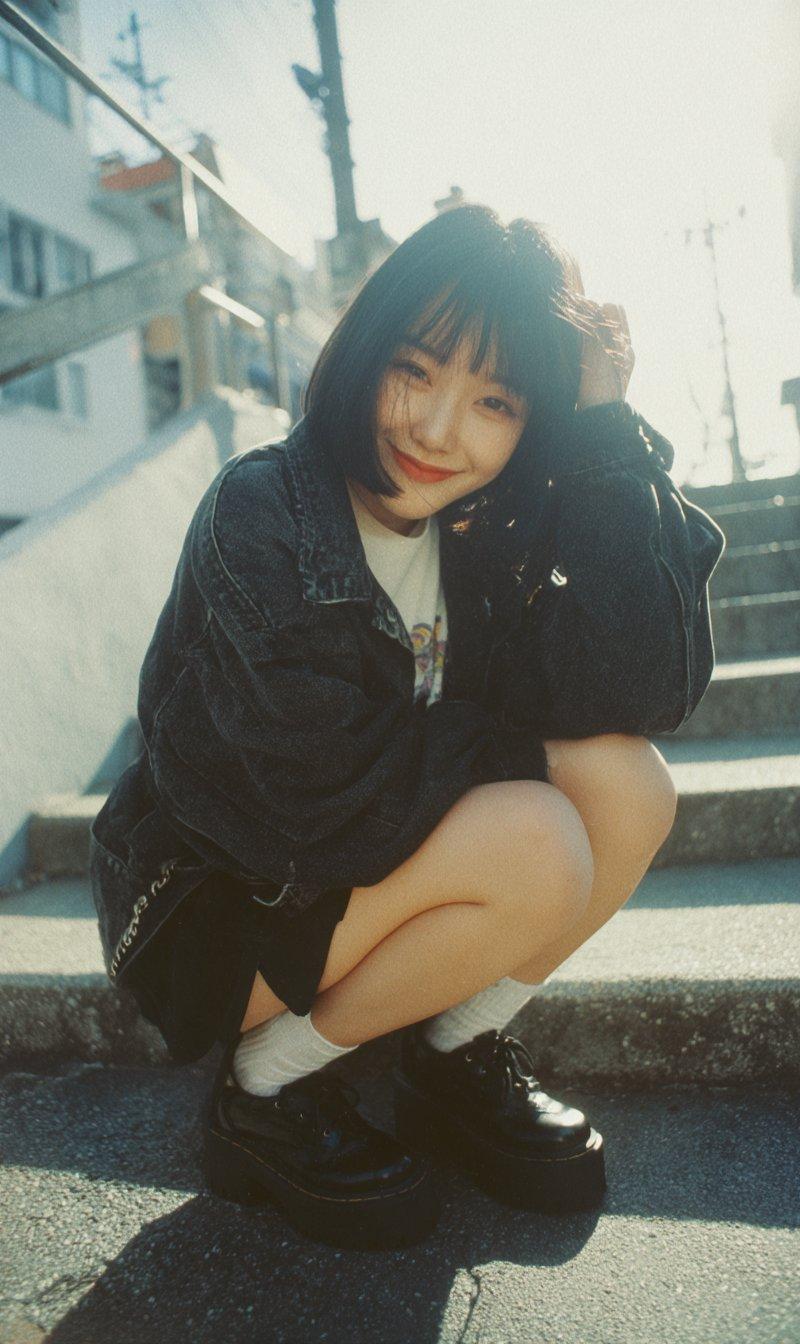
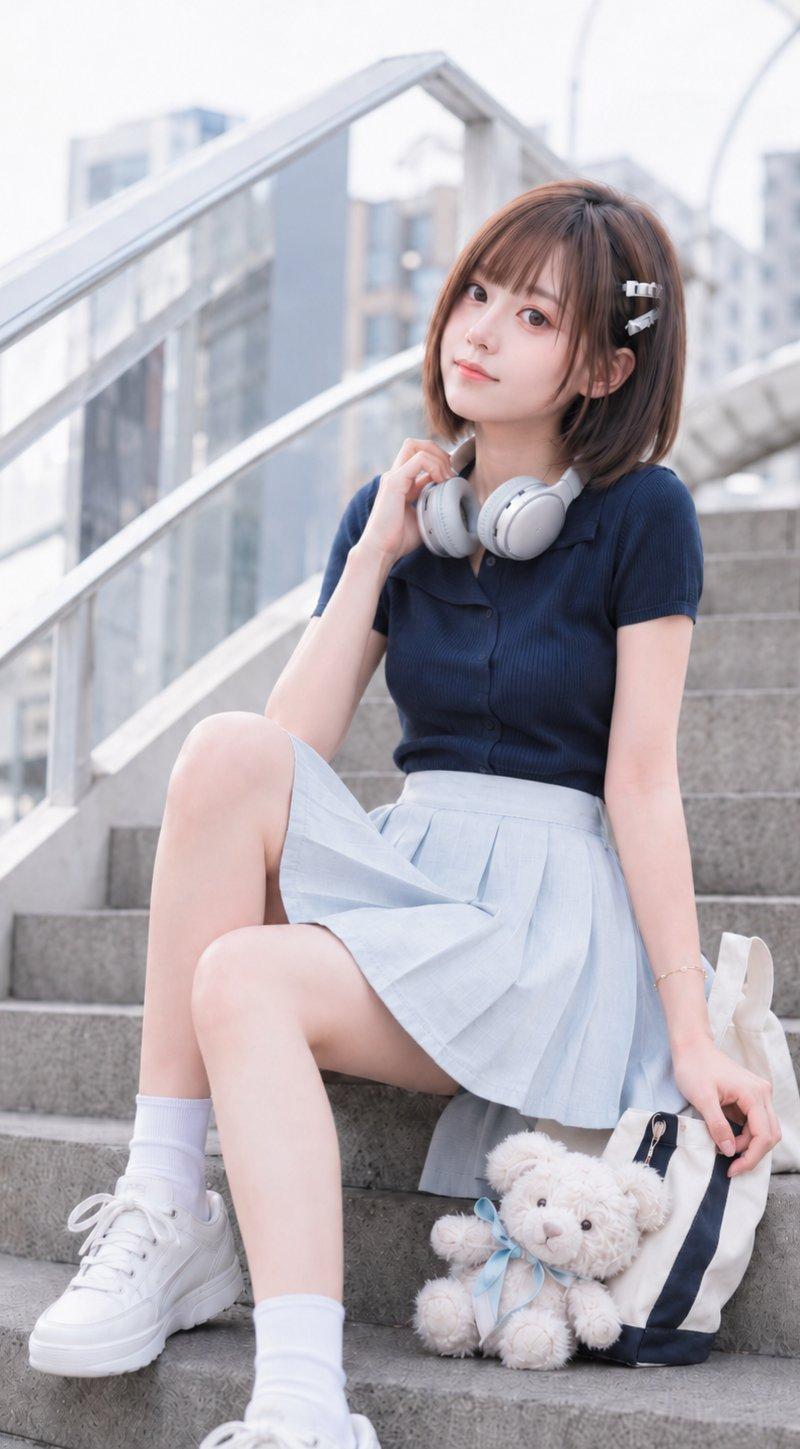
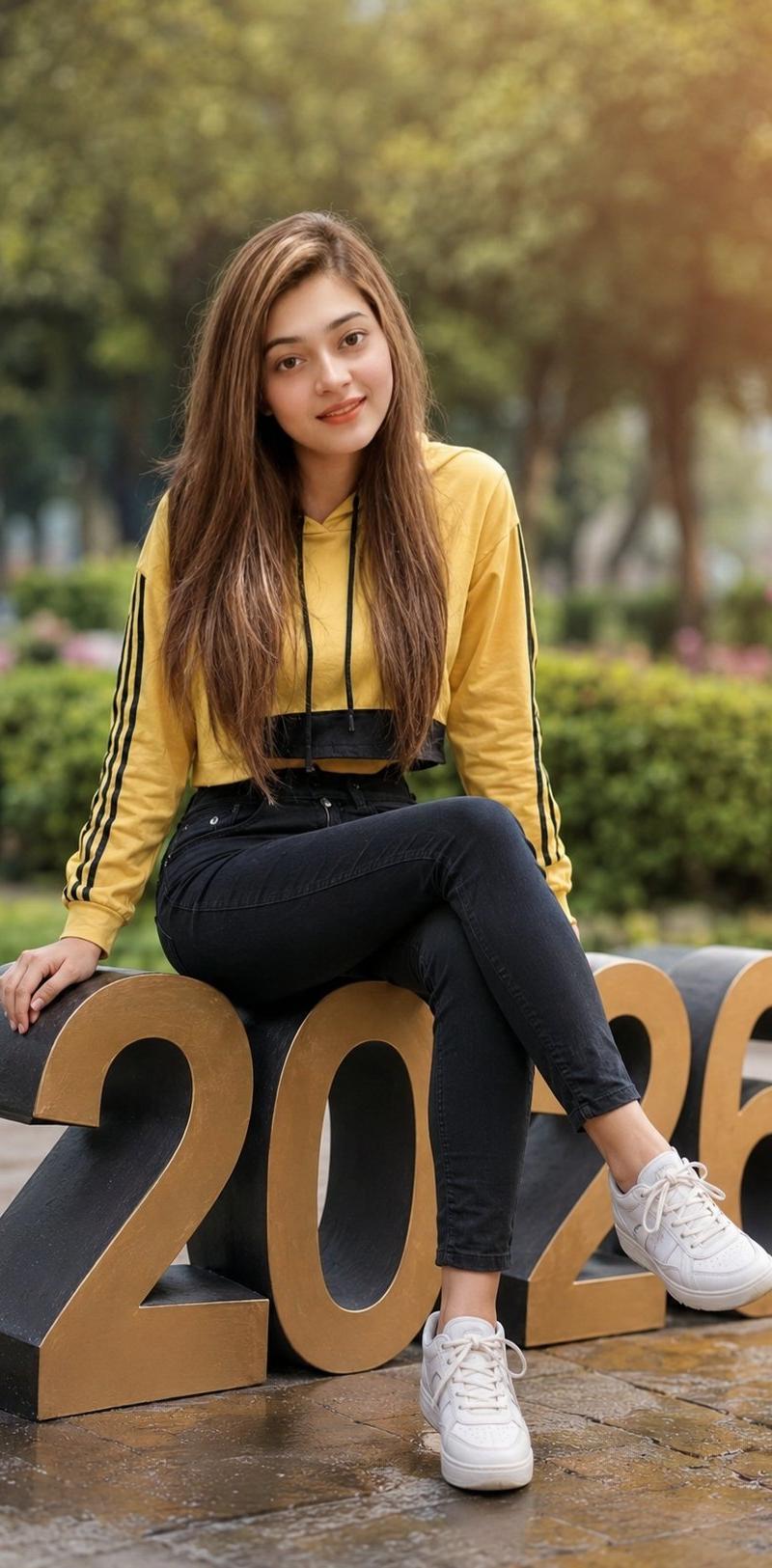
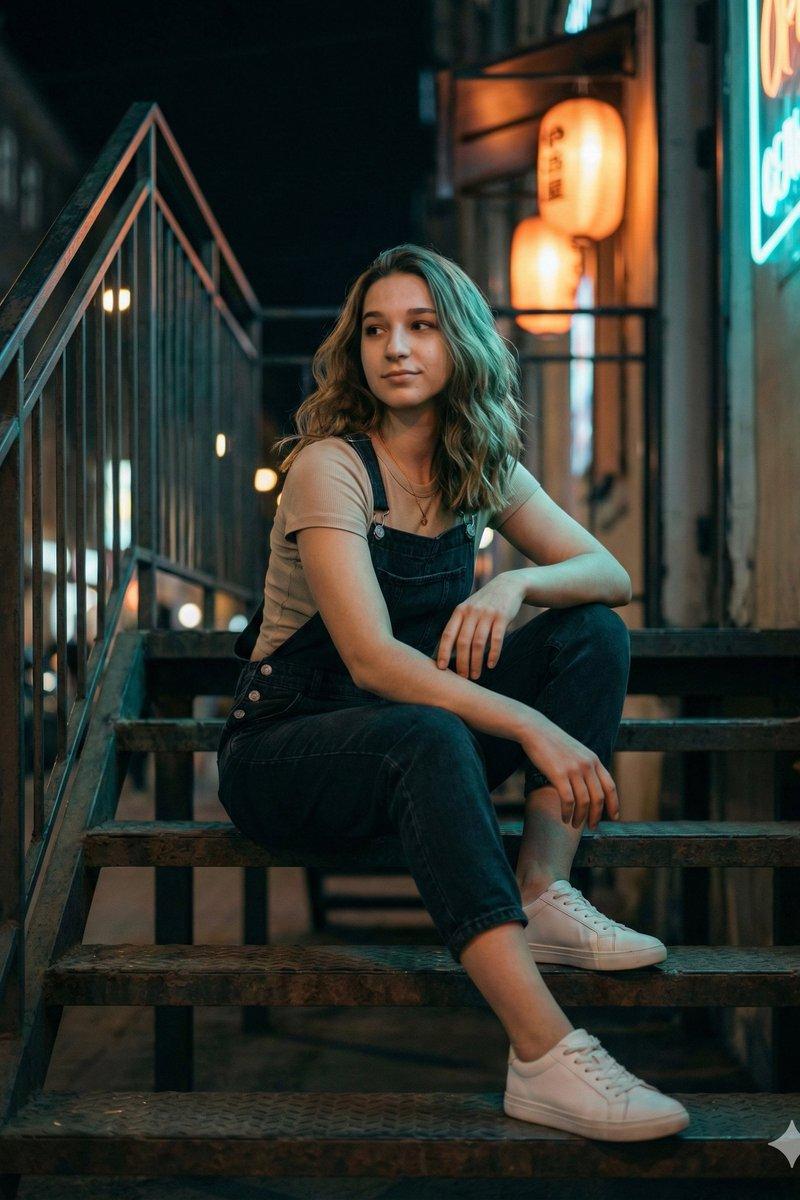
Create a cinematic hyper-realistic portrait of a {argument name="character age and gender" default="21-year-old woman"} sitting casually on weathered stone stairs in a quiet park at twilight, beside an old glowing lamp post. She has a soft natural smile, relaxed posture, arms resting on her knees, and slightly messy dark hair styled in a long side braid. Outfit includes exactly 5 visible pieces: a {argument name="shirt color and style" default="pink heavyweight oversized T-shirt"}, black cargo pants, white sneakers, a black smartwatch on one wrist, and minimal natural makeup. Compose her seated on the right side of the frame, with the vintage lamp post on the left emitting warm yellow light; add two small blurred park lights in the background. Use shallow depth of field, soft bokeh trees, warm dusk ambience, realistic skin texture, natural proportions, and cinematic color grading. The stone staircase should look aged, stained, and textured, with a curved side wall leading diagonally through the composition. Shot on a full-frame camera with an 85mm lens look, f/1.8 depth of field, balanced twilight exposure, ultra-detailed photorealism, no text, no watermark.
Category
Photography & Realism
Model
GPT Image 2
Creator
Alina Ai
Source language
en
Views0
Source ID
25687
Published
Jun 14, 2026
Studio

Guide

About "暮色公园台阶人像"

What is this prompt for?

"暮色公园台阶人像" AI image prompt for GPT Image 2 (Photography & Realism). 一个电影级超写实人像提示词,用于创作一位年轻女性在黄昏时分坐在公园发光路灯旁的古老石阶上的画面。 Copy it on Picva and recreate the look in…

The full copyable prompt and example visuals above are ready for AI image generation or one-click recreate in Picva.

How to use this prompt

  1. Step 1

    Open the prompt detail

    Review the example visuals, category, and full prompt text for "暮色公园台阶人像".

  2. Step 2

    Copy the prompt

    Copy the prompt body from this page, or load it directly in Studio.

  3. Step 3

    Pick a model (GPT Image 2)

    Prefer GPT Image 2. If you switch models, keep subject and composition and tweak style terms.

  4. Step 4

    Generate and export

    Recreate the look in Picva, or export into your workflow for editing and publishing.

FAQ

What is the "暮色公园台阶人像" prompt?
It is an AI image-generation prompt for GPT Image 2 in the Photography & Realism category. This page includes the full prompt text, example visuals, and a one-click recreate path in Picva.
How do I use this prompt to generate an image?
Copy the prompt from this page, or use Generate / Studio. Paste it into a compatible image model, or recreate the look in Picva with optional reference images.
Which model is this prompt for?
This page lists GPT Image 2. Most descriptive prompts also transfer to nearby image models such as GPT Image, Flux, or Midjourney with light style tweaks.
Can I use the result commercially?
You can usually copy the prompt for creation, but commercial use of the final image depends on the model terms, reference-image rights, and the generated content. Follow the source author and platform rules.