19

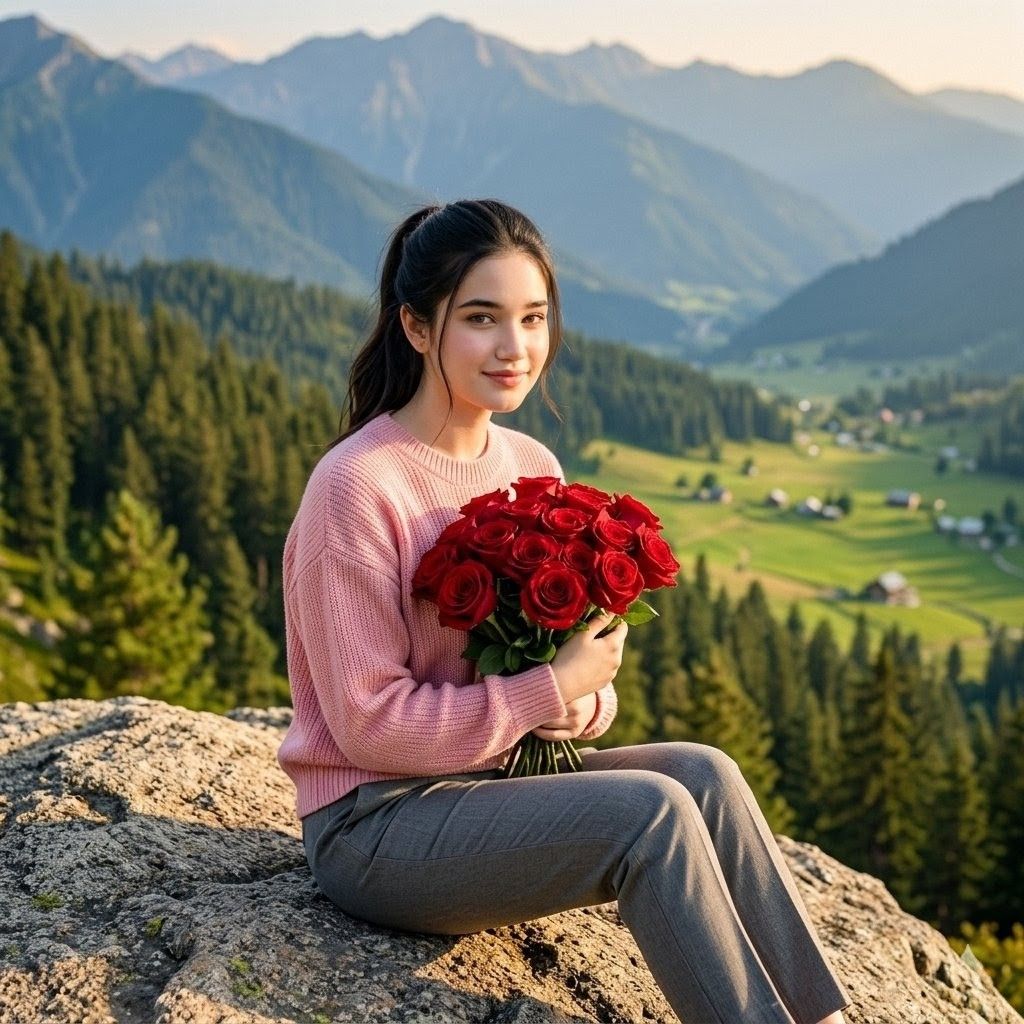
山间玫瑰人像
Enlarge

山间玫瑰人像

Prompt
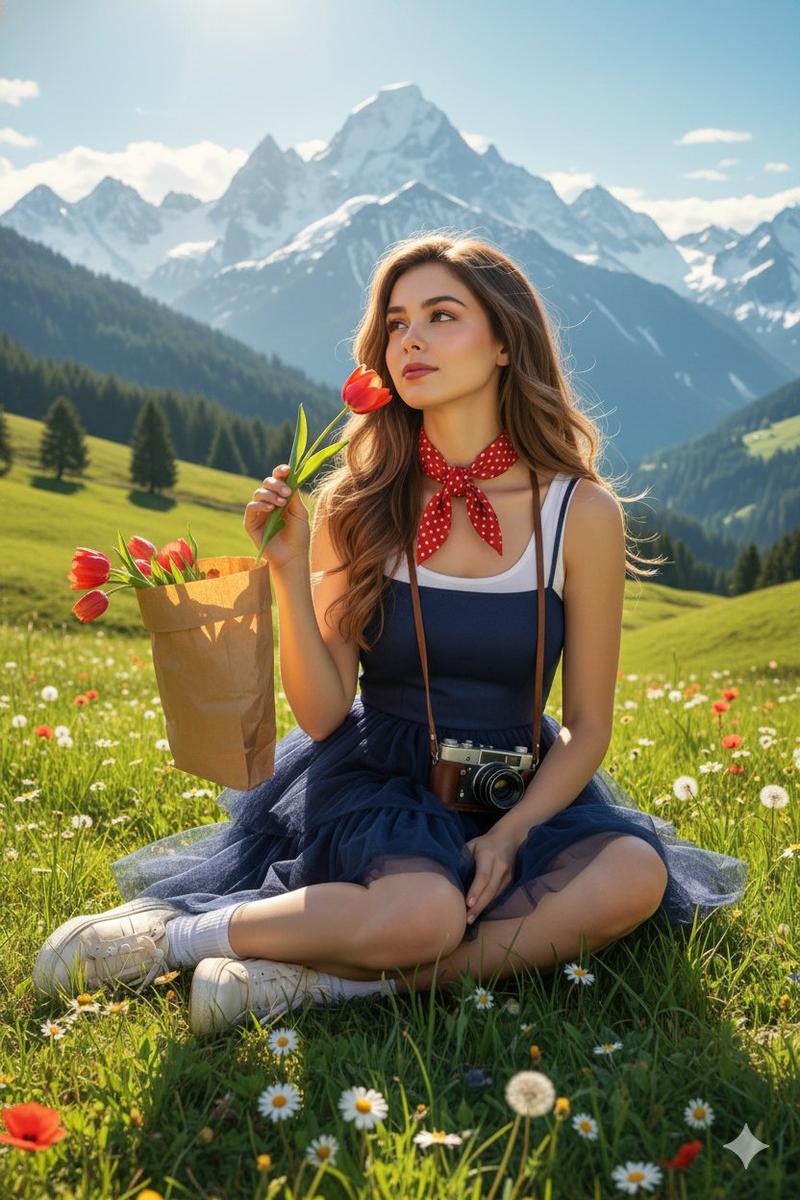
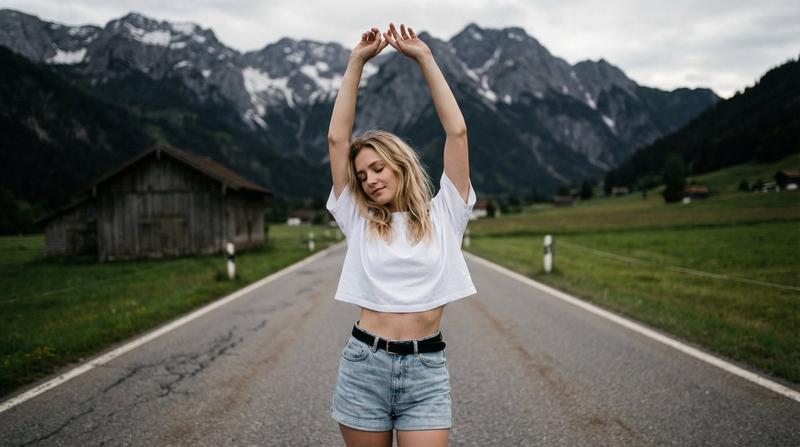
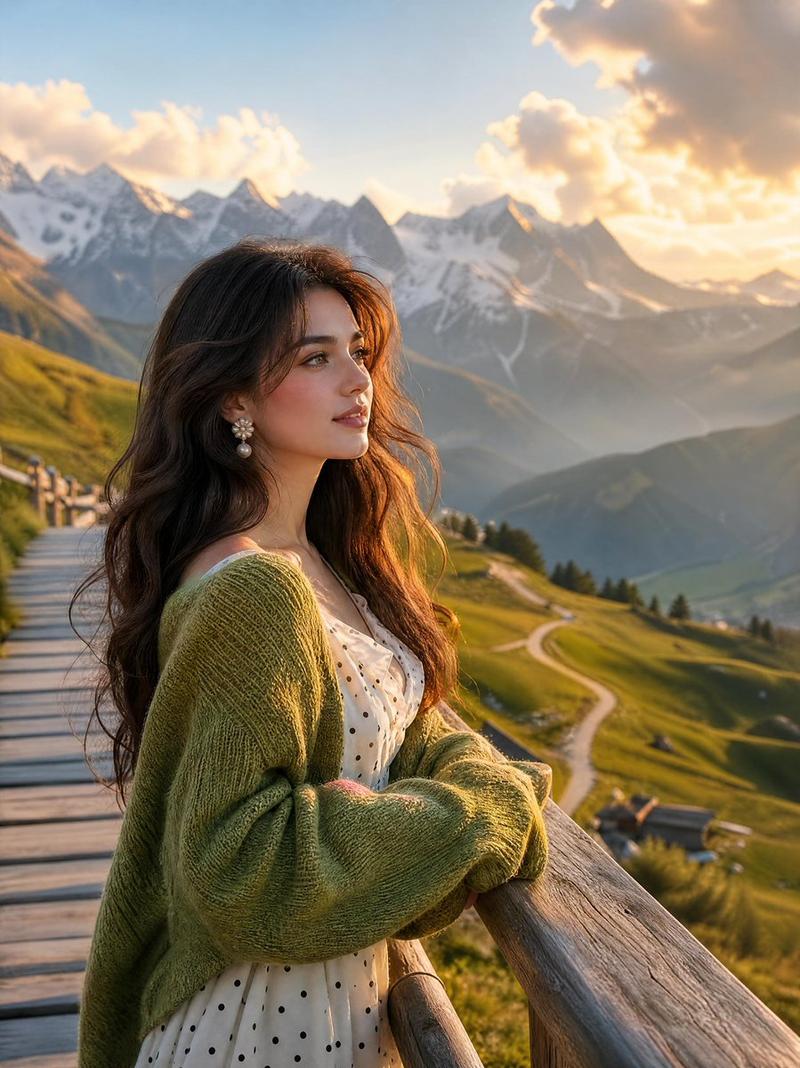
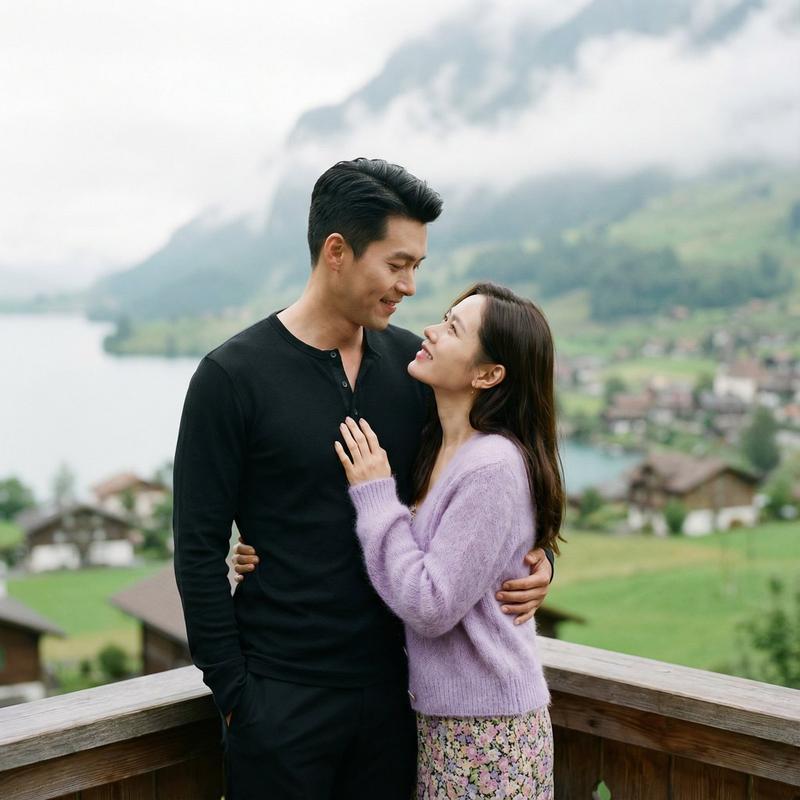
Create an ultra-realistic outdoor portrait photo of a {argument name="subject" default="young woman"} sitting sideways on a sunlit gray mountain rock, holding one lush bouquet of red roses with green leaves and visible stems clasped in both hands. She has dark hair pulled into a half-up ponytail, a calm soft smile, and her face is covered by a plain rectangular skin-tone privacy blur centered over the facial features. Outfit: pale pink chunky knit sweater, gray tailored pants, simple delicate necklace. Composition is a square 1:1 image, medium full-body seated pose from the side, knees bent, bouquet held at chest level. Background shows a dramatic alpine valley with dense evergreen forest, rolling green meadows, scattered small village houses, layered blue mountains, and warm late-afternoon sunlight. Use shallow depth of field with the background softly blurred, natural golden-hour lighting, realistic skin and fabric texture, crisp roses, cinematic travel portrait look, no text, no watermark, no extra people.
Category
Photography & Realism
Model
GPT Image 2
Creator
Alina Ai
Views0
Source ID
25839
Published
Jun 15, 2026

Guide

About "山间玫瑰人像"

What is this prompt for?

"山间玫瑰人像" AI image prompt for GPT Image 2 (Photography & Realism). 一张超写实的户外正方形人像,描绘了一位手持红玫瑰的年轻女性坐在山岩上,适用于浪漫旅行或生活方式类视觉素材。 Copy it on Picva and recreate the look…

The full copyable prompt and example visuals above are ready for AI image generation or one-click recreate in Picva.

How to use this prompt

  1. Step 1

    Open the prompt detail

    Review the example visuals, category, and full prompt text for "山间玫瑰人像".

  2. Step 2

    Copy the prompt

    Copy the prompt body from this page, or load it directly in Studio.

  3. Step 3

    Pick a model (GPT Image 2)

    Prefer GPT Image 2. If you switch models, keep subject and composition and tweak style terms.

  4. Step 4

    Generate and export

    Recreate the look in Picva, or export into your workflow for editing and publishing.

FAQ

What is the "山间玫瑰人像" prompt?
It is an AI image-generation prompt for GPT Image 2 in the Photography & Realism category. This page includes the full prompt text, example visuals, and a one-click recreate path in Picva.
How do I use this prompt to generate an image?
Copy the prompt from this page, or use Generate / Studio. Paste it into a compatible image model, or recreate the look in Picva with optional reference images.
Which model is this prompt for?
This page lists GPT Image 2. Most descriptive prompts also transfer to nearby image models such as GPT Image, Flux, or Midjourney with light style tweaks.
Can I use the result commercially?
You can usually copy the prompt for creation, but commercial use of the final image depends on the model terms, reference-image rights, and the generated content. Follow the source author and platform rules.