18

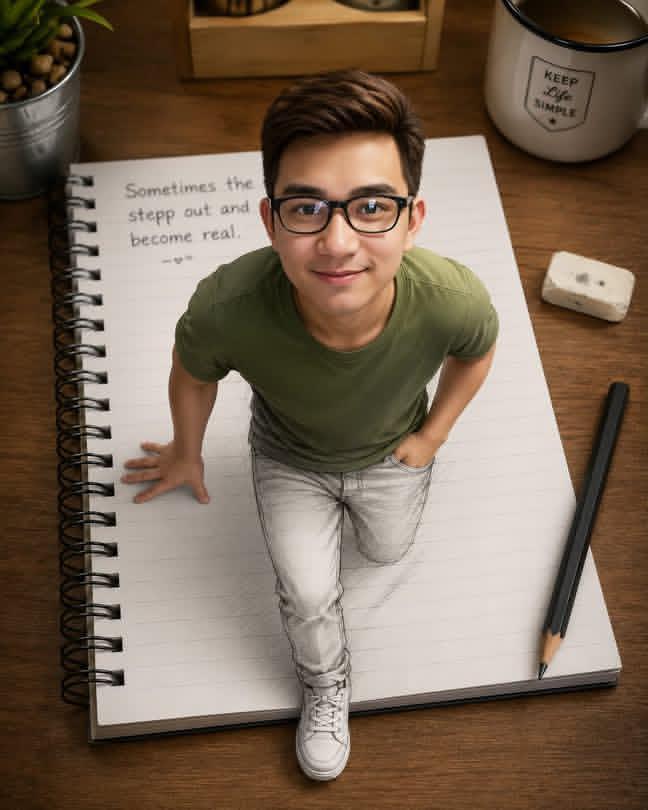
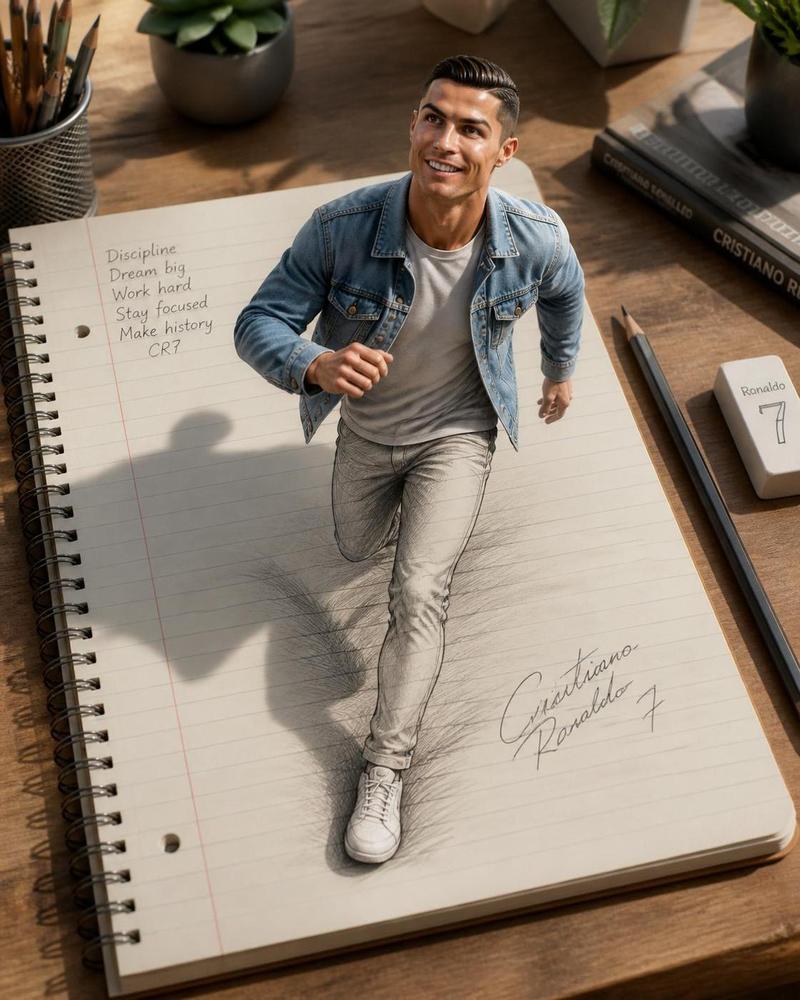
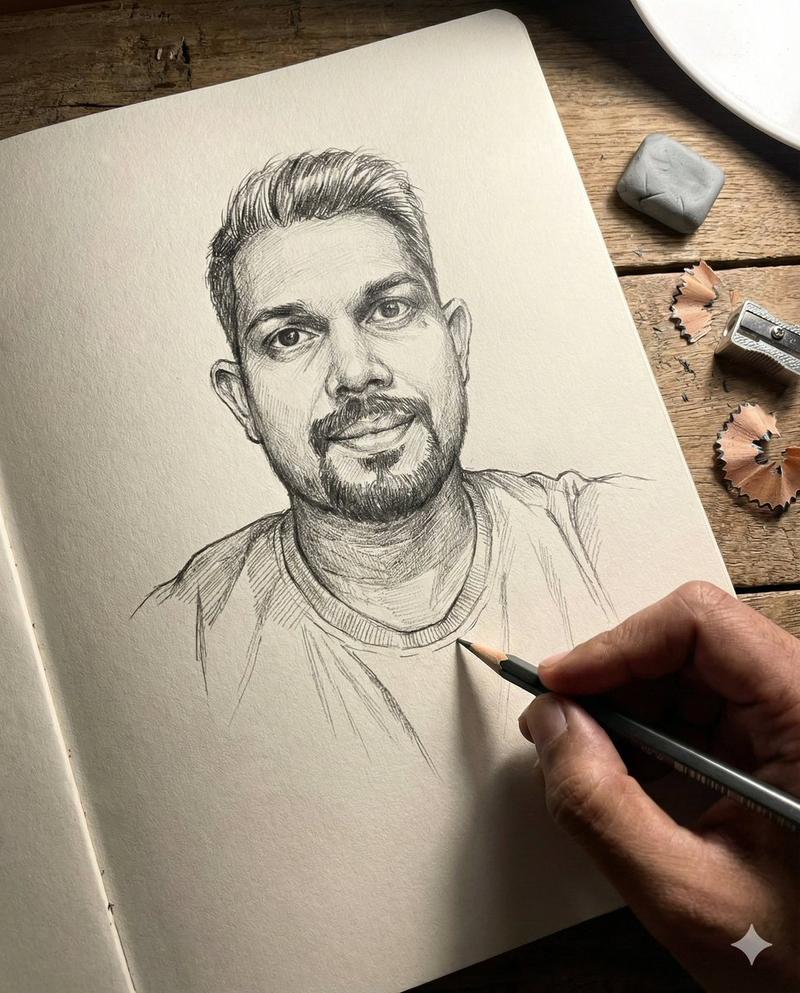
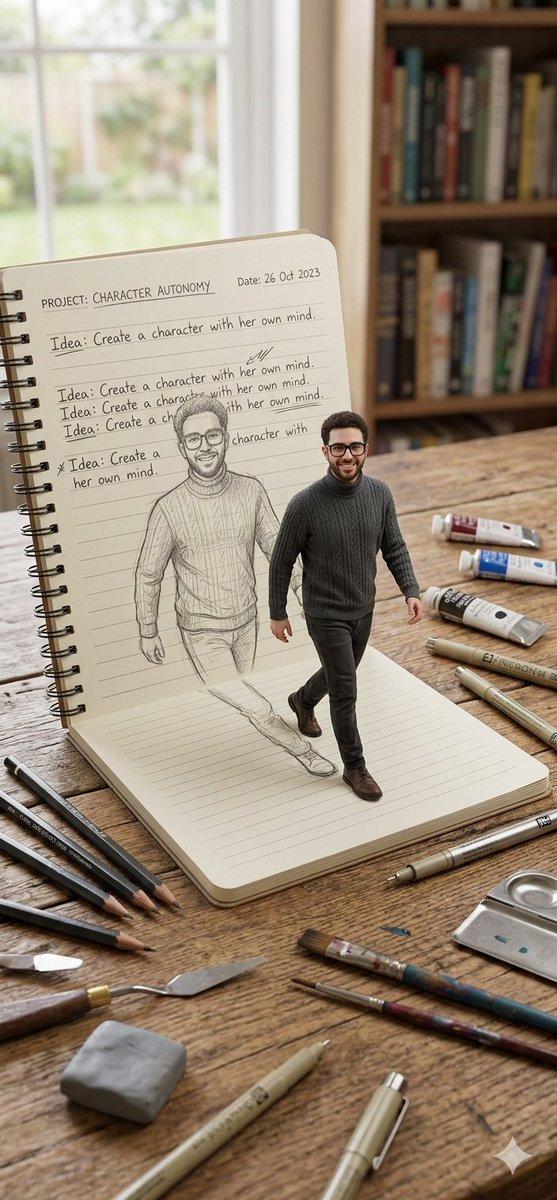
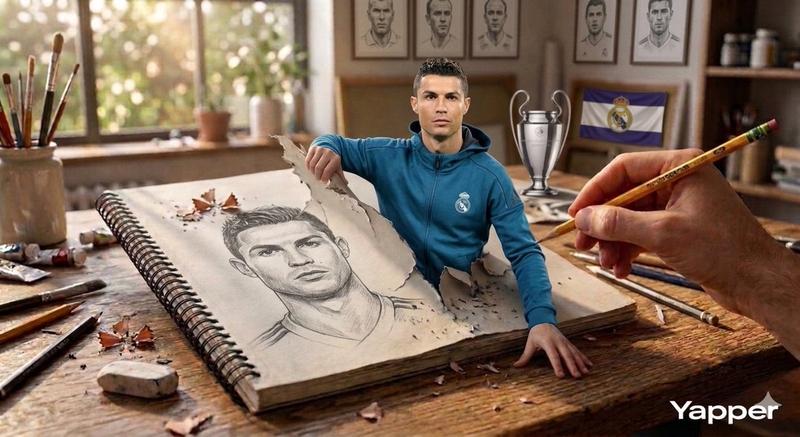
3D 素描错觉少女肖像
Enlarge

Example images

3D 素描错觉少女肖像

Prompt
A creative 3D illusion artwork of a {argument name="subject" default="cute young girl"} stepping out of a spiral notebook page placed on a wooden desk. The notebook has lined paper with handwritten text at the top. The girl looks semi-realistic 3D cartoon style, soft wavy brown hair, natural makeup, sweet smile, wearing a {argument name="top" default="pastel crop top"} and {argument name="bottom" default="high-waisted light grey jeans"} with white sneakers. Her lower body appears sketched in pencil on the notebook while the upper body looks realistic and popping out of the page.
Category
Photography & Realism
Model
GPT Image 2
Creator
Jahan Zaib
Views0
Source ID
25911
Published
Jun 16, 2026

Guide

About "3D 素描错觉少女肖像"

What is this prompt for?

"3D 素描错觉少女肖像" AI image prompt for GPT Image 2 (Photography & Realism). 一种艺术性的视觉错觉,描绘了一位少女从笔记本上的铅笔素描过渡为半写实 3D 角色的过程。 Copy it on Picva and recreate the look in o…

The full copyable prompt and example visuals above are ready for AI image generation or one-click recreate in Picva.

How to use this prompt

  1. Step 1

    Open the prompt detail

    Review the example visuals, category, and full prompt text for "3D 素描错觉少女肖像".

  2. Step 2

    Copy the prompt

    Copy the prompt body from this page, or load it directly in Studio.

  3. Step 3

    Pick a model (GPT Image 2)

    Prefer GPT Image 2. If you switch models, keep subject and composition and tweak style terms.

  4. Step 4

    Generate and export

    Recreate the look in Picva, or export into your workflow for editing and publishing.

FAQ

What is the "3D 素描错觉少女肖像" prompt?
It is an AI image-generation prompt for GPT Image 2 in the Photography & Realism category. This page includes the full prompt text, example visuals, and a one-click recreate path in Picva.
How do I use this prompt to generate an image?
Copy the prompt from this page, or use Generate / Studio. Paste it into a compatible image model, or recreate the look in Picva with optional reference images.
Which model is this prompt for?
This page lists GPT Image 2. Most descriptive prompts also transfer to nearby image models such as GPT Image, Flux, or Midjourney with light style tweaks.
Can I use the result commercially?
You can usually copy the prompt for creation, but commercial use of the final image depends on the model terms, reference-image rights, and the generated content. Follow the source author and platform rules.