20

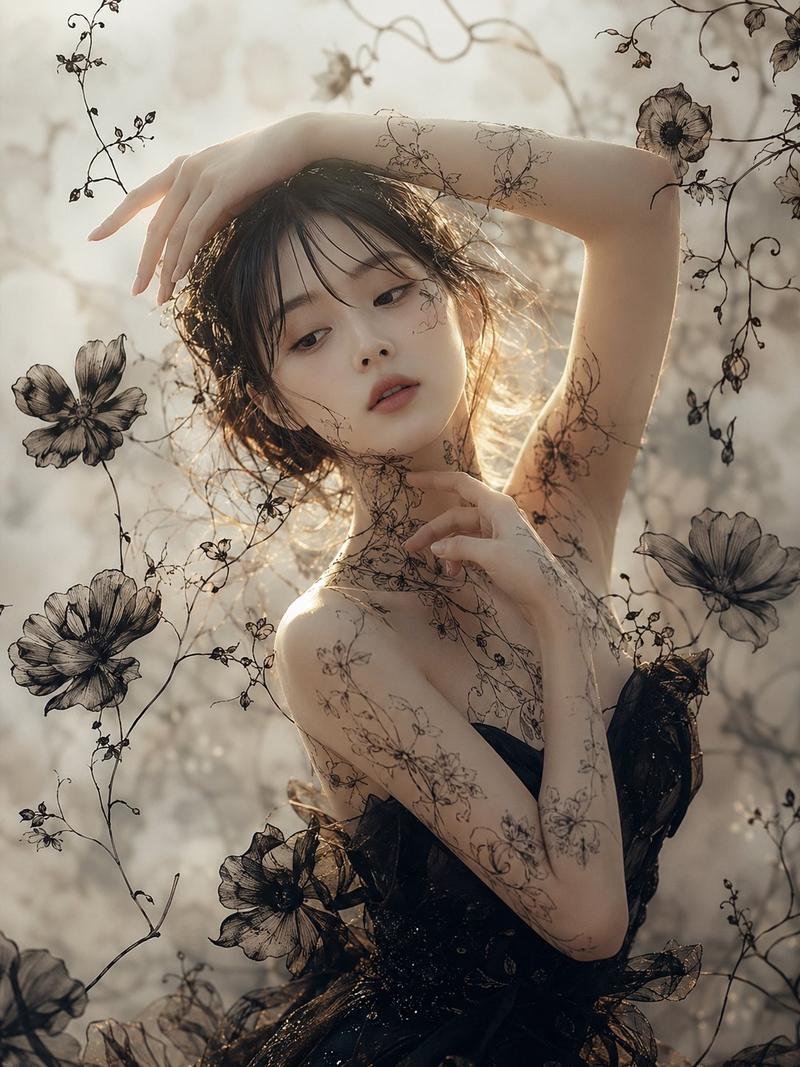
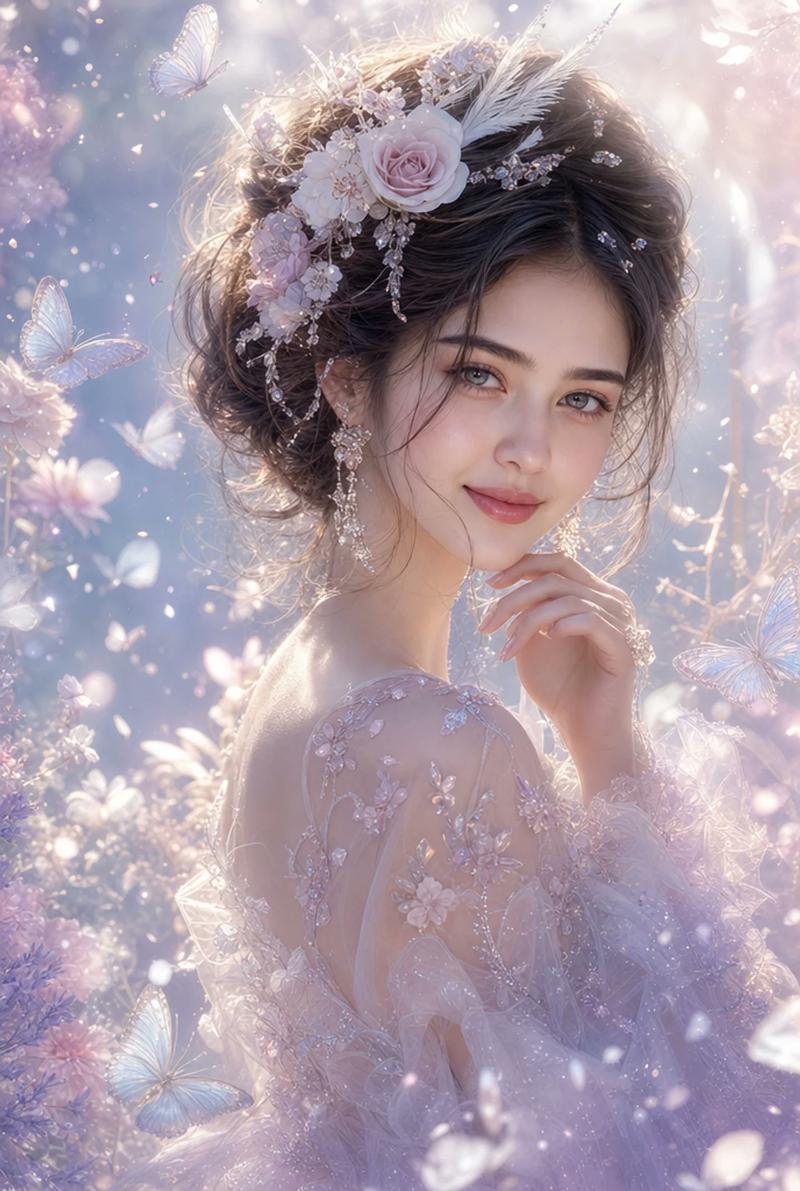
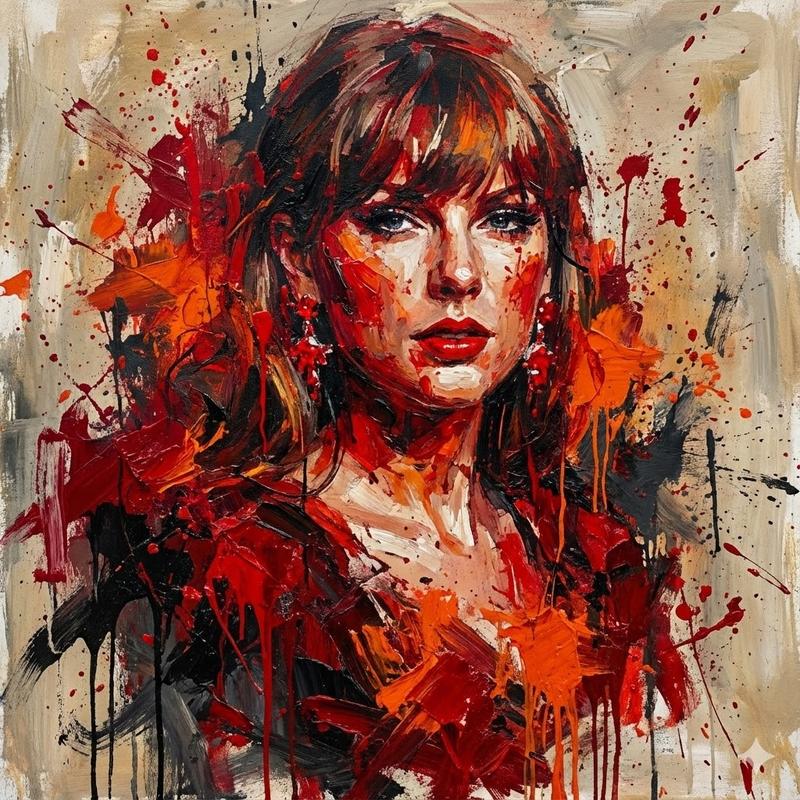
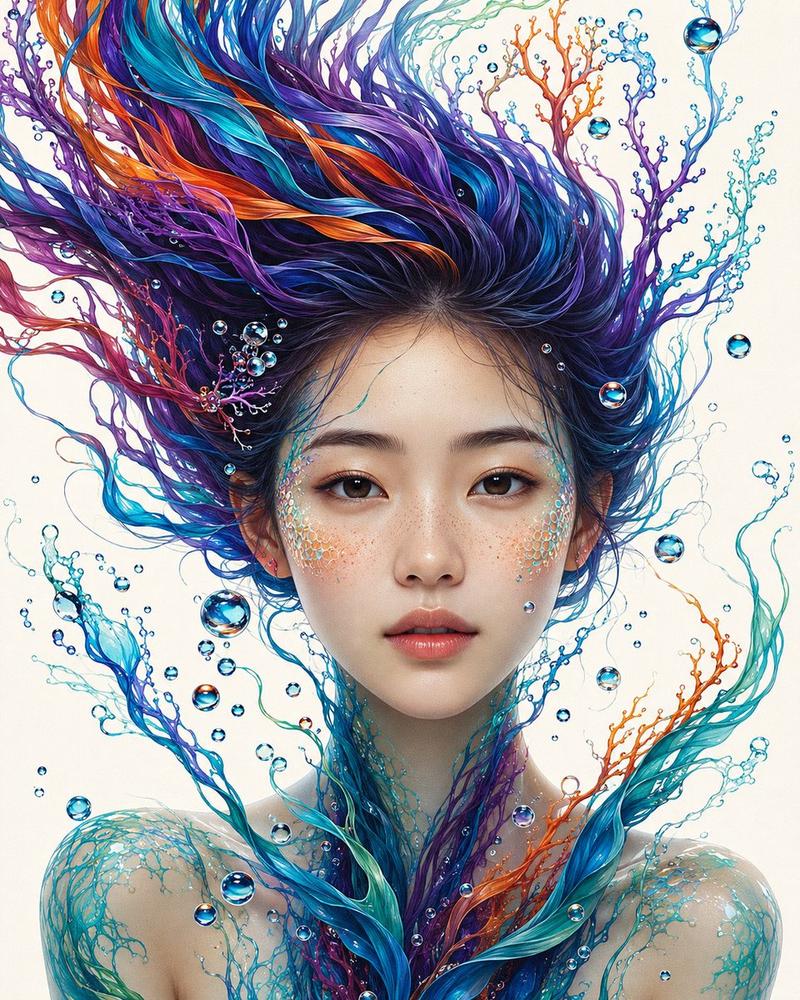
水彩植物艺术肖像
Enlarge

水彩植物艺术肖像

Prompt
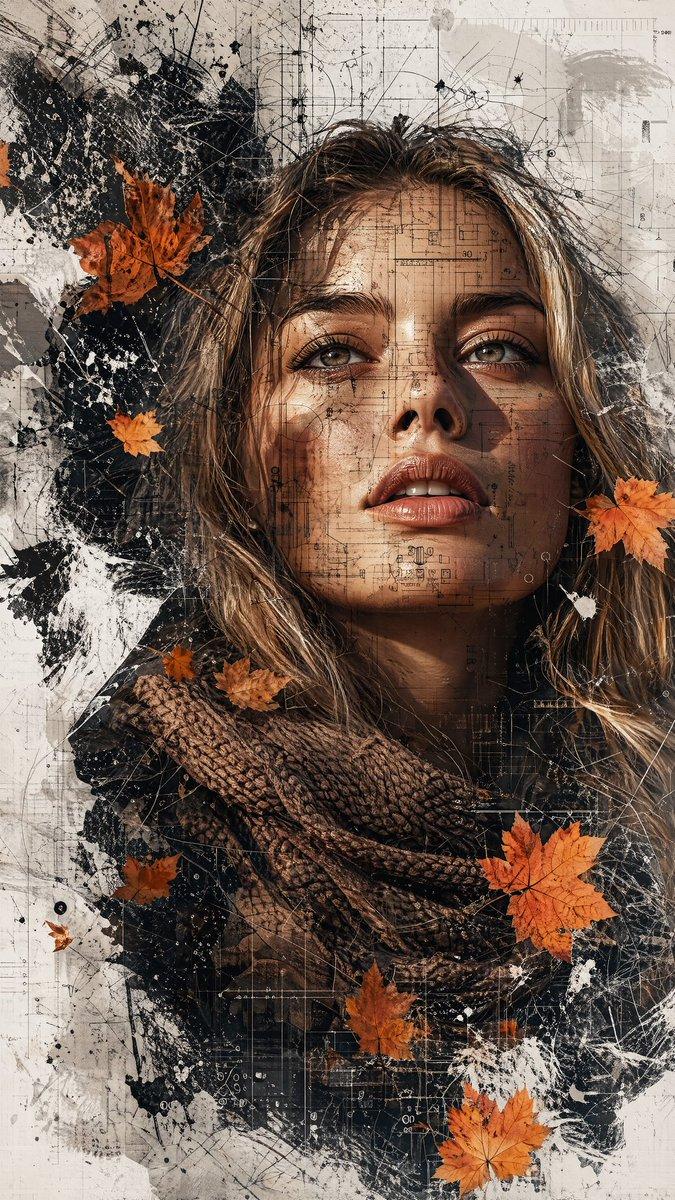
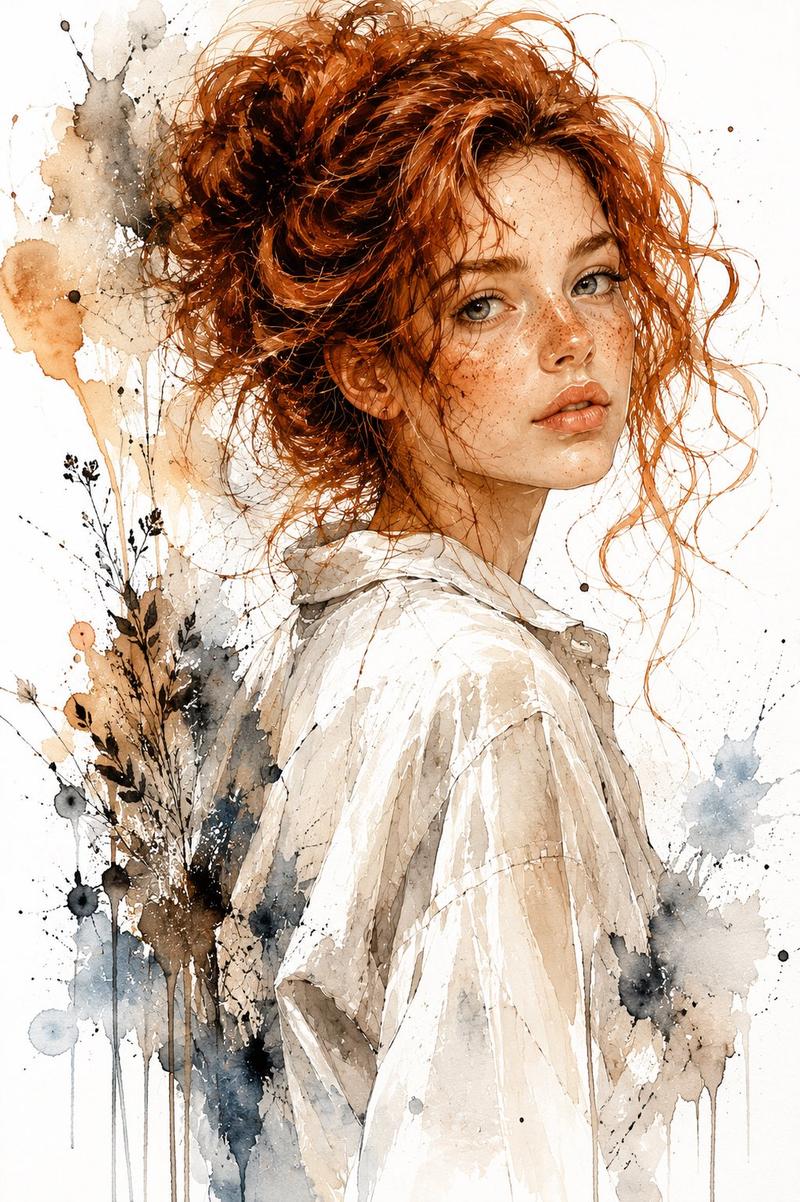
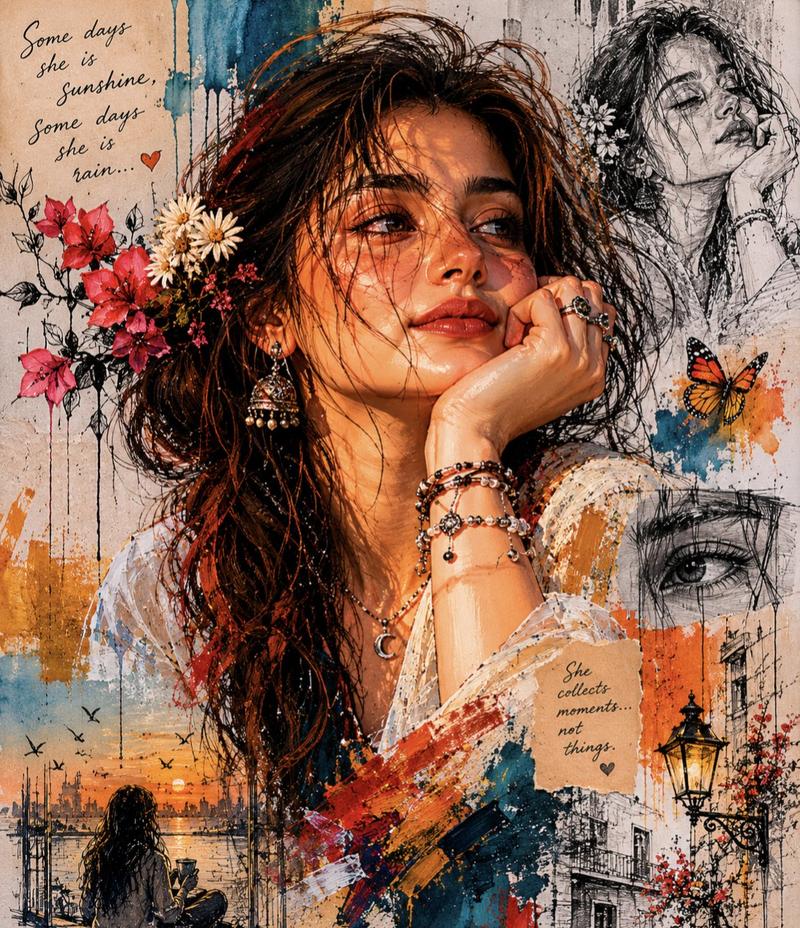
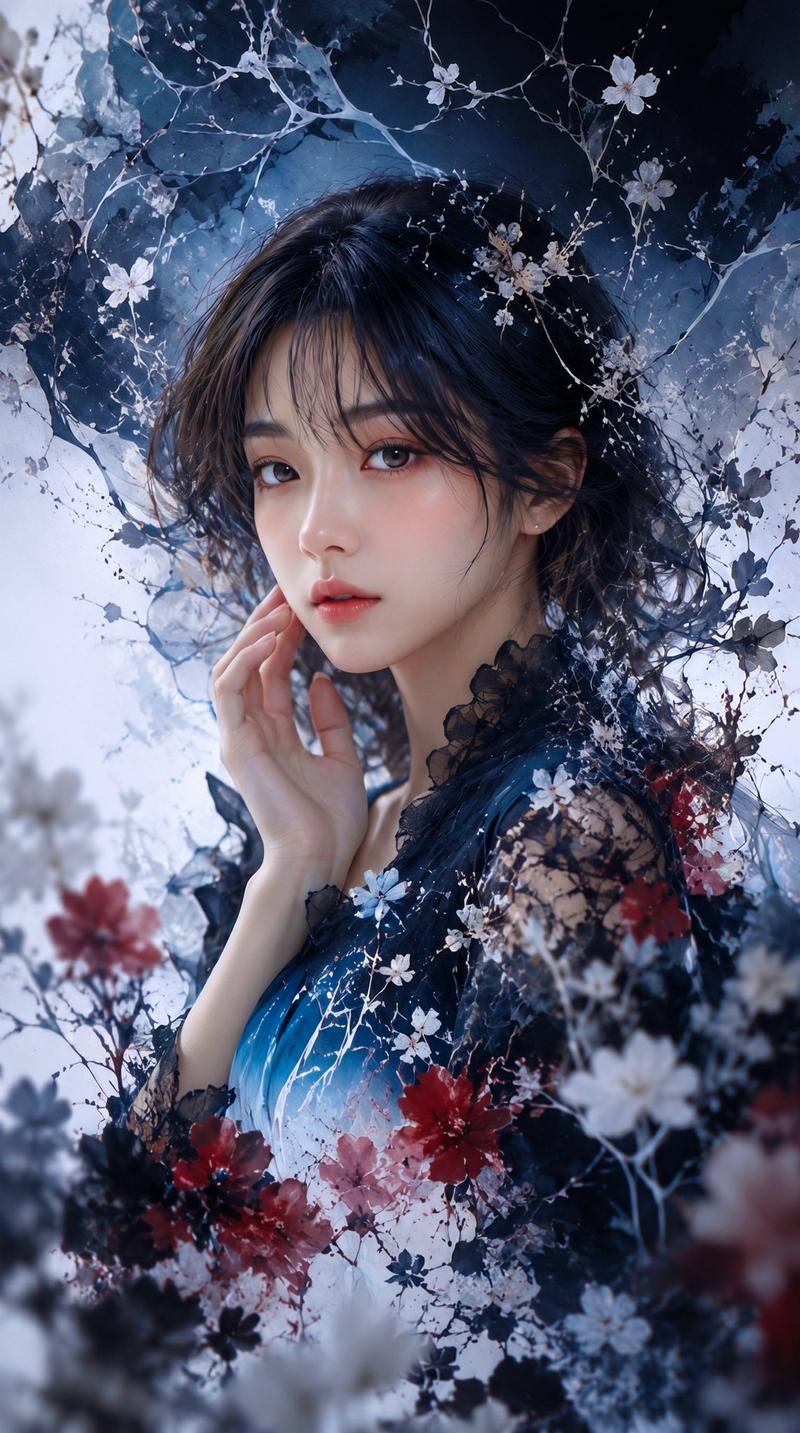
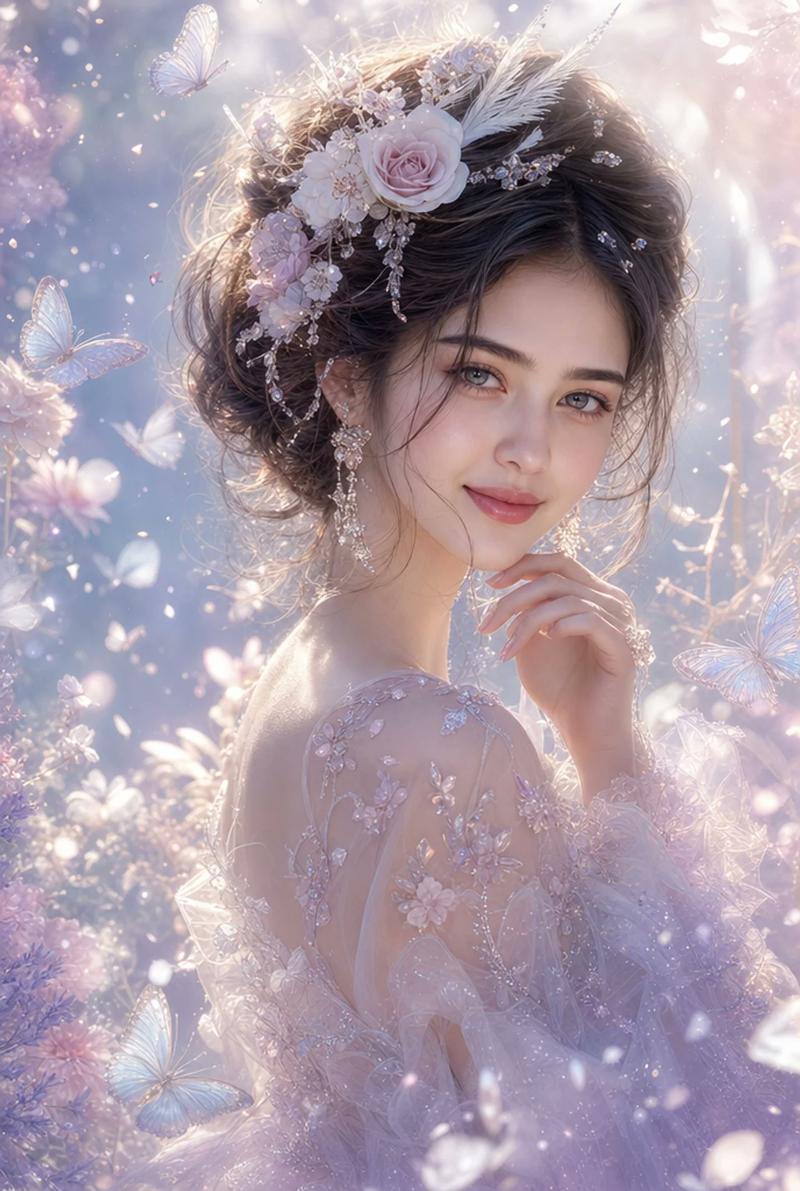
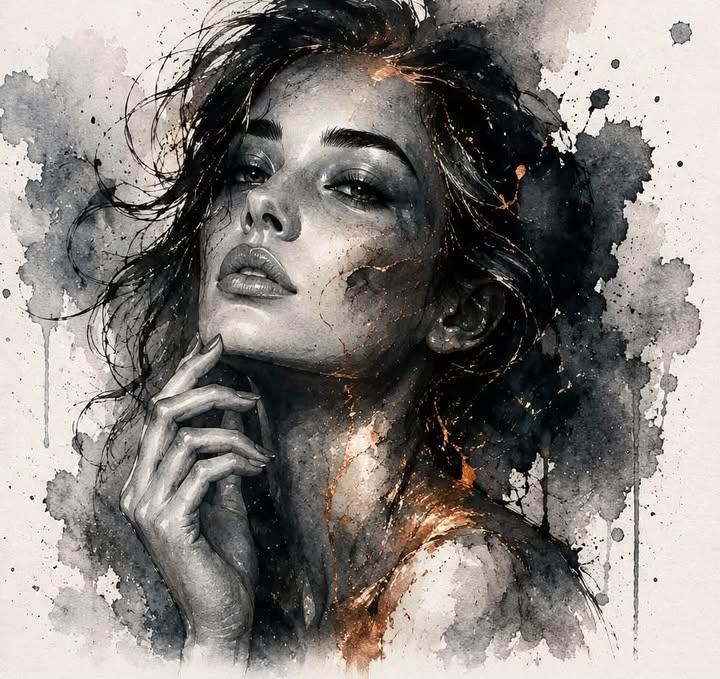
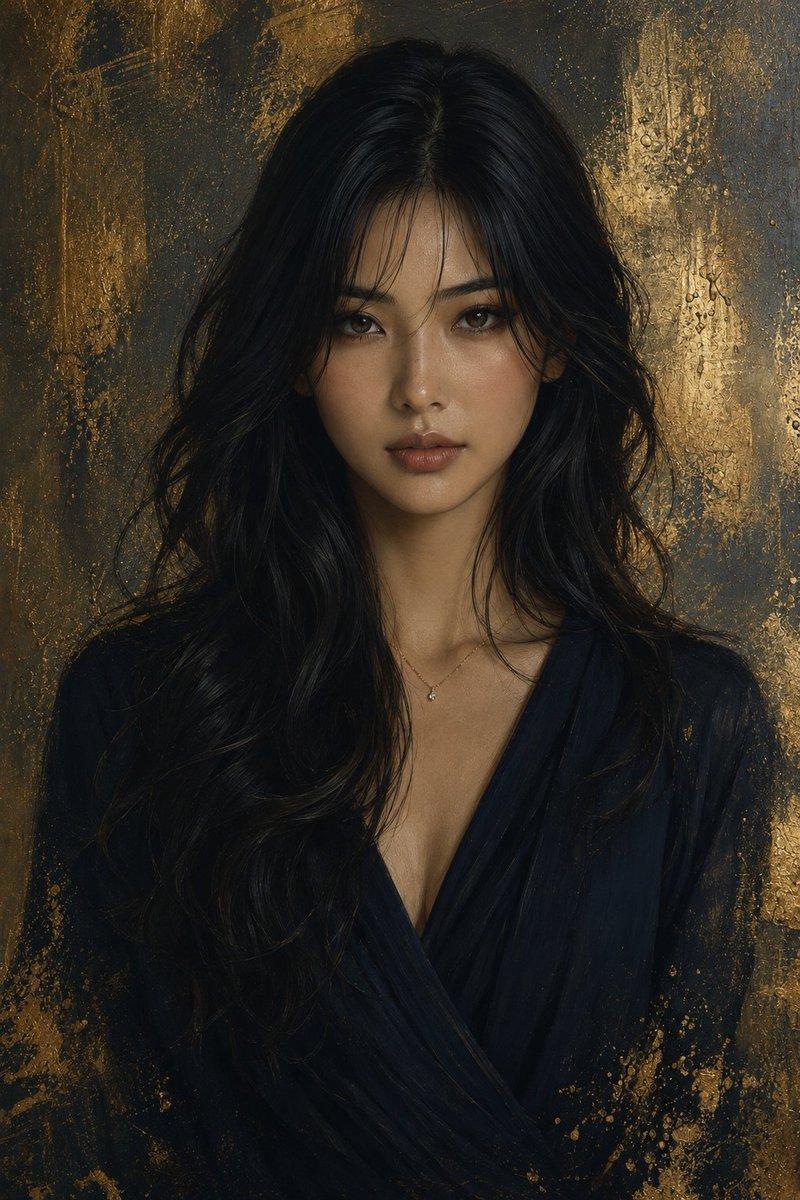
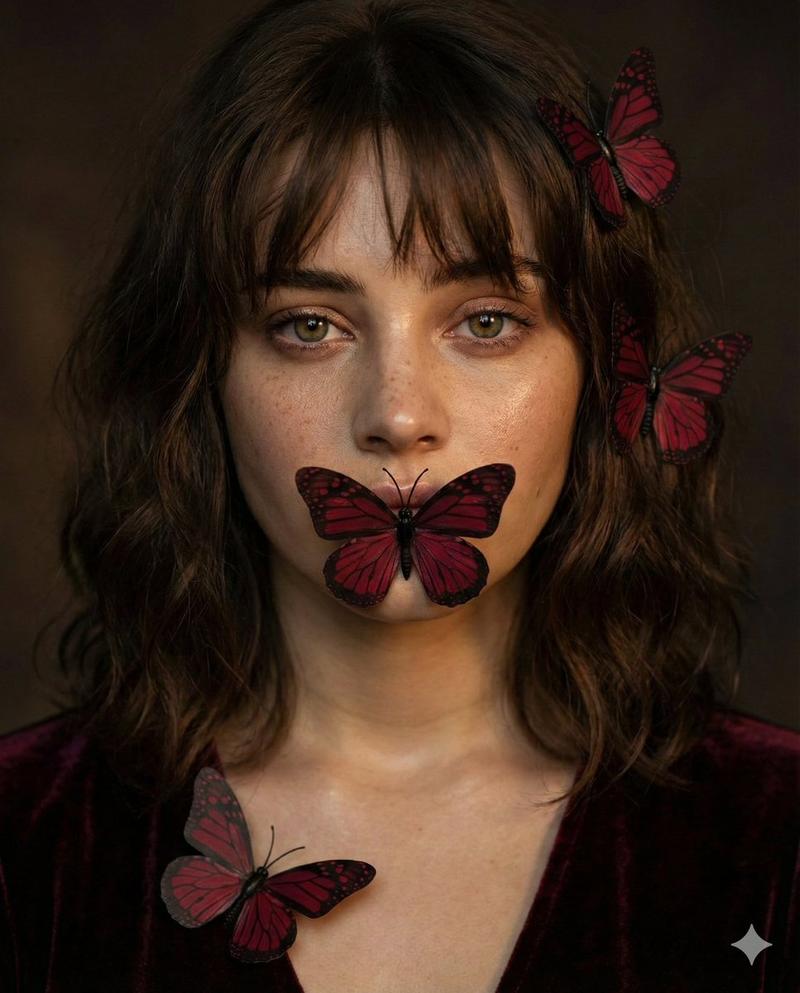
Watercolor portrait blended with photorealistic facial details, {argument name="colors" default="teal and sage-green"} paint splashes, textured paper background, {argument name="subject" default="floating monarch butterflies"}, botanical elements, dreamy feminine atmosphere, soft diffused lighting, delicate brushstrokes, shallow depth of field, ultra-detailed fine art illustration, cinematic quality, sharp focus, masterpiece, 8K.
Category
Photography & Realism
Model
GPT Image 2
Creator
Avelyrah
Views0
Source ID
26024
Published
Jun 18, 2026

Guide

About "水彩植物艺术肖像"

What is this prompt for?

"水彩植物艺术肖像" AI image prompt for GPT Image 2 (Photography & Realism). 一款梦幻般的艺术提示词,融合了水彩泼墨效果与写实细节、植物元素及蝴蝶。 Copy it on Picva and recreate the look in one click.

The full copyable prompt and example visuals above are ready for AI image generation or one-click recreate in Picva.

How to use this prompt

  1. Step 1

    Open the prompt detail

    Review the example visuals, category, and full prompt text for "水彩植物艺术肖像".

  2. Step 2

    Copy the prompt

    Copy the prompt body from this page, or load it directly in Studio.

  3. Step 3

    Pick a model (GPT Image 2)

    Prefer GPT Image 2. If you switch models, keep subject and composition and tweak style terms.

  4. Step 4

    Generate and export

    Recreate the look in Picva, or export into your workflow for editing and publishing.

FAQ

What is the "水彩植物艺术肖像" prompt?
It is an AI image-generation prompt for GPT Image 2 in the Photography & Realism category. This page includes the full prompt text, example visuals, and a one-click recreate path in Picva.
How do I use this prompt to generate an image?
Copy the prompt from this page, or use Generate / Studio. Paste it into a compatible image model, or recreate the look in Picva with optional reference images.
Which model is this prompt for?
This page lists GPT Image 2. Most descriptive prompts also transfer to nearby image models such as GPT Image, Flux, or Midjourney with light style tweaks.
Can I use the result commercially?
You can usually copy the prompt for creation, but commercial use of the final image depends on the model terms, reference-image rights, and the generated content. Follow the source author and platform rules.