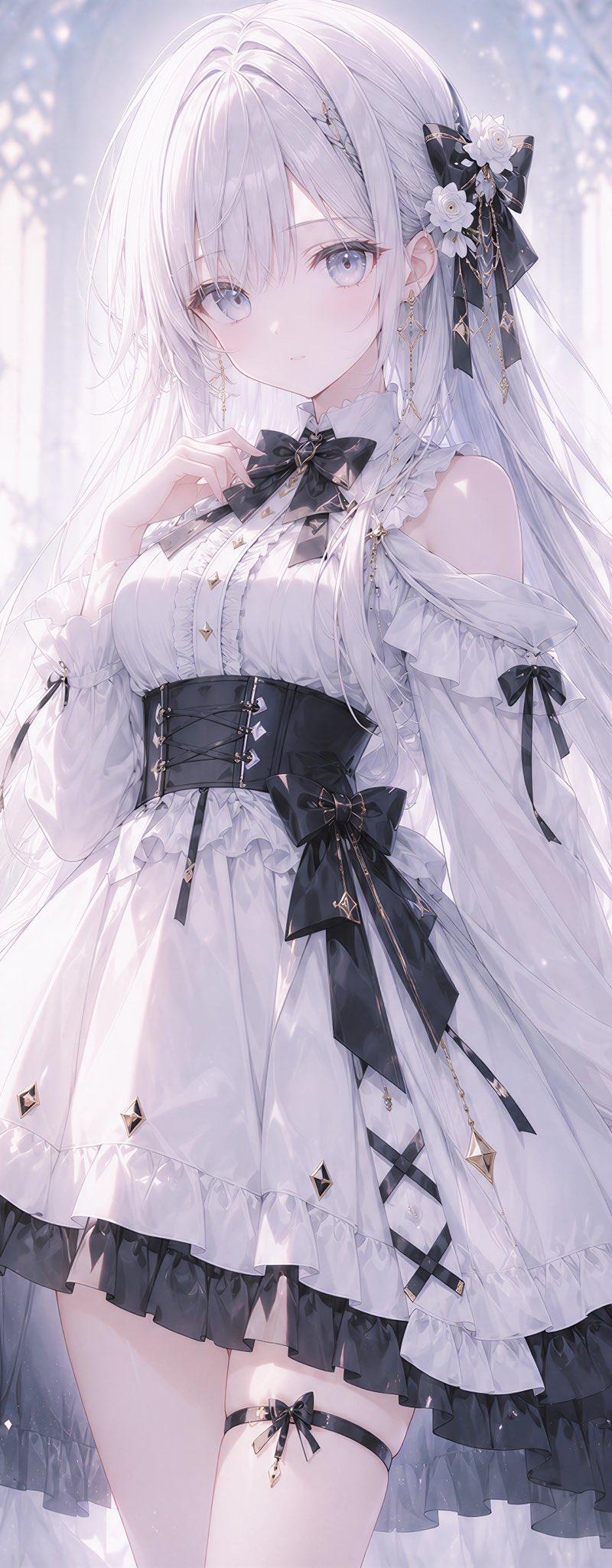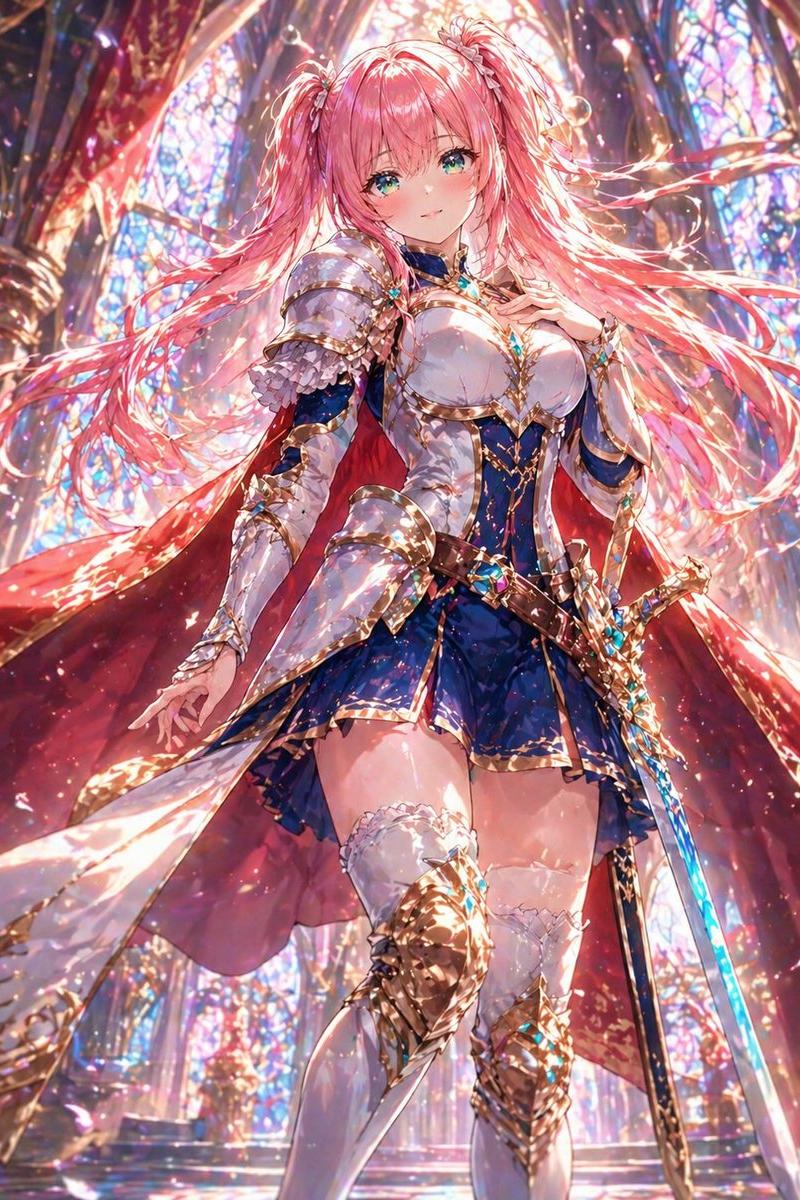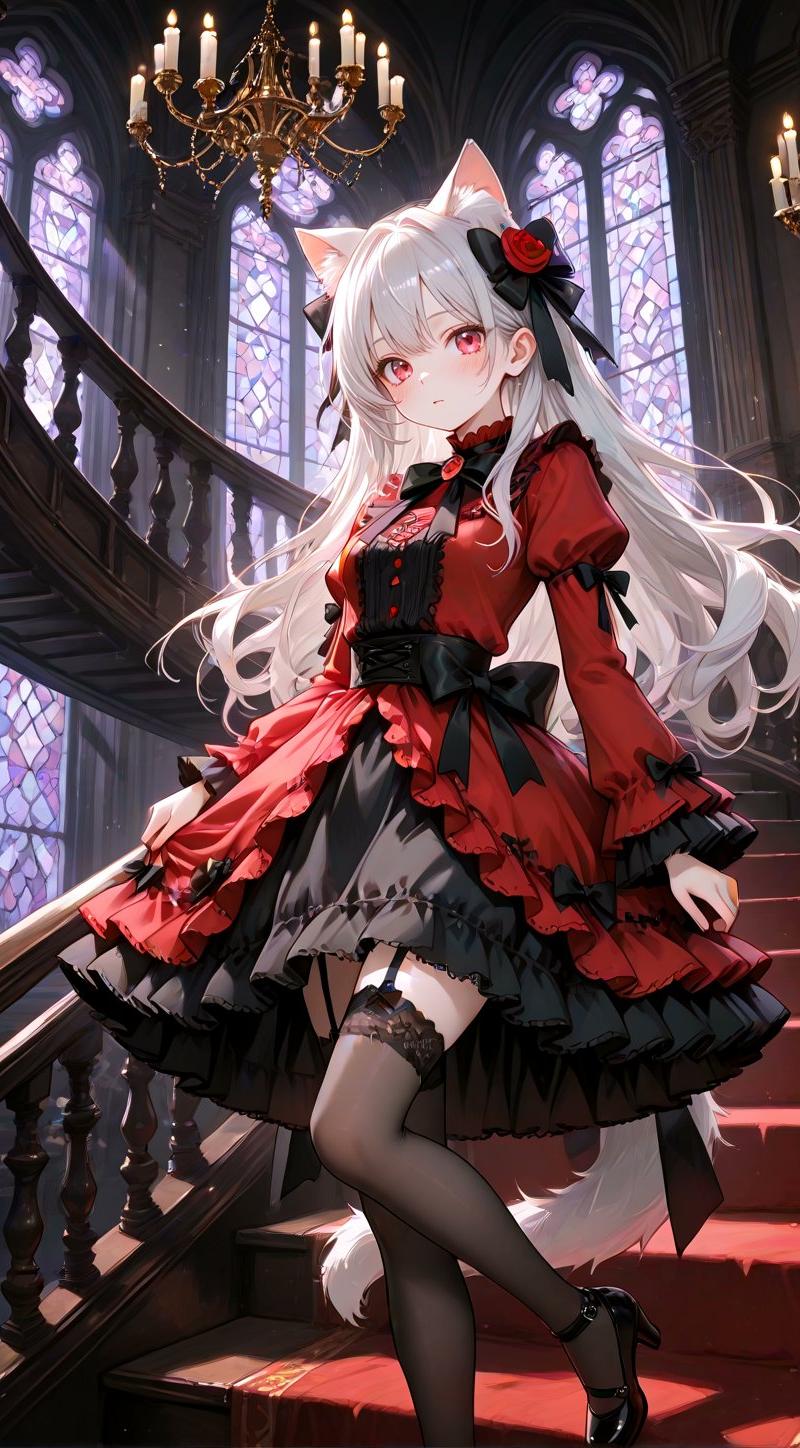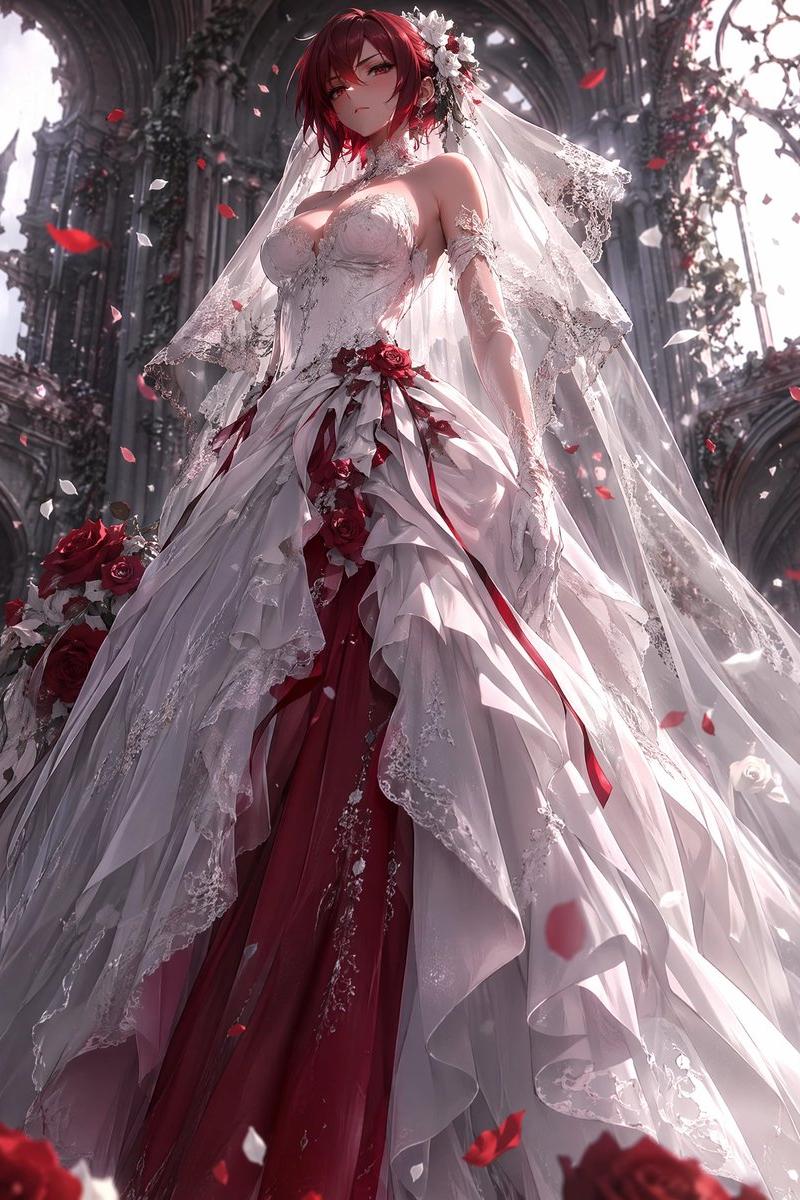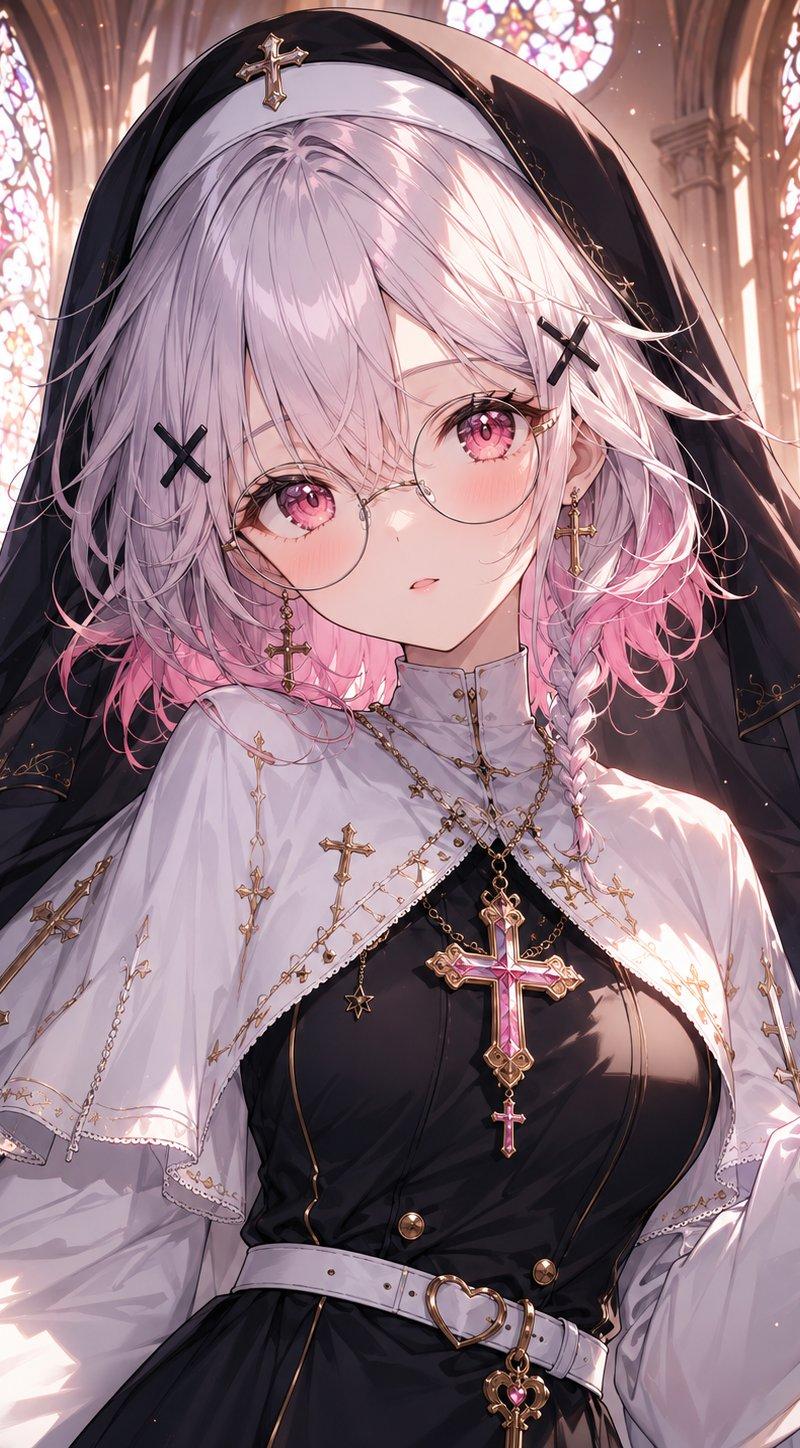
哥特修女大教堂肖像
Prompt
Create a highly detailed anime-style portrait of a gothic nun inside a luminous cathedral. The subject is a young woman shown from upper thighs to head, centered and facing forward, with her face deliberately covered by a large opaque soft mauve-pink rectangle. She has {argument name="hair color" default="silvery white hair with pink ombré tips"}, messy layered shoulder-length hair, a small side braid on the right, and black X-shaped hairpins. She wears a black nun veil with subtle gold embroidery and a gold cross ornament on the forehead, a white capelet embroidered with many small gold crosses and fine chain details, and a fitted black dress beneath it. Add ornate religious jewelry: exactly 3 prominent cross pendants visible on the outfit, including 1 large pink gemstone cross necklace at the center of the chest, 1 smaller dangling cross below it, and 1 long gold cross hanging on the left cape; also include delicate gold chains, star charms, small buttons, a white belt with a heart-shaped gold buckle, and a heart-key charm hanging from the belt. Her right hand is raised near her shoulder in a delicate pose. The background is a grand Gothic cathedral with tall pointed arches and exactly 4 visible stained-glass window areas glowing in warm pink, peach, and white light. Use dramatic backlighting, sparkling dust motes, soft bloom, intricate linework, polished anime illustration rendering, high detail fabric folds, glossy gemstone highlights, and a romantic sacred atmosphere. Keep the composition vertical, close-up, richly ornate, and do not add text, watermark, or extra characters.- Category
- Photography & Realism
- Model
- GPT Image 2
- Creator
- ViktorAI未来志
- Source language
- en
- Source ID
- 26041
- Published
- Jun 17, 2026
Views0