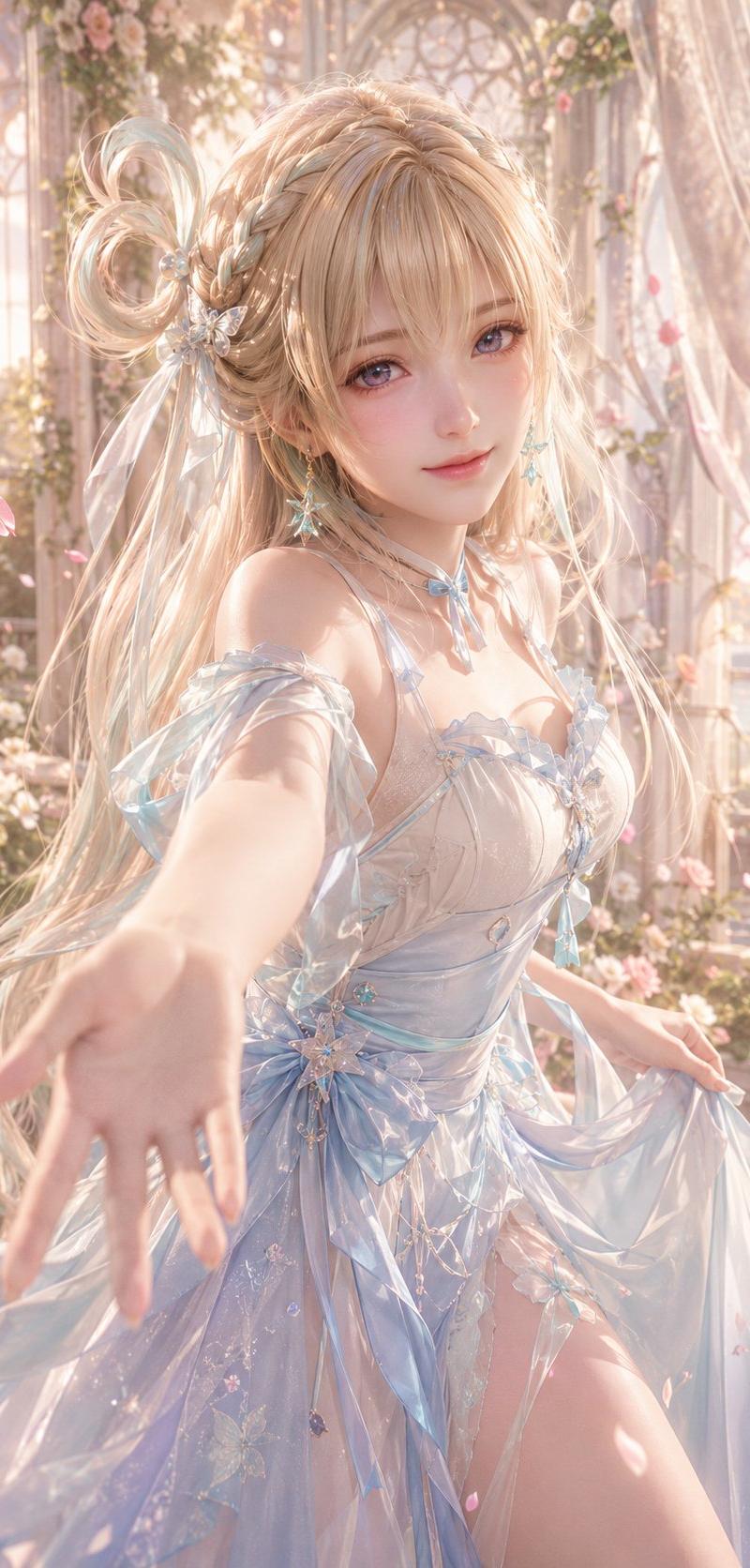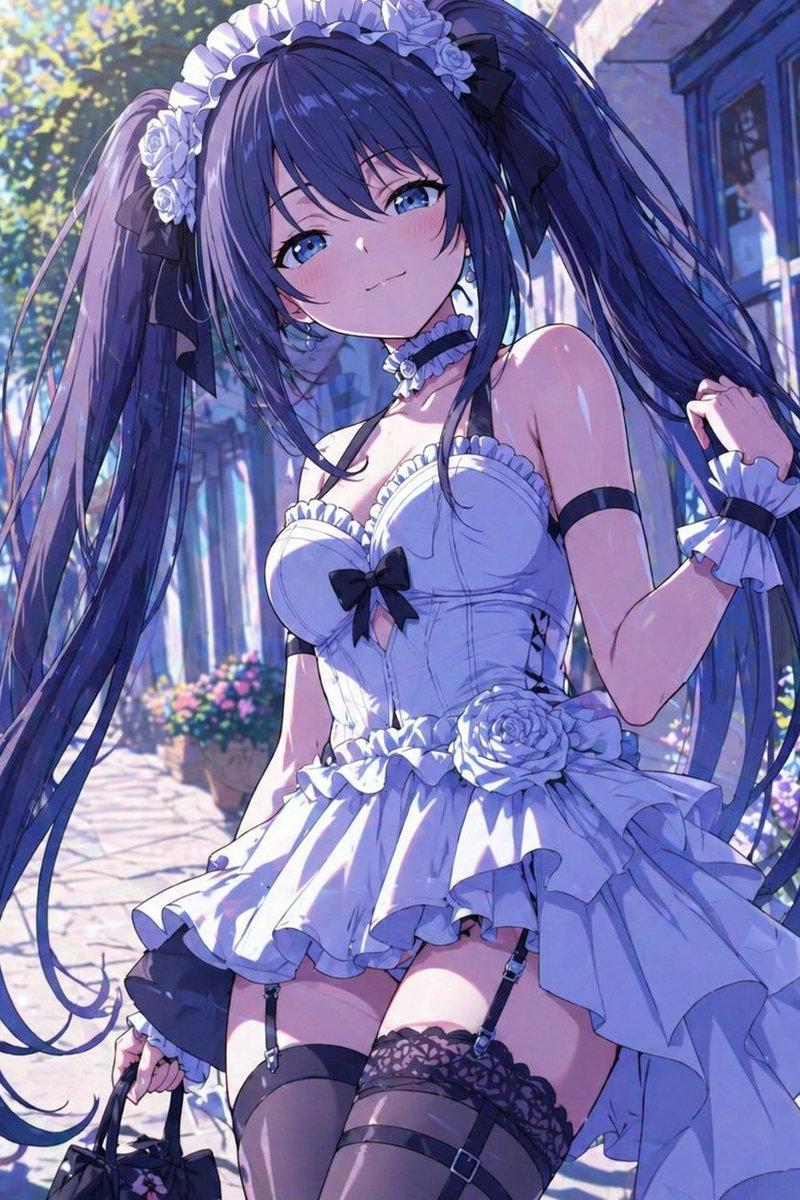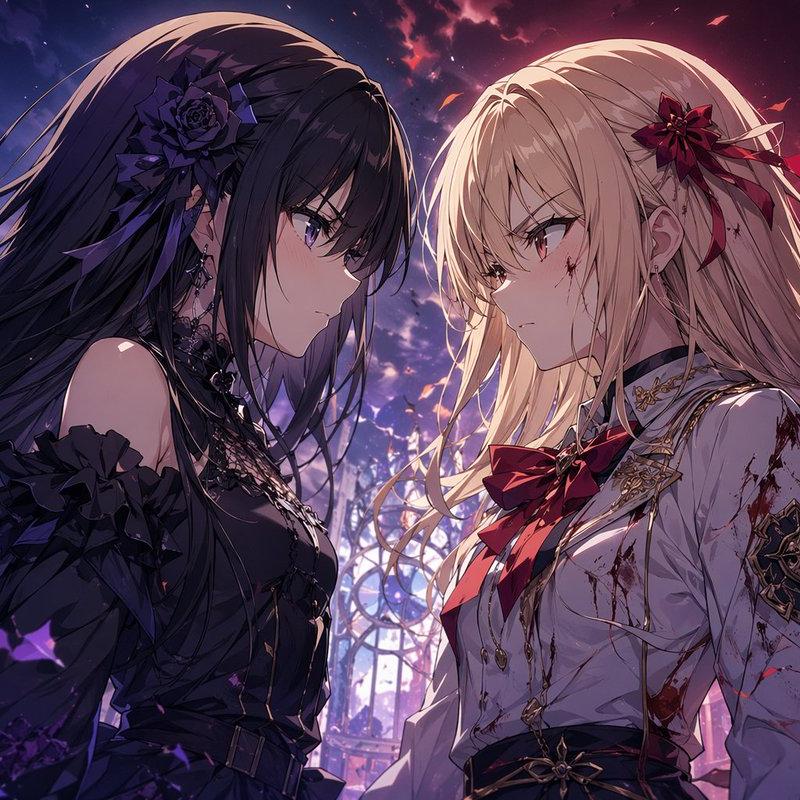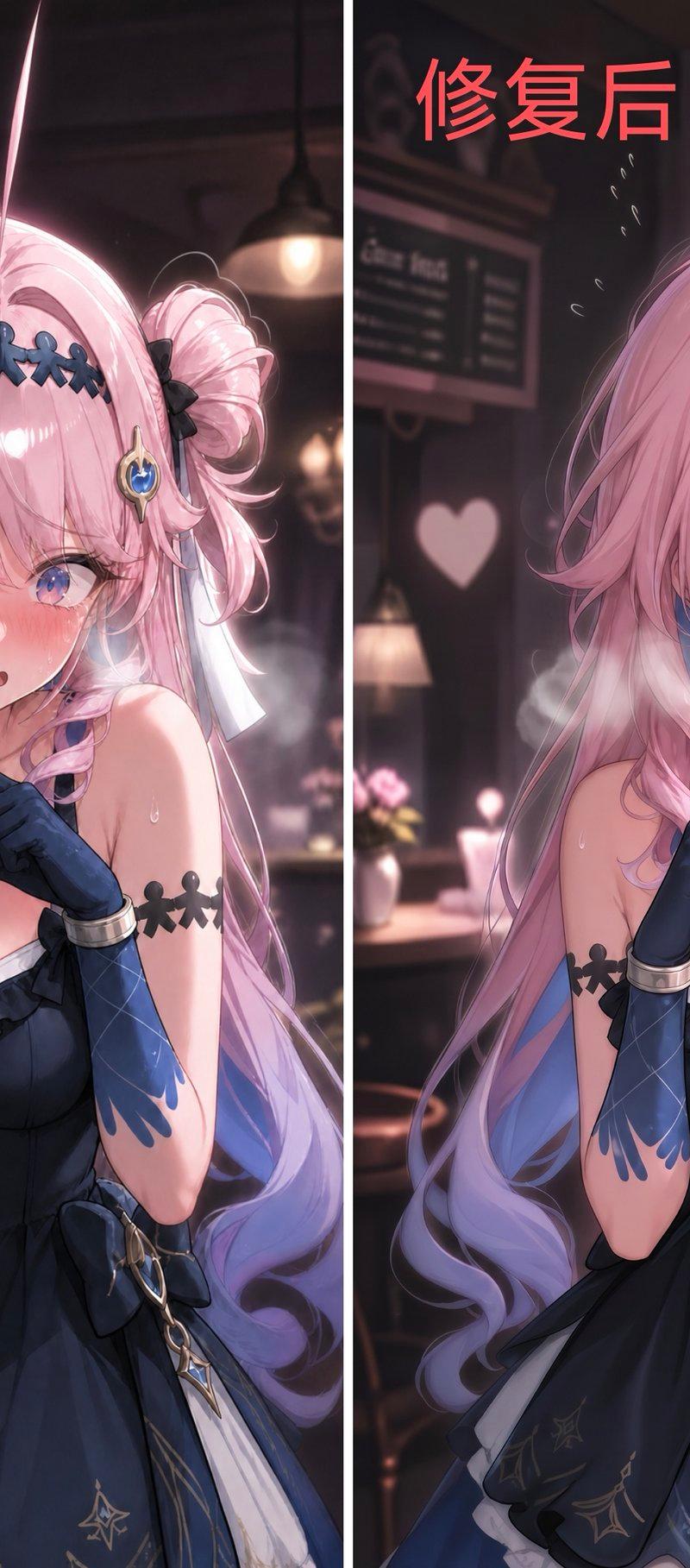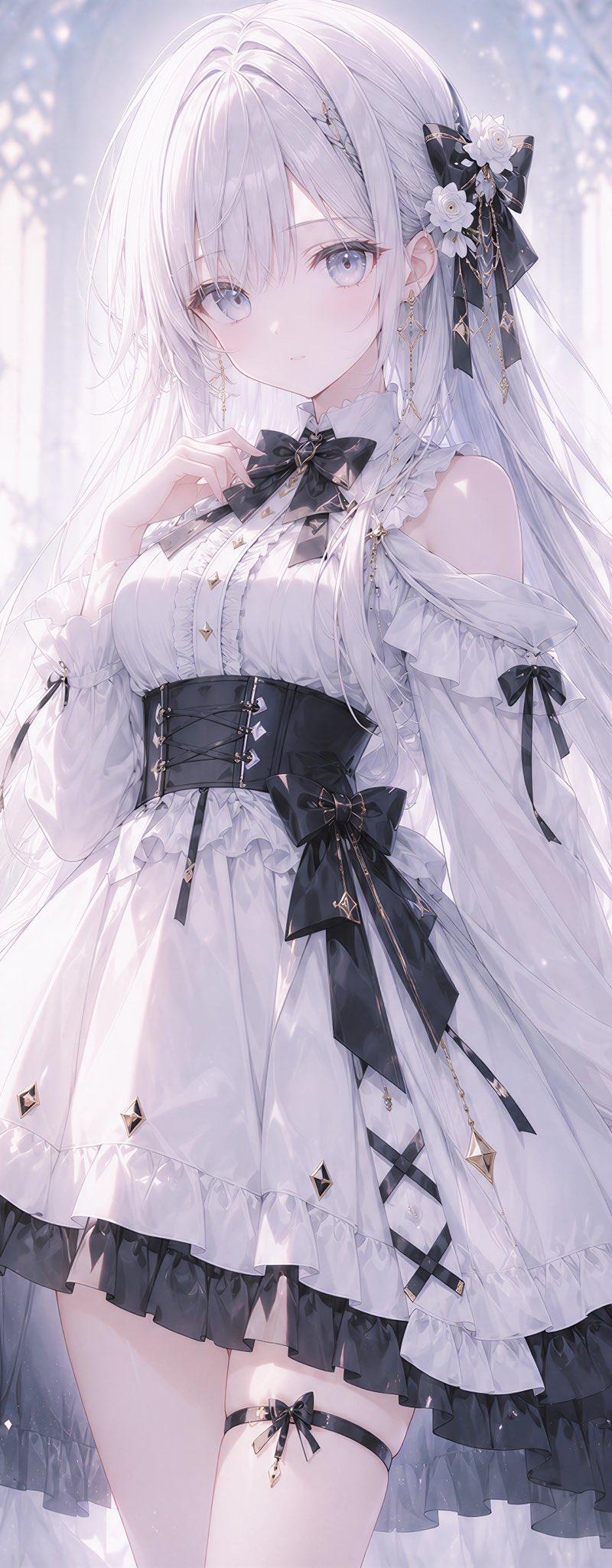
白色哥特萝莉大教堂肖像
Prompt
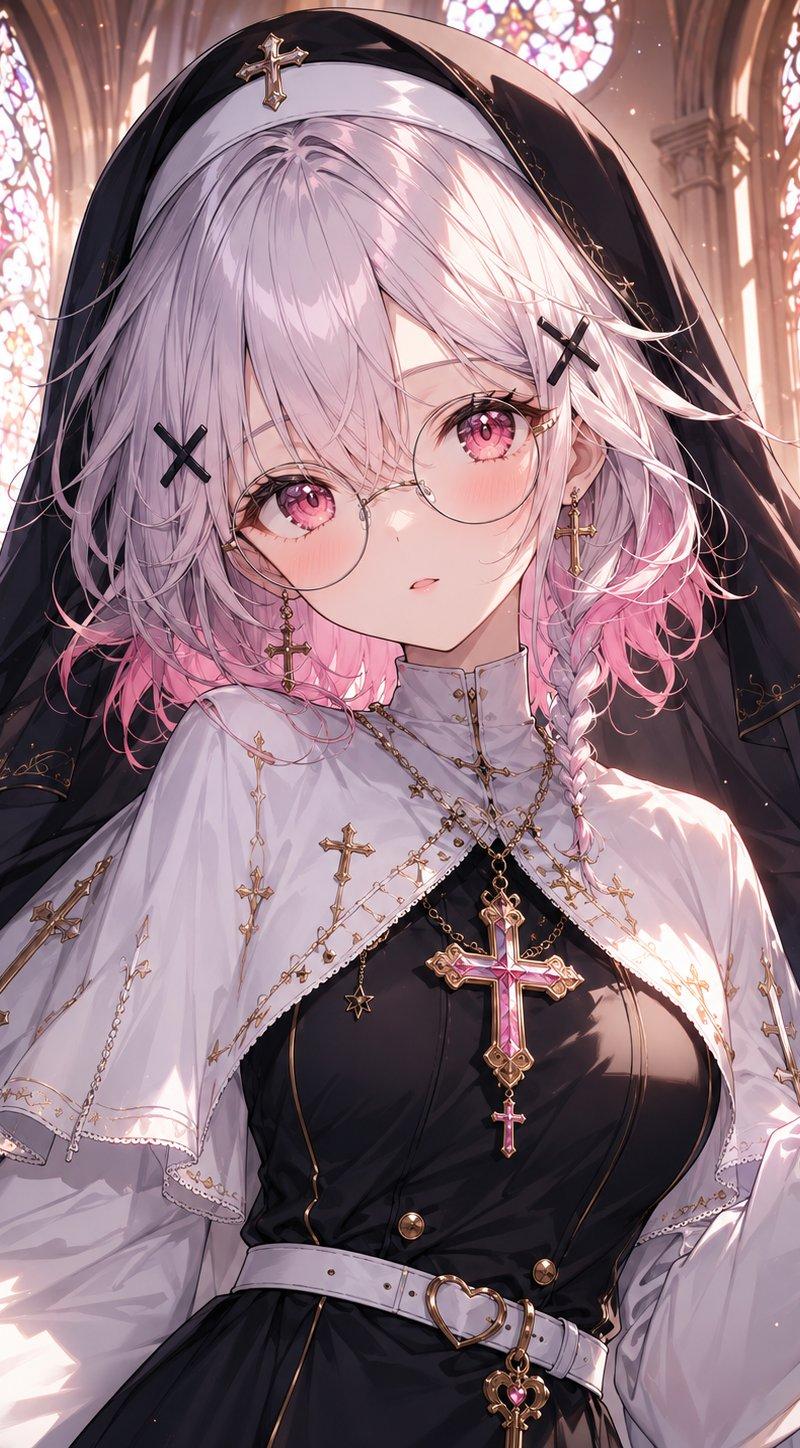
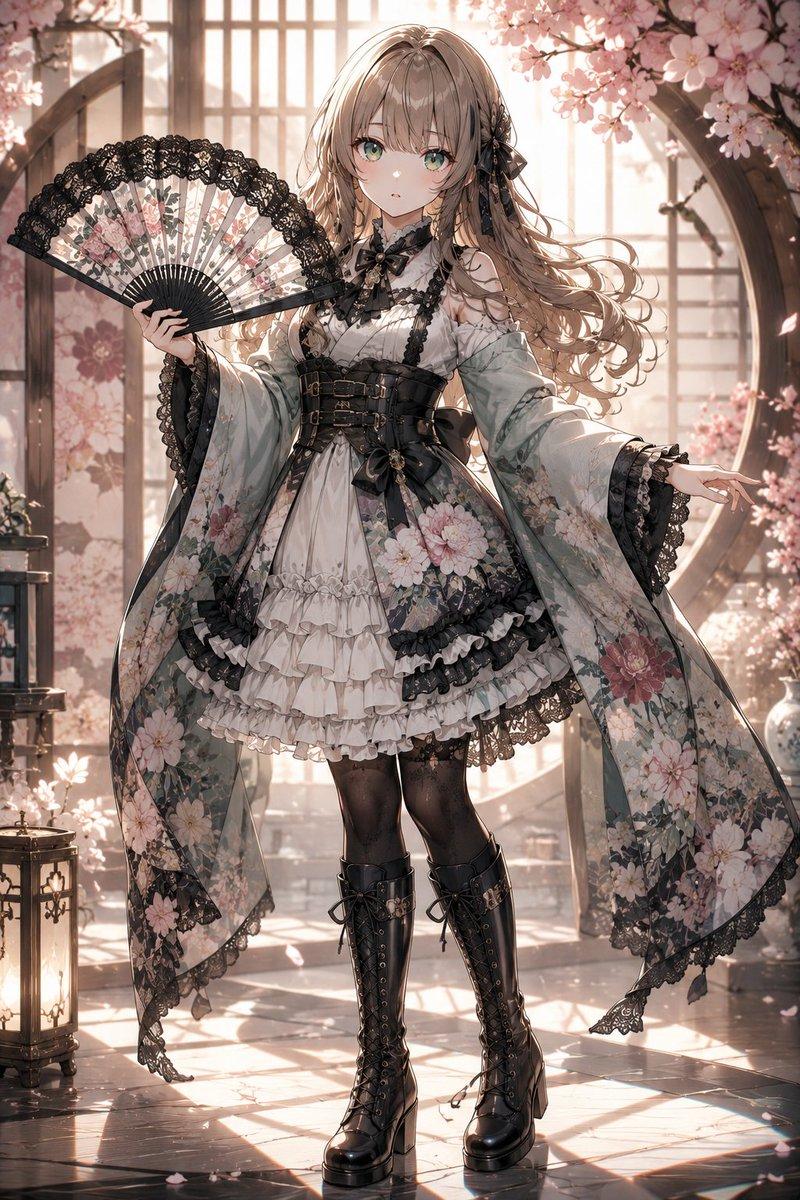
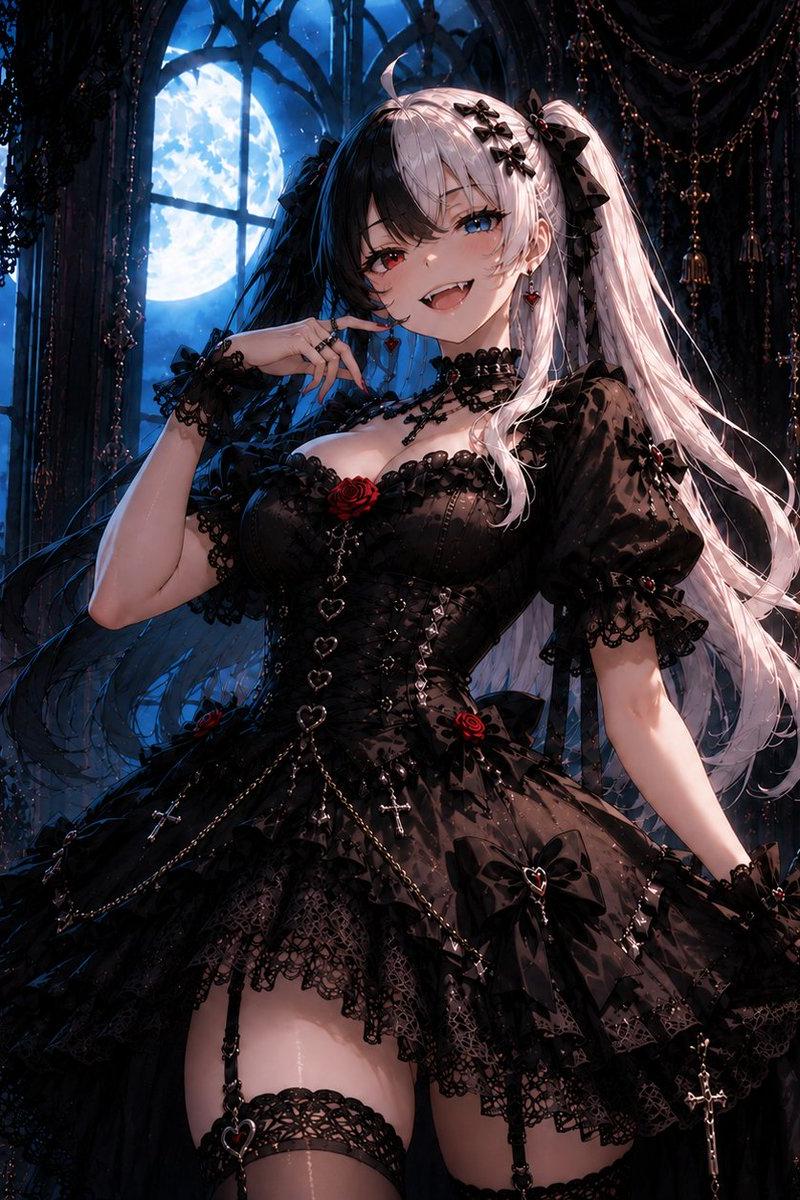
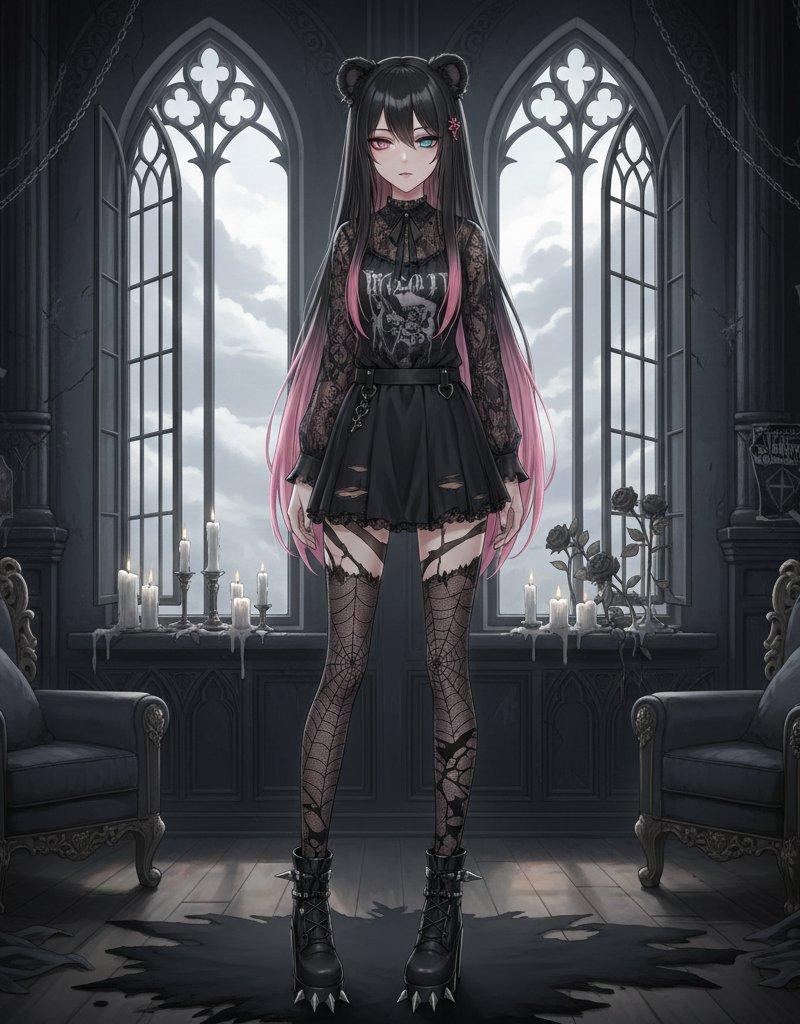
Create a highly detailed vertical anime-style gothic lolita portrait of {argument name="character name" default="an elegant young woman"} standing in a luminous white cathedral conservatory filled with soft haze, sparkling dust motes, arched stained-glass windows, sheer curtains, marble columns, and white roses in vases. She has extremely long flowing {argument name="hair color" default="silvery white"} hair cascading past her waist, with fine strands floating in the air, and her face is intentionally hidden by a flat pale lavender square censor block centered over the face. Dress her in an ornate white and black gothic lolita dress: off-shoulder ruffled sleeves, high frilled collar, pleated bodice, black corset waist with front lacing, layered bell skirt with white ruffles over a black translucent underskirt, small gold diamond ornaments, and lace-up black ribbon details. Include exactly 5 prominent black bow accents: 1 large bow with white flowers in her hair on the viewer’s right, 1 bow at the neck, 1 bow on the viewer’s right upper sleeve, 1 large bow at the waist/hip, and 1 small bow on the thigh garter. Add delicate dangling gold earrings and small charm details. Pose her gracefully with one hand raised near the collar and the other relaxed at her side; show a three-quarter body view from head to mid-thigh. Use a dreamy pastel palette of white, pearl, pale lavender, silver, and black, with soft backlighting, ethereal bloom, delicate linework, intricate fabric folds, glossy highlights, and a romantic fantasy atmosphere. The image should be crisp and polished, with reduced jagged edges, no text, no watermark, and a 3:4 portrait composition.- Category
- Photography & Realism
- Model
- GPT Image 2
- Creator
- silver_hair_ROX
- Source language
- en
- Source ID
- 26273
- Published
- Jun 19, 2026
Views0