18

电影感动漫冬季照片转换
Enlarge

电影感动漫冬季照片转换

Prompt
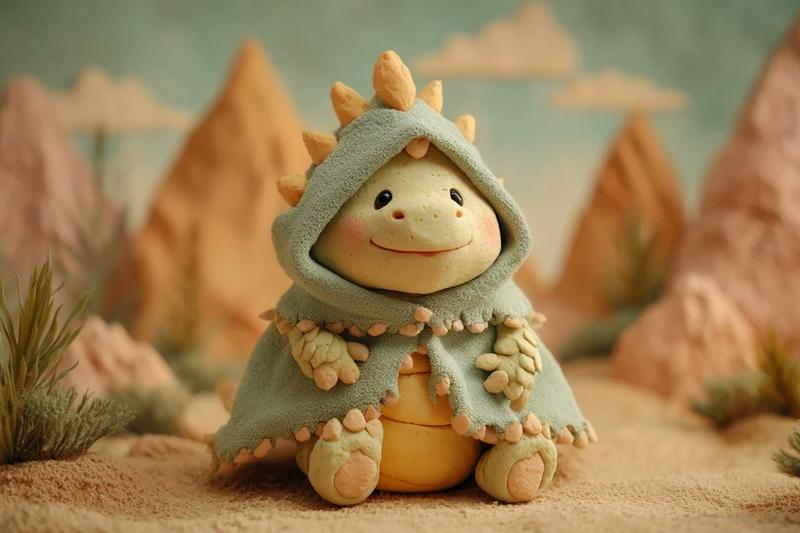
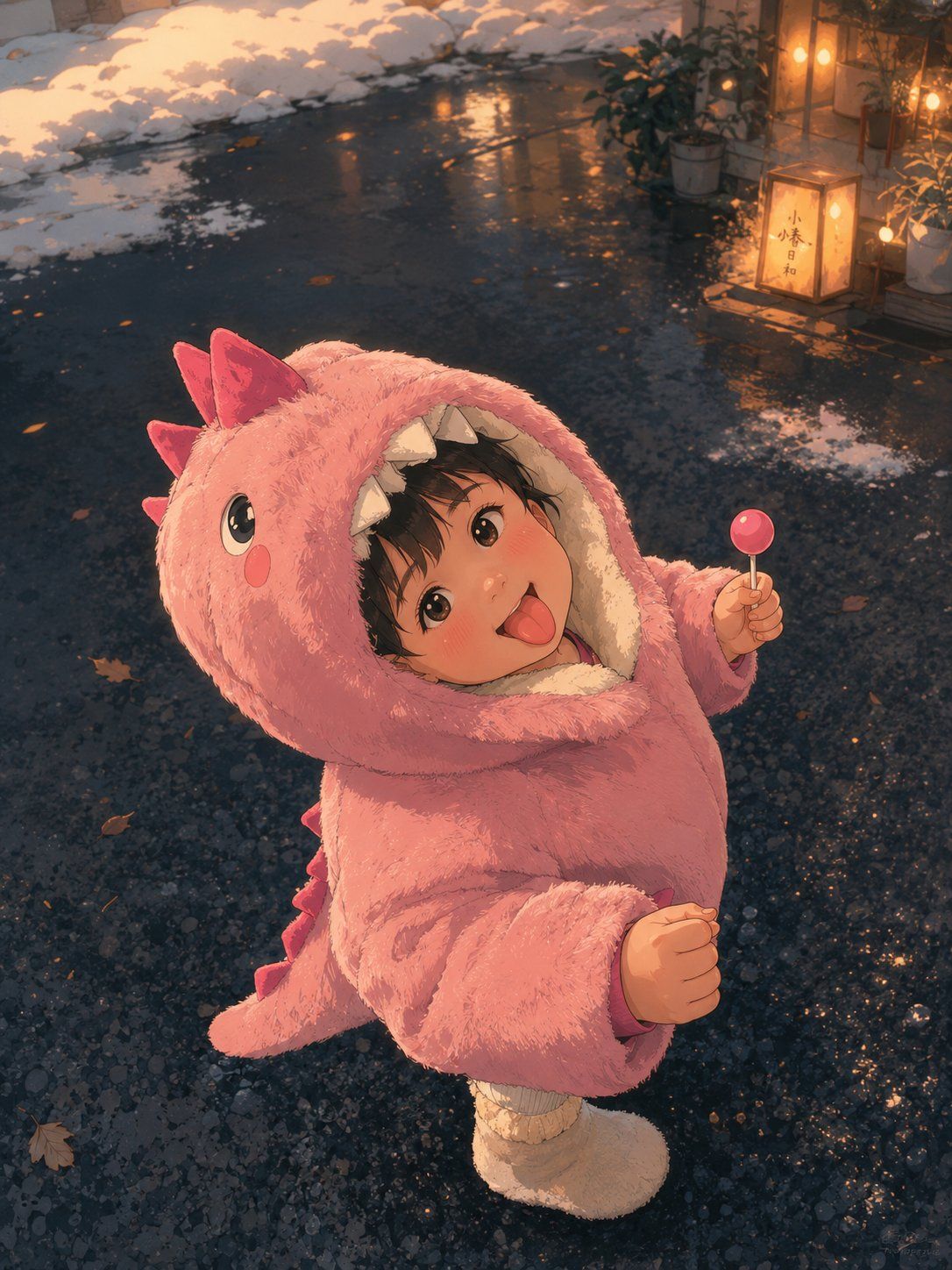
Using REFERENCE_0 as the exact base image, transform it into a premium cinematic Japanese anime frame. Preserve the original composition, pose, camera angle, character placement, facial expression, body language, framing, perspective, environment layout, lighting direction, and the visible privacy censor block over the face. Convert the photo into a richly detailed hand-painted anime look with clean linework, soft cel-shading, textured plush fur, expressive highlights, and a polished film-still finish.

Enhance the scene into a warm winter evening atmosphere: keep the wet dark pavement and snow along the edges, but make the ground more reflective and painterly with small puddles, scattered fallen leaves, and subtle snow patches. Add warm cinematic lantern glow in the upper-right background, including potted plants and a small illuminated sign/lantern with Japanese characters, while keeping these background additions softly integrated and slightly out of focus. Use golden-orange rim light and reflections contrasting with cool blue-gray pavement, gentle depth of field, atmospheric bokeh, and high-detail anime rendering. Do not change the child’s dinosaur costume, lollipop, stance, or overall framing; only stylize and enrich the image.
Category
Photography & Realism
Model
GPT Image 2
Views0
Source ID
26294
Published
Jun 19, 2026

Guide

About "电影感动漫冬季照片转换"

What is this prompt for?

"电影感动漫冬季照片转换" AI image prompt for GPT Image 2 (Photography & Realism). 将参考照片转换为高质量的日本动漫电影画面,同时保留原始姿势、构图和主体位置。 Copy it on Picva and recreate the look in one cli…

The full copyable prompt and example visuals above are ready for AI image generation or one-click recreate in Picva.

How to use this prompt

  1. Step 1

    Open the prompt detail

    Review the example visuals, category, and full prompt text for "电影感动漫冬季照片转换".

  2. Step 2

    Copy the prompt

    Copy the prompt body from this page, or load it directly in Studio.

  3. Step 3

    Pick a model (GPT Image 2)

    Prefer GPT Image 2. If you switch models, keep subject and composition and tweak style terms.

  4. Step 4

    Generate and export

    Recreate the look in Picva, or export into your workflow for editing and publishing.

FAQ

What is the "电影感动漫冬季照片转换" prompt?
It is an AI image-generation prompt for GPT Image 2 in the Photography & Realism category. This page includes the full prompt text, example visuals, and a one-click recreate path in Picva.
How do I use this prompt to generate an image?
Copy the prompt from this page, or use Generate / Studio. Paste it into a compatible image model, or recreate the look in Picva with optional reference images.
Which model is this prompt for?
This page lists GPT Image 2. Most descriptive prompts also transfer to nearby image models such as GPT Image, Flux, or Midjourney with light style tweaks.
Can I use the result commercially?
You can usually copy the prompt for creation, but commercial use of the final image depends on the model terms, reference-image rights, and the generated content. Follow the source author and platform rules.