肉じゃがアニメ料理项目
Prompt
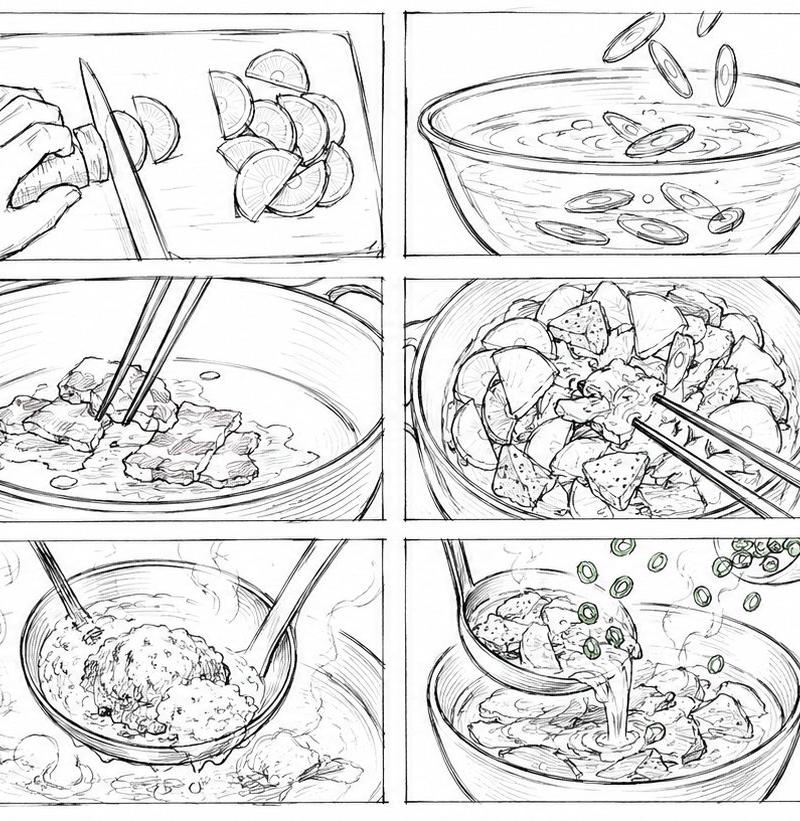
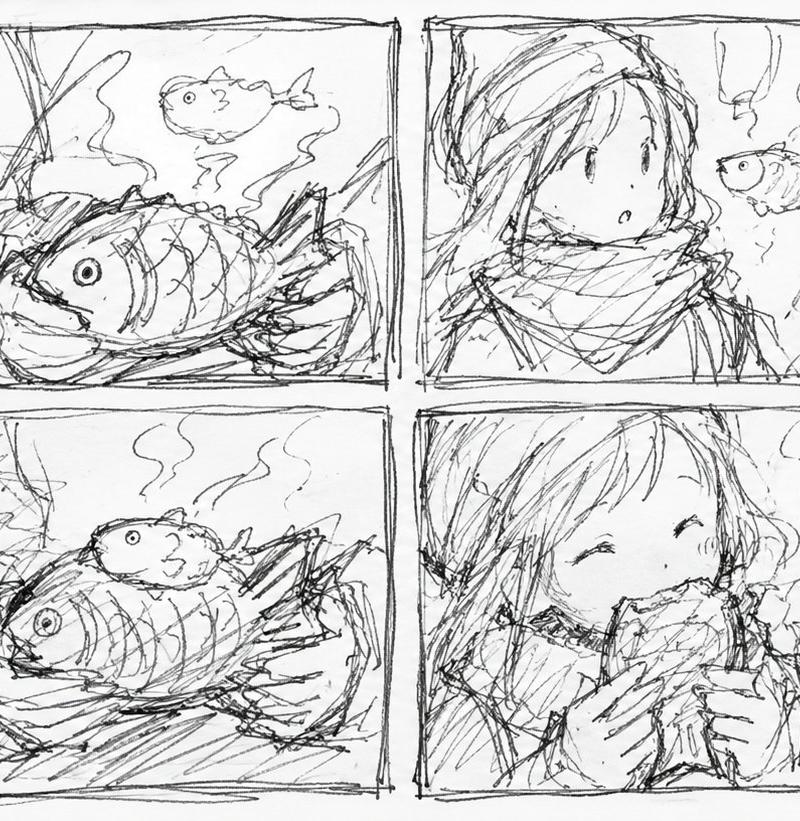
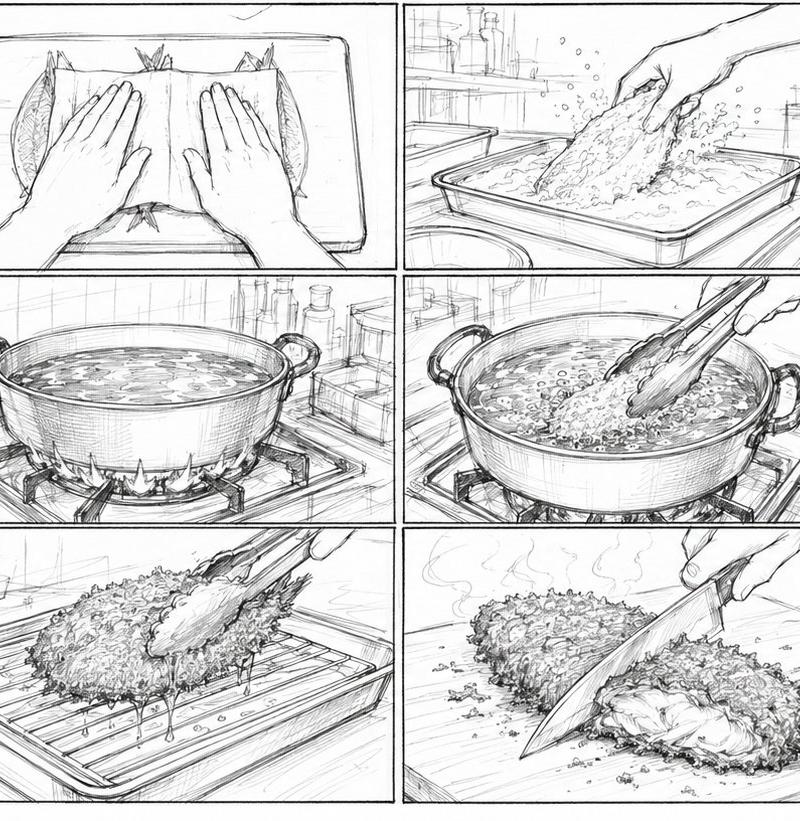
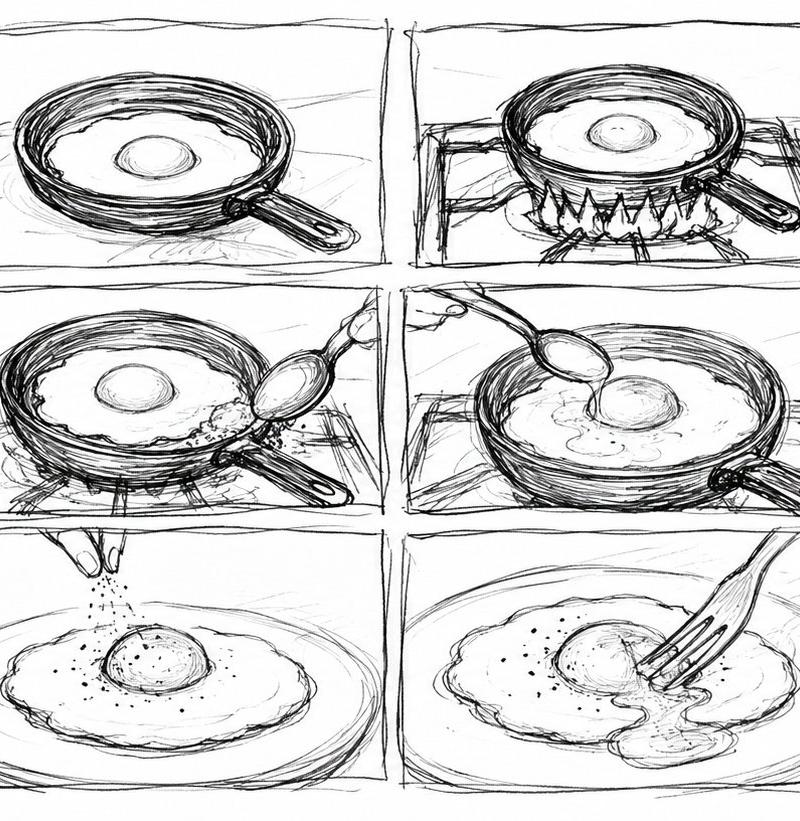
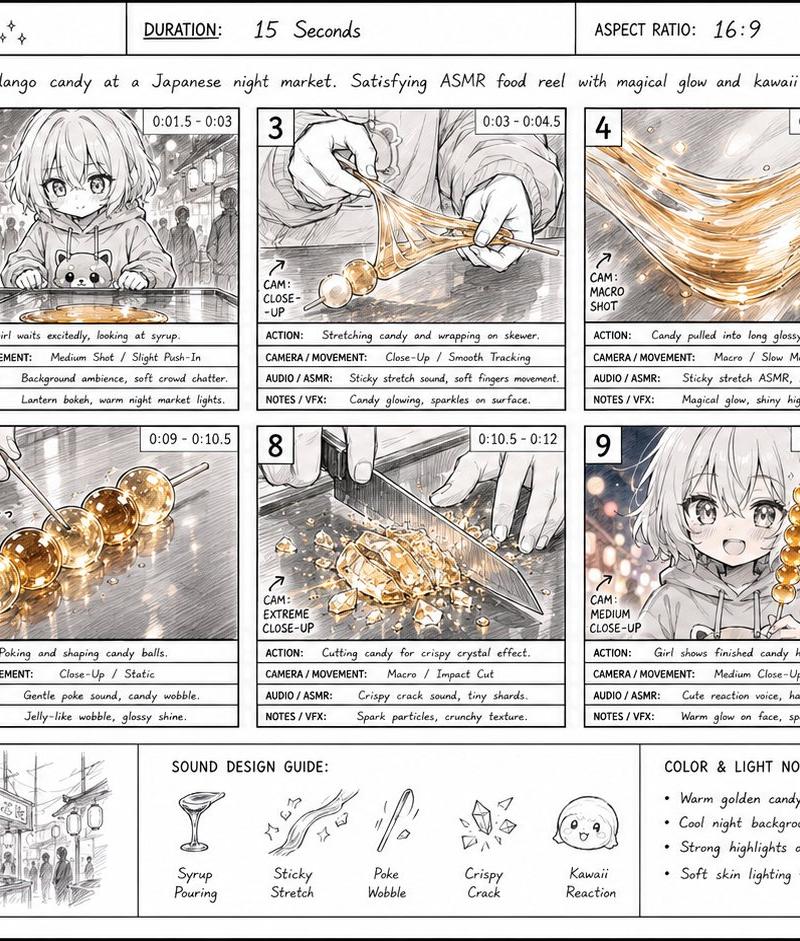
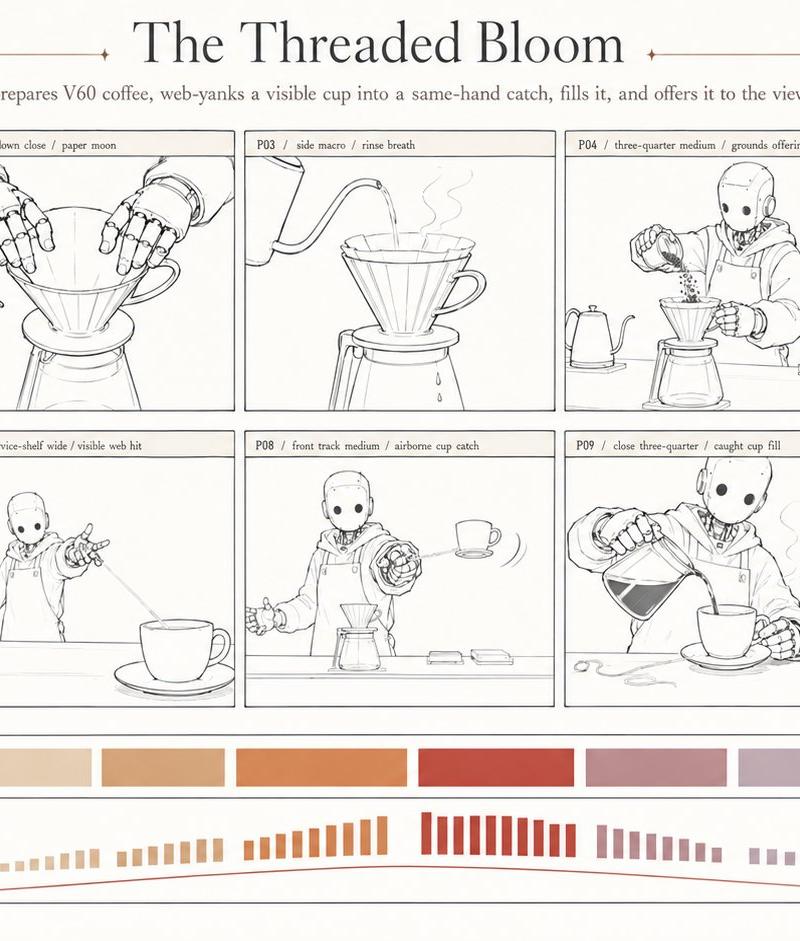
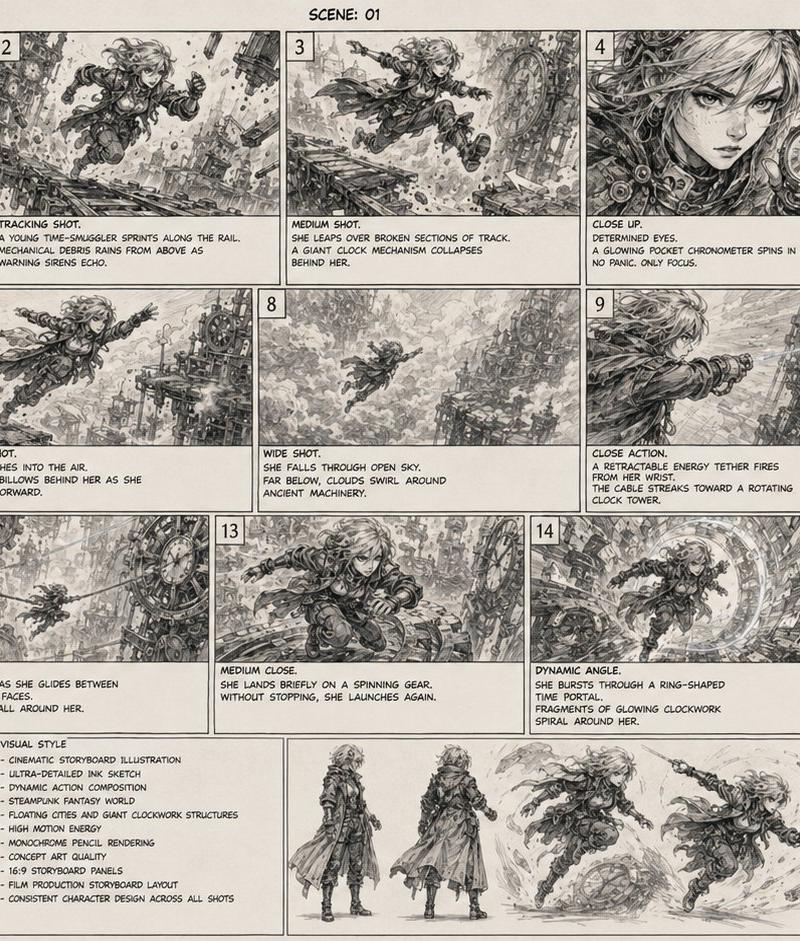
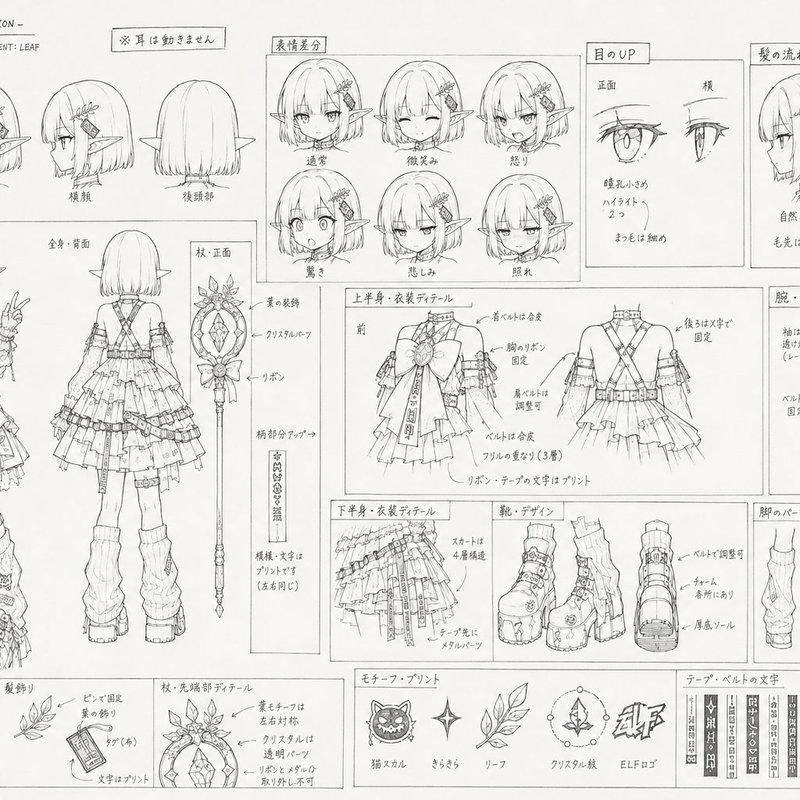
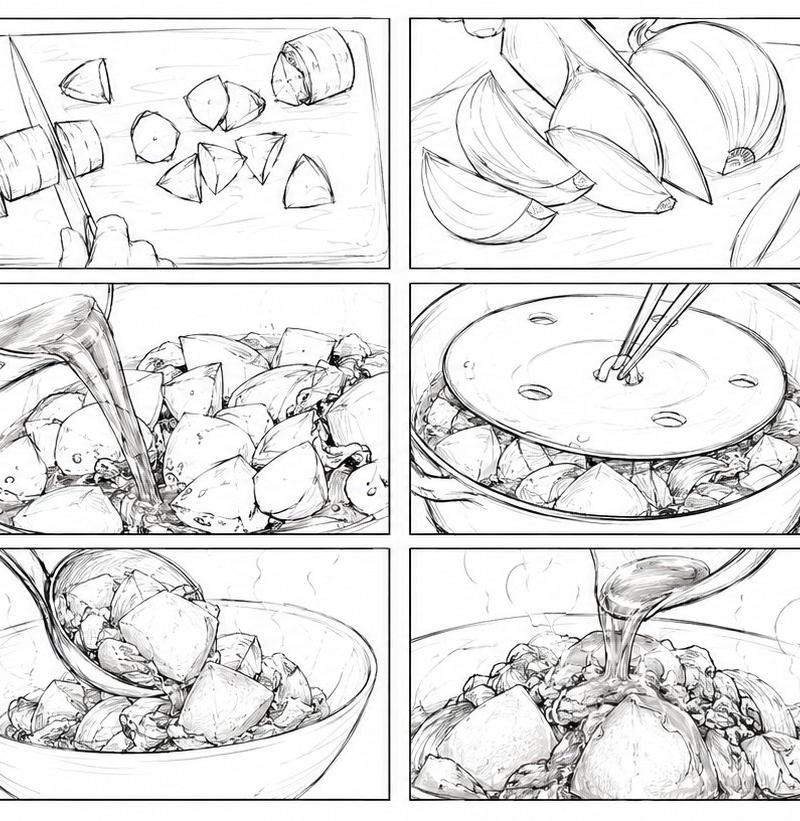
Goal: Create a single wide storyboard sheet for a {argument name="video topic" default="15-second Japanese 2D anime cooking short about nikujaga"}, showing a complete cooking sequence in clean monochrome pencil line art.

Canvas: Extra-wide 21:9 aspect ratio storyboard image, white background, thin black outer border. Arrange exactly 12 rectangular panels in a 4 columns × 3 rows grid, with narrow white gutters and thin black panel borders. Use cinematic close-up kitchen shots, dynamic anime storyboarding, hand-drawn graphite sketch texture, no color, no captions, no speech bubbles, no panel numbers.

Visual style: Japanese 2D animation storyboard rough, detailed food illustration, expressive pencil hatching, visible construction lines, energetic motion lines, realistic cookware perspective, close-up macro framing. Keep all drawings black-and-white with subtle gray shading only.

Storyboard panels: Include exactly 12 discrete panels, left to right, top to bottom:
1. Close-up of a potato being cut on a cutting board, one hand holding it, chef’s knife slicing into it, a few peeled potato pieces nearby.
2. Close-up of a carrot being chopped into thick round and wedge-like chunks, knife mid-cut, scattered vegetable pieces on the board.
3. Close-up of onion wedges and onion halves on a cutting board, layers clearly visible, knife or hand partly entering frame.
4. Top-down angle into a pot or deep pan where thin slices of meat are being stir-fried with chopsticks, broth or oil bubbling lightly.
5. Pot close-up filled with meat and chunky vegetables, chopsticks mixing potato pieces, carrot chunks, and onion.
6. Seasoning liquid being poured from a small container into the pot over the vegetables and meat, emphasizing the pouring stream.
7. A round drop-lid placed over the simmering ingredients inside the pot, chopsticks adjusting the lid through its holes.
8. Simmering pot with the drop-lid partly lifted, steam rising and ingredients visible beneath the lid.
9. Ladle stirring or scooping the finished stew inside the pot, steam and glossy sauce around meat and vegetables.
10. A ladle transferring chunky nikujaga from the pot into a serving bowl, large potato pieces falling into the bowl.
11. Sauce or broth being poured over the plated nikujaga in a bowl, steam rising, glossy highlights on potatoes and meat.
12. Final hero shot of a full bowl of nikujaga with large potatoes, onion wedges, carrot chunks, thin beef slices, and broth, viewed close-up from a low angle.

Constraints: The image must read as one cohesive storyboard sheet, not separate illustrations. Use exactly 12 panels and no text. Emphasize nikujaga ingredients: {argument name="main ingredients" default="potatoes, onions, carrots, thinly sliced beef, soy-based simmering broth"}. Maintain a hand-sketched anime production-board look suitable for planning a short cooking video.- Category
- Photography & Realism
- Model
- GPT Image 2
- Creator
- オズ
- Source language
- en
- Source ID
- 26922
- Published
- Jun 26, 2026
Views0