19

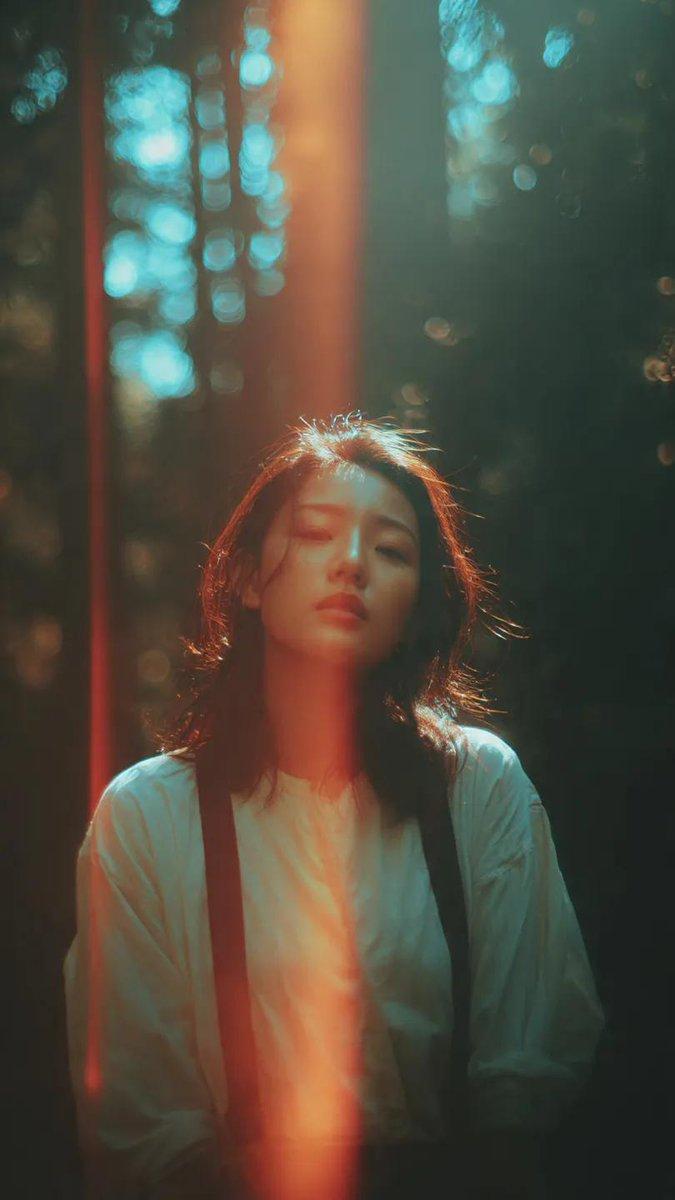
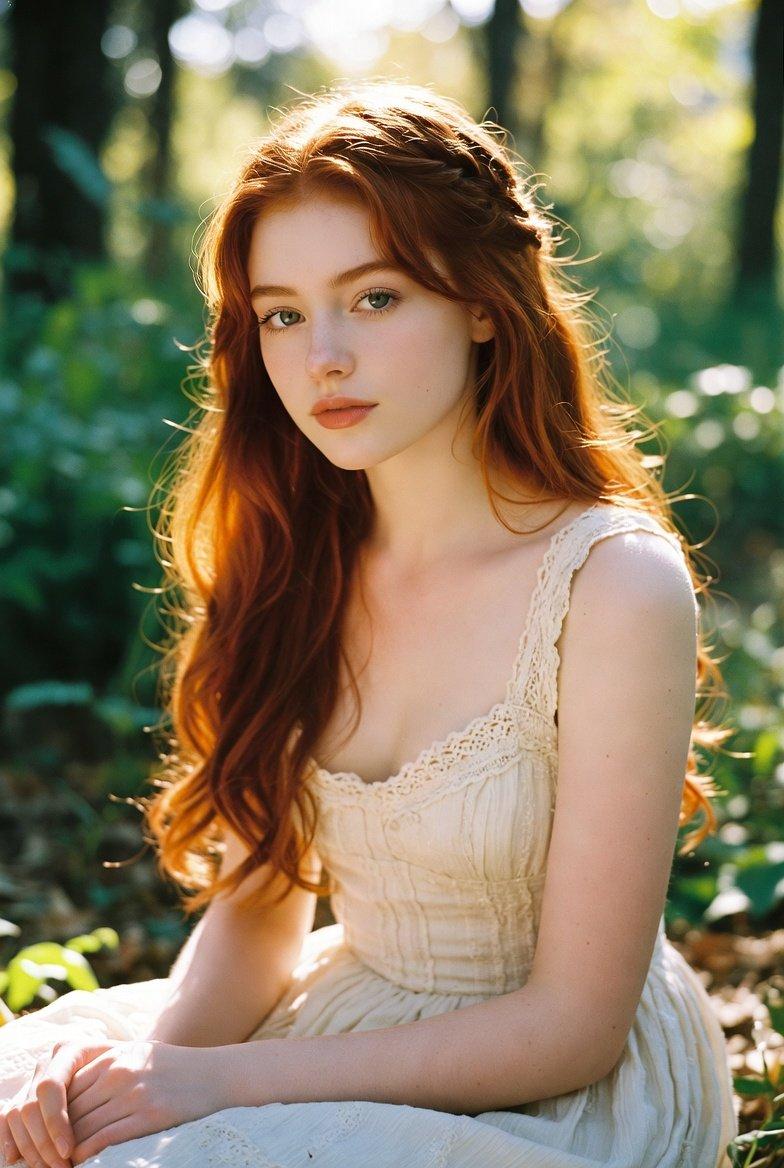
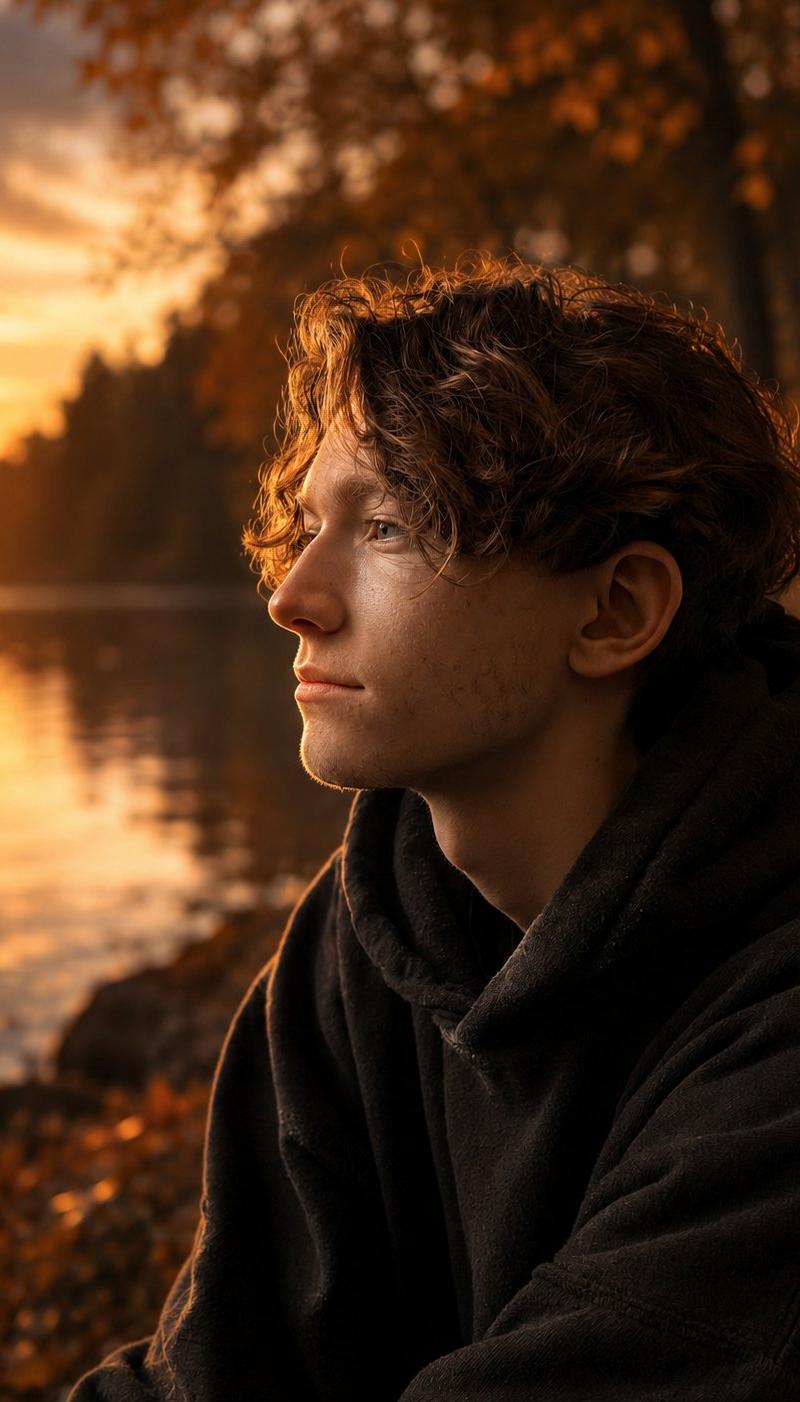
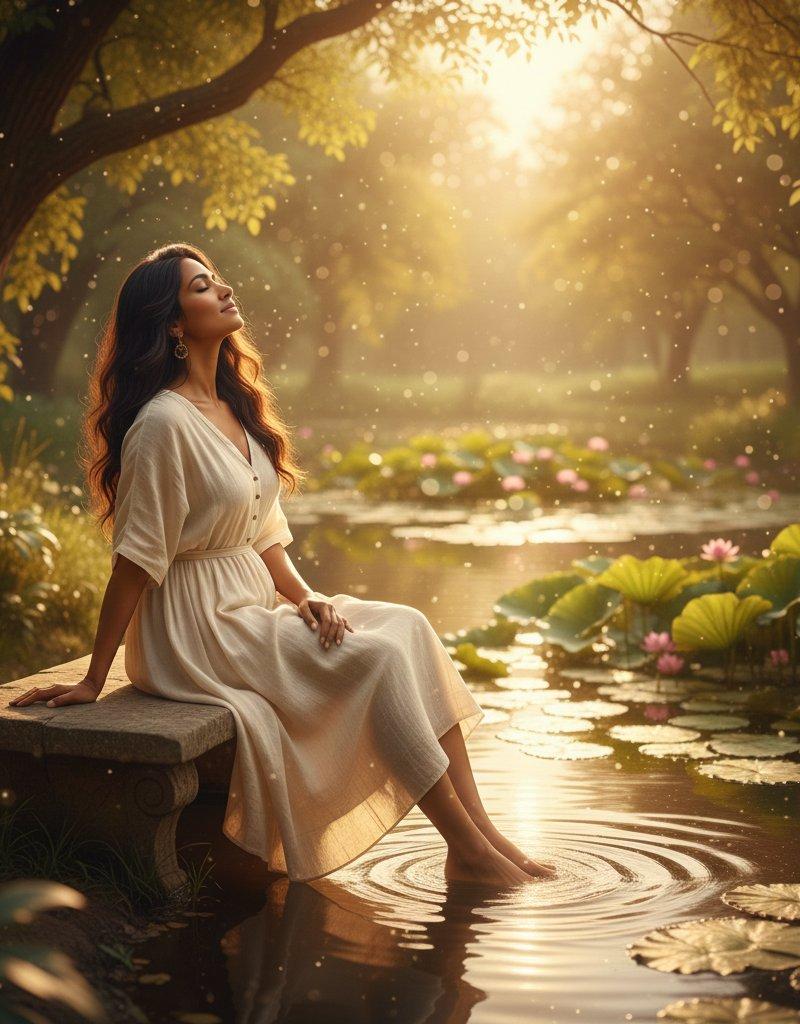
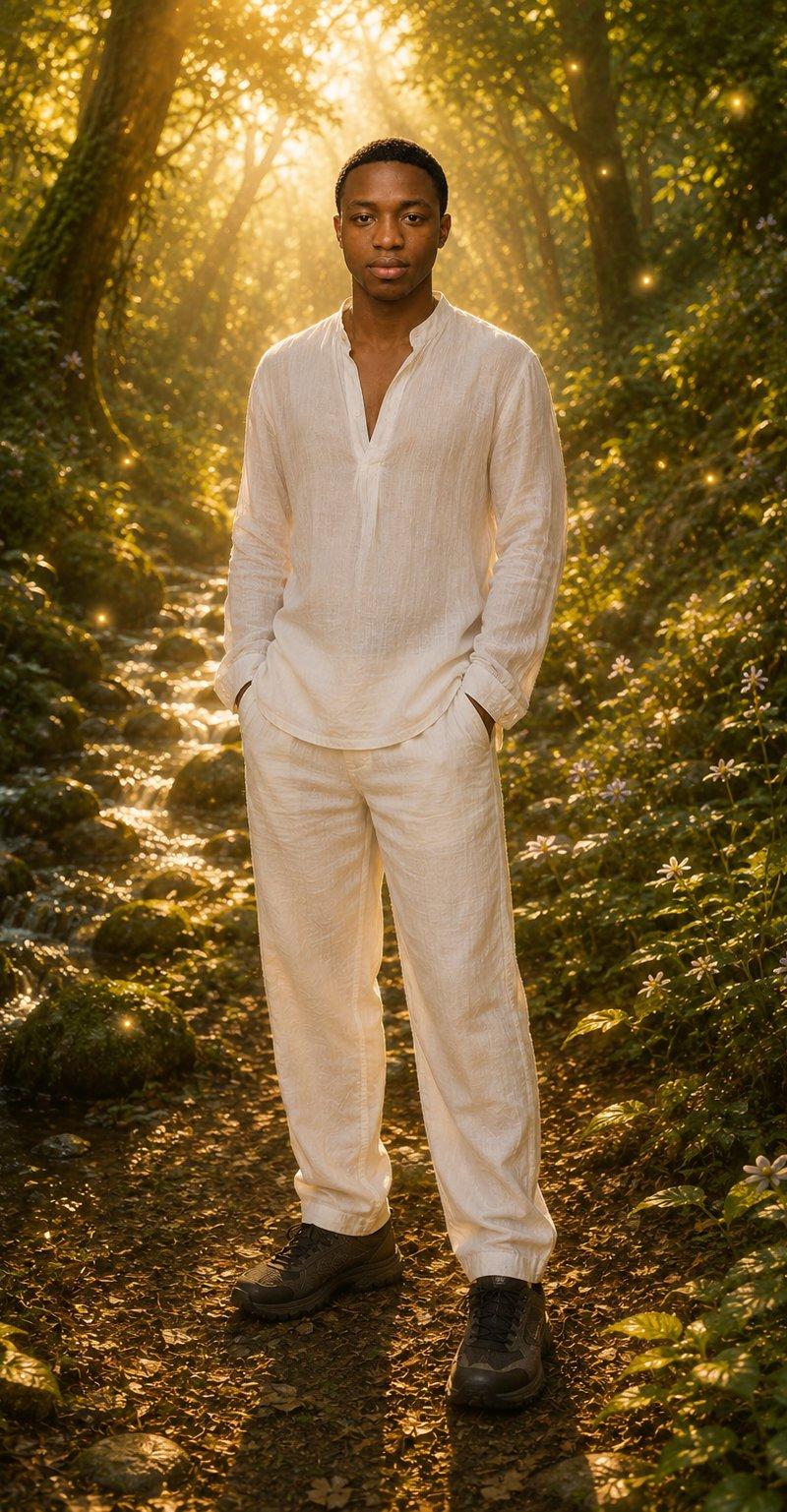
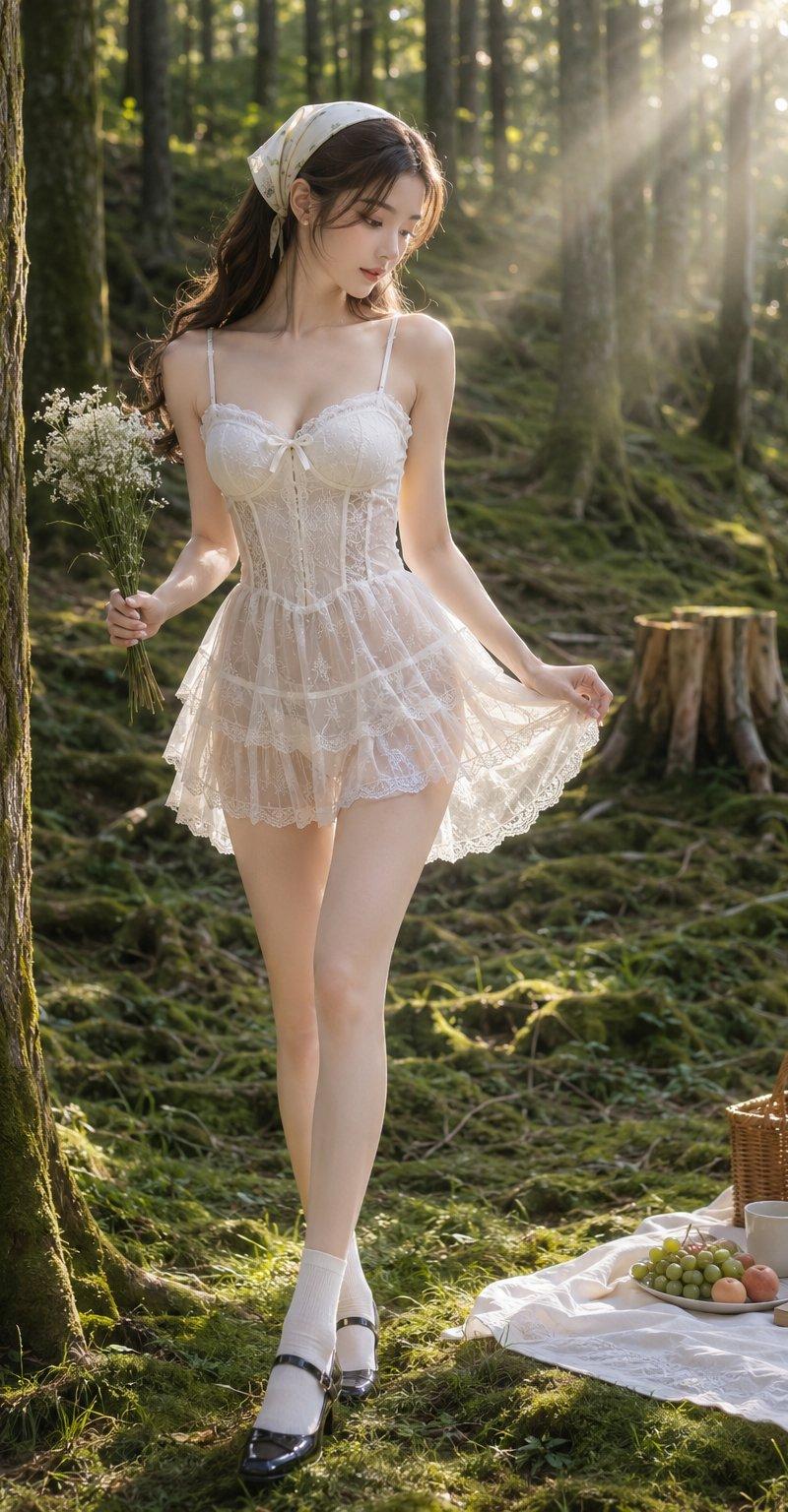
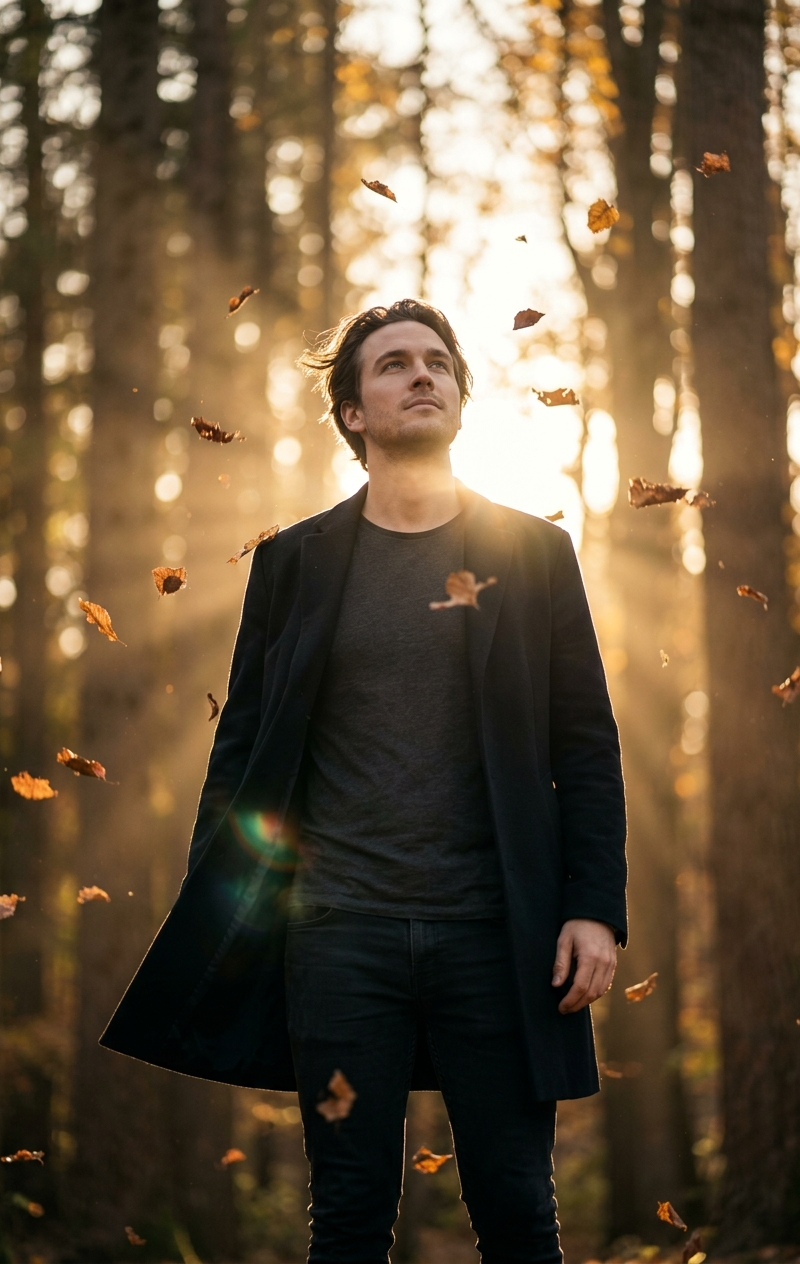
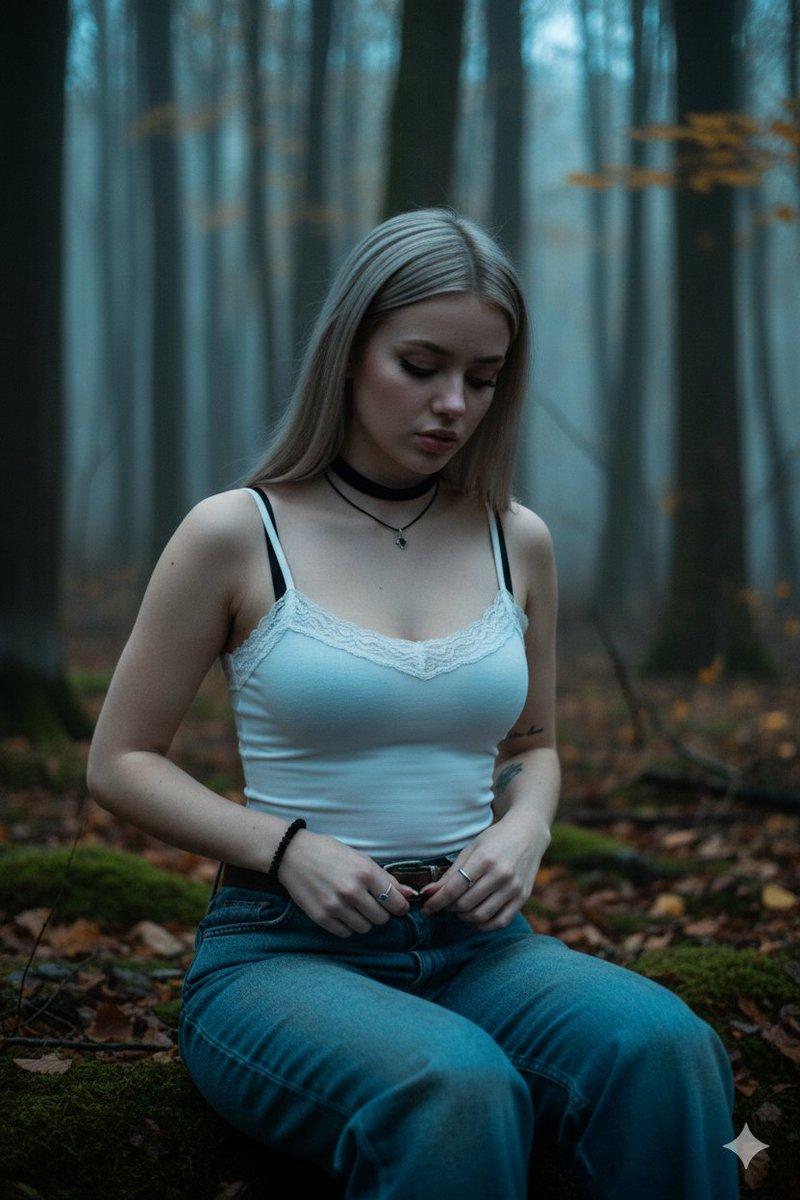
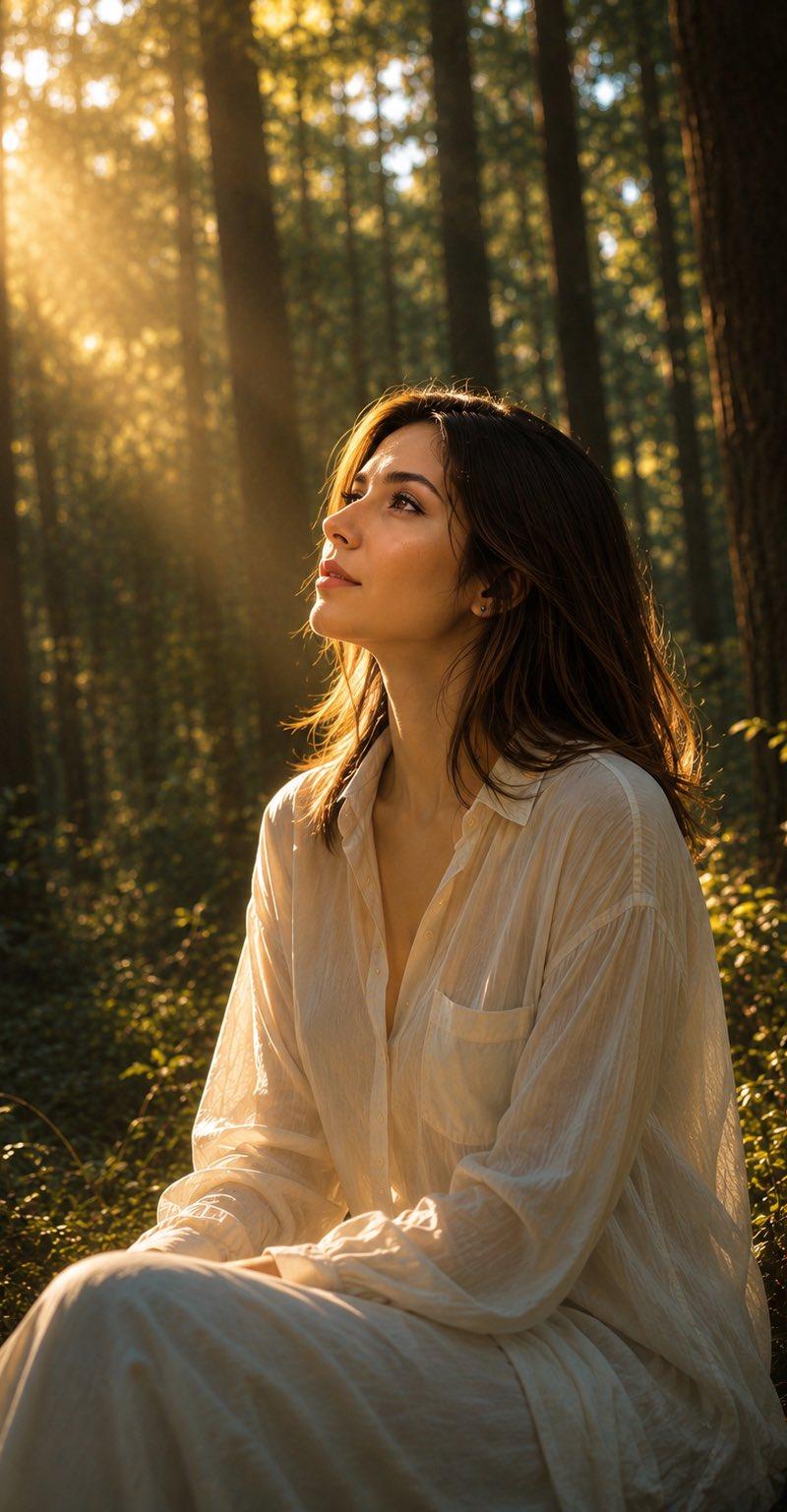
黄金时刻森林人像
Enlarge

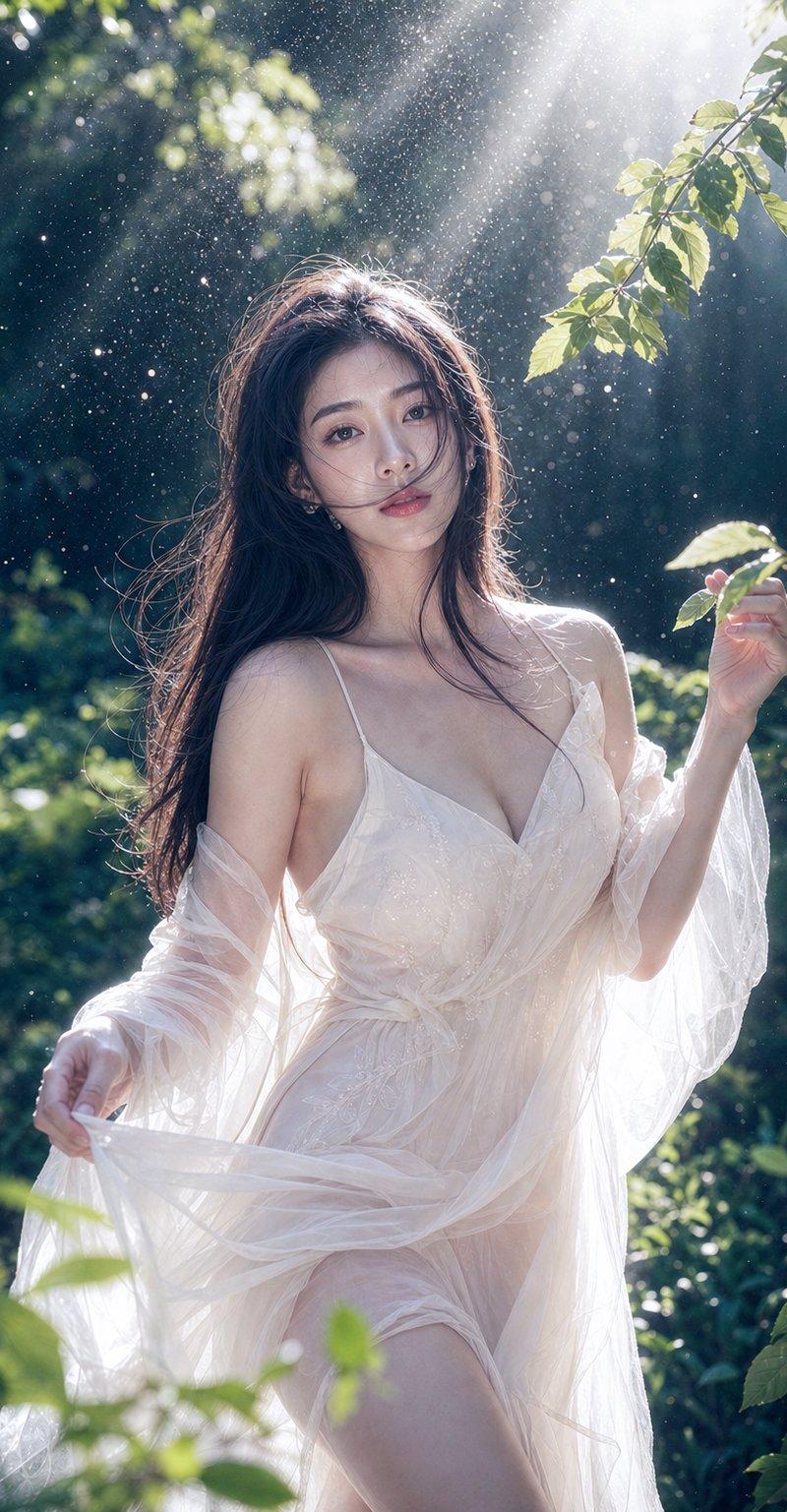
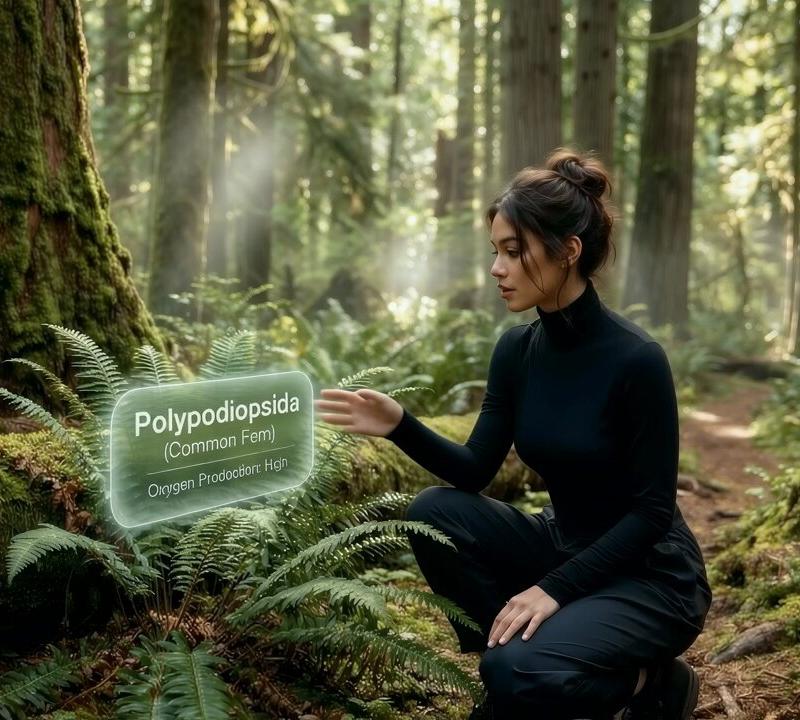
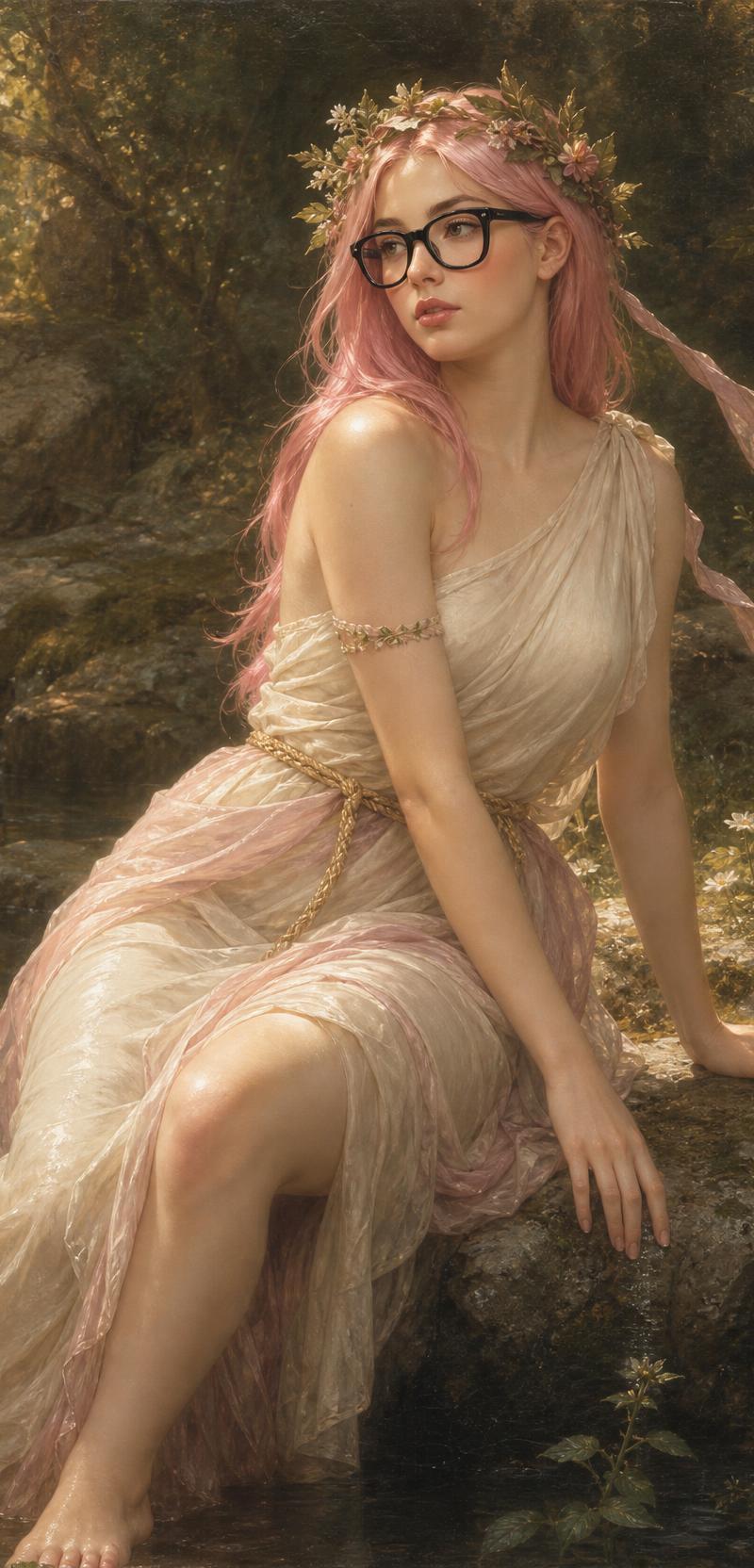
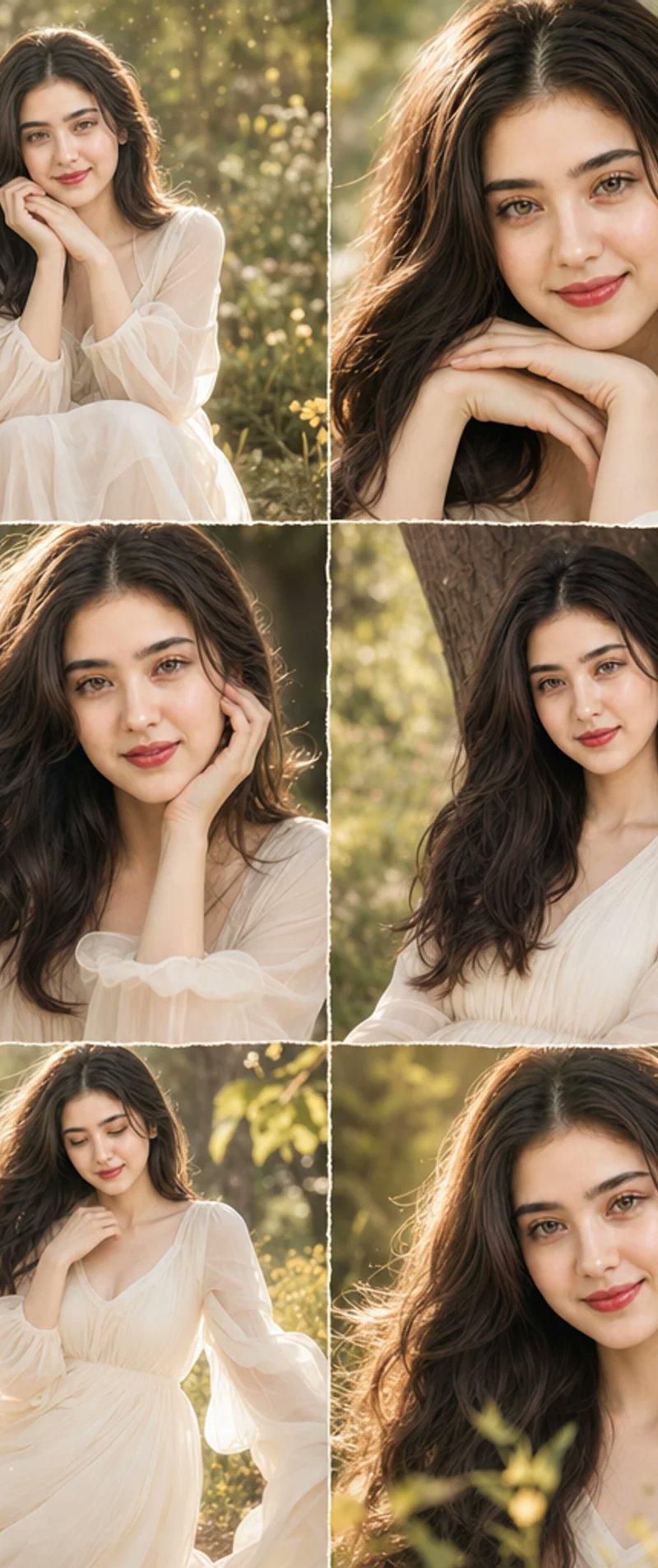
Example images

黄金时刻森林人像

Prompt
A {argument name="style" default="cinematic portrait"} of a {argument name="subject" default="young woman"} sitting peacefully in a {argument name="setting" default="dense pine forest"} during golden hour, wearing an oversized loose white linen shirt and flowing white skirt, messy bun hairstyle with soft strands framing her face, gazing upward into warm sunlight, dramatic volumetric sun rays filtering through tall trees, soft glowing rim light on her face, dreamy atmosphere, natural earthy tones, shallow depth of field, ultra-realistic skin texture, fine details, tranquil mood, photorealistic, high dynamic range, shot on Sony A7R V, 85mm f/1.4 lens, f/1.4, ISO 100, golden hour, award-winning photography, 8K, masterpiece.
Category
Photography & Realism
Model
GPT Image 2
Creator
Sofie
Source language
en
Views0
Source ID
27053
Published
Jun 28, 2026
Studio

Guide

About "黄金时刻森林人像"

What is this prompt for?

"黄金时刻森林人像" AI image prompt for GPT Image 2 (Photography & Realism). 一个用于生成黄金时刻松树林中女性宁静肖像的电影感提示词。 Copy it on Picva and recreate the look in one click.

The full copyable prompt and example visuals above are ready for AI image generation or one-click recreate in Picva.

How to use this prompt

  1. Step 1

    Open the prompt detail

    Review the example visuals, category, and full prompt text for "黄金时刻森林人像".

  2. Step 2

    Copy the prompt

    Copy the prompt body from this page, or load it directly in Studio.

  3. Step 3

    Pick a model (GPT Image 2)

    Prefer GPT Image 2. If you switch models, keep subject and composition and tweak style terms.

  4. Step 4

    Generate and export

    Recreate the look in Picva, or export into your workflow for editing and publishing.

FAQ

What is the "黄金时刻森林人像" prompt?
It is an AI image-generation prompt for GPT Image 2 in the Photography & Realism category. This page includes the full prompt text, example visuals, and a one-click recreate path in Picva.
How do I use this prompt to generate an image?
Copy the prompt from this page, or use Generate / Studio. Paste it into a compatible image model, or recreate the look in Picva with optional reference images.
Which model is this prompt for?
This page lists GPT Image 2. Most descriptive prompts also transfer to nearby image models such as GPT Image, Flux, or Midjourney with light style tweaks.
Can I use the result commercially?
You can usually copy the prompt for creation, but commercial use of the final image depends on the model terms, reference-image rights, and the generated content. Follow the source author and platform rules.