18

90 年代动漫风格照片转换
Enlarge

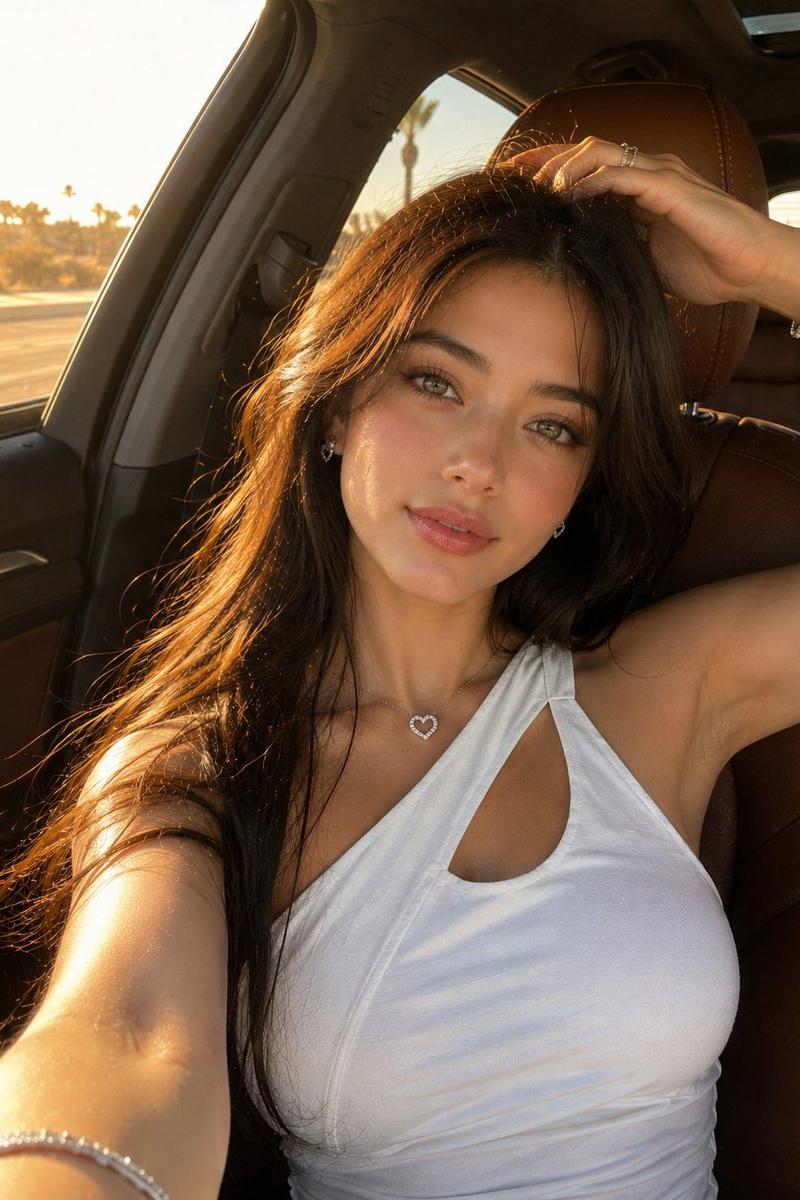
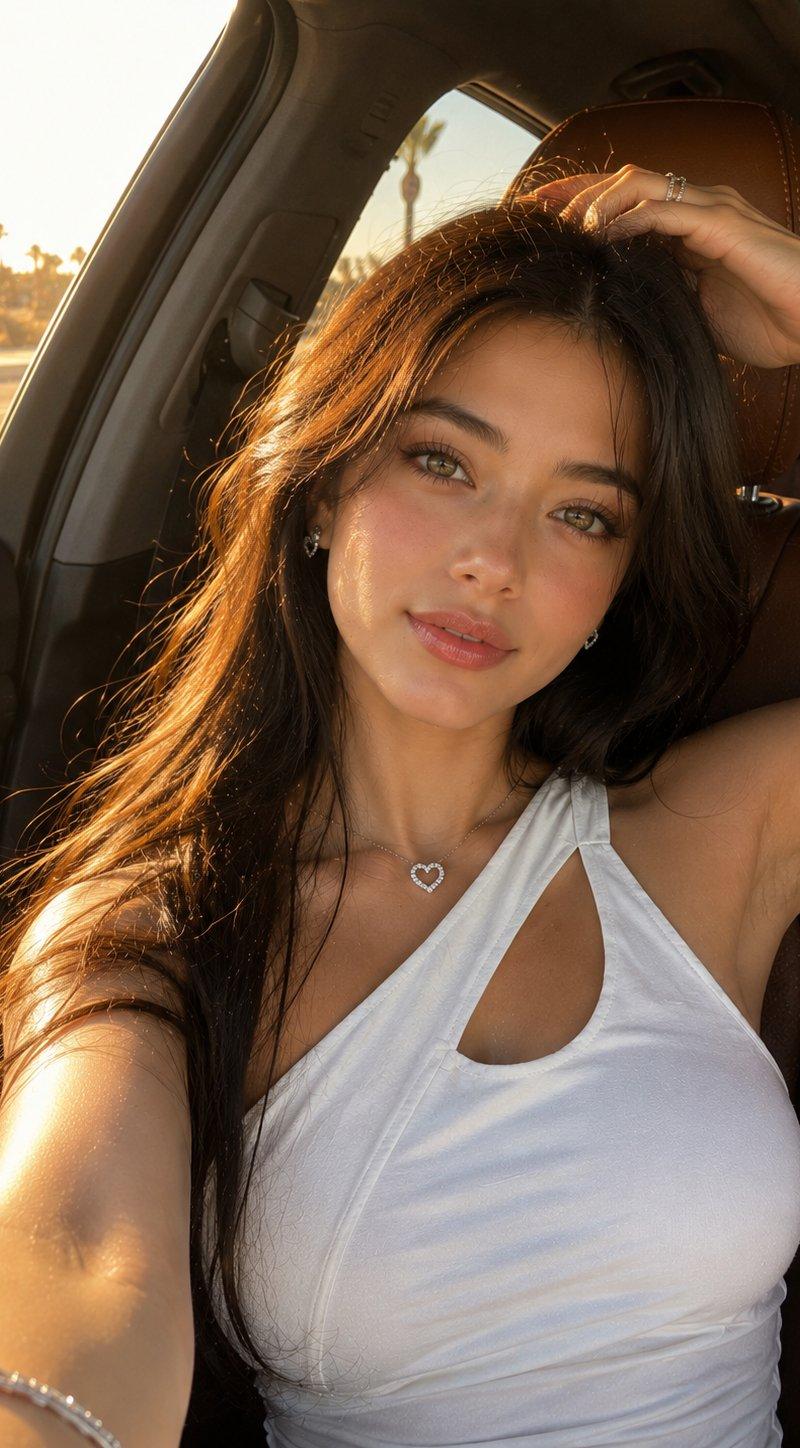
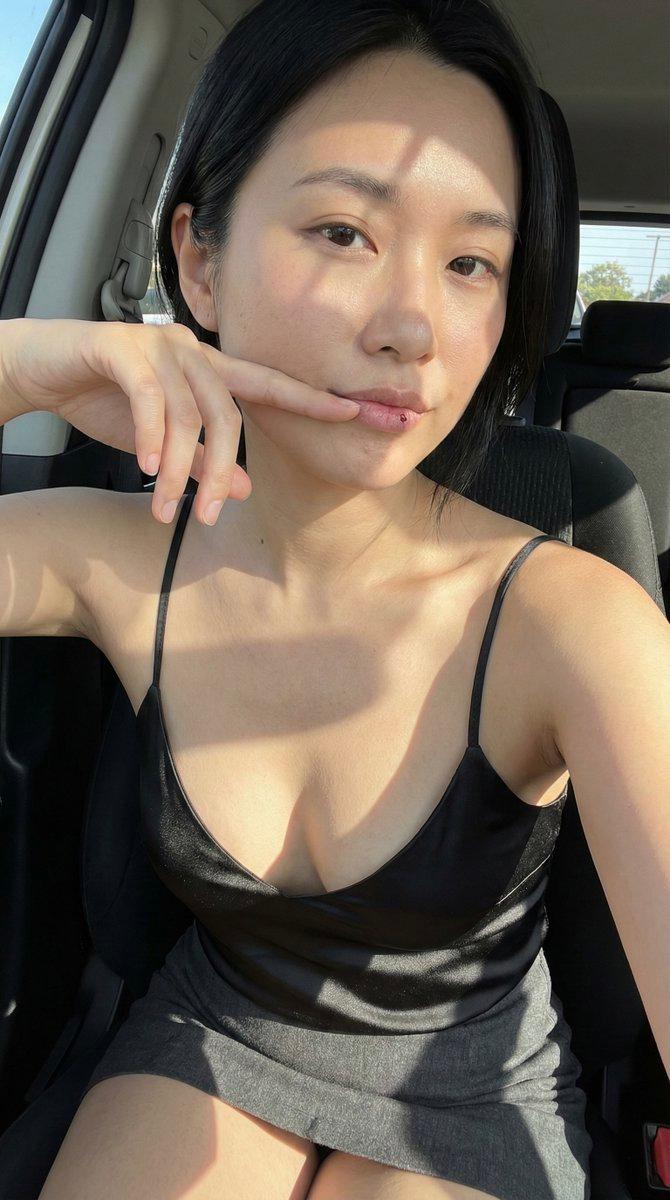
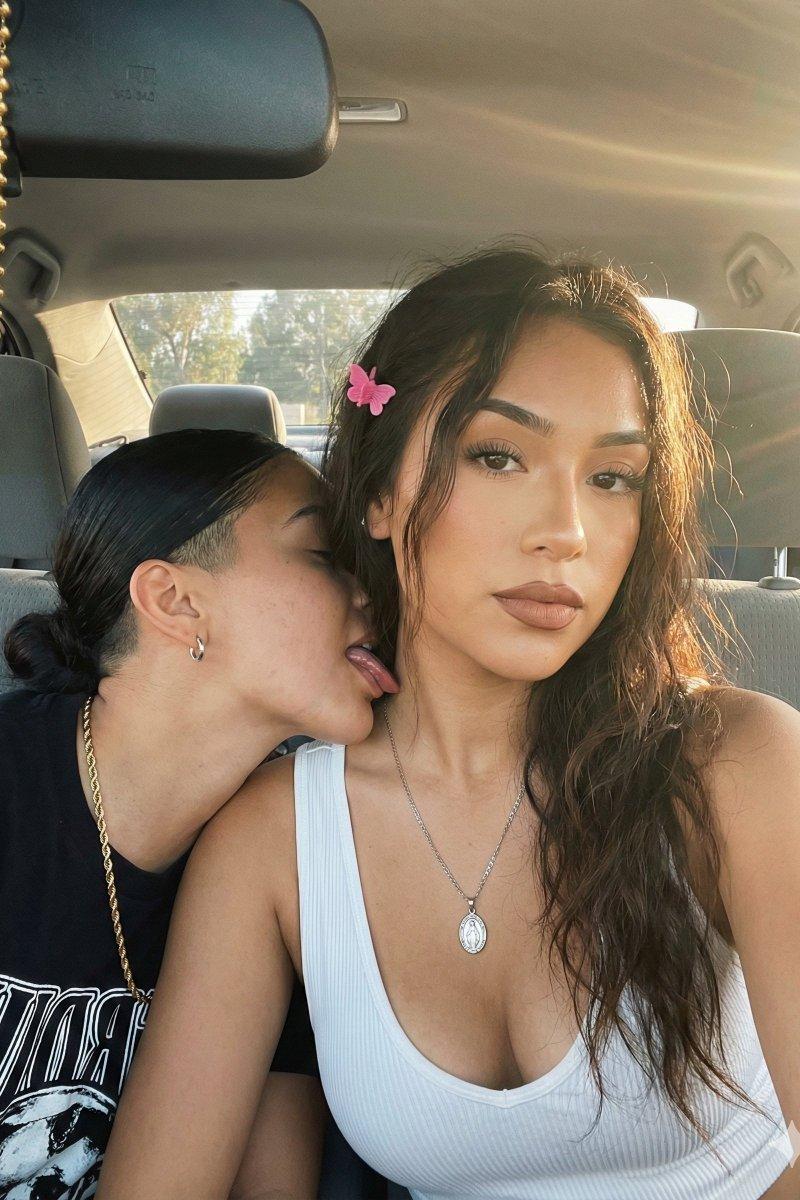
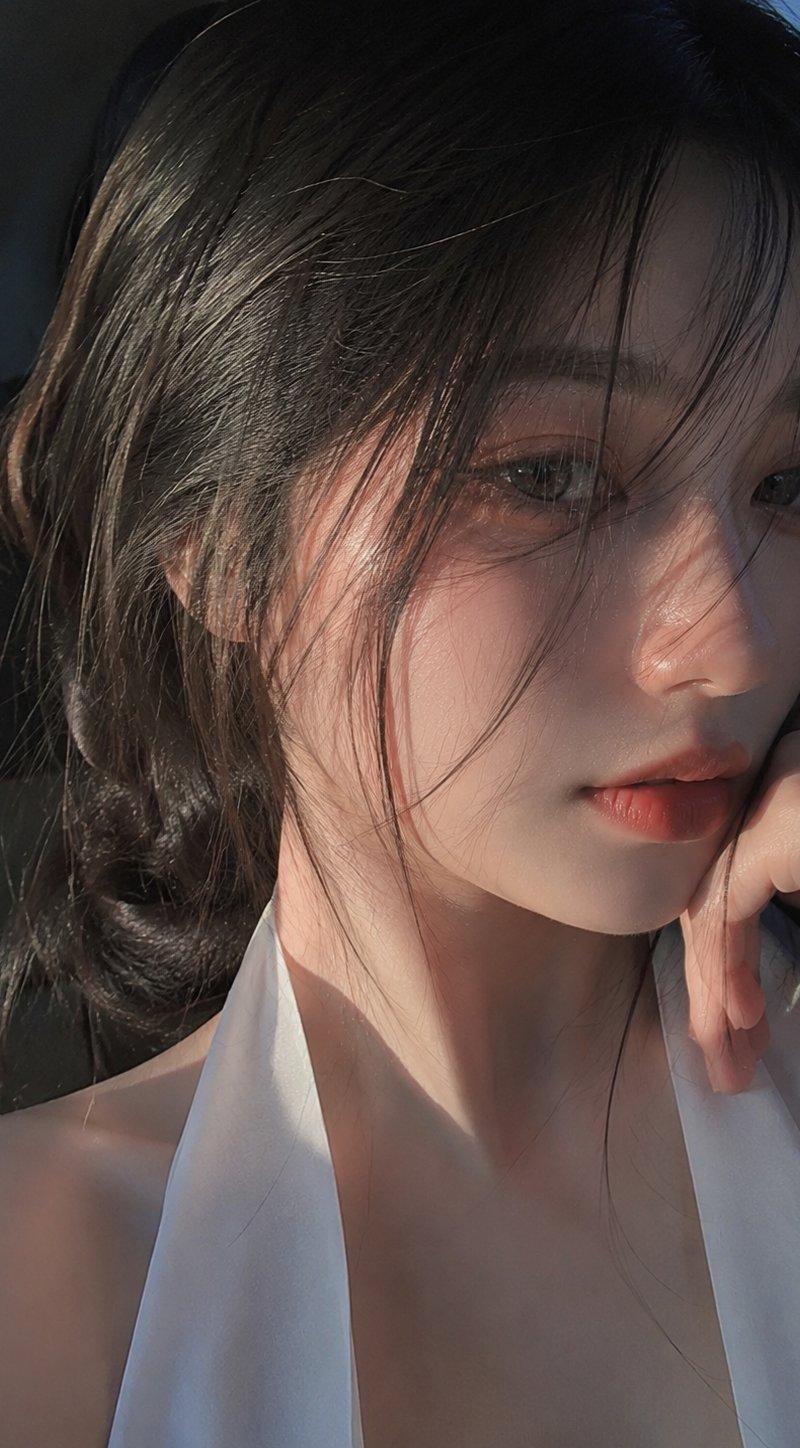
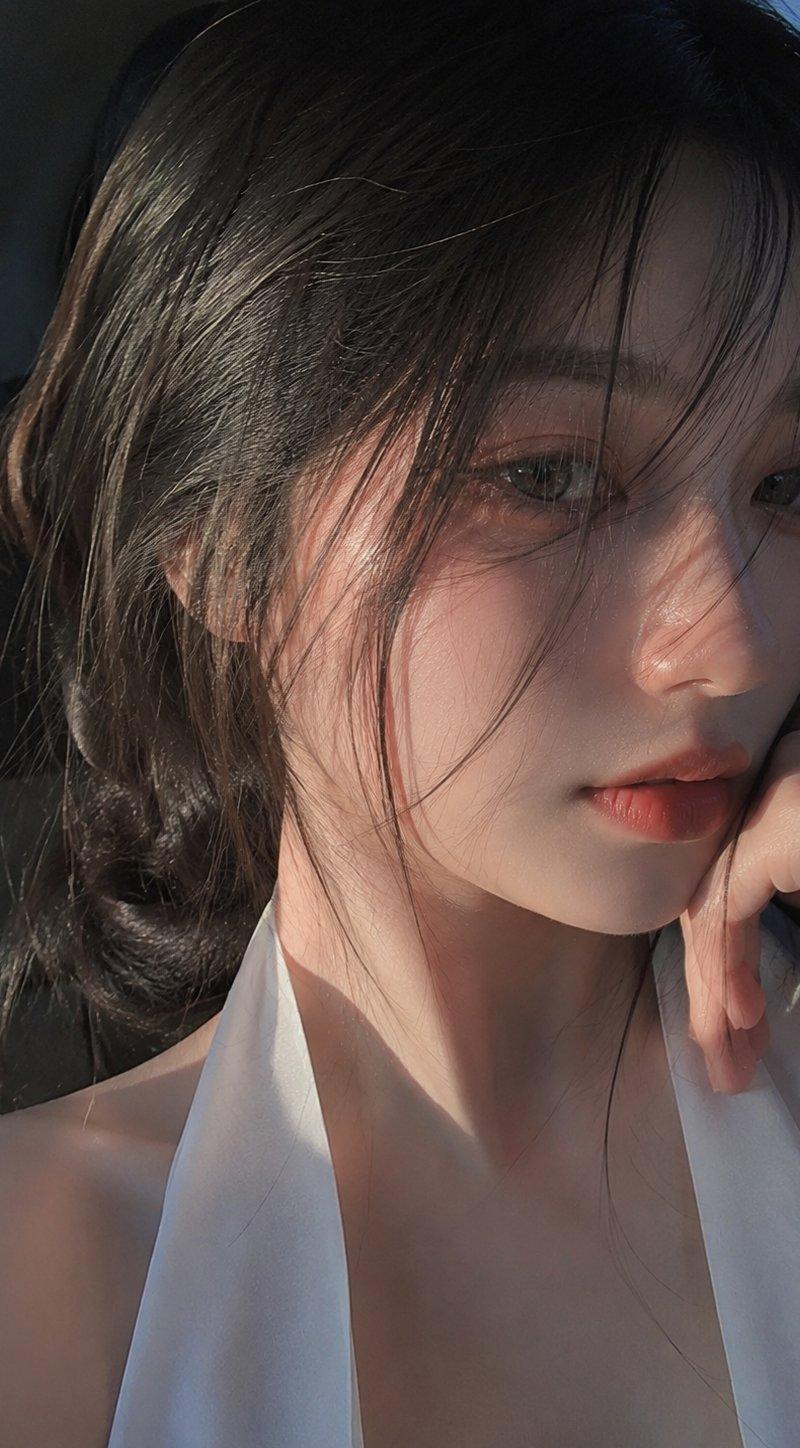
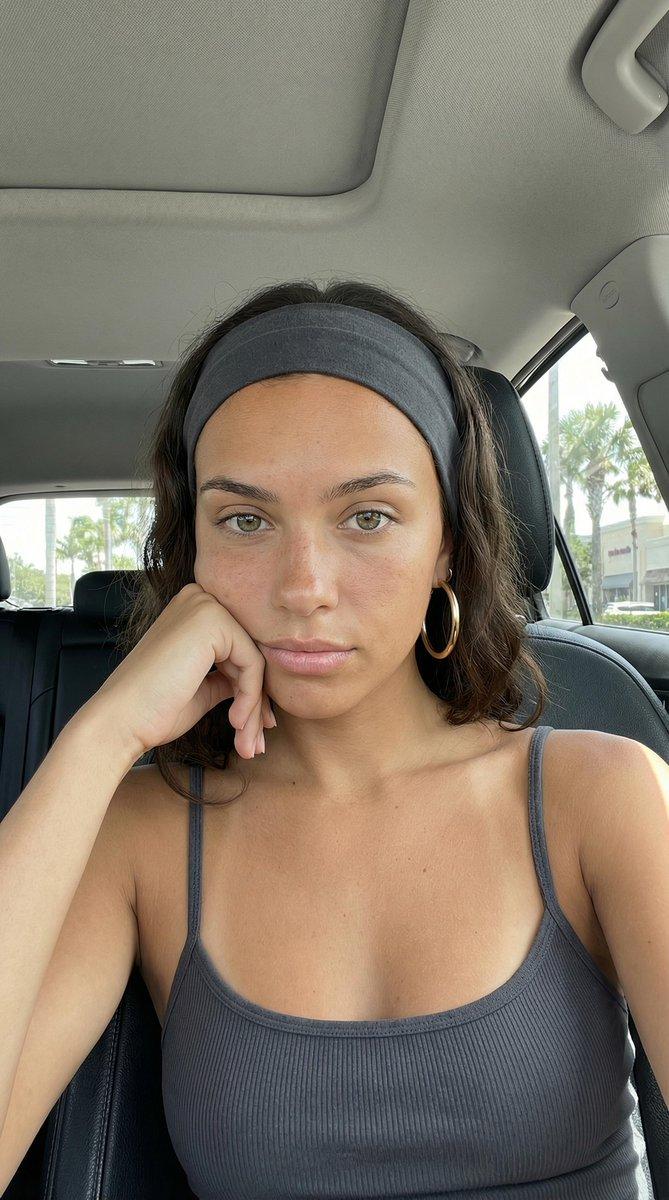
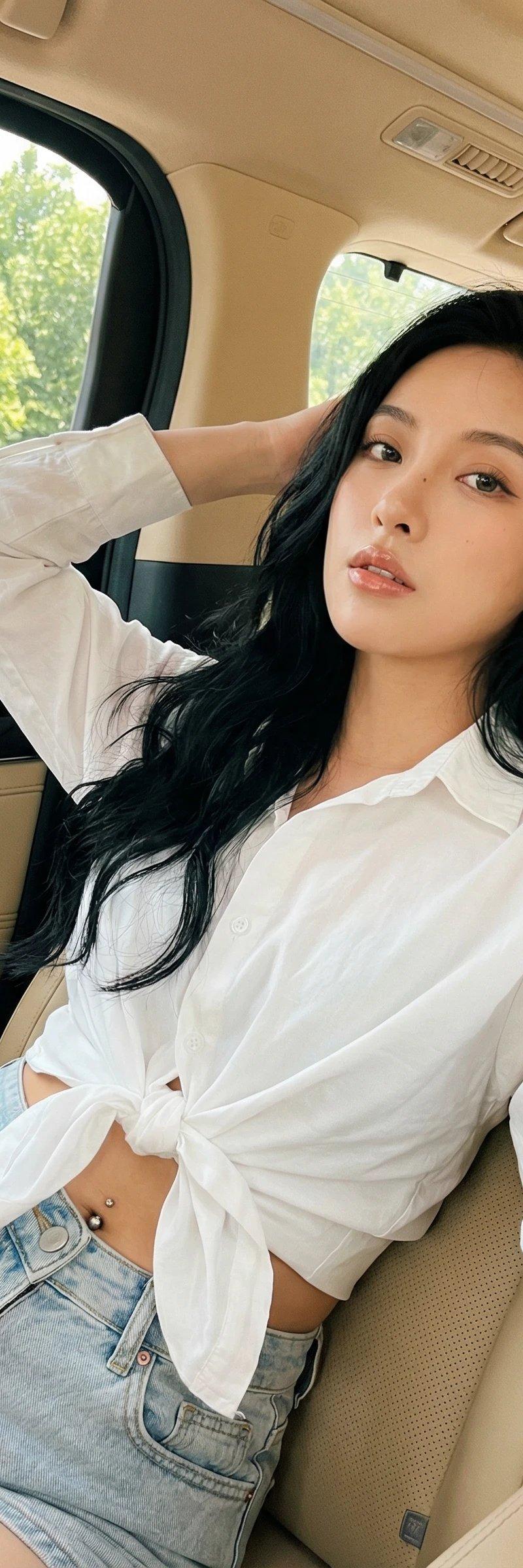
Example images

90 年代动漫风格照片转换

Prompt
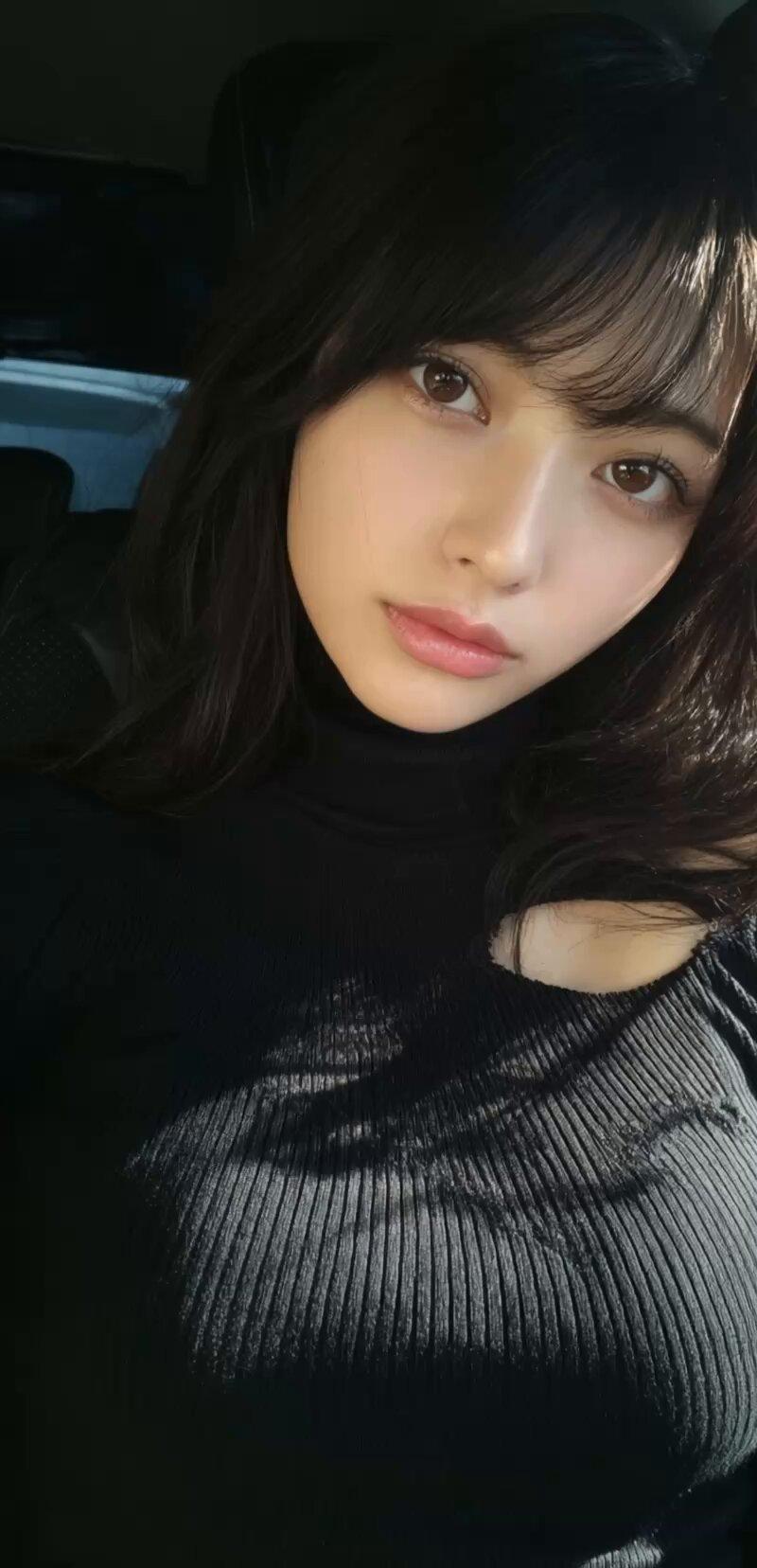
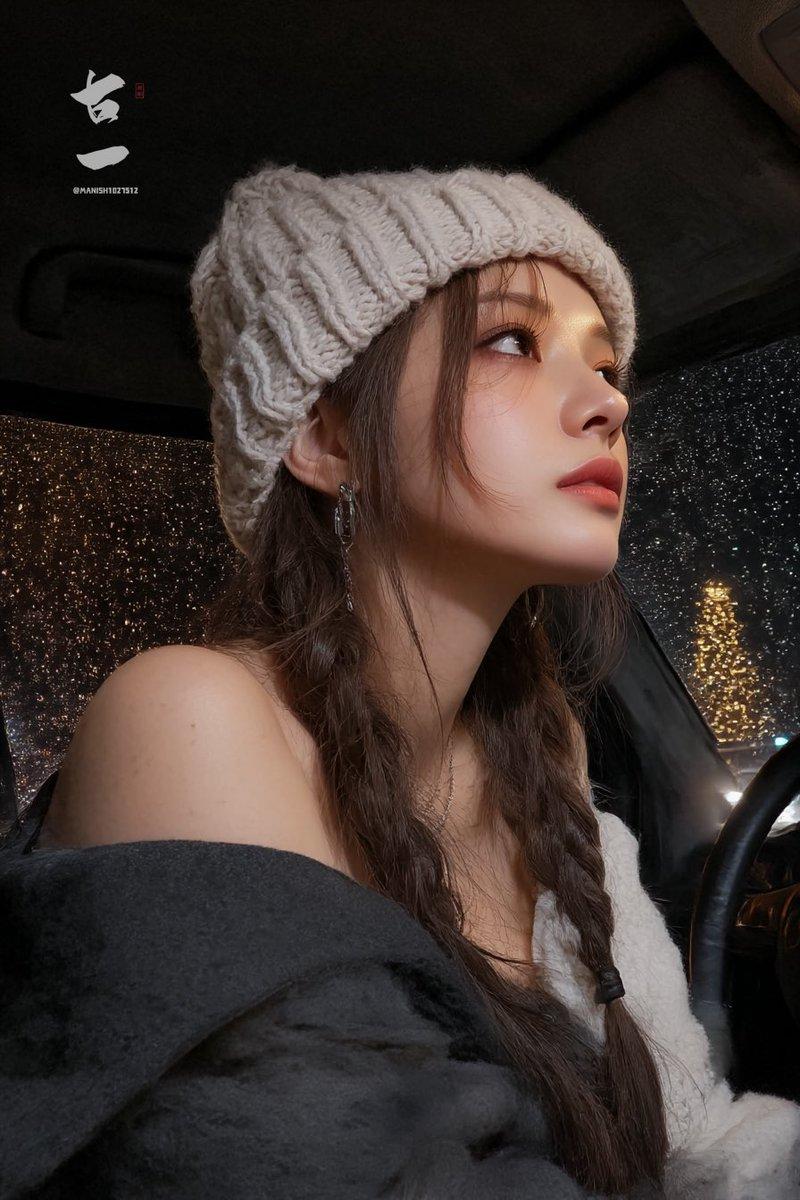
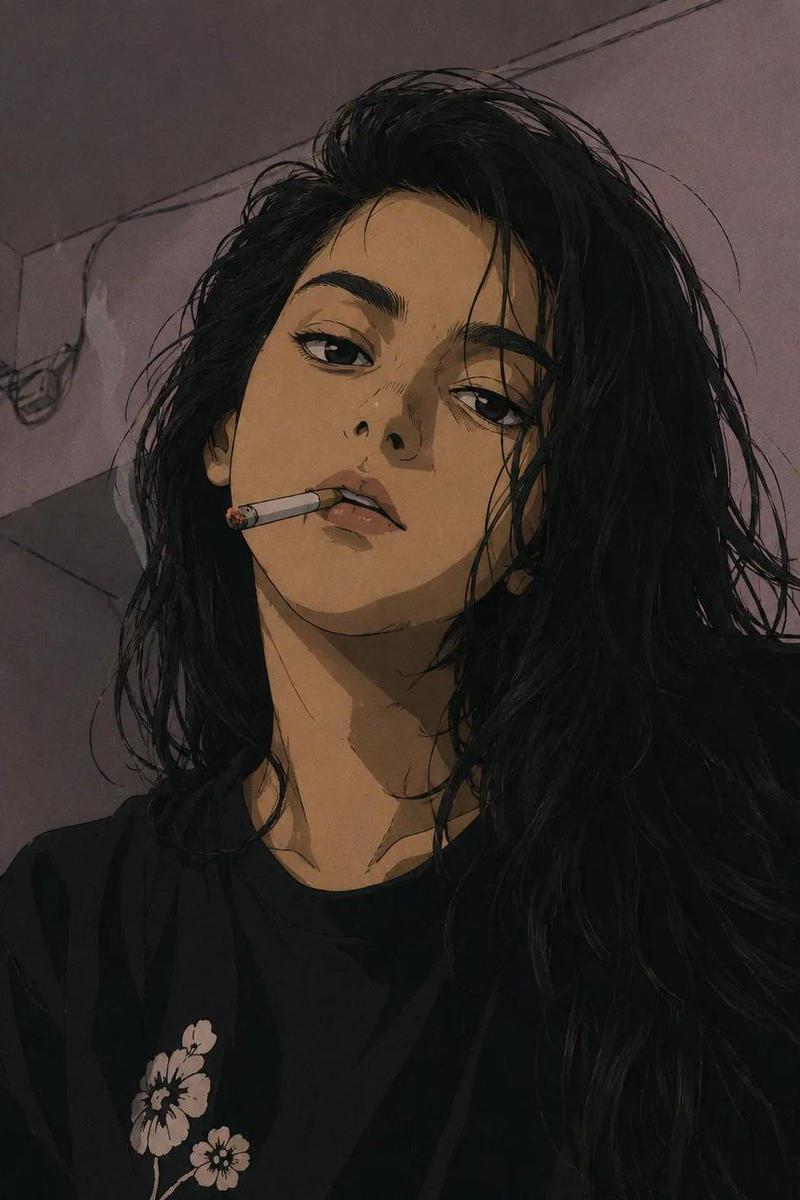
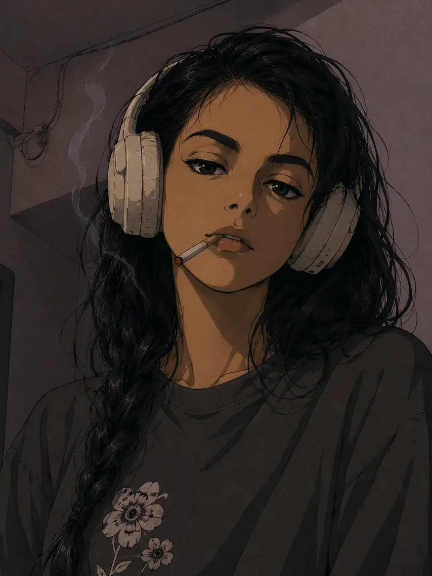
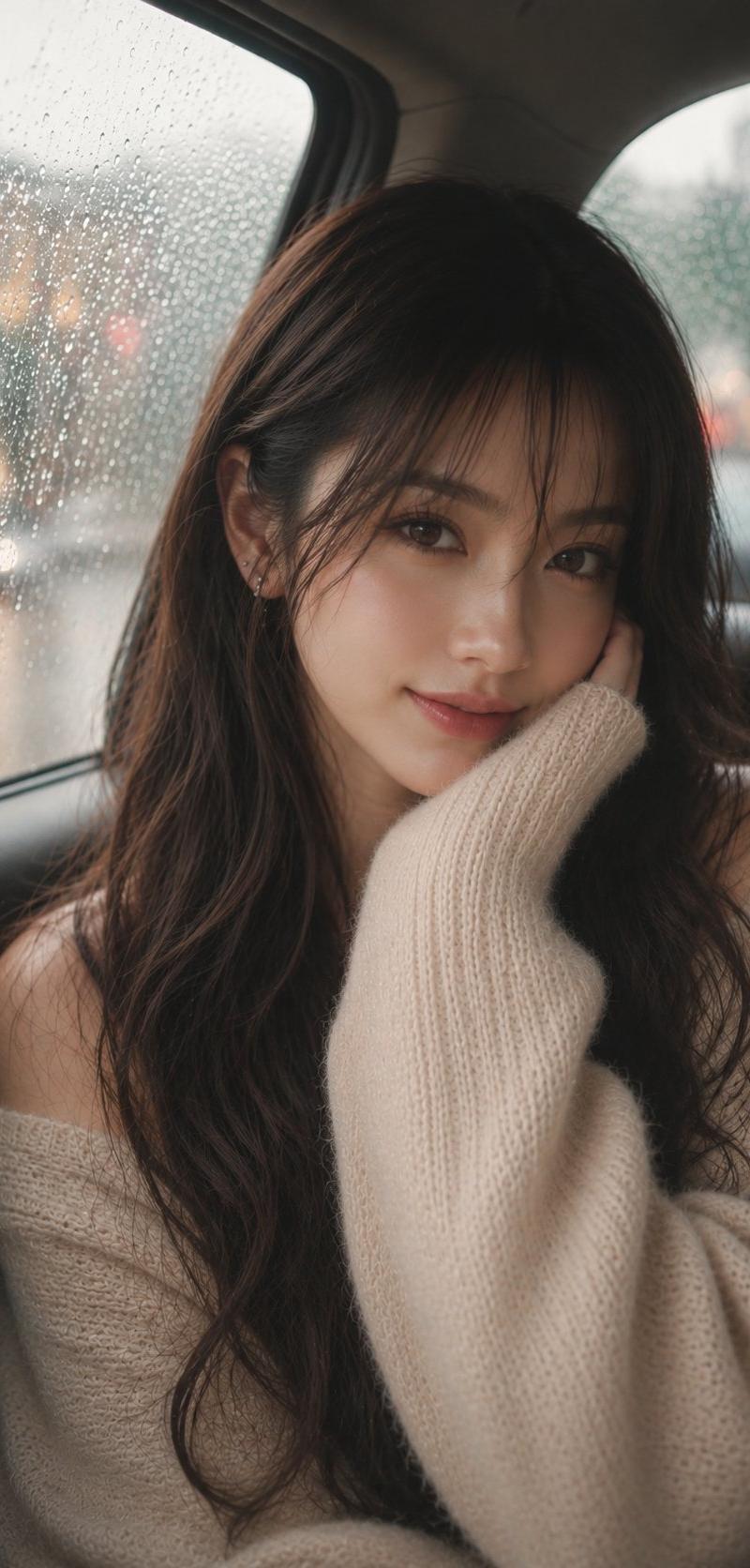
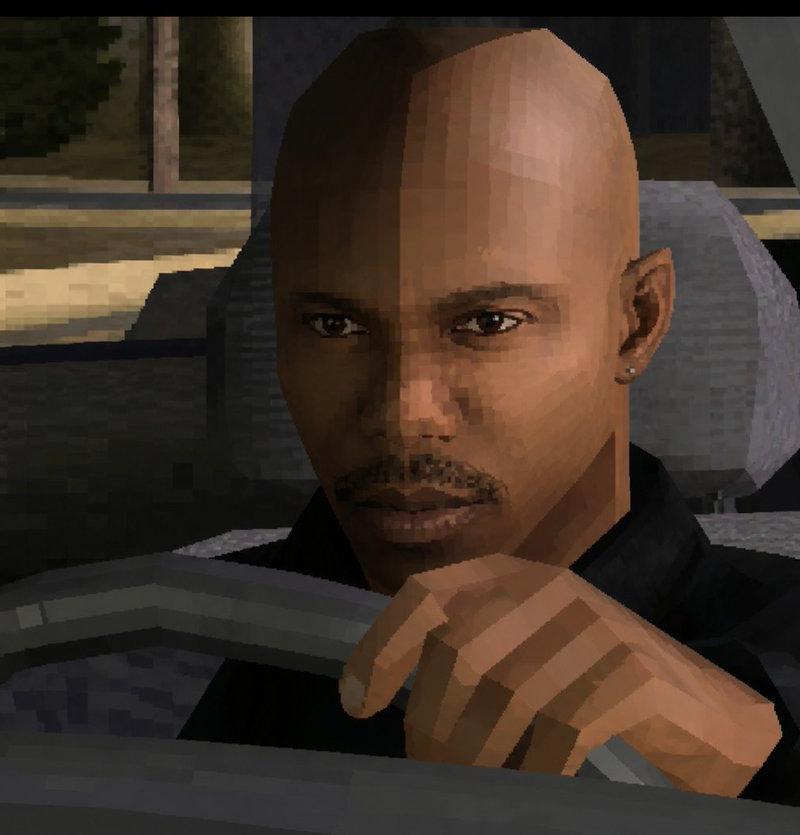
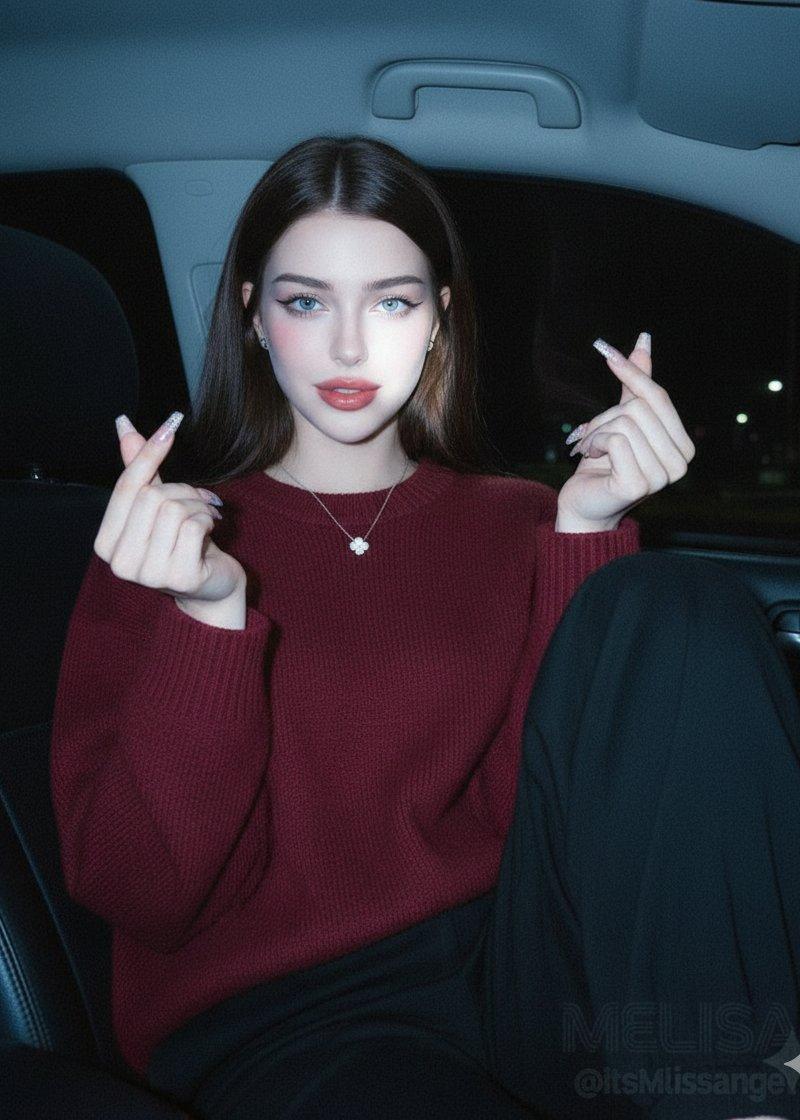
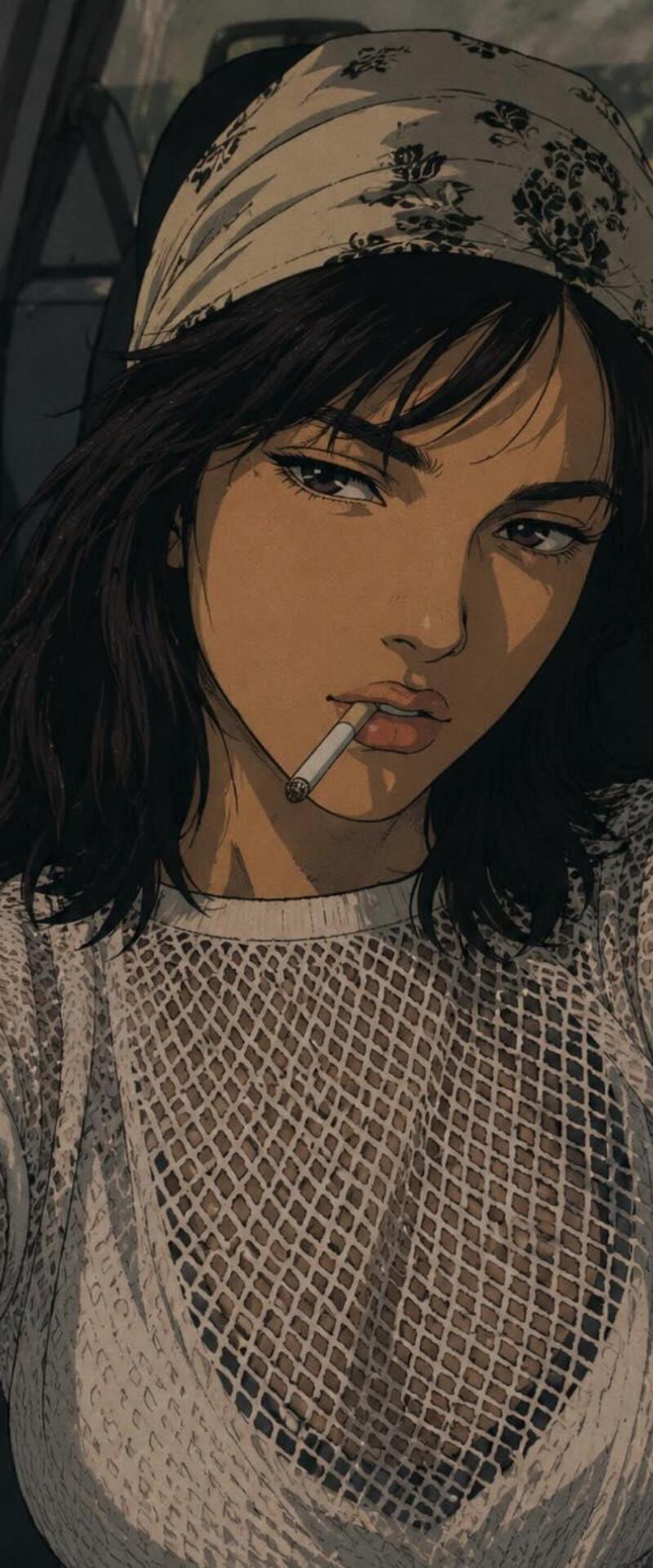
Take this photo and transform it into an illustration in the style of 1990s anime. Capture the authentic aesthetic of that era, with a particular focus on the visual style of male anime protagonists from the 90s. Use a muted, slightly desaturated color palette to evoke the look and feel of classic cel animation. Preserve the person's key facial features and likeness from the original photo, but adapt them naturally to the 90s anime style. Give the character a strong-willed, confident, and slightly rebellious personality. A cigarette in his mouth is acceptable as part of the character design.
Category
Photography & Realism
Model
GPT Image 2
Creator
Oogie
Source language
en
Views0
Source ID
27055
Published
Jun 28, 2026
Studio

Guide

About "90 年代动漫风格照片转换"

What is this prompt for?

"90 年代动漫风格照片转换" AI image prompt for GPT Image 2 (Photography & Realism). 将真实照片转换为经典的 90 年代赛璐珞动漫插画,同时保留面部特征和角色身份。 Copy it on Picva and recreate the look in one…

The full copyable prompt and example visuals above are ready for AI image generation or one-click recreate in Picva.

How to use this prompt

  1. Step 1

    Open the prompt detail

    Review the example visuals, category, and full prompt text for "90 年代动漫风格照片转换".

  2. Step 2

    Copy the prompt

    Copy the prompt body from this page, or load it directly in Studio.

  3. Step 3

    Pick a model (GPT Image 2)

    Prefer GPT Image 2. If you switch models, keep subject and composition and tweak style terms.

  4. Step 4

    Generate and export

    Recreate the look in Picva, or export into your workflow for editing and publishing.

FAQ

What is the "90 年代动漫风格照片转换" prompt?
It is an AI image-generation prompt for GPT Image 2 in the Photography & Realism category. This page includes the full prompt text, example visuals, and a one-click recreate path in Picva.
How do I use this prompt to generate an image?
Copy the prompt from this page, or use Generate / Studio. Paste it into a compatible image model, or recreate the look in Picva with optional reference images.
Which model is this prompt for?
This page lists GPT Image 2. Most descriptive prompts also transfer to nearby image models such as GPT Image, Flux, or Midjourney with light style tweaks.
Can I use the result commercially?
You can usually copy the prompt for creation, but commercial use of the final image depends on the model terms, reference-image rights, and the generated content. Follow the source author and platform rules.