20

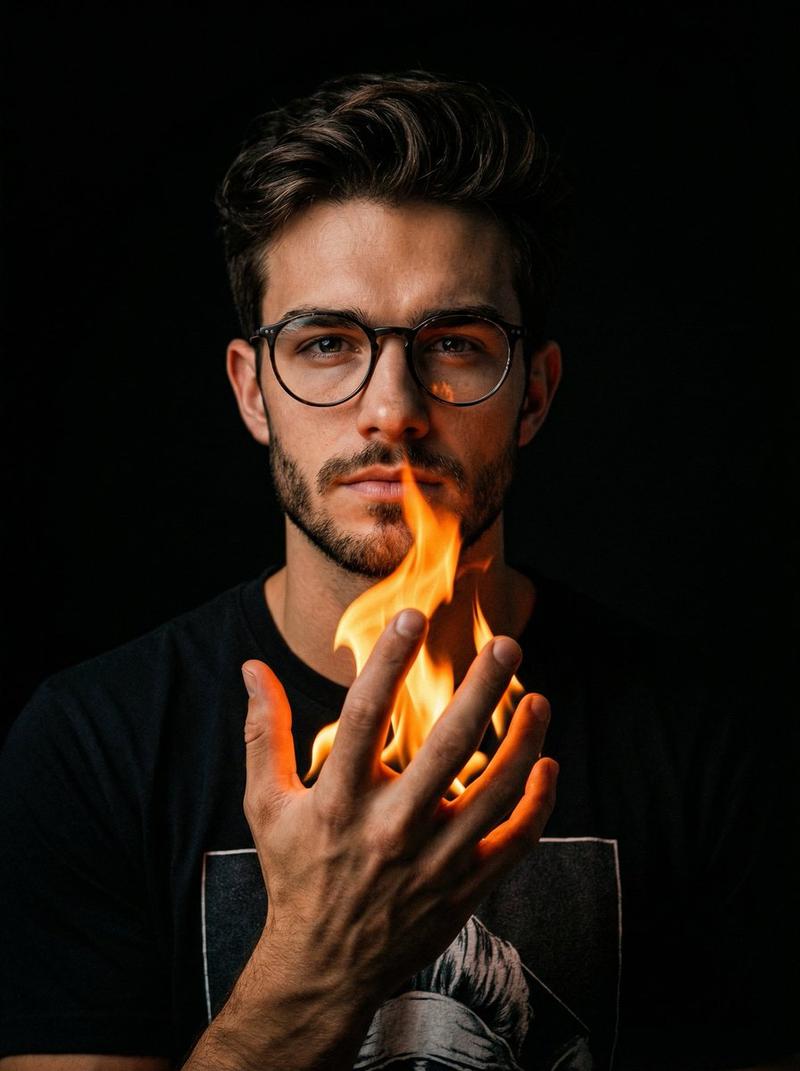
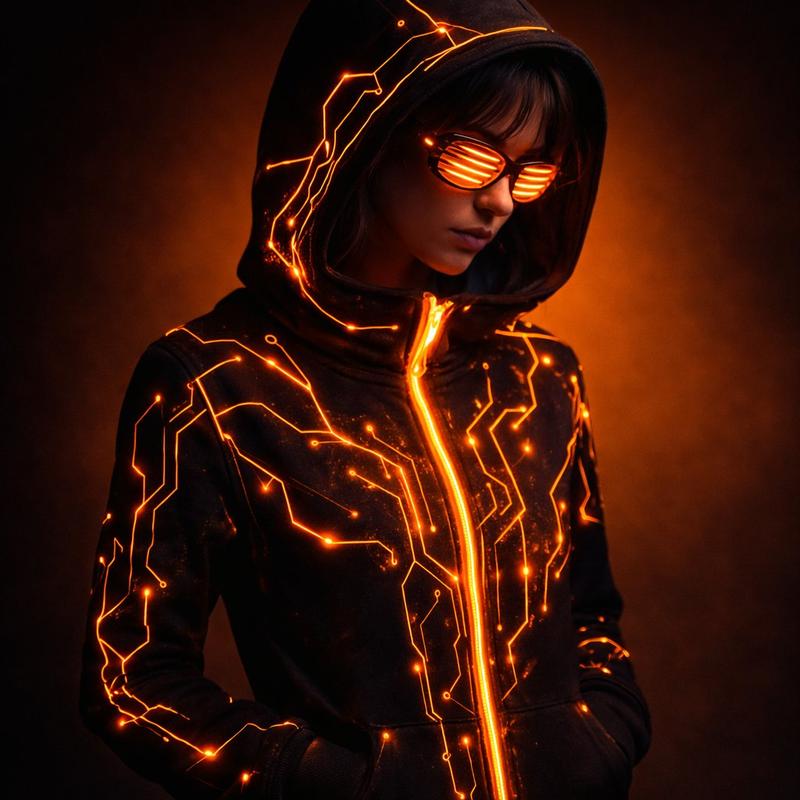
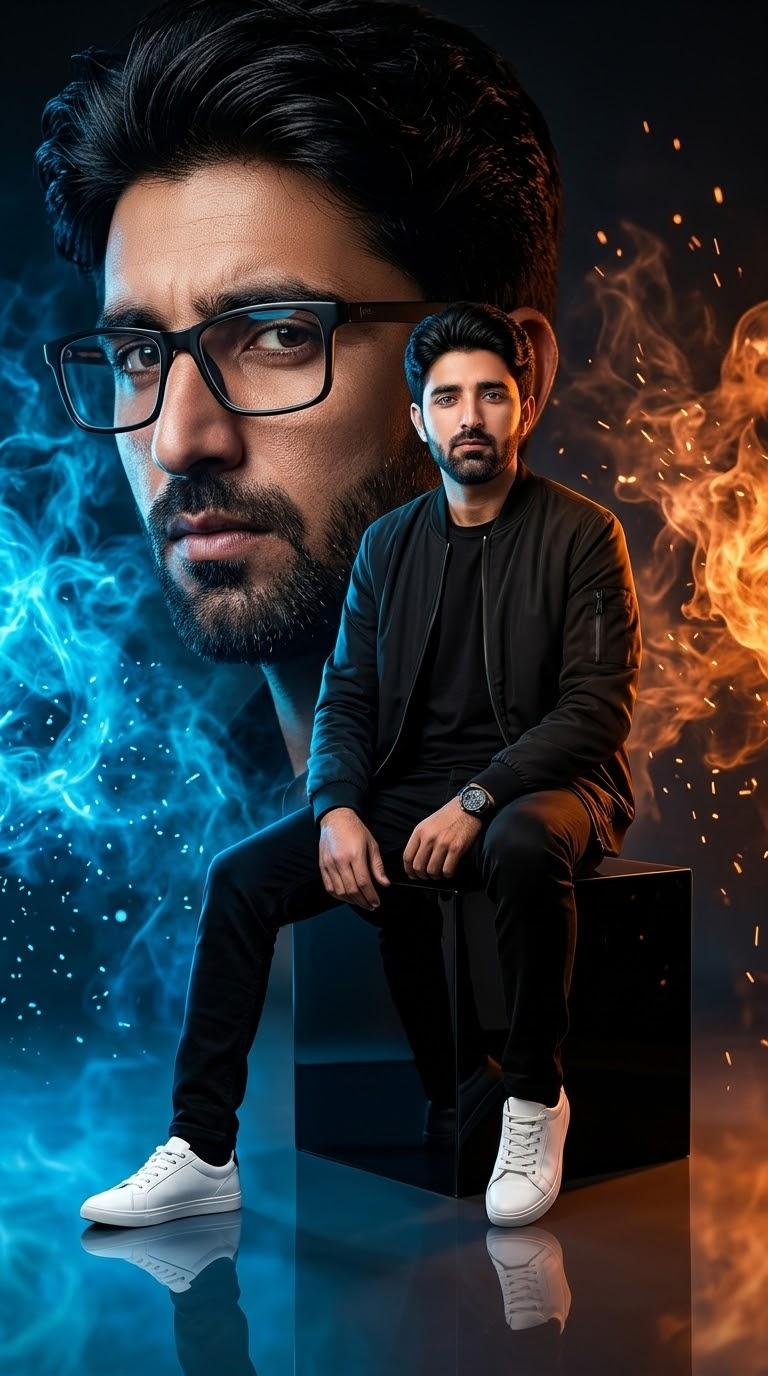
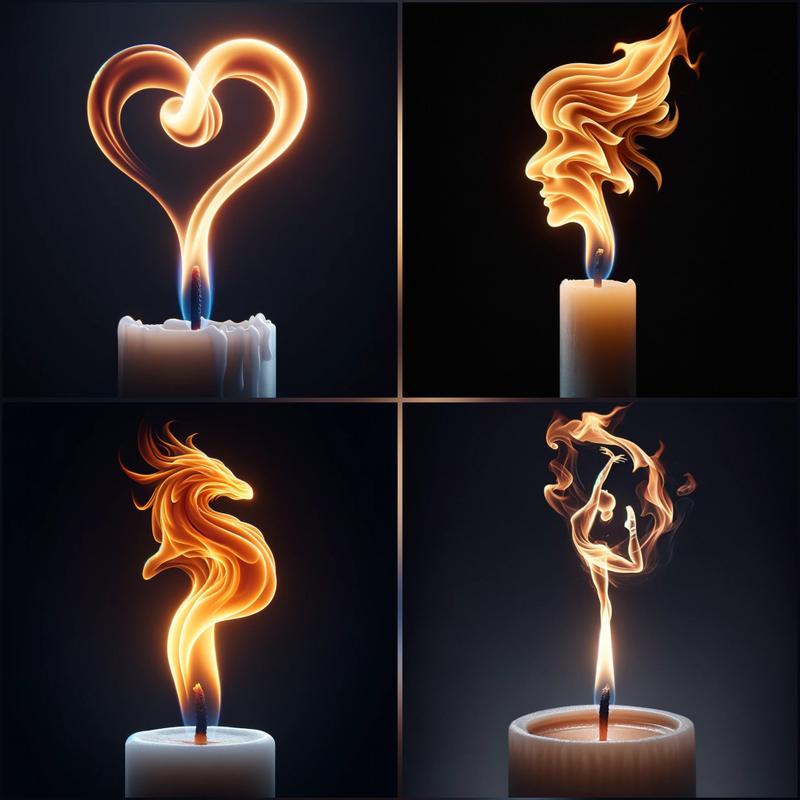
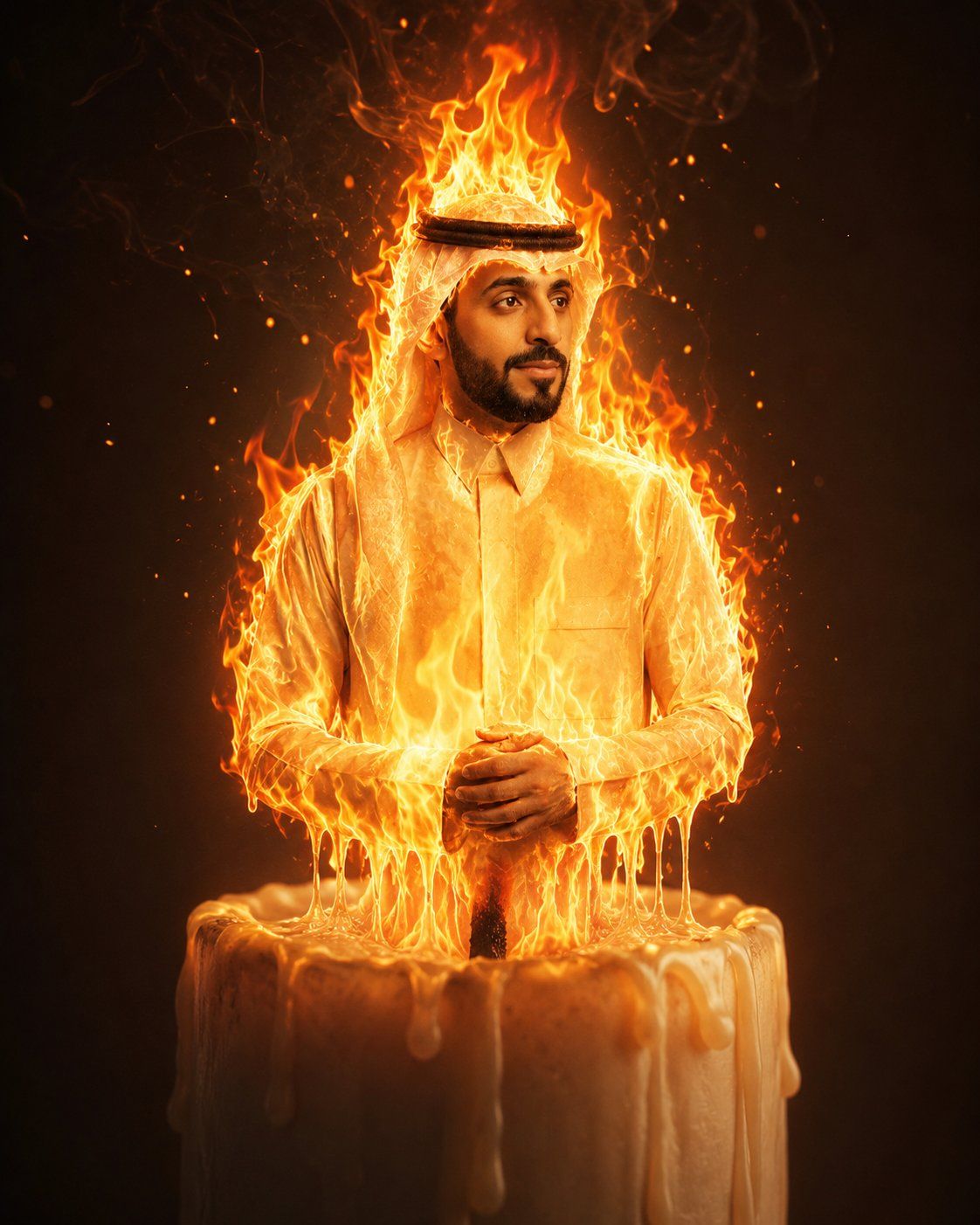
“生命之火”蜡烛超现实肖像
Enlarge

“生命之火”蜡烛超现实肖像

Prompt
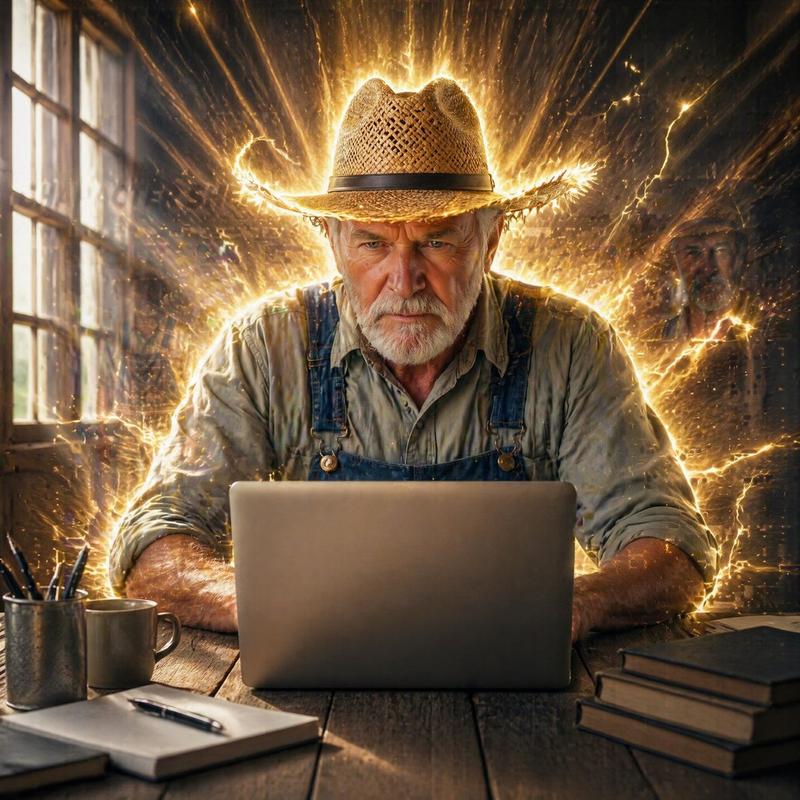
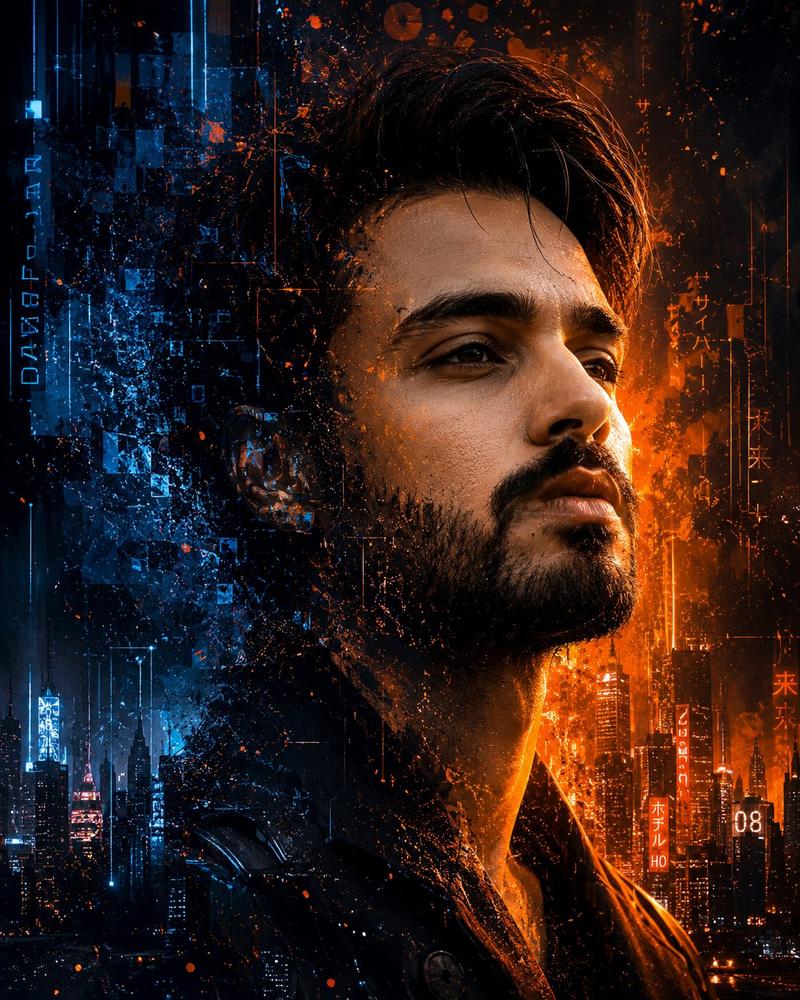
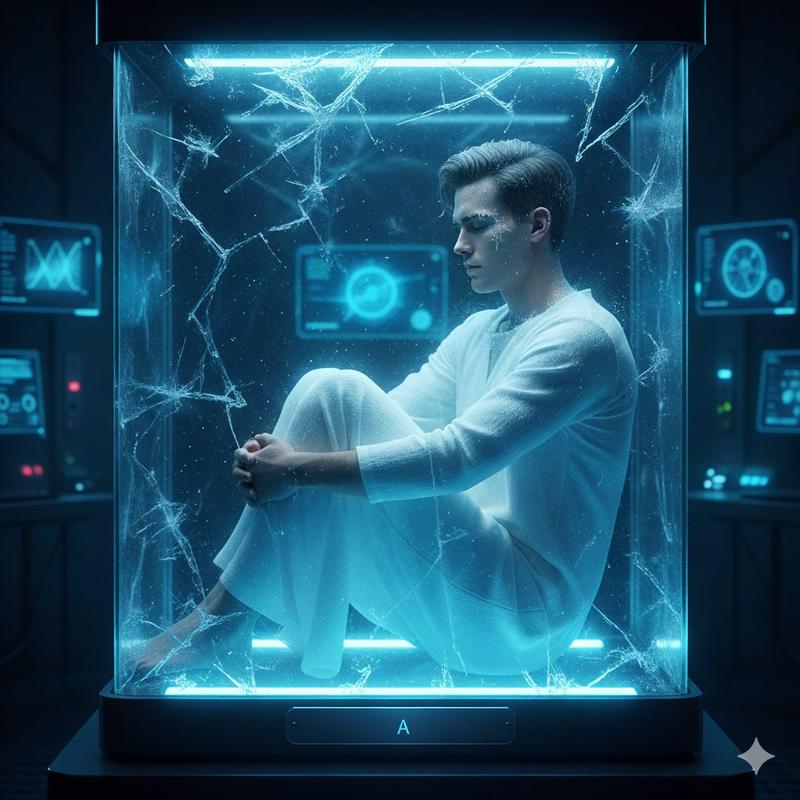
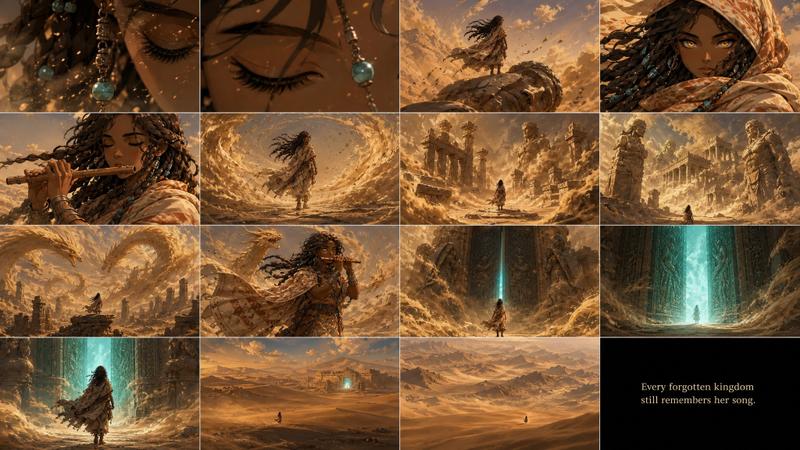
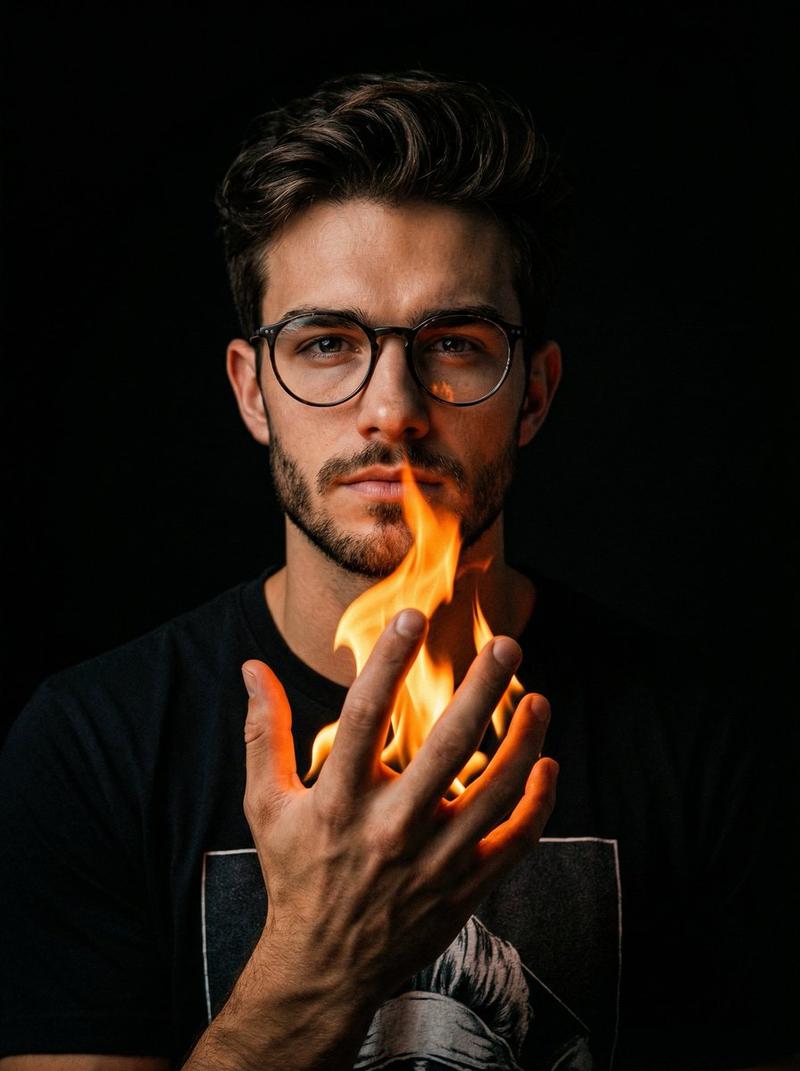
Transform the uploaded portrait into a surreal cinematic artwork where the person seamlessly becomes the living flame of a giant candle. The lower body naturally merges into melted candle wax with realistic dripping wax flowing down the candle. The upper body is engulfed in vivid, dynamic flames while preserving the person’s exact facial features, identity, expression, hairstyle, beard, clothing, and pose. Create a dramatic fire effect with glowing embers, smoke, volumetric lighting, warm orange and golden tones, realistic reflections, and cinematic contrast. The candle should appear massive and luxurious, with highly detailed wax texture and a softly blurred dark background that emphasizes the glowing fire. Ultra-realistic, hyper-detailed, photorealistic, masterpiece quality, 8K, dramatic composition, no text, no watermark.
Category
Photography & Realism
Model
GPT Image 2
Views0
Source ID
27059
Published
Jun 28, 2026

Guide

About "“生命之火”蜡烛超现实肖像"

What is this prompt for?

"“生命之火”蜡烛超现实肖像" AI image prompt for GPT Image 2 (Photography & Realism). 一个超现实的提示词,将肖像转化为电影质感的艺术作品,使主体化身为融化蜡烛中燃烧的生命之火。 Copy it on Picva and recreate the look i…

The full copyable prompt and example visuals above are ready for AI image generation or one-click recreate in Picva.

How to use this prompt

  1. Step 1

    Open the prompt detail

    Review the example visuals, category, and full prompt text for "“生命之火”蜡烛超现实肖像".

  2. Step 2

    Copy the prompt

    Copy the prompt body from this page, or load it directly in Studio.

  3. Step 3

    Pick a model (GPT Image 2)

    Prefer GPT Image 2. If you switch models, keep subject and composition and tweak style terms.

  4. Step 4

    Generate and export

    Recreate the look in Picva, or export into your workflow for editing and publishing.

FAQ

What is the "“生命之火”蜡烛超现实肖像" prompt?
It is an AI image-generation prompt for GPT Image 2 in the Photography & Realism category. This page includes the full prompt text, example visuals, and a one-click recreate path in Picva.
How do I use this prompt to generate an image?
Copy the prompt from this page, or use Generate / Studio. Paste it into a compatible image model, or recreate the look in Picva with optional reference images.
Which model is this prompt for?
This page lists GPT Image 2. Most descriptive prompts also transfer to nearby image models such as GPT Image, Flux, or Midjourney with light style tweaks.
Can I use the result commercially?
You can usually copy the prompt for creation, but commercial use of the final image depends on the model terms, reference-image rights, and the generated content. Follow the source author and platform rules.