20

子弹时间自拍视频模板

Prompt
FORMAT: 15s / ONE CONTINUOUS SHOT / BULLET TIME SELFIE

PARAMS:
<CHARACTER>: define subject, outfit, state
<ENVIRONMENT>: define location, time, atmosphere
<UNEXPECTED_EVENT>: define threat / accident / impact
<OUTCOME_ACTION>: define reaction (attack / dodge / collision / escape)
<FINAL_STATE>: define ending state

RULE:
Freeze the world, keep only <CHARACTER> in real-time motion.
Delay character action inside slow motion (~2s hold before selfie).
Selfie must clearly include both <CHARACTER> and the <UNEXPECTED_EVENT> in the same frame.

STRUCTURE:

0.0–3.0s — SETUP
<CHARACTER> in <ENVIRONMENT>, normal flow.
<UNEXPECTED_EVENT> begins and escalates rapidly.

3.0–10.0s — PEAK (SLOW MOTION)

3.0–5.0s
Time slows almost to a freeze at the critical moment.
<CHARACTER> holds position, tension builds.

5.0–10.0s
[cam: close, slight orbit / bullet time]
[sfx: ambience stretch, single phone snap]

<CHARACTER> pulls out phone → takes selfie capturing the moment → puts it back.

10.0–13.0s — OUTCOME ACTION
Time snaps back instantly.

<OUTCOME_ACTION> plays out.

13.0–15.0s — END
<FINAL_STATE>.
Category
Photography & Realism
Model
seedance-2.0
Creator
Kōda
Views0
Source ID
6387
Published
Apr 14, 2026

Guide

About "子弹时间自拍视频模板"

What is this prompt for?

"子弹时间自拍视频模板" AI image prompt for seedance-2.0 (Photography & Realism). 一套全面的提示词模板,用于创作 15 秒的子弹时间视频,展现角色在慢动作高潮事件中进行自拍的场景。 Copy it on Picva and recreate the look…

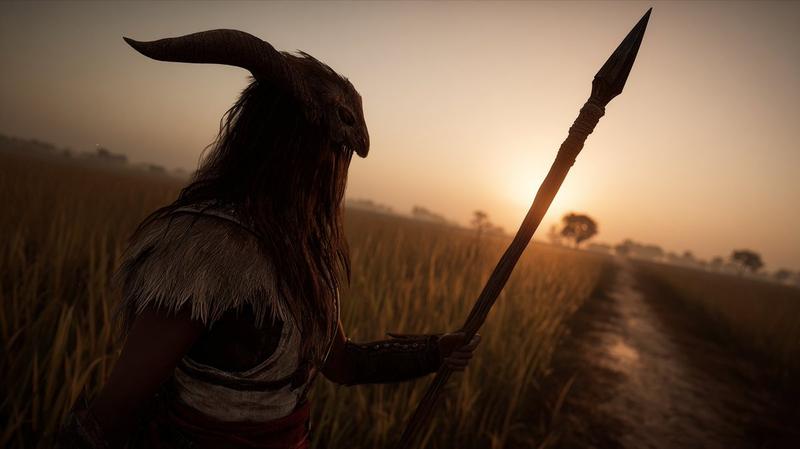
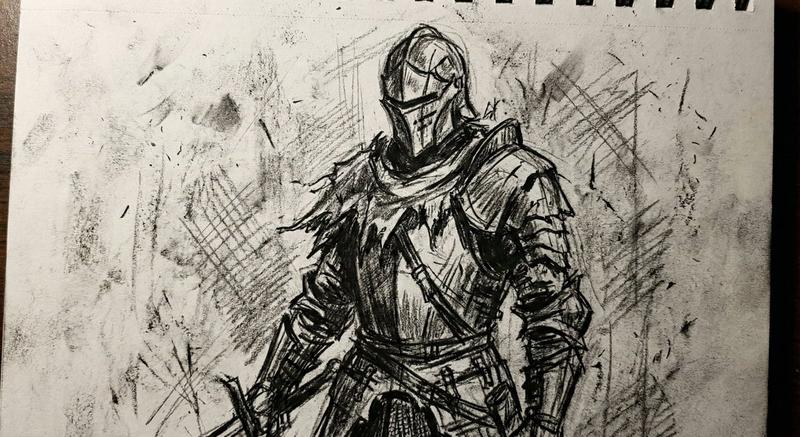
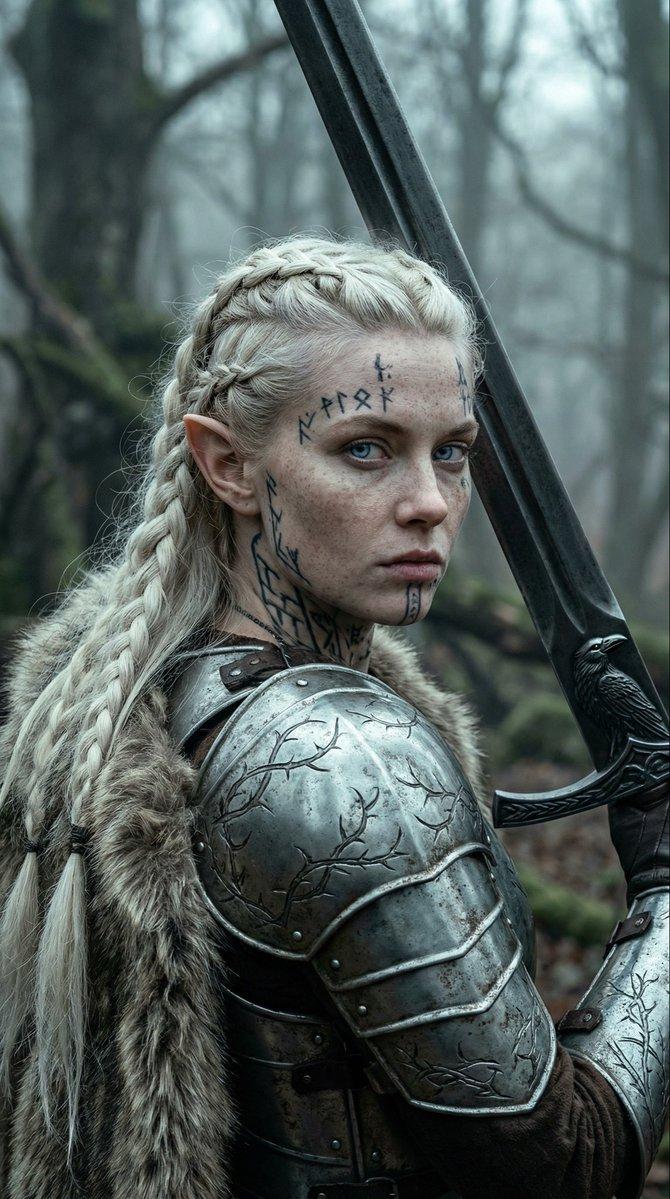
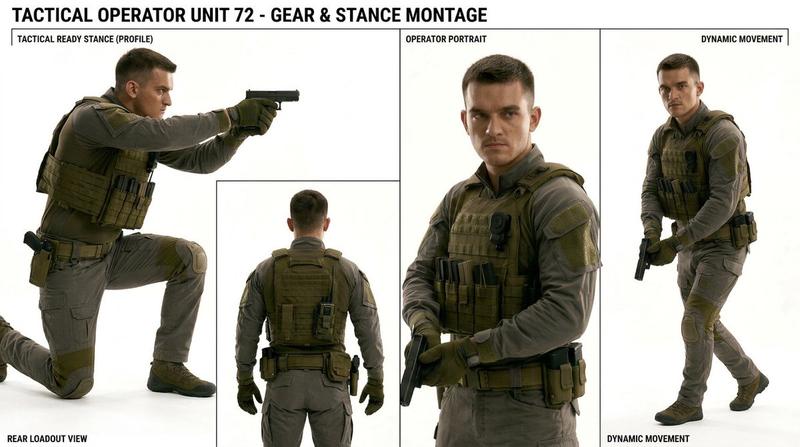
The full copyable prompt and example visuals above are ready for AI image generation or one-click recreate in Picva.

How to use this prompt

  1. Step 1

    Open the prompt detail

    Review the example visuals, category, and full prompt text for "子弹时间自拍视频模板".

  2. Step 2

    Copy the prompt

    Copy the prompt body from this page, or load it directly in Studio.

  3. Step 3

    Pick a model (seedance-2.0)

    Prefer seedance-2.0. If you switch models, keep subject and composition and tweak style terms.

  4. Step 4

    Generate and export

    Recreate the look in Picva, or export into your workflow for editing and publishing.

FAQ

What is the "子弹时间自拍视频模板" prompt?
It is an AI image-generation prompt for seedance-2.0 in the Photography & Realism category. This page includes the full prompt text, example visuals, and a one-click recreate path in Picva.
How do I use this prompt to generate an image?
Copy the prompt from this page, or use Generate / Studio. Paste it into a compatible image model, or recreate the look in Picva with optional reference images.
Which model is this prompt for?
This page lists seedance-2.0. Most descriptive prompts also transfer to nearby image models such as GPT Image, Flux, or Midjourney with light style tweaks.
Can I use the result commercially?
You can usually copy the prompt for creation, but commercial use of the final image depends on the model terms, reference-image rights, and the generated content. Follow the source author and platform rules.