18

一战连续跟踪镜头提示

Prompt
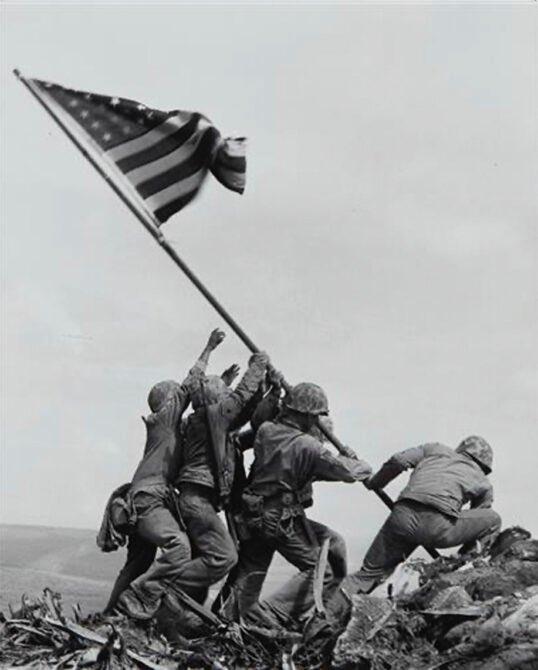
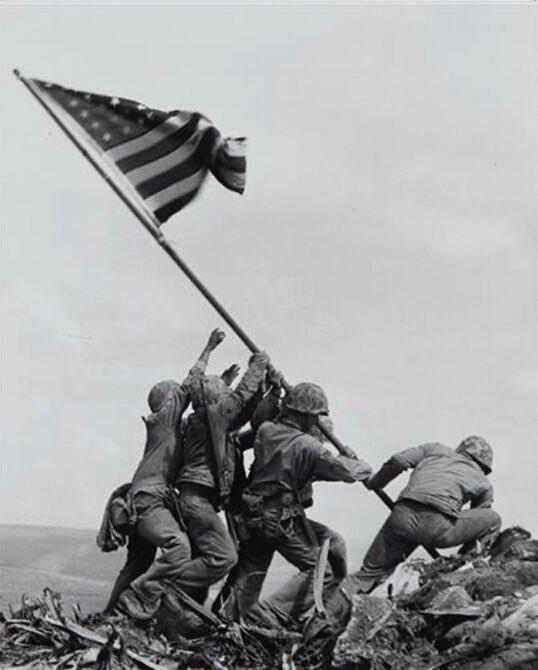
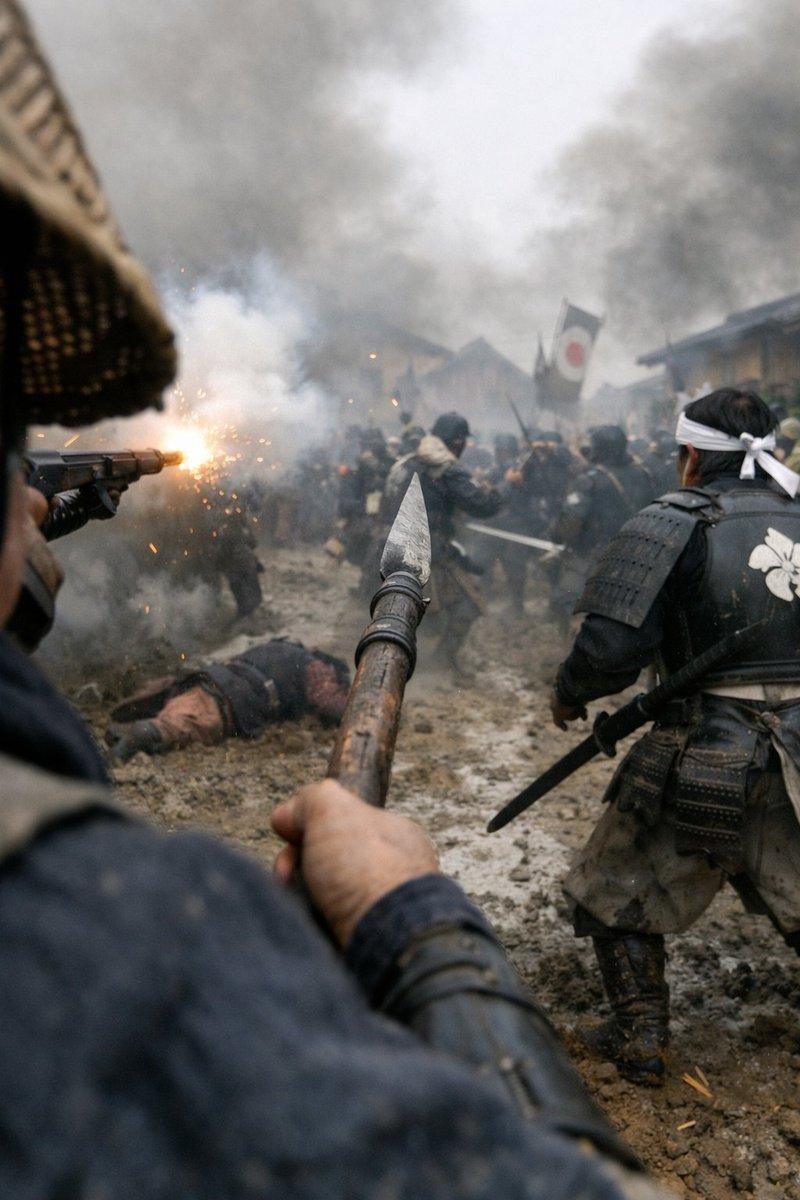
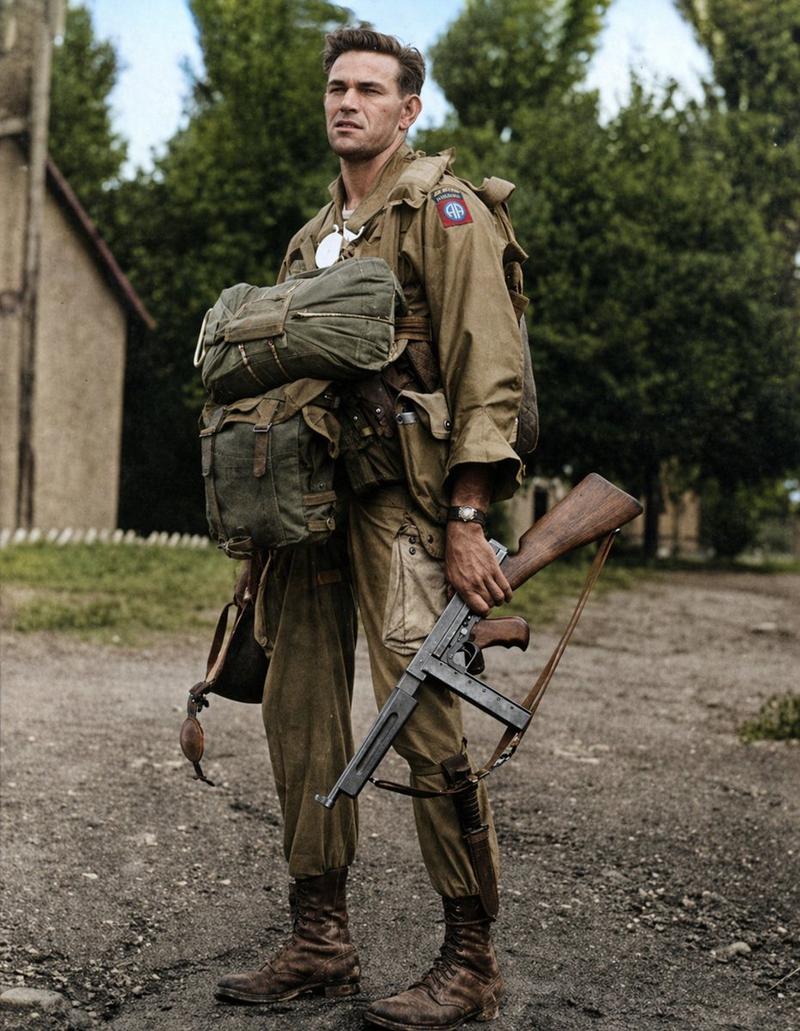
WWI soldier sprinting across an open battlefield during a massive assault, muddy cratered ground, barbed wire, artillery explosions tearing through the field, dozens of soldiers charging across the landscape, chaos and debris everywhere, the soldier running straight through the battlefield while others fall or collide around him, massive explosions erupting nearby - SIDE PARALLEL TRACKING with the camera running alongside him as he pushes forward through the assault - CONTINUOUS TRACKING SHOT - SINGLE TAKE CINEMATIC FORMAT: 15s / 105 BPM / ONE CONTINUOUS SHOT / NO CUTS / EXPLOSION LIGHT FLASHES.
Category
创意图片
Model
seedance-2.0
Creator
Aimi Kōda
Views0
Source ID
39d2c6d2-b897-49e0-8c7c-9bae8cdb60b4
Published
Mar 8, 2026

Guide

About "一战连续跟踪镜头提示"

What is this prompt for?

"一战连续跟踪镜头提示" AI image prompt for seedance-2.0 (创意图片). 一个为 Seedance 2.0 设计的详细电影化提示,重点是一个一战士兵在突击期间冲过混乱战场时的单一、连续、侧向平行跟踪镜头,具体说明了摄影机技术、场景、动作和技术参数。 --- 第一次世界大战士兵在一次大…

The full copyable prompt and example visuals above are ready for AI image generation or one-click recreate in Picva.

How to use this prompt

  1. Step 1

    Open the prompt detail

    Review the example visuals, category, and full prompt text for "一战连续跟踪镜头提示".

  2. Step 2

    Copy the prompt

    Copy the prompt body from this page, or load it directly in Studio.

  3. Step 3

    Pick a model (seedance-2.0)

    Prefer seedance-2.0. If you switch models, keep subject and composition and tweak style terms.

  4. Step 4

    Generate and export

    Recreate the look in Picva, or export into your workflow for editing and publishing.

FAQ

What is the "一战连续跟踪镜头提示" prompt?
It is an AI image-generation prompt for seedance-2.0 in the 创意图片 category. This page includes the full prompt text, example visuals, and a one-click recreate path in Picva.
How do I use this prompt to generate an image?
Copy the prompt from this page, or use Generate / Studio. Paste it into a compatible image model, or recreate the look in Picva with optional reference images.
Which model is this prompt for?
This page lists seedance-2.0. Most descriptive prompts also transfer to nearby image models such as GPT Image, Flux, or Midjourney with light style tweaks.
Can I use the result commercially?
You can usually copy the prompt for creation, but commercial use of the final image depends on the model terms, reference-image rights, and the generated content. Follow the source author and platform rules.